Ski Mockup
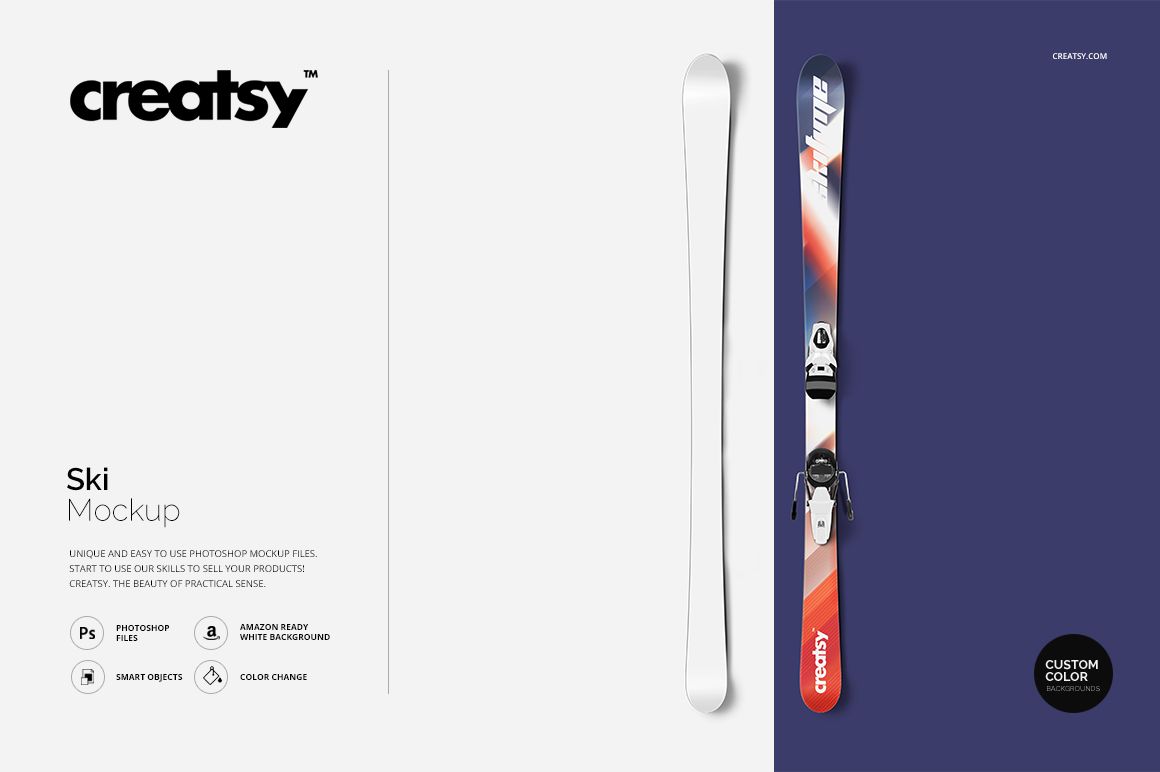
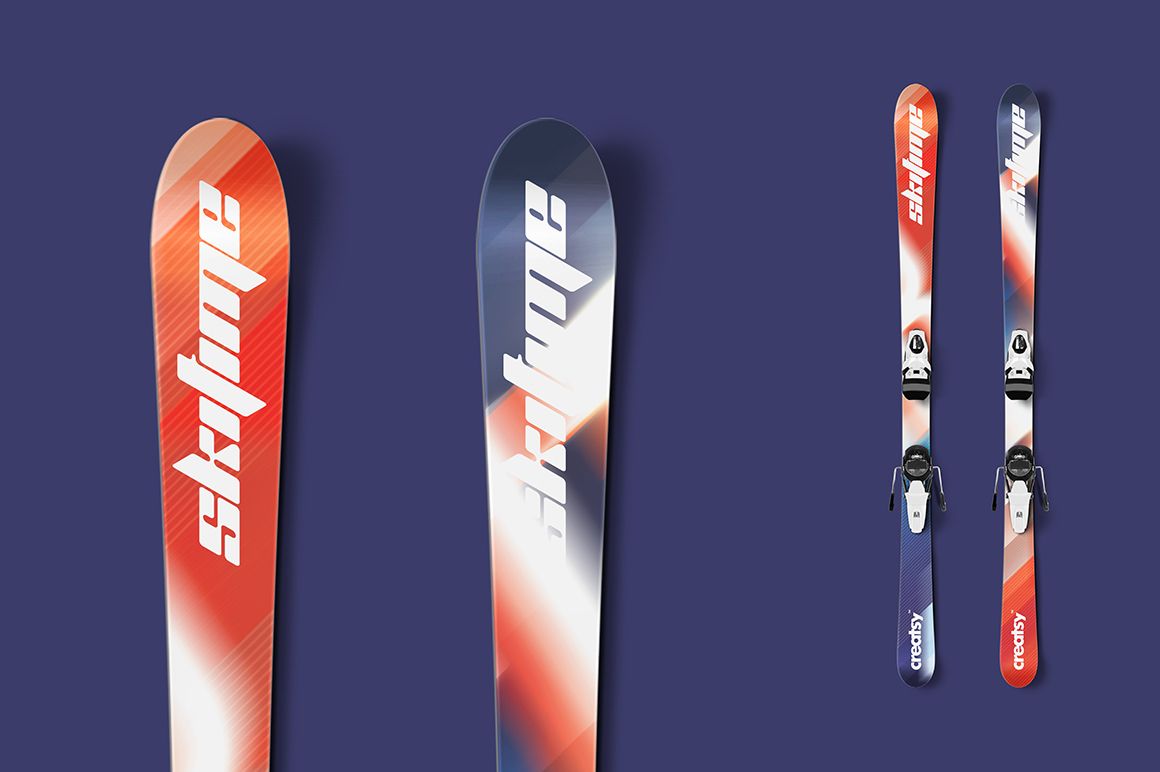
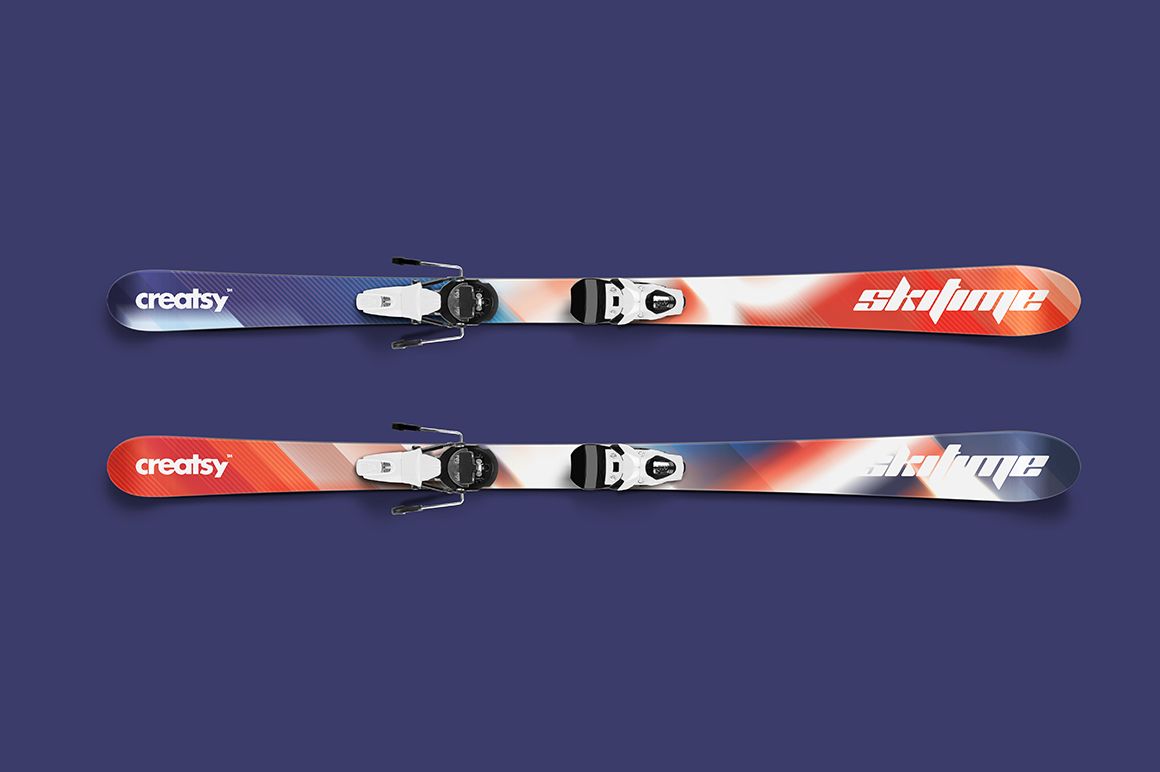
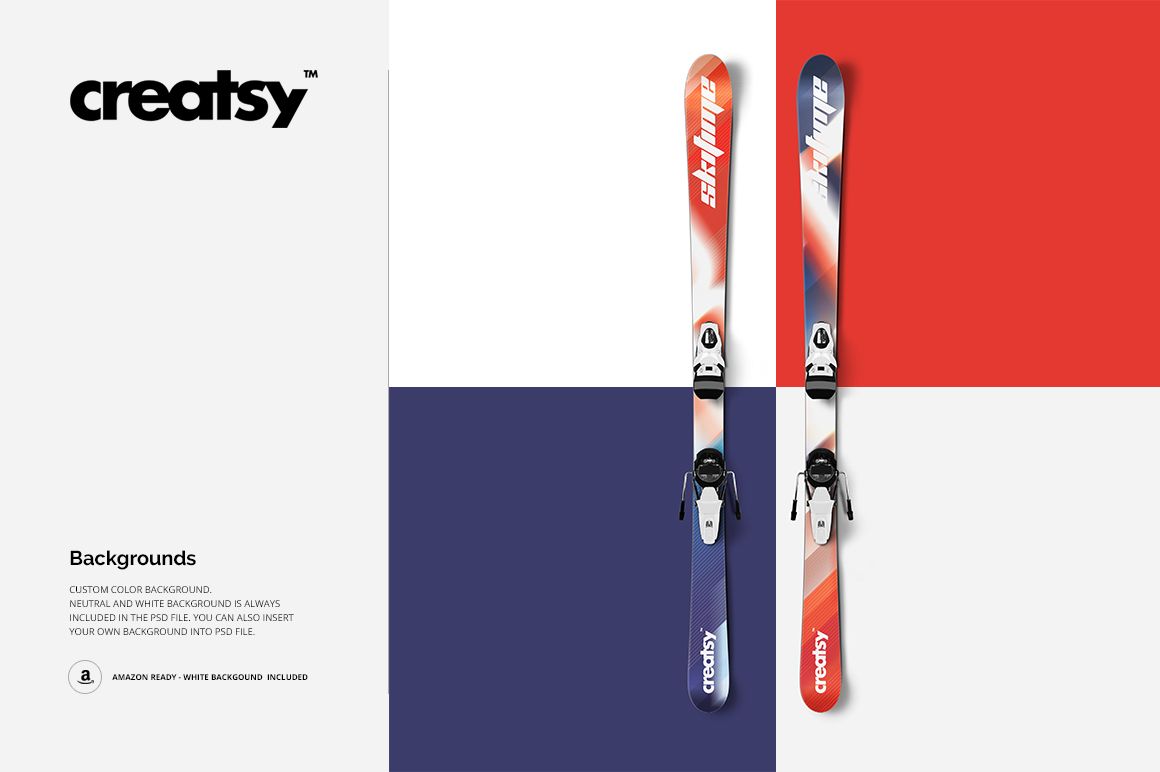
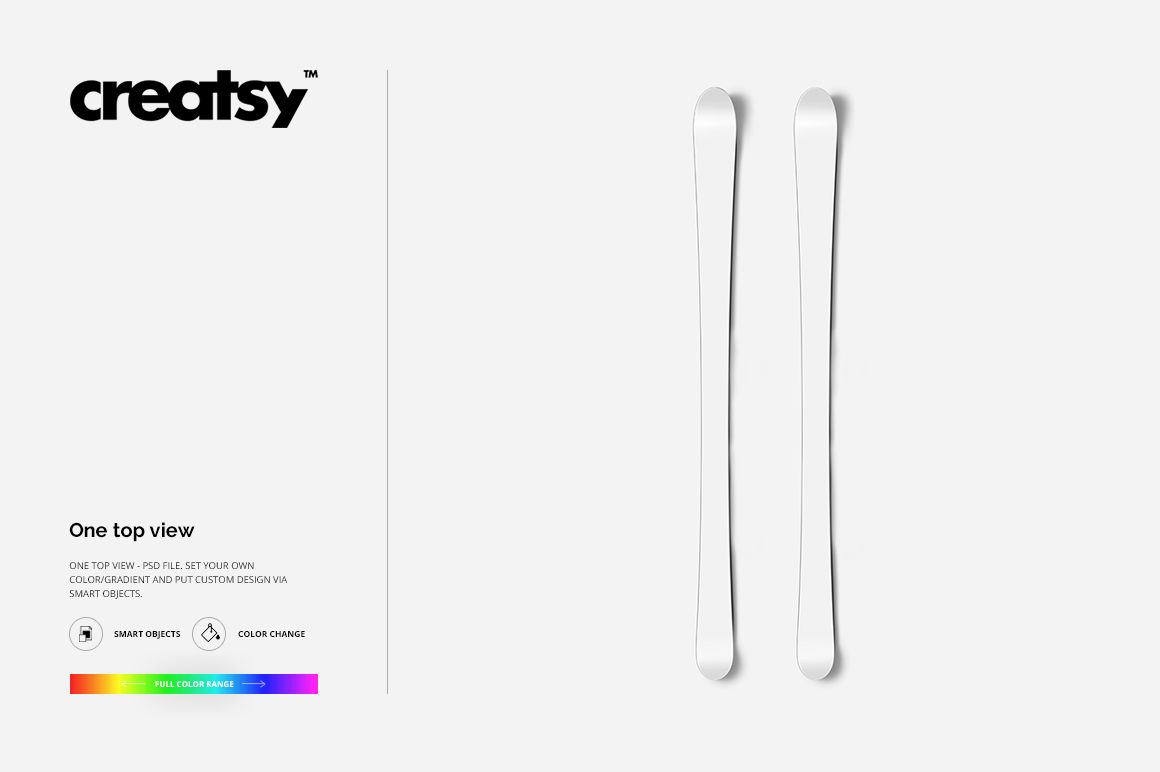
Present a coordinated pair of skis from one clean top view, with artwork extending along the full length of each ski. The square scene keeps the equipment easy to compare while removable bindings let the graphics take priority when needed.
What Is Included
1 layered PSD mockup with one top-view scene
1 JPG preview at 5500 × 5500 px
1 TIFF guide at 1000 × 1414 px
3 files in total
The PSD is described as 5500 × 5500 px at 300 DPI
Top View with Removable Bindings
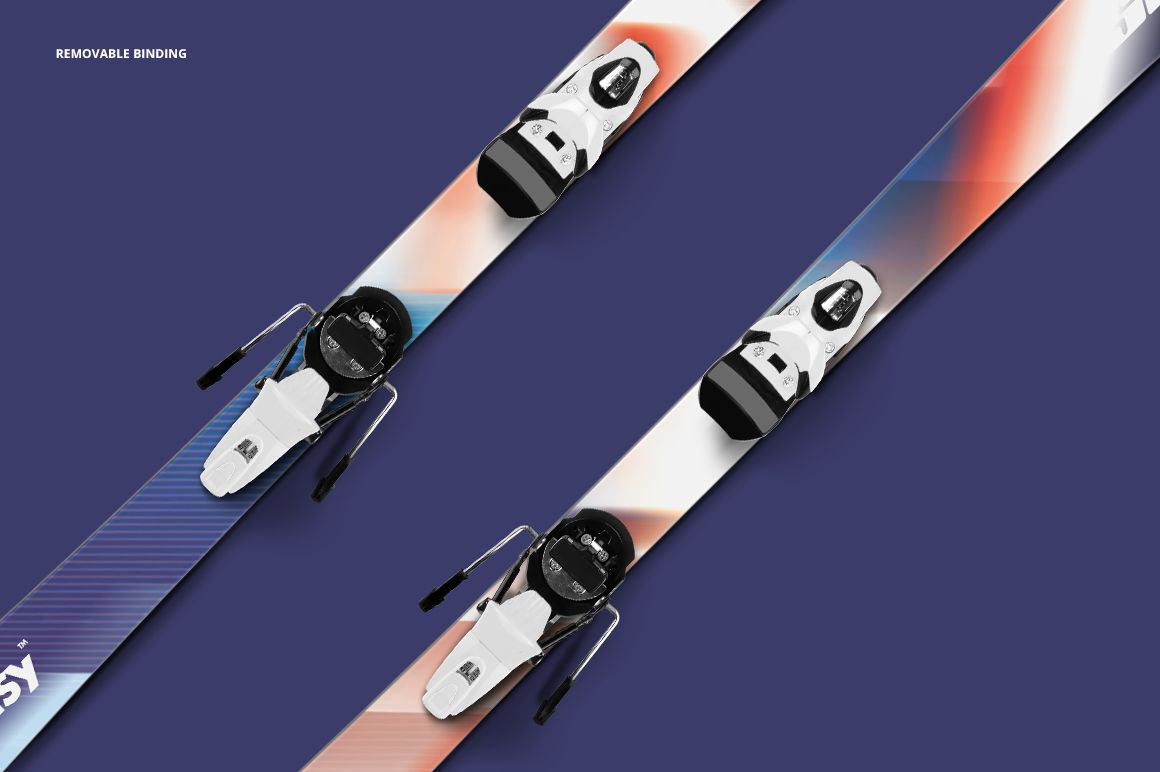
The overhead composition shows both skis together for a clear comparison of paired artwork. Keep the bindings for a realistic equipment presentation or remove them to reveal more of the surface design.
Easy Smart Object Editing
Place custom artwork through Smart Objects and adjust colors or gradients. Neutral and white background options are included, and you can insert your own background for a campaign-specific setting. Public compatibility details list Adobe Photoshop and Photopea.
Perfect For
Ski graphics and winter sports branding
Paired artwork and coordinated colorways
Equipment presentations and sponsor concepts
Client approvals and design portfolios
Ecommerce images with a clean top view
Digital Mockup Notice
This is a digital presentation mockup, not a physical product or technical manufacturing template. The sample artwork shown in the previews is not included.