Packaging Box in Elderflower Bush Mockup
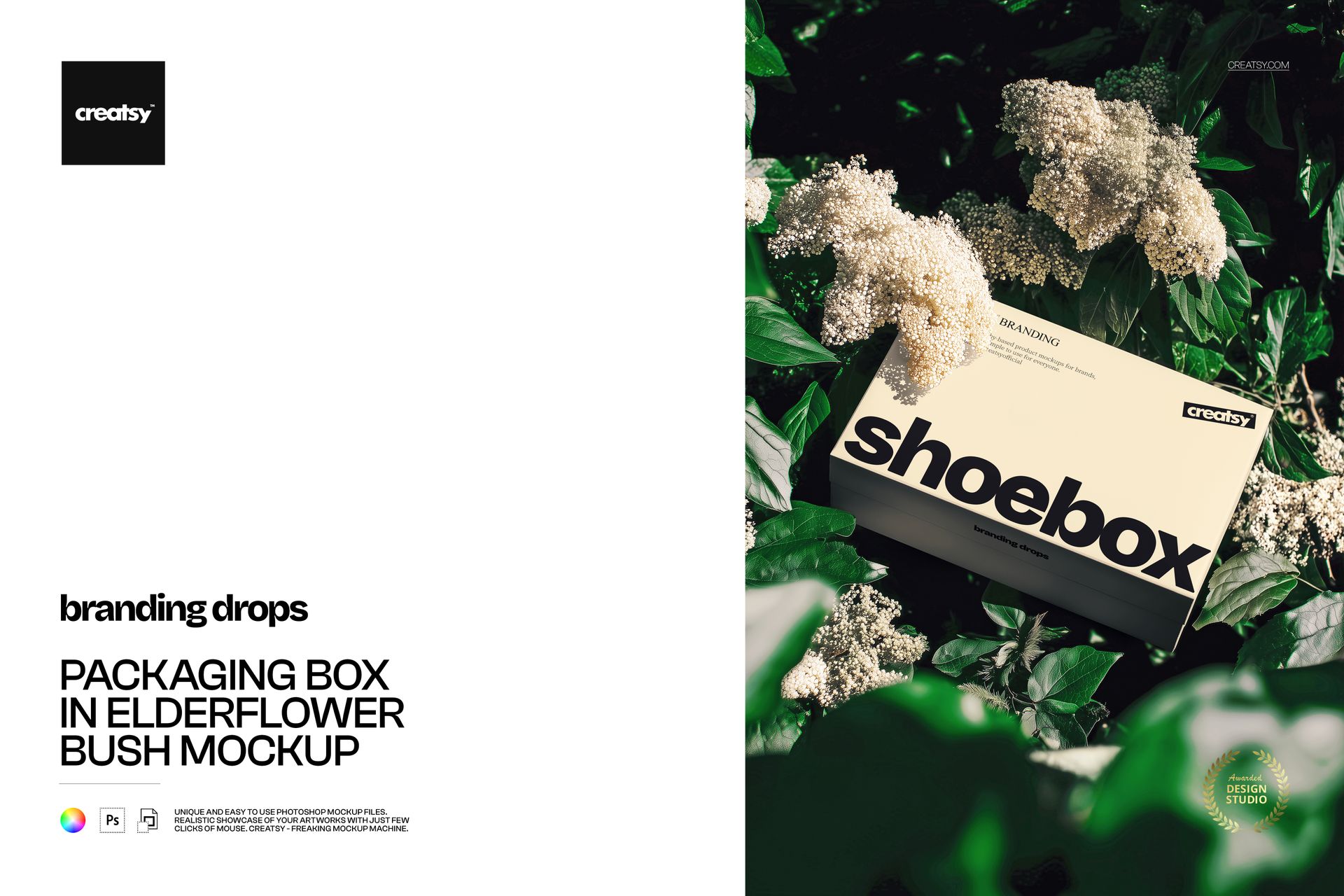
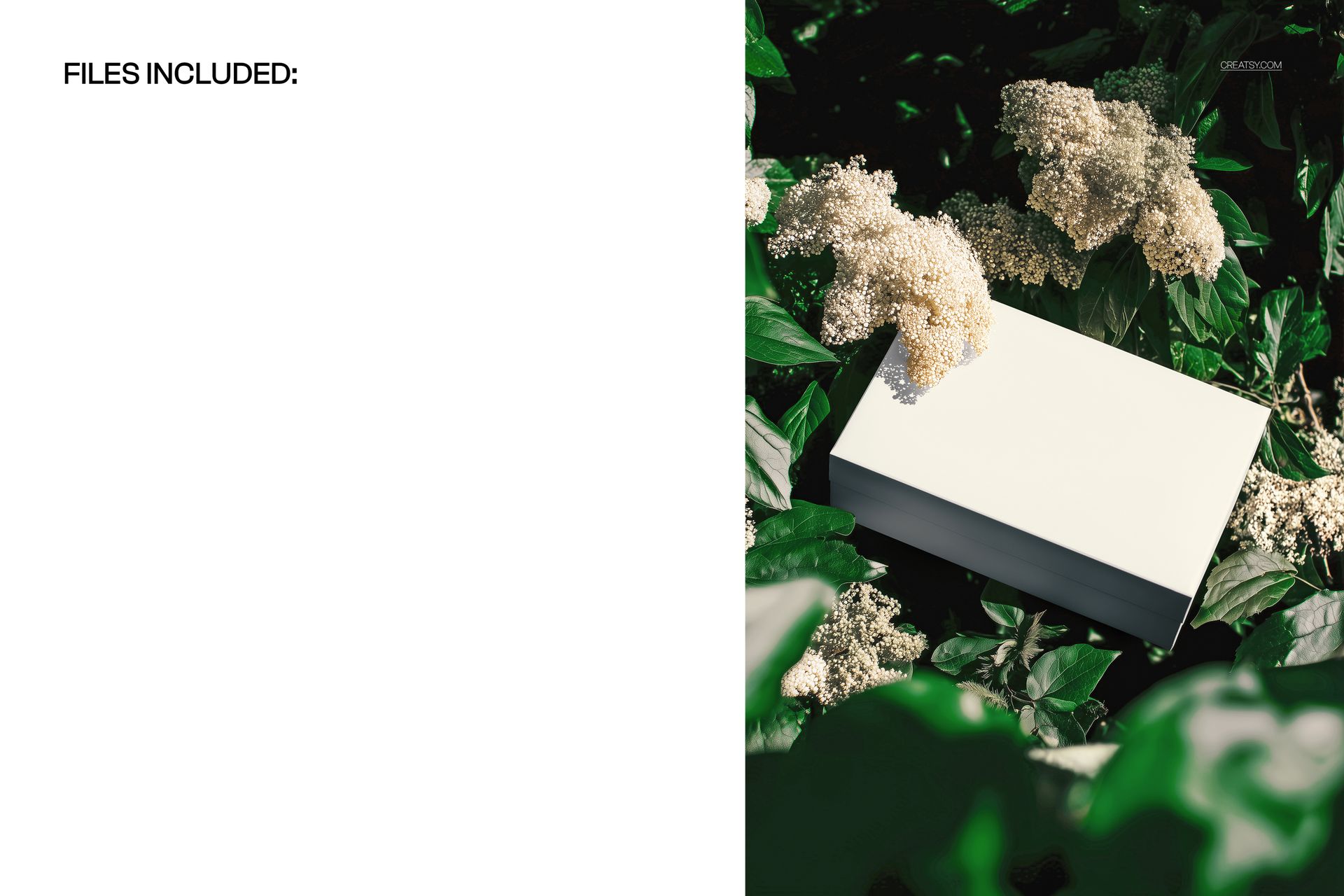
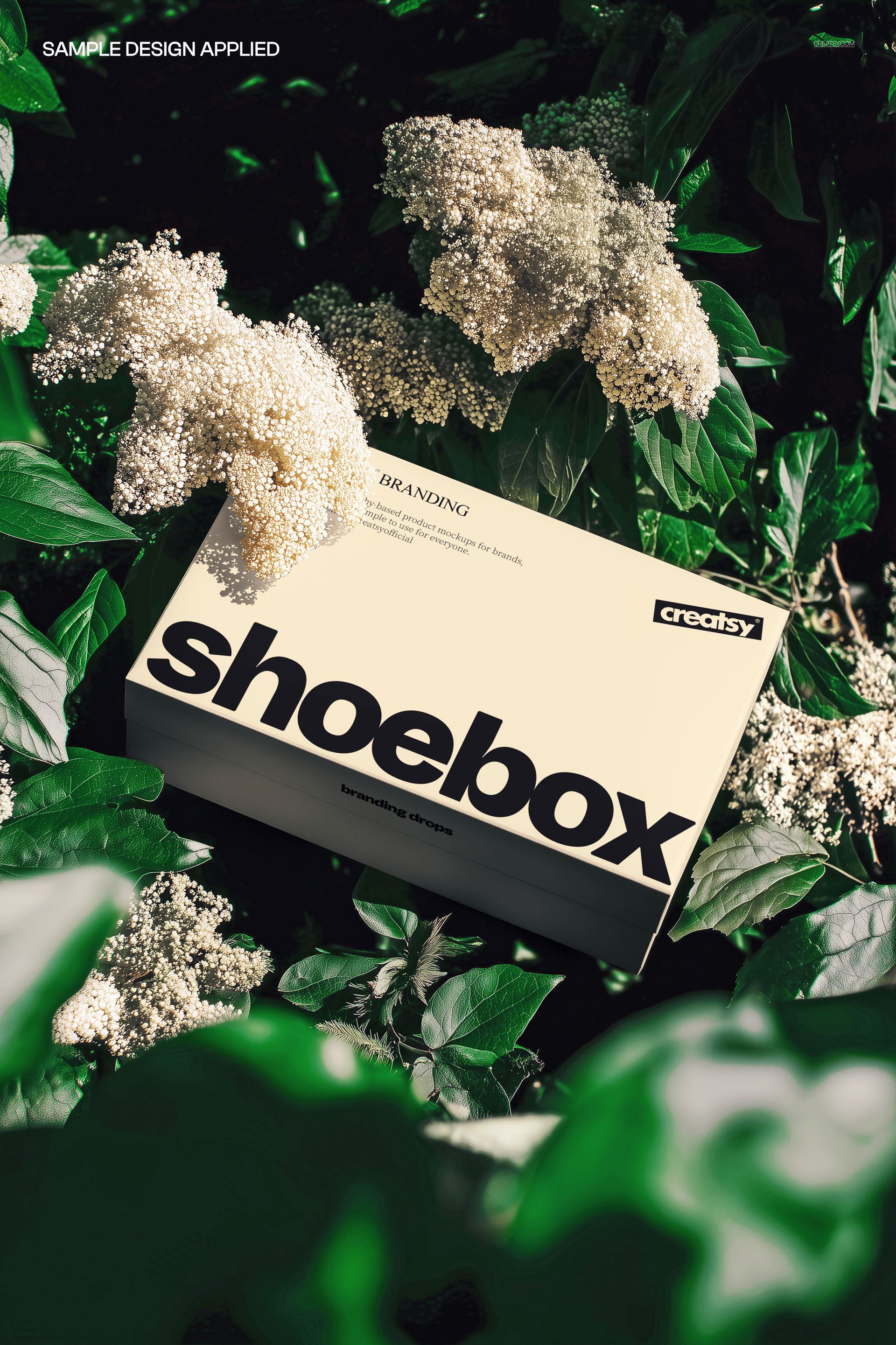
The lid is the main canvas here: a closed, shoebox-style package sits diagonally among white elderflowers and dense green leaves. An angled overhead view reveals the broad lid and a shaded side panel, while a blossom cluster overlaps the upper-left area of the box.
Use this composition to present a lid illustration, floral pattern or typographic packaging concept. The surrounding plants give the artwork a botanical context without needing to fill every part of the box with decoration.
What Is Included
1 layered PSD containing one packaging scene.
300 DPI.
1 JPG preview, 2 files in total.
Compatibility with Adobe Photoshop CC2020 or newer and Photopea, the free online editor.
Work Around the Blossom Cluster
Try placing your main wordmark across the unobstructed middle or lower part of the lid. Use the area near the flowers for supporting decoration rather than essential lettering. This lets you judge how the packaging and its surroundings work together, not just how the artwork looks on an isolated rectangle.
Smart Object Artwork Replacement
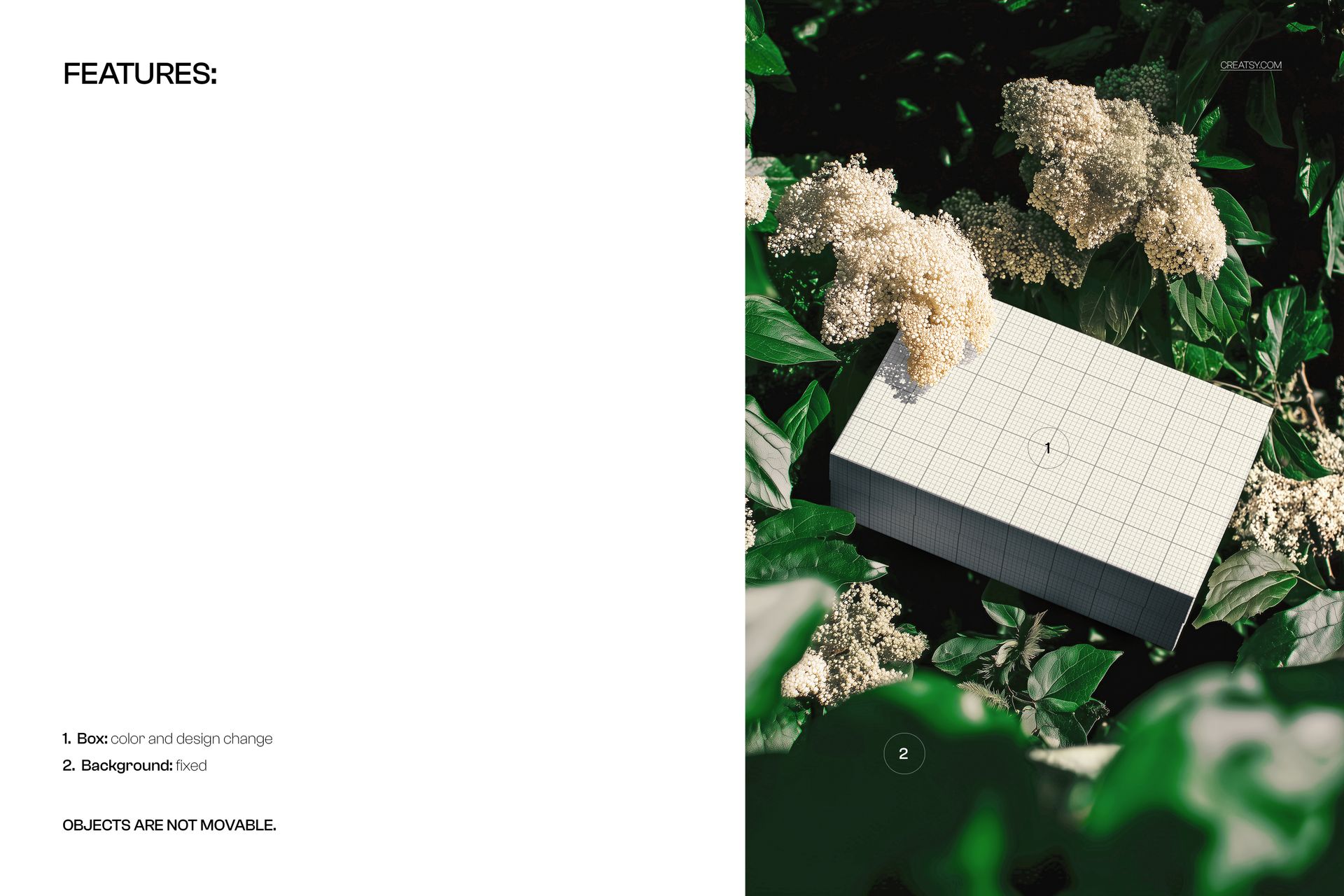
Add your graphics through the prepared Smart Objects, save the changes and adjust the box color. The floral background is fixed, and the objects cannot be moved. Editing changes the packaging surface, not the arrangement of the scene.
Perfect For
Footwear and lifestyle packaging concepts.
Floral illustrations and patterns applied to box lids.
Gift packaging pitches with a botanical visual direction.
Packaging portfolios and seasonal campaign presentations.
This is a digital presentation mockup. Physical packaging and editable sample artwork are not included. Use your packaging supplier’s technical dieline for manufacturing.