Paper Cup on the Sports Field Mockup Set
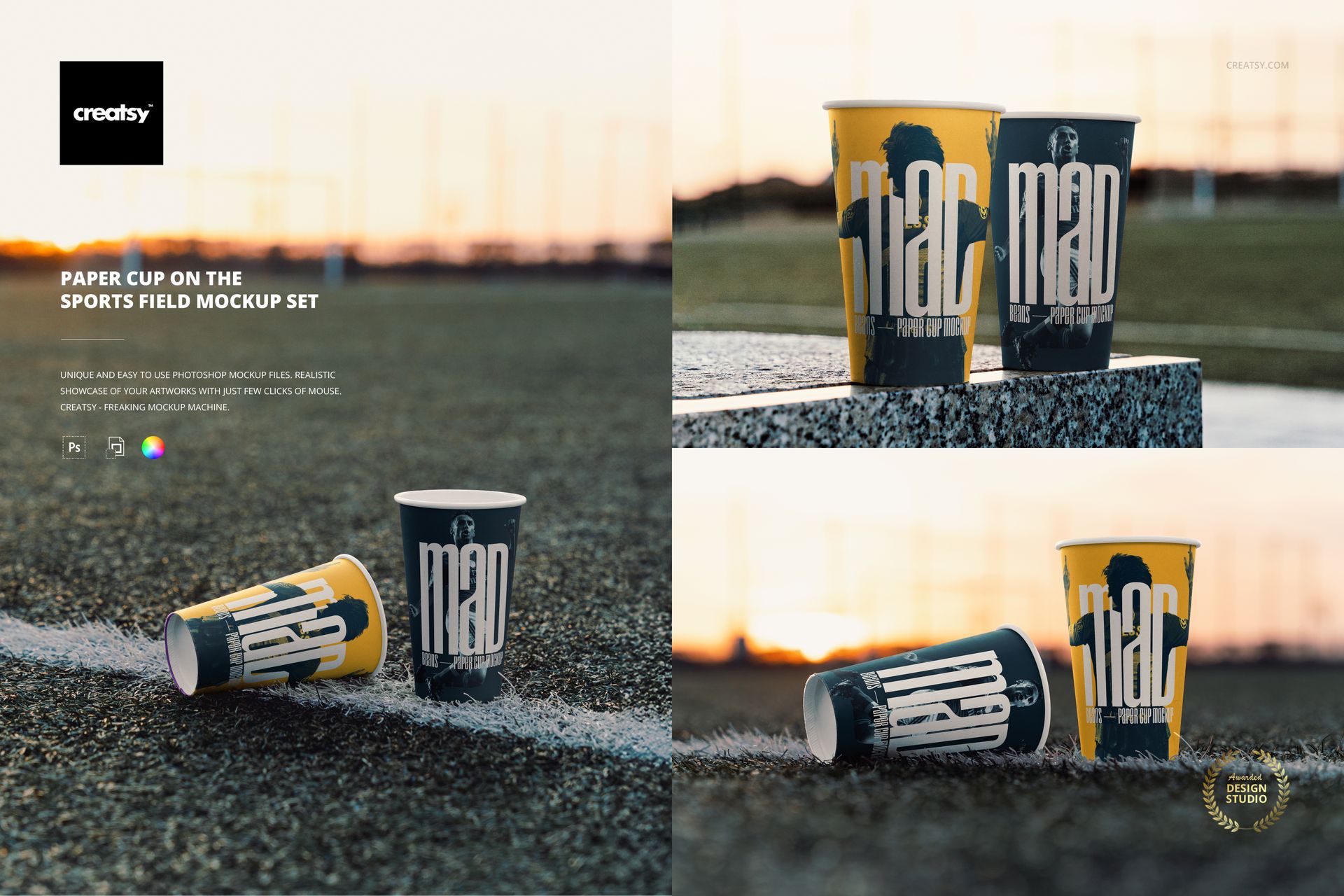
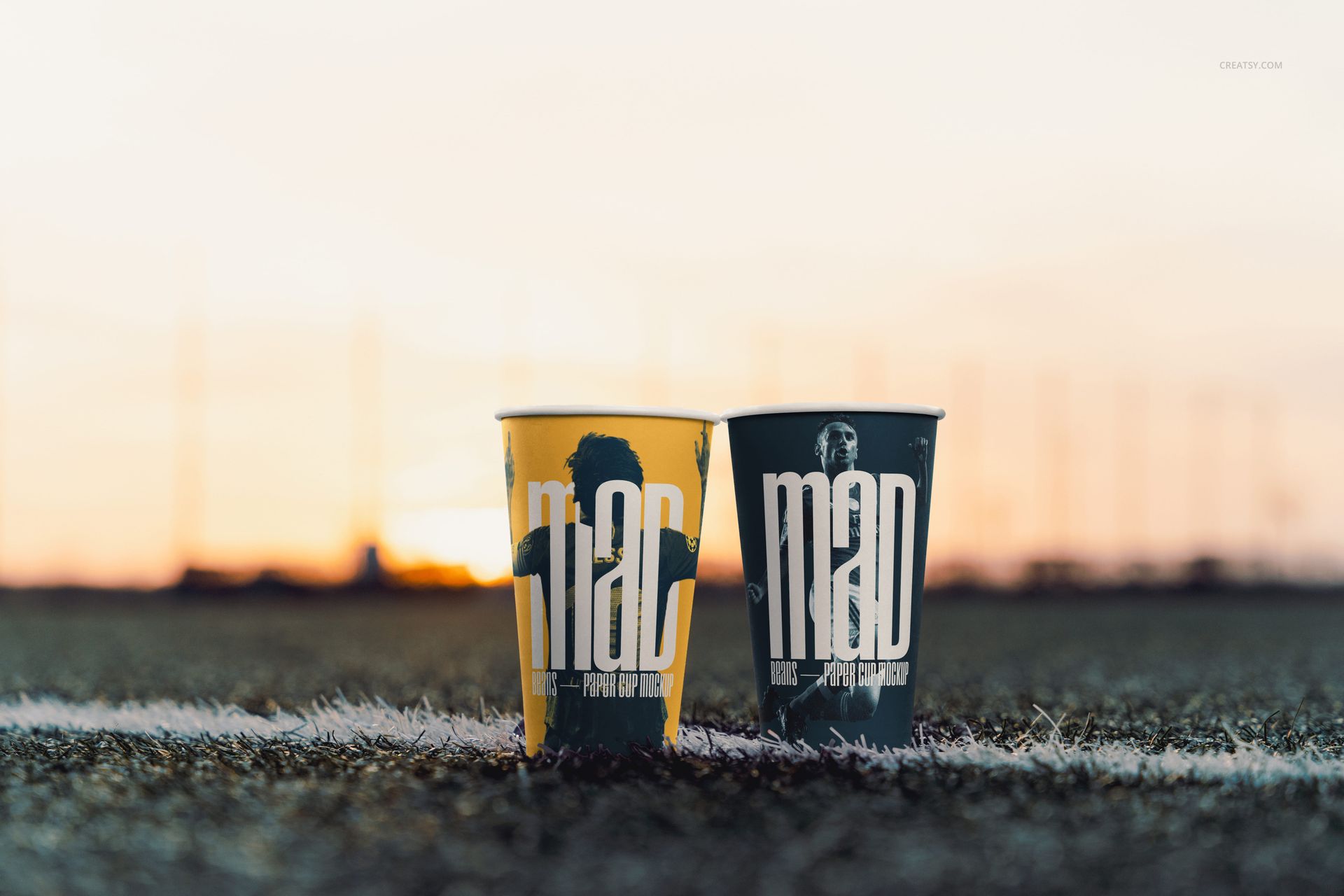
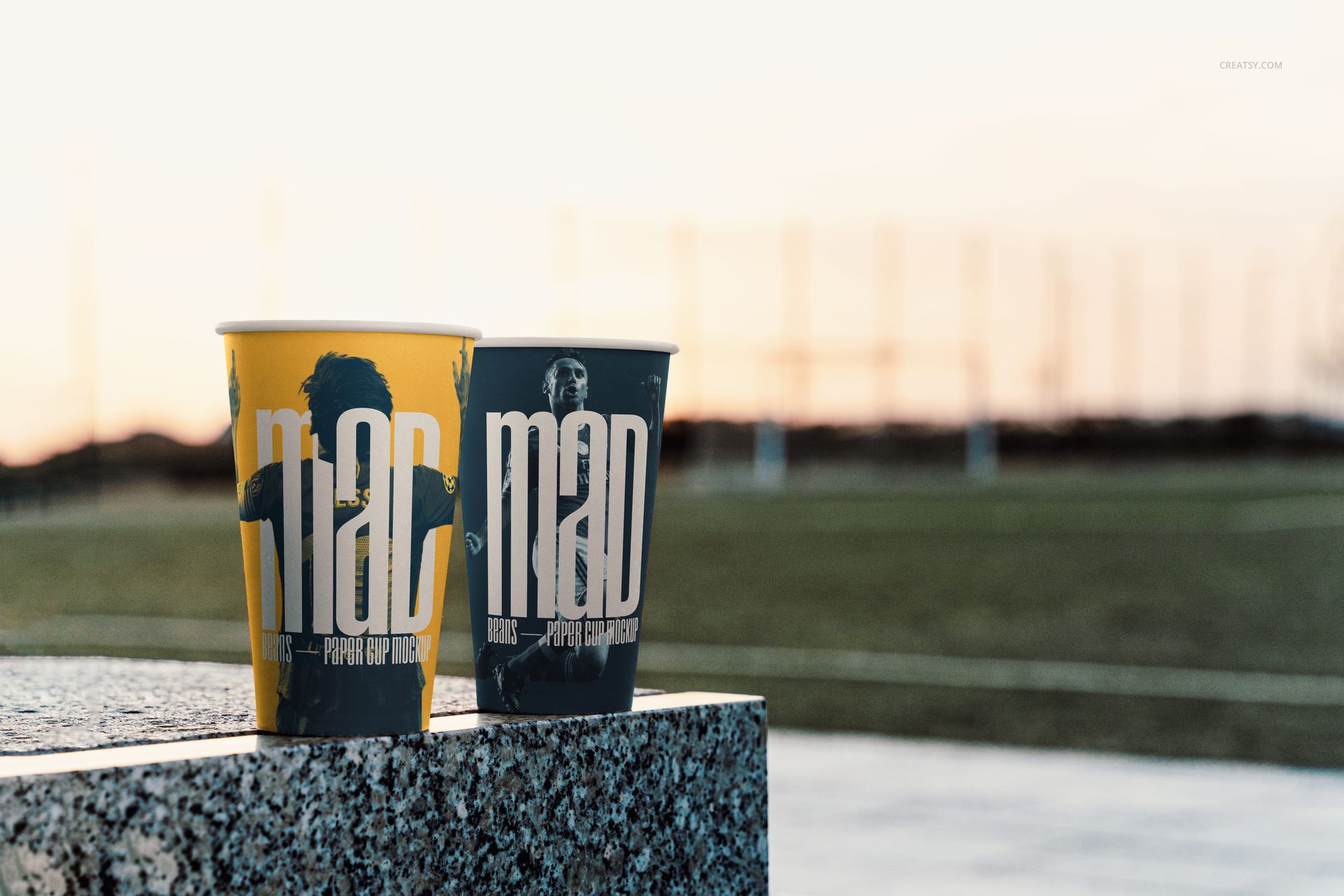
Present takeaway cup graphics where sport, refreshment, and event branding meet. Six high-resolution PSD scenes place open paper cups on artificial turf, painted field lines, and a granite sideline surface in warm sunset light.
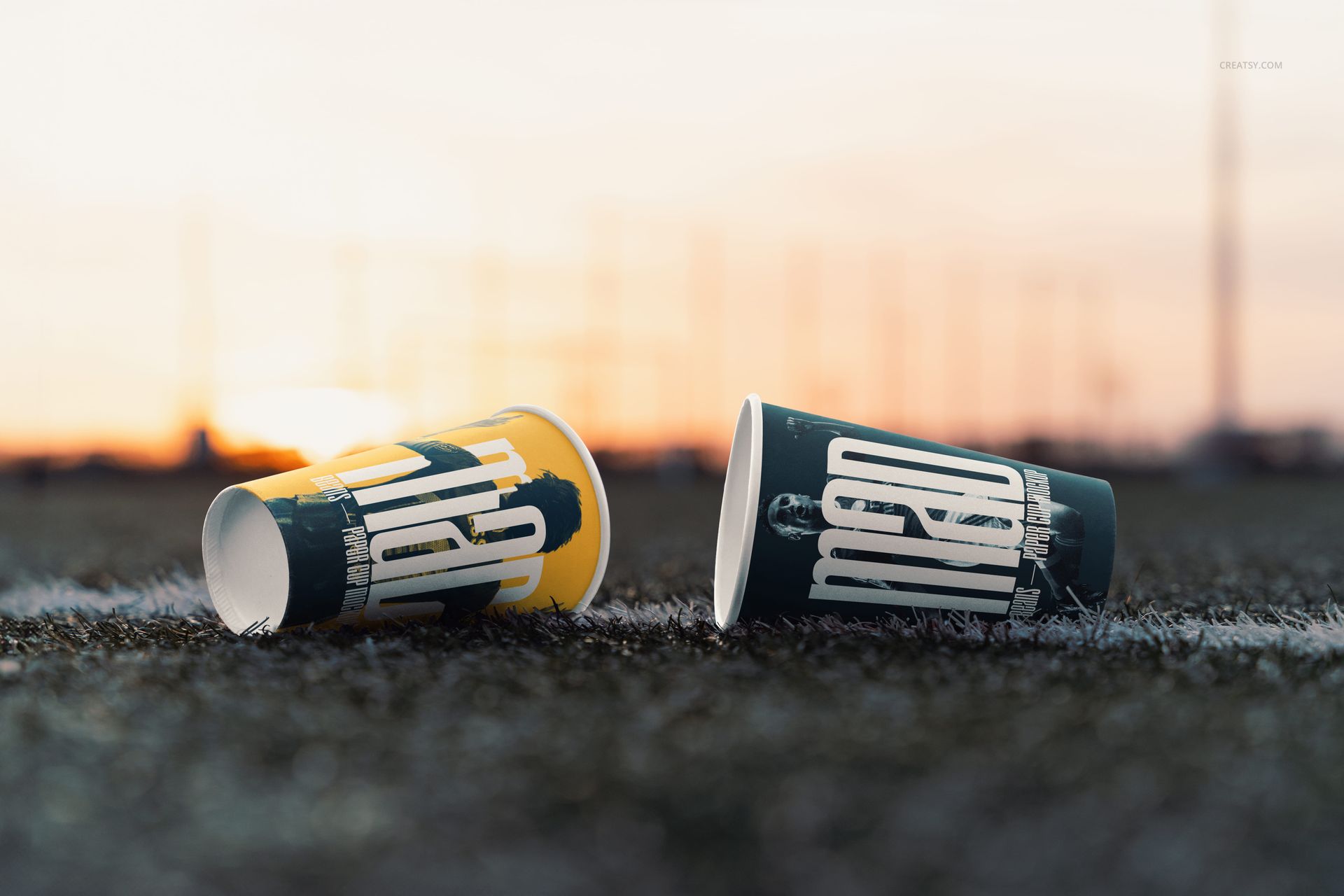
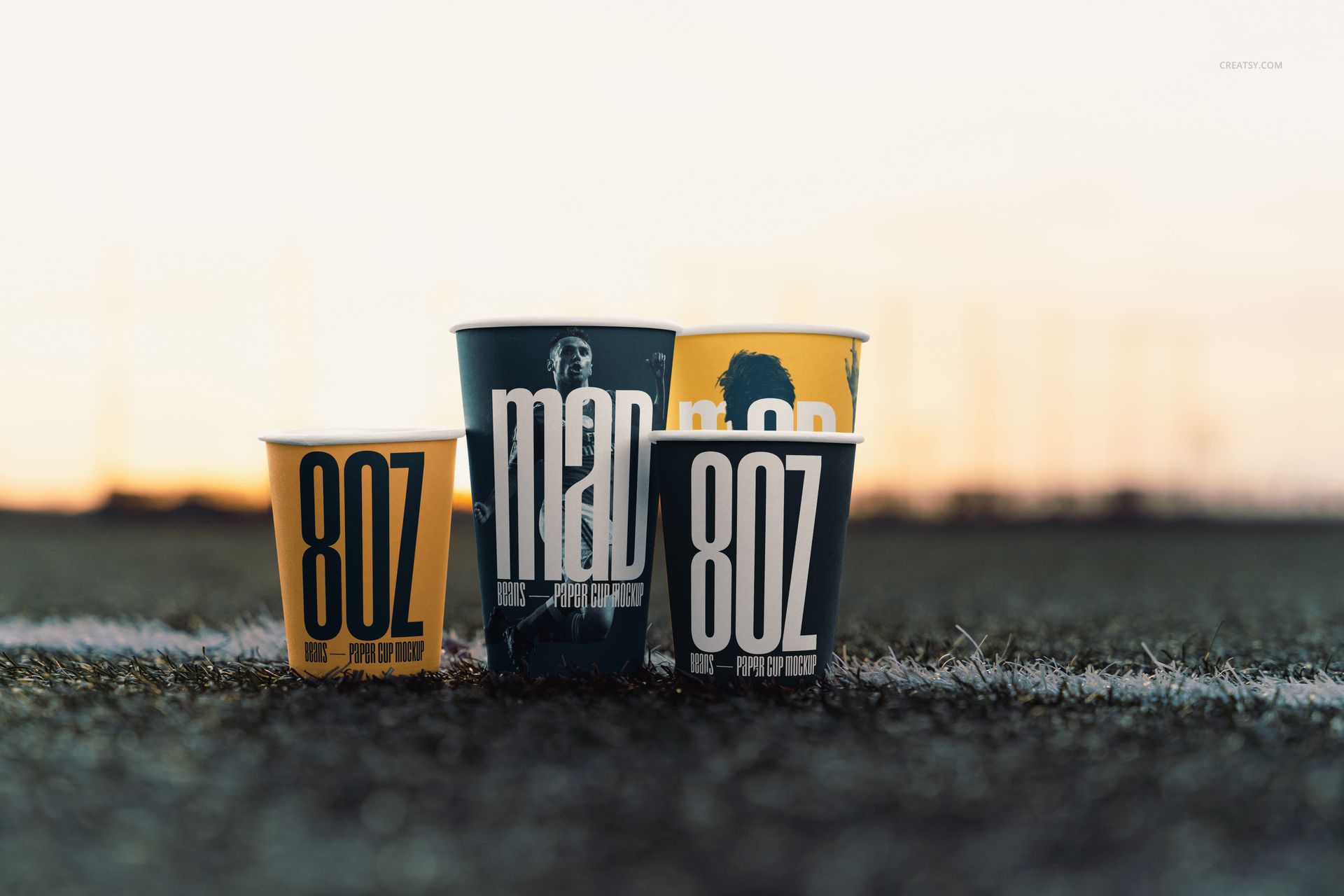
The varied compositions include low-angle pairs, grouped upright cups, and cups resting on their sides. Together they give team identities, sponsor graphics, and beverage concepts a coherent outdoor setting.
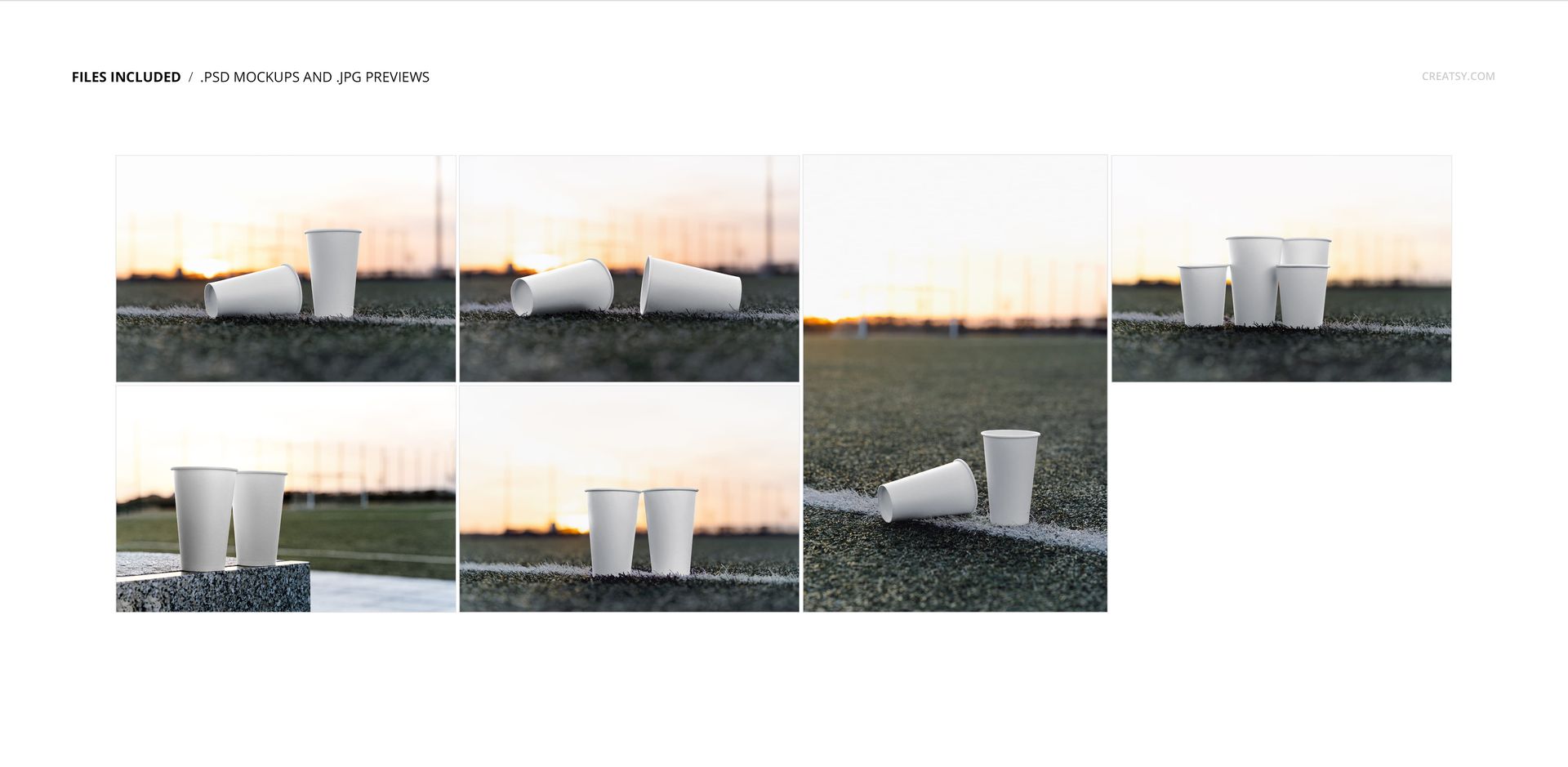
Six Outdoor Sports Scenes
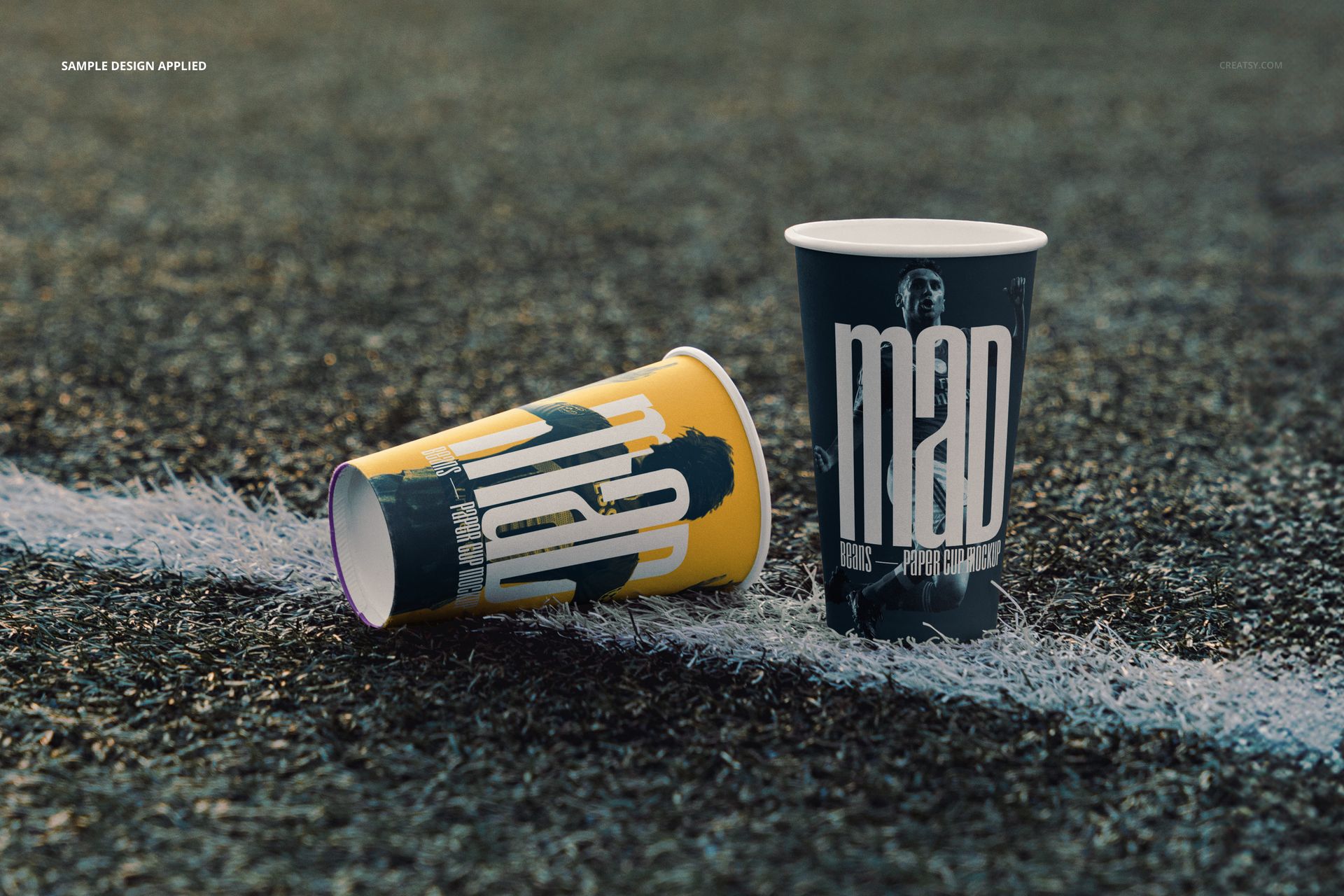
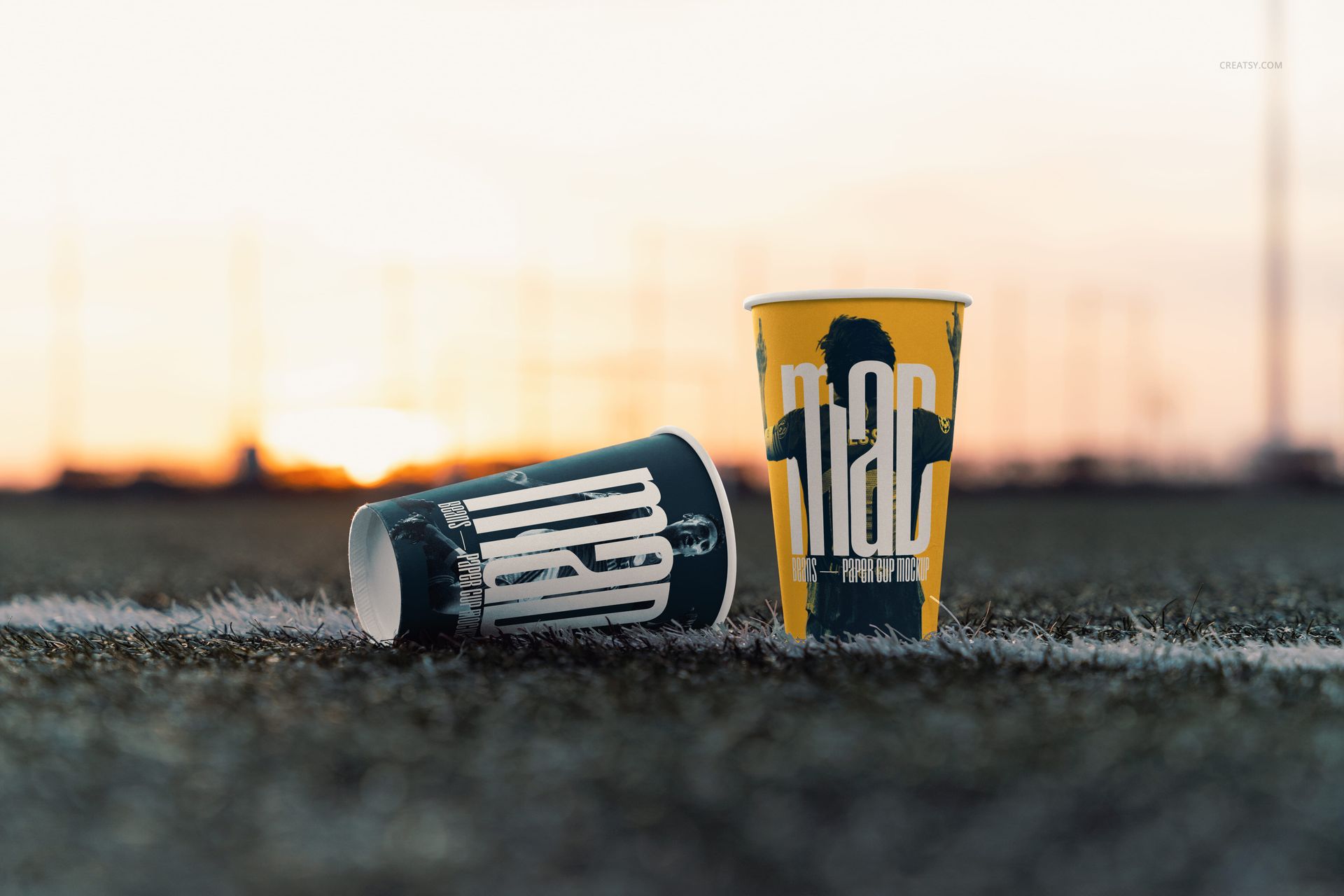
Pairs of open paper cups positioned on turf and painted field markings
Two cups resting on their sides for a relaxed, dynamic arrangement
A four-cup upright group for presenting a coordinated flavor or design range
Two upright cups on a granite sideline surface with the field behind them
Five landscape JPG previews and one portrait JPG preview for flexible layout planning
What Is Included
6 layered PSD mockups and 6 JPG previews, 12 files total
Working size listed as approximately 6000x4000 px at 300 DPI
Organized layers and a Smart Object workflow
Compatibility with Adobe Photoshop CS6 or later and Photopea
No PSB files
Smart Object Editing
Open the Smart Object, place your artwork, save it, and return to the main document. The scene preserves the photographed cup curvature, shadows, turf texture, and evening light so the design remains integrated with the environment.
Useful For
Stadium concession and event beverage concepts
Team identity and supporter campaign presentations
Sponsor graphics for match-day promotions
Coffee shop branding with an outdoor sports theme
Portfolio case studies and social campaign visuals
Preview Artwork Credit
Product preview imagery is credited to Creatsy®.