ID: 1396203861 | Updated: May 8, 2026

Product Details

Baby Longsleeve Bodysuit Mockup Set (51/LFv.1)

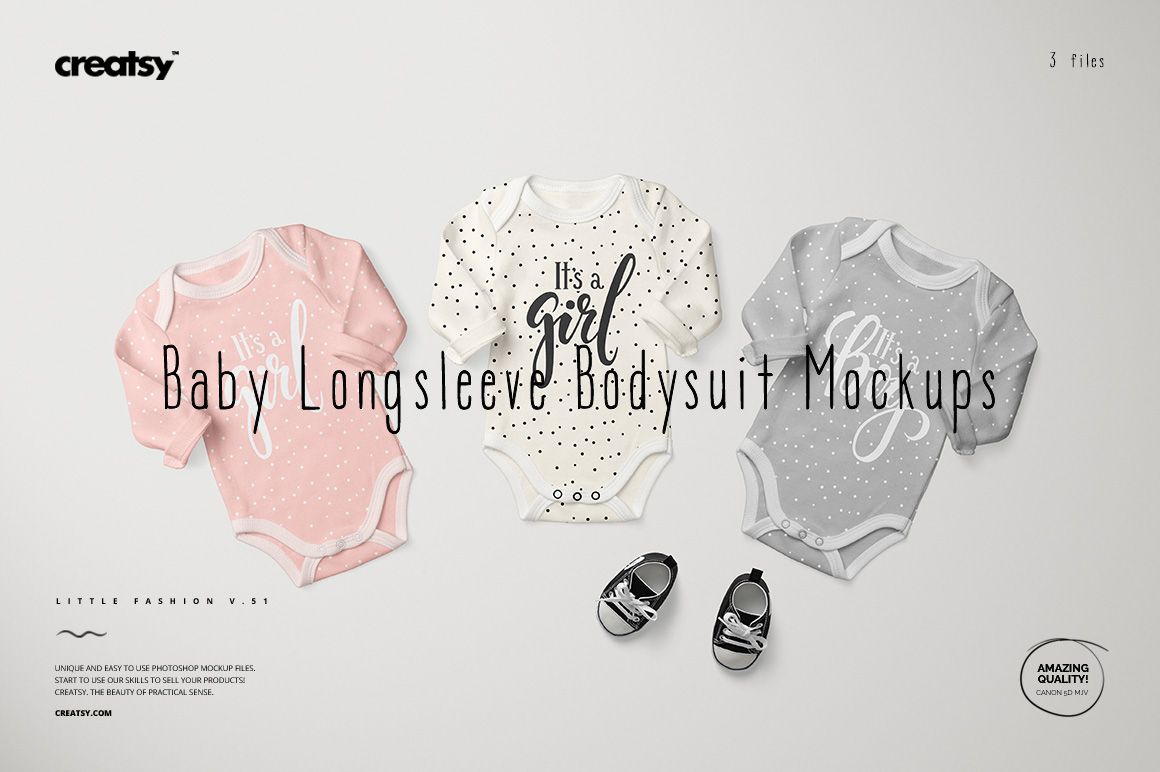
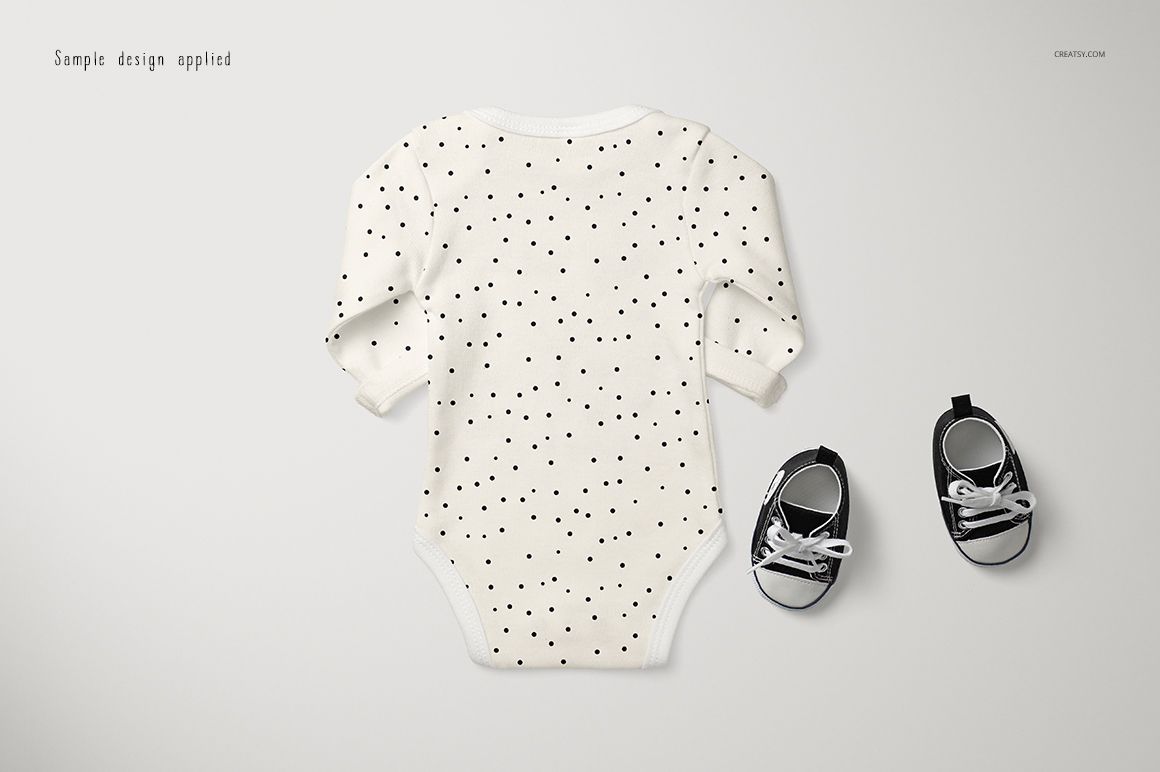
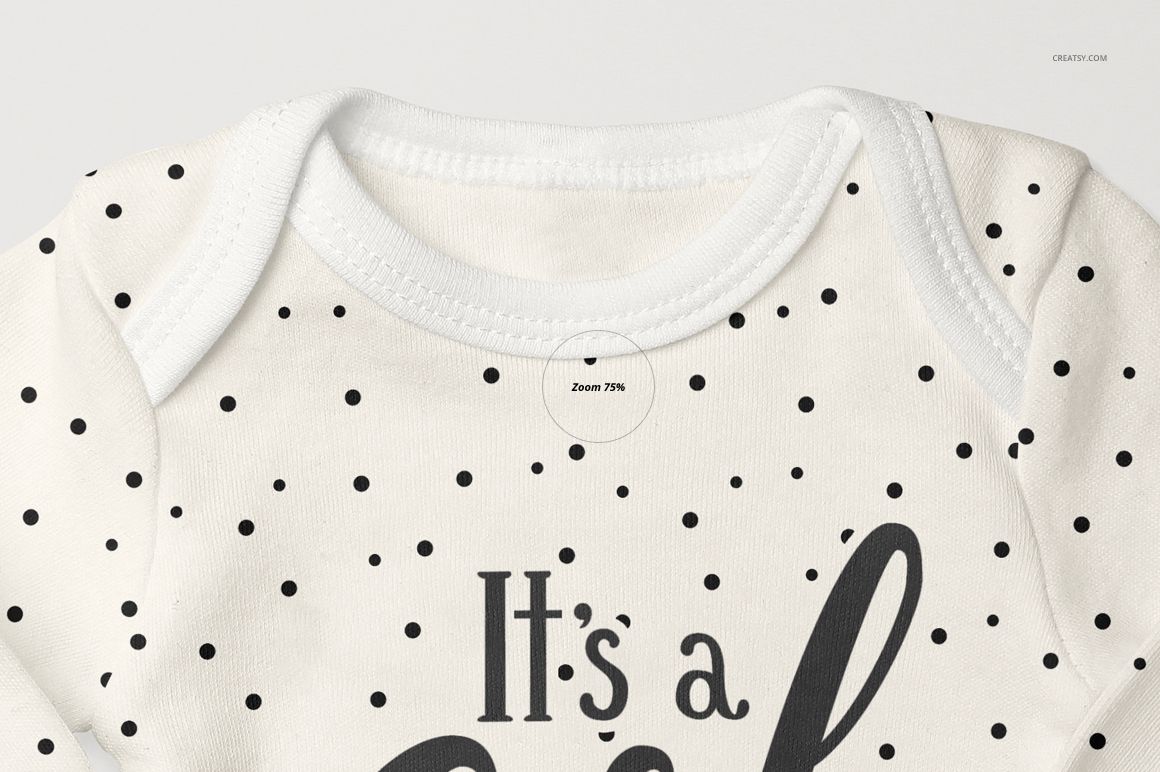
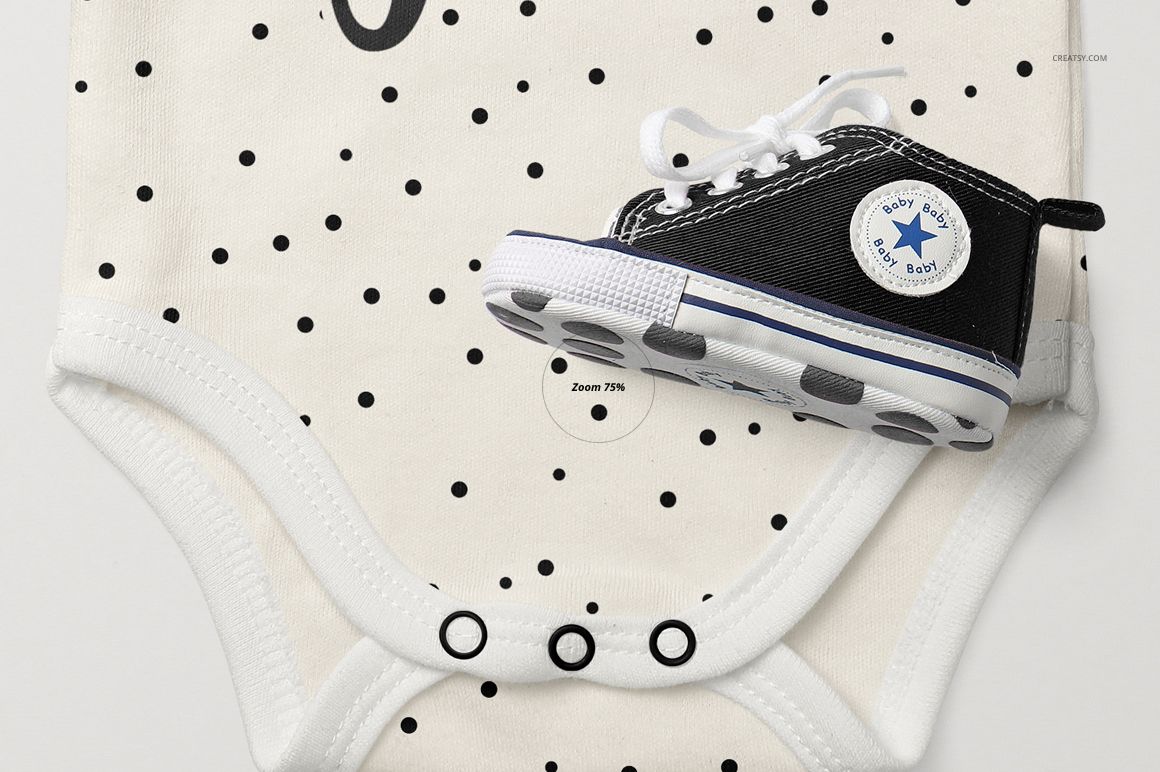
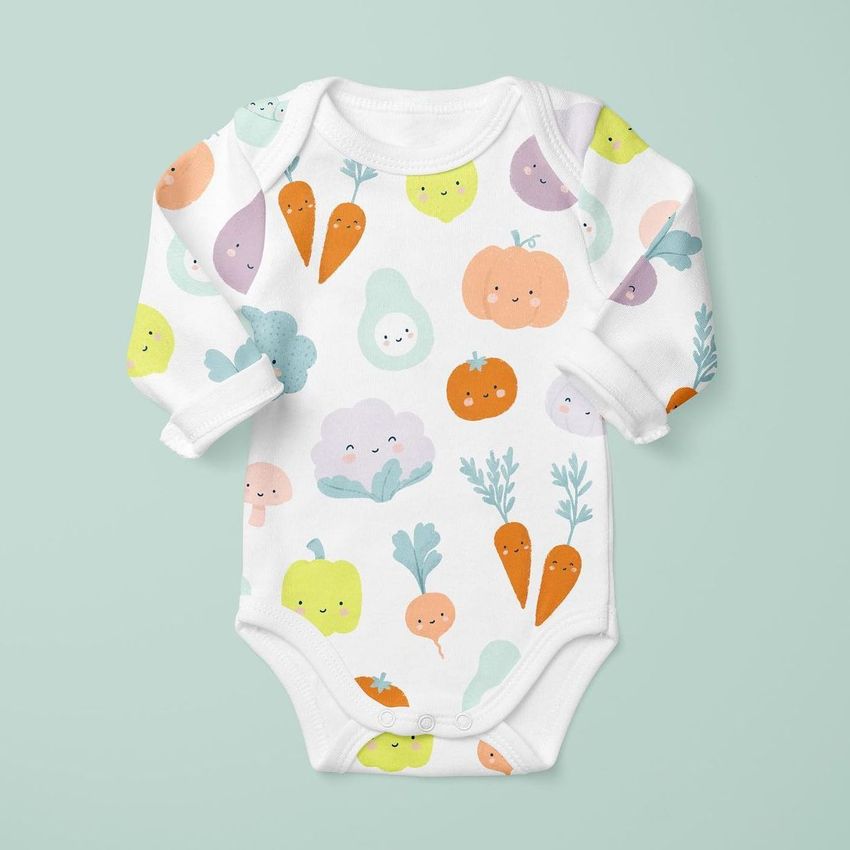
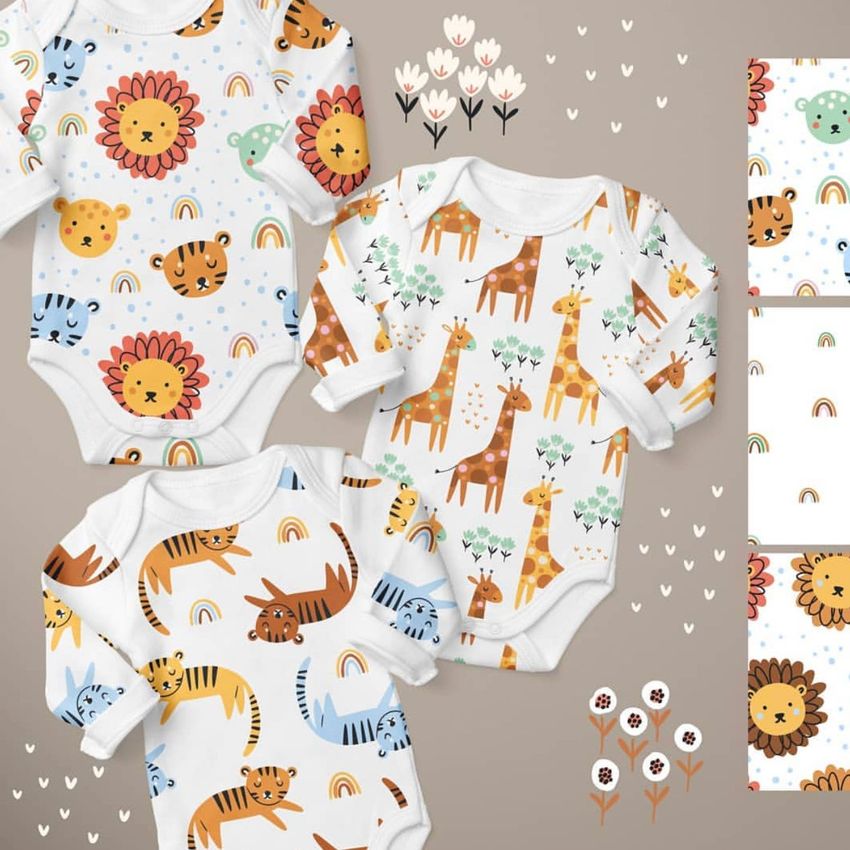
Build a coordinated baby bodysuit presentation with single front and back views plus a scene featuring three bodysuits together. The long sleeves, envelope neckline and snap closure provide a familiar infant garment setting for lettering, small repeats and related colorways.

What is included

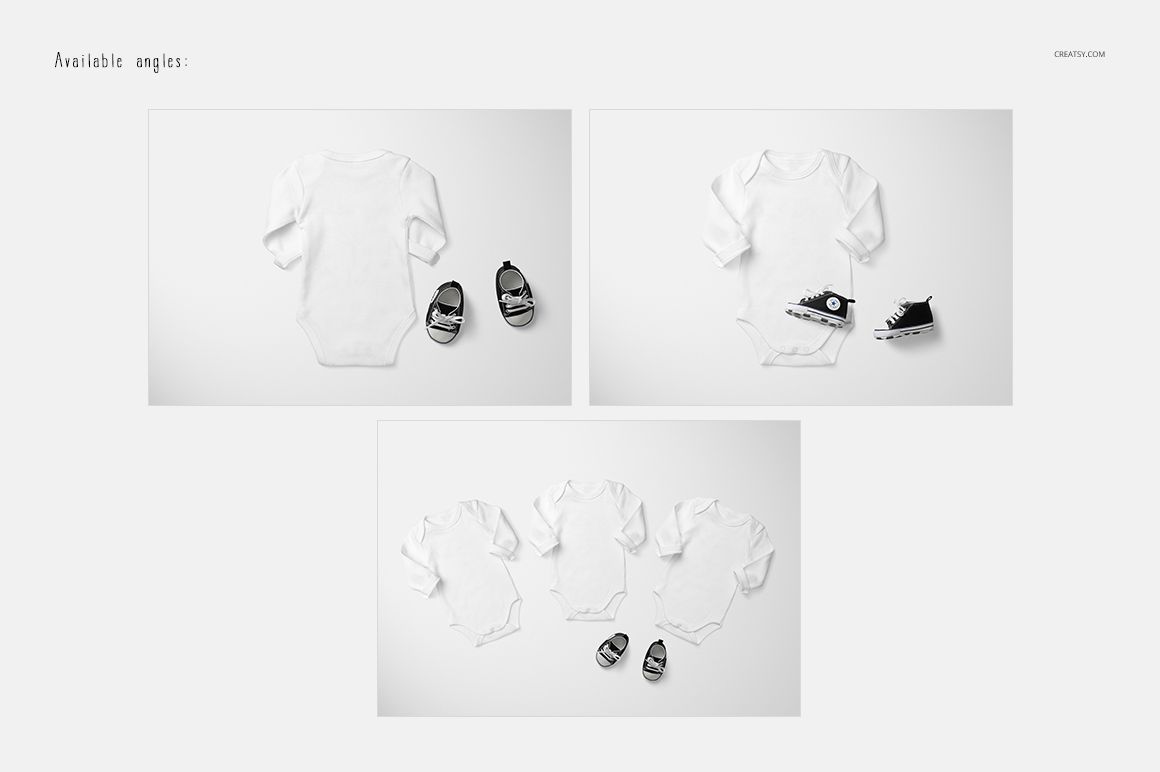
  • 3 layered PSD mockups: a single front view, a single back view and a group scene with three front-facing bodysuits.

  • 6 JPG files: 3 scene previews and 3 wood background images.

  • Guide.pdf with instructions for using the mockup files.

Customize your design

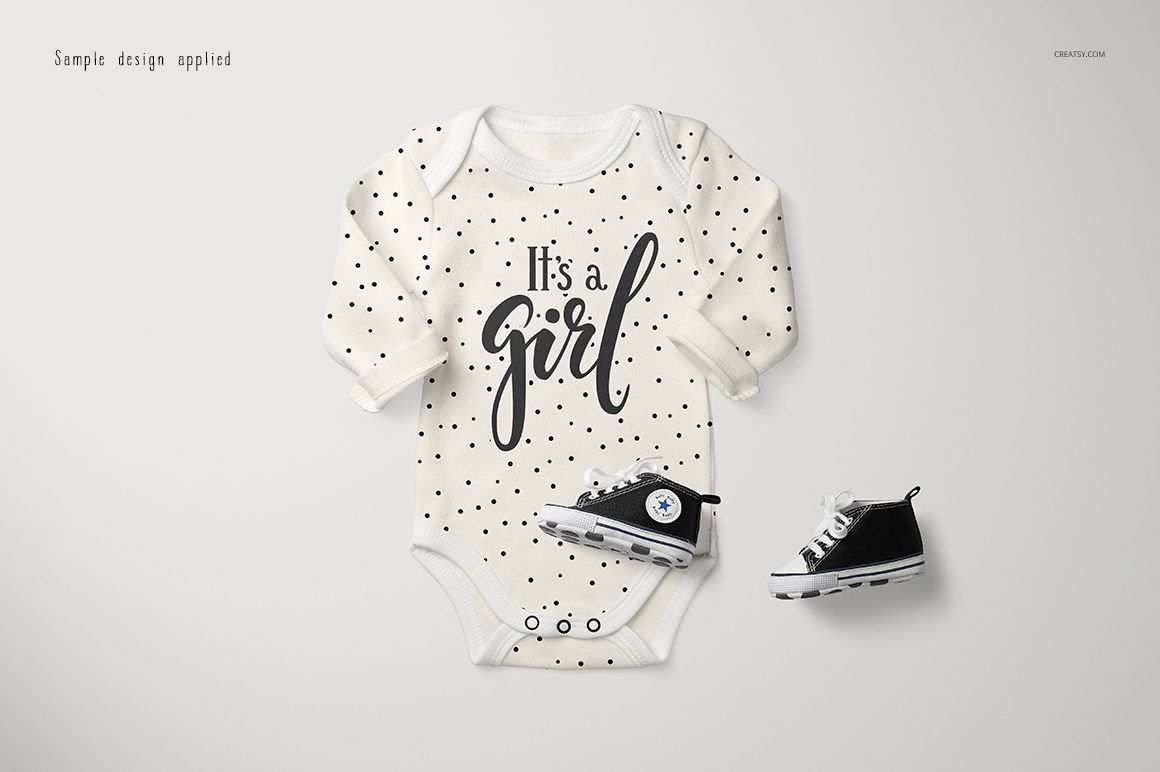
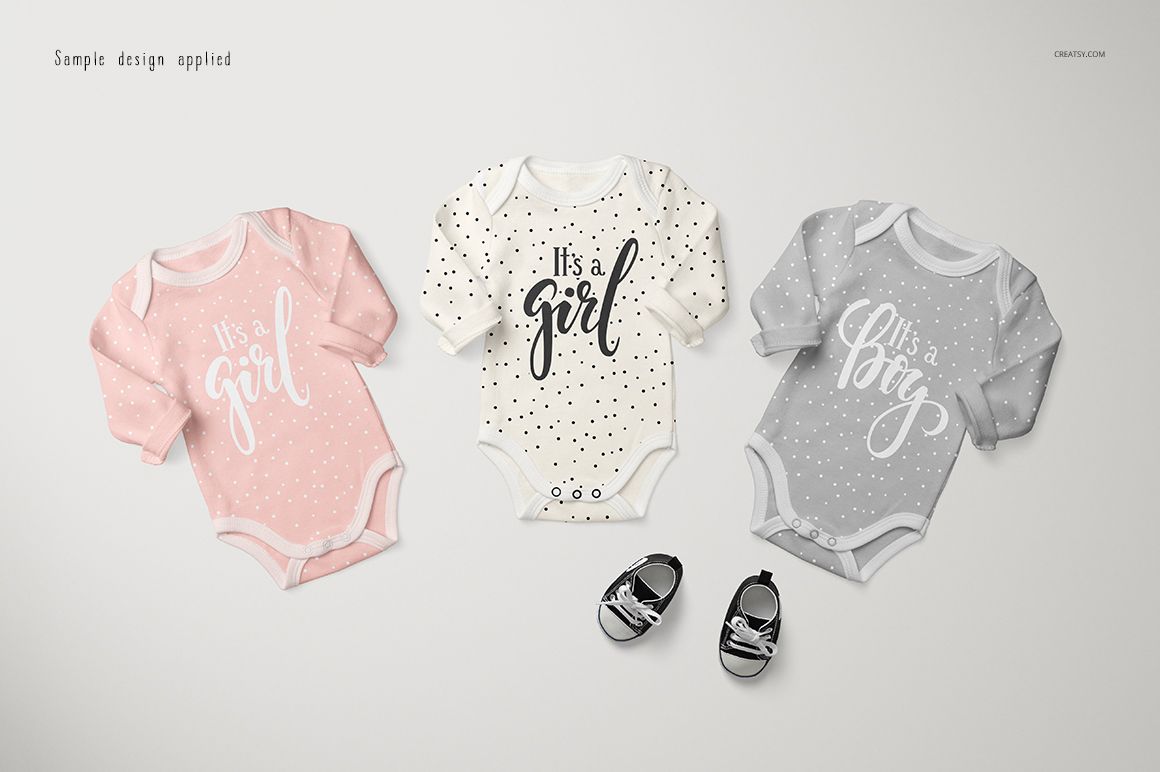
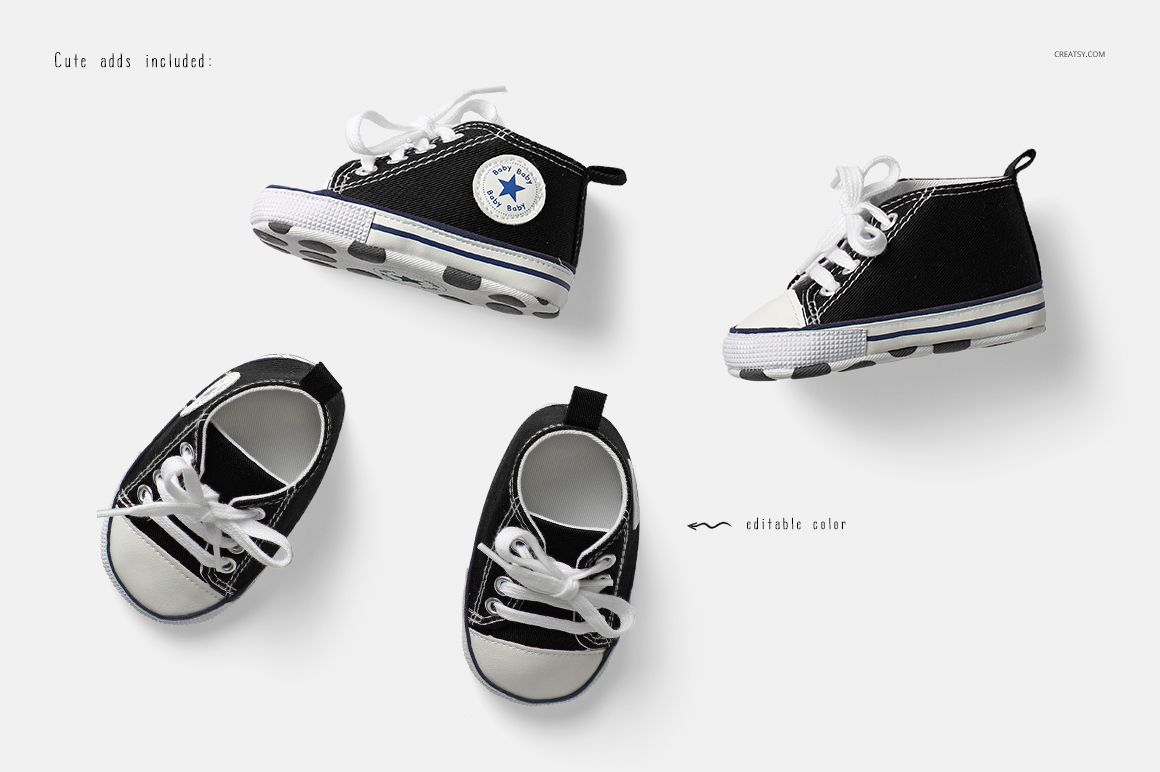
Use smart objects to add your artwork and the supplied color layers to adjust garment colors. Compare chest graphics with all-over patterns in the individual scenes, then use the group composition to present related designs together. The gallery also identifies editable shoe colors for the included baby sneaker styling.

Ways to use this set

Create infant clothing collection boards, birth announcement clothing concepts, surface pattern portfolios and client presentations. The group view is useful for showing a small design family in a single image, while the separate back scene completes the garment presentation.

This is a digital mockup download, not a physical garment. Sample patterns and artwork shown in the gallery are not included.


File details

Compatibility
PhotopeaAdobe Photoshop
Package size
1.06 GB1.06 GB|1.14 GB1.14 GB
Files type
.psd, .jpg, .pdf
Files size
5000x3500
TEST FOR FREE

Reviews

Professional PSD mockups built in-house - editable, realistic, high-resolution, and supported by real people.

5 (1 rating)
Sort by:

annet avatar
annet
Dec 13, 2025

Creatsy make the best Mockups on the market, no matter what you need to showcase. These mockups are highly customizable, and the lighting in them makes everything look very realistic. You can keep or turn off many of the Items in the mockup, also a great feature giving control over the look you want. They have the most friendly and very helpful support. I highly recommend these mockups!

Malgorzata Hapon avatar
Malgorzata Hapon Author
Jun 9, 2026

Thank you so much for your kind words! We’re so happy to hear the mockup gives you so much control over the final look and helps make everything feel realistic.


Made with Creatsy

Real designs. Real customers. See how creatives use Creatsy mockups to turn their artwork, branding, and product ideas into polished visuals.

MEET THE SHOP

Creatsy logo

Creatsy

Poland
4.8 (690)

Bring your ideas to life.

We're a family-run studio in Katowice, Poland, making PSD mockups by hand since 2016. Everything in this shop starts in our own studio. We shoot the photography, build the 3D, and put together every Smart Object PSD ourselves - then we test it, organize the layers, and only ship it once it actually works...
GO TO SHOP

HOW IT WORKS

3 clicks. That's it.

No tutorial needed. If you can copy-paste, you can use this.

  1. 1OpenDouble-click the smart object inside the PSD - in Adobe Photoshop, or free in your browser with Photopea.
  2. 2PasteDrop in your pattern, print, or artwork. Any design, any style.
  3. 3SaveHit save and the mockup wraps it in for you - shadows, folds, and lighting included.

FROM IDEA TO IMAGE

Built for real workflows

Skip the photo shoot Show your artwork on the real product type for approvals or listings - no studio, no model, no sample.

See it on the product, not a swatch Drop your file into the smart object and the scene's lighting and folds wrap around it, so you judge the real thing before you commit.

Smart Objects

Edit once and you're done. Your artwork drops into a smart object and the mockup updates itself - no masking, no warping by hand.

Perfectly Organized

Named layers and folders you can actually navigate. Find what you need, change what you want, and get out fast.

Print-Ready

High-resolution files built to hold up on screen and in print. Exact size and DPI are in this product's Details above.