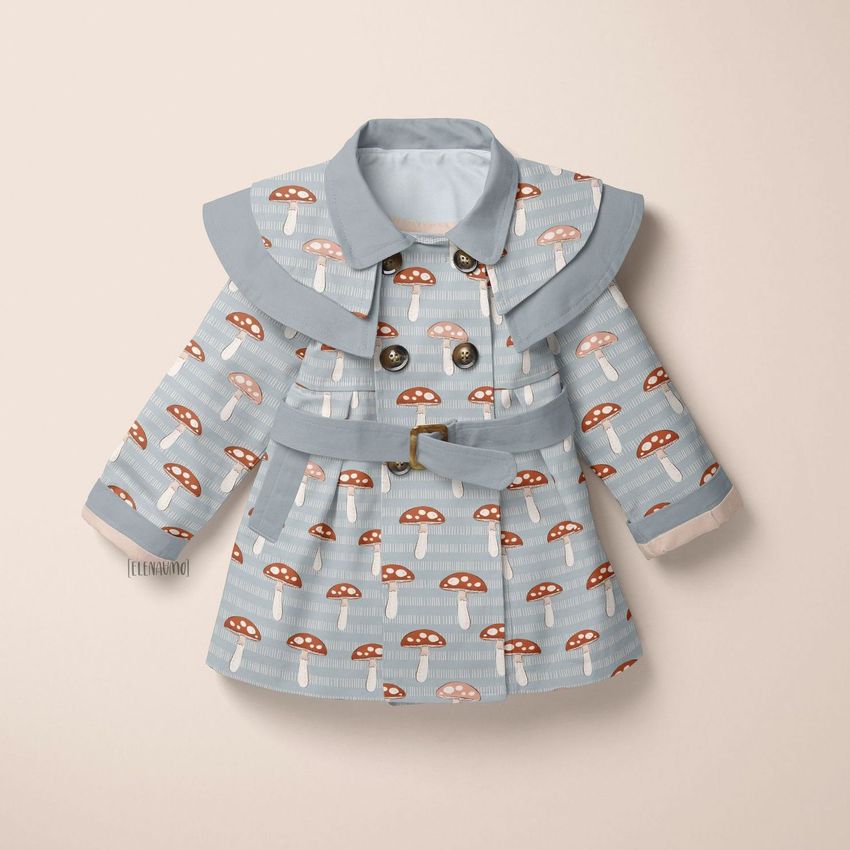
Baby Coat 2 Mockup Set (23/LFv.1)
This product is a part of Little Fashion Kids Apparel Mockup Bundle
Product Details
Baby Coat 2 Mockup Set (23/LFv.1)
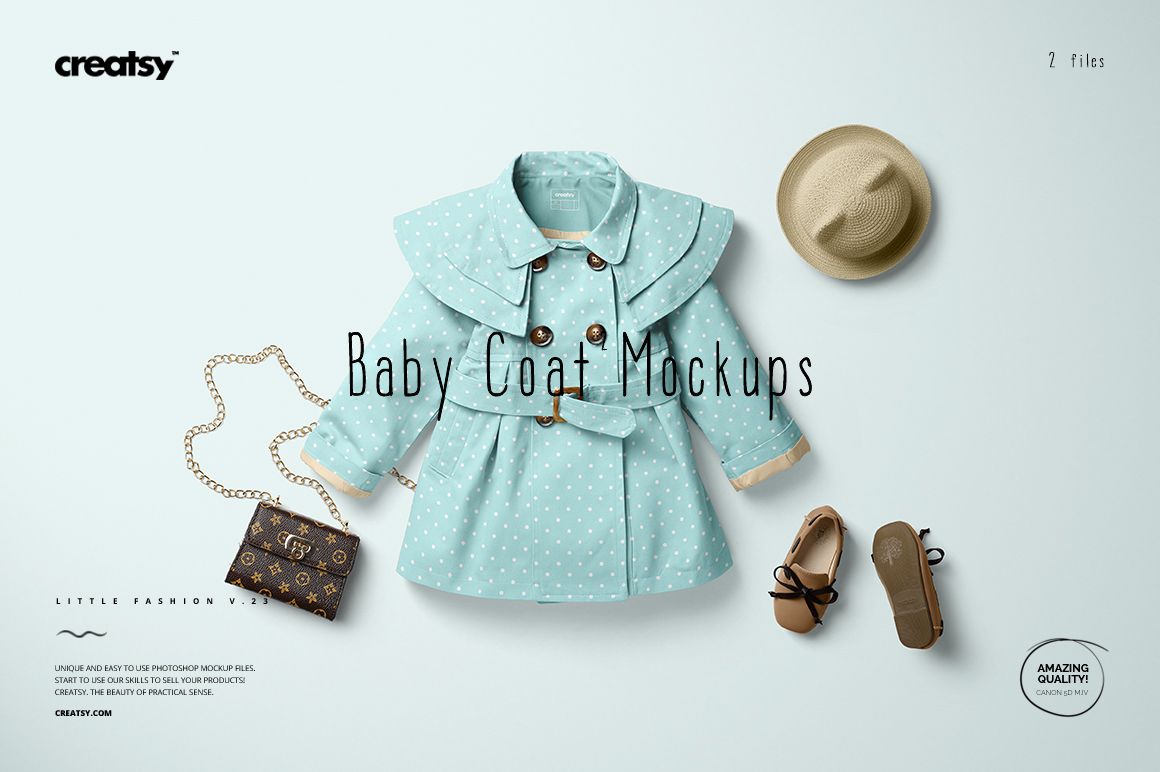
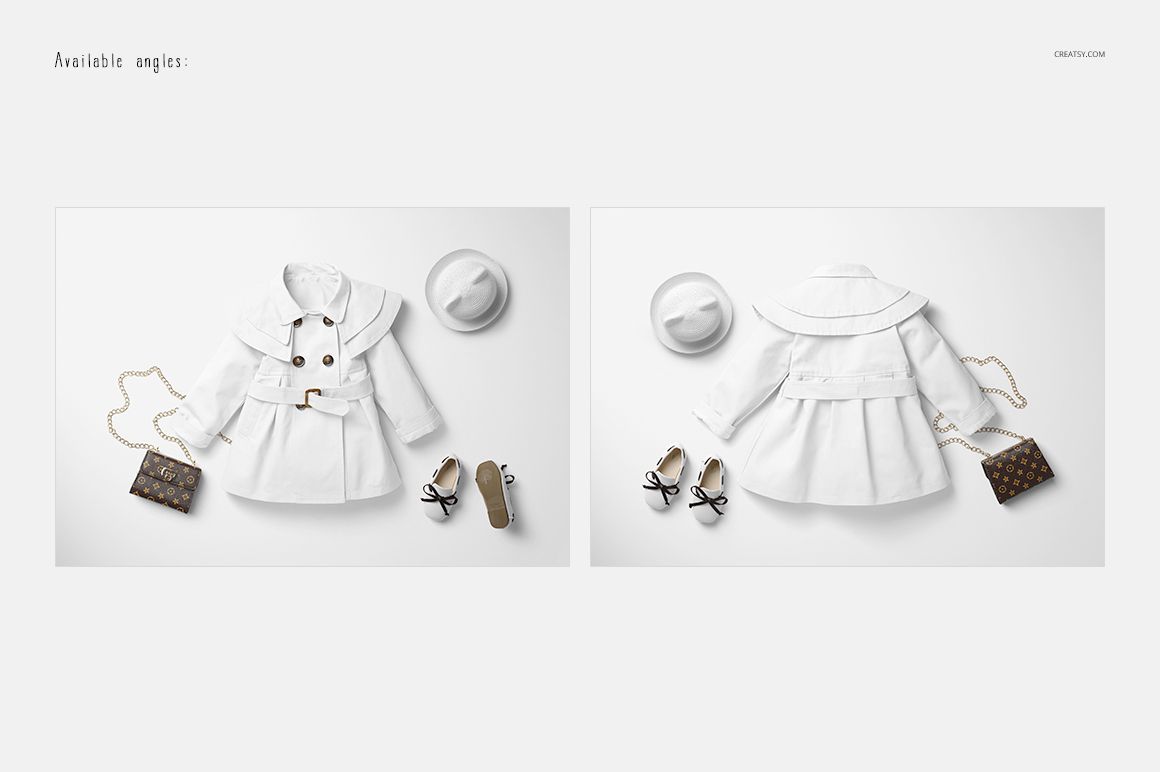
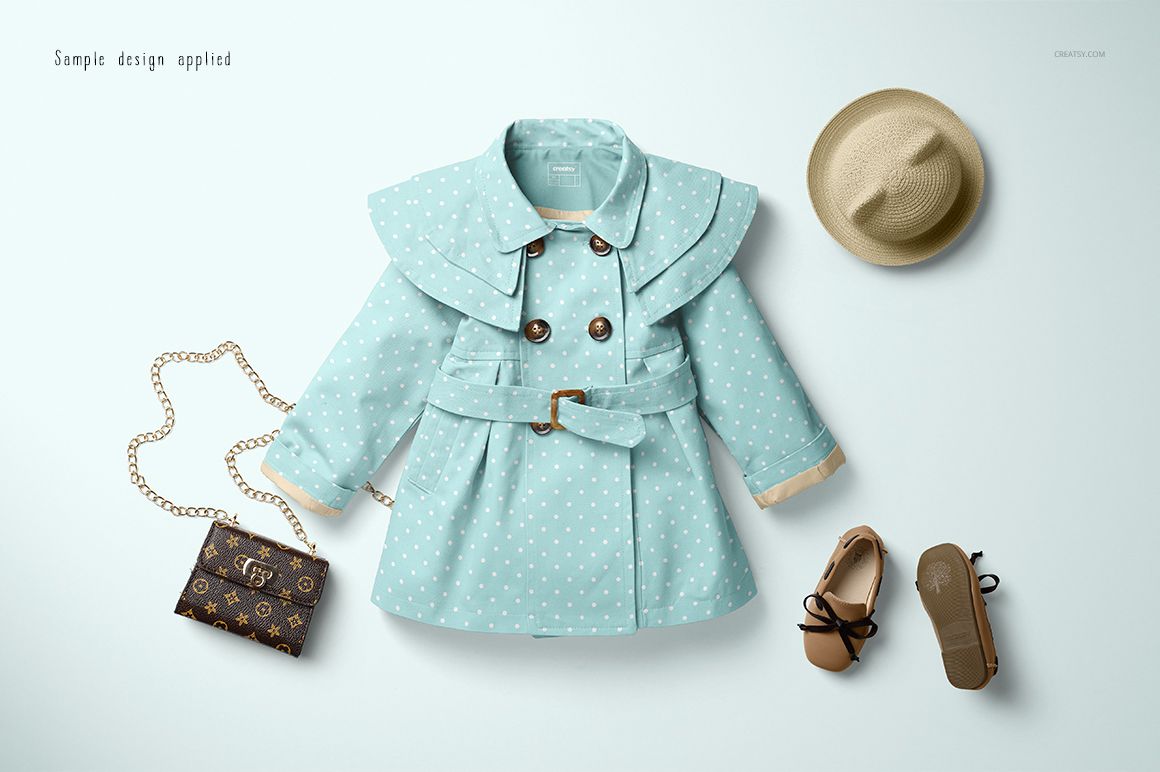
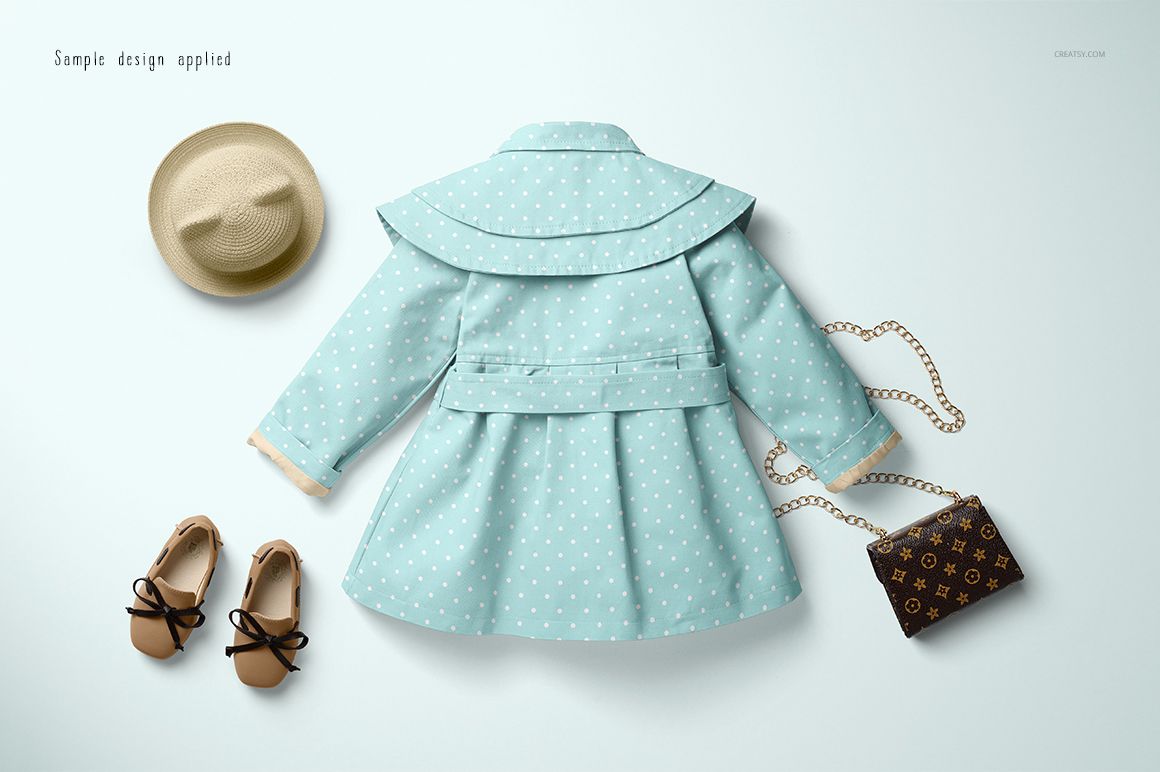
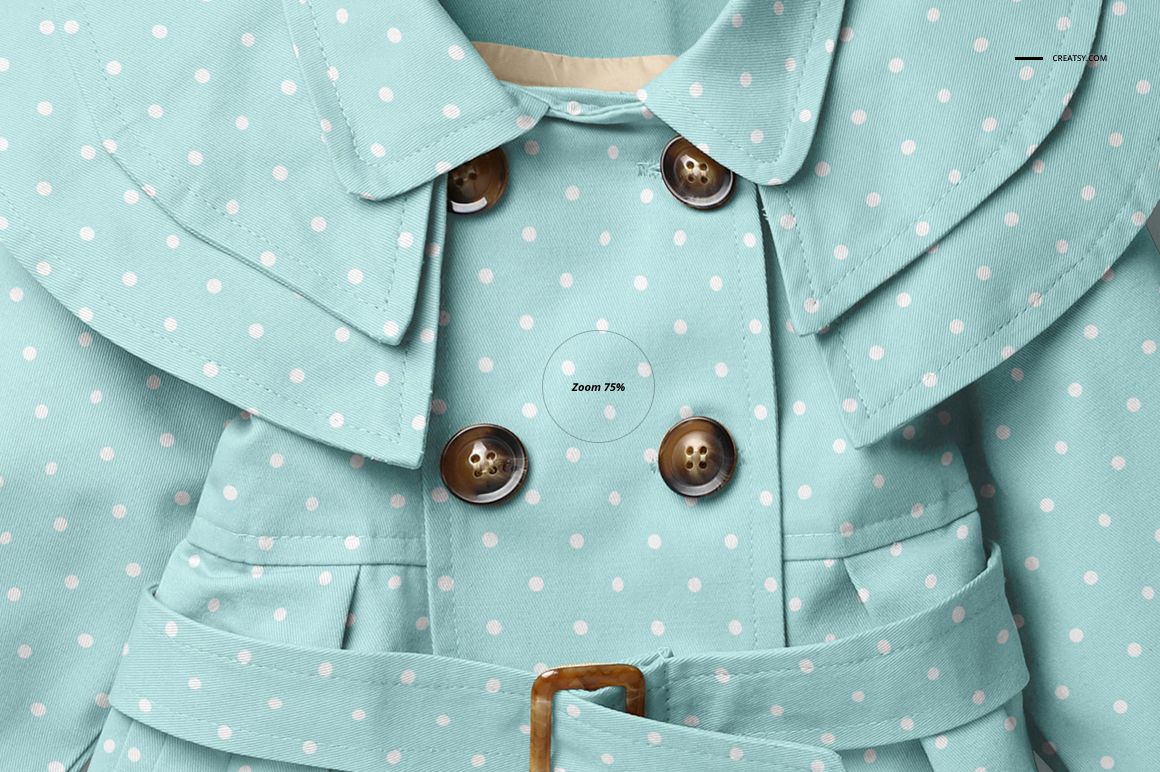
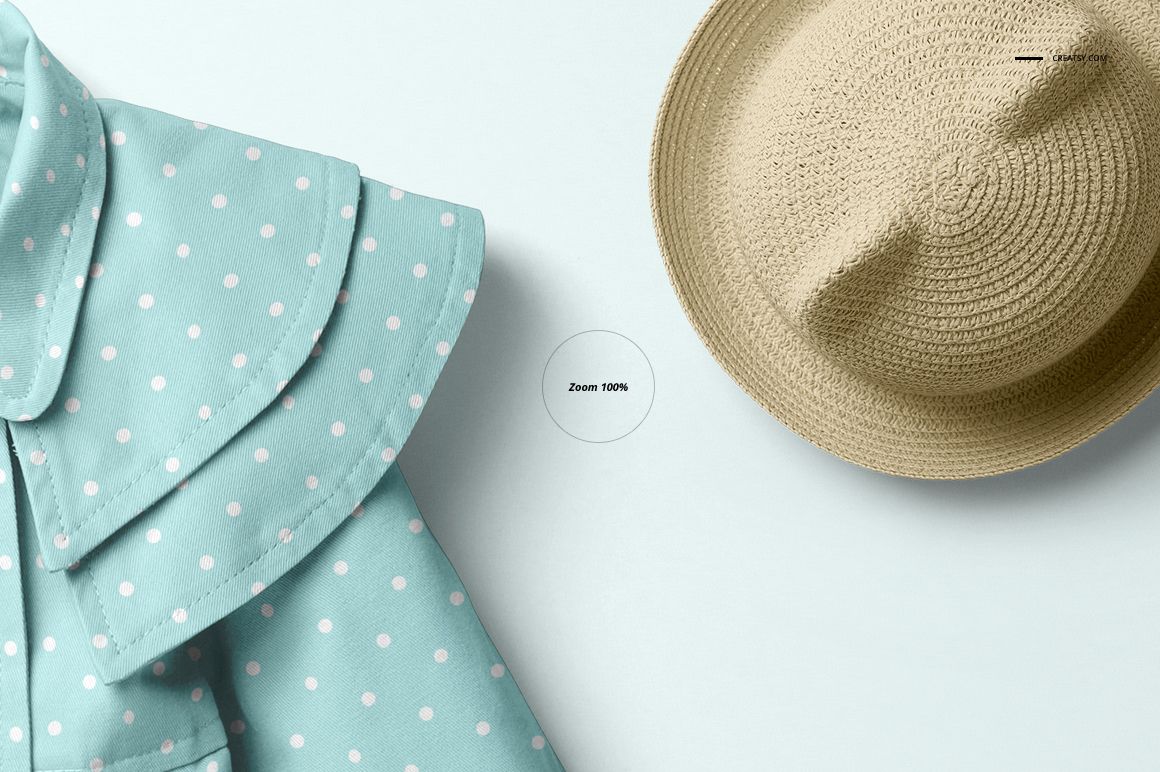
Present a baby coat with a layered shoulder cape, double-breasted fastening and buckled waist belt. Two flat lay scenes show the front and back, including the flared lower shape and the cape detail across the shoulders.
A distinctive outerwear silhouette
Rounded collar and overlapping cape panels frame the front fastening.
The belt defines the waist, while folds below it show how your pattern reads on a shaped garment.
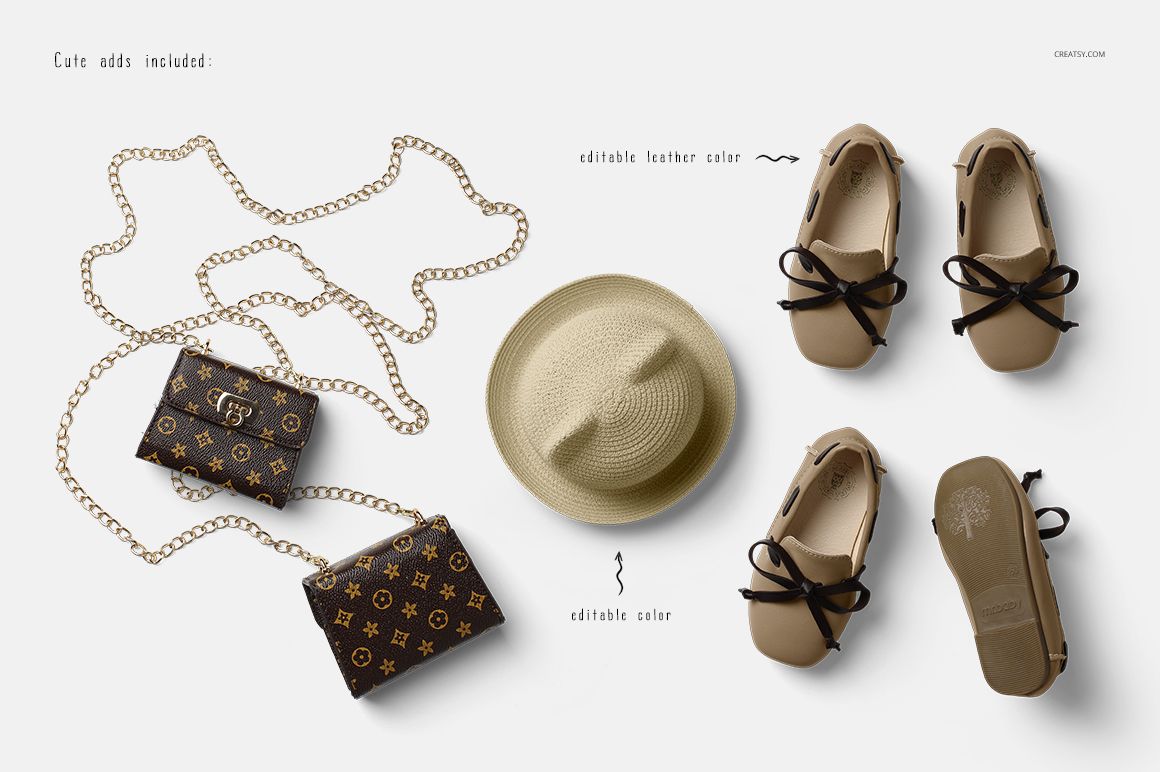
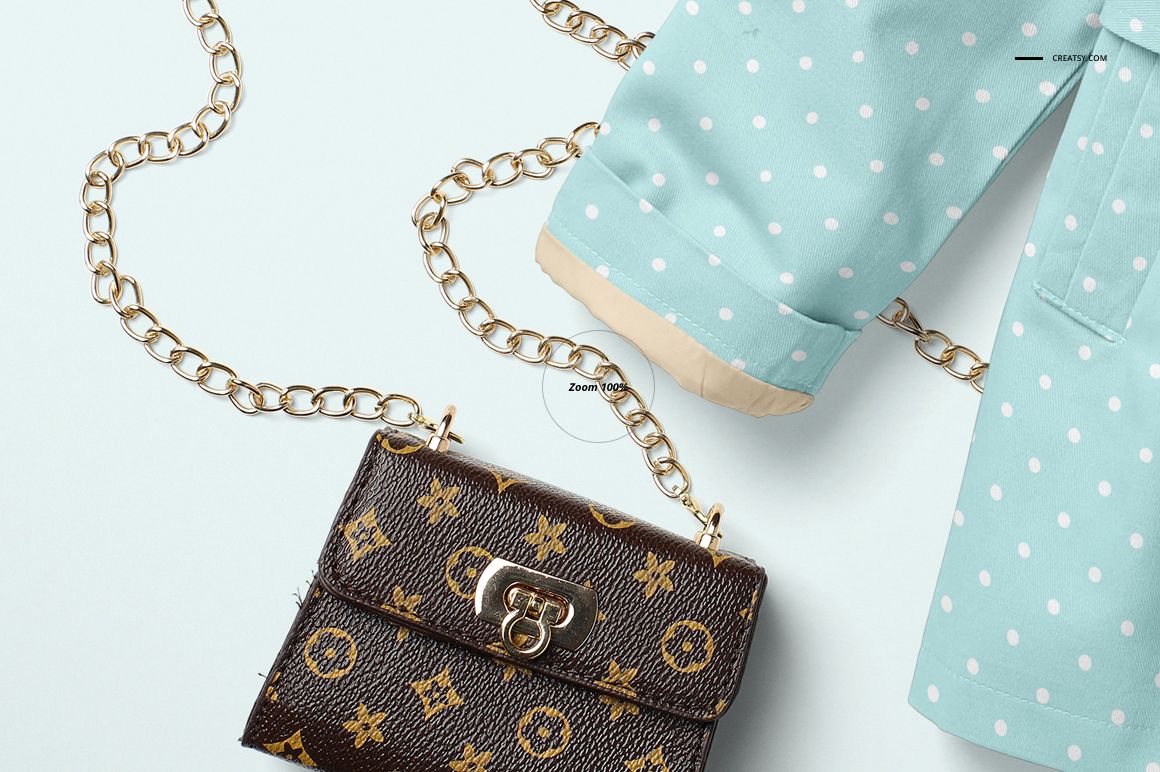
Included styling elements are a straw hat, bow shoes and a small chain-strap bag. The preview confirms editable hat color and shoe leather color.
Explore your coat design
Replace the artwork through Smart Objects and develop garment palettes using color layers. Check print scale across the cape and coat body, then use both views for outerwear design proposals and babywear collection previews.
Included files
2 layered PSD files, 5000 × 3500 px at 300 DPI.
6 JPG files: 2 scene previews, an overview and 3 wooden backgrounds.
1 PDF guide.
This is a digital mockup download. Physical clothing and accessories are not included. The sample artwork shown in the previews is not supplied; add your own designs.
File details
- Compatibility
- Package size
- 922 MB
|967 MB
- Files type
- .psd, .jpg, .pdf
- Files size
- 5000x3500


Made with Creatsy
Real designs. Real customers. See how creatives use Creatsy mockups to turn their artwork, branding, and product ideas into polished visuals.
MEET THE SHOP
- $2040$24.00
- $2040$24.00
- $1615$19.00
- $1615$19.00

HOW IT WORKS
3 clicks. That's it.
No tutorial needed. If you can copy-paste, you can use this.
- 1OpenDouble-click the smart object inside the PSD - in Adobe Photoshop, or free in your browser with Photopea.
- 2PasteDrop in your pattern, print, or artwork. Any design, any style.
- 3SaveHit save and the mockup wraps it in for you - shadows, folds, and lighting included.
FROM IDEA TO IMAGE
Built for real workflows
Skip the photo shoot Show your artwork on the real product type for approvals or listings - no studio, no model, no sample.
See it on the product, not a swatch Drop your file into the smart object and the scene's lighting and folds wrap around it, so you judge the real thing before you commit.
Smart Objects
Edit once and you're done. Your artwork drops into a smart object and the mockup updates itself - no masking, no warping by hand.
Perfectly Organized
Named layers and folders you can actually navigate. Find what you need, change what you want, and get out fast.
Print-Ready
High-resolution files built to hold up on screen and in print. Exact size and DPI are in this product's Details above.