ID: 1365803349 | Updated: May 31, 2022

Product Details

Two Views of One Garment

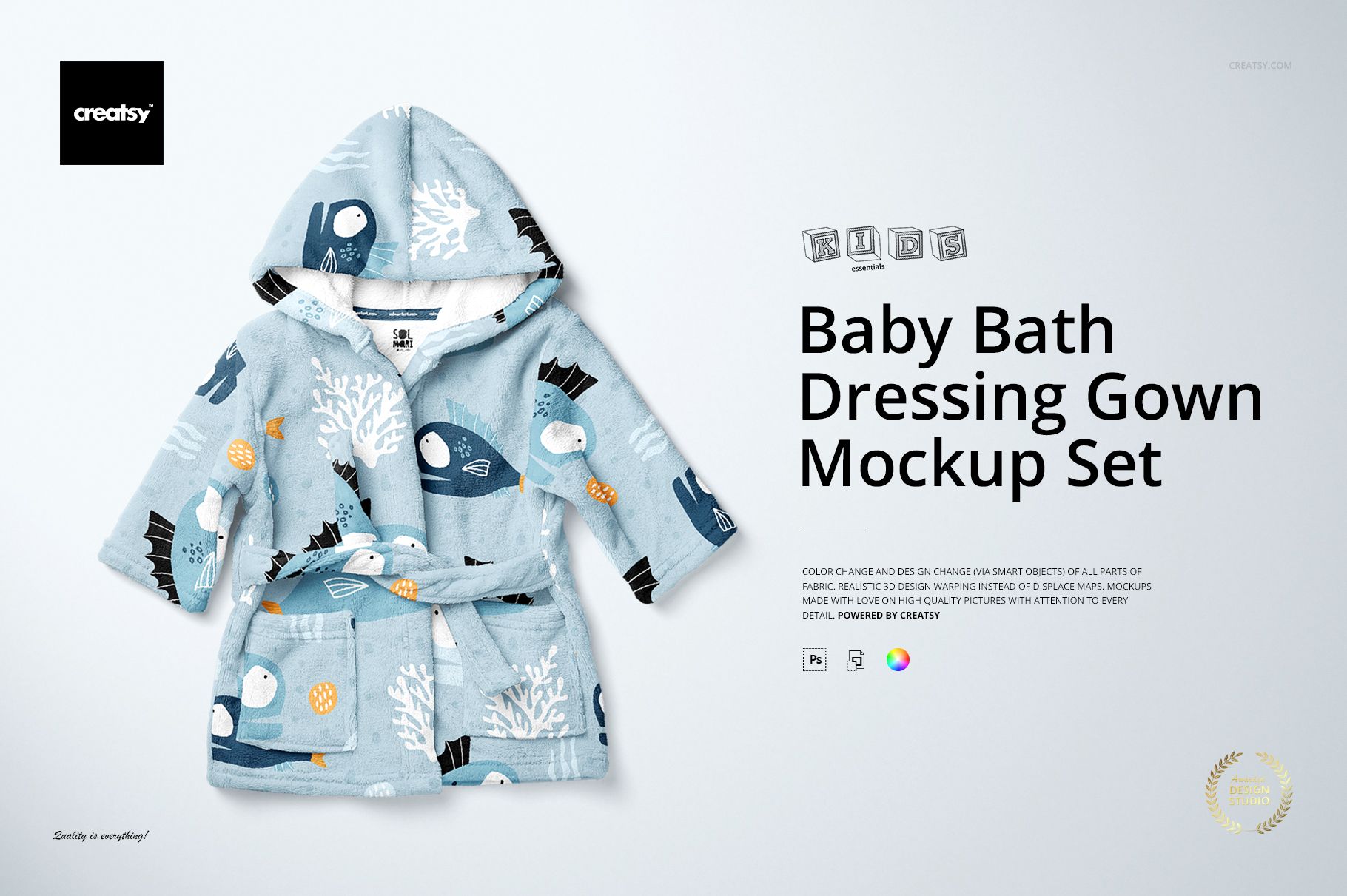
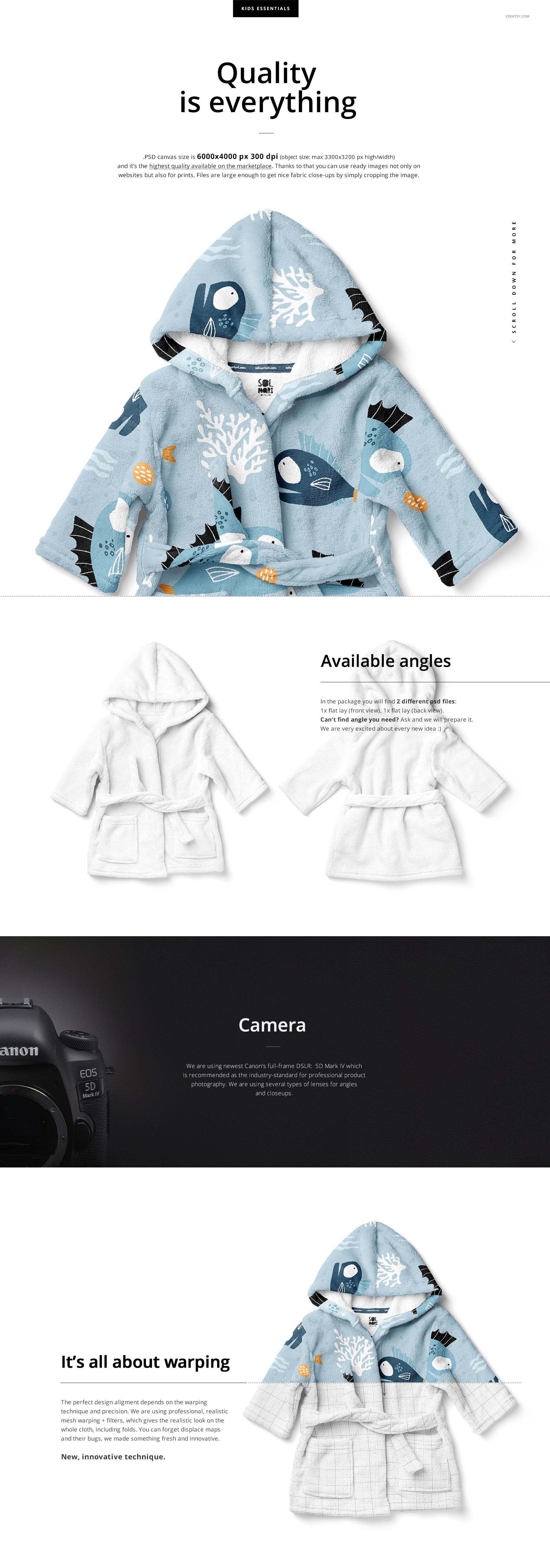
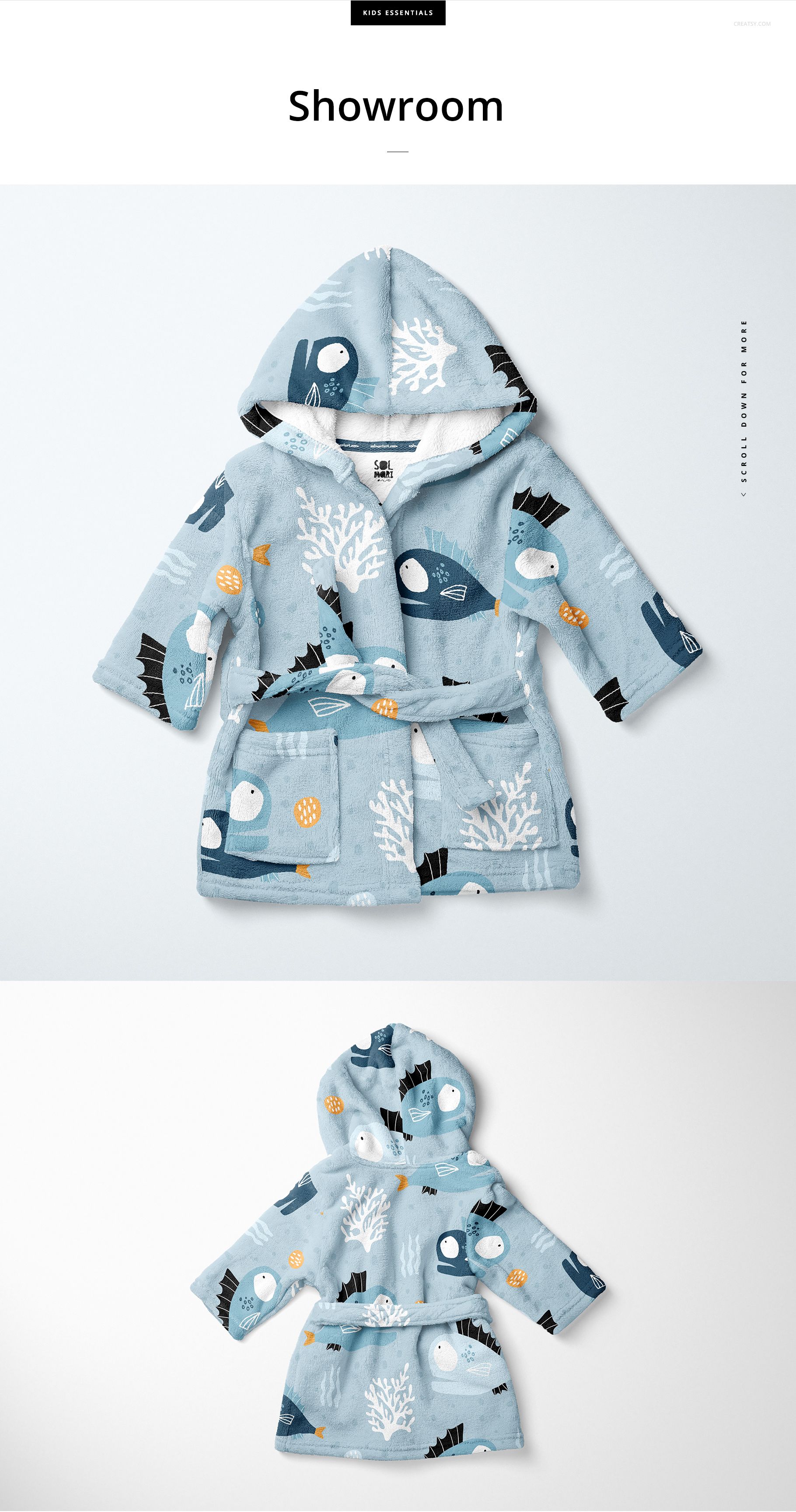
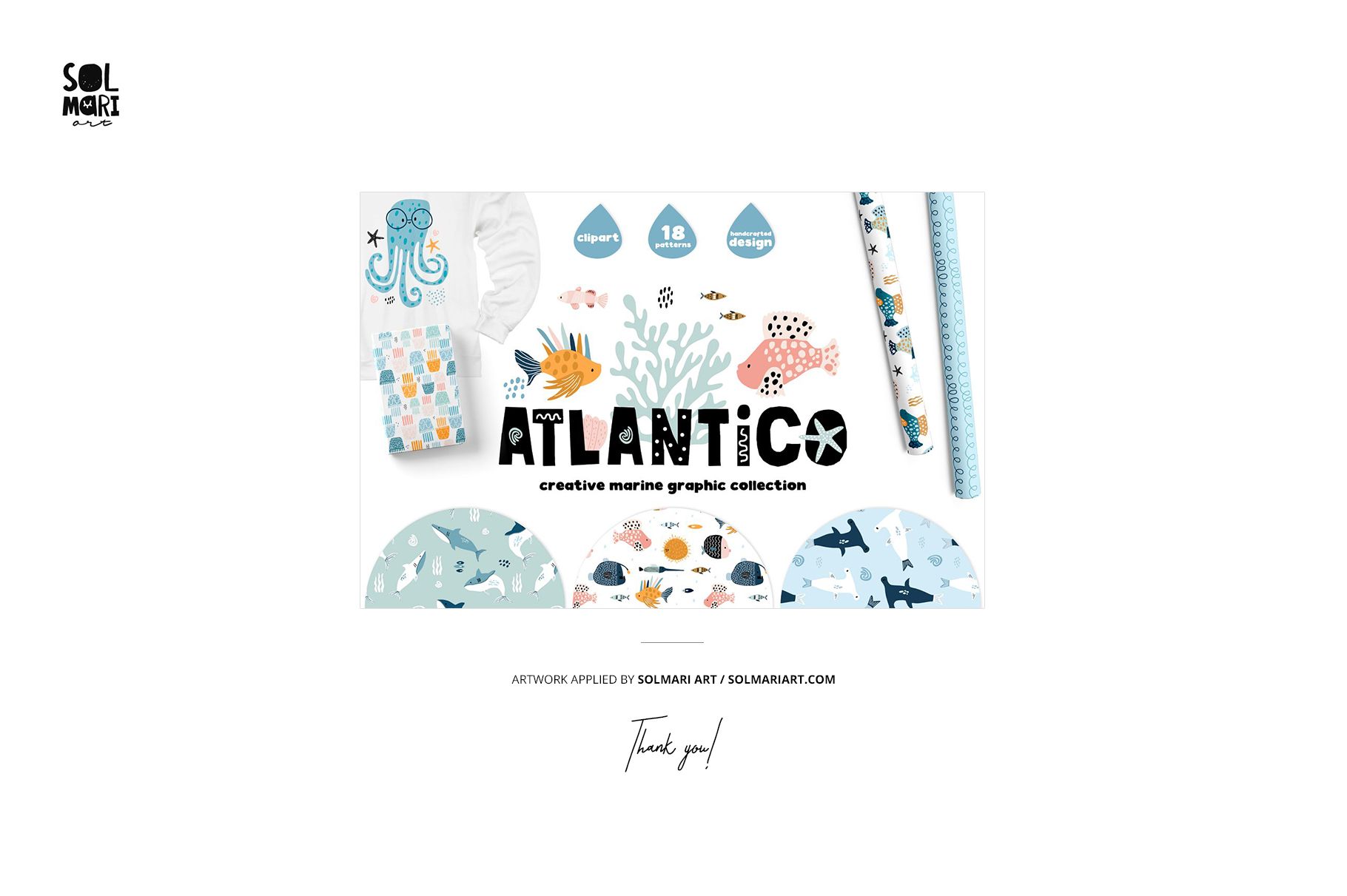
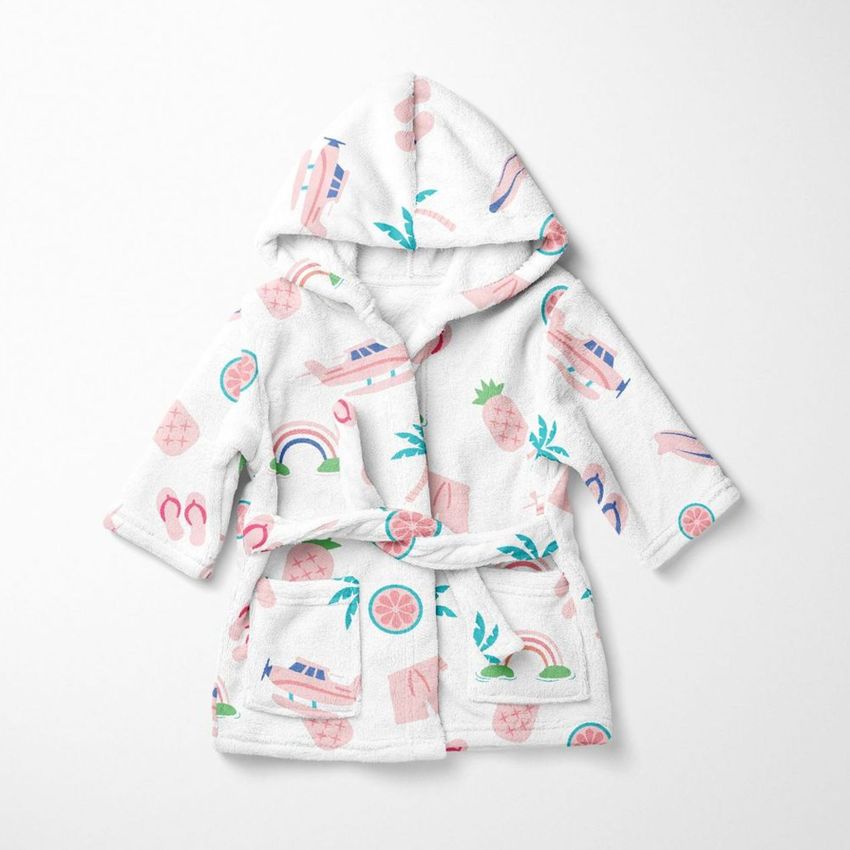
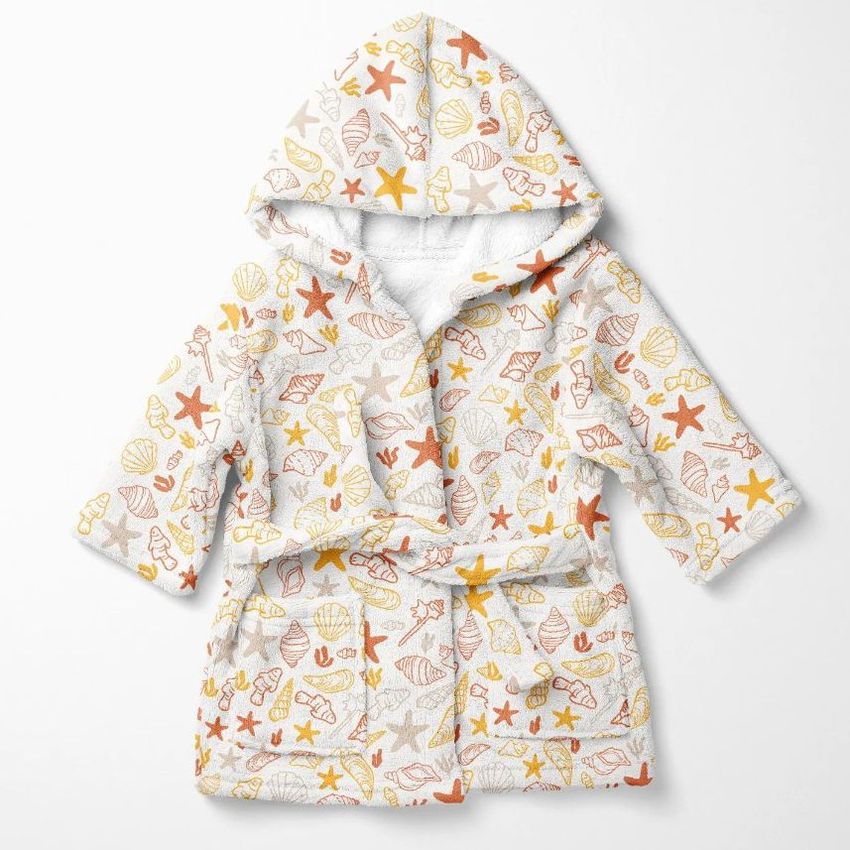
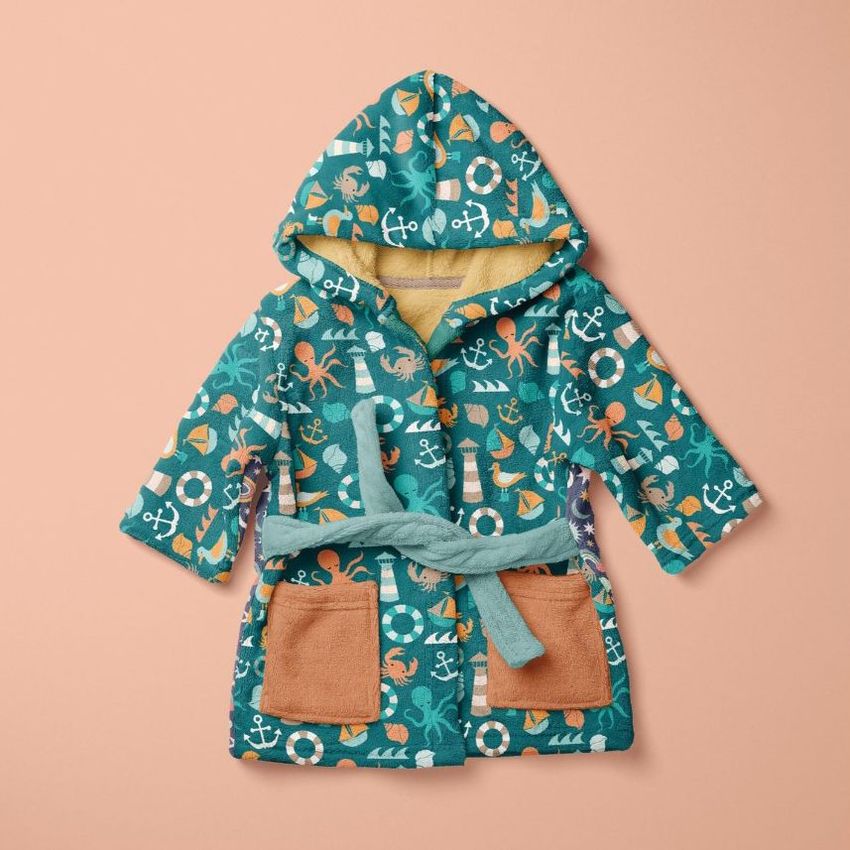
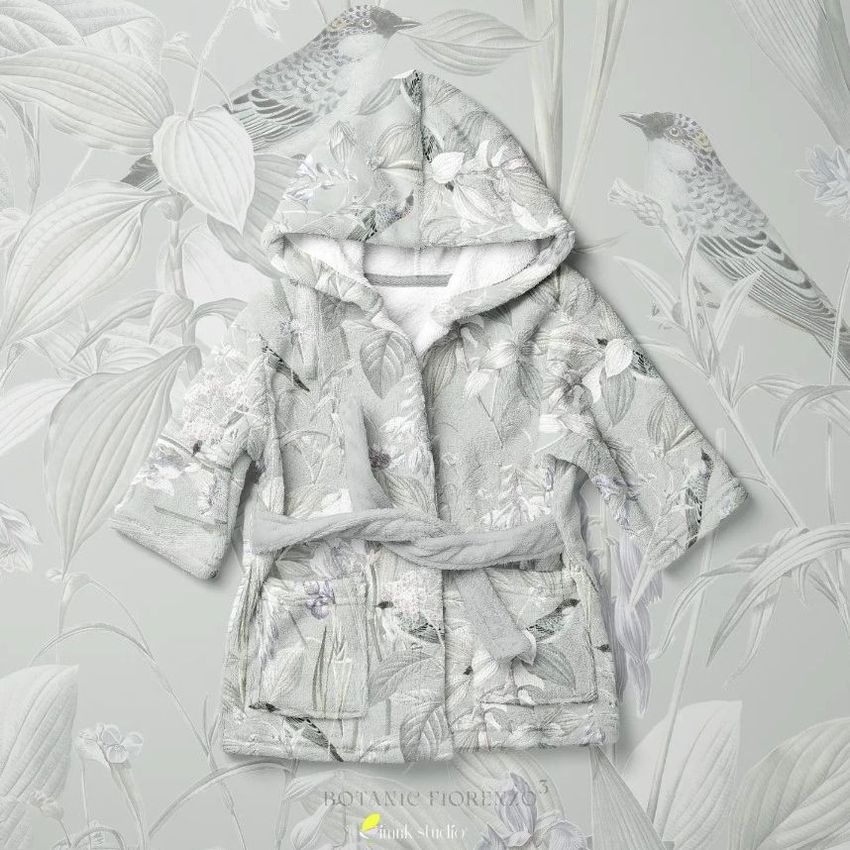
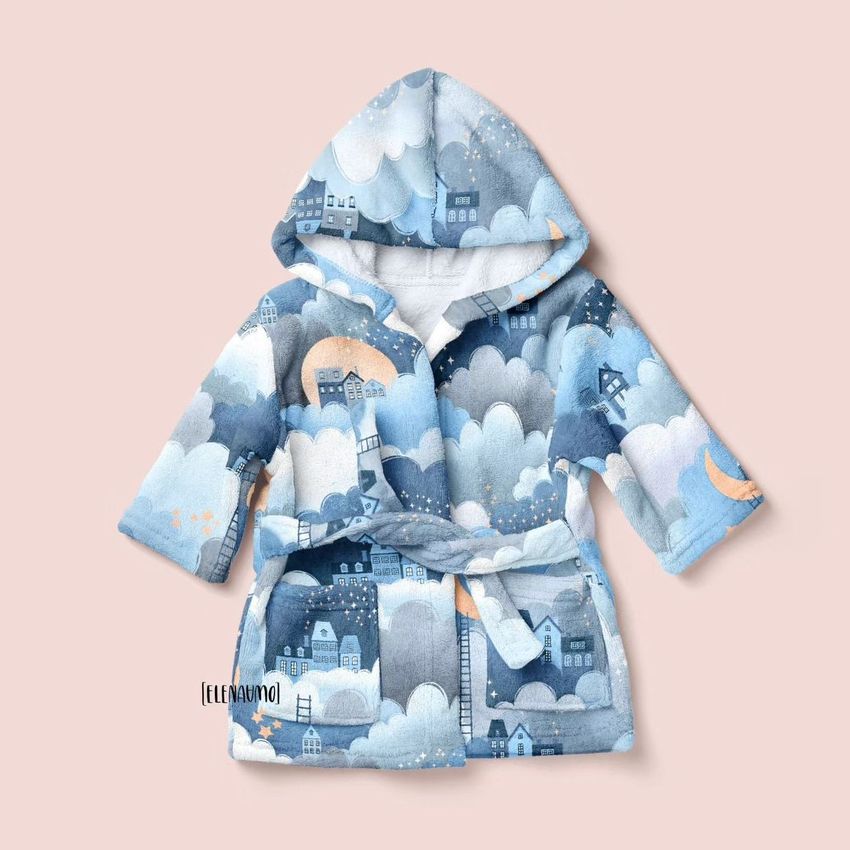
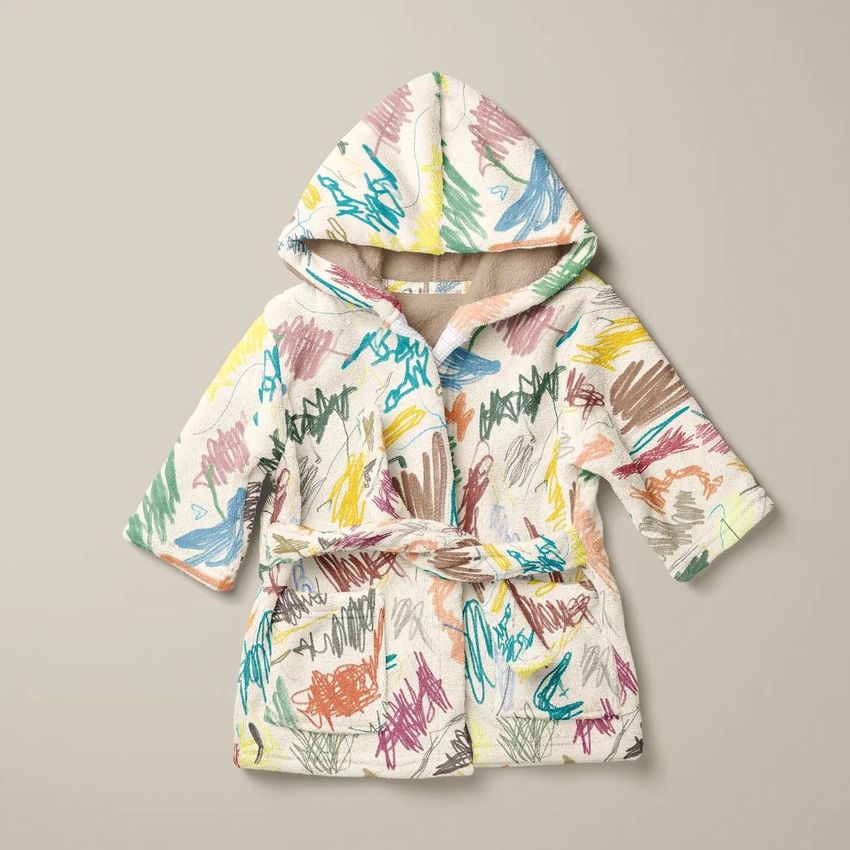
This mockup set contains two PSD files showing a baby bath dressing gown - a hooded robe designed for infants after bath time. One file presents the gown from the front, the other from a different angle, giving you two distinct product shots from a single purchase. Both files share the same garment, so your pattern or color scheme appears consistent across views without any alignment work on your end. Each PSD is 6000 by 4000 pixels at 300 DPI, large enough for e-commerce listings, printed catalogs, and wholesale pitch materials. The catalog number 7/KEv.1 identifies this specific garment shape within the Creatsy baby clothing library. Example artwork shown in product screenshots is by Solmari Art and is not included in the download - this product is a mockup intended for you to add your own designs.

What You Can Edit

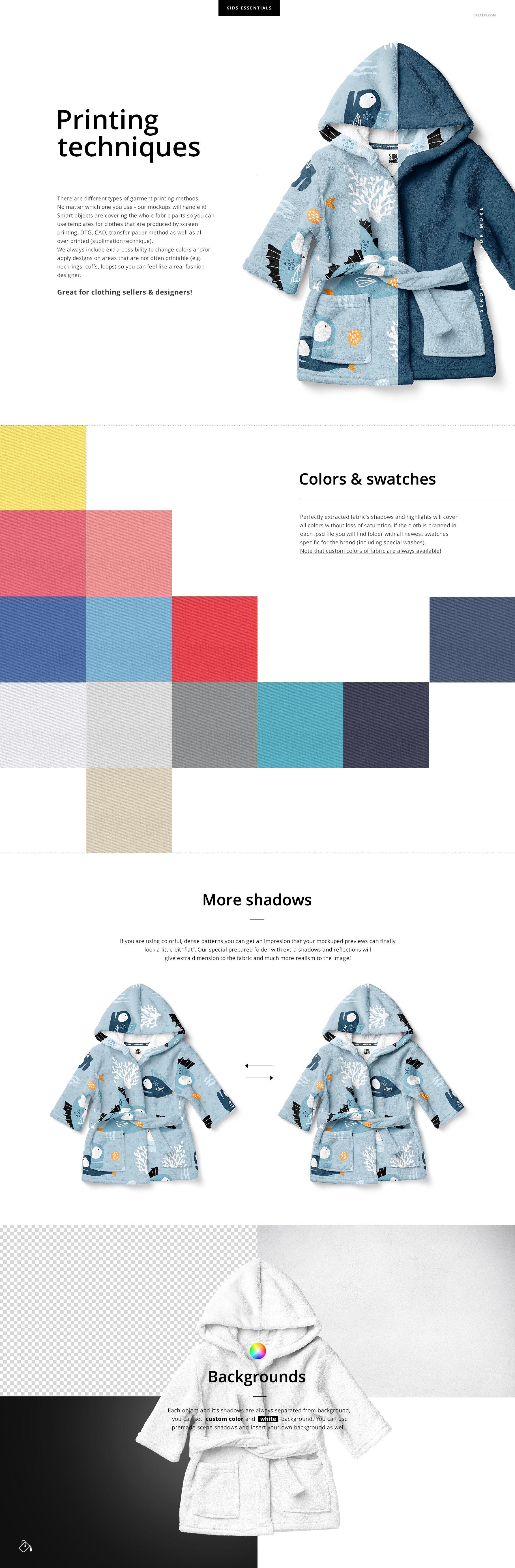
The dressing gown surface accepts your pattern through a smart object layer. Place a repeating tile, an allover print, or a single placement graphic and the mockup wraps it around the garment with realistic fabric folds, seam lines, and shadow behavior. A separate color layer lets you change the base fabric color independently of the pattern, which means you can test the same floral design on white terry cloth, pale pink, mint green, or any other base tone without modifying your artwork file. The hood lining, trim, and binding details are adjustable through their own layers, so you can present a fully coordinated color story rather than a pattern floating on a default white garment.

The Parent Test

Parents shopping for baby clothing online make purchasing decisions based on how the product looks on or near the actual garment shape. A flat pattern swatch tells them nothing about how the design will look on a tiny hooded robe with gathered seams and a belt tie. This mockup gives your pattern the three-dimensional garment context that drives purchasing confidence. The baby bath gown is one of the few infant garments where the full surface area is visible at once - no folding, no layering under other clothes - which makes it an ideal canvas for showcasing bold, allover prints that would be partially hidden on other garment types.

For Pattern Designers Who License

If you sell or license surface patterns to baby clothing manufacturers, your portfolio needs to show each design applied to the actual product categories you are targeting. A manufacturer reviewing your work wants to see your rainforest print on a baby bath gown, not on a generic rectangle. This mockup lets you build that product-specific portfolio page in minutes. Two angles per design, consistent lighting, professional garment shape - the kind of presentation that makes a licensing agent take your submission seriously.

Compatibility

This file requires Adobe Photoshop CC 2018 or newer. It does not support Photopea or other free PSD editors. The smart object and layer effect structure depends on Photoshop-specific rendering that free alternatives cannot reproduce accurately. Verify your software version before purchasing.

Specifications

File count: 2 PSD files. Dimensions: 6000 x 4000 pixels each. Resolution: 300 DPI. Color mode: RGB. Total download: 876.2 MB. Editable elements: garment surface pattern, base fabric color, trim and binding colors. Layer structure: organized groups with labeled smart objects. Minimum software: Adobe Photoshop CC 2018.

File details

Compatibility
PhotopeaAdobe Photoshop
Number of files included
5
Package size
876 MB876 MB|918 MB918 MB
Files type
.psd, .jpg, .pdf
Files size
6000x4000
TEST FOR FREE

Made with Creatsy

Real designs. Real customers. See how creatives use Creatsy mockups to turn their artwork, branding, and product ideas into polished visuals.

MEET THE SHOP

Creatsy logo

Creatsy

Poland
4.7 (648)

Bring your ideas to life.

We're a family-run studio in Katowice, Poland, making PSD mockups by hand since 2016. Everything in this shop starts in our own studio. We shoot the photography, build the 3D, and put together every Smart Object PSD ourselves - then we test it, organize the layers, and only ship it once it actually works...
GO TO SHOP

HOW IT WORKS

3 clicks. That's it.

No tutorial needed. If you can copy-paste, you can use this.

  1. 1OpenDouble-click the smart object inside the PSD - in Adobe Photoshop, or free in your browser with Photopea.
  2. 2PasteDrop in your pattern, print, or artwork. Any design, any style.
  3. 3SaveHit save and the mockup wraps it in for you - shadows, folds, and lighting included.

FROM IDEA TO IMAGE

Built for real workflows

Skip the photo shoot Show your artwork on the real product type for approvals or listings - no studio, no model, no sample.

See it on the product, not a swatch Drop your file into the smart object and the scene's lighting and folds wrap around it, so you judge the real thing before you commit.

Smart Objects

Edit once and you're done. Your artwork drops into a smart object and the mockup updates itself - no masking, no warping by hand.

Perfectly Organized

Named layers and folders you can actually navigate. Find what you need, change what you want, and get out fast.

Print-Ready

High-resolution files built to hold up on screen and in print. Exact size and DPI are in this product's Details above.