Linen Drawstring Pouch Mockup Set
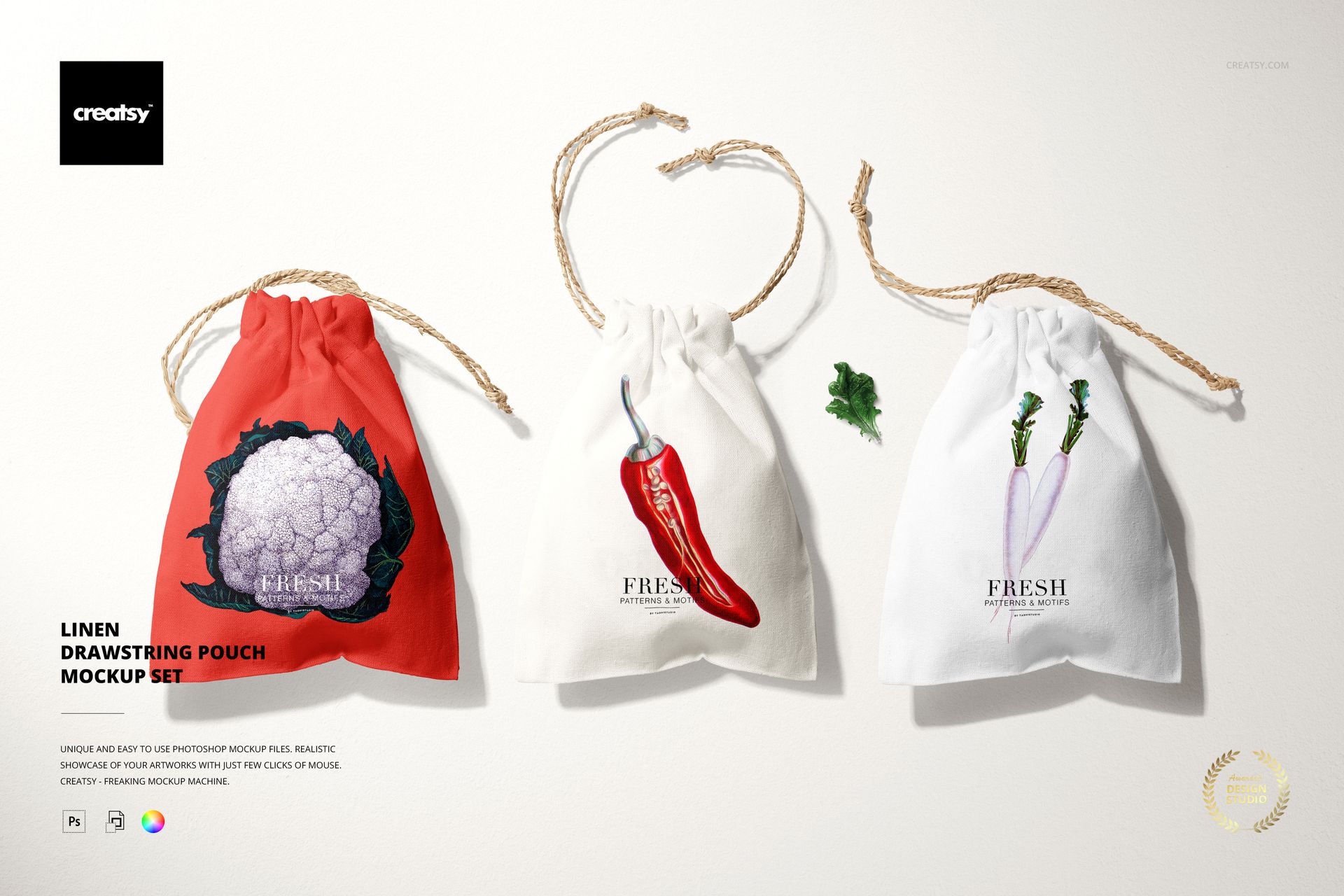
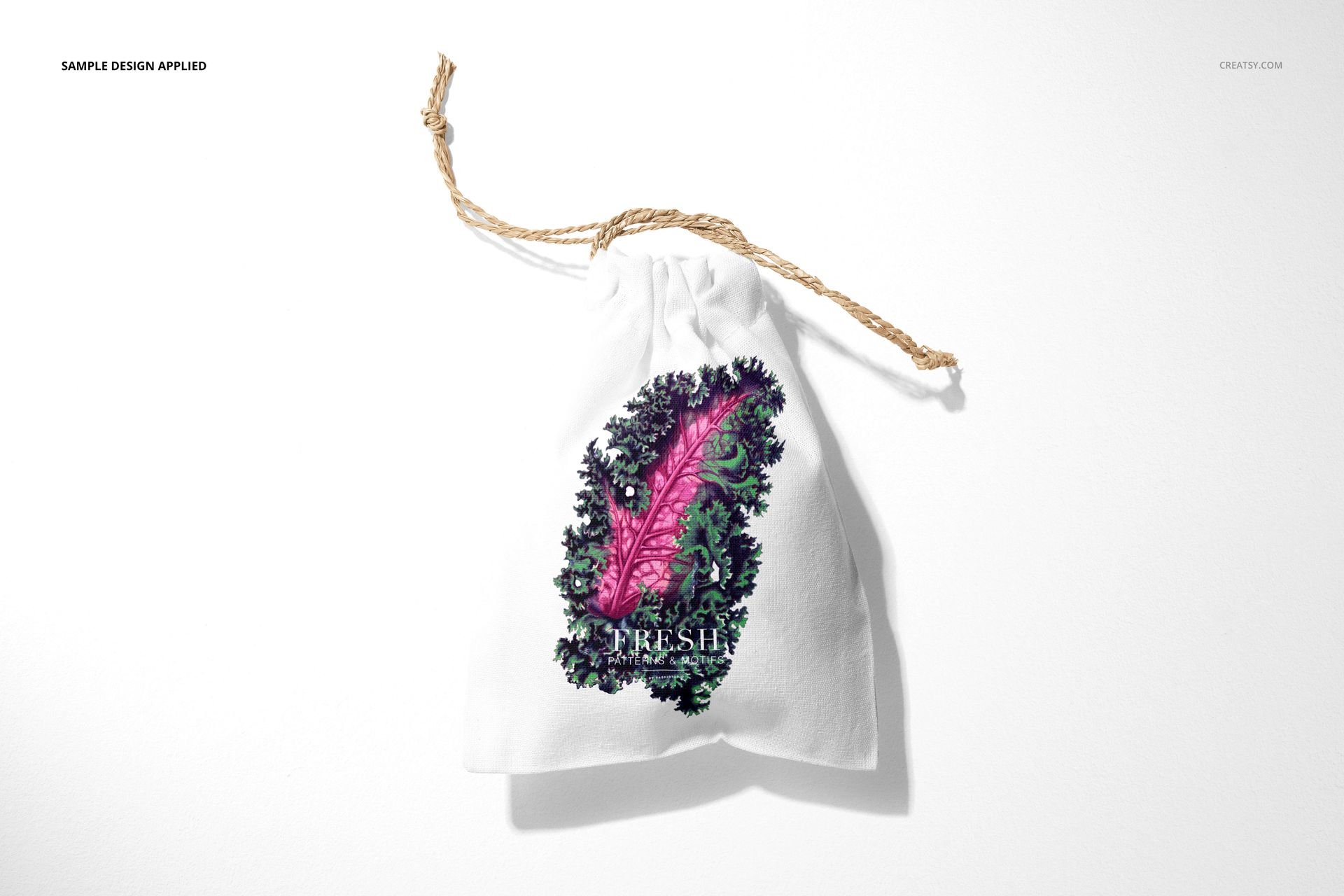
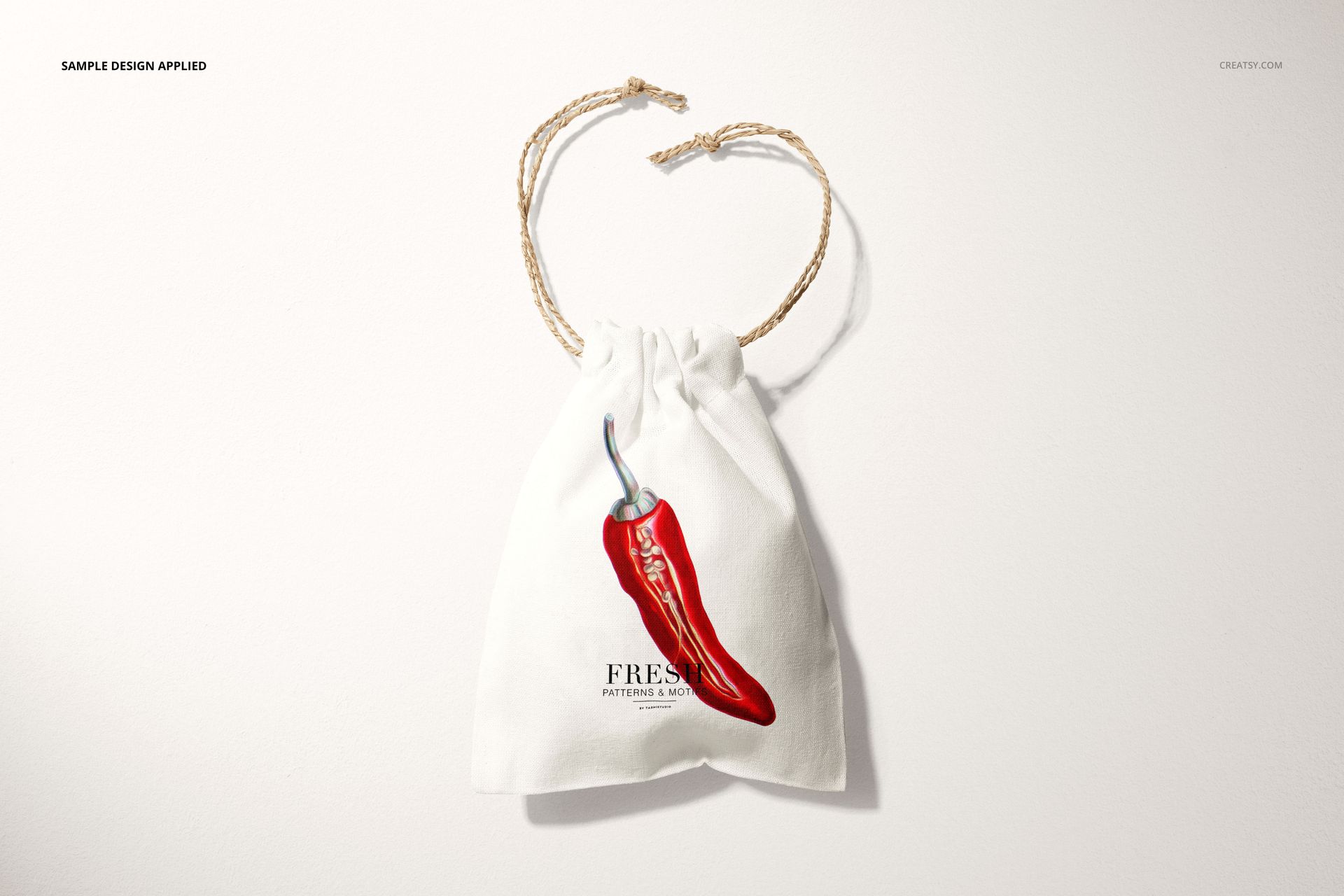
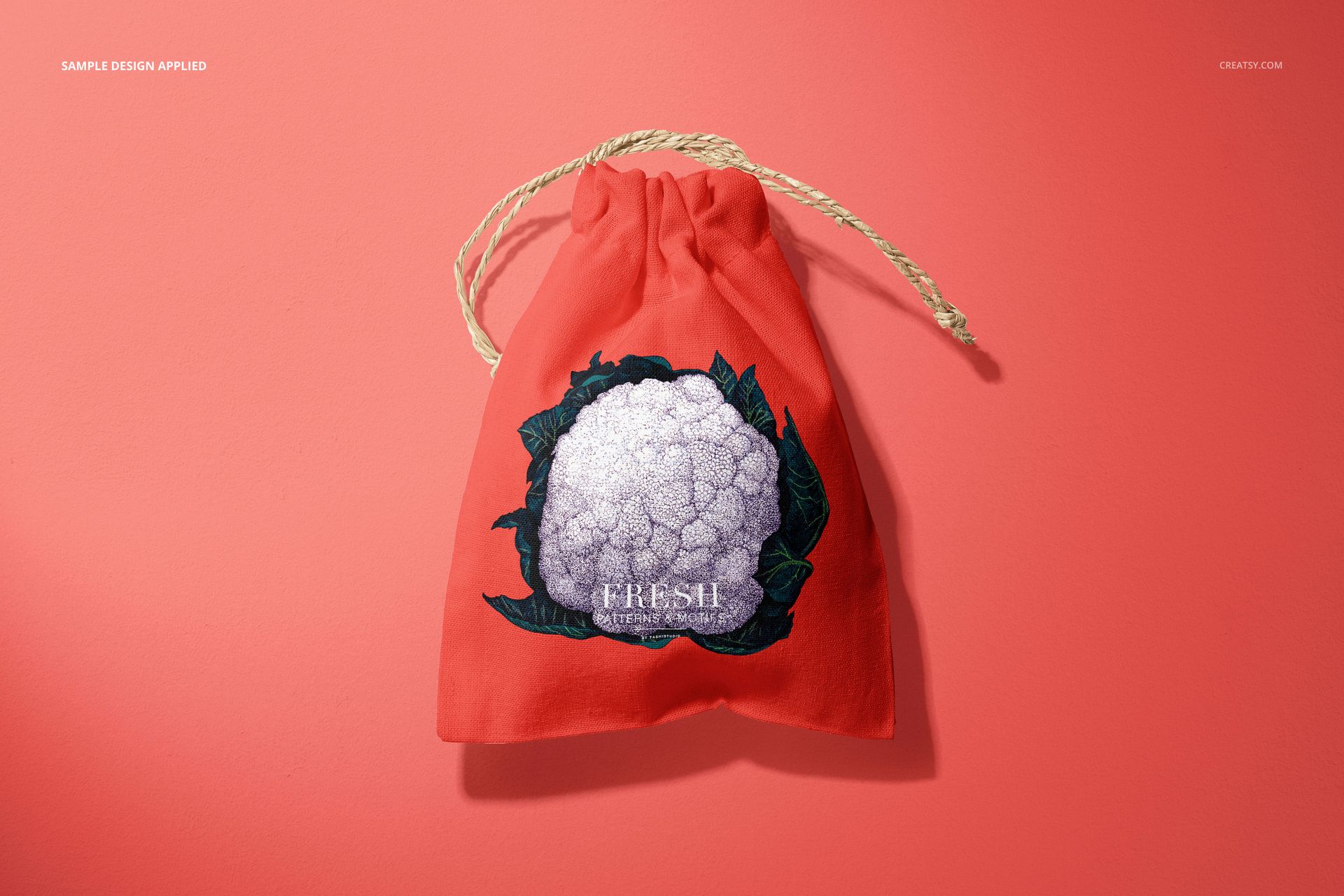
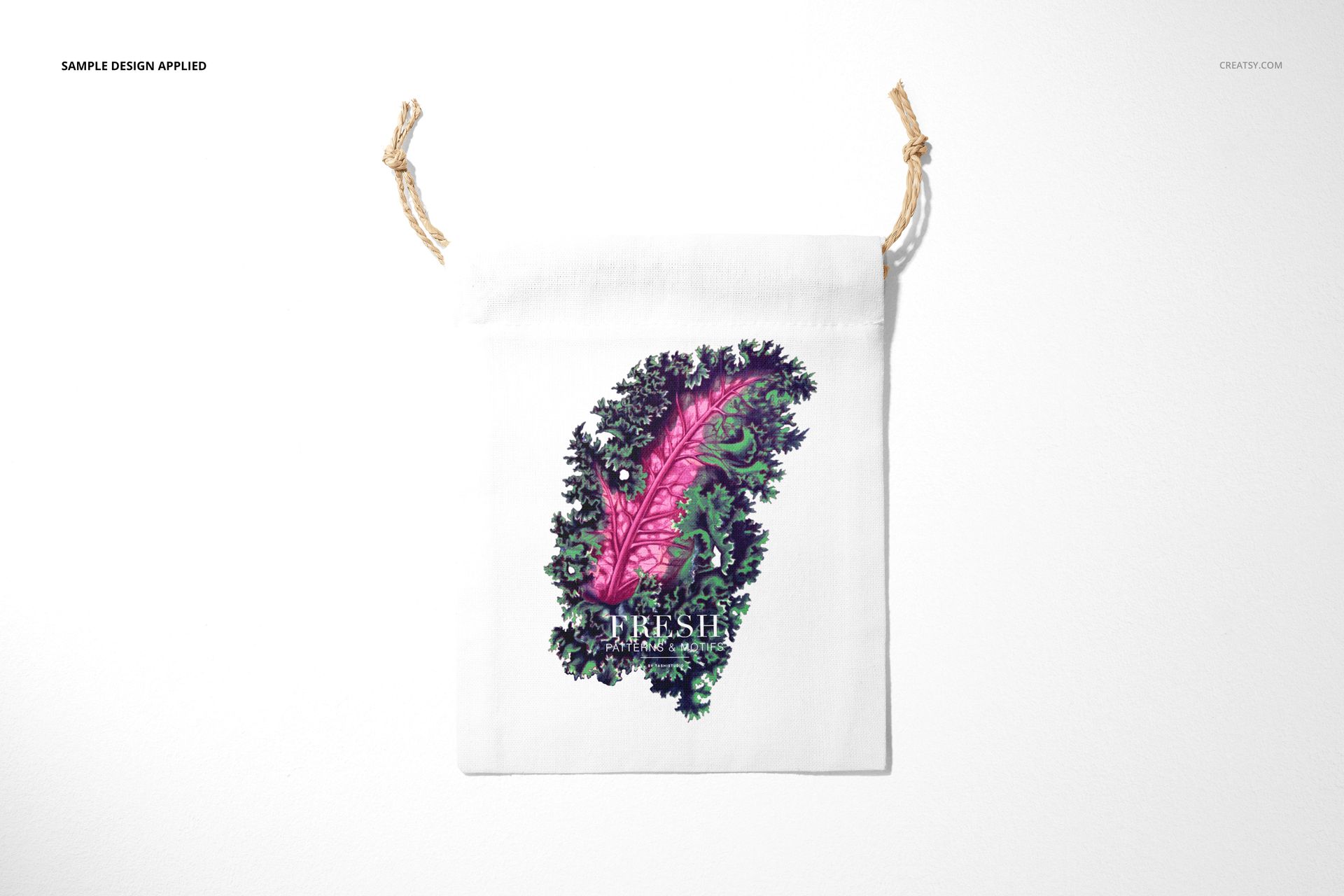
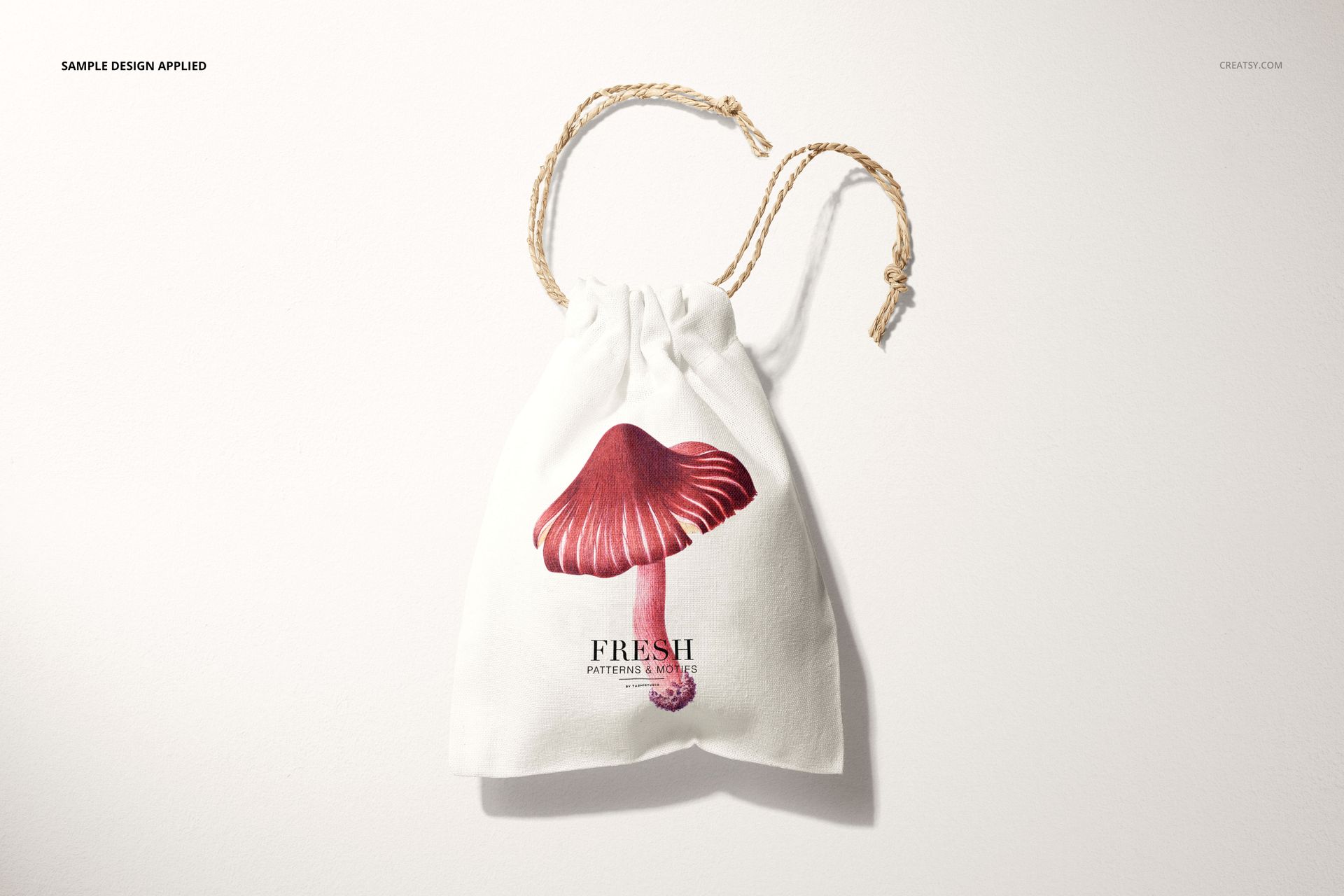
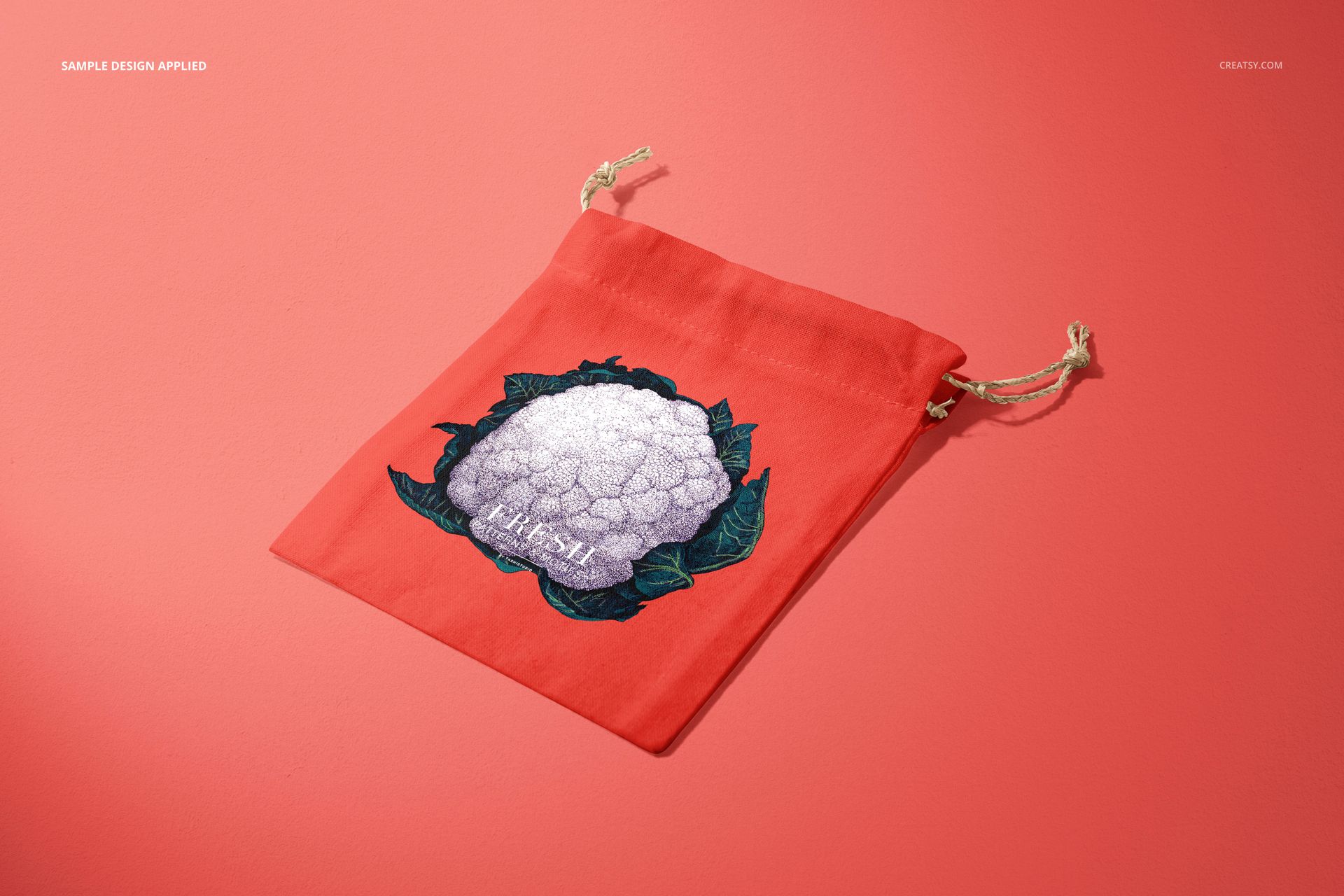
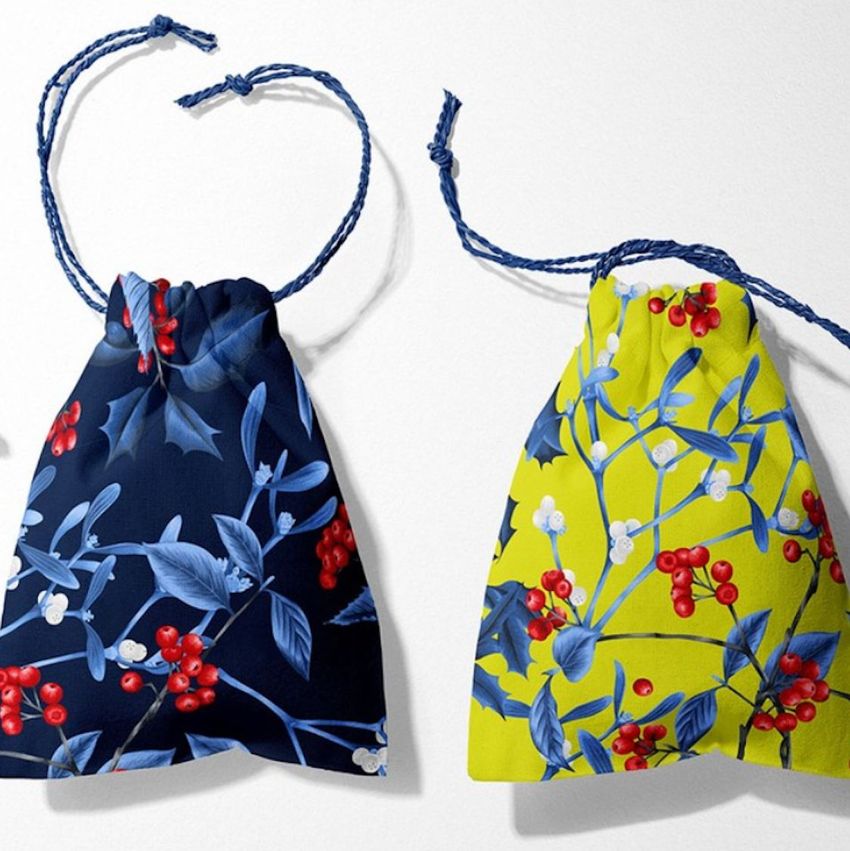
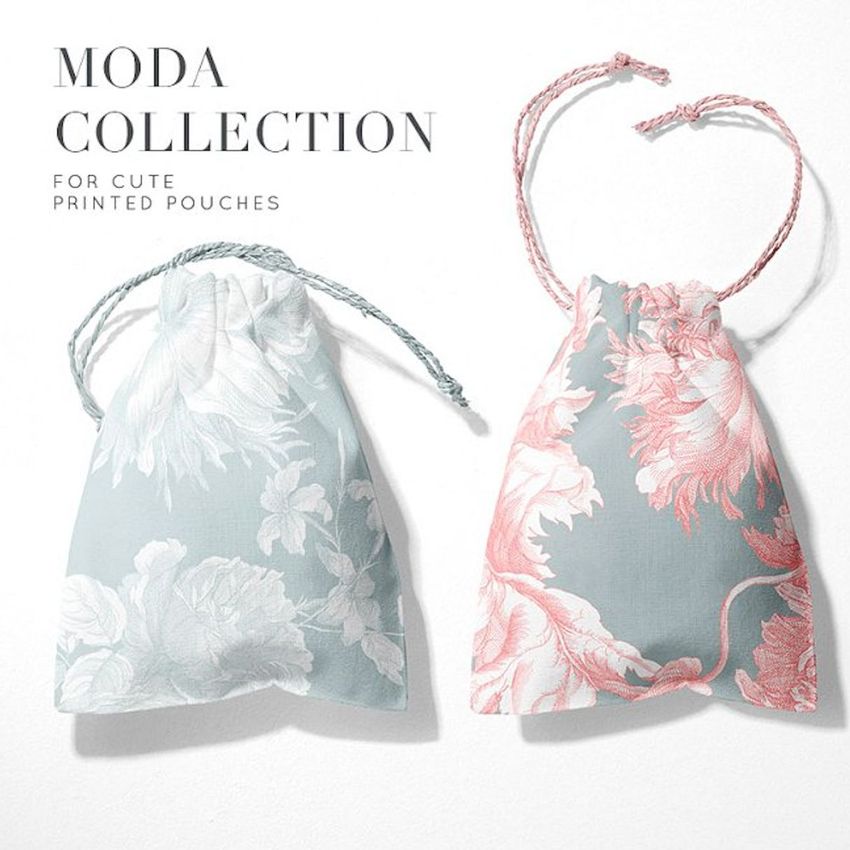
A print on flat fabric can look very different once the top of a pouch is gathered. This linen drawstring pouch mockup set lets you show both impressions, combining flat and cinched silhouettes with single-pouch views and group arrangements. Use the fabric texture, soft folds and twisted cords to give a gift packaging proposal more context than a flat artwork swatch.
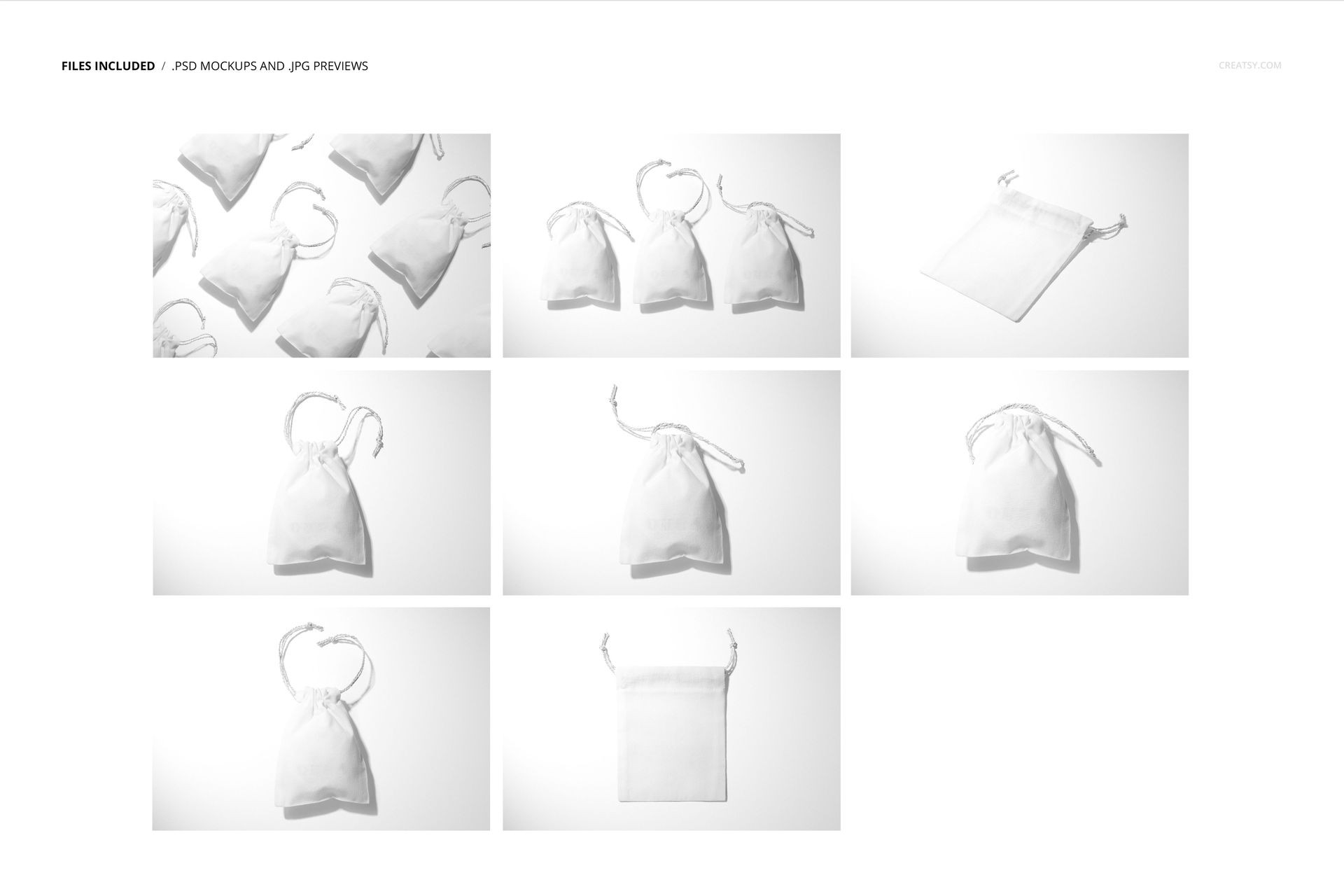
Eight Views for Fabric Gift Packaging
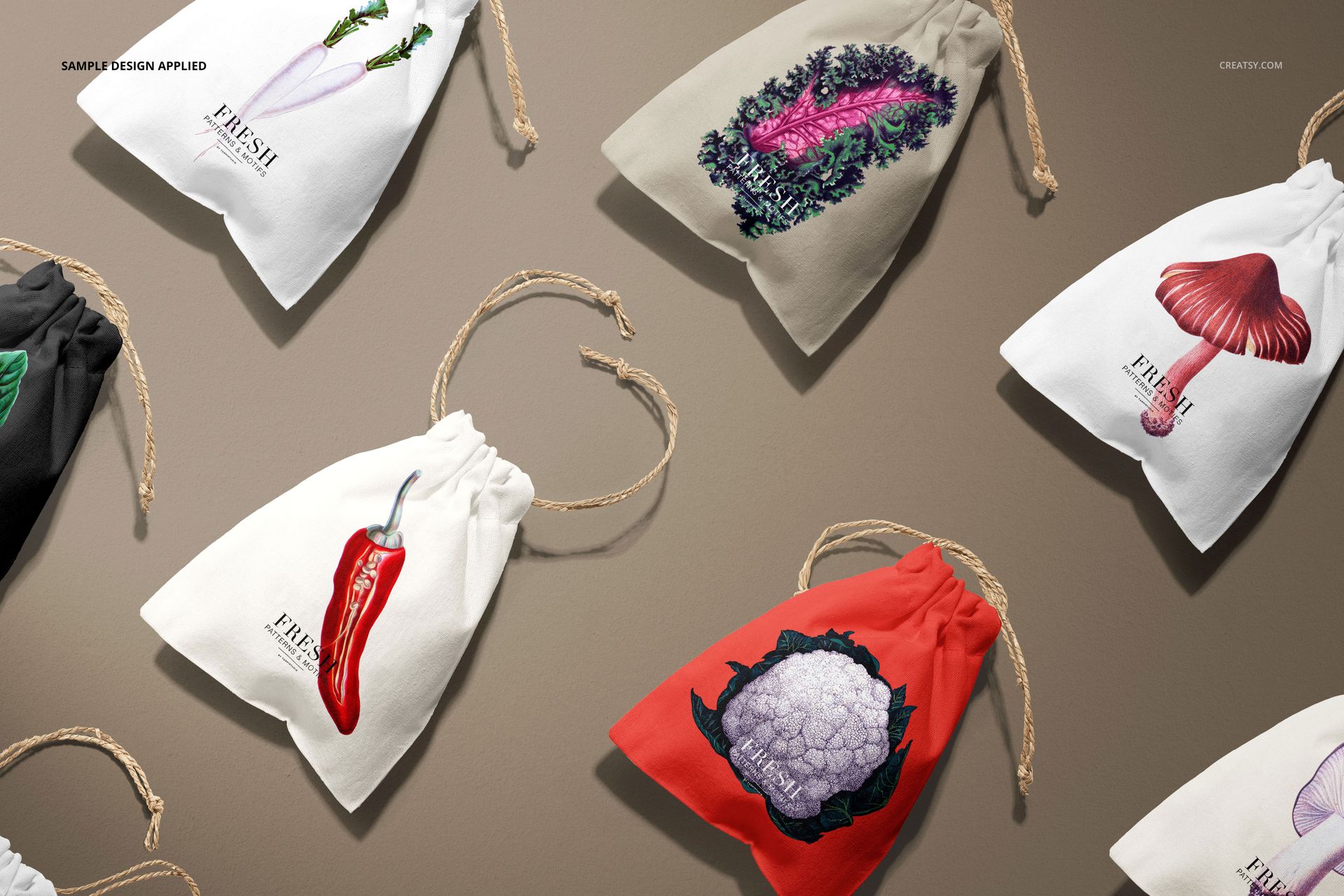
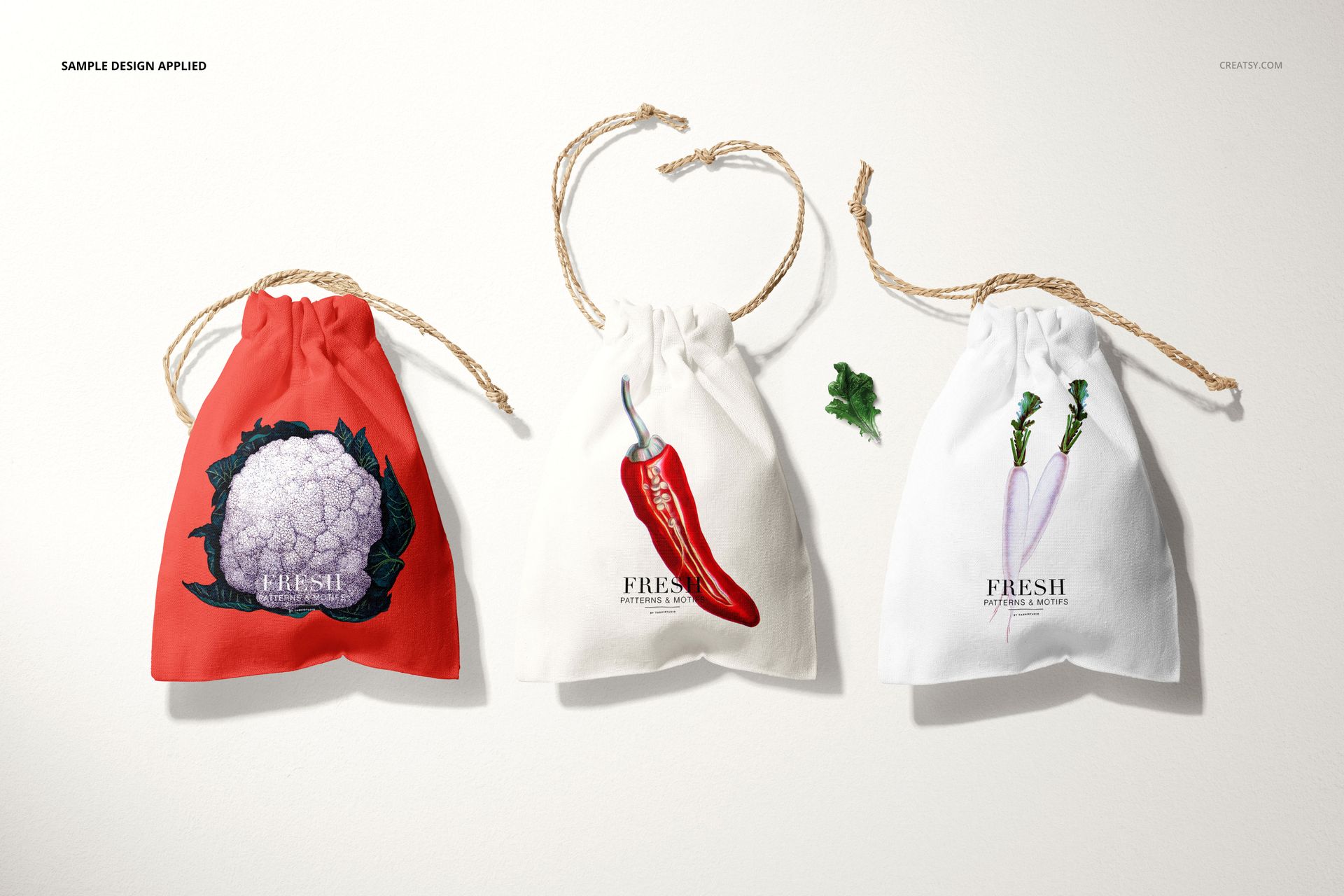
Compare an illustration on an uncinched pouch with the same design on a fuller, gathered shape. The group scenes let you present related motifs and fabric colorways together, while individual views make it easier to inspect the placement of a logo or a central illustration.
What Is Included
8 layered PSD mockup files, each 6000 × 4000 px at 300 DPI.
8 JPG previews and 1 PDF user manual, 17 files in total.
Single-pouch scenes plus a three-pouch composition and a scattered group arrangement.
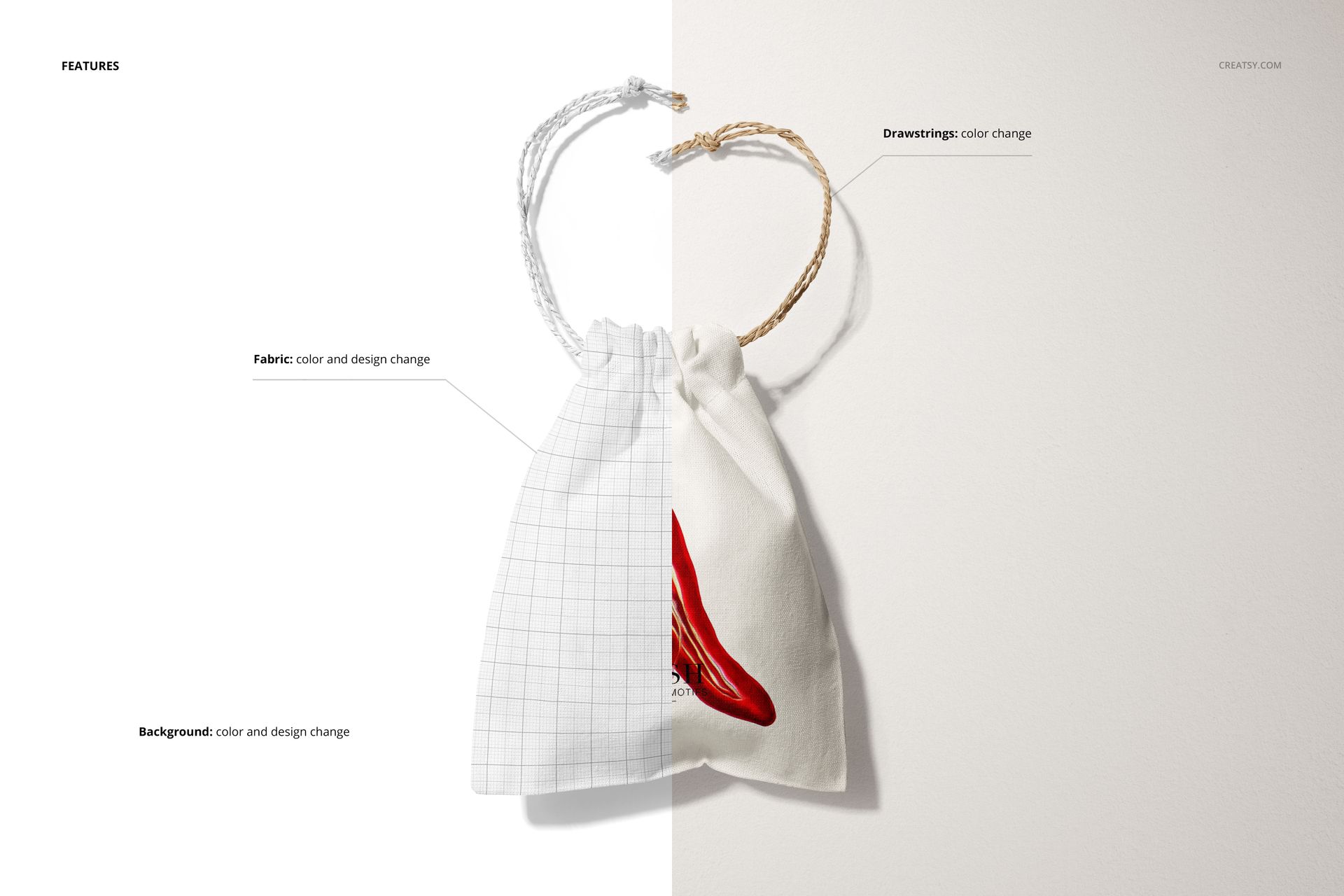
Smart Object artwork editing, fabric and drawstring color controls, and customizable backgrounds.
Fabric Artwork and Cord Color
Replace the design on the fabric and adjust its base color. Change the drawstring color to coordinate with a print or provide a contrasting accent. Choose between the supplied flat and cinched scene views when you need a different pouch silhouette.
Easy Smart Object Editing
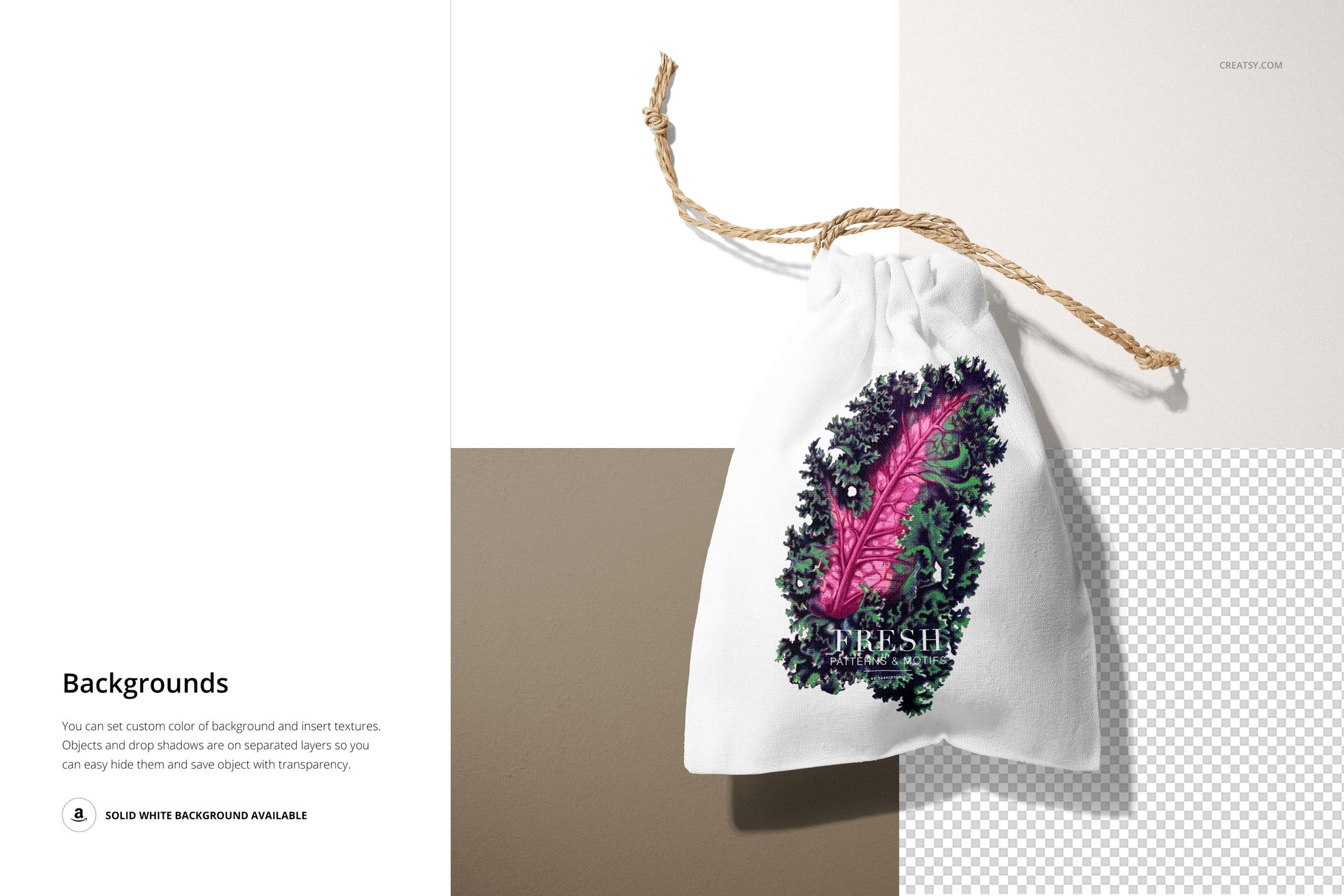
Open a PSD in Adobe Photoshop CC 2015 or newer. Insert your artwork into the relevant Smart Object, save it and return to the scene. Refine fabric, cord and background colors, or insert a background texture. Objects and drop shadows are on separate layers, so you can also prepare a transparent-background export.
Perfect For
Designed for surface pattern portfolios, illustrated gift pouches, boutique accessory packaging, jewelry packaging proposals and wedding favor concepts. Choose one motif-led pouch or develop a coordinated collection across the group scenes.
Digital mockup files only. Physical pouches and the sample artwork shown in the previews are not included.