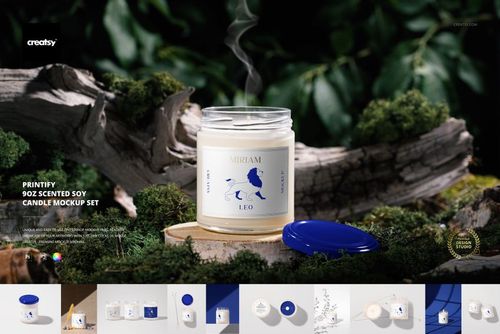
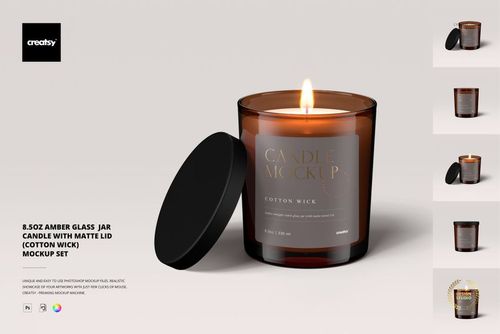
Cotton Wick Candle with Box Mockup

ID: 1322418517 | Updated: Jun 8, 2022

Product Details

Cotton Wick Candle Mockup

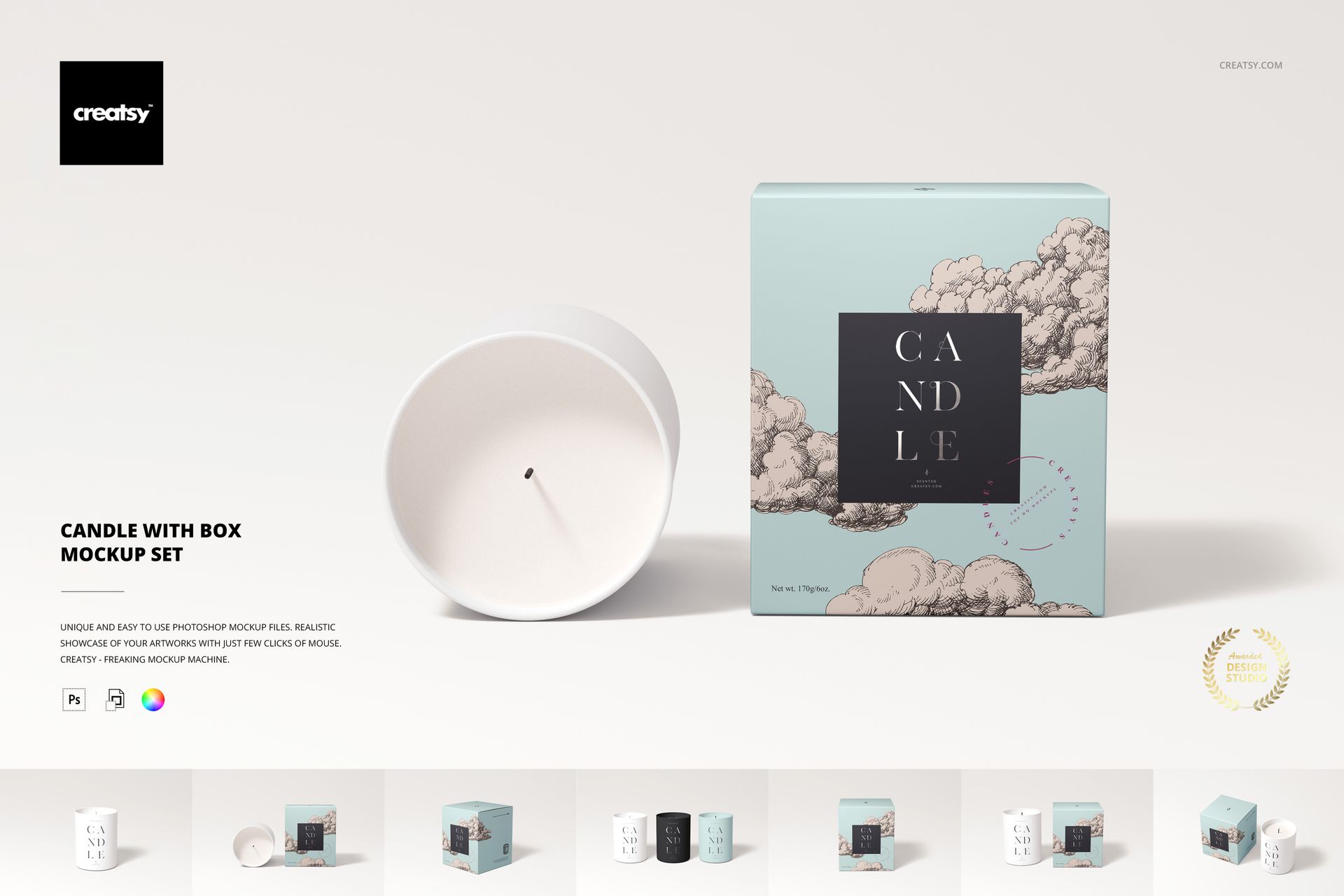
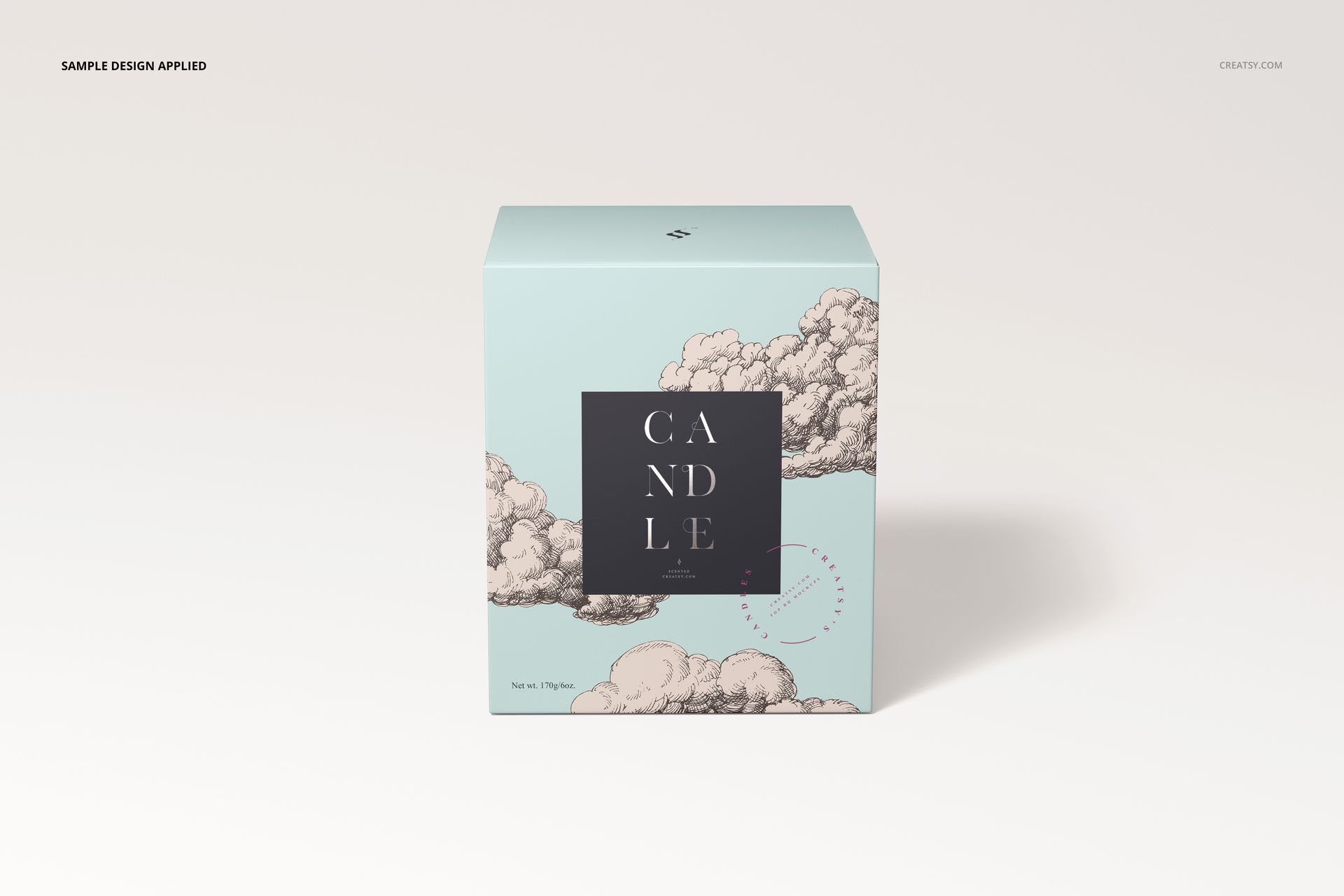
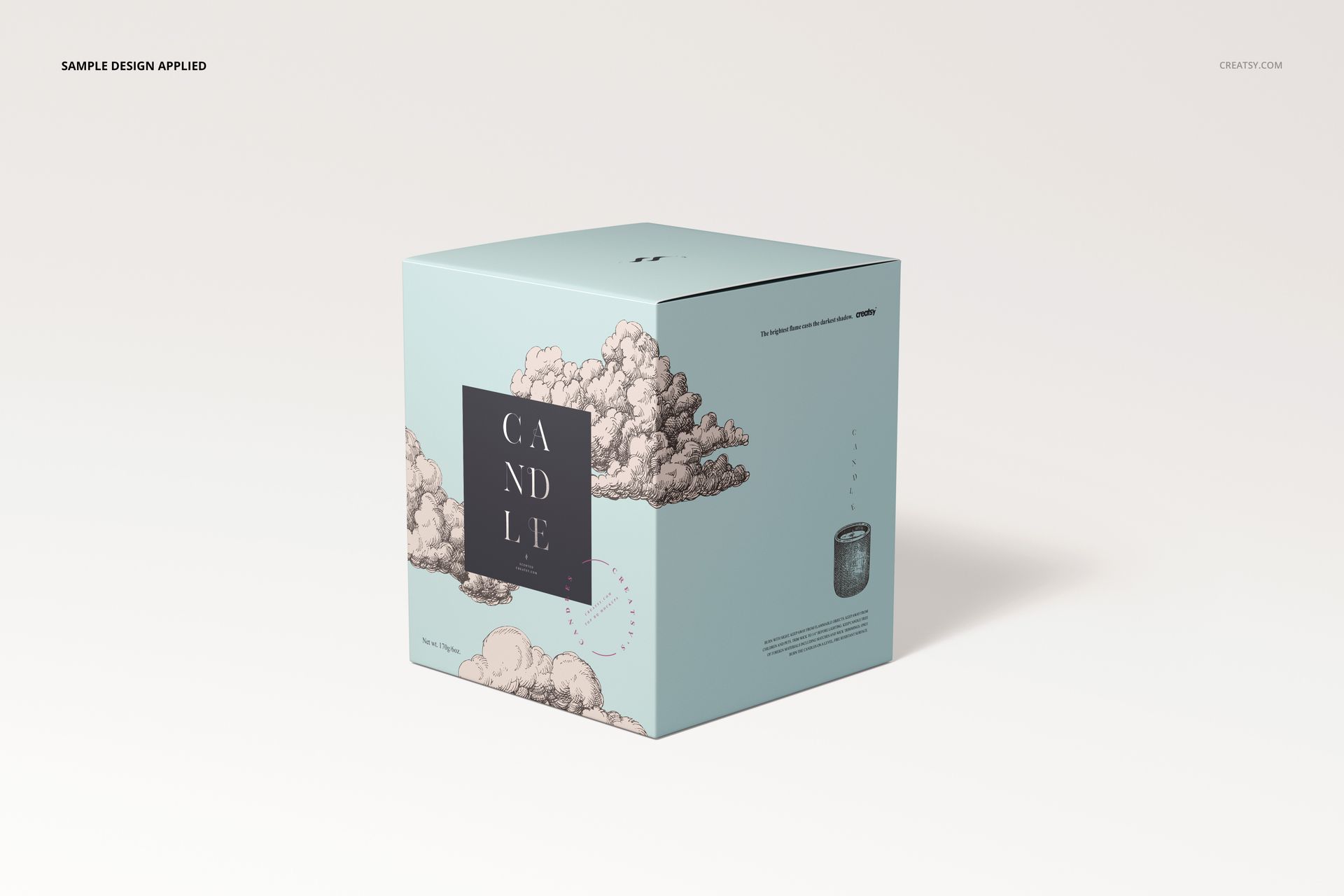
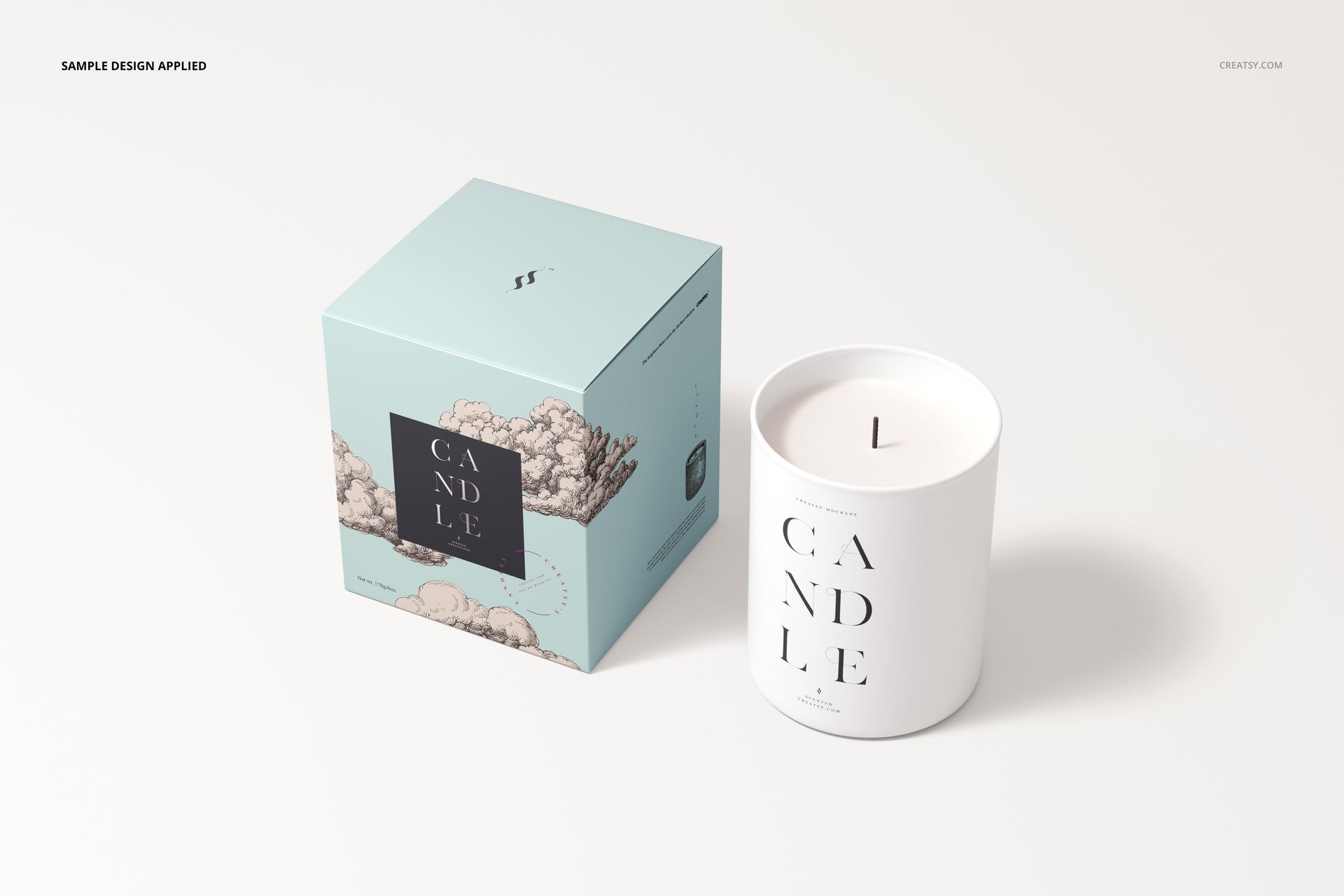
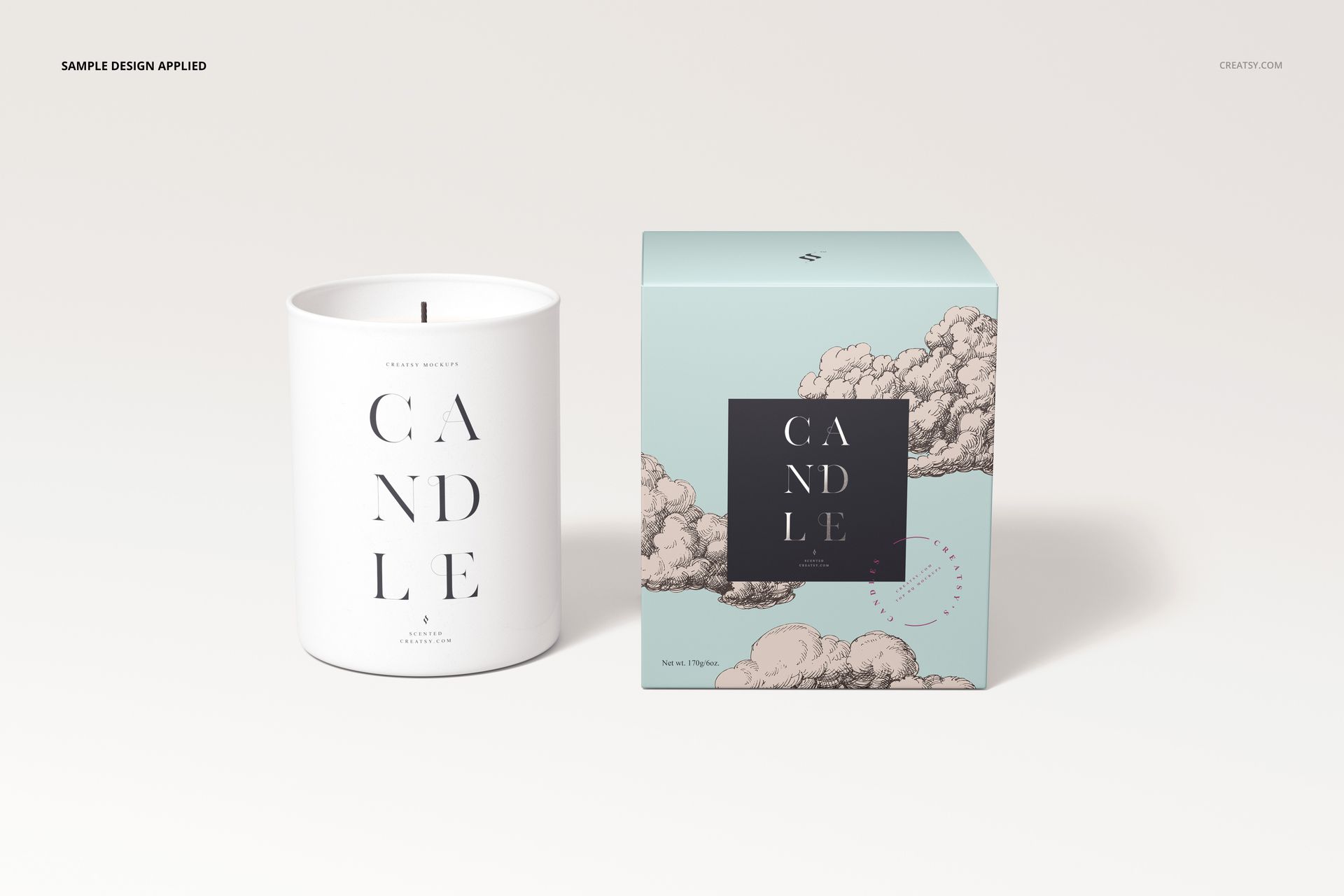
Discover the elegance of the Cotton Wick Candle Mockup, an exceptional offering from Creatsy that will set your brand apart. Crafted with meticulous attention to detail, this mockup offers a unique opportunity to showcase your candle designs in an authentic and captivating manner.


Unveiling the Cotton Wick Candle Mockup

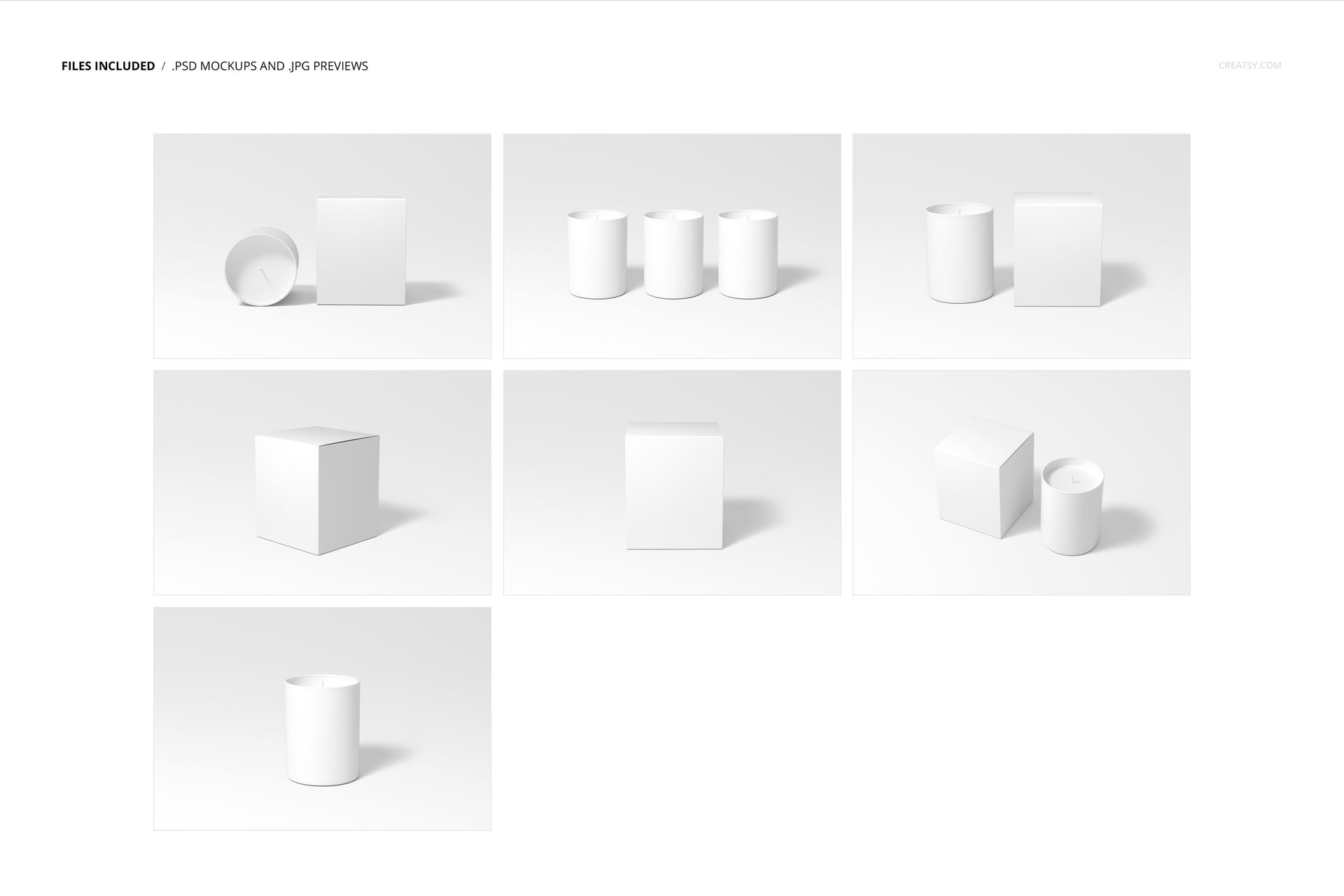
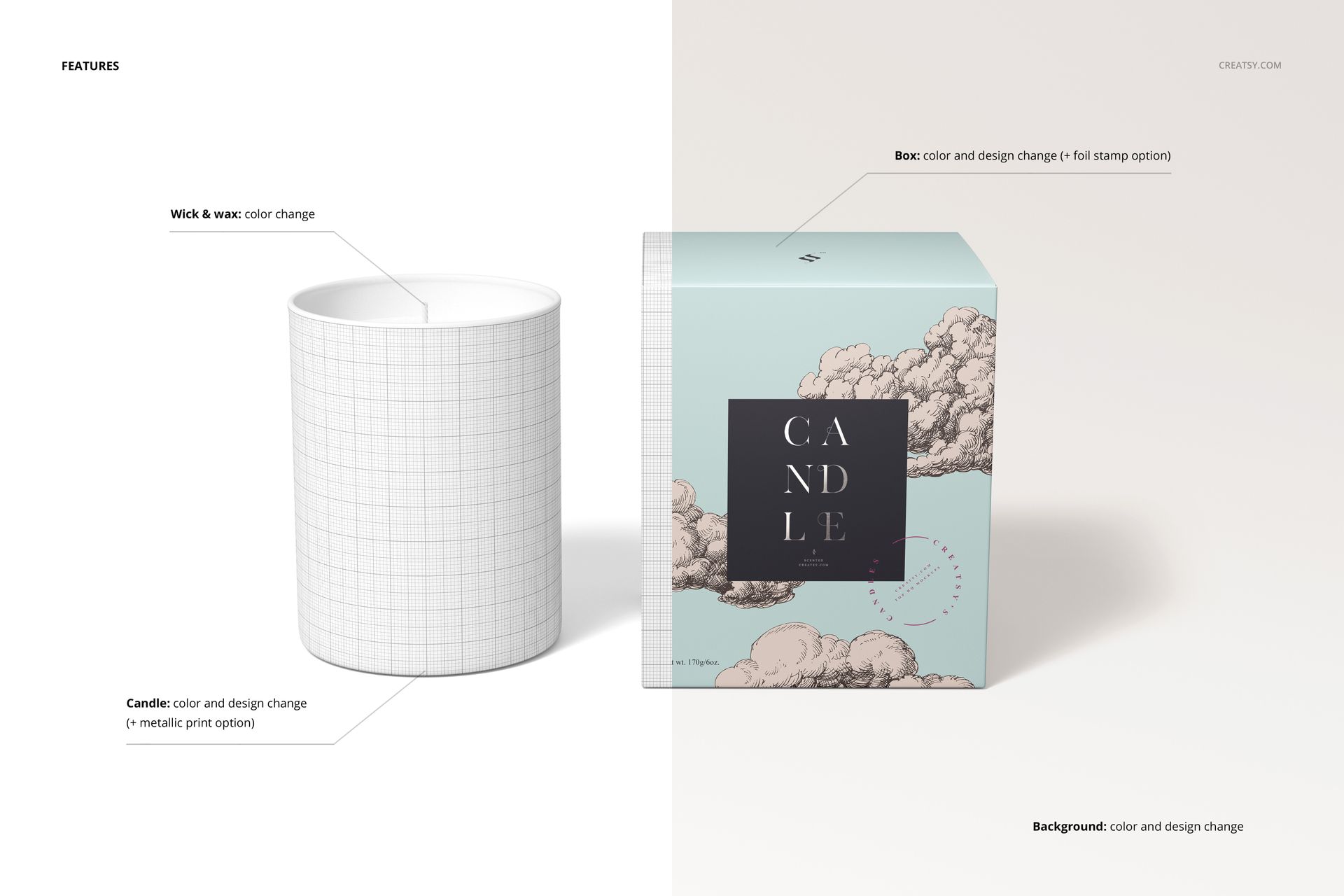
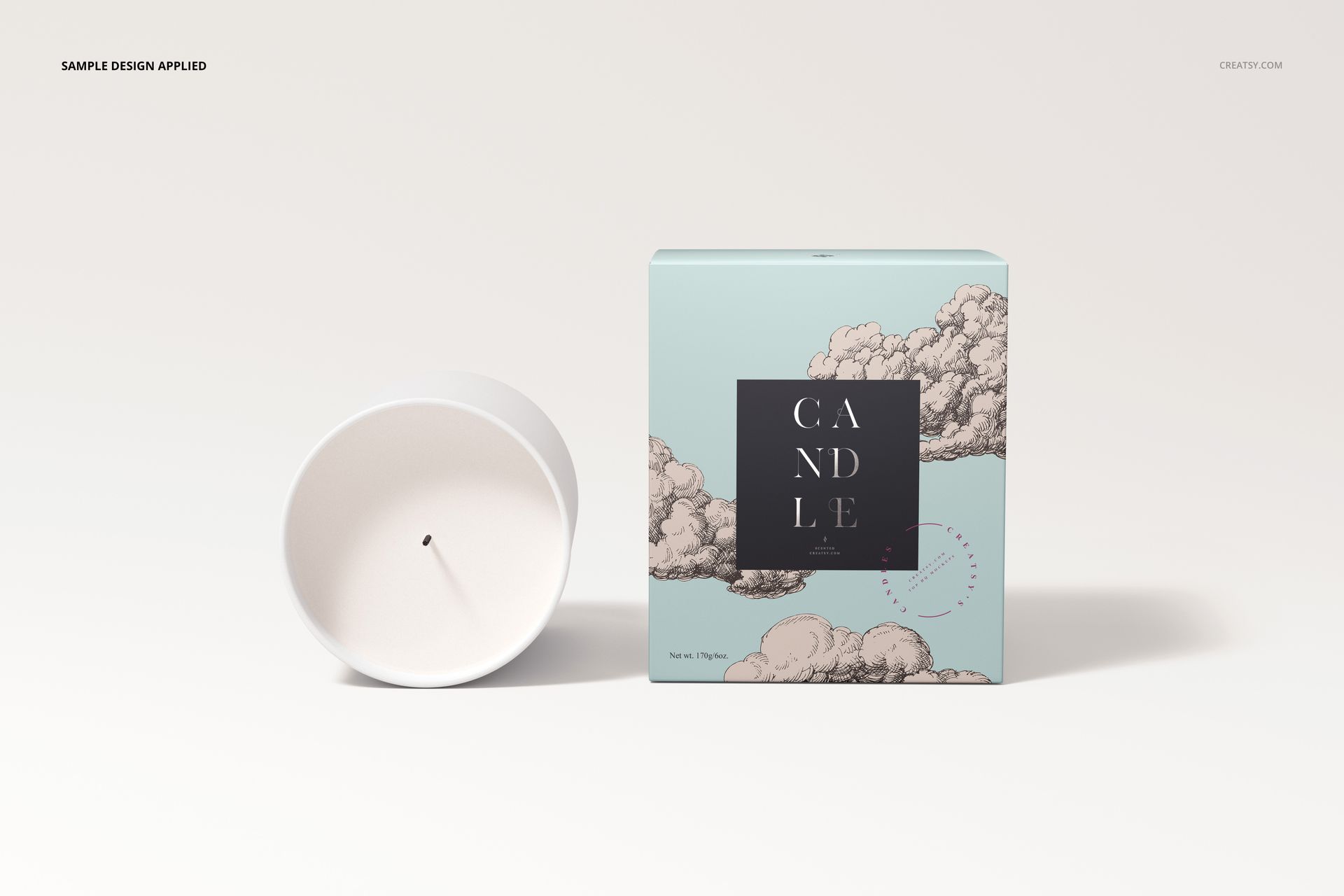
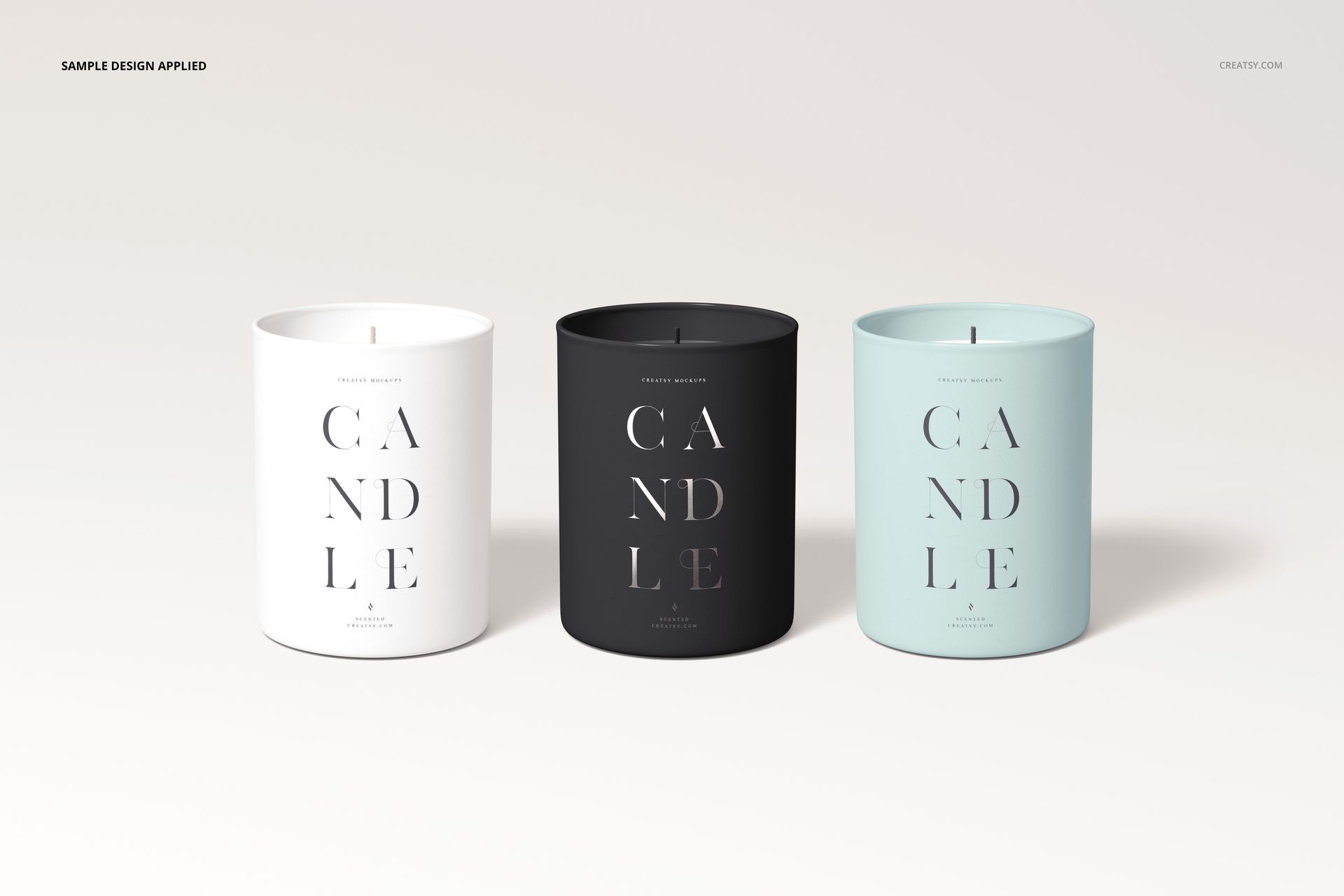
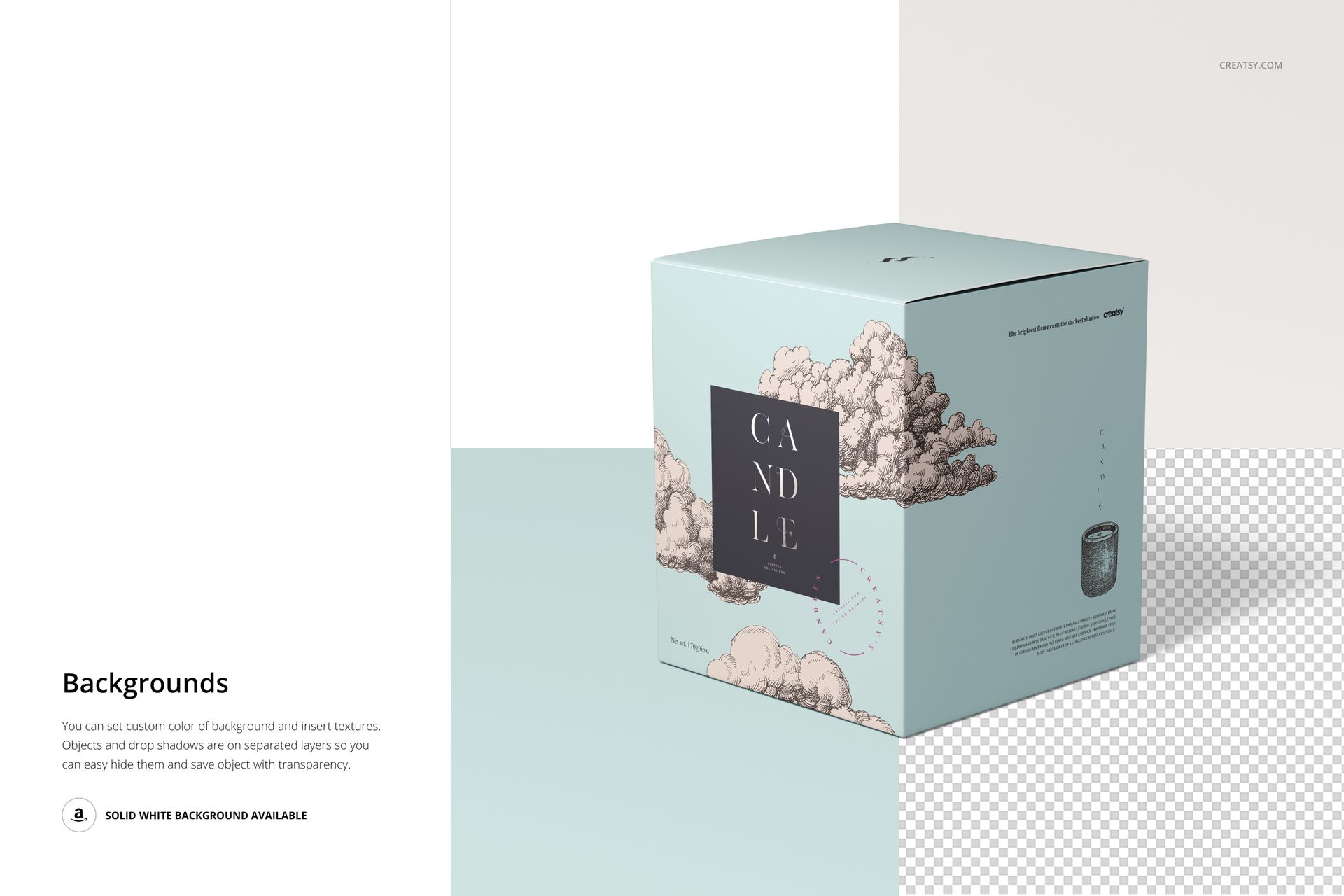
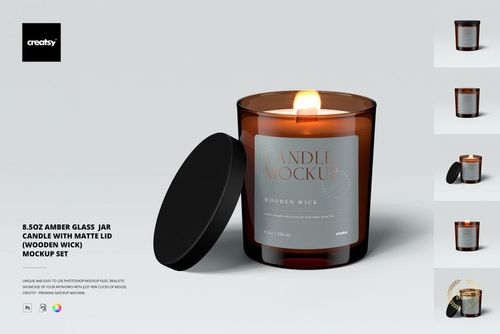
Get into the world of creativity with our Cotton Wick Candle Mockup, a versatile set of 7 high-quality PSD files. These mockups will redefine the way you showcase your candle creations. Compatible with both Photoshop CC and Photopea, these mockups feature thoughtfully organized layers that allow you to customize every aspect of your presentation. The mockup gracefully captures the essence of a cotton wick candle, elegantly packaged in a matching box. With the Cotton Wick Candle Mockup, you can easily change the color and design of the candle, even adding a metallic print finish; redesign the candle box to perfectly match your brand's aesthetic; enhance the presentation with foil stamping details on the box; customize the color and appearance of the wick and wax, change the background color and design to complement your candle's ambiance.


  • Compatibility: Adobe Photoshop min. version CC 2020
  • Includes: 7 PSD files with well-organized layers: 6000x4000 px, 300 dpi,  
  • Check screenshots for all the features,
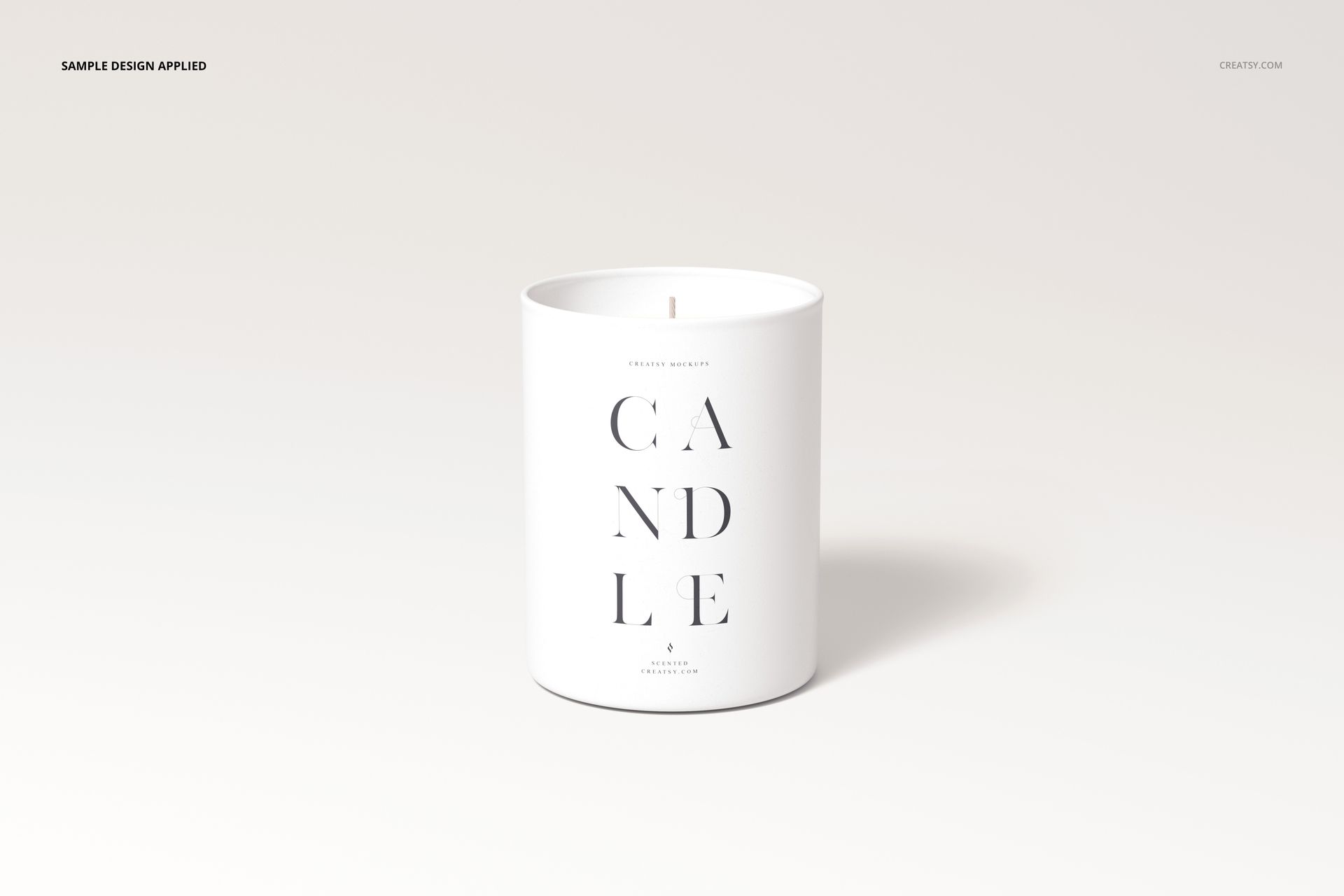
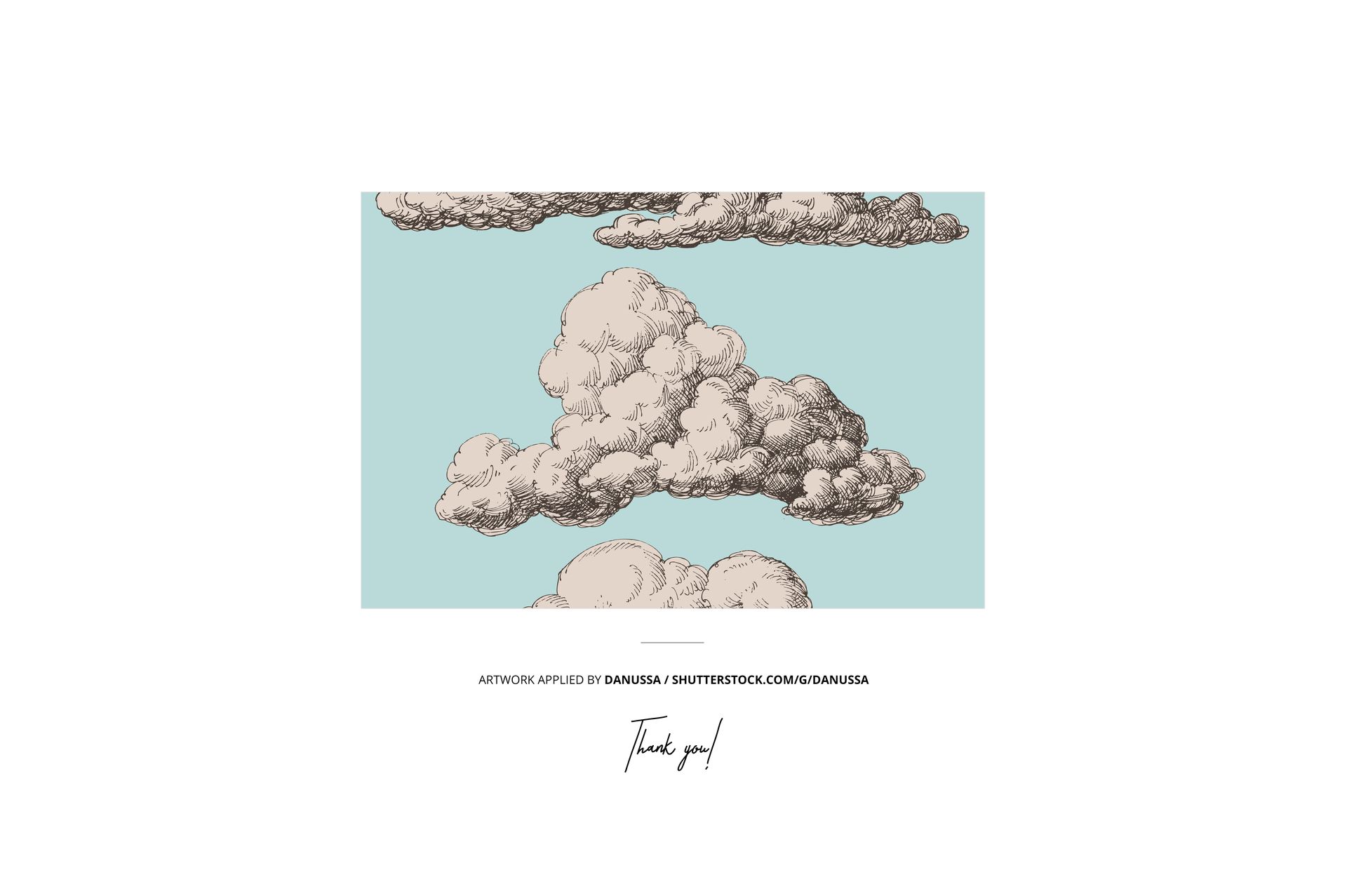
  • Example artwork by Danussa / shutterstock.com/g/danussa,
  • Designs are NOT included, this product is a mockup intended for you to add your own artwork.

File details

Compatibility
Adobe Photoshop
Number of files included
15
Package size
1.83 GB1.83 GB|1.97 GB1.97 GB
Files type
.psd, .jpg, .pdf
Files size
6000x4000
TEST FOR FREE

MEET THE SHOP

Creatsy logo

Creatsy

Poland
4.7 (641)

Bring your ideas to life.

We're a family-run studio in Katowice, Poland, making PSD mockups by hand since 2016. Everything in this shop starts in our own studio. We shoot the photography, build the 3D, and put together every Smart Object PSD ourselves - then we test it, organize the layers, and only ship it once it actually works...
GO TO SHOP

HOW IT WORKS

3 clicks. That's it.

No tutorial needed. If you can copy-paste, you can use this.

  1. 1OpenDouble-click the smart object inside the PSD - in Adobe Photoshop, or free in your browser with Photopea.
  2. 2PasteDrop in your pattern, print, or artwork. Any design, any style.
  3. 3SaveHit save and the mockup wraps it in for you - shadows, folds, and lighting included.
FROM IDEA TO IMAGE

Built for real workflows

Skip the photo shoot Show your artwork on the real product type for approvals or listings - no studio, no model, no sample.

See it on the product, not a swatch Drop your file into the smart object and the scene's lighting and folds wrap around it, so you judge the real thing before you commit.

Smart Objects

Edit once and you're done. Your artwork drops into a smart object and the mockup updates itself - no masking, no warping by hand.

Perfectly Organized

Named layers and folders you can actually navigate. Find what you need, change what you want, and get out fast.

Print-Ready

High-resolution files built to hold up on screen and in print. Exact size and DPI are in this product's Details above.