Floral Box Mockup Set
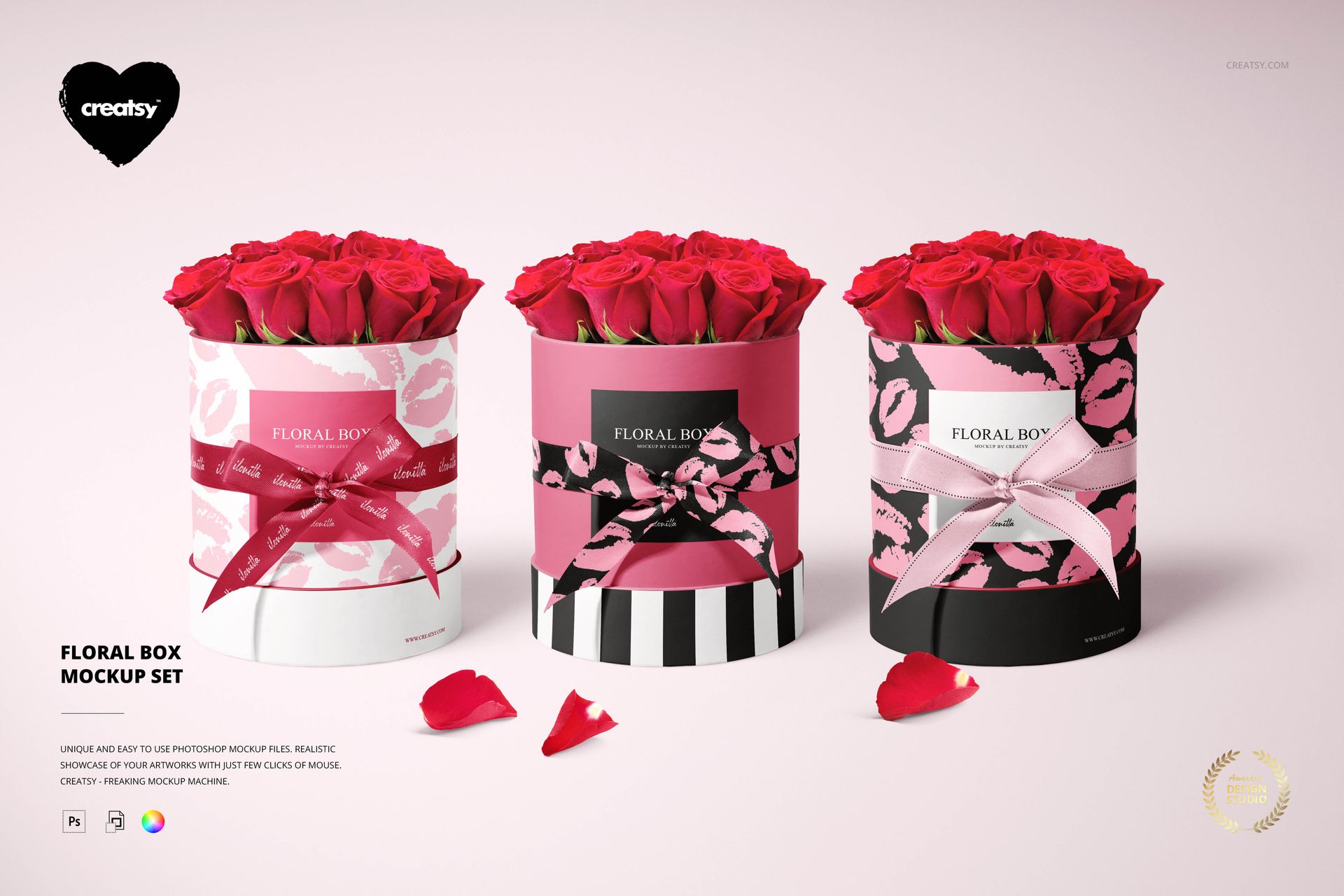
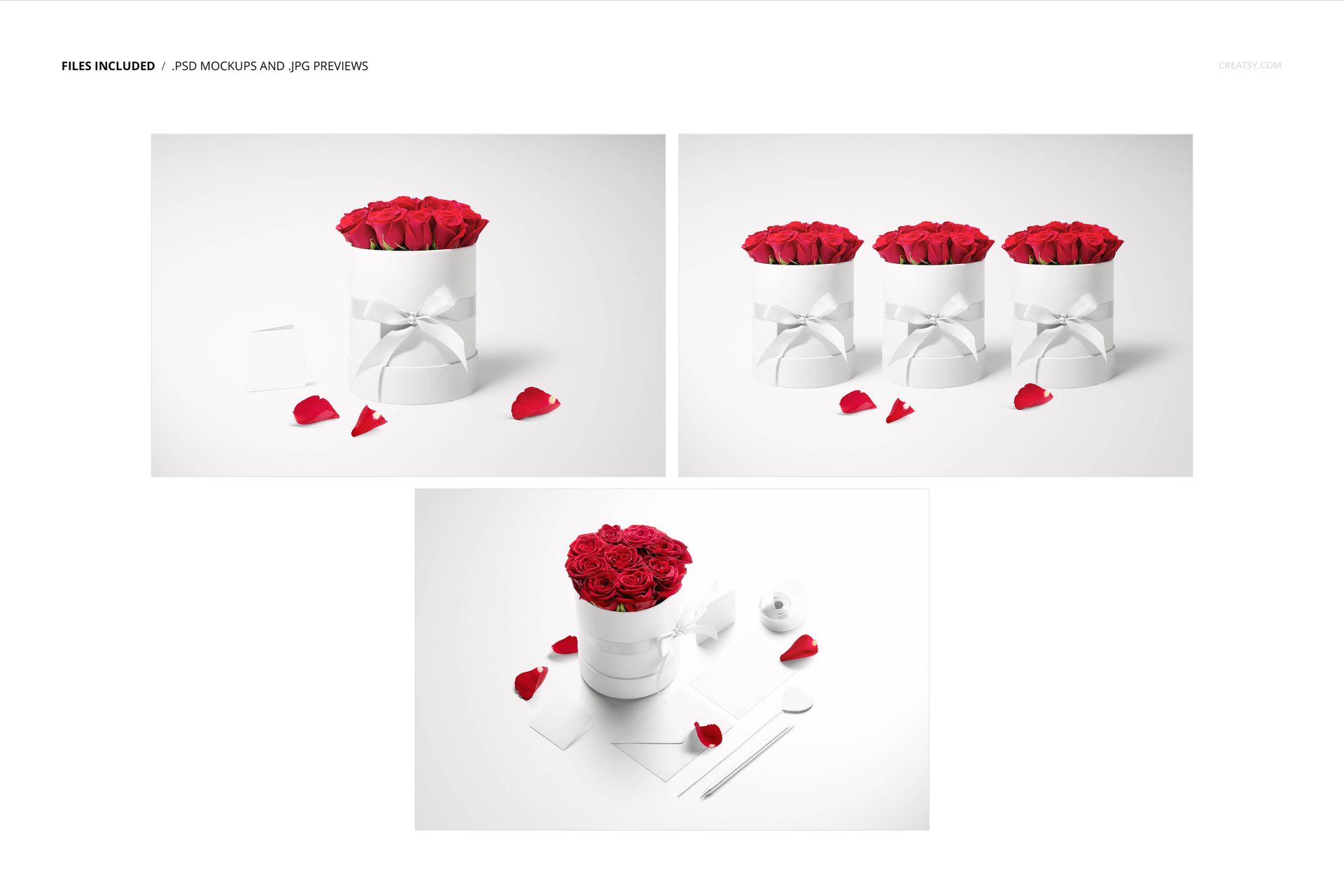
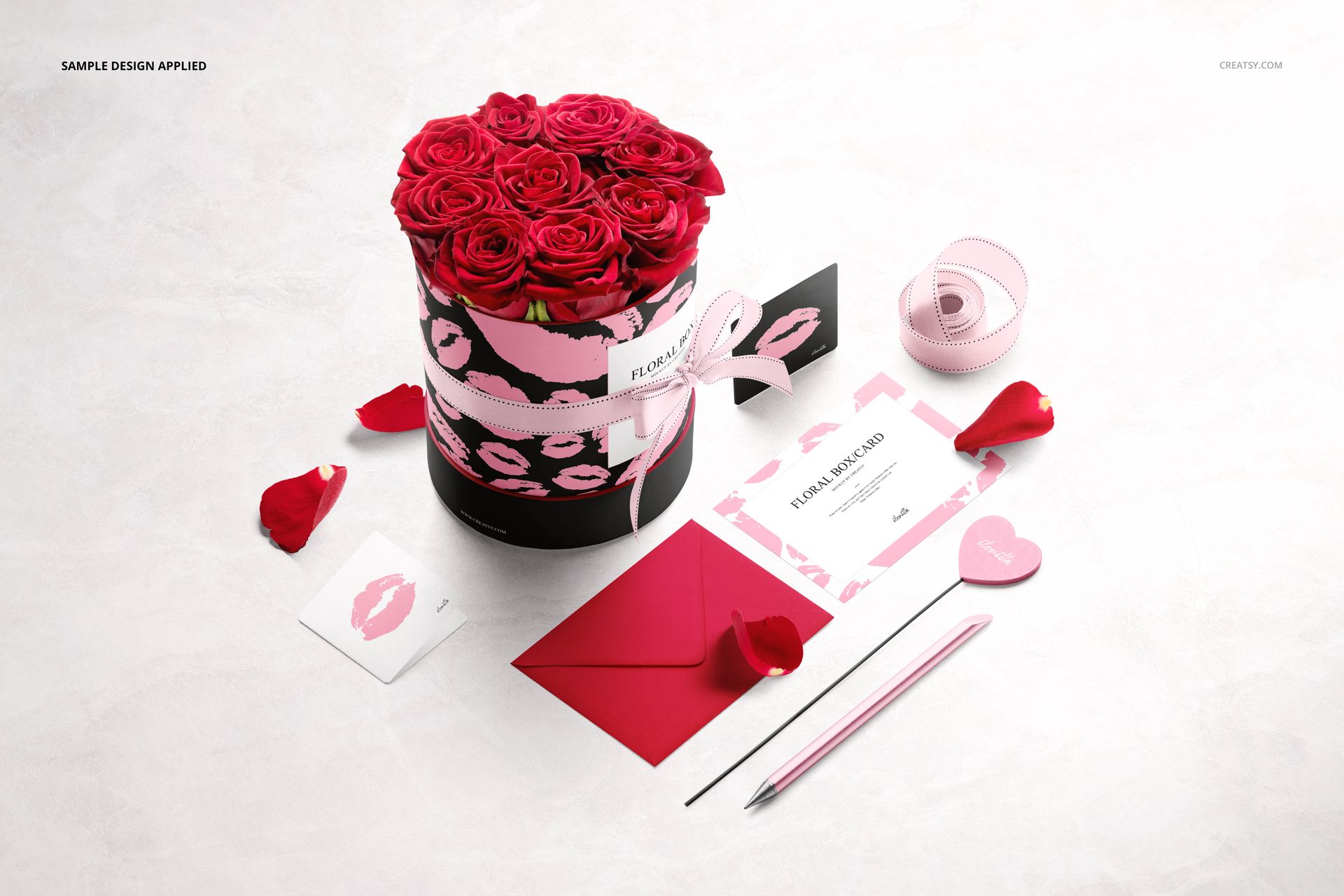
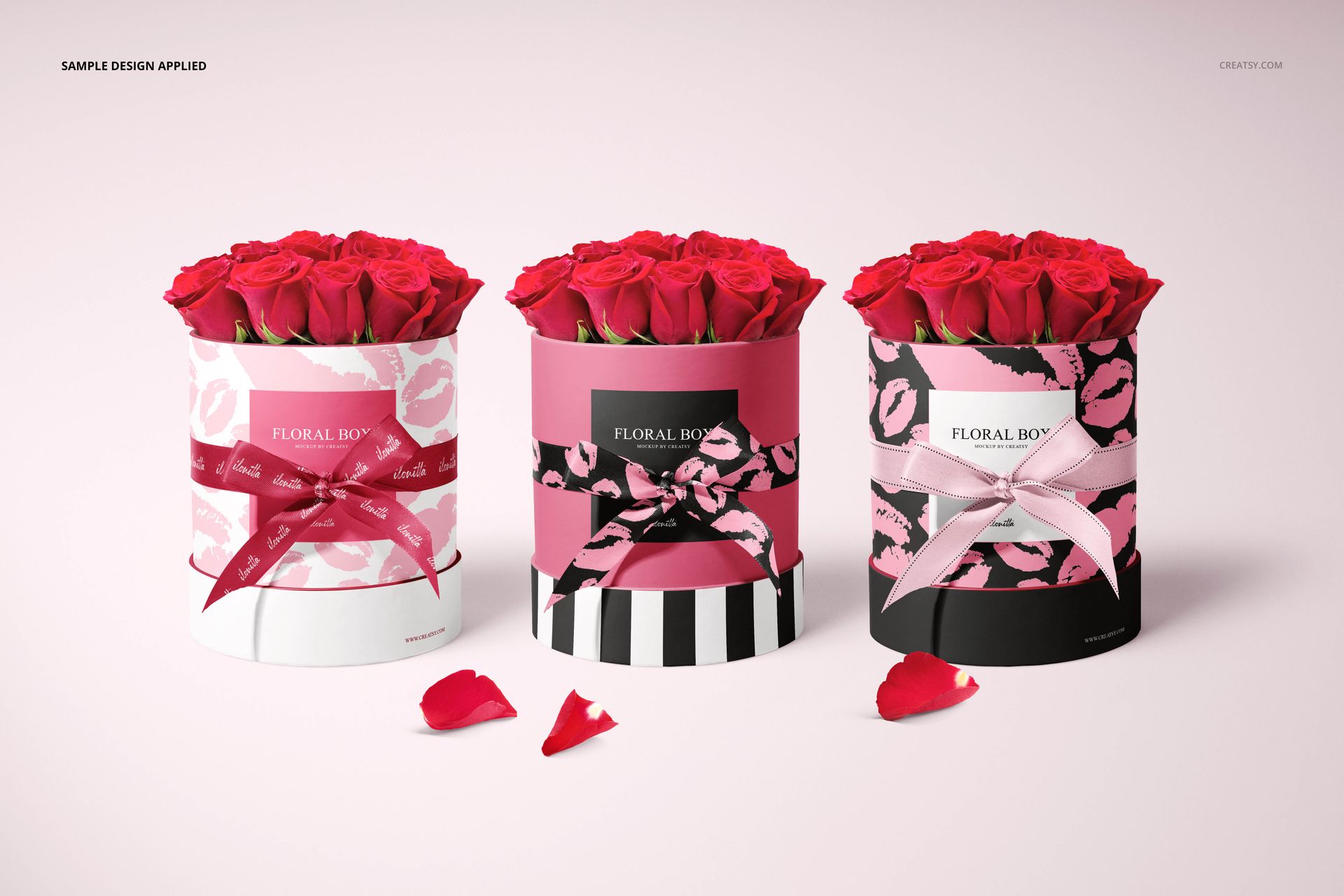
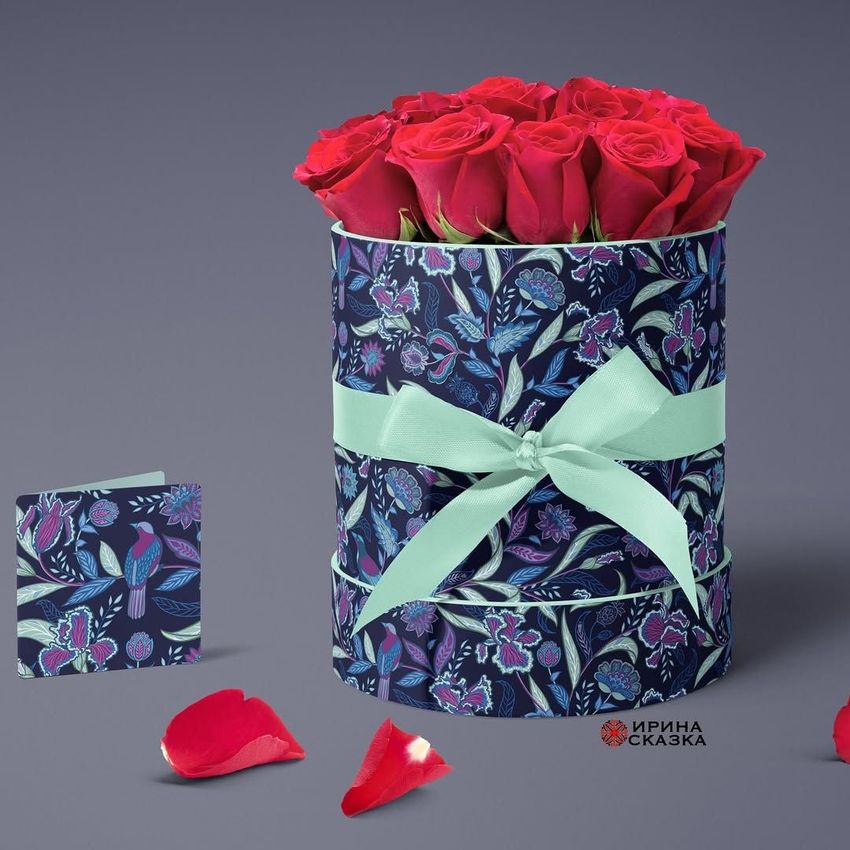
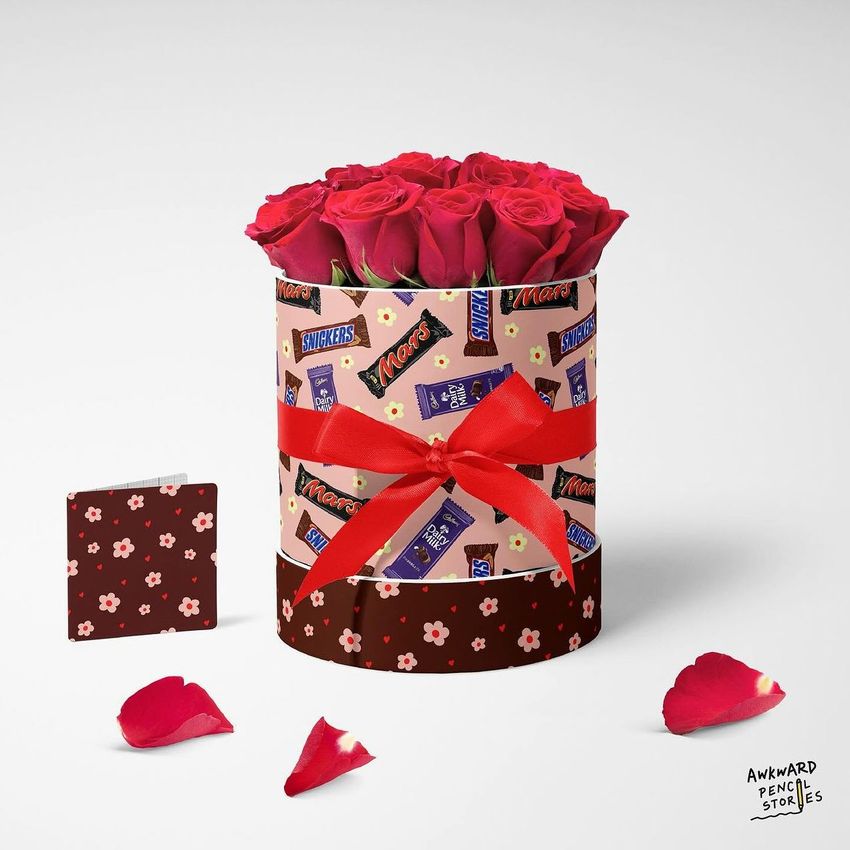
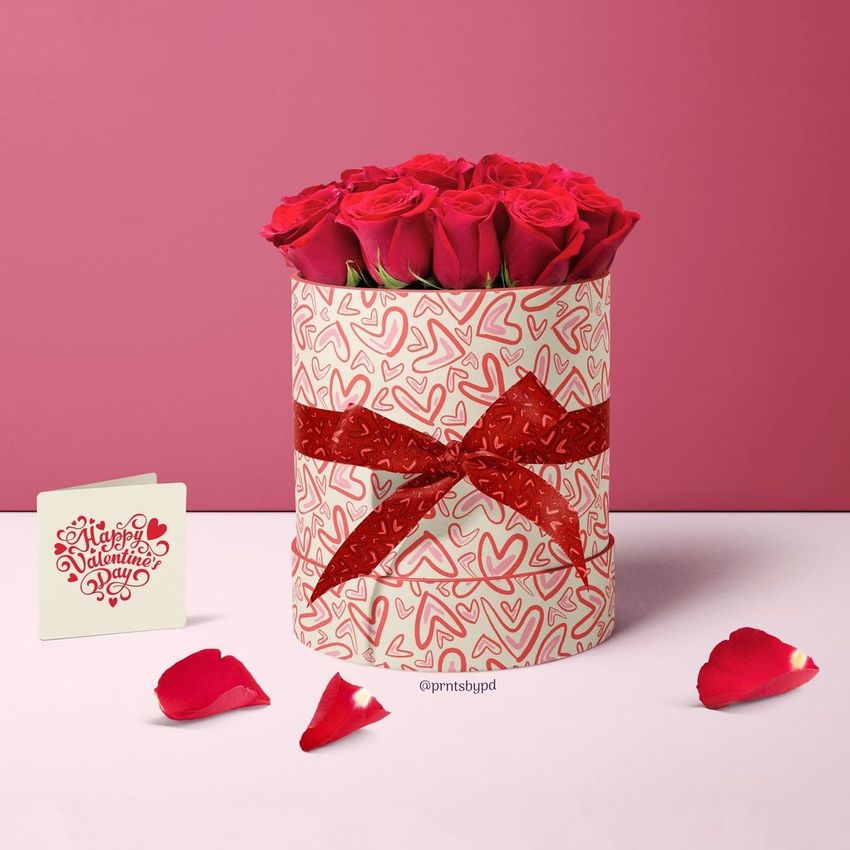
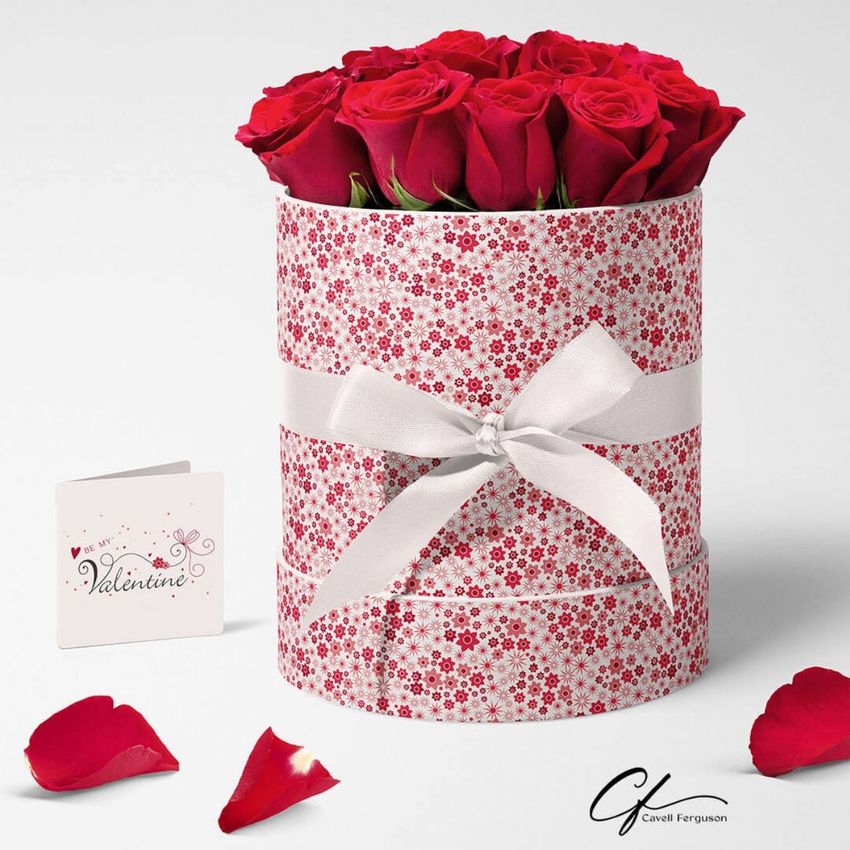
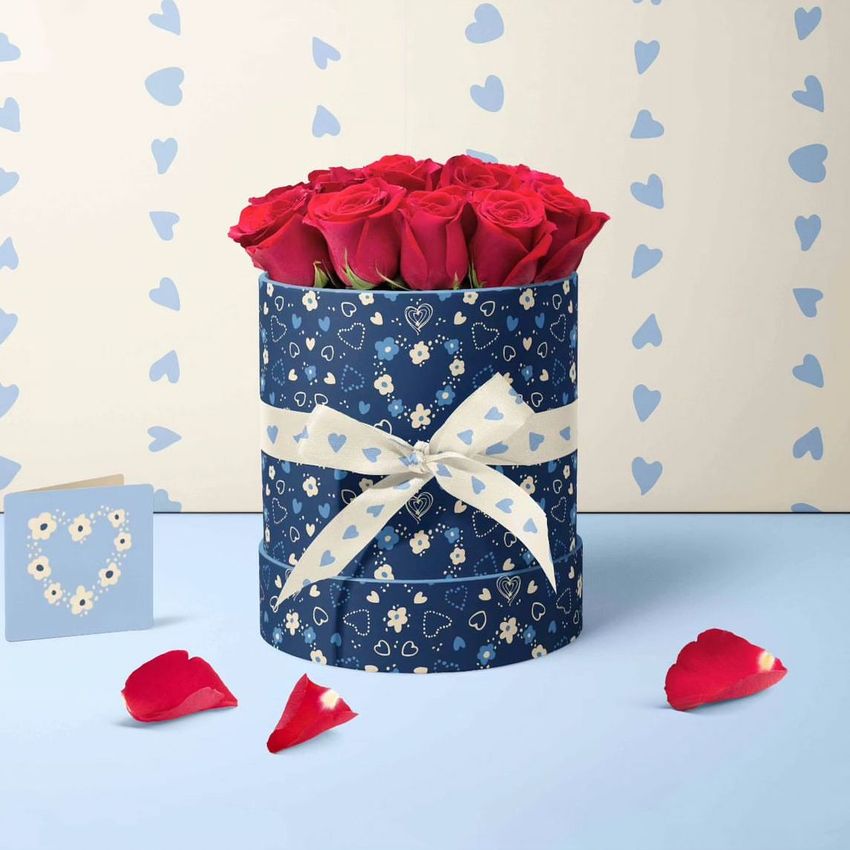
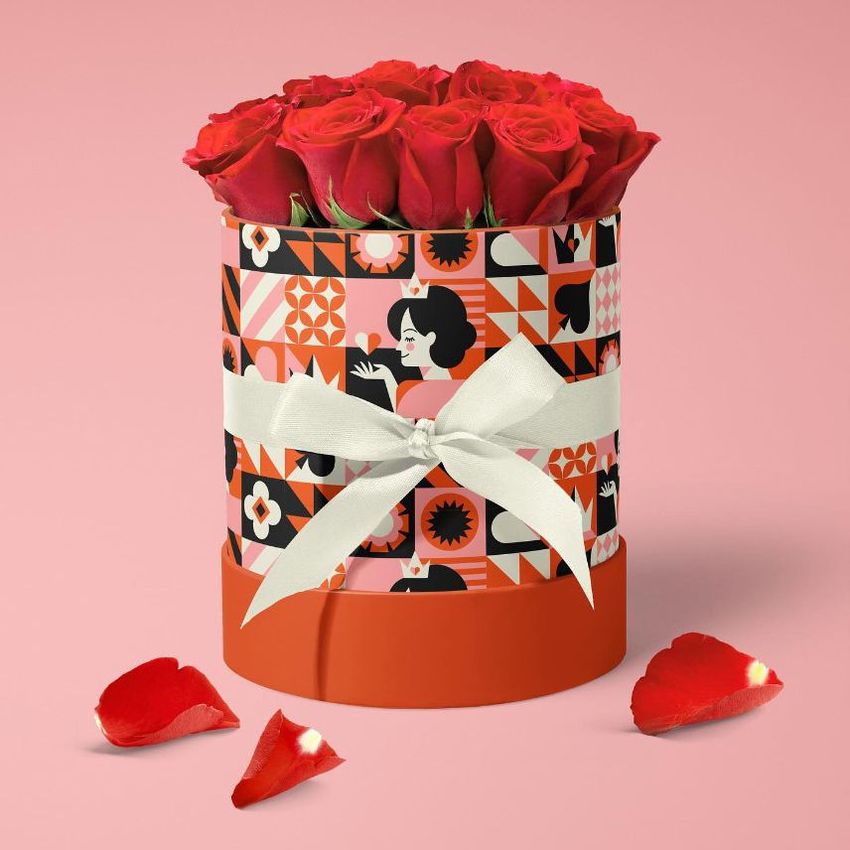
Compare three coordinated flower-box designs side by side, then show the chosen identity with its matching gift stationery. This set presents round, rose-filled boxes in three PSD scenes, including a single-box view, a three-box lineup and a composition with cards, an envelope, ribbon and a heart-shaped pick.
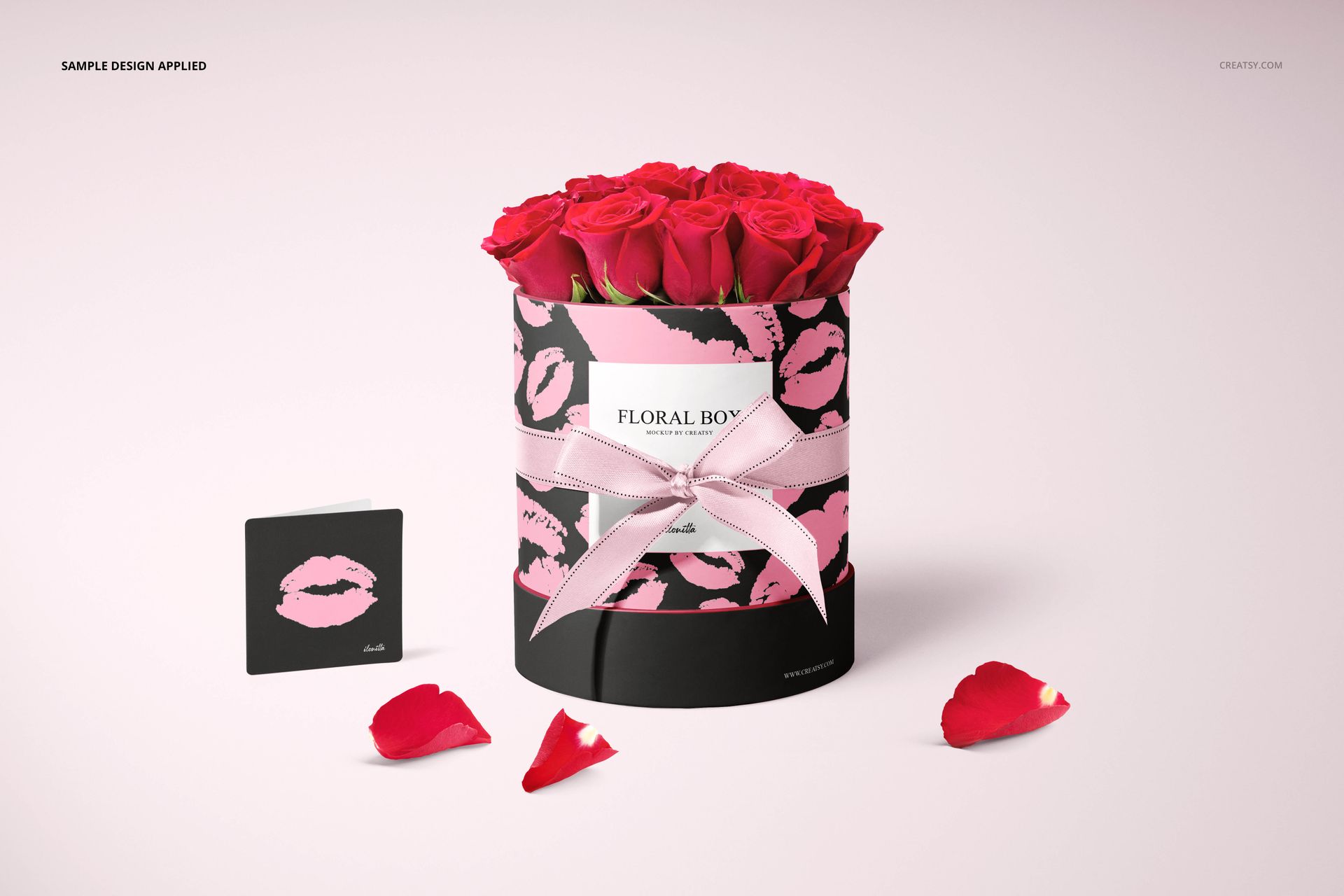
The cylindrical surface gives repeating artwork a different visual rhythm from a flat sheet. Use the scenes to see how a pattern wraps around the box and how the ribbon, note and card support the main branding.
What Is Included
3 layered PSD mockup scenes, 6000 × 4000 px at 300 DPI.
3 JPG scene previews.
1 PDF user manual, for 7 files in total.
Coordinate the Box, Ribbon and Stationery
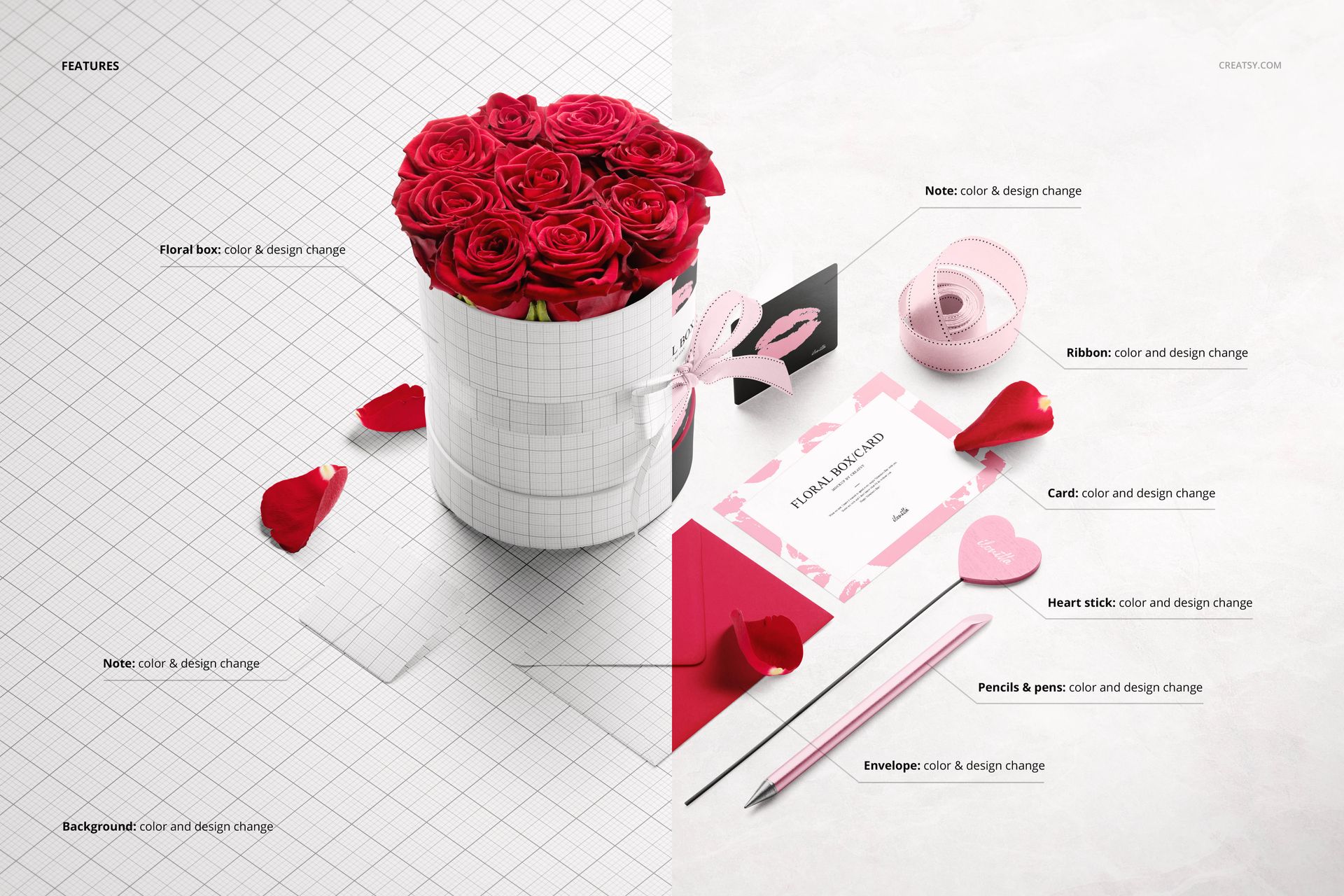
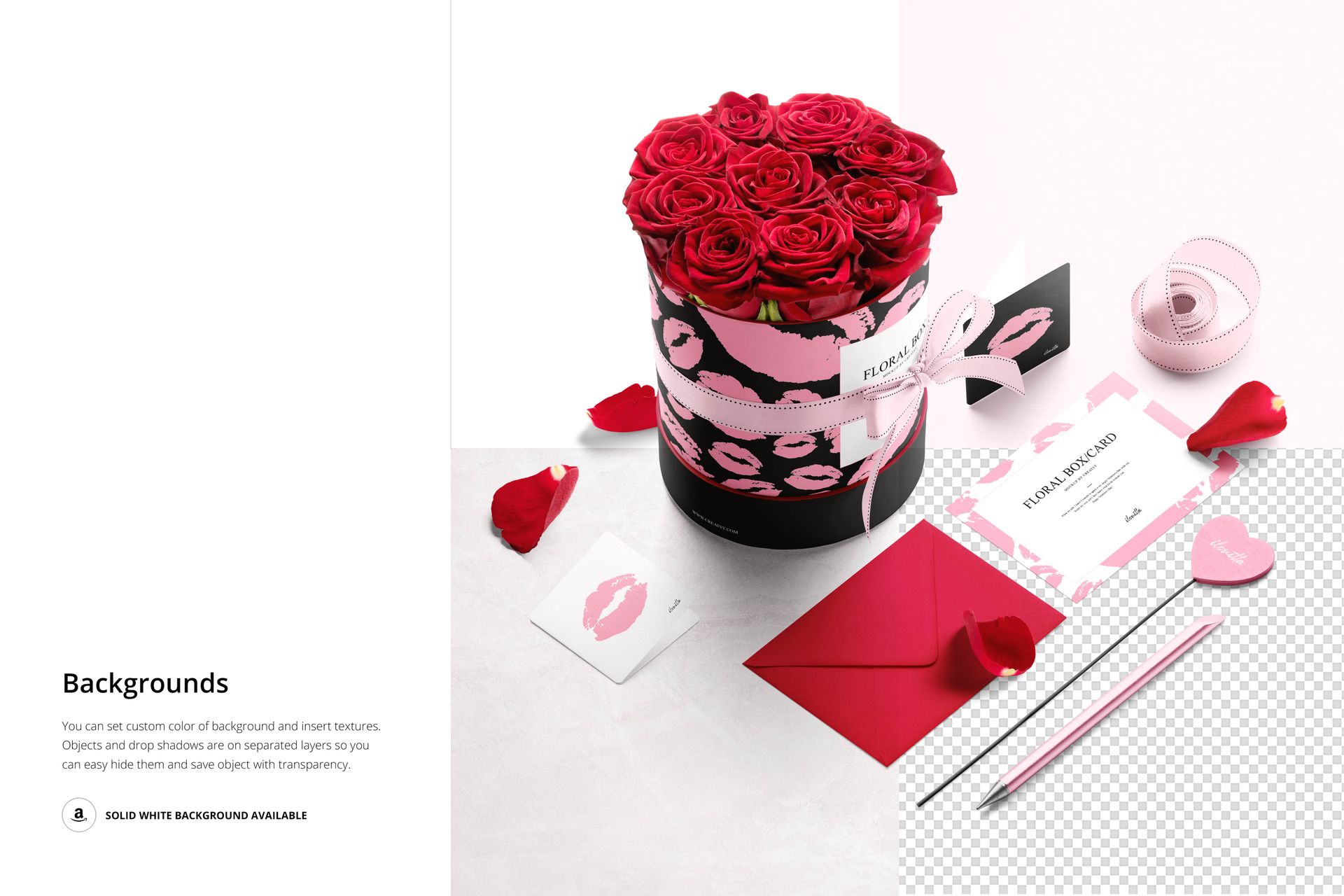
Change the box color and artwork, including the color and design of its ribbon. Editable surfaces also include cards, notes, an envelope, a heart-shaped stick and writing instruments in the relevant composition. Adjust the background color or insert a texture; objects and shadows are on separate layers for flexible presentation.
Easy Smart Object Editing
Open the layered PSD in Adobe Photoshop CC2015 or newer, or Photopea. Place your artwork in the corresponding Smart Object, save it and review the updated scene. Work through the box and smaller accessories to build a coherent set rather than repeating the same artwork at every scale.
Perfect For
Florist branding with round flower boxes and coordinated gift stationery.
Packaging designers comparing patterns and colorways for a client.
Valentine’s Day, anniversary and special-occasion floral collections.
This is a digital mockup set. Physical flower boxes, roses and the sample artwork shown in the previews are not included.
















I hope this message finds you well. I am writing to bring to your attention an issue I am facing with a recent purchase I made. I bought a PSD file (Order ID: [Order ID]) from your platform, but unfortunately, the file appears to be damaged. Upon attempting to open the PSD file for editing and viewing, I have encountered consistent errors that prevent me from accessing its content. This has hindered my ability to utilize the file as intended and has caused a significant inconvenience. I kindly request your assistance in resolving this matter. It would be greatly appreciated if you could provide guidance on how to rectify the issue with the damaged PSD file. Alternatively, if a solution cannot be achieved, I would like to request a refund for the purchase. I have attached the order details and the damaged PSD file to this email for your reference. Please review the situation and provide a prompt response with further instructions. Thank you for your attention to this matter. I look forward to your swift response and resolution. Best regards,
Hi Johnny, Could you please provide us with more details about the issue you are experiencing? We have tested these files, and they seem to be working properly. Are you encountering any problems with downloading these files?