Vinyl Record Placed on the Rocks of a Rocky Shore Mockup
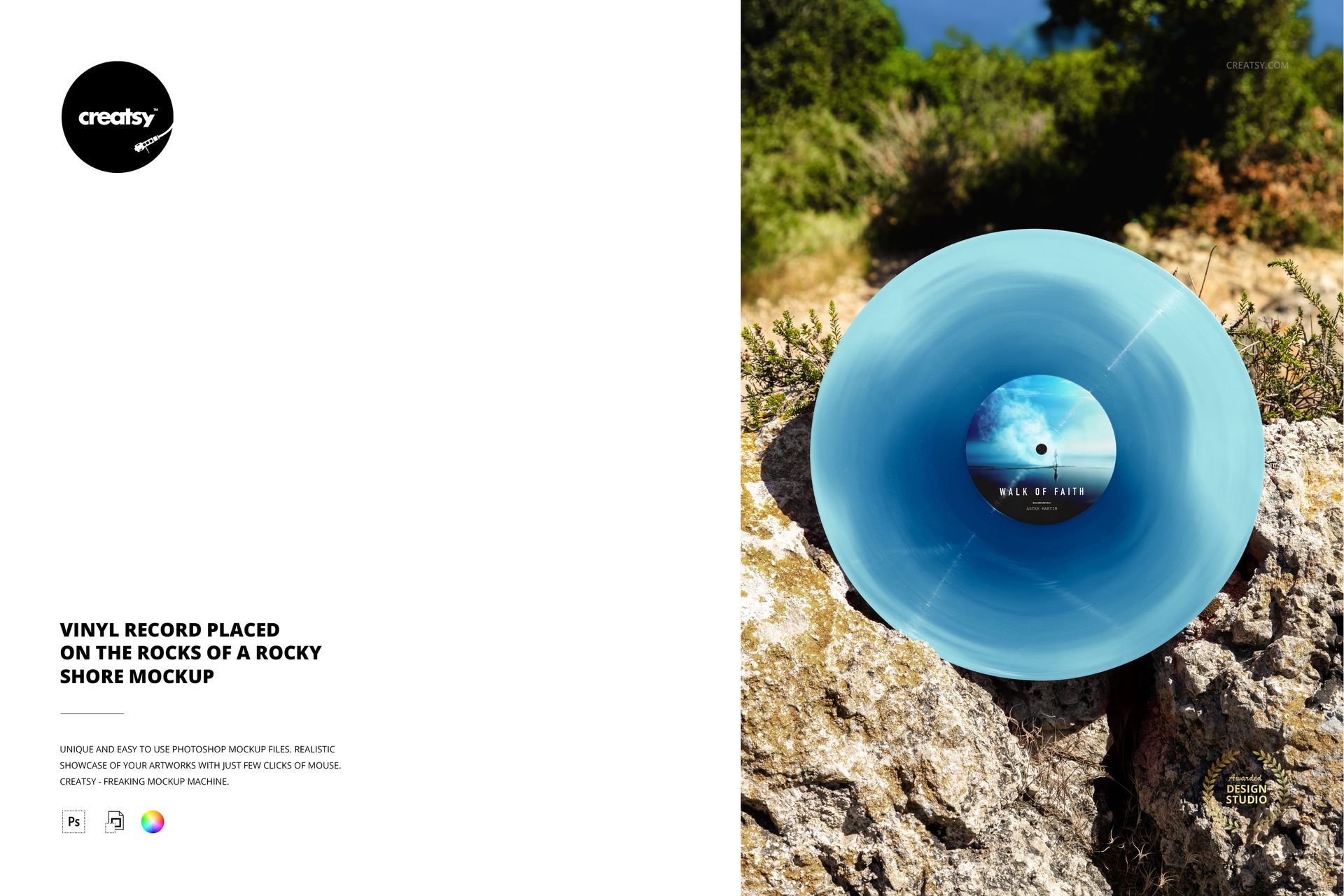
A record resting against rugged stone fills the foreground, with coastal greenery behind it. This close outdoor vinyl record mockup gives your center-label artwork and colored vinyl finish a prominent place in the composition, while natural textures add context to the release.
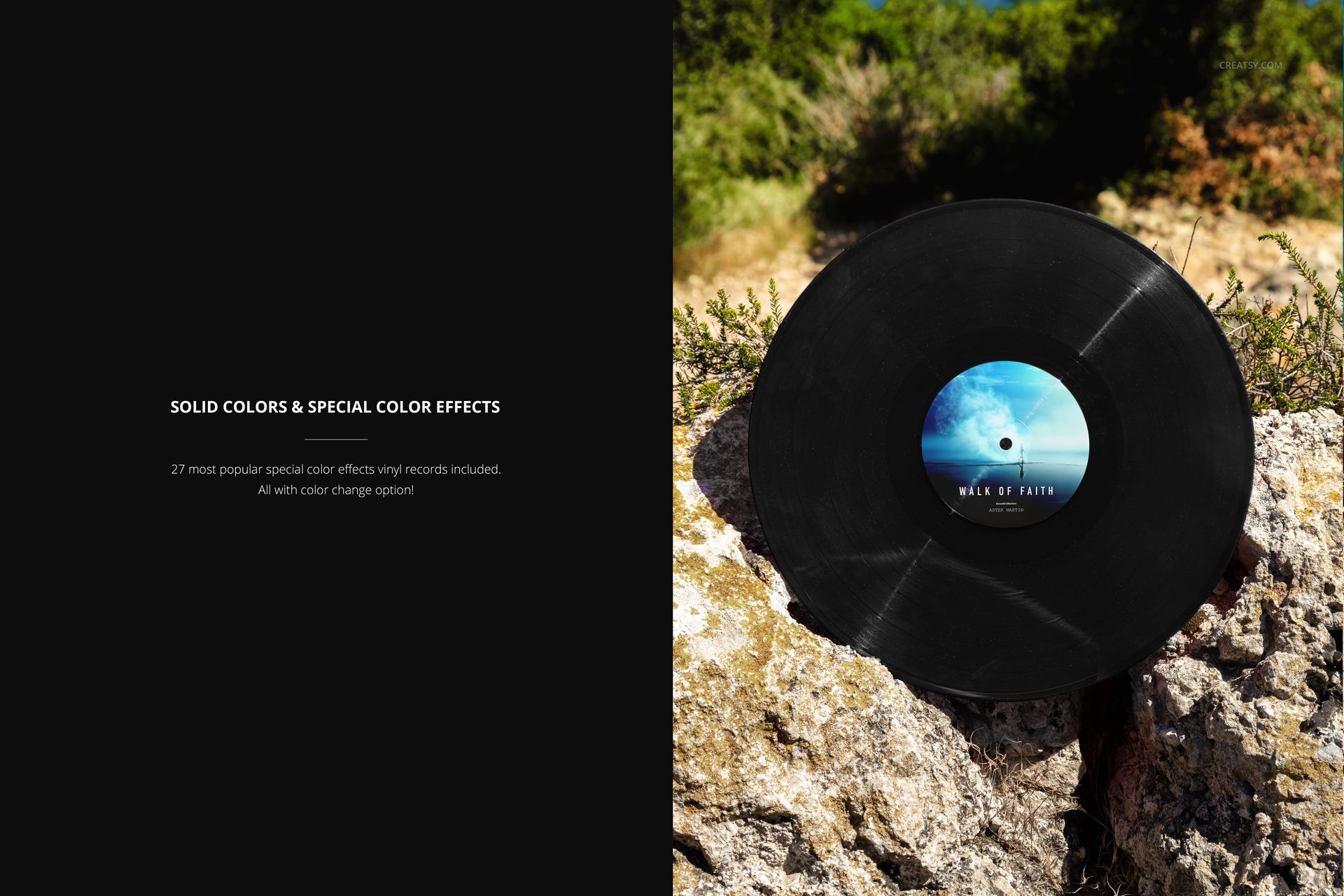
Use the scene to compare a restrained solid-color edition with a more expressive pressing concept. The generous view of the disc makes the relationship between label graphics, grooves and special effects easy to assess in a client presentation.
What Is Included
One layered PSD mockup featuring a single record on rocky terrain.
Portrait PSD: 4000 × 6000 px at 300 DPI.
One JPG preview, with two files in the download.
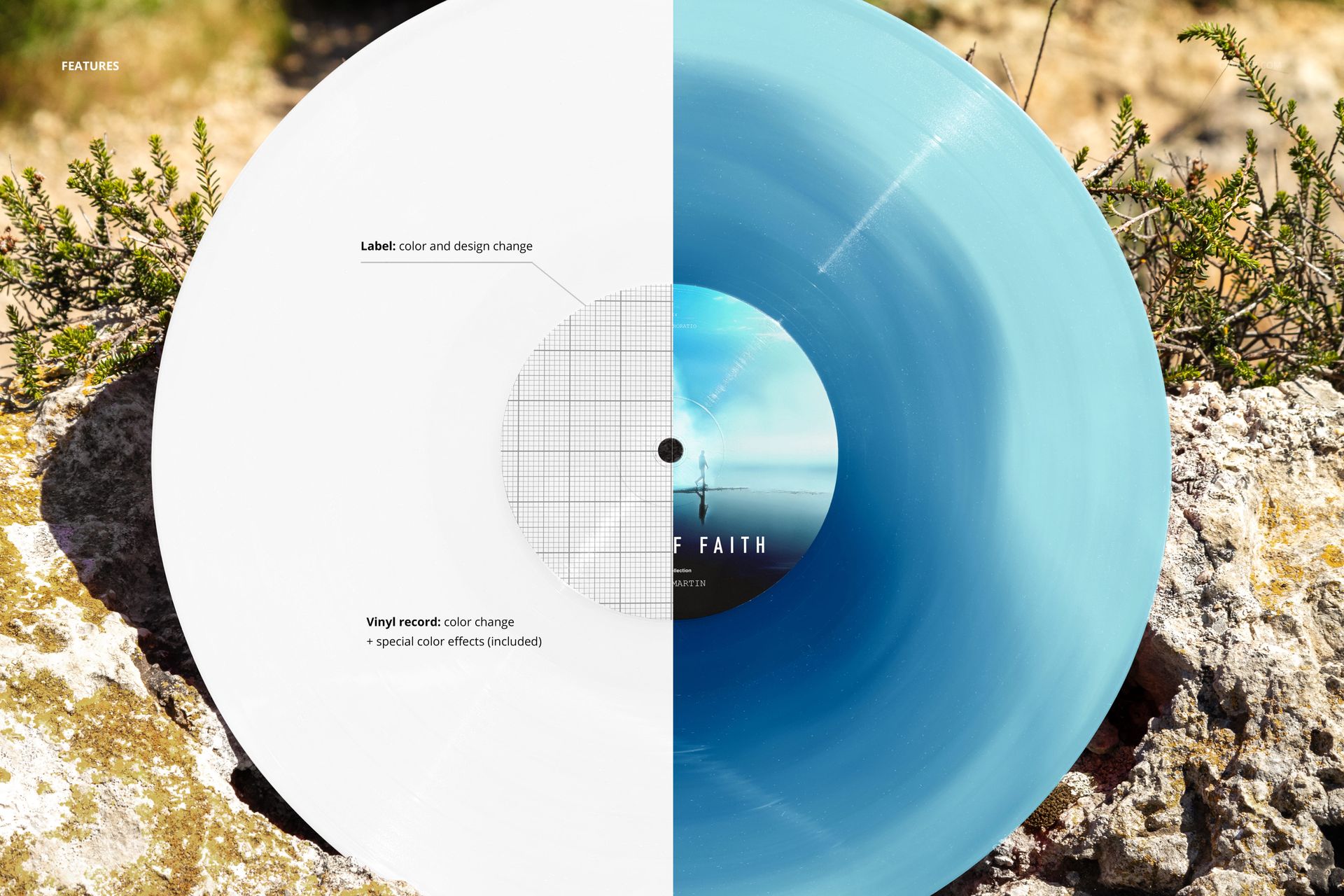
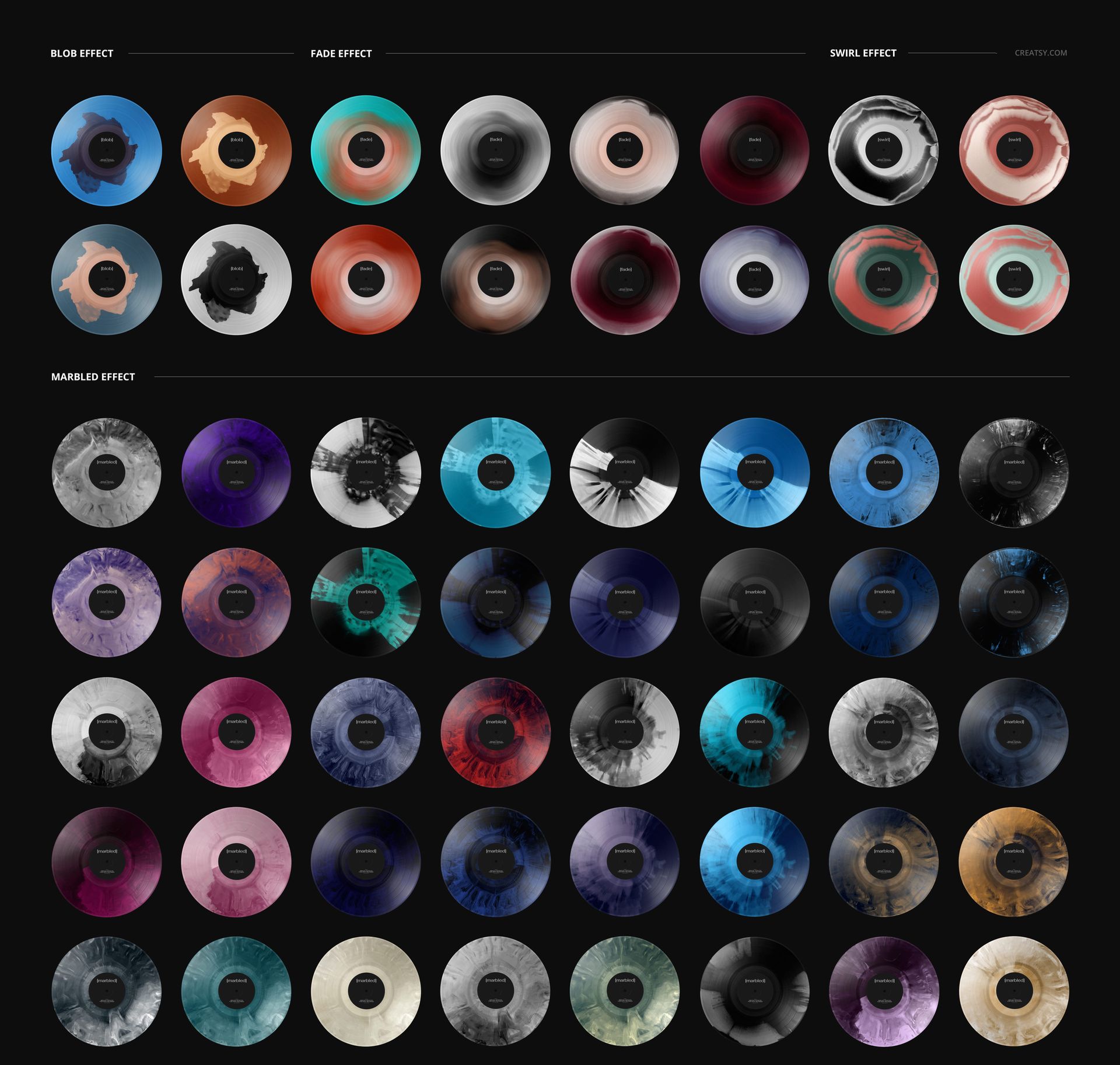
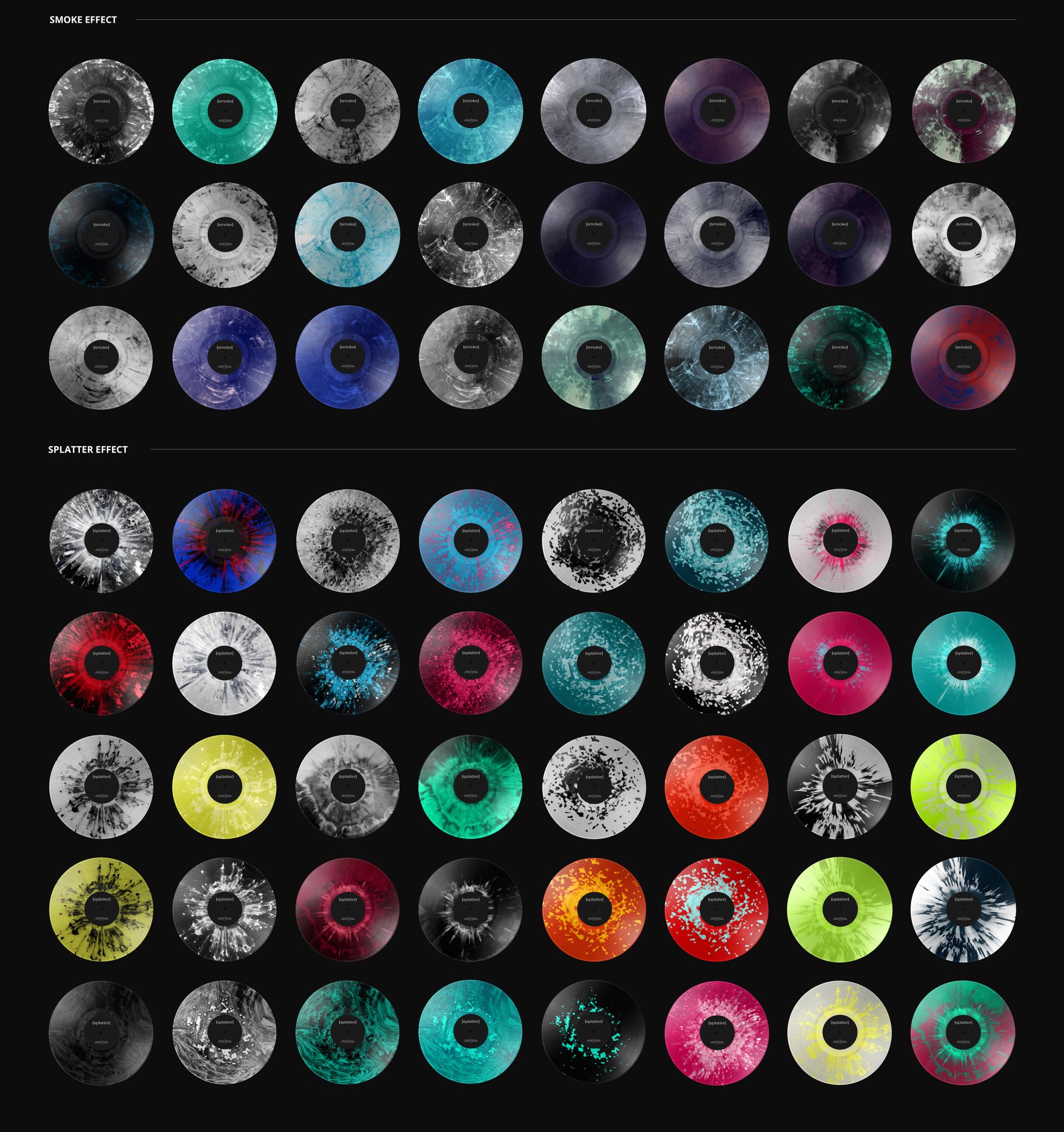
27 special color effects, plus record color and label color/design controls.
A Close Look at Color and Texture
Explore blob, fade, swirl, marbled, smoke and splatter looks within the same scene. The rough rock surface contrasts with the disc, helping you judge whether an intricate vinyl effect supports the label or competes with it.
Easy Smart Object Editing
Open the PSD in Adobe Photoshop or Photopea, replace the label artwork through its Smart Object, save that edit, then adjust the available vinyl colors and effects. Organized layers keep the artwork workflow accessible.
Perfect For
Music labels, independent artists and album designers preparing colorway approvals, release announcements or portfolio images.
Digital mockup only. No physical record is supplied, and the sample artwork shown in the previews is not included.