Vinyl Record on the Seashore with Crystal Clear Water Mockup
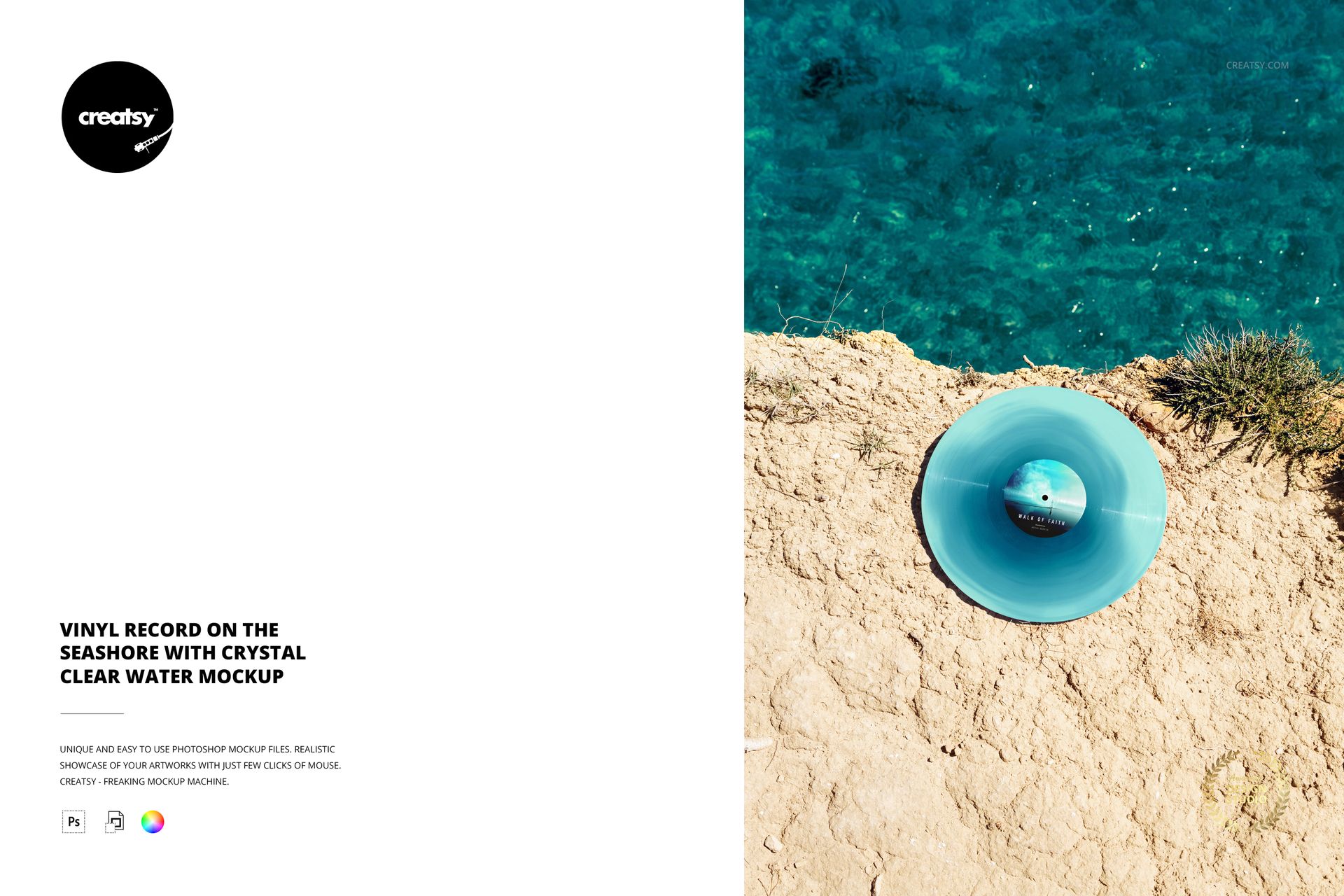
Clear turquoise water and a pale sunlit ledge frame a single vinyl record viewed from above. The disc sits within a spacious portrait composition, making this seashore mockup especially useful when the setting should contribute to an album’s visual story.
Present a summer release, an ambient project or a coastal-inspired identity with room for the environment to breathe. Your label artwork and vinyl color become part of a complete image rather than an isolated product swatch.
What Is Included
One layered PSD with a single high-angle seashore record scene.
4000 × 6000 px portrait canvas at 300 DPI.
One JPG preview, two files in total.
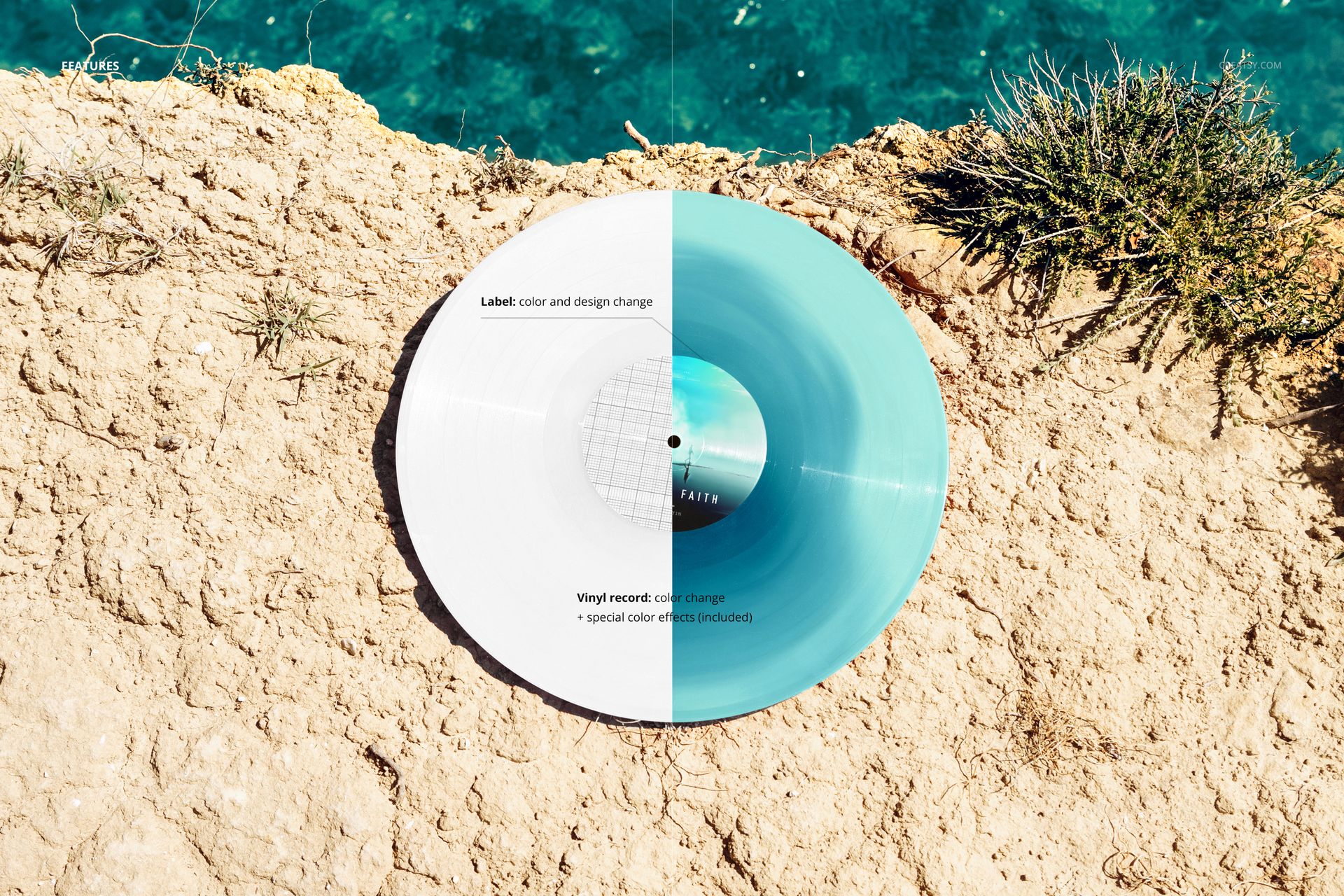
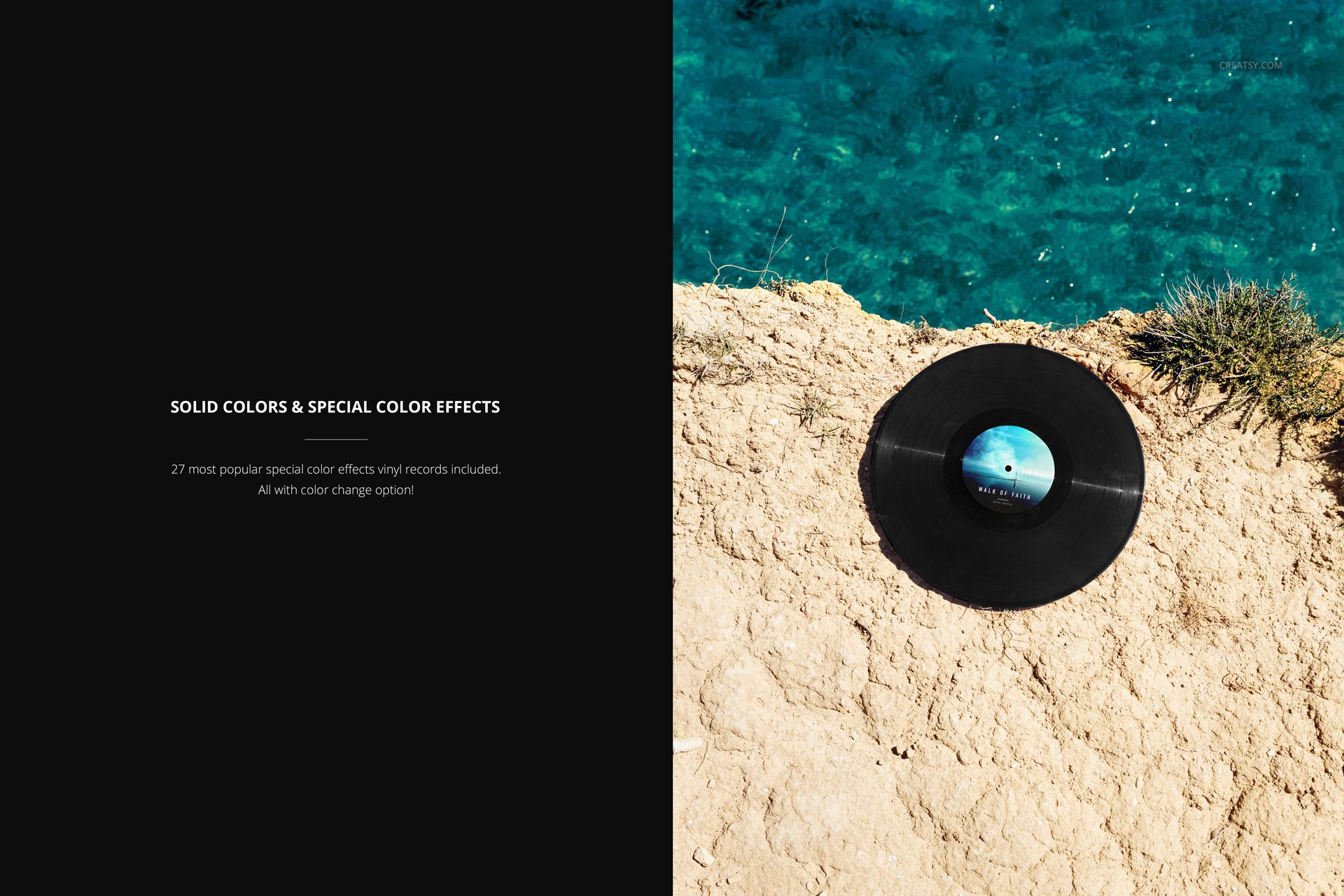
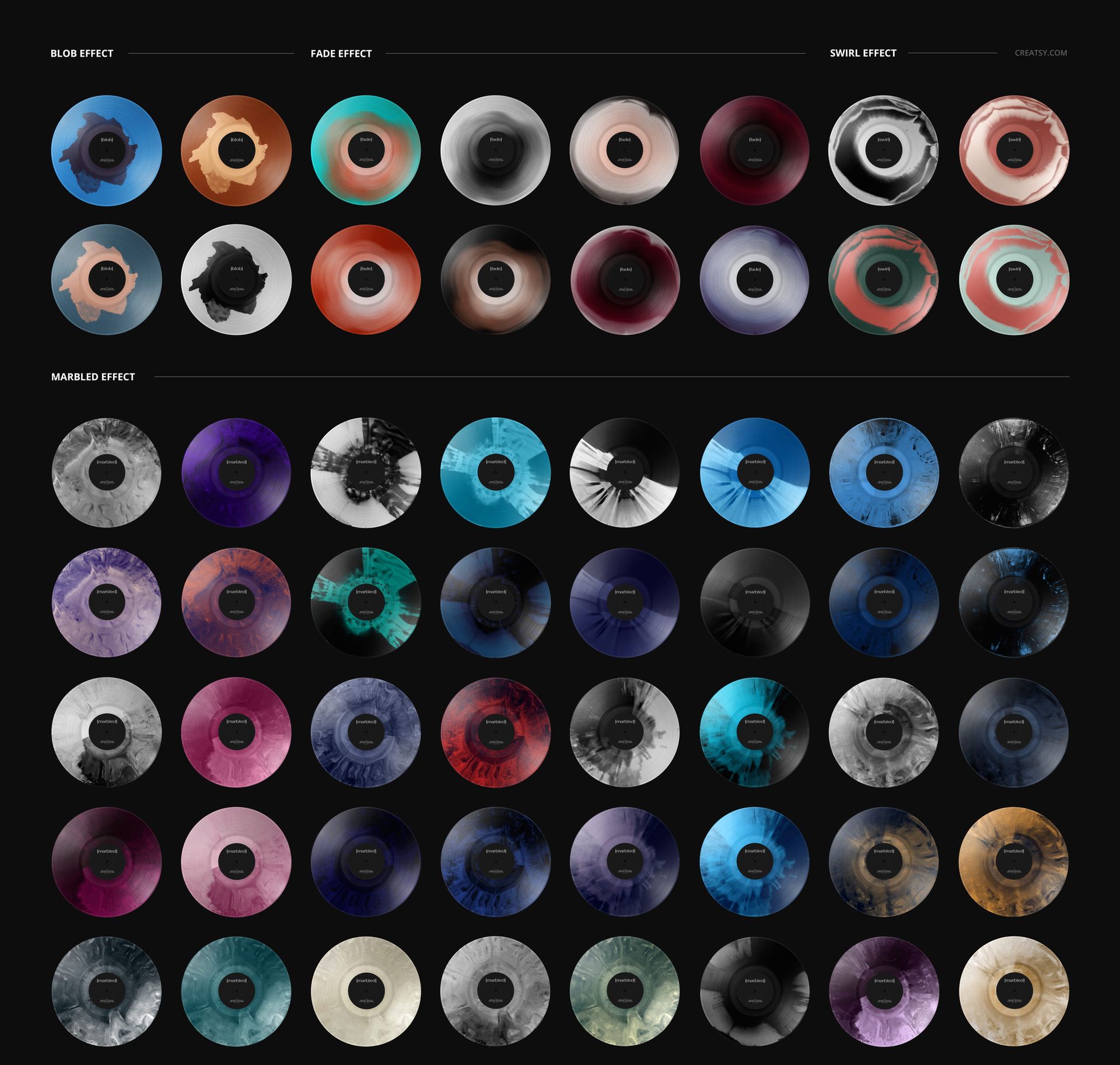
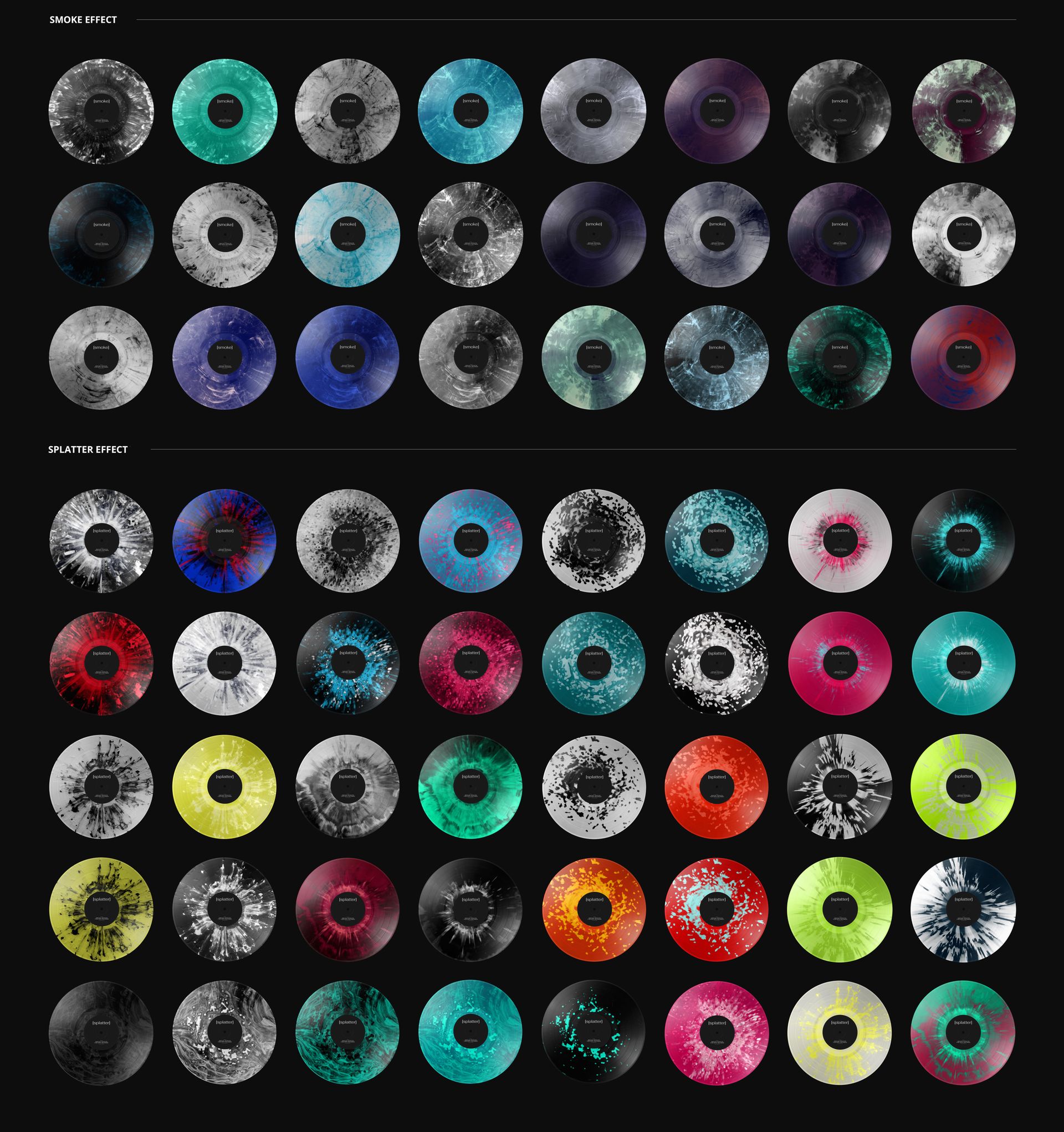
Editable label color and artwork, record color and 27 special color effects.
A Color Conversation with the Water
Try a blue-green palette that echoes the sea, or a warmer record color that separates the disc from its surroundings. The included blob, fade, swirl, marbled, smoke and splatter effects offer different ways to visualize the release.
Easy Smart Object Editing
Add your label design to the Smart Object in Photoshop or Photopea, save the artwork edit and return to the main scene. Use the organized layers to explore the available colors and vinyl effects.
Perfect For
Album art presentations, independent-label campaigns, musician press images and seasonal release promotions that benefit from a bright outdoor setting.
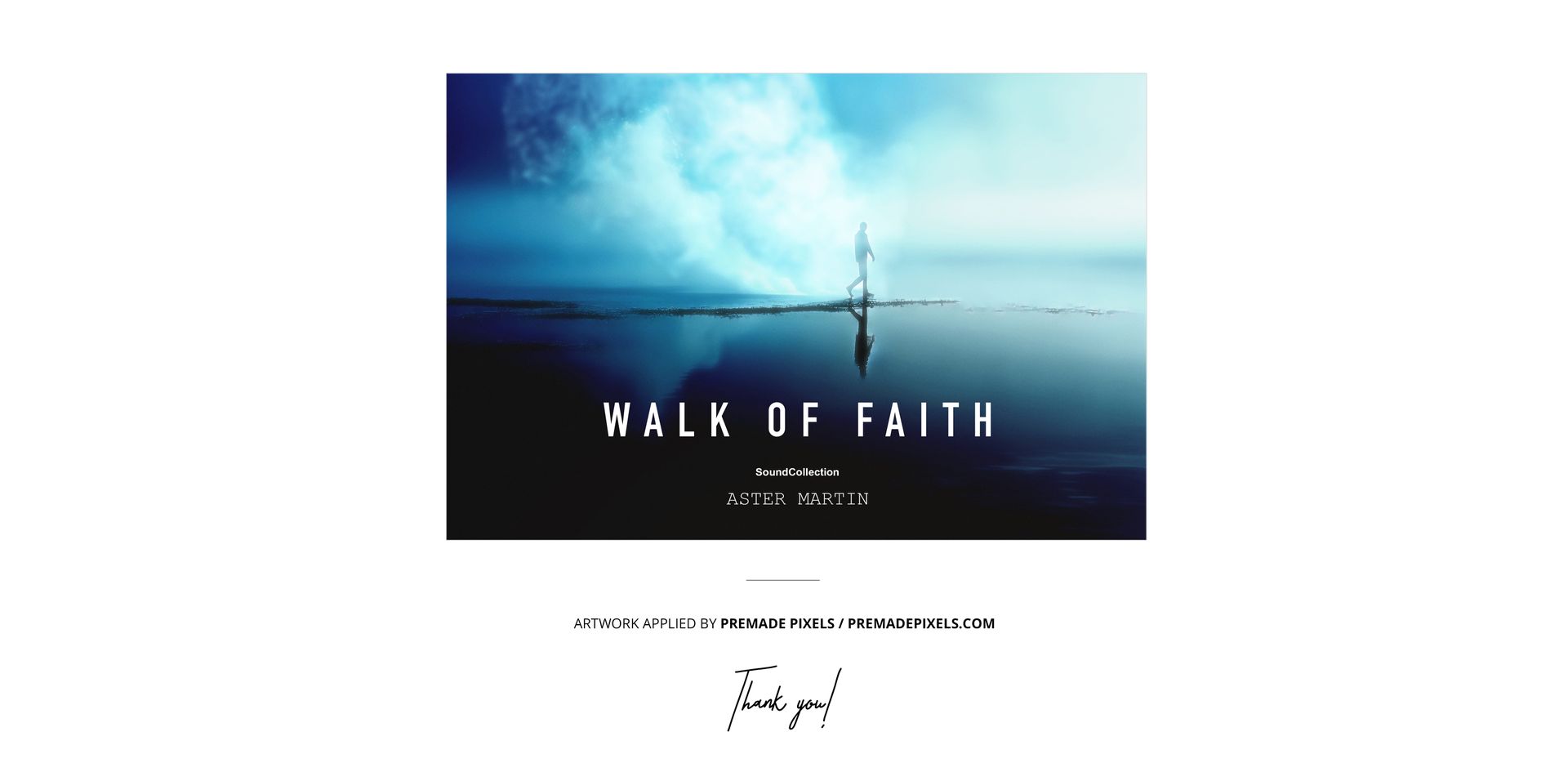
This is a digital presentation mockup, not a physical record. Preview artwork is shown for demonstration and is not included.