Footie with Two Way Zipper Mockup Set

ID: 1175296341 | Updated: Apr 3, 2025

Product Details

Footie with Two Way Zipper Mockup Set

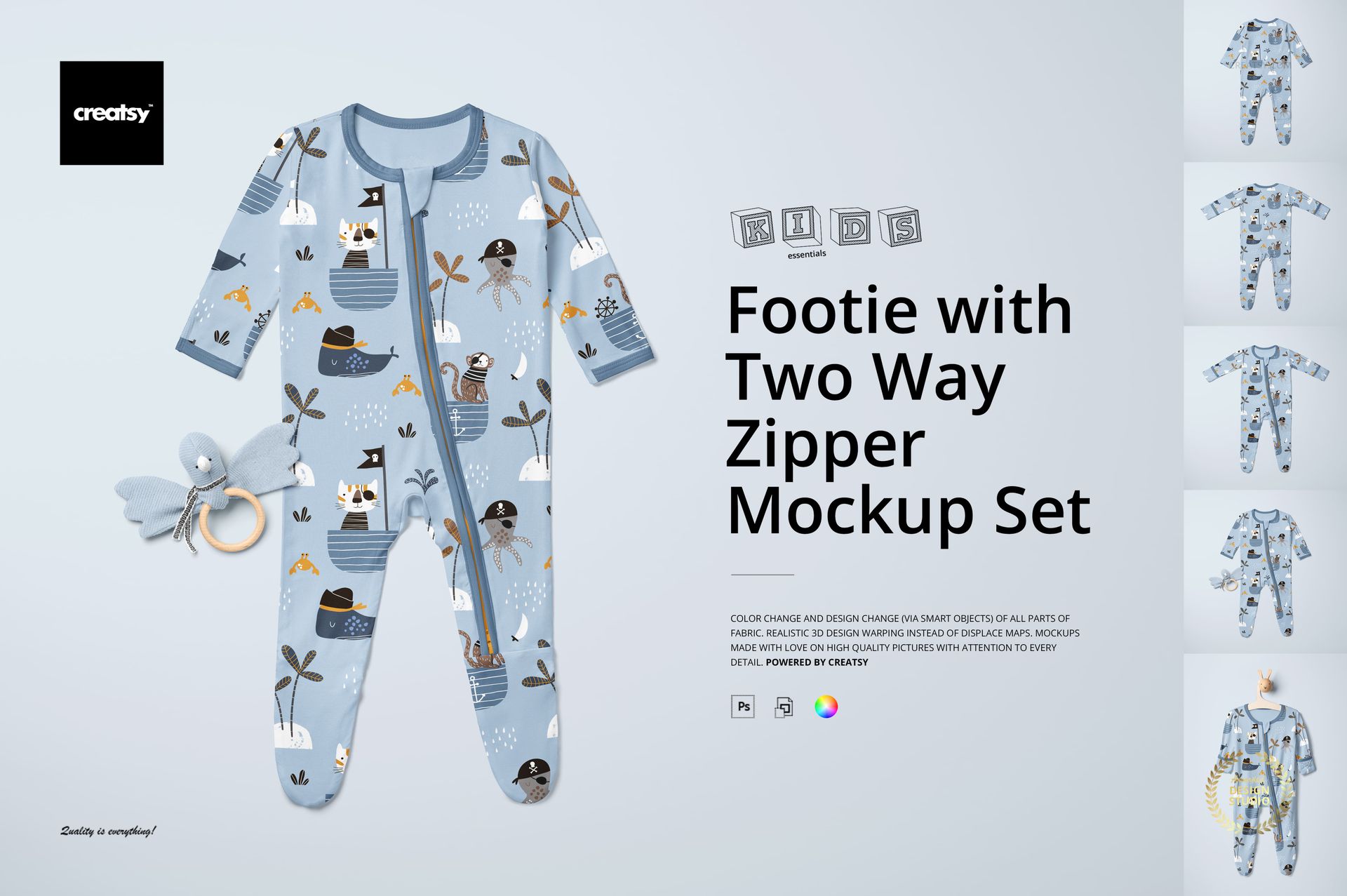
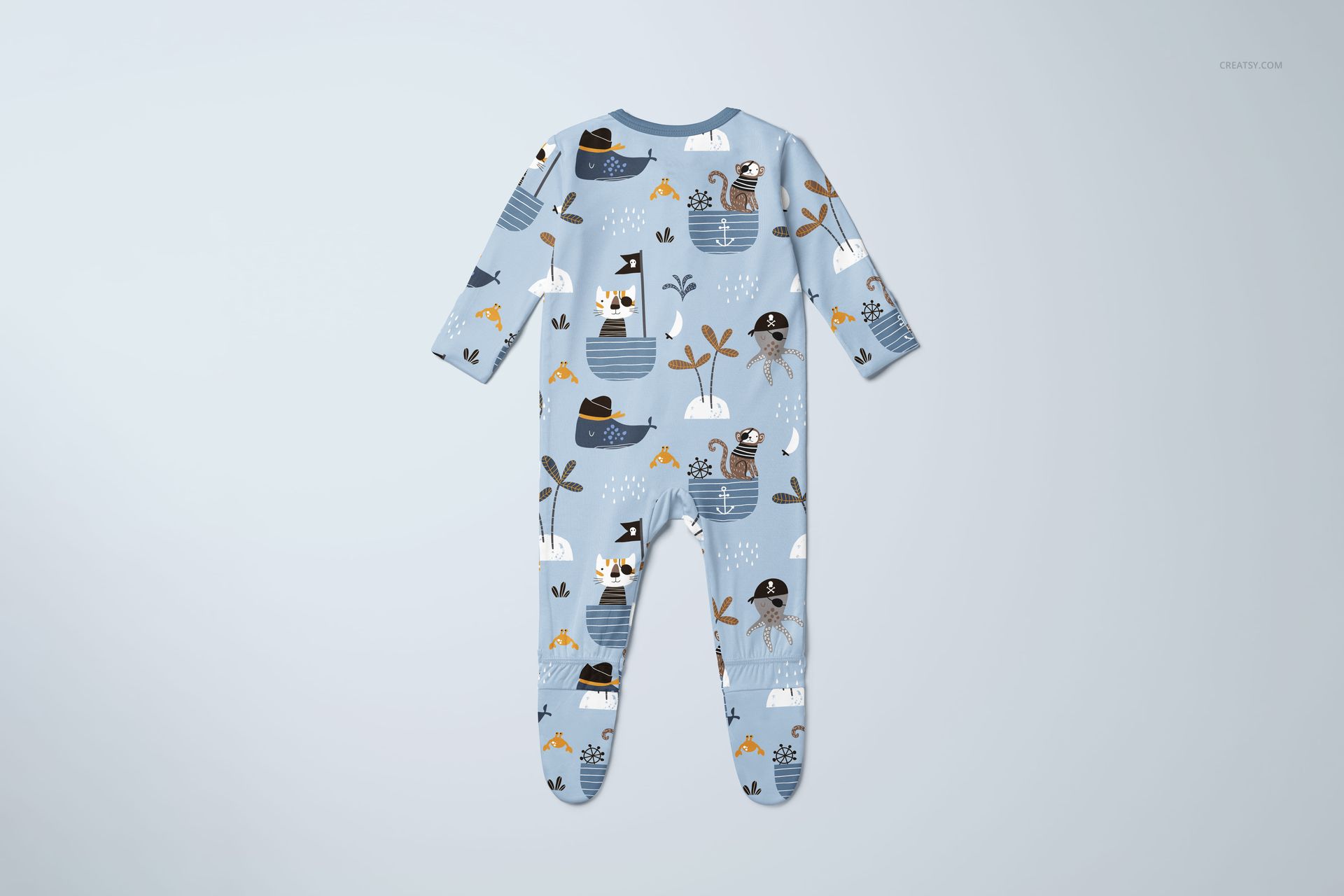
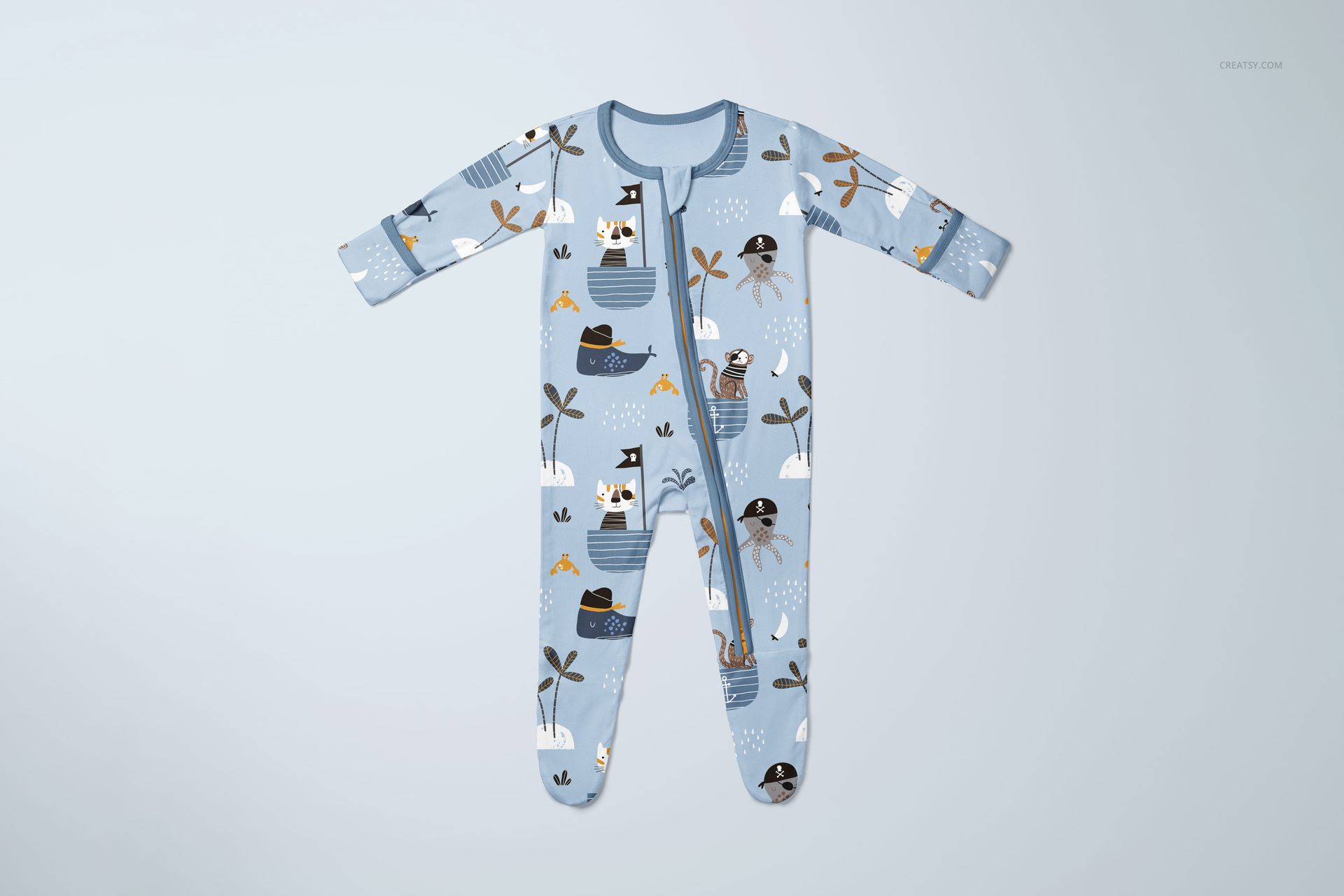
From bedtime stories to daytime play, babywear deserves to be showcased with love and detail – and the Footie with Two Way Zipper Mockup Set does exactly that. Created for designers who specialize in baby clothing, kids’ fashion, and textile design, this mockup set is the soft, snuggly stage your patterns have been waiting for.


Sweet Scenes, Fully Customizable 

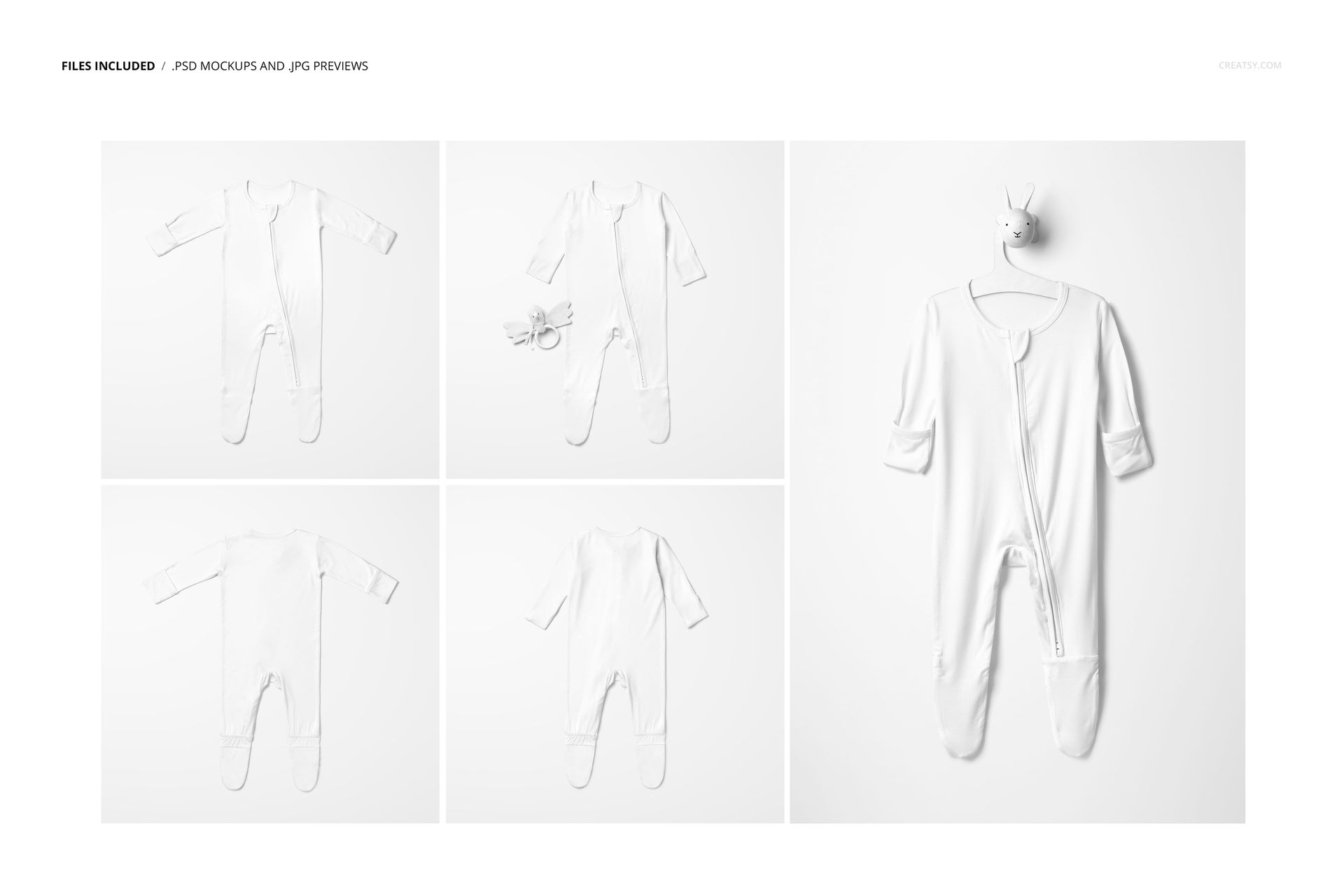
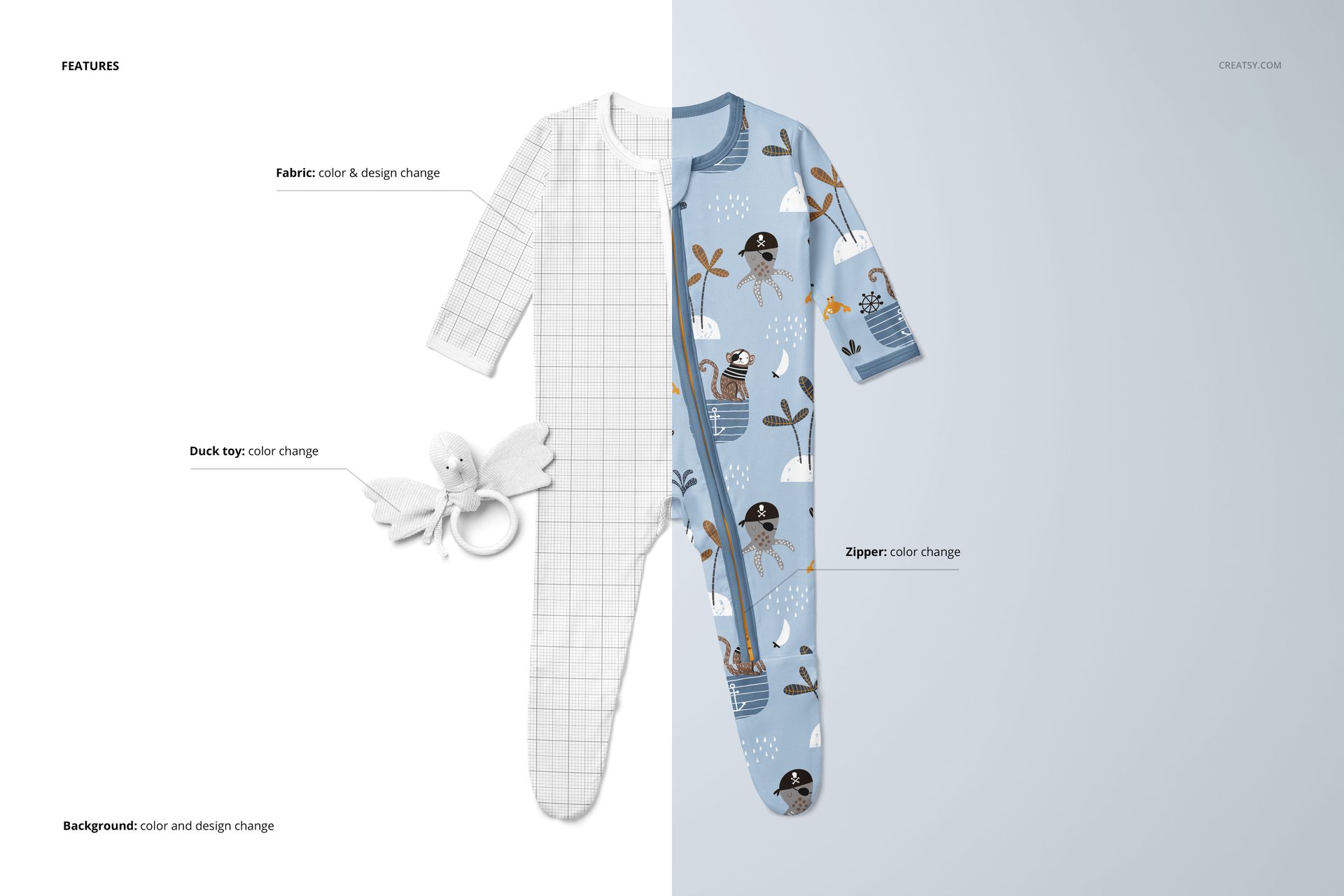
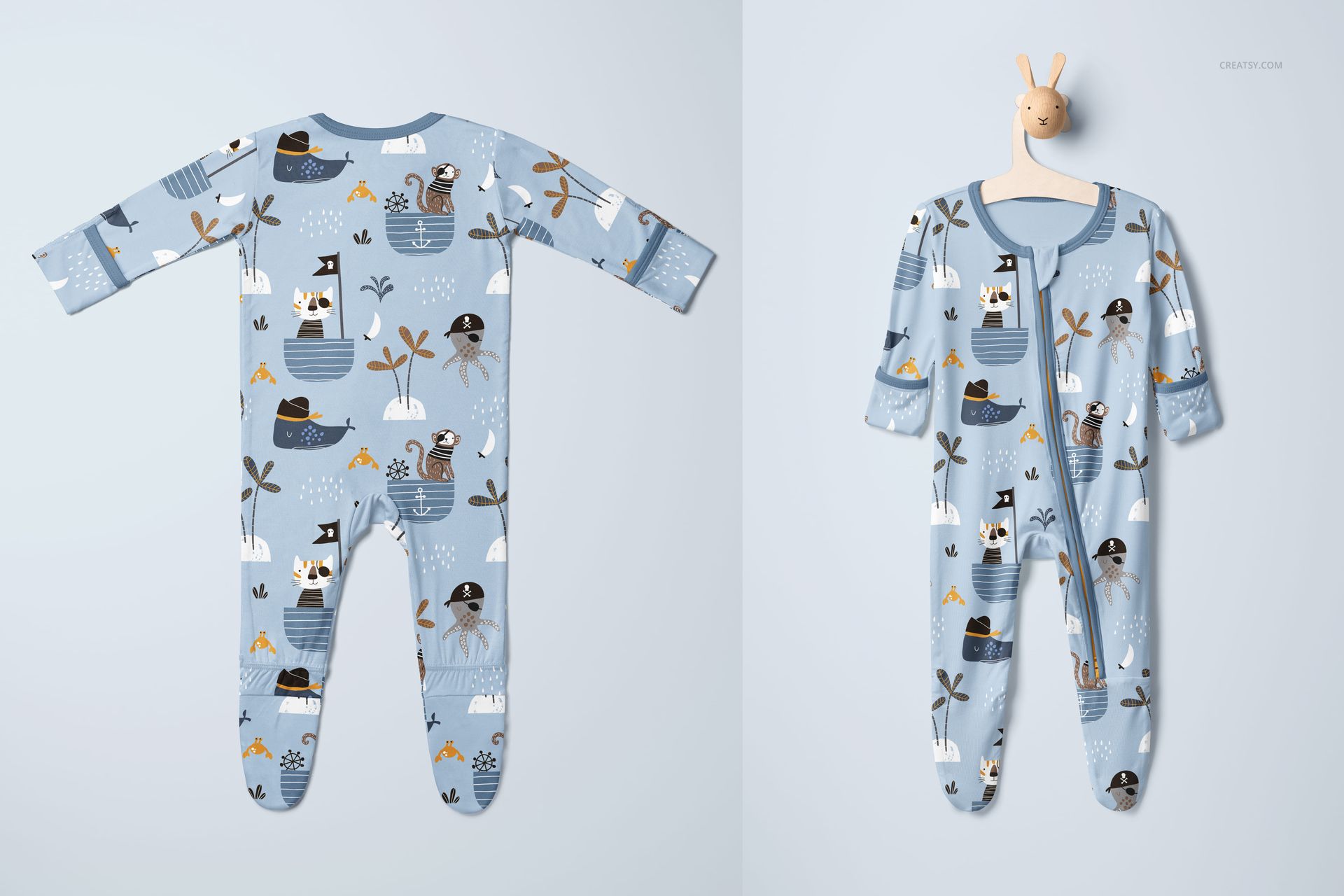
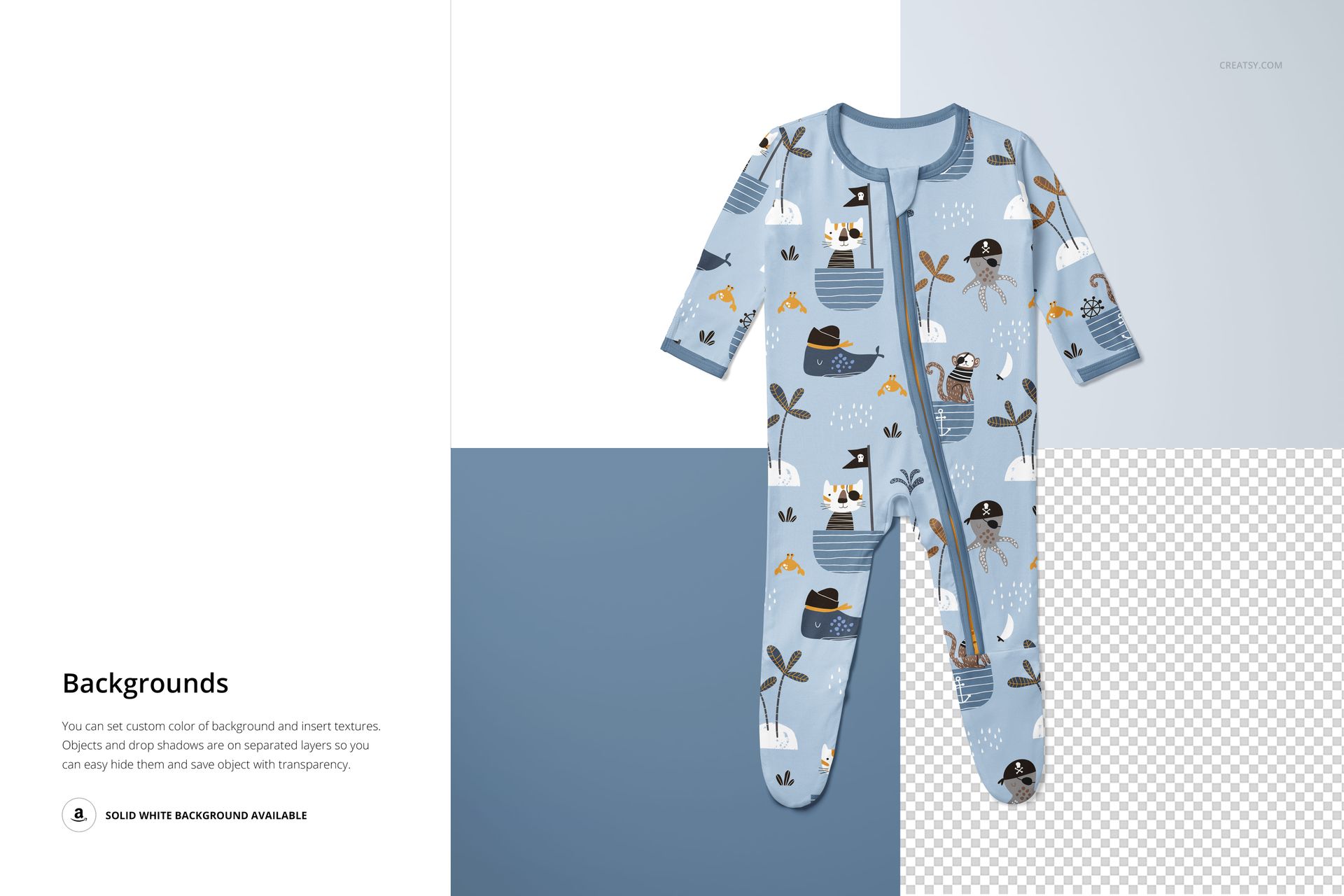
This set includes 5 high-quality PSD files, each featuring a footie baby onesie captured in gentle, realistic lighting with natural shadows and soft fabric folds. You’ll find front and back views, options laid flat or gently styled, and even a version hanging on a bunny-shaped hanger. One version includes a cuddly duck toy for an extra touch of charm. Every detail is fully editable – you can apply your own fabric patterns, change the zipper, customize the hanger and toy, and even style the background with your preferred textures and tones.


Perfect for Babywear Branding & Beyond 

Presenting a new footie design? Building a babywear lookbook? Launching a full kids’ fashion collection? This mockup helps you tell your story with heart. The organized layers and smart objects make customization easy and intuitive – so you can focus on creating adorable, high-impact visuals for your brand or portfolio.


  •   Files work in Photoshop (min. version CC2020) and in free online editor: Photopea.com;

  • Pack includes 5 .psd files: 6000x6000 px, 300dpi;

  • Check screenshots for all the features;

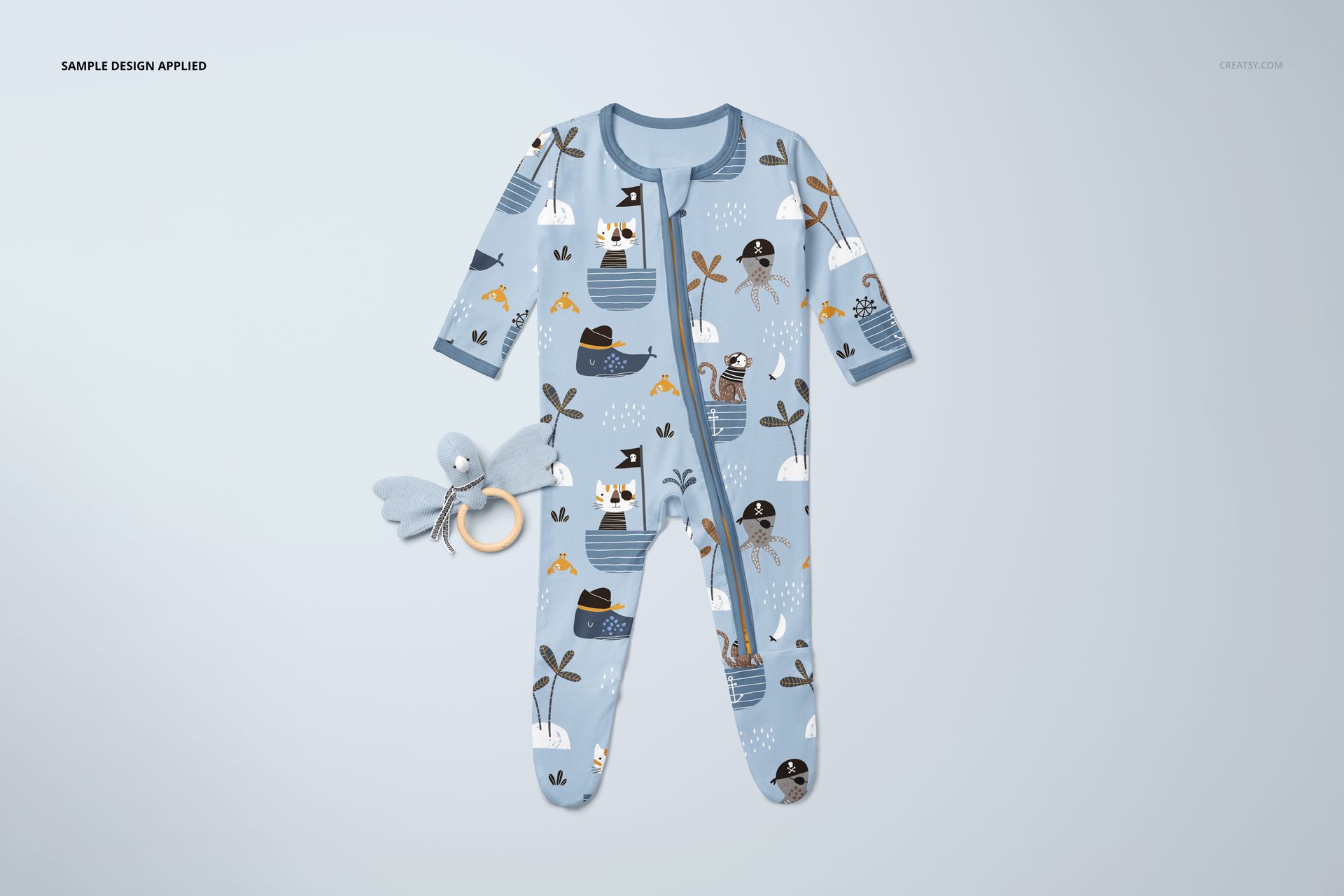
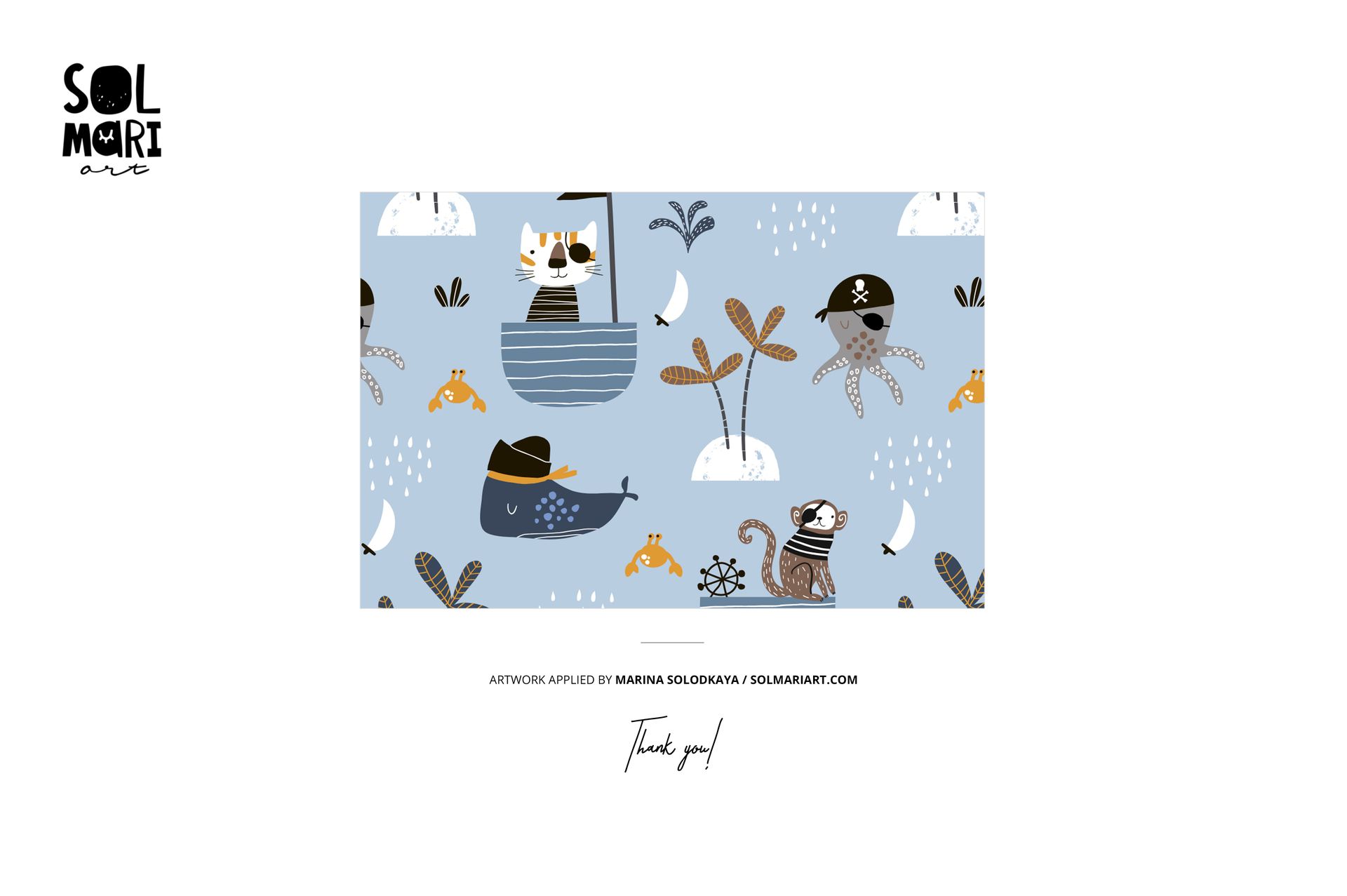
  • Design applied on mockups by Solmari Art: solmariart.com (not included in the main zip file);

  • Well organized layers.

File details

Compatibility
PhotopeaAdobe Photoshop
Number of files included
10
Package size
1.67 GB1.67 GB|1.8 GB1.8 GB
Files type
.psd, .jpg
Files size
6000x6000
TEST FOR FREE

MEET THE SHOP

Creatsy logo

Creatsy

Poland
4.7 (642)

Bring your ideas to life.

We're a family-run studio in Katowice, Poland, making PSD mockups by hand since 2016. Everything in this shop starts in our own studio. We shoot the photography, build the 3D, and put together every Smart Object PSD ourselves - then we test it, organize the layers, and only ship it once it actually works...
GO TO SHOP

HOW IT WORKS

3 clicks. That's it.

No tutorial needed. If you can copy-paste, you can use this.

  1. 1OpenDouble-click the smart object inside the PSD - in Adobe Photoshop, or free in your browser with Photopea.
  2. 2PasteDrop in your pattern, print, or artwork. Any design, any style.
  3. 3SaveHit save and the mockup wraps it in for you - shadows, folds, and lighting included.

FROM IDEA TO IMAGE

Built for real workflows

Skip the photo shoot Show your artwork on the real product type for approvals or listings - no studio, no model, no sample.

See it on the product, not a swatch Drop your file into the smart object and the scene's lighting and folds wrap around it, so you judge the real thing before you commit.

Smart Objects

Edit once and you're done. Your artwork drops into a smart object and the mockup updates itself - no masking, no warping by hand.

Perfectly Organized

Named layers and folders you can actually navigate. Find what you need, change what you want, and get out fast.

Print-Ready

High-resolution files built to hold up on screen and in print. Exact size and DPI are in this product's Details above.