Japanese Style Baby Romper Mockup Set
This product is a part of Japan Mockup Bundle
Product Details
Japanese Style Baby Romper Mockup Set
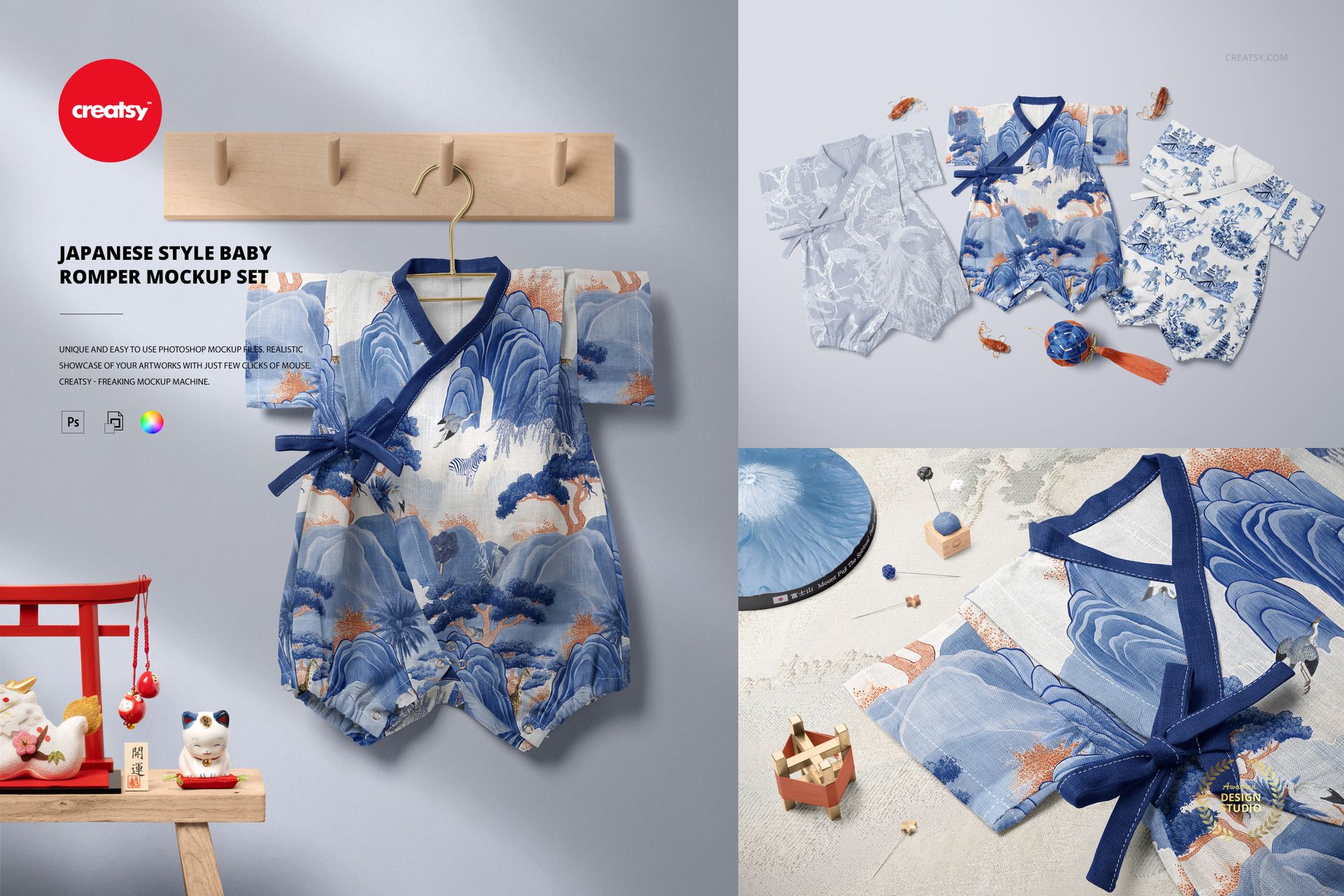
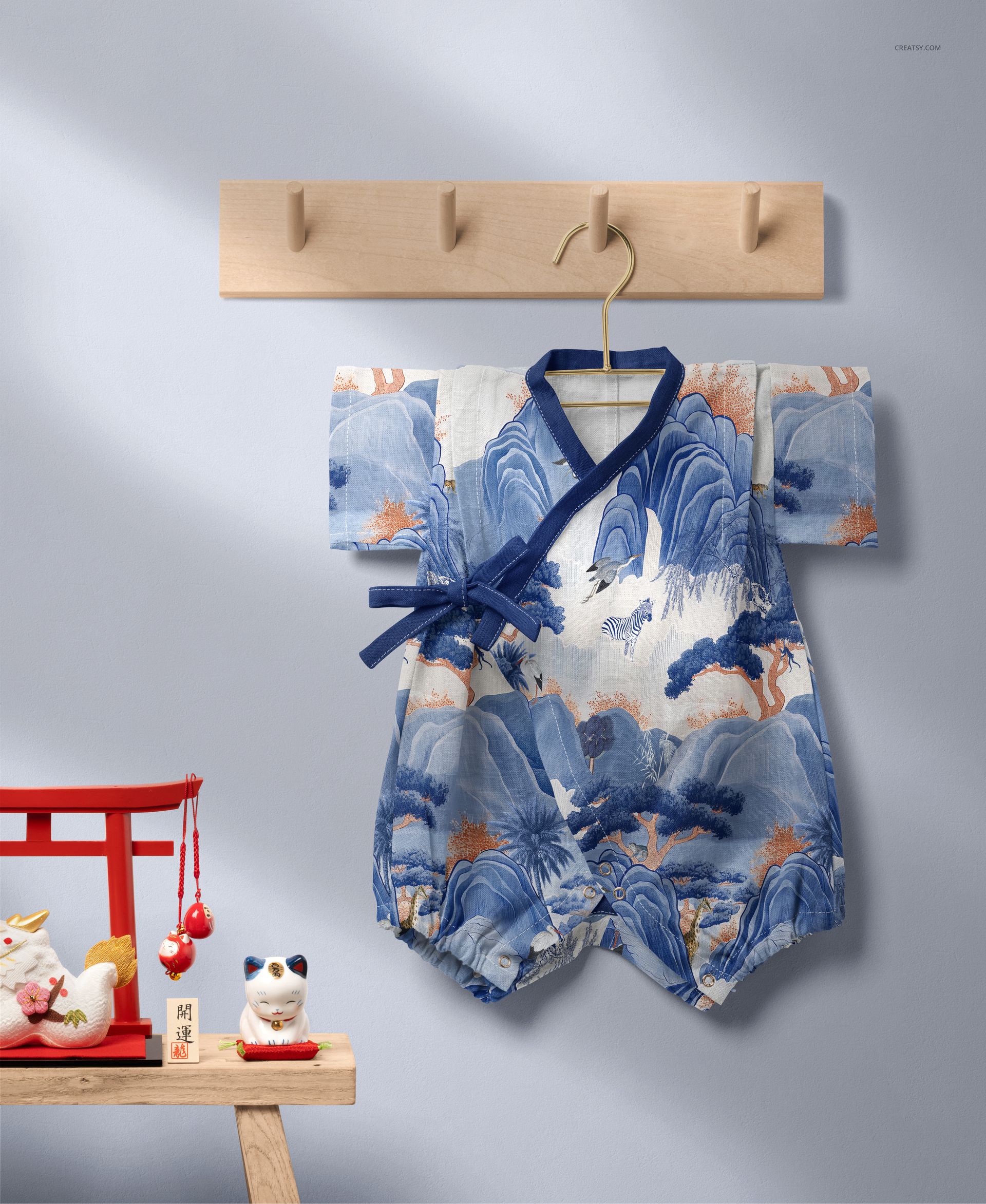
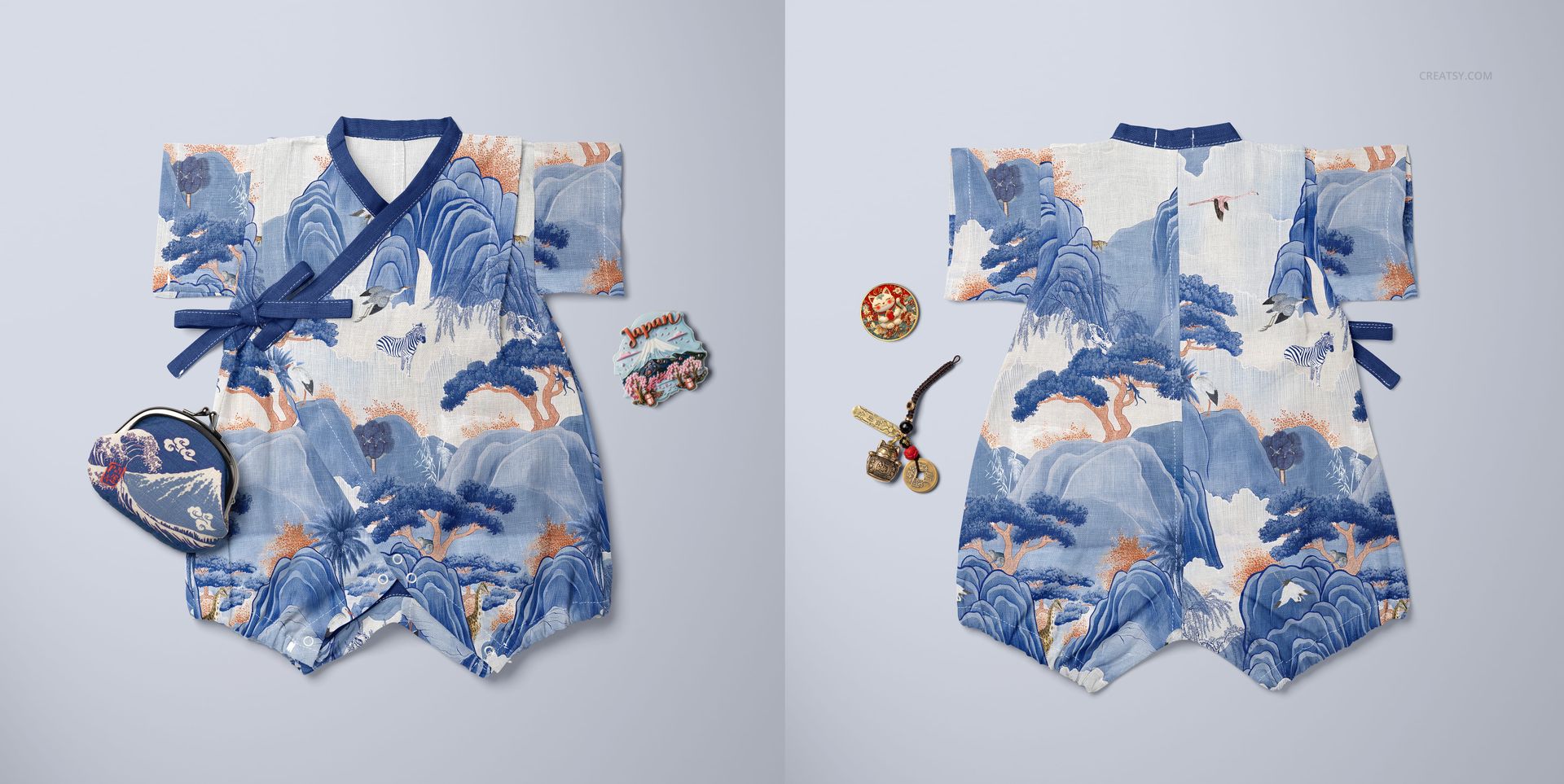
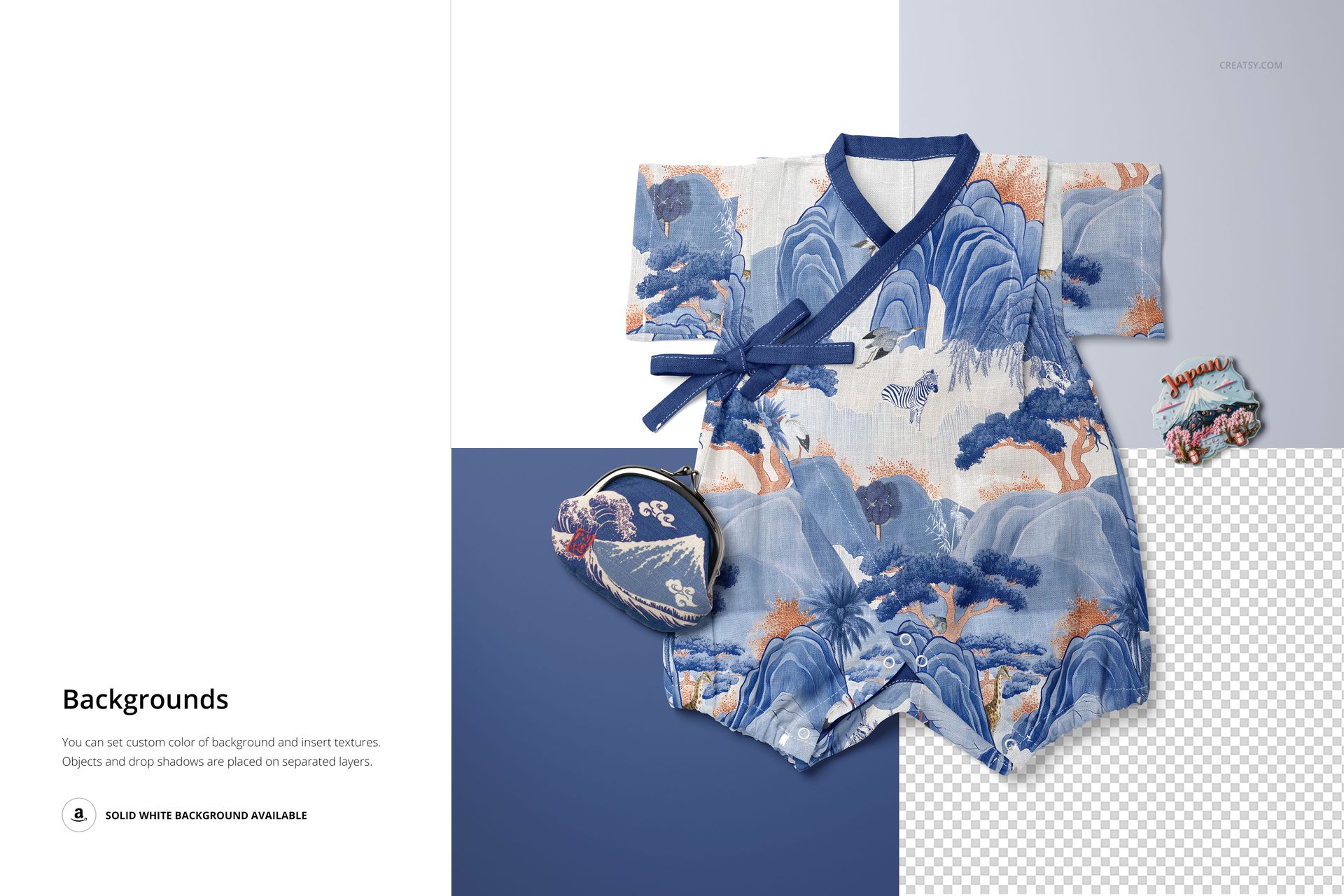
Infuse your children's fashion portfolio with elegance and cultural charm using the Japanese Style Baby Romper Mockup Set. Thoughtfully styled and beautifully photographed, this collection of 6 high-quality PSD files offers a unique backdrop for showcasing your surface designs with grace and creativity.
Harmony in Every Detail
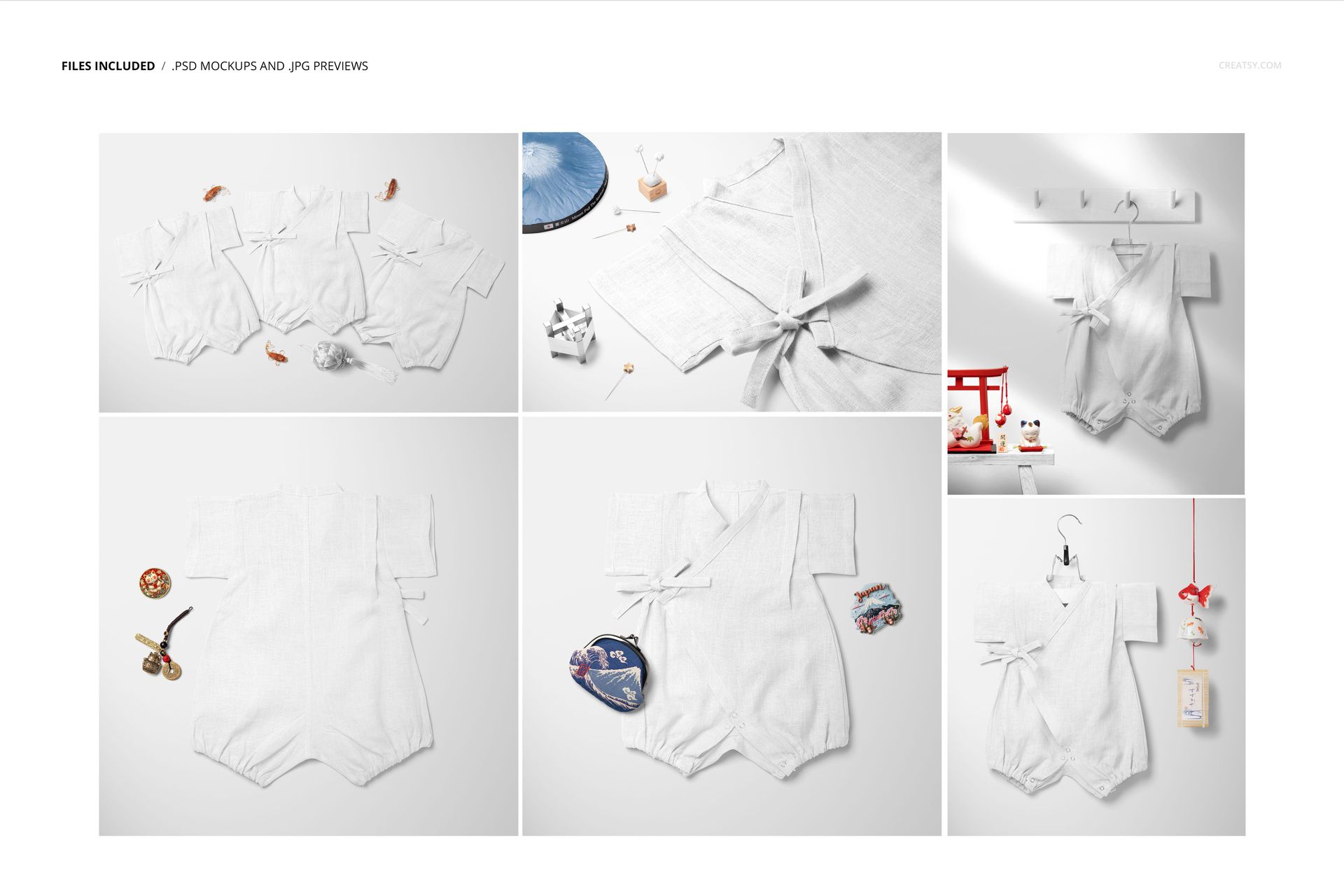
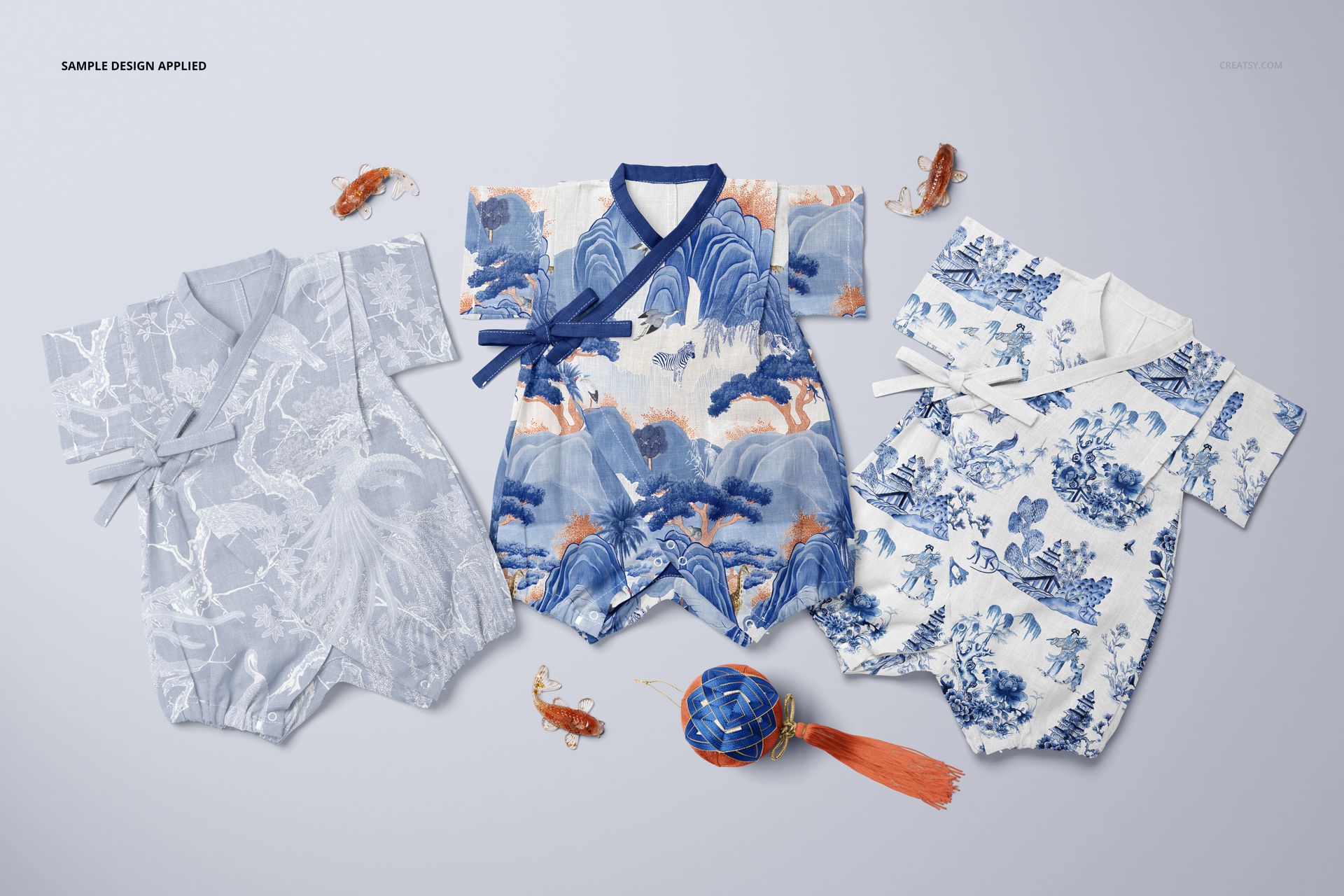
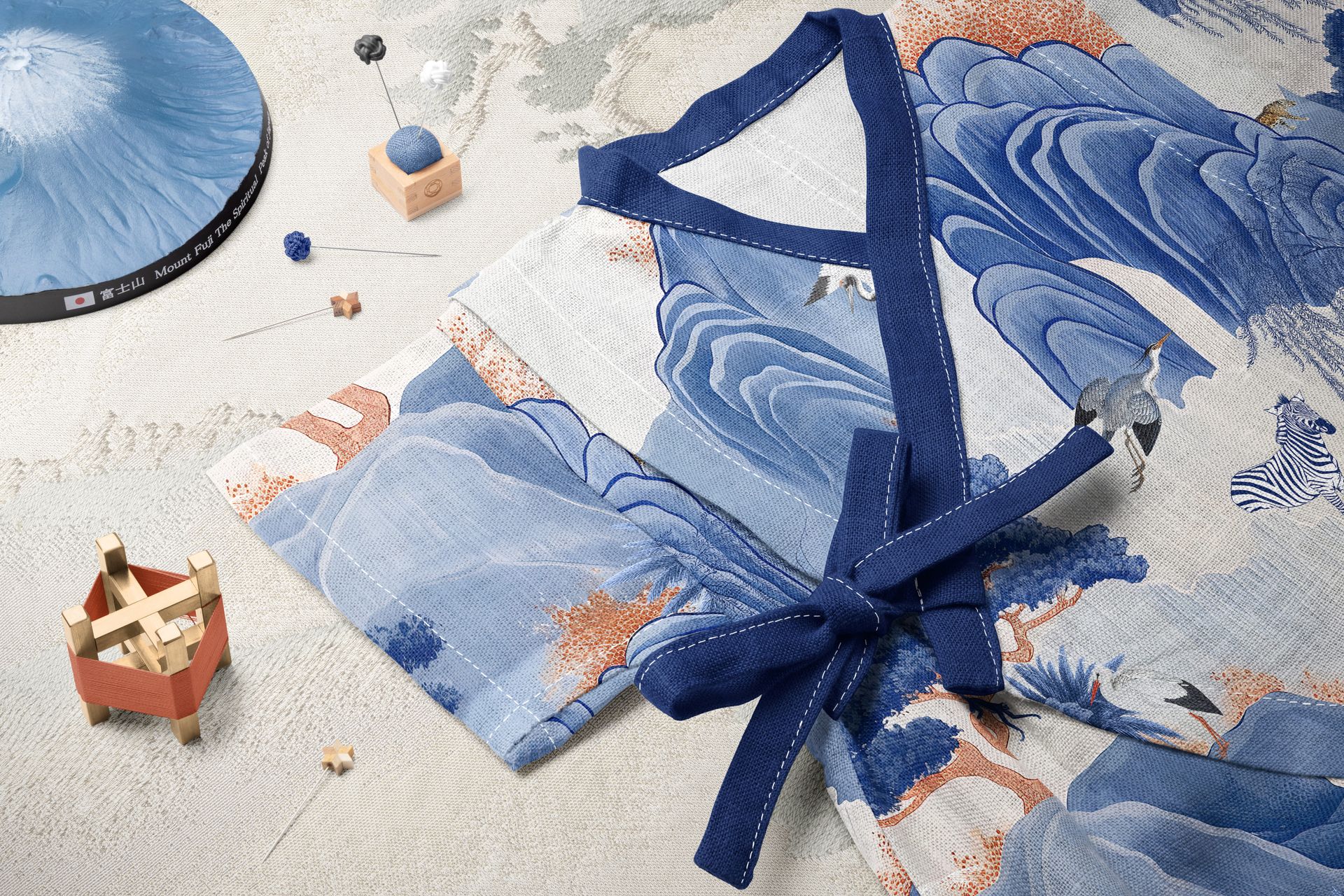
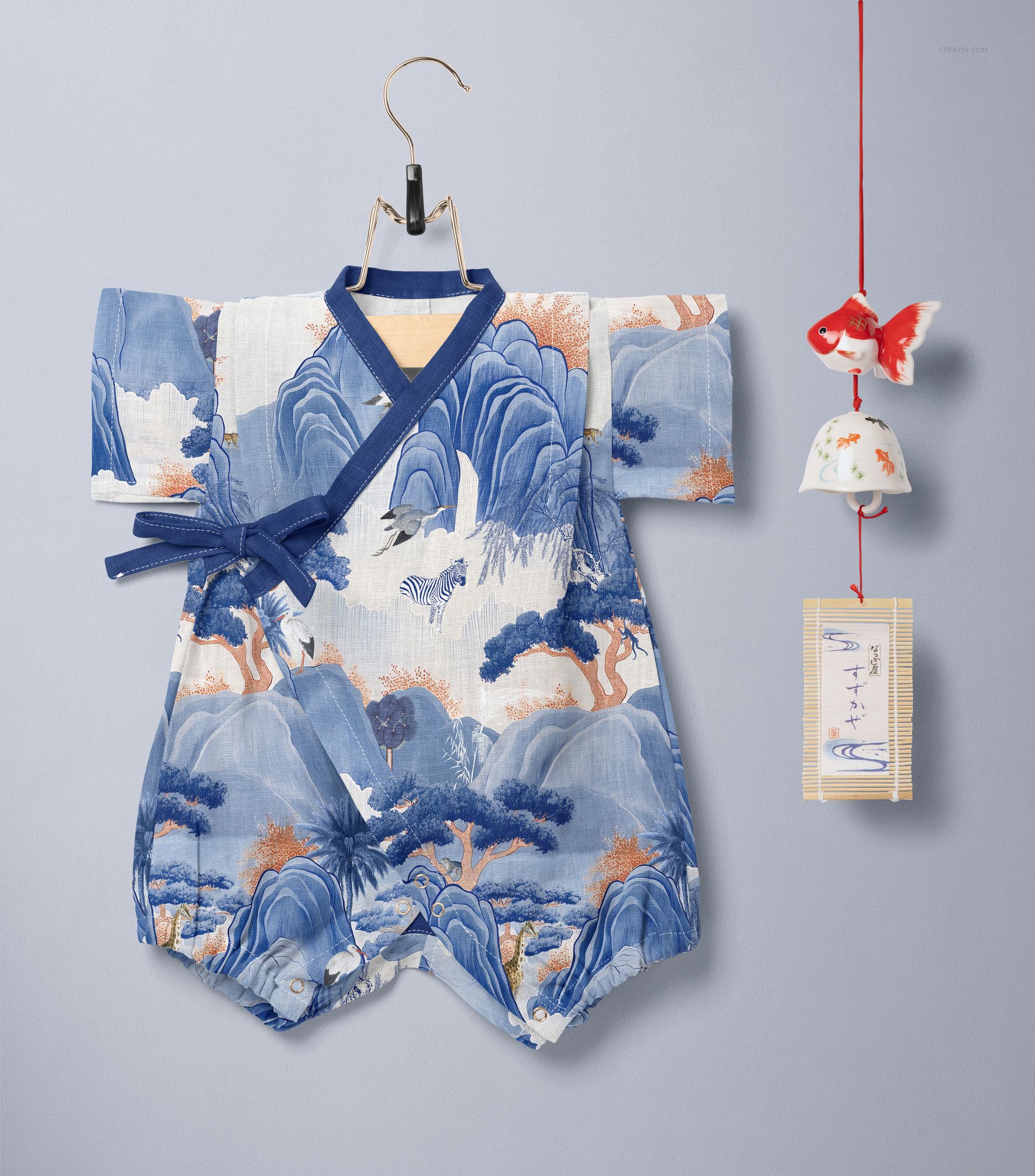
Each scene in this set is composed with care, reflecting the refined aesthetics of traditional Japanese design. From the romper hanging beside a Furin wind chime to the flat-lay displays of front and back views, every angle is designed to elevate your patterns. You'll also find artistic arrangements featuring matching accessories, delicate props, and even a trio of rompers shown side-by-side – perfect for presenting coordinated collections.
Designed for Creative Customization
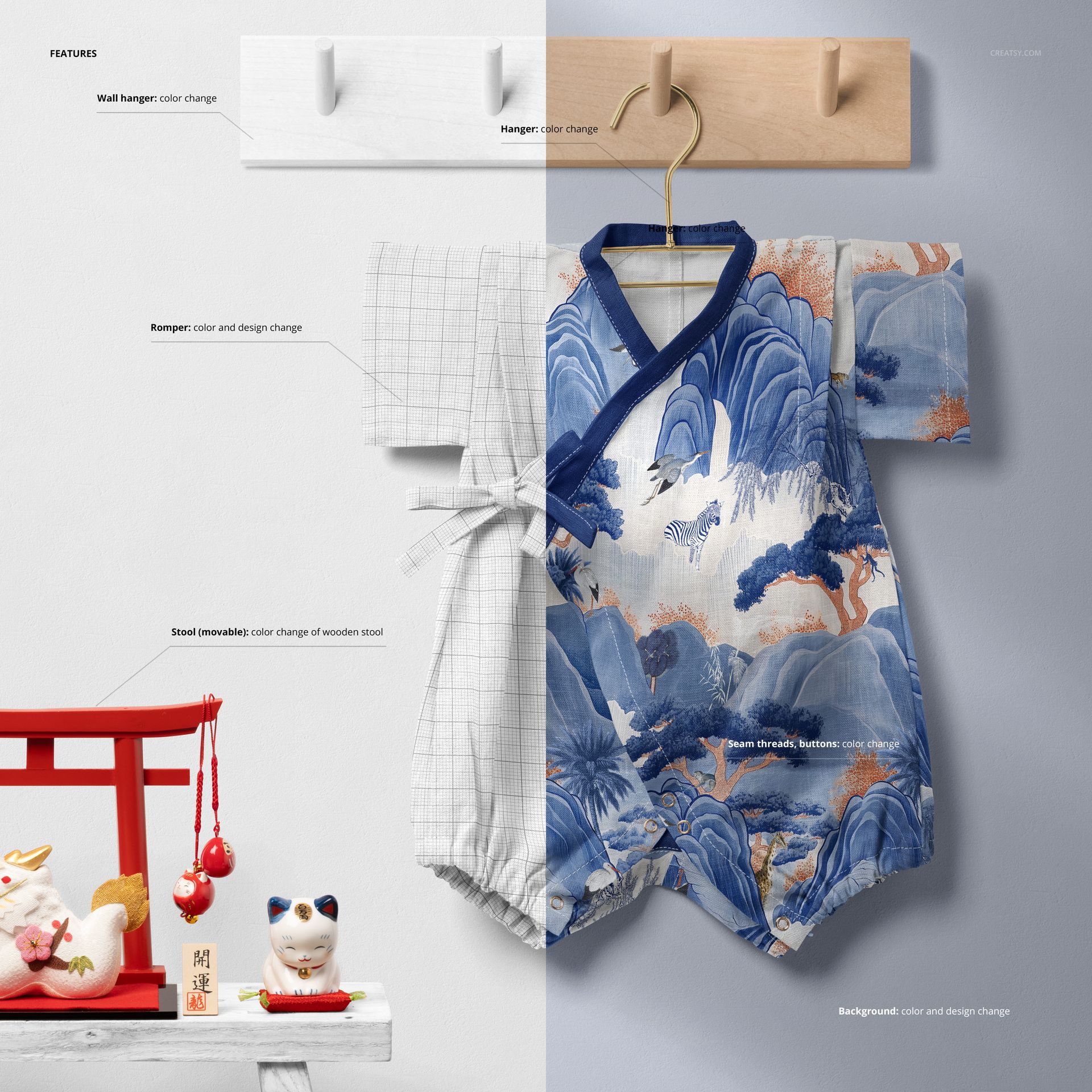
Each file in this set gives you full creative control. You can apply your designs to both sides of the romper fabric, change the color of the stitching and buttons, and customize the hues of the wooden stool, steel coat hanger, and decorative wall pieces. You can also adjust the look of smaller styling props like the temari ball, needle pad, and brass spool. As always, the background is completely editable – ready for your textures, tones, or branding elements.
Files work in Photoshop: min. version: CC202 and in Photopea (free online editor);
Pack includes 6 .psd files: 6000x4000 px, 300dpi;
Check screenshots for all the features;
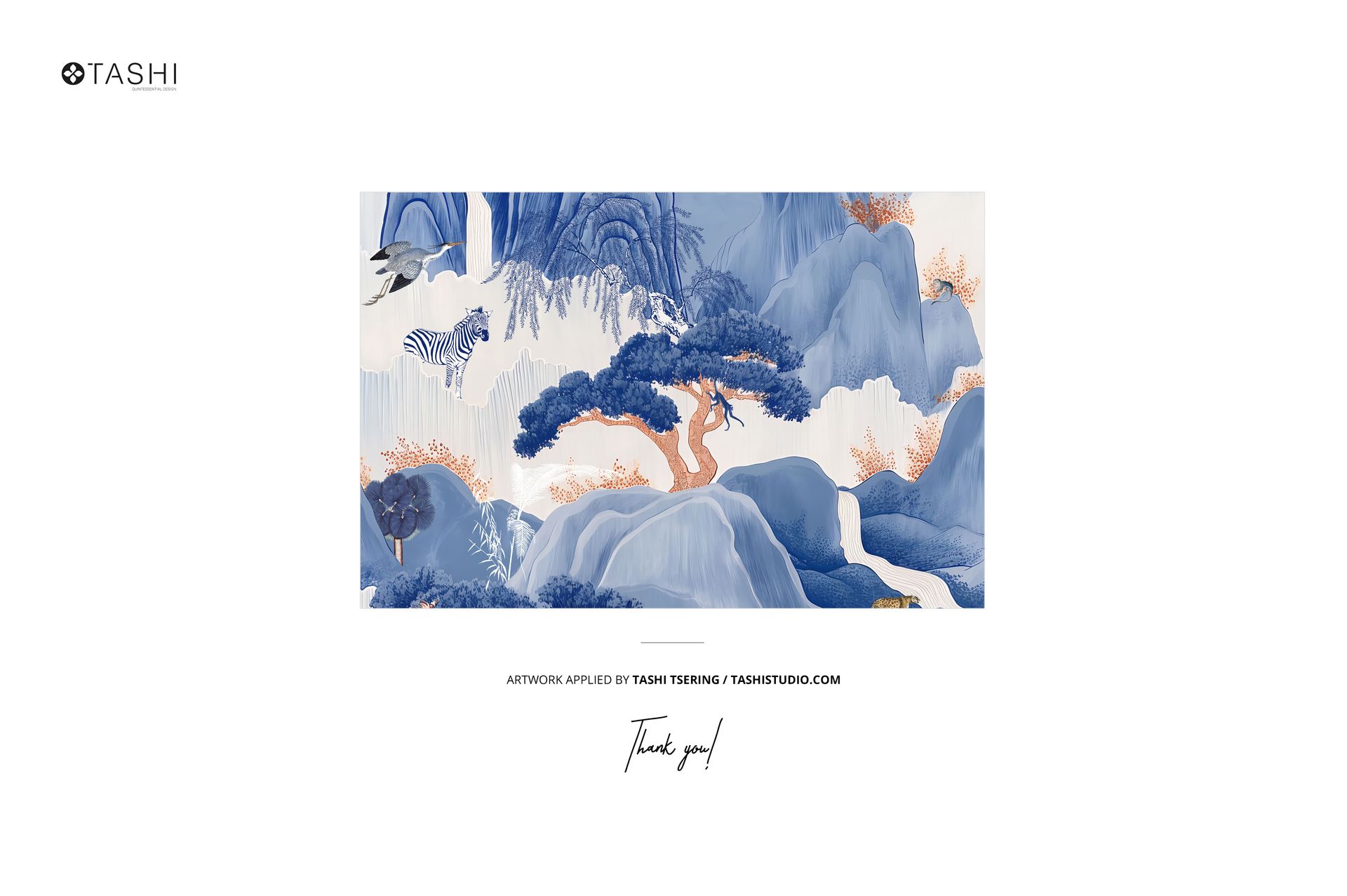
Patterns applied on mockups by Tashi Tsering: tashistudio.com (not included in the main zip file);
Well organized layers.
File details
- Compatibility
- Number of files included
- 12
- Package size
- 2.91 GB
|3.12 GB
- Files type
- .psd, .jpg
- Files size
- 6000x4000


Made with Creatsy
Real designs. Real customers. See how creatives use Creatsy mockups to turn their artwork, branding, and product ideas into polished visuals.
MEET THE SHOP
- $1820$26.00
- $1890$27.00
- $1330$19.00
- $1330$19.00

HOW IT WORKS
3 clicks. That's it.
No tutorial needed. If you can copy-paste, you can use this.
- 1OpenDouble-click the smart object inside the PSD - in Adobe Photoshop, or free in your browser with Photopea.
- 2PasteDrop in your pattern, print, or artwork. Any design, any style.
- 3SaveHit save and the mockup wraps it in for you - shadows, folds, and lighting included.
FROM IDEA TO IMAGE
Built for real workflows
Skip the photo shoot Show your artwork on the real product type for approvals or listings - no studio, no model, no sample.
See it on the product, not a swatch Drop your file into the smart object and the scene's lighting and folds wrap around it, so you judge the real thing before you commit.
Smart Objects
Edit once and you're done. Your artwork drops into a smart object and the mockup updates itself - no masking, no warping by hand.
Perfectly Organized
Named layers and folders you can actually navigate. Find what you need, change what you want, and get out fast.
Print-Ready
High-resolution files built to hold up on screen and in print. Exact size and DPI are in this product's Details above.