ID: 1163665749 | Updated: Sep 11, 2023

Product Details

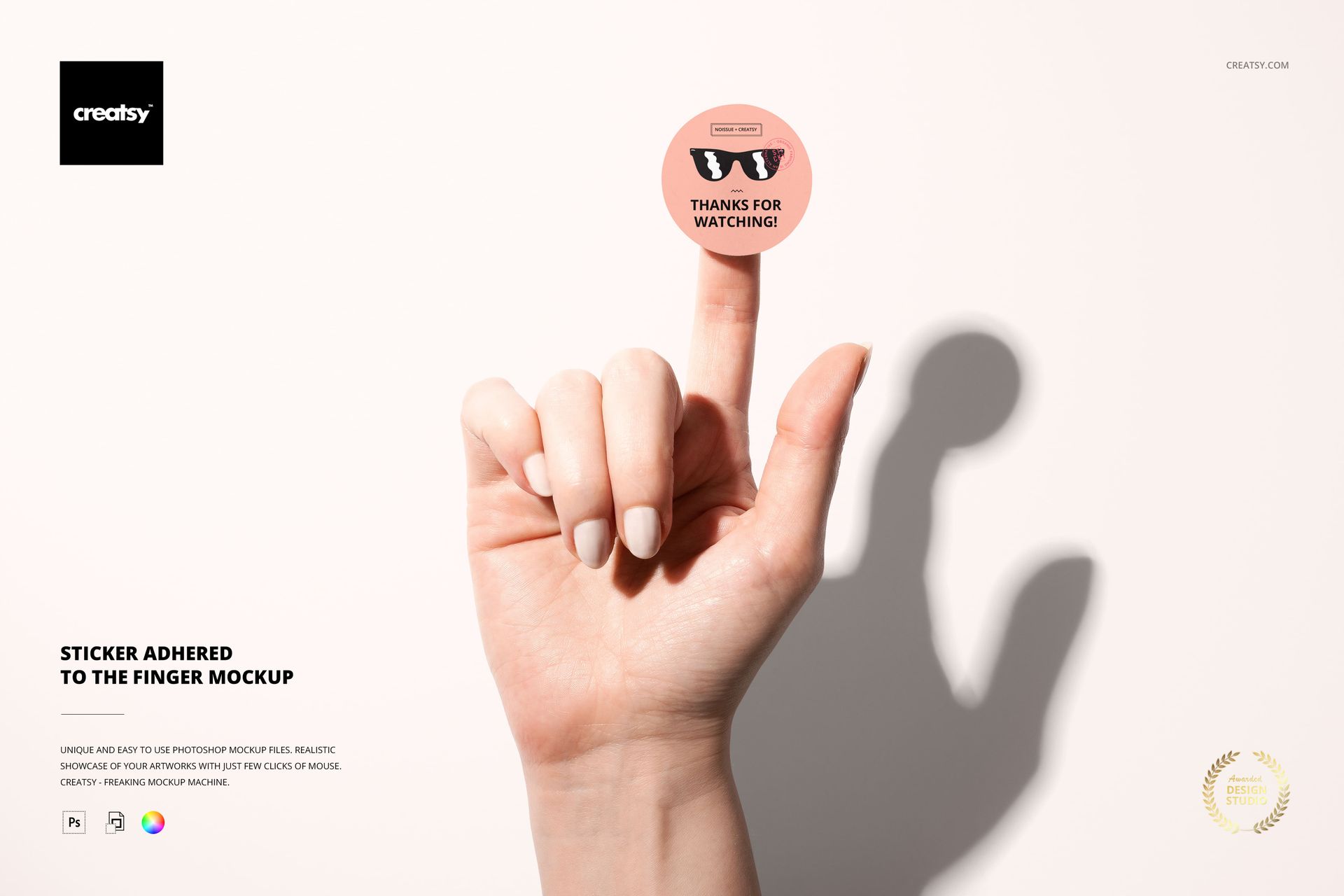
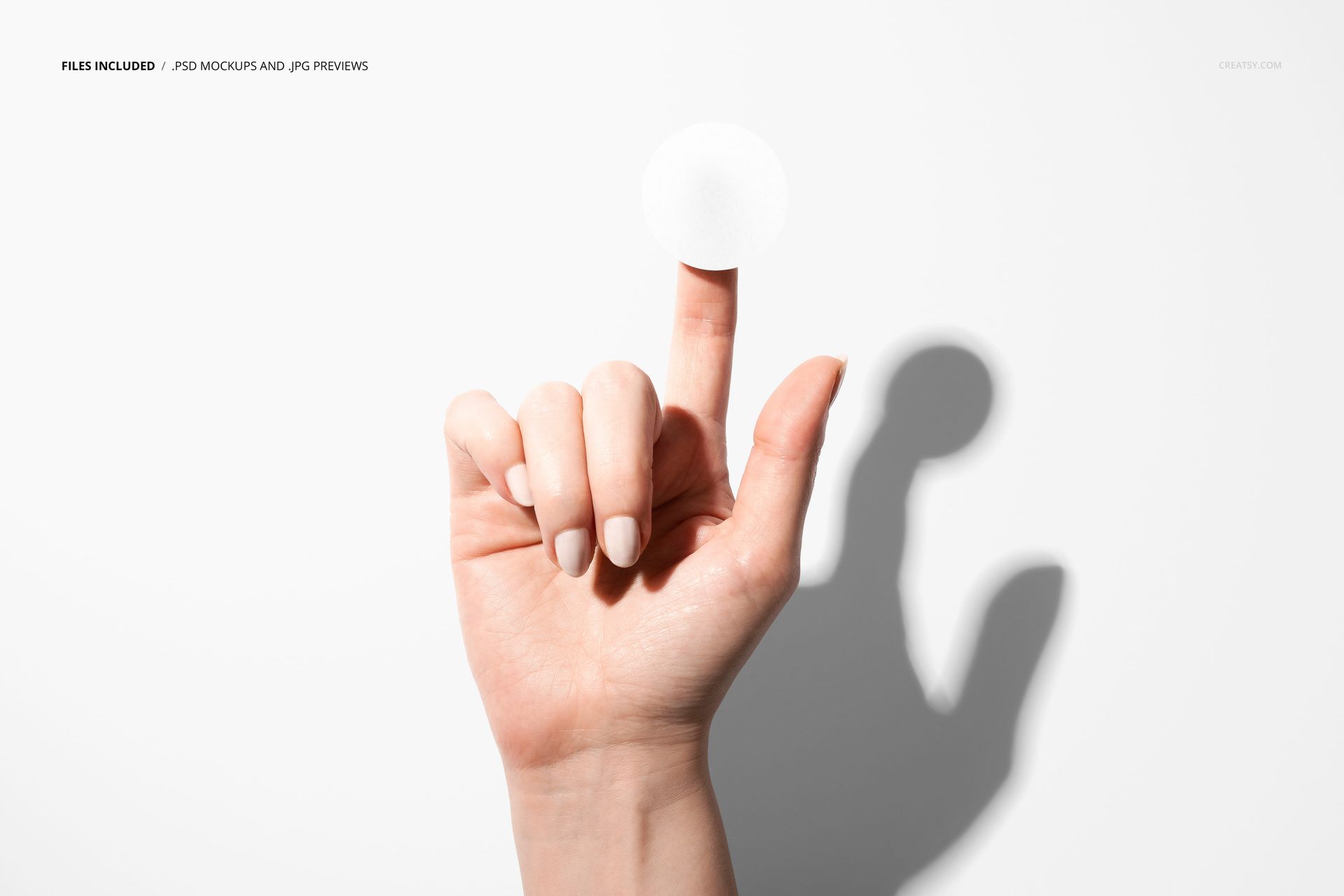
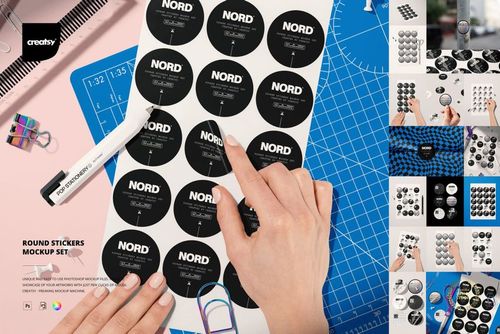
A finger pressed against a sticker surface does something no flat-lay mockup can replicate. It introduces scale, texture, and a physical relationship between the viewer and your design. This PSD mockup captures that exact moment - a single finger holding a round sticker against a clean, neutral backdrop - and turns it into a presentation tool for labels, badges, seals, and branding elements that need to look tangible before they exist in physical form.

Why the Finger Changes Everything

Flat sticker mockups sit on desks, counters, and laptops. They work, but they stay passive. The second a hand enters the frame, the image stops being a product shot and starts being a story. The viewer's brain fills in the rest: someone just peeled this off a backing sheet, someone is about to place it somewhere, someone chose this sticker over all the others. That narrative context is what separates a decent portfolio image from one that gets a client to approve the design on the first round.

File Specifications

The download contains a single PSD file built at 6000 x 4000 pixels and 300 DPI - large enough for print portfolio spreads, pitch decks displayed on retina screens, and e-commerce hero images at any crop ratio. Layers are organized and clearly labeled, so finding the smart object layer for your design placement takes seconds, not minutes of clicking through collapsed folders.

Compatibility

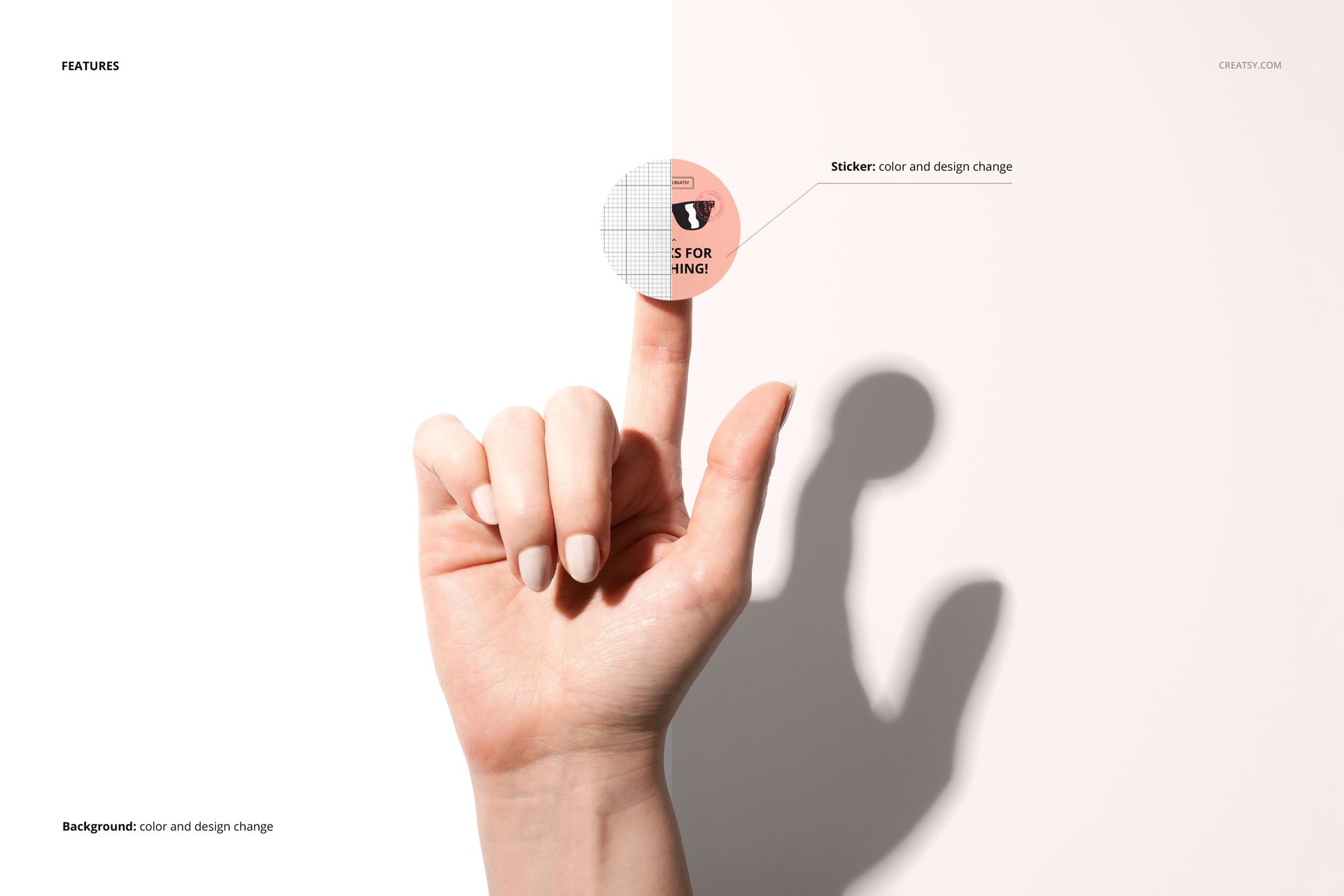
This mockup opens and renders correctly in Adobe Photoshop CC and in Photopea, the free browser-based PSD editor. Whether you run a licensed Creative Cloud installation or prefer a zero-cost workflow through your browser, the file works without plugin dependencies or missing fonts. Place your artwork into the smart object, save, and the perspective mapping handles the rest automatically.

What Fits on This Sticker

Round logos, quality seals, QA inspection badges, craft brewery emblems, candle jar lid labels, coffee roaster stamps, event admission stickers, laptop decals, product authentication seals, thank-you inserts for e-commerce packaging, and any circular or near-circular graphic that needs to look like it already exists in the physical world. The neutral background and natural skin tones keep the focus entirely on your artwork, never competing with it.

Production Context

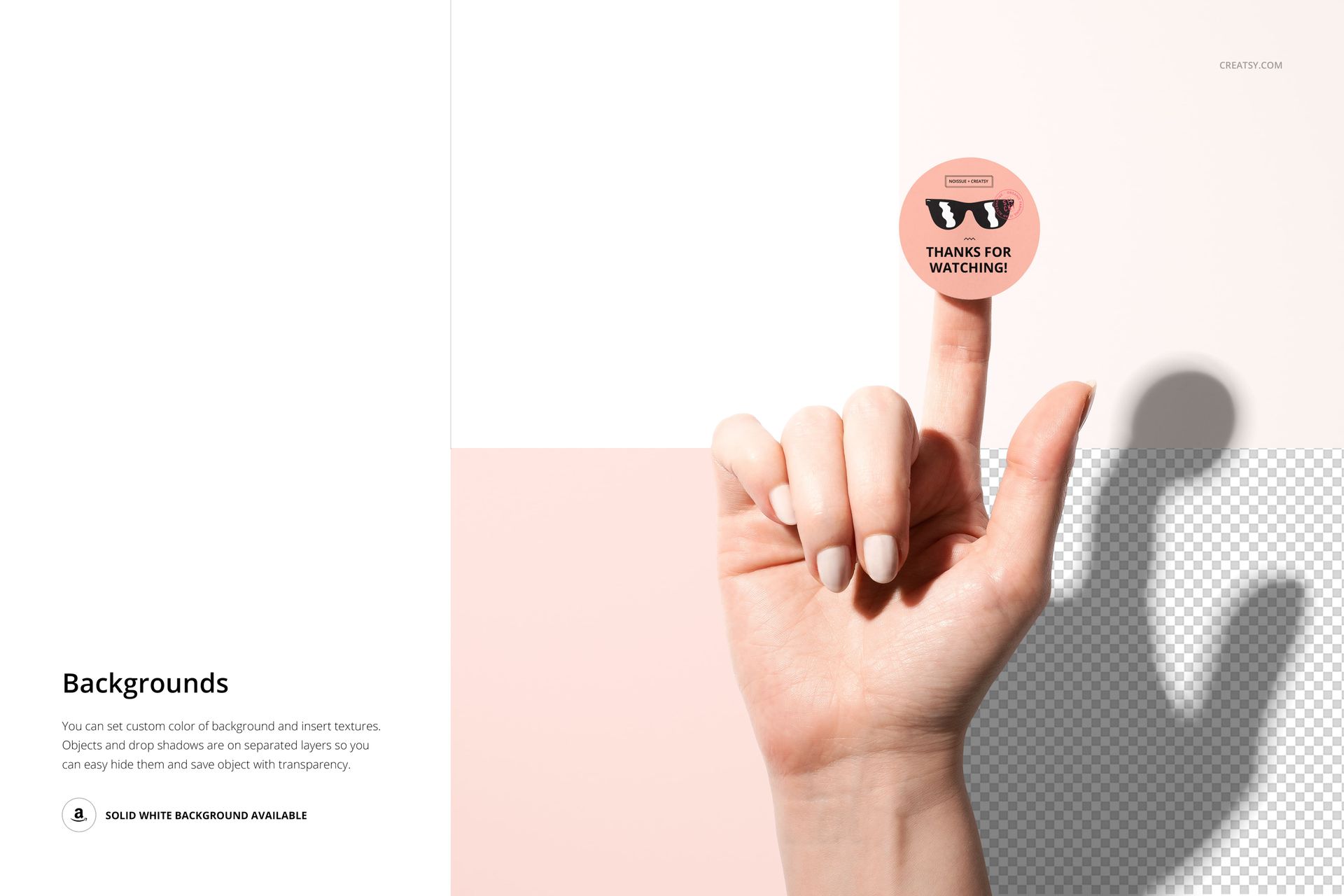
The photograph was shot with controlled studio lighting to eliminate harsh shadows while preserving enough contrast to show the sticker's edge definition. The finger position follows a natural grip angle, avoiding the stiffness that plagues stock-photo-style hand mockups. Skin texture is visible but not distracting, giving the final composite a level of realism that holds up even when clients zoom in to check fine print legibility on their label designs.

Presentation Applications

Use this mockup in Behance case studies where you need to show physical touchpoints for brand identity projects. Drop it into Instagram carousels alongside flat vector previews so followers can see the same logo in context versus in isolation. Add it to pitch decks when selling sticker merchandise lines or packaging seal concepts to retail buyers who need to visualize shelf presence before committing to a print run. The 40 MB file size reflects the full-resolution base photograph with no upscaling, no AI enlargement, and no synthetic texture fills - every pixel comes from the original camera capture.

File details

Compatibility
PhotopeaAdobe Photoshop
Number of files included
2
Package size
40.3 MB40.3 MB|42.3 MB42.3 MB
Files type
.psd, .jpg
Files size
6000x4000
TEST FOR FREE

Made with Creatsy

Real designs. Real customers. See how creatives use Creatsy mockups to turn their artwork, branding, and product ideas into polished visuals.

MEET THE SHOP

Creatsy logo

Creatsy

Poland
4.7 (648)

Bring your ideas to life.

We're a family-run studio in Katowice, Poland, making PSD mockups by hand since 2016. Everything in this shop starts in our own studio. We shoot the photography, build the 3D, and put together every Smart Object PSD ourselves - then we test it, organize the layers, and only ship it once it actually works...
GO TO SHOP

HOW IT WORKS

3 clicks. That's it.

No tutorial needed. If you can copy-paste, you can use this.

  1. 1OpenDouble-click the smart object inside the PSD - in Adobe Photoshop, or free in your browser with Photopea.
  2. 2PasteDrop in your pattern, print, or artwork. Any design, any style.
  3. 3SaveHit save and the mockup wraps it in for you - shadows, folds, and lighting included.

FROM IDEA TO IMAGE

Built for real workflows

Get the label signed off before the print run Wrap your design onto the box, pouch, or bottle and show the client exactly what ships.

See it on the product, not a swatch Drop your file into the smart object and the scene's lighting and folds wrap around it, so you judge the real thing before you commit.

Smart Objects

Edit once and you're done. Your artwork drops into a smart object and the mockup updates itself - no masking, no warping by hand.

Perfectly Organized

Named layers and folders you can actually navigate. Find what you need, change what you want, and get out fast.

Print-Ready

High-resolution files built to hold up on screen and in print. Exact size and DPI are in this product's Details above.