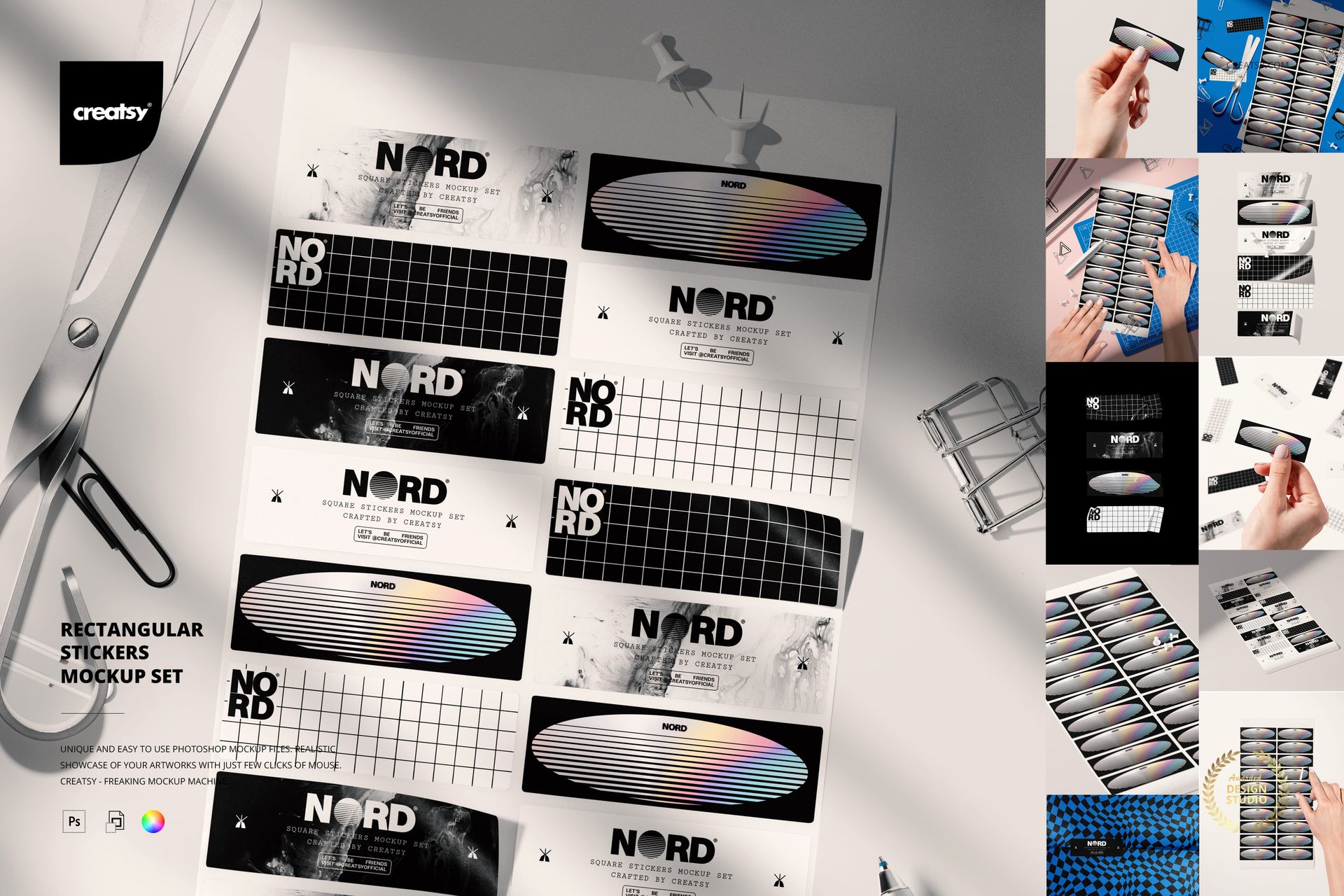
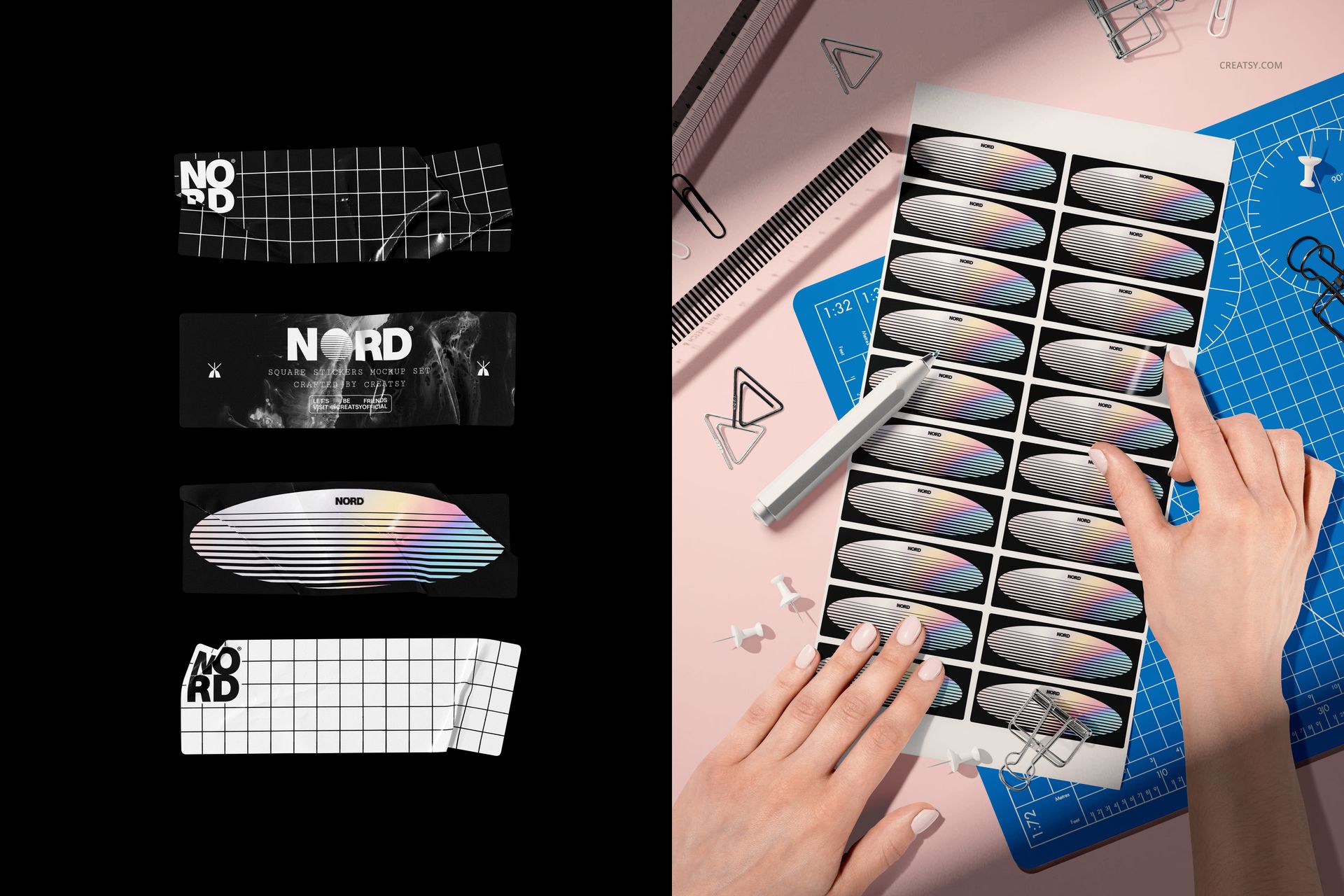
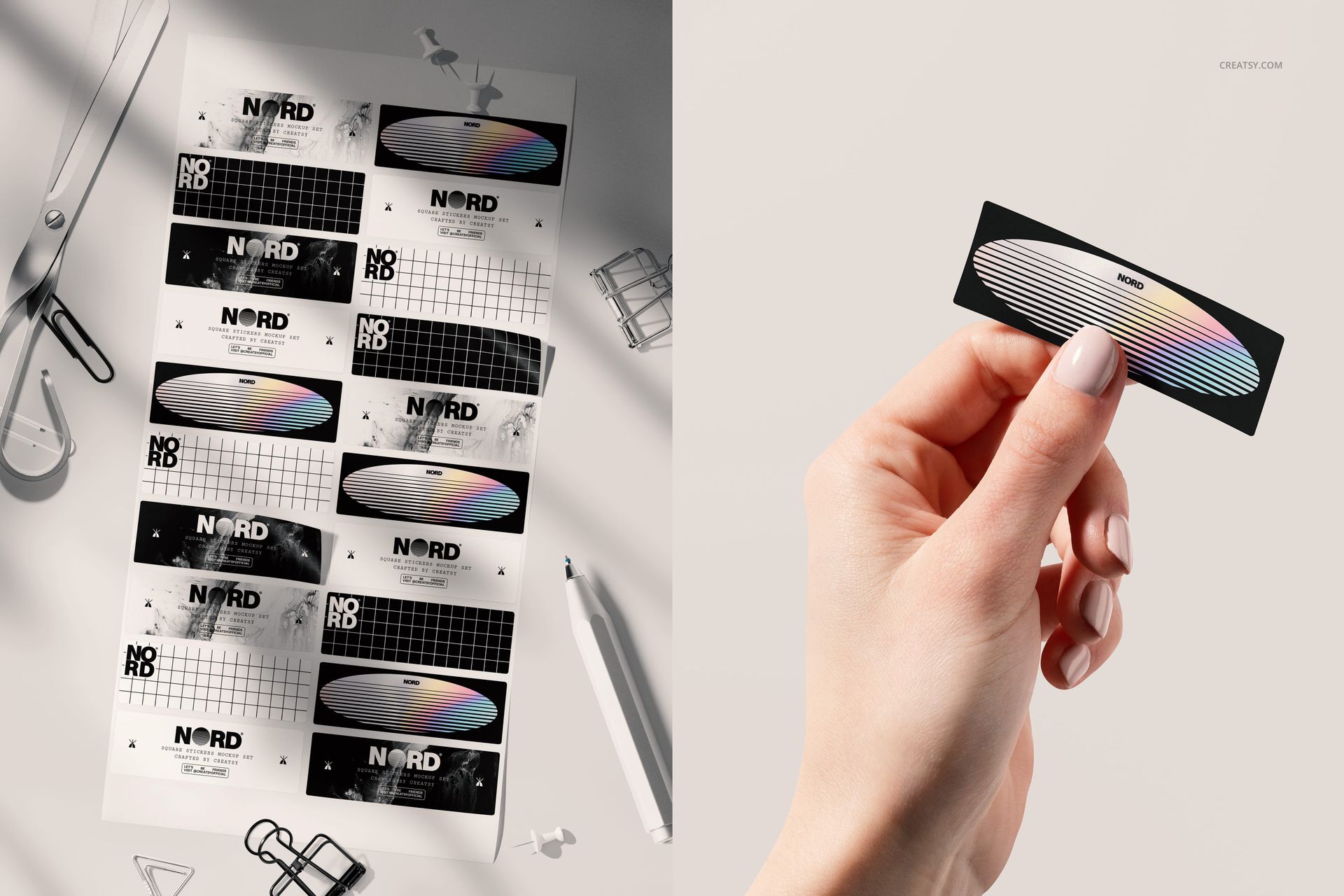
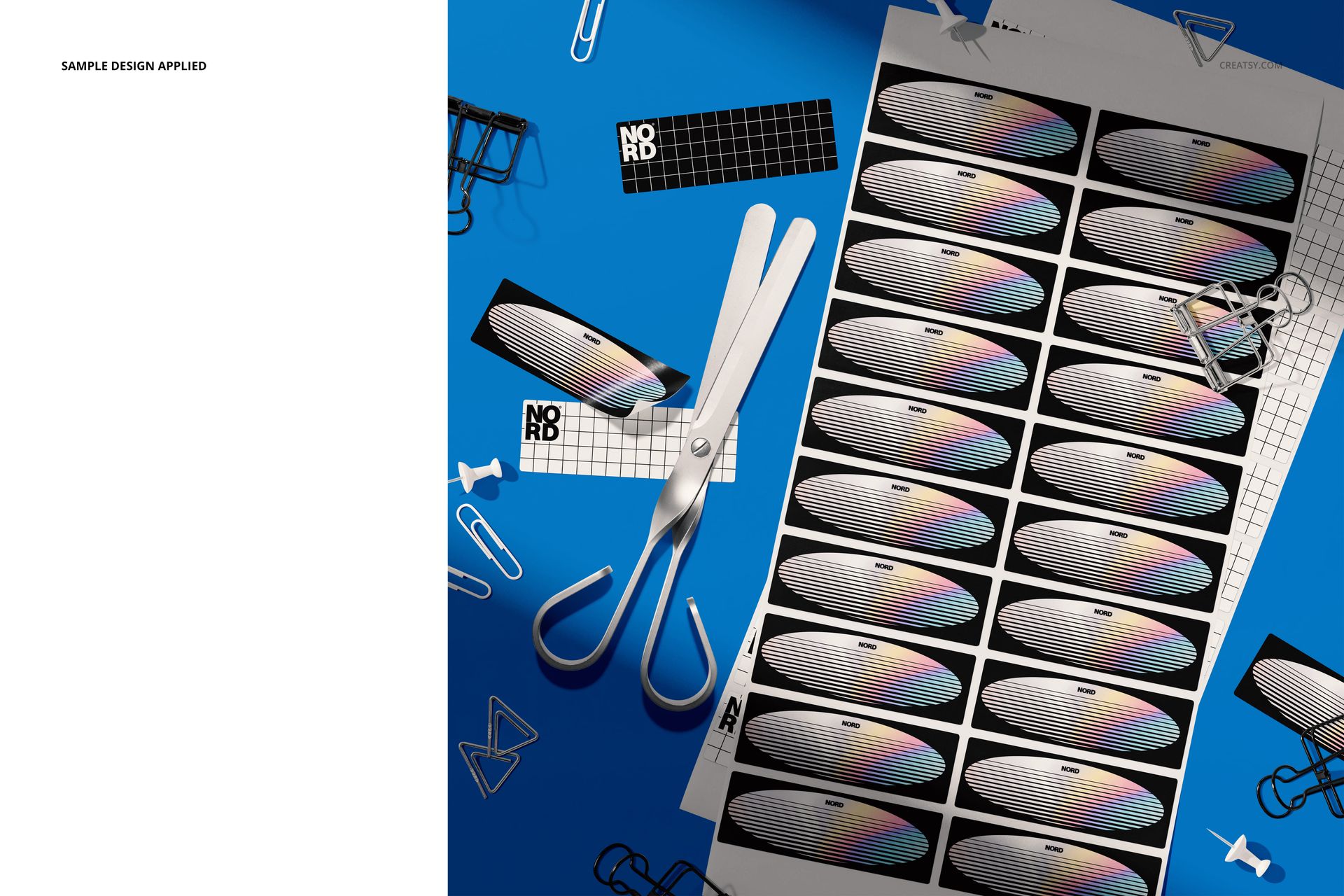
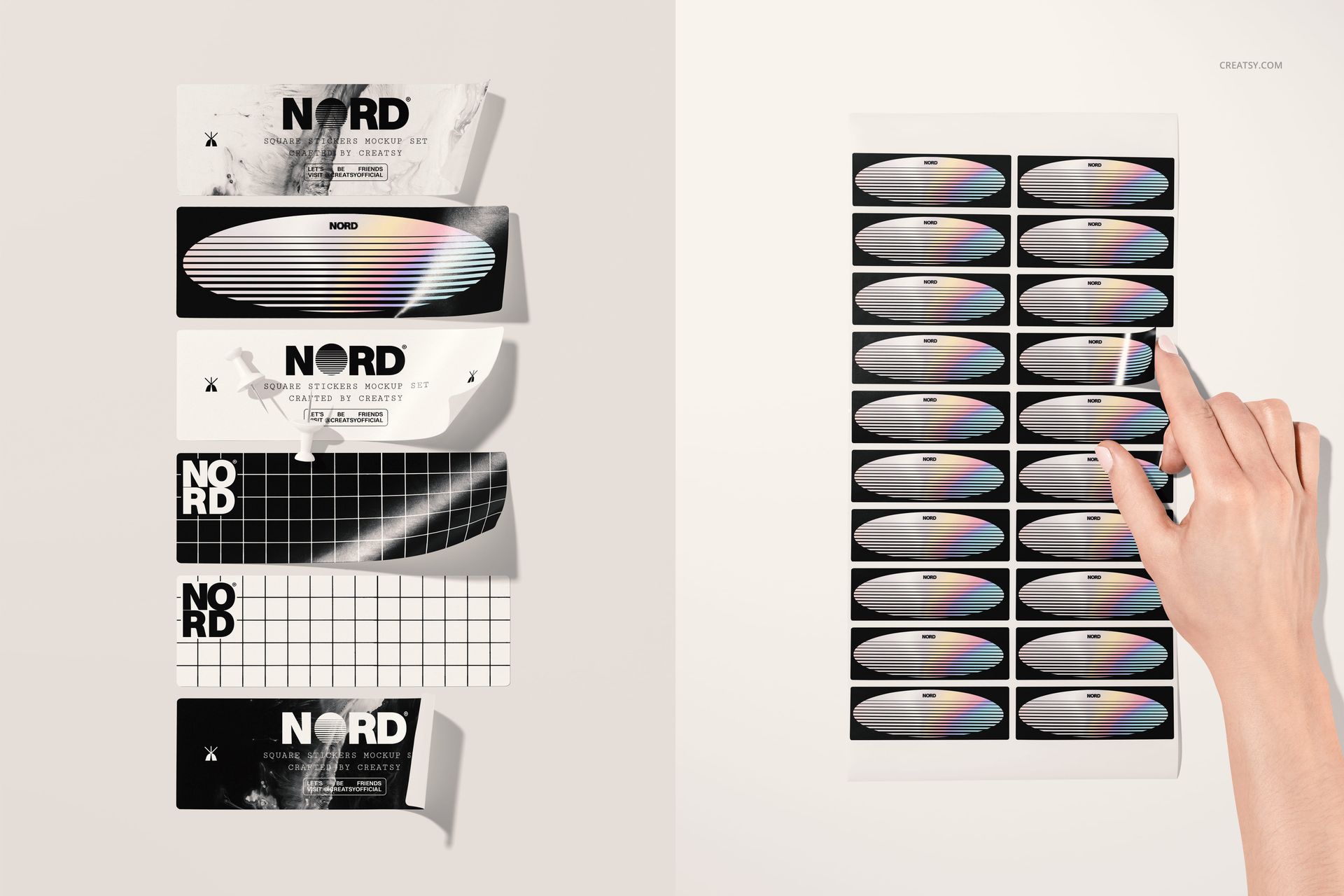
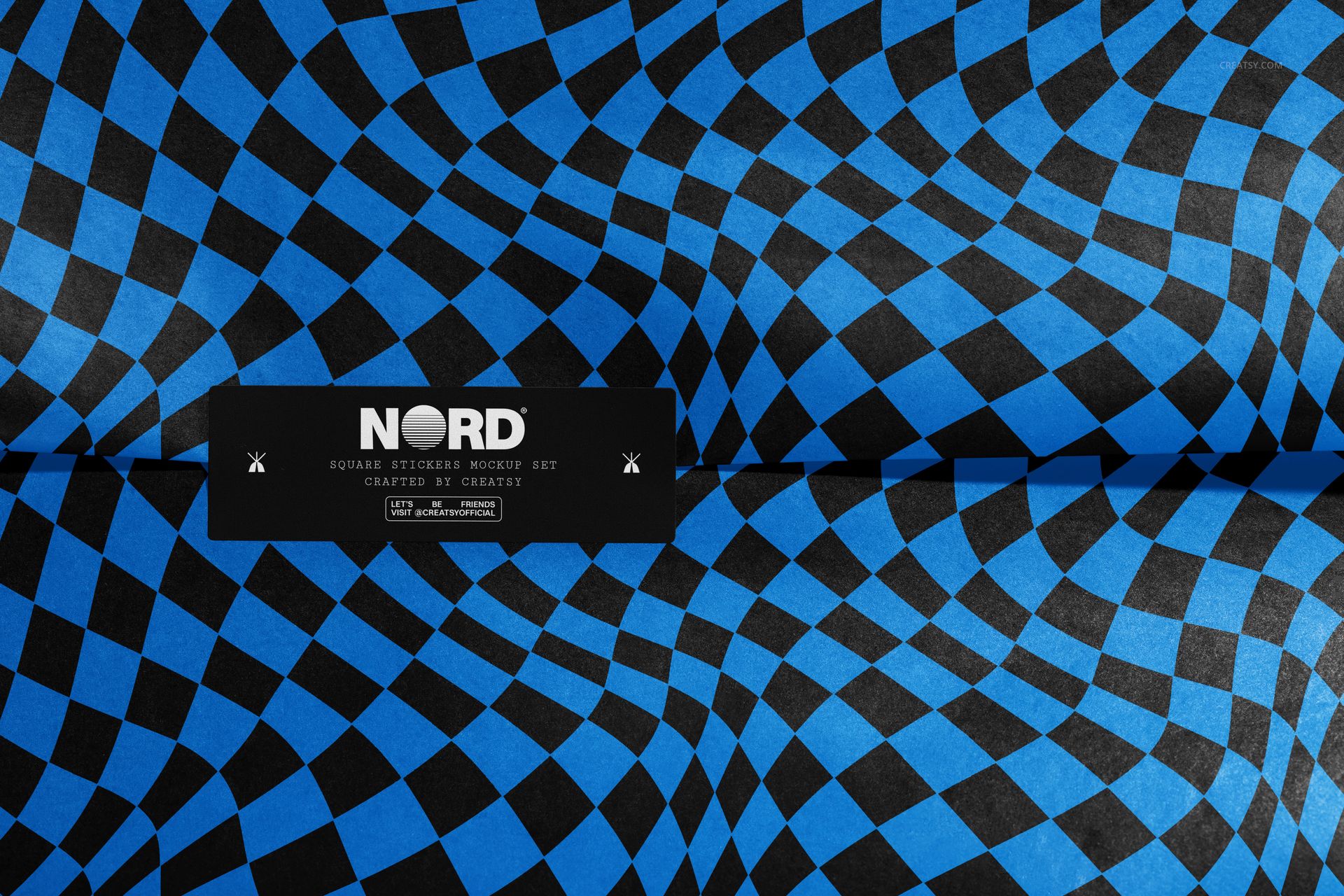
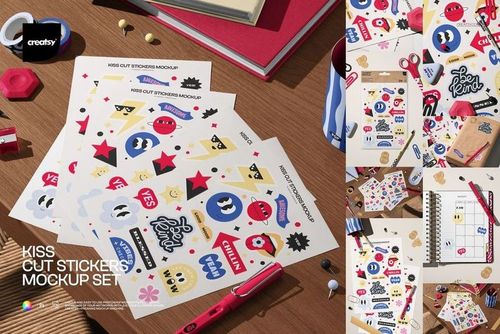
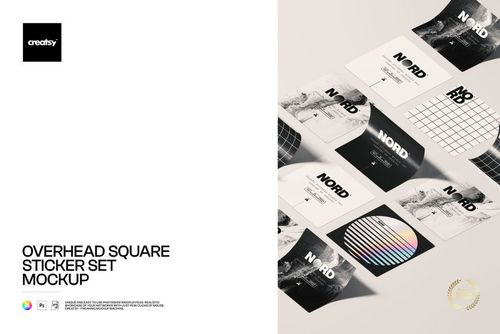
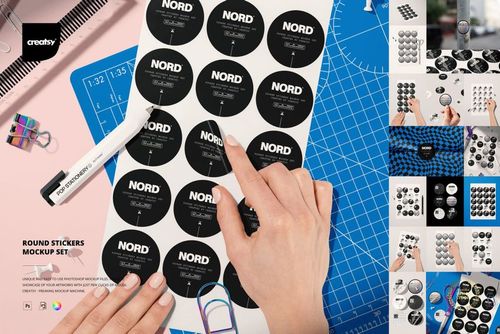
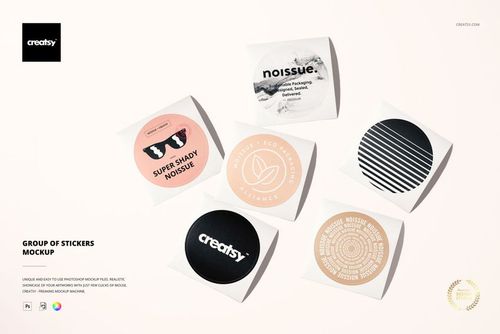
Load one artwork and walk away with a full set of finished sticker shots. This is a bundle of rectangular sticker mockups built in Photoshop, covering full printed sheets, single peel-and-hold stickers, and styled flat lays with craft tools around them. You drop your design into a smart object and it appears across the scene on rectangular stickers with real paper texture, curl and shadow, so your label or brand sticker looks printed and photographed rather than flat on a screen.
The download is one zip with 11 layered PSD files at roughly 6000 x 4000 px, 300 dpi each. The files are made for Adobe Photoshop, version CC2020 or newer, and every layer is named and grouped, so moving from one scene to the next takes seconds. Instead of arranging stickers by hand and setting up a camera, you place a graphic and let the file do the styling.
What is in the set
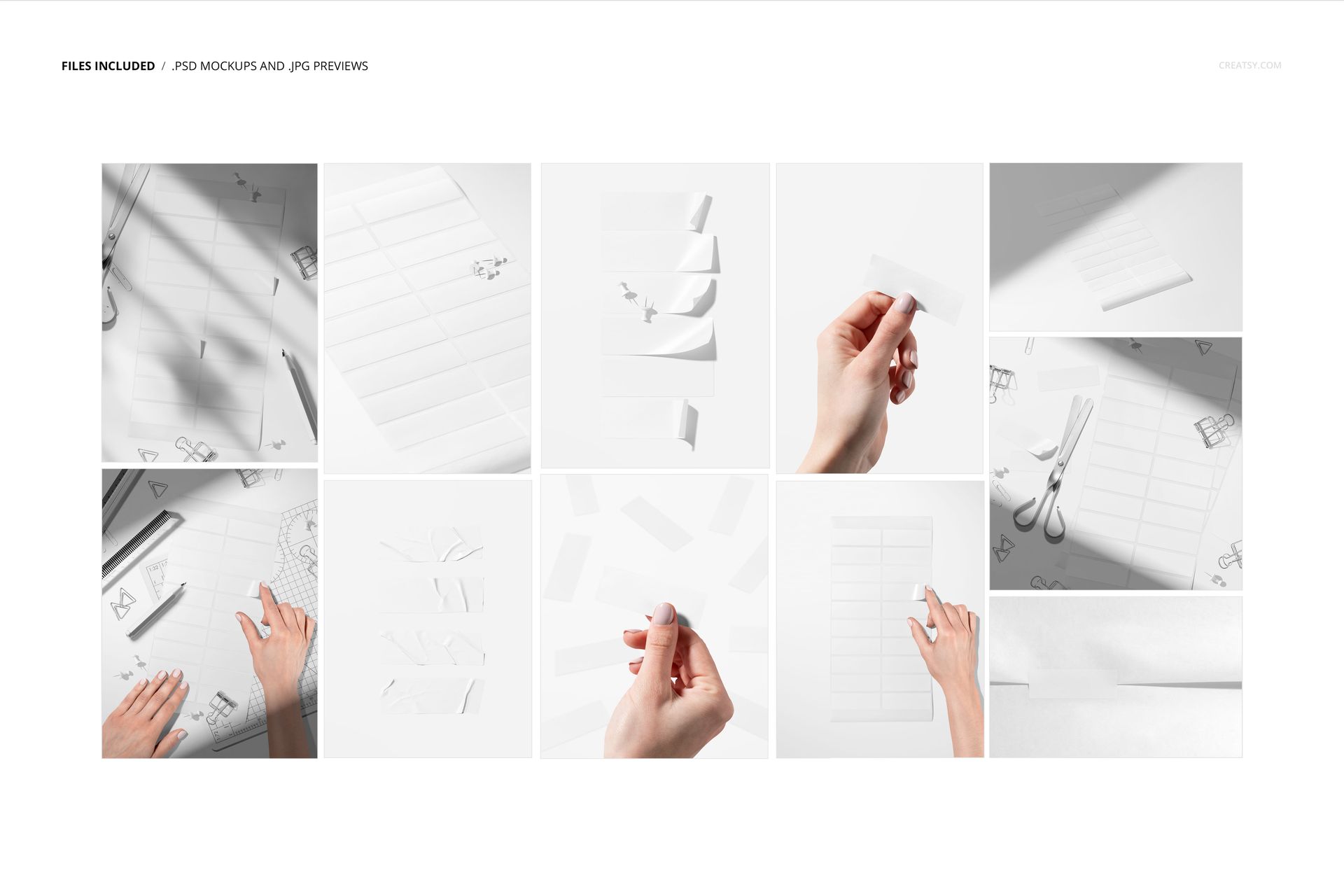
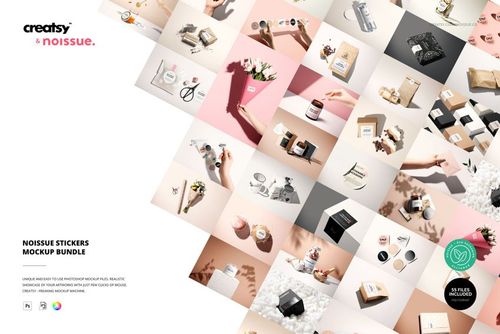
Eleven separate scenes give you a wide range of angles from a single design:
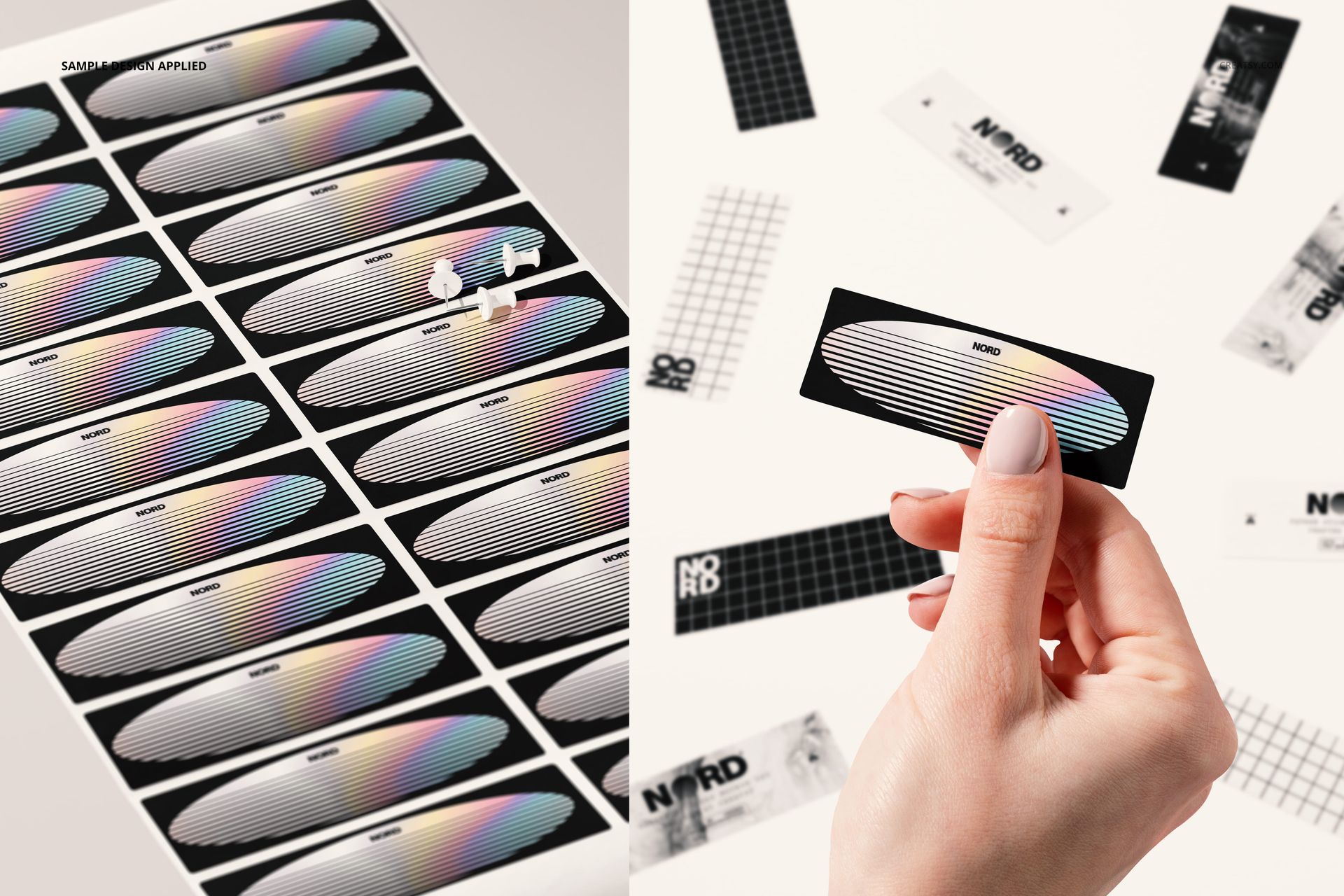
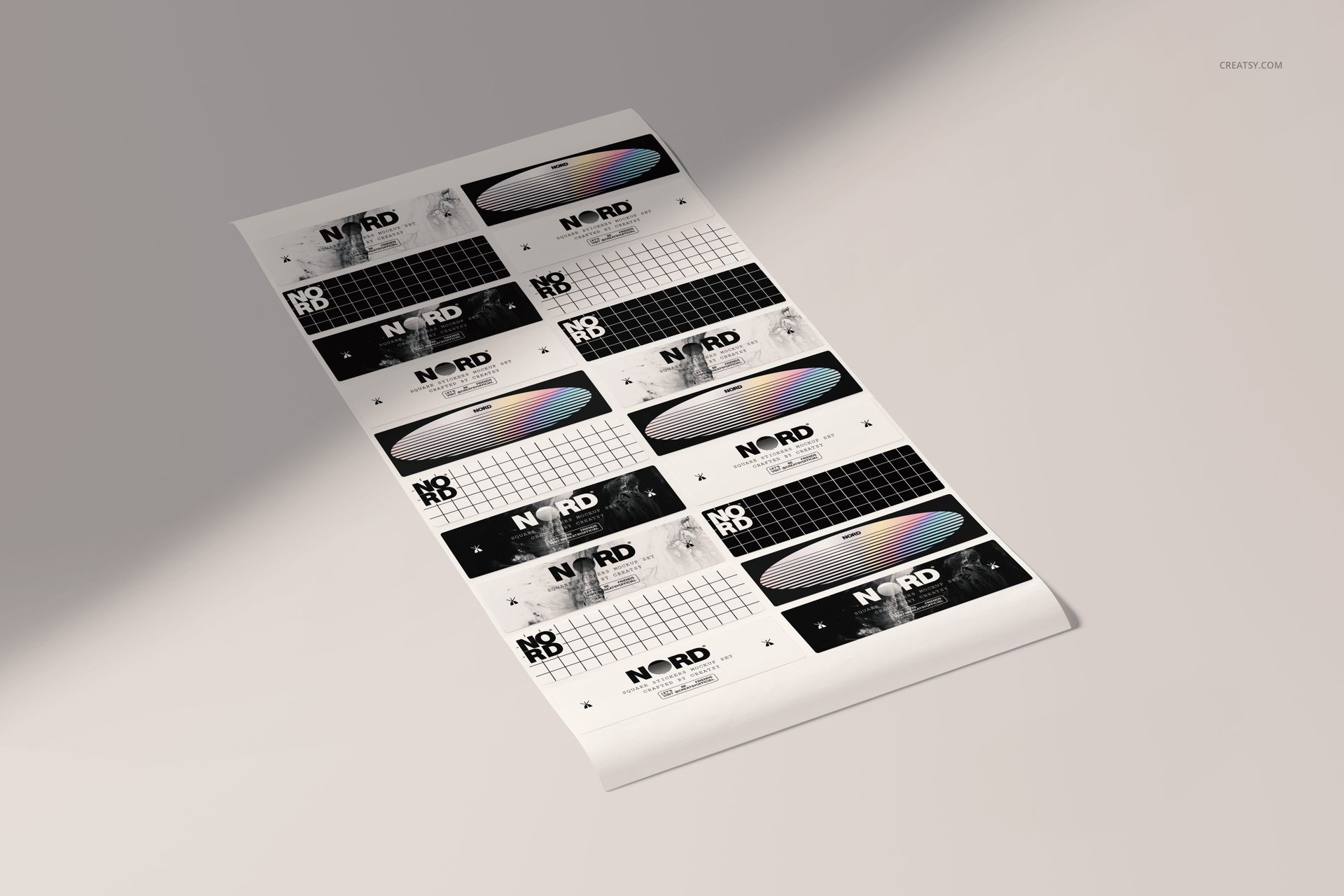
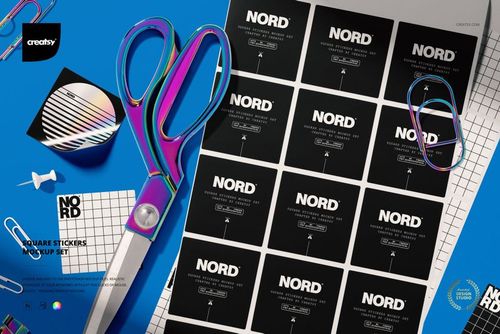
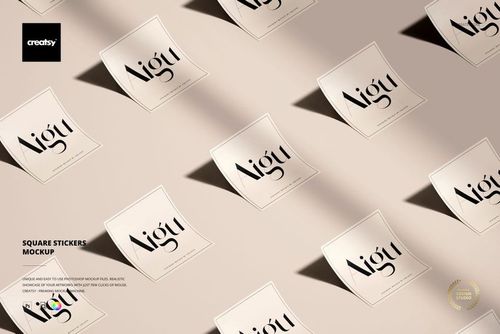
Full sticker sheets, shown flat and at an angle, so buyers see the whole run of labels on one page.
Single stickers held between fingers, for a close, human product shot that shows scale.
Peeled and curled stickers that show one lifting off its backing, handy for demonstrating a real peel.
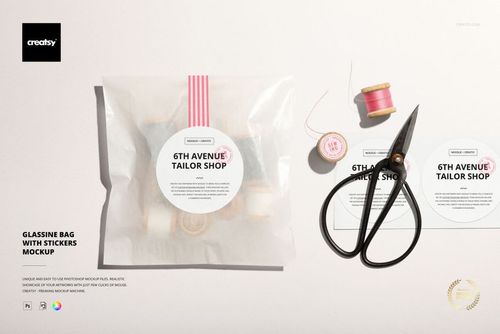
Flat lays styled with scissors, clips and a cutting mat for a workshop, handmade feel.
Detail shots on light, pink, blue and dark backdrops, so you can match the mood of your brand.
How the edit works
Open a PSD, double-click the sticker smart object, paste your design and save. Your artwork maps onto every sticker in that scene at once, following the paper bend and the light already built into the file. Move to the next PSD and repeat, or place the same graphic across all eleven to build a complete set of listing and social images from one design. Because the shading sits above your art, the result keeps its highlights and shadows whatever colors you use.
Why a set instead of one scene
A single mockup shows a product once. A set of eleven lets you fill a full product listing, a launch post, an email banner and a portfolio page without repeating the same shot. Buyers scroll through sheets, close-ups and flat lays and get a complete sense of the sticker before they order, which is the kind of gallery that helps a listing convert.
What you change, and what is done for you
The part you edit is your design. Everything else in each scene, the surface, the props, the lighting and the paper texture, is already styled and lit, so you are not building a set from scratch. That is the point of a mockup bundle: you supply the graphic and the scene does the rest.
Who it is for
Sticker shops and print-on-demand sellers, brand and packaging designers pitching label or sticker concepts, Etsy and Shopify sellers listing sticker products, illustrators putting artwork on merchandise, and stationery brands building a catalog. If you sell or present rectangular stickers, this gives you a ready gallery of shots without a camera.
What is in the download
One zip containing 11 .psd mockups plus .jpg previews. Each PSD is its own scene at print resolution, with organized layers and a smart object for your design, so you can jump straight to the part that matters.
File and software details
11 layered PSD files
about 6000 x 4000 px, 300 dpi each
Adobe Photoshop CC2020 or newer
rectangular sticker shape with rounded corners
named, organized layers and smart objects