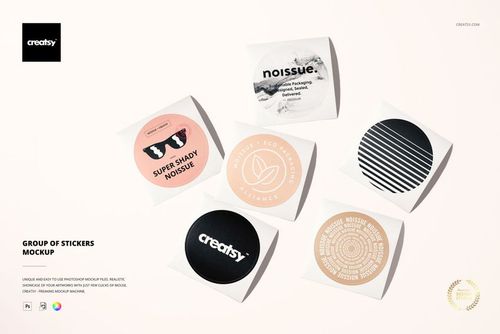
Kiss Cut Stickers Mockup Set
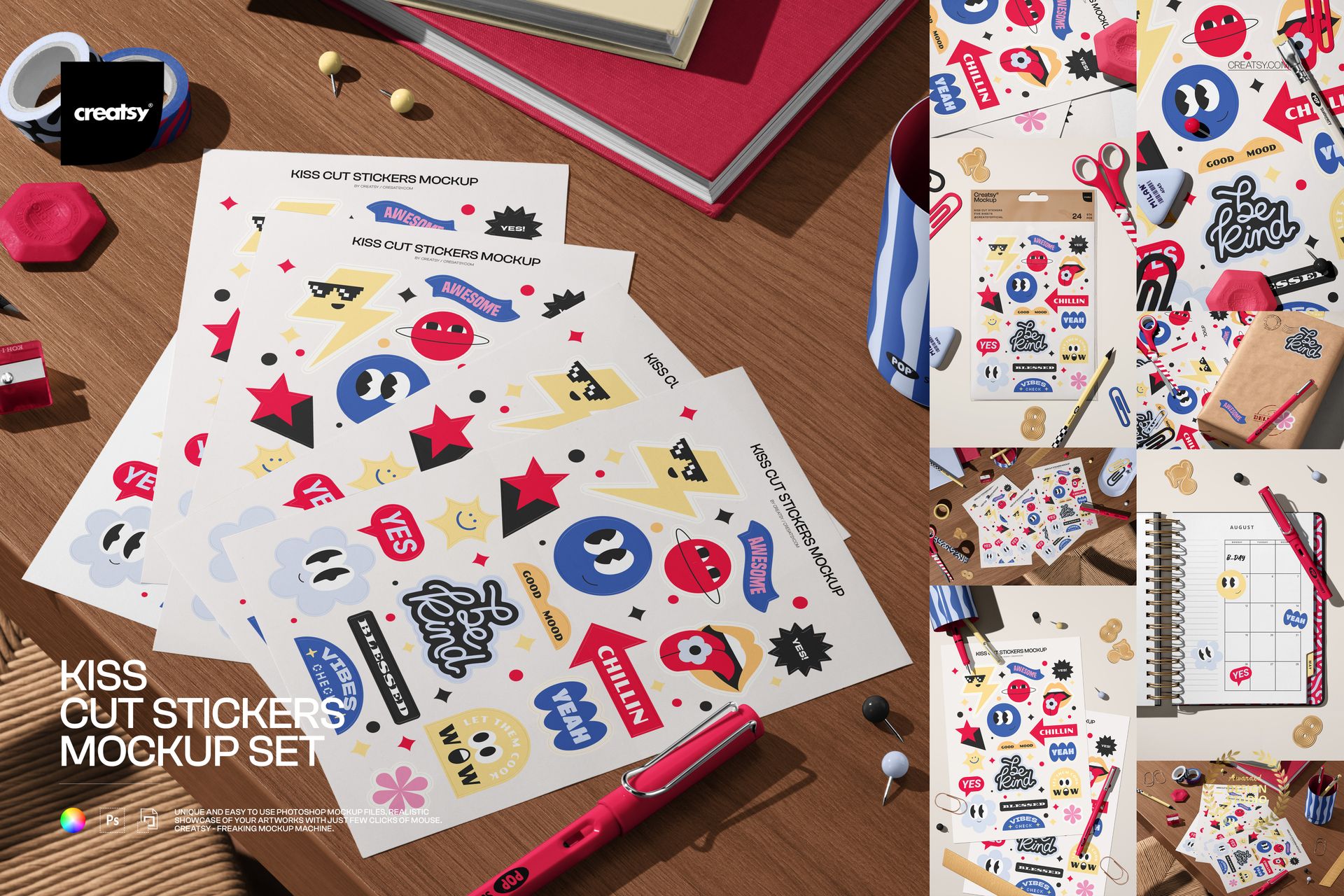
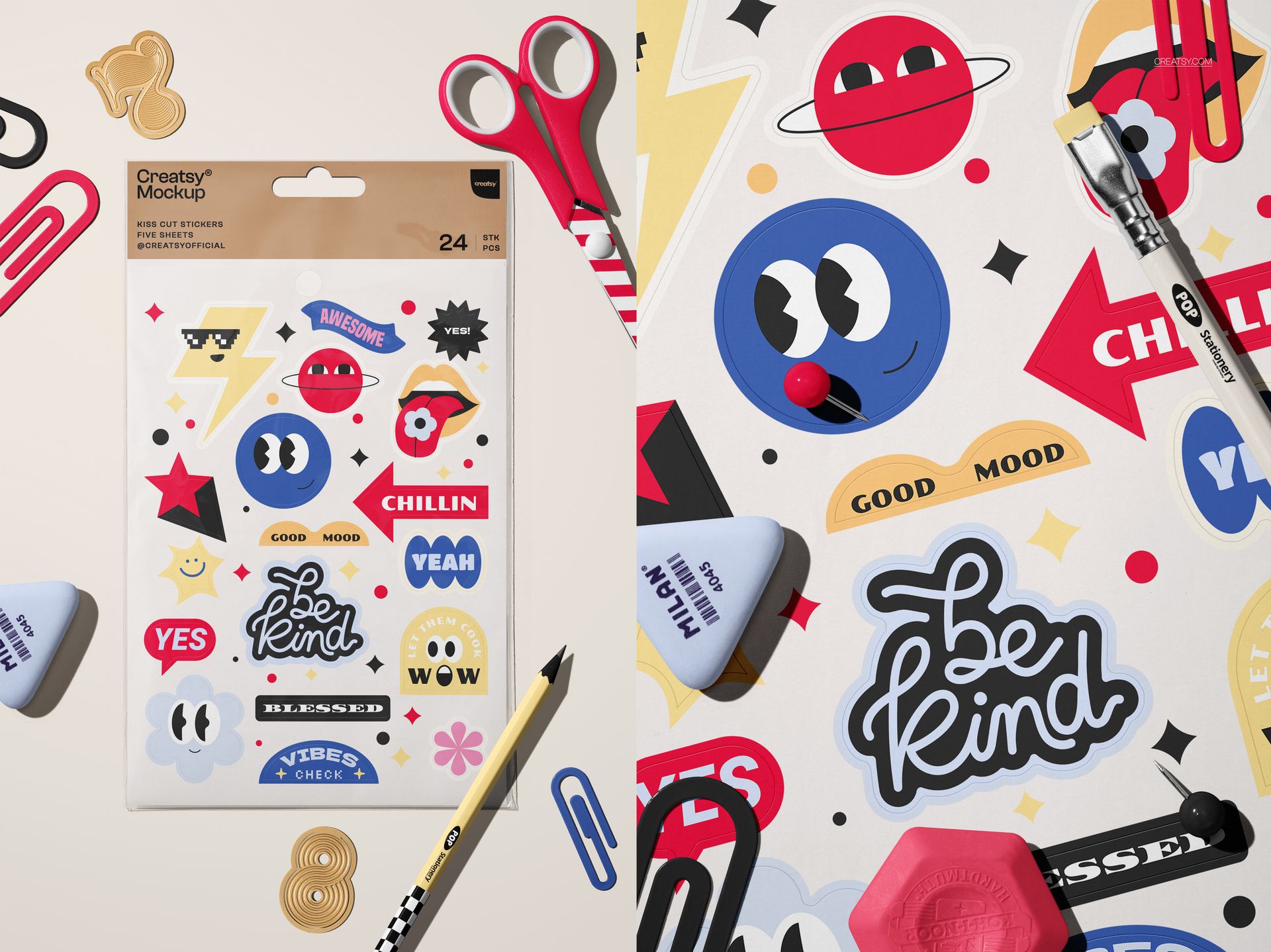
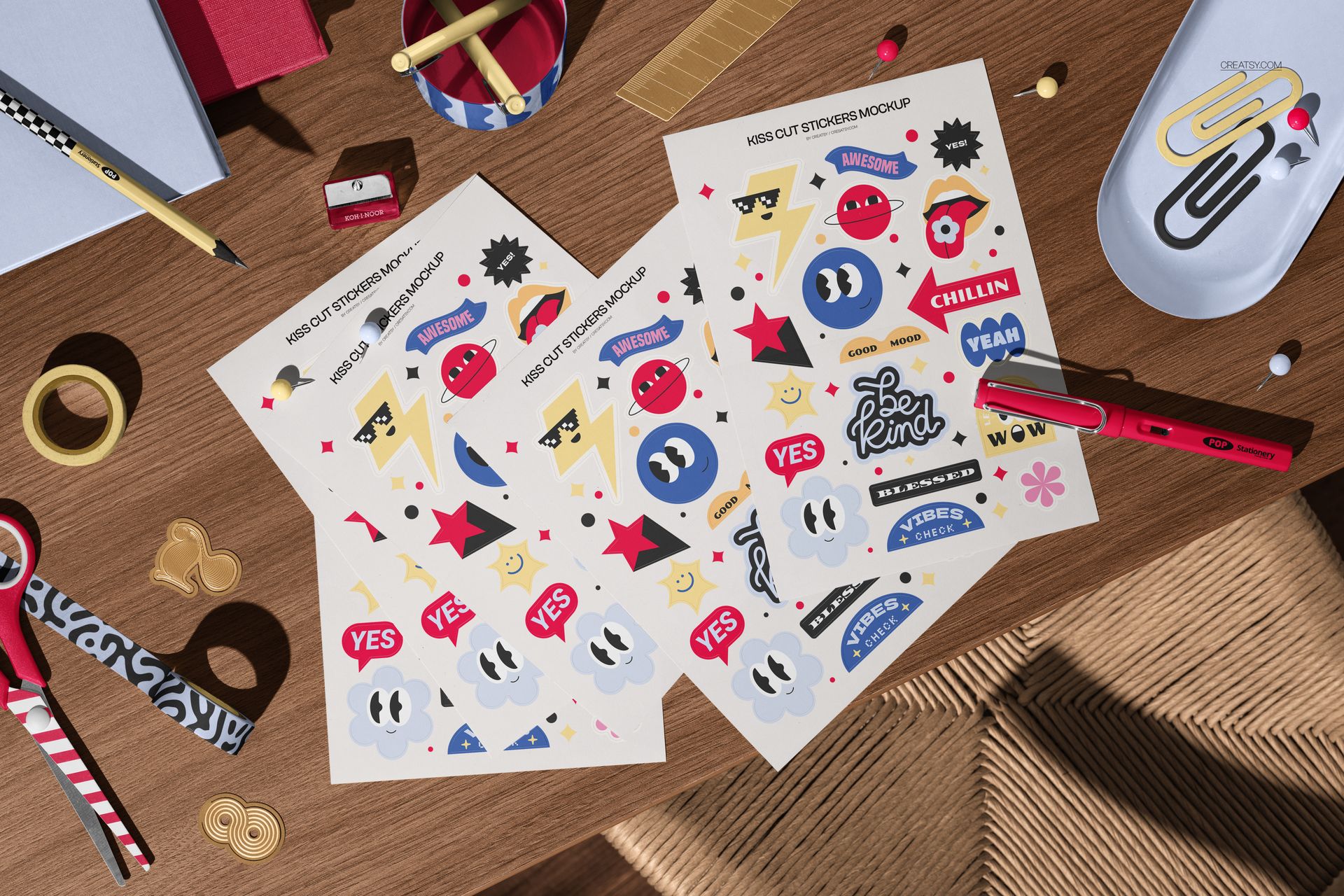
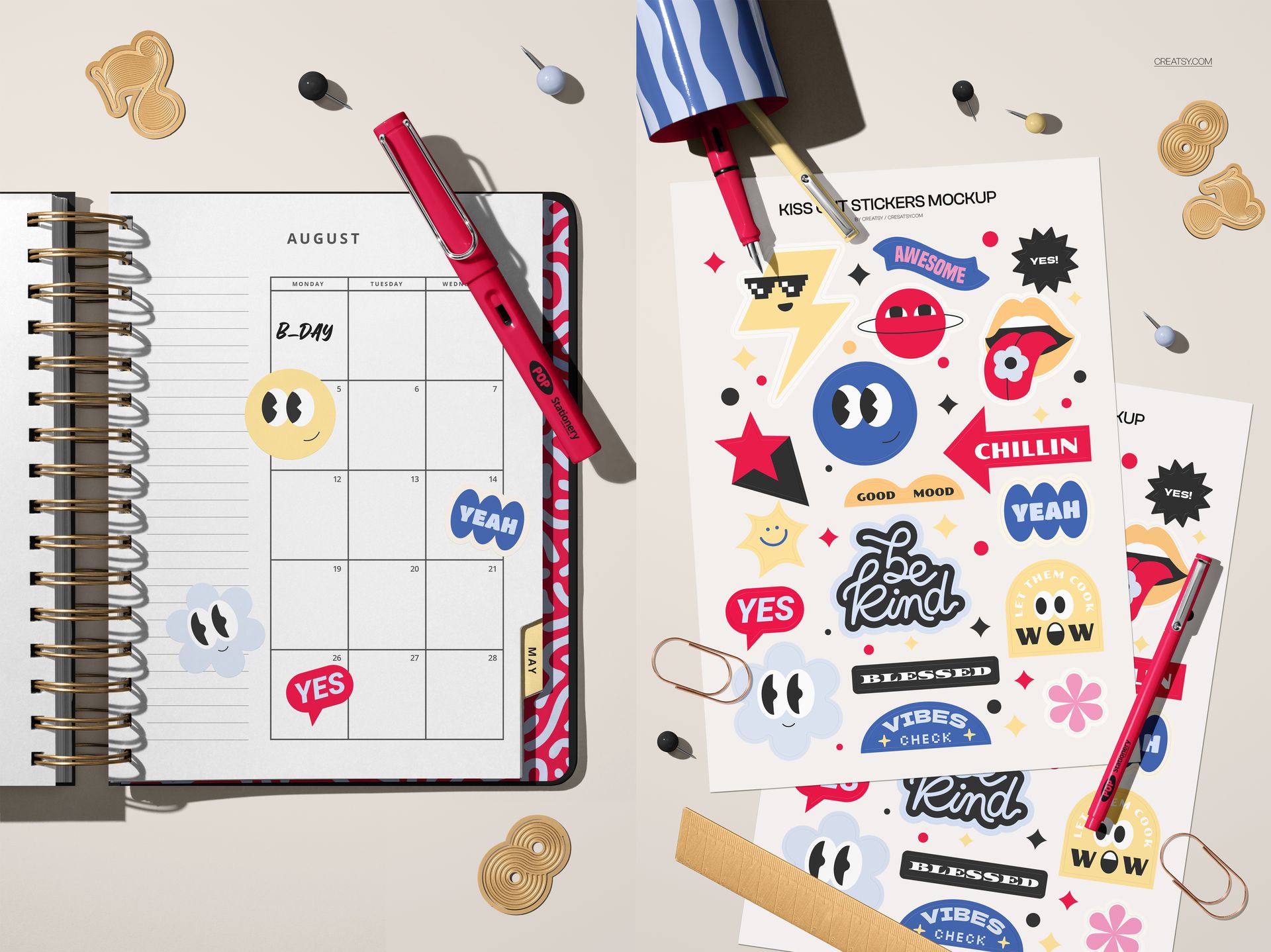
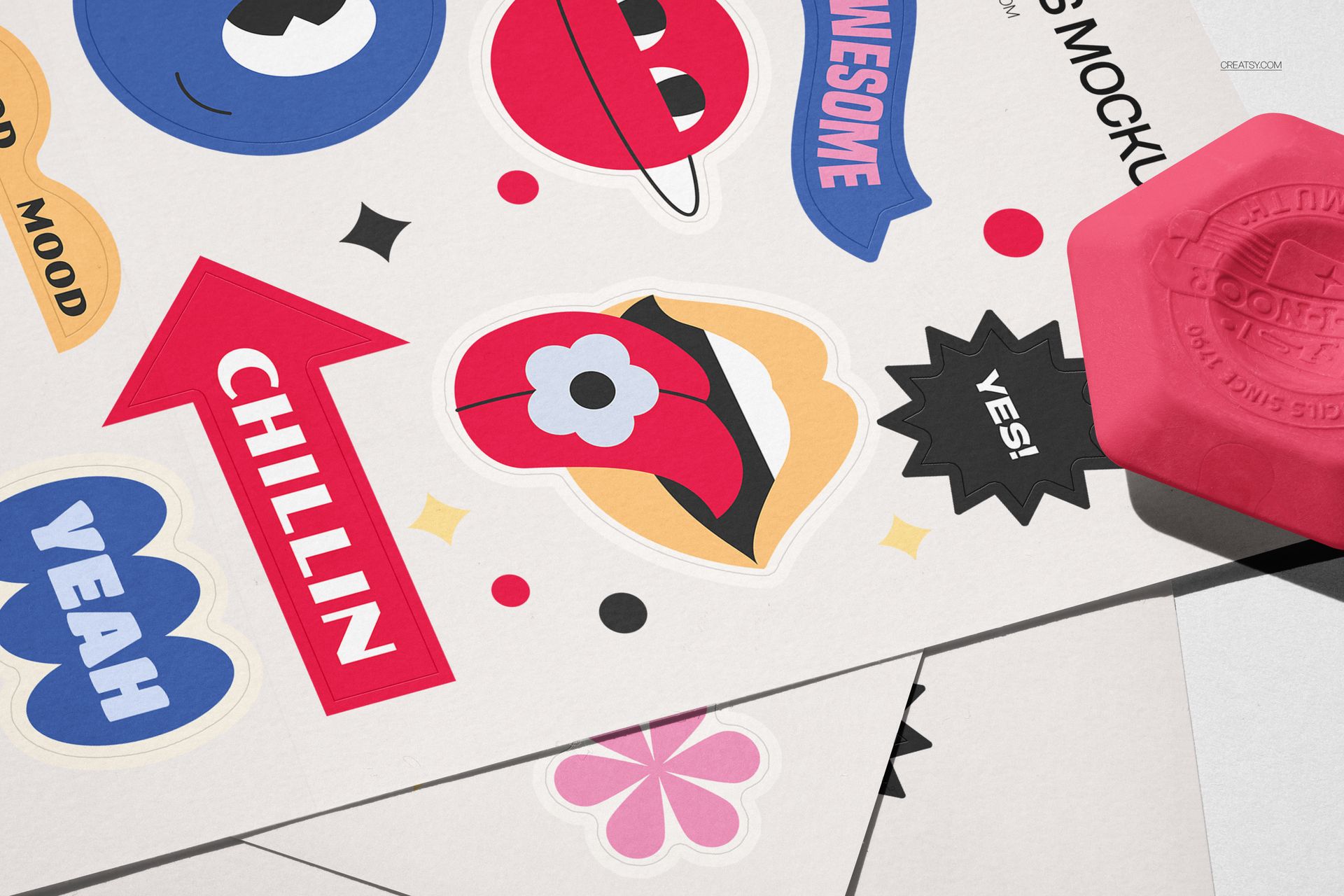
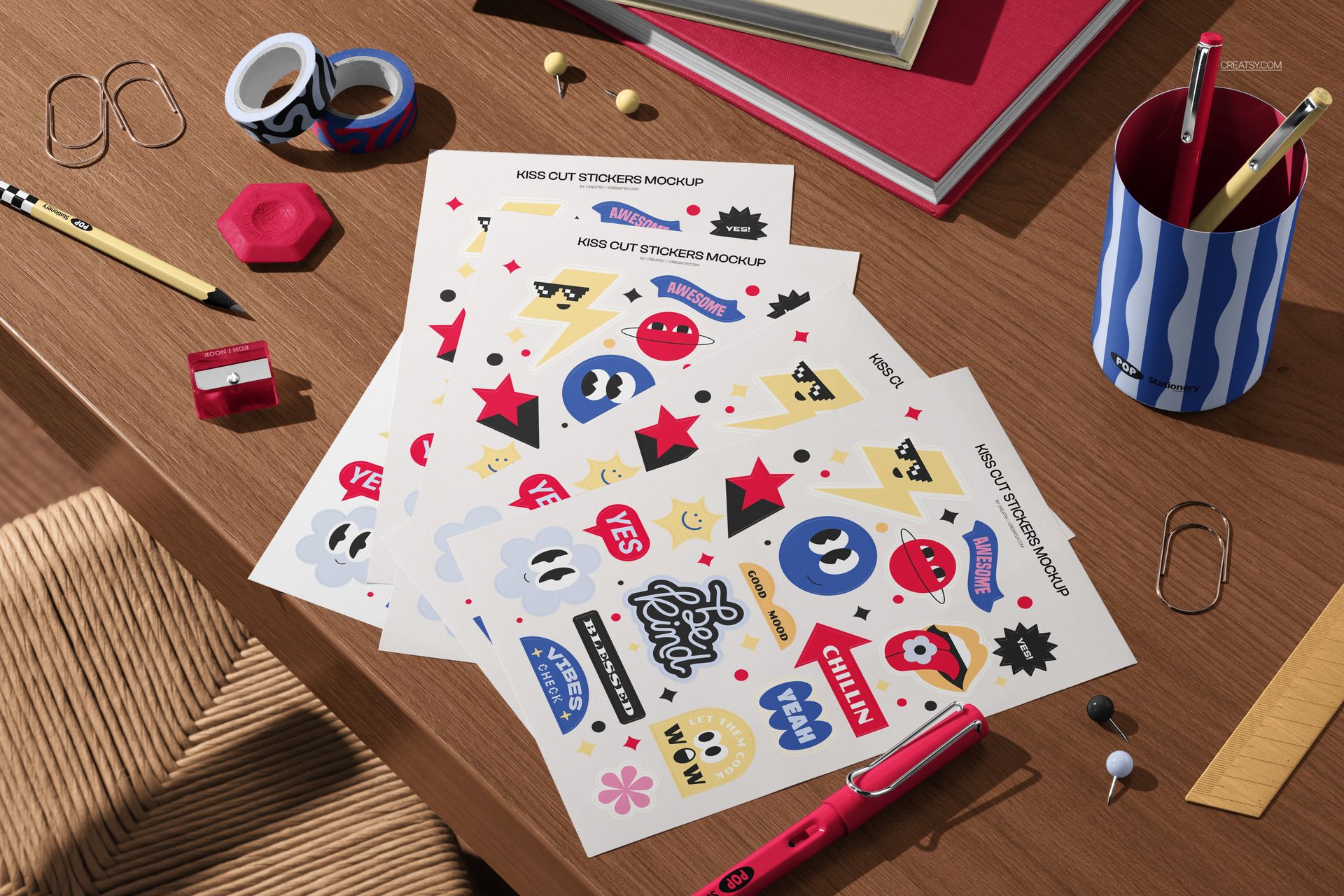
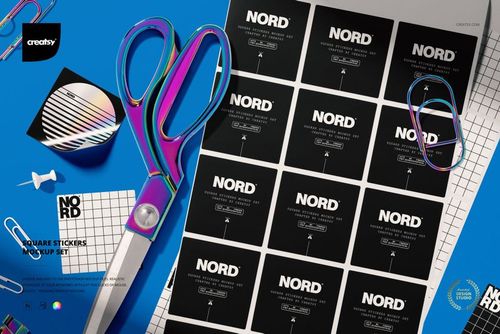
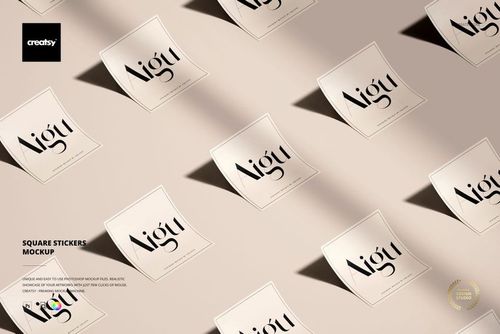
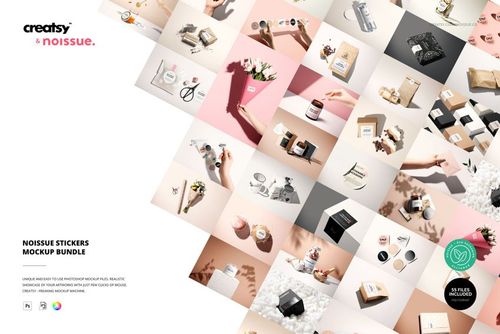
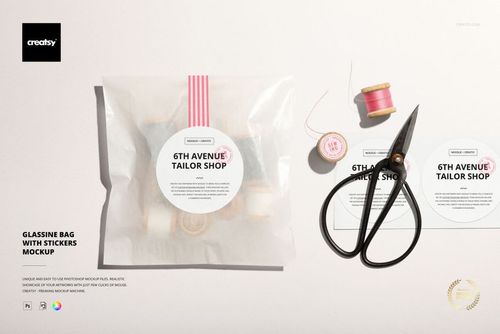
Turn sticker artwork into a complete, campaign-ready presentation with eight coordinated workspace scenes. This versatile set shows kiss cut sticker sheets, individual stickers, stationery, and packaging applications, helping customers picture your designs in real use.
What Is Included
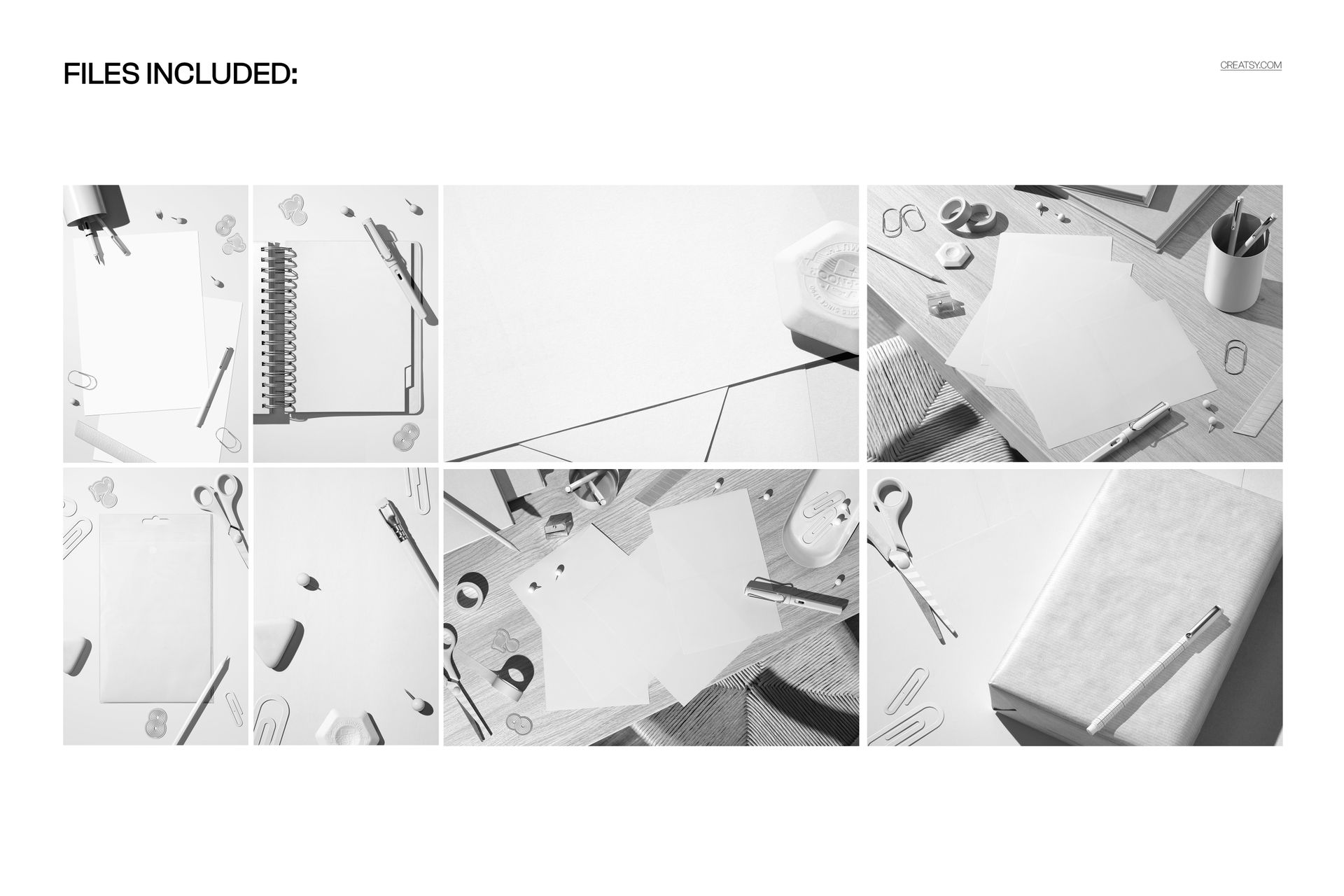
8 layered PSD mockup scenes
PSD and JPG files, 16 files in total
Approximately 6000 × 4000 px at 300 DPI
Compatibility with Adobe Photoshop CC 2020 or newer and Photopea
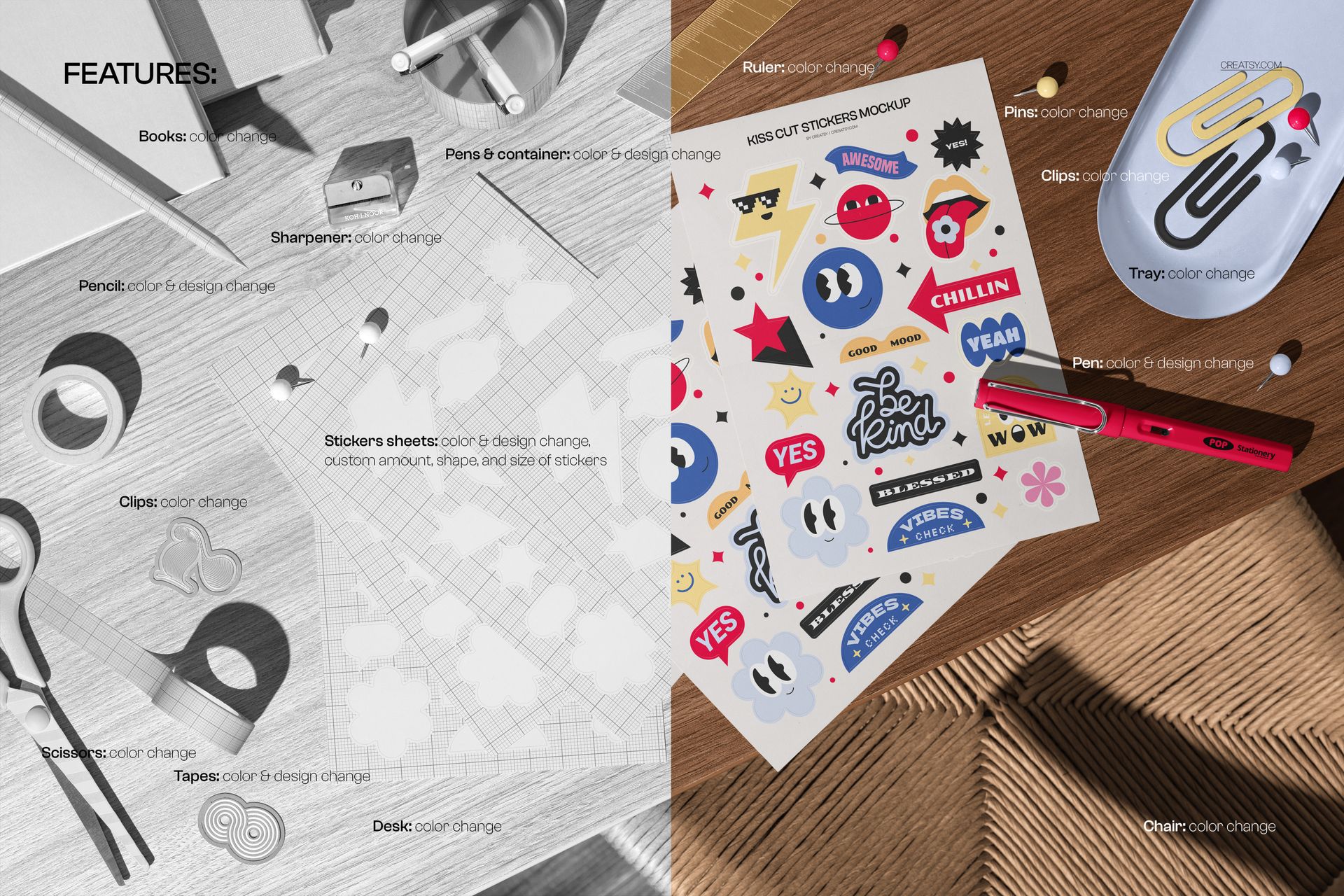
Organized layers for an efficient editing workflow
From Full Sheets to Applied Stickers
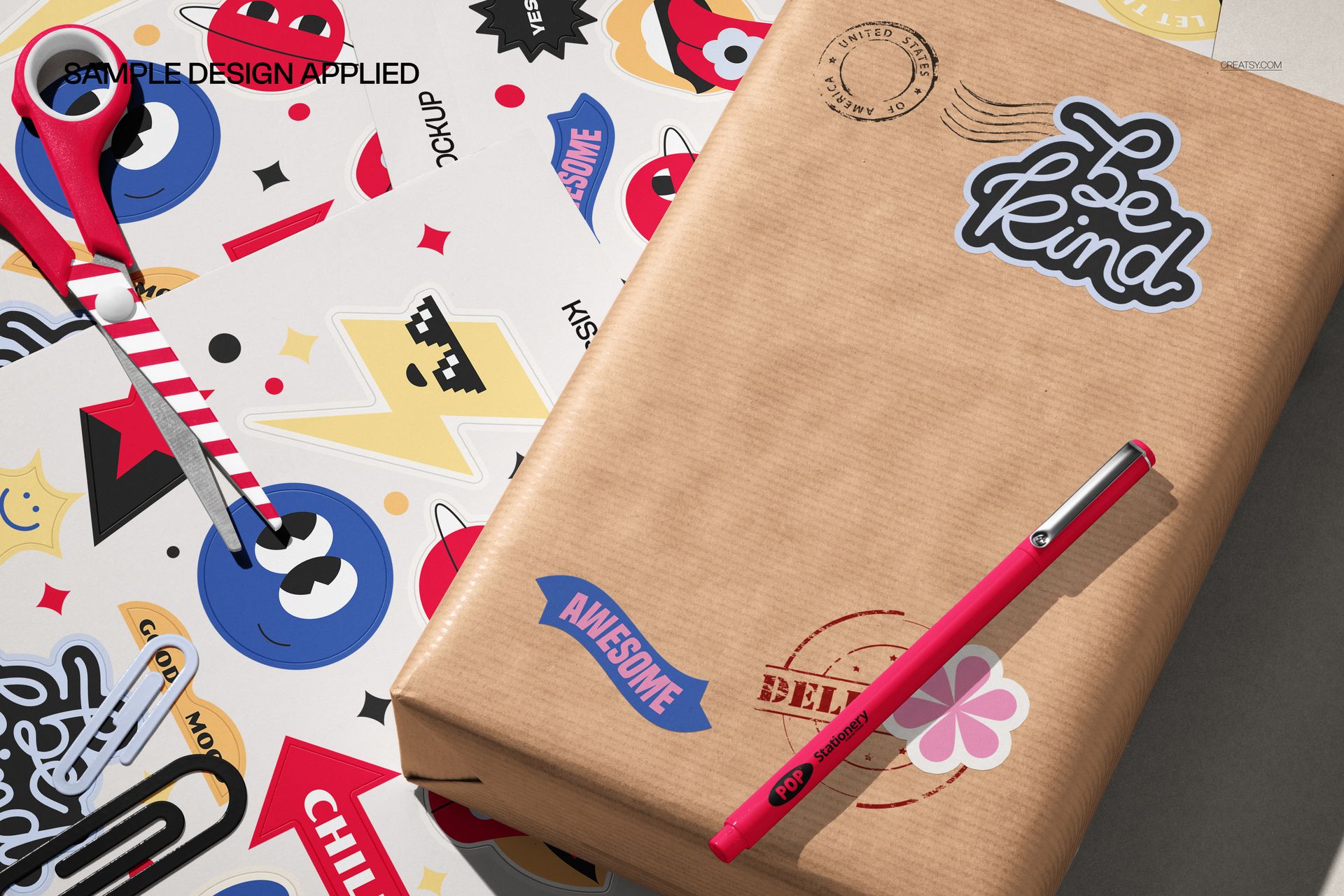
Show an entire kiss cut collection on sticker sheets, then bring selected designs into styled desk scenes. The varied top-down compositions include notebooks, paper goods, stationery tools, and kraft packaging for a cohesive mix of product and lifestyle imagery.
Easy Artwork Editing
Place your designs with Smart Objects and let the prepared lighting, perspective, and shadows create a polished result. The organized files make it easy to move between scenes and build a consistent visual story.
Perfect For
Sticker shops and stationery brands
Illustrators and surface pattern designers
Product launches and collection previews
Online stores, portfolios, and social media
Client presentations and licensing pitches
This is a digital mockup set. The sample artwork shown in the previews is not included.