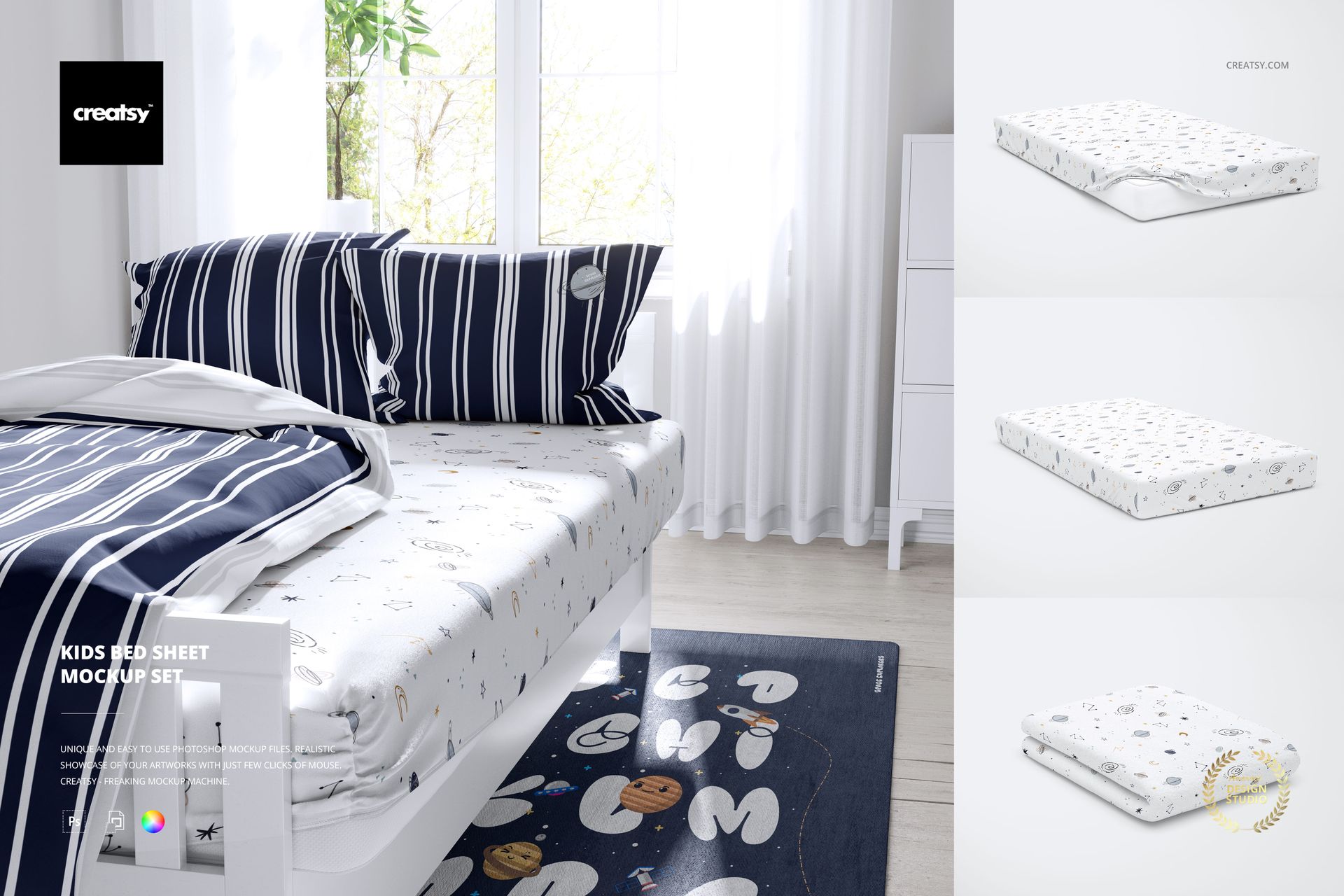
Kids Bed Sheet Mockup Set
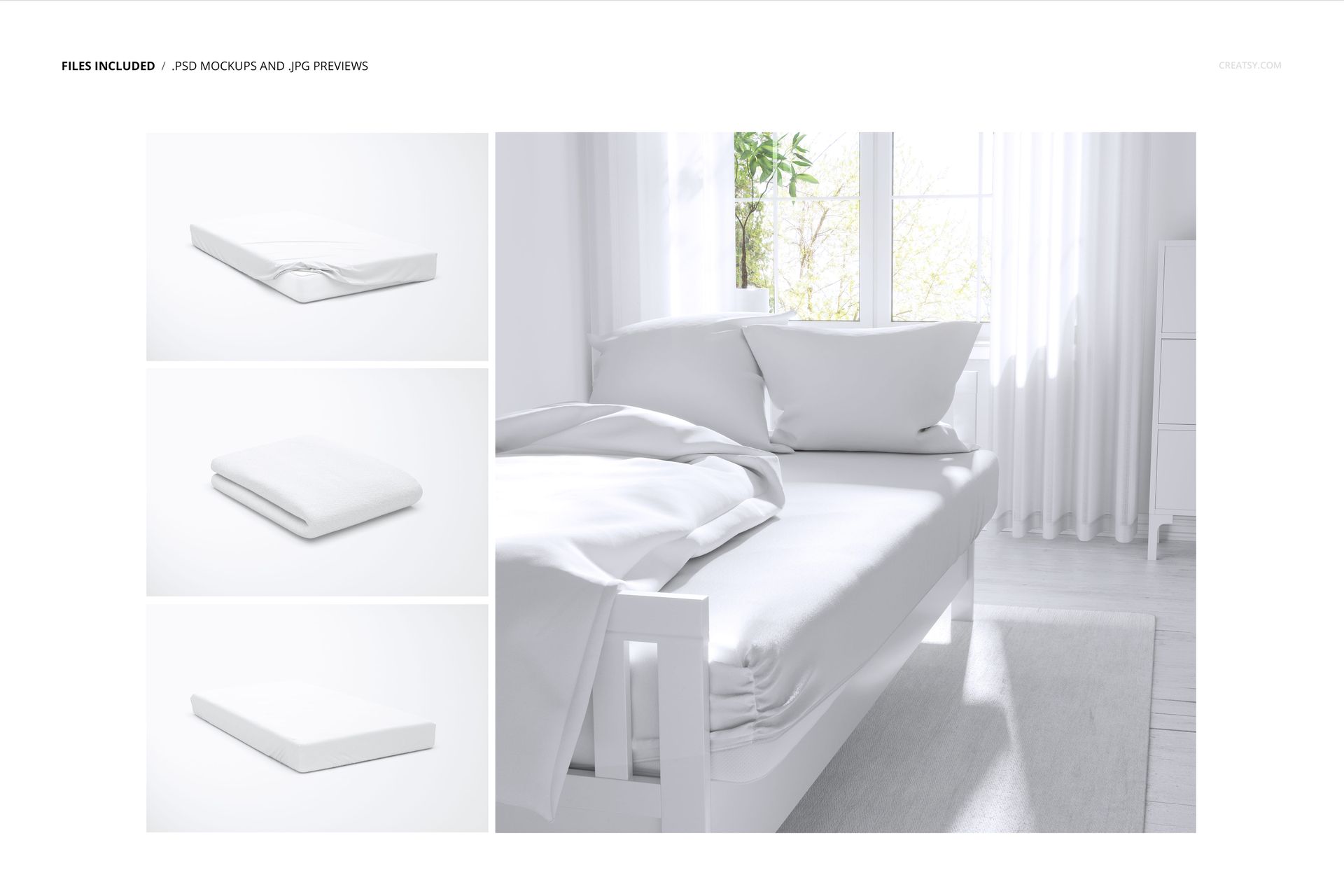
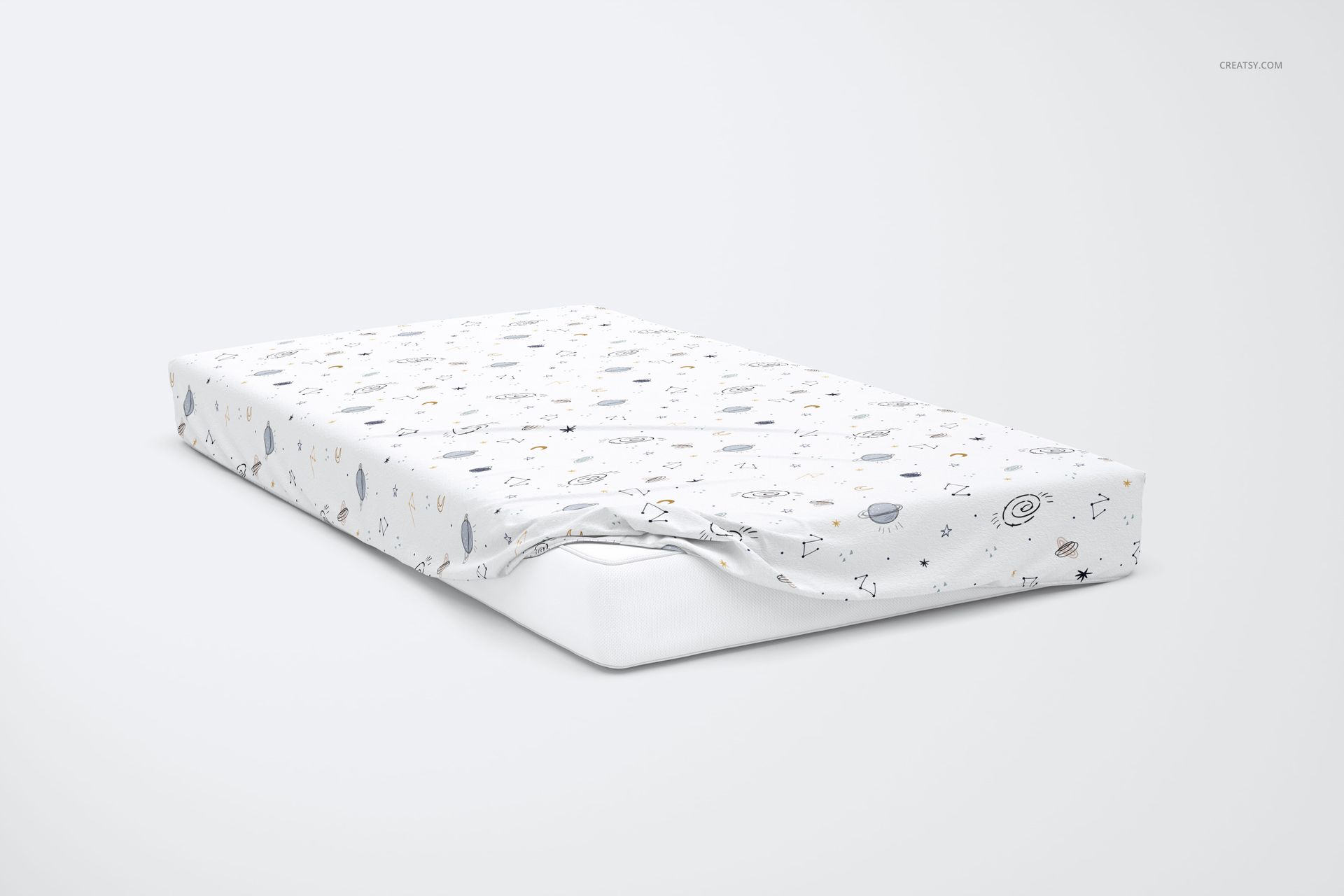
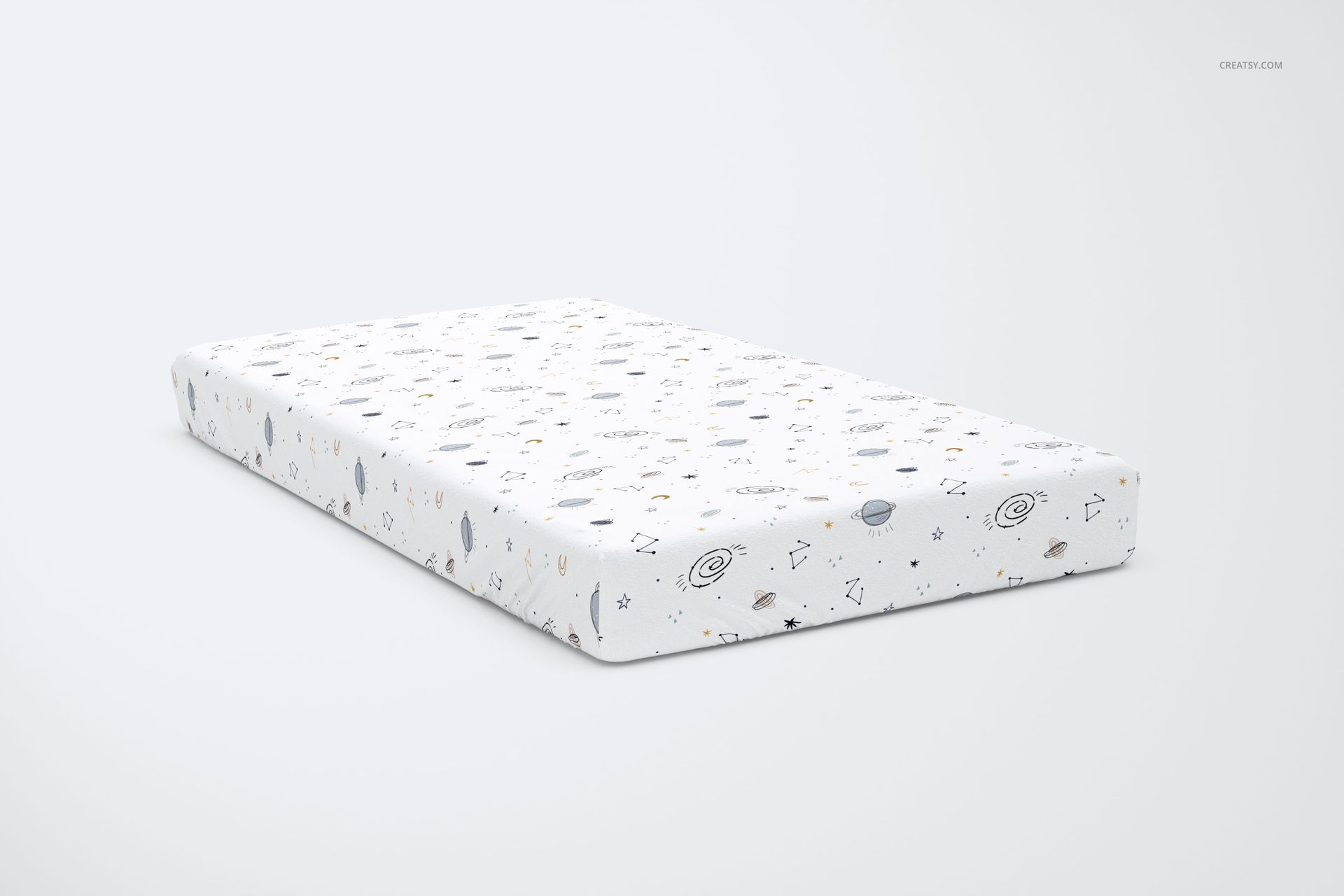
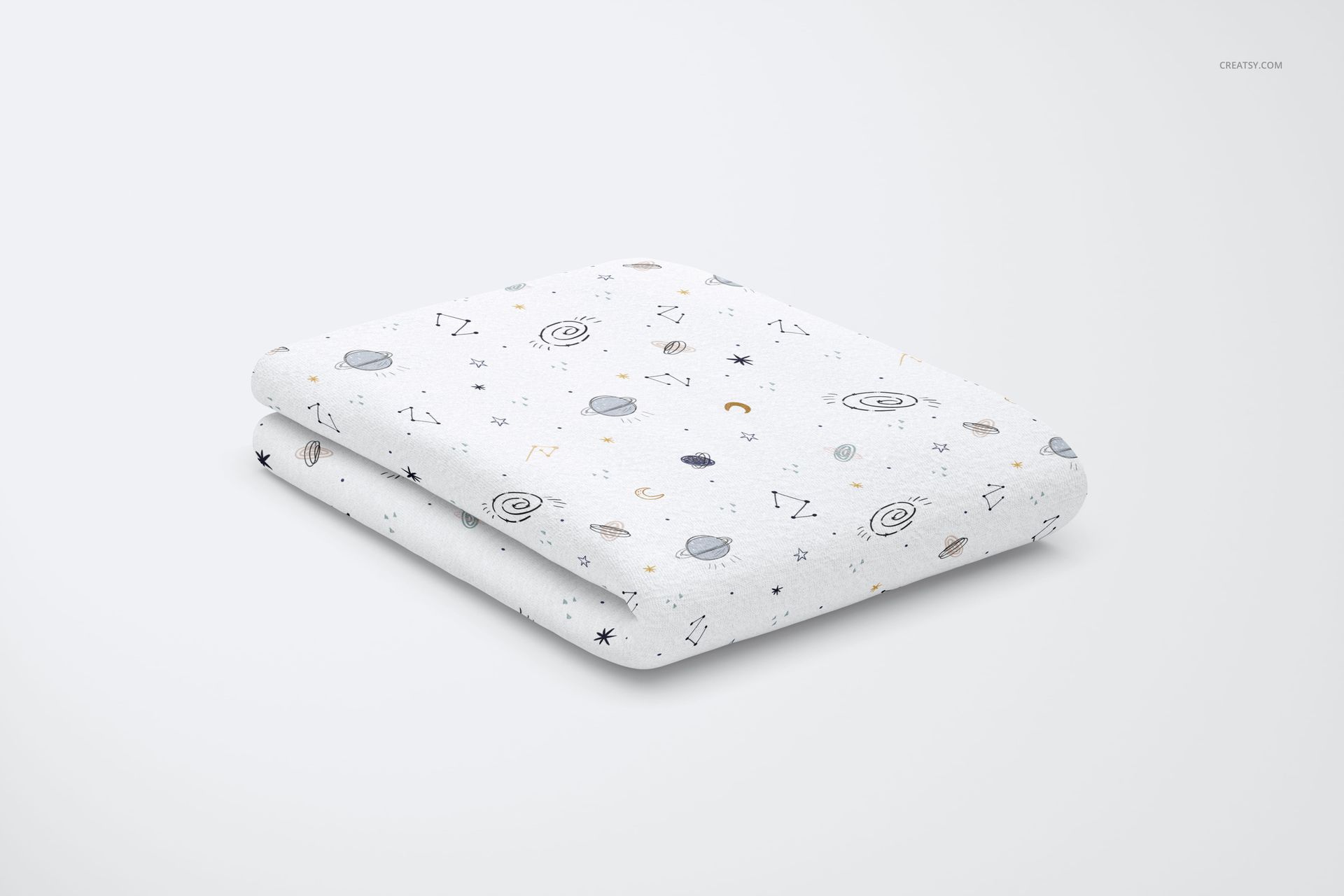
Take a children's bedding print from an isolated sheet preview into a furnished bedroom. This four-scene set combines a styled bed with fitted, partially pulled-back and folded sheet views, helping you show both the pattern itself and its place in a coordinated room.
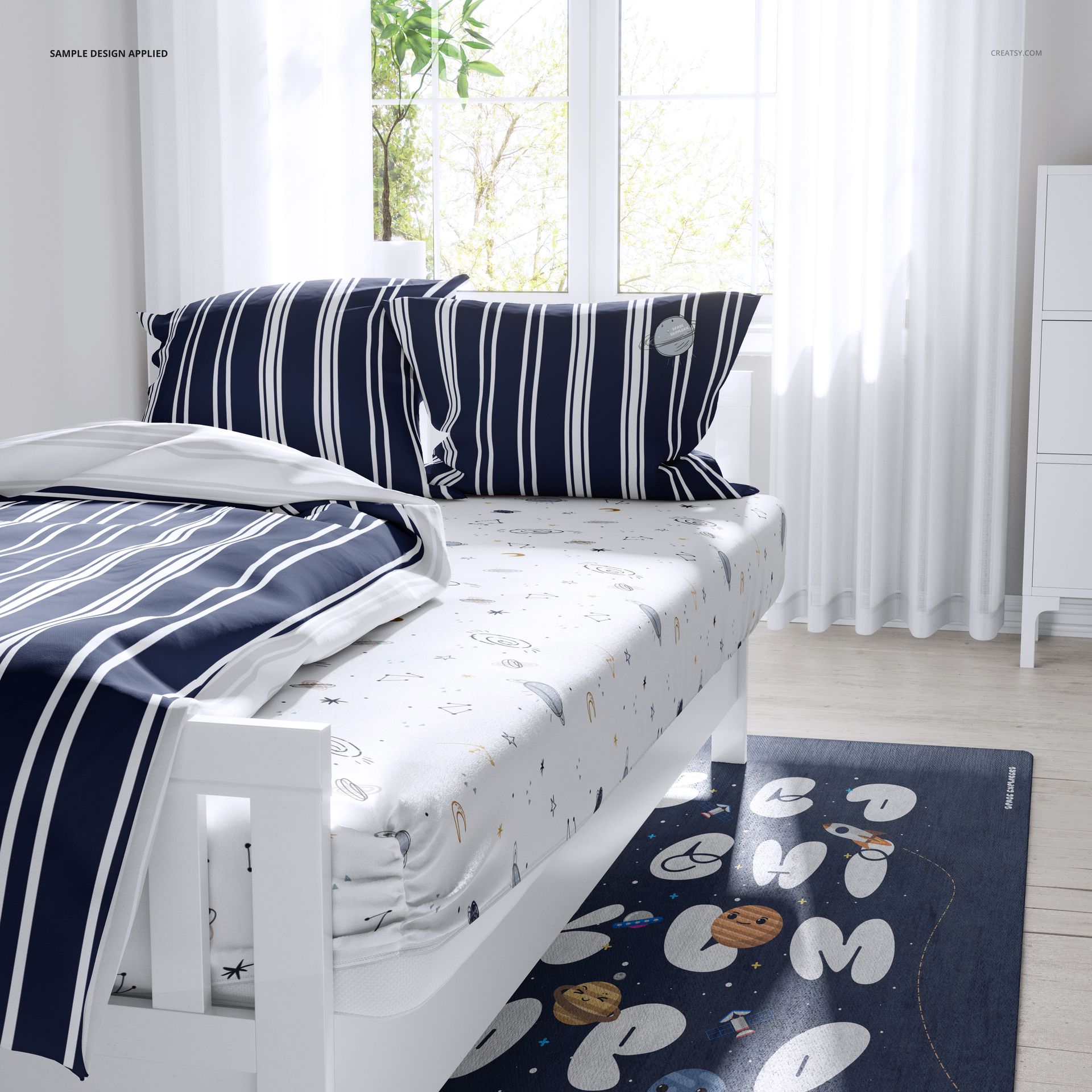
Use the bedroom scene to explore how a sheet works with contrasting pillows, a duvet cover and surrounding decor. The simpler views bring attention back to motif spacing, folds and the way artwork follows the mattress edges.
What Is Included
4 layered PSD mockups and 4 JPG previews, 8 files in total.
5000 × 5000 px and 4000 × 2670 px PSD formats at 300 DPI.
Compatible with Adobe Photoshop CC2020 or newer and Photopea.
Coordinate the Bed and the Room
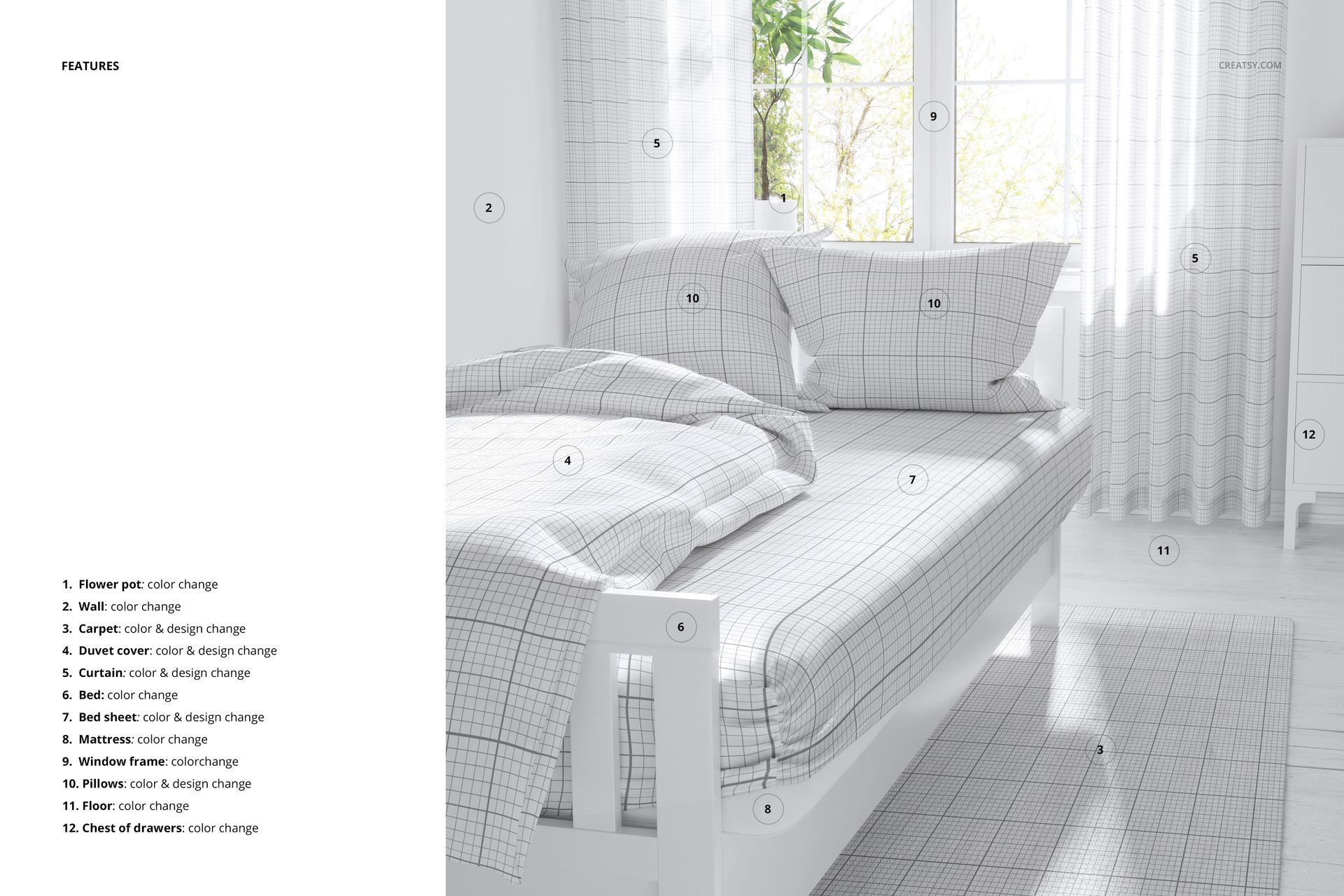
Change the color and design of the bed sheet, duvet cover, pillows, curtain and carpet in the bedroom scene. Color controls also cover the bed, mattress, wall, floor, window frame, flower pot and chest of drawers. Consult the feature board for the placement of each editable area.
Easy Smart Object Editing
Insert your artwork into the relevant Smart Objects, save the edited contents and return to the scene. Organized layers help you compare colorways while keeping the same view and surroundings.
Made for Children's Textile Collections
Build a client presentation that moves from an overall bedroom concept to individual sheet details. The set suits surface pattern designers, bedding brands and illustrators presenting coordinated children's home textiles.
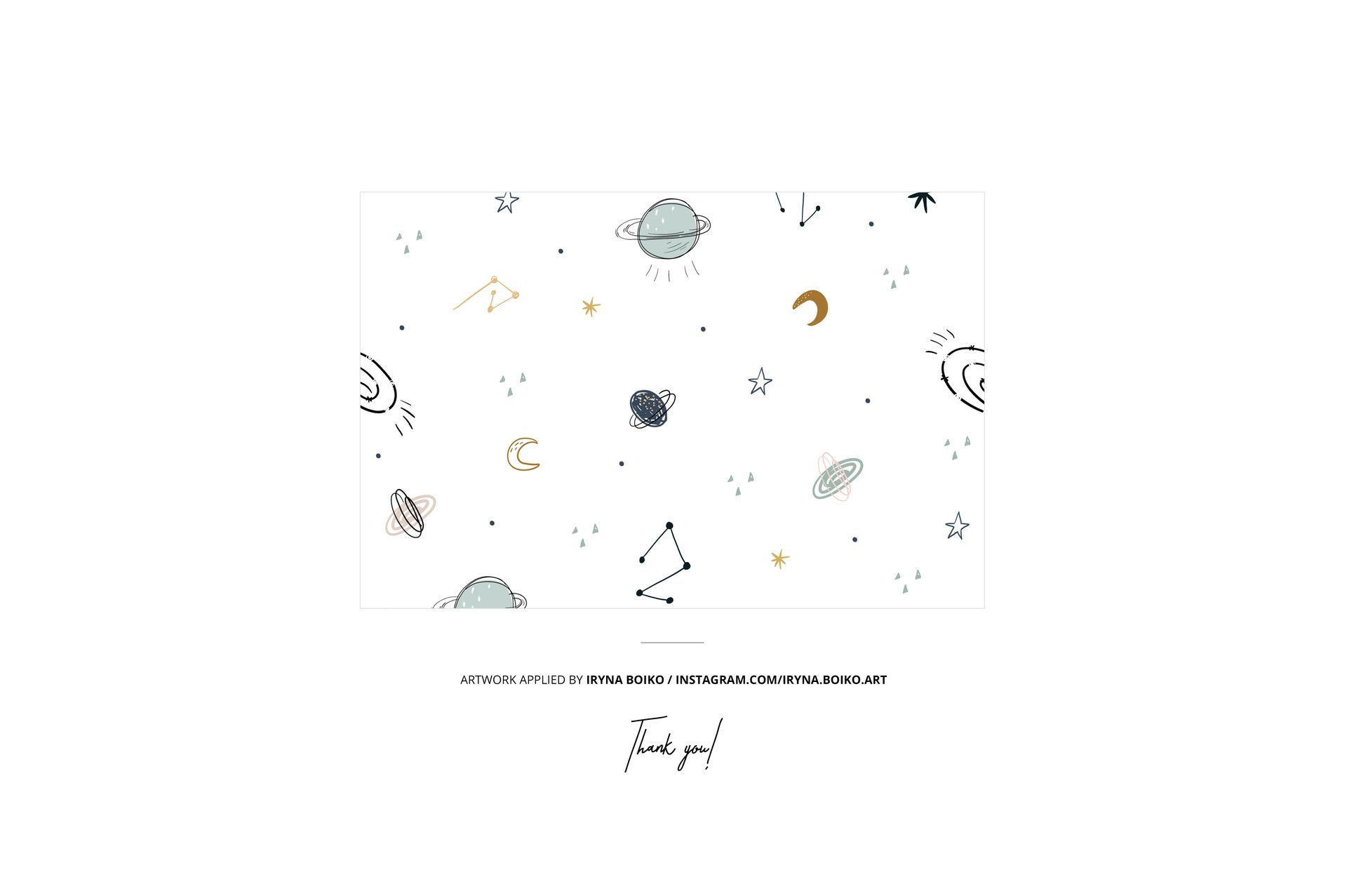
This is a digital mockup product. No physical bedding is supplied, and the sample patterns shown in the previews are not included.