Swim Ring Mockup Set
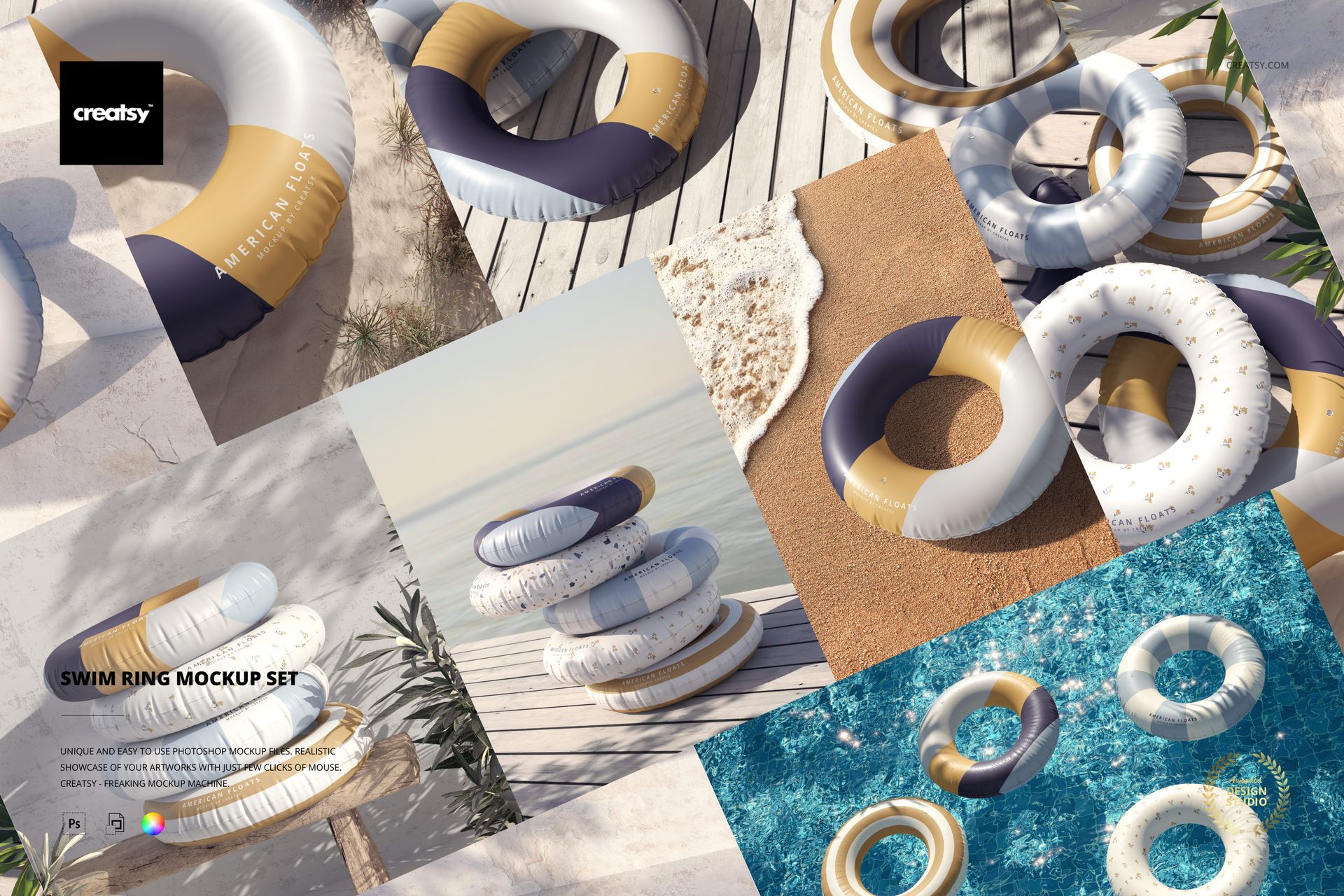
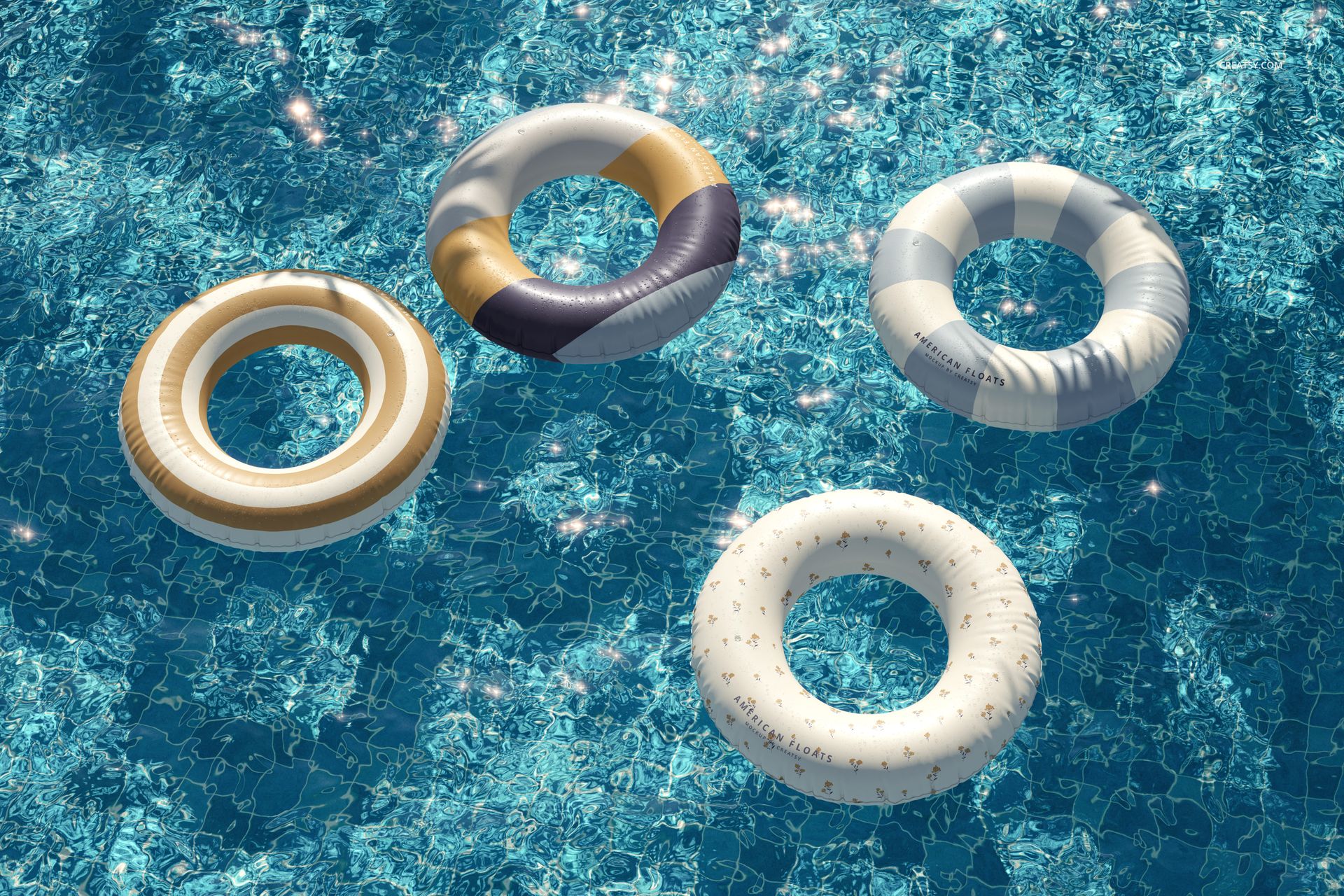
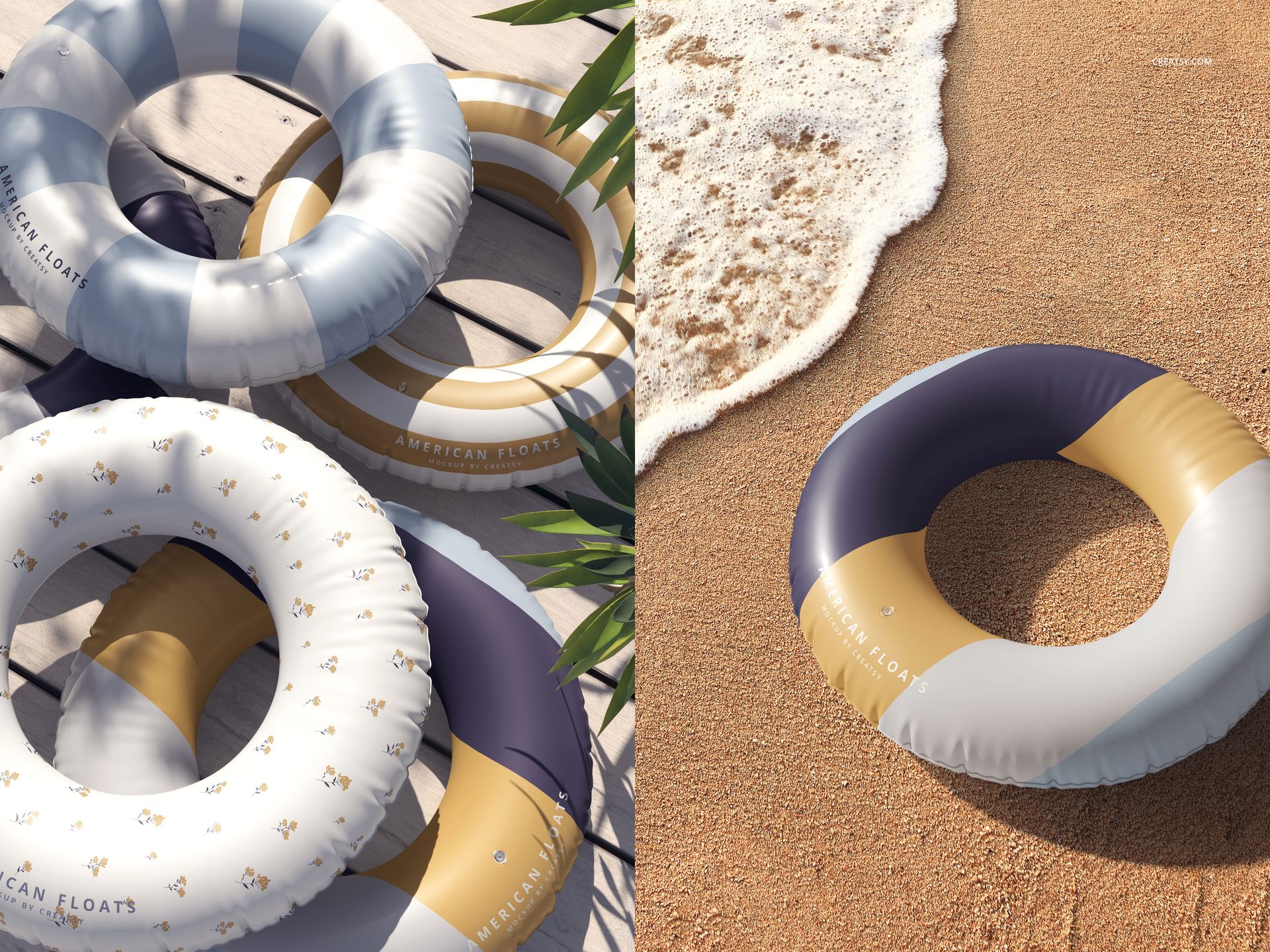
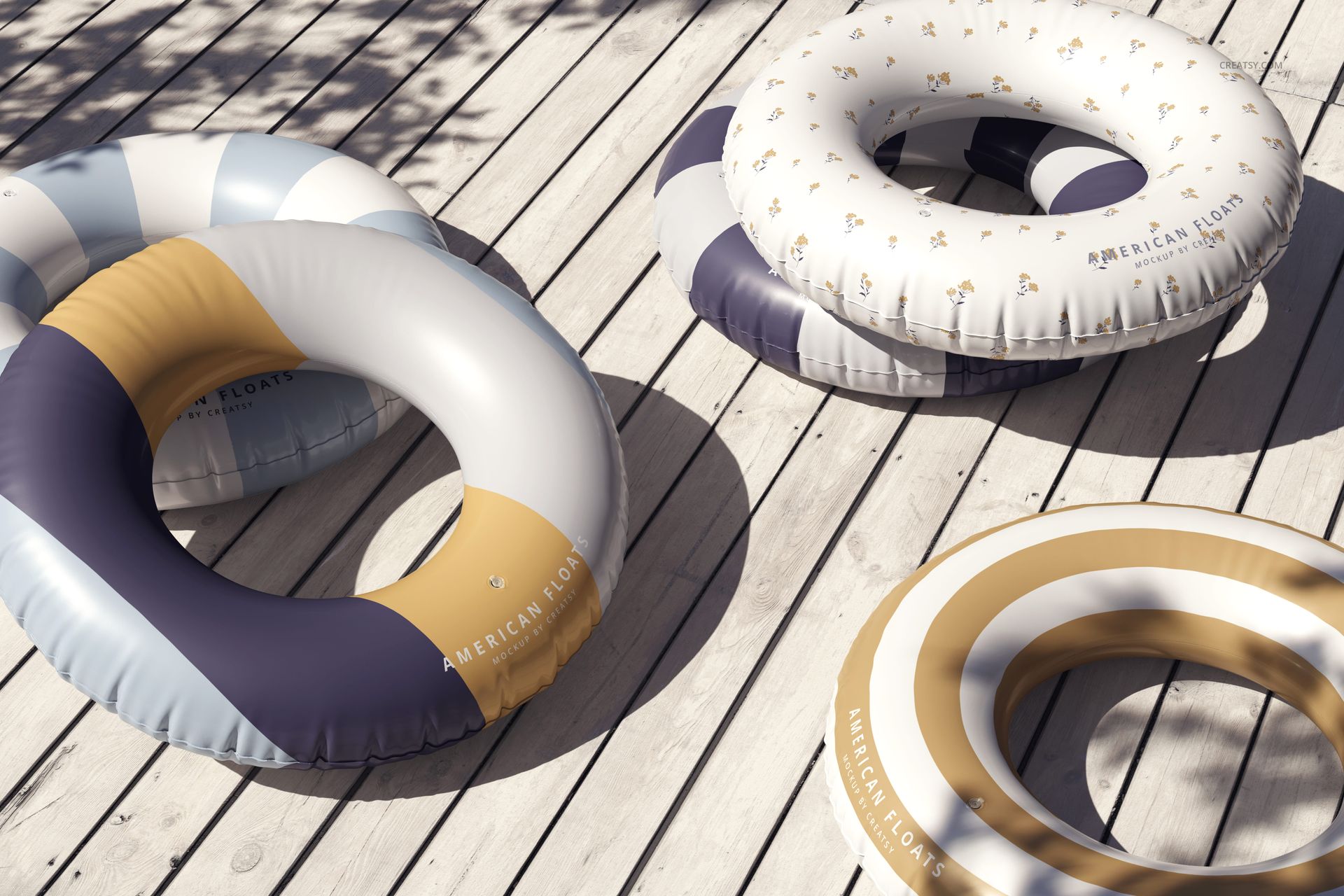
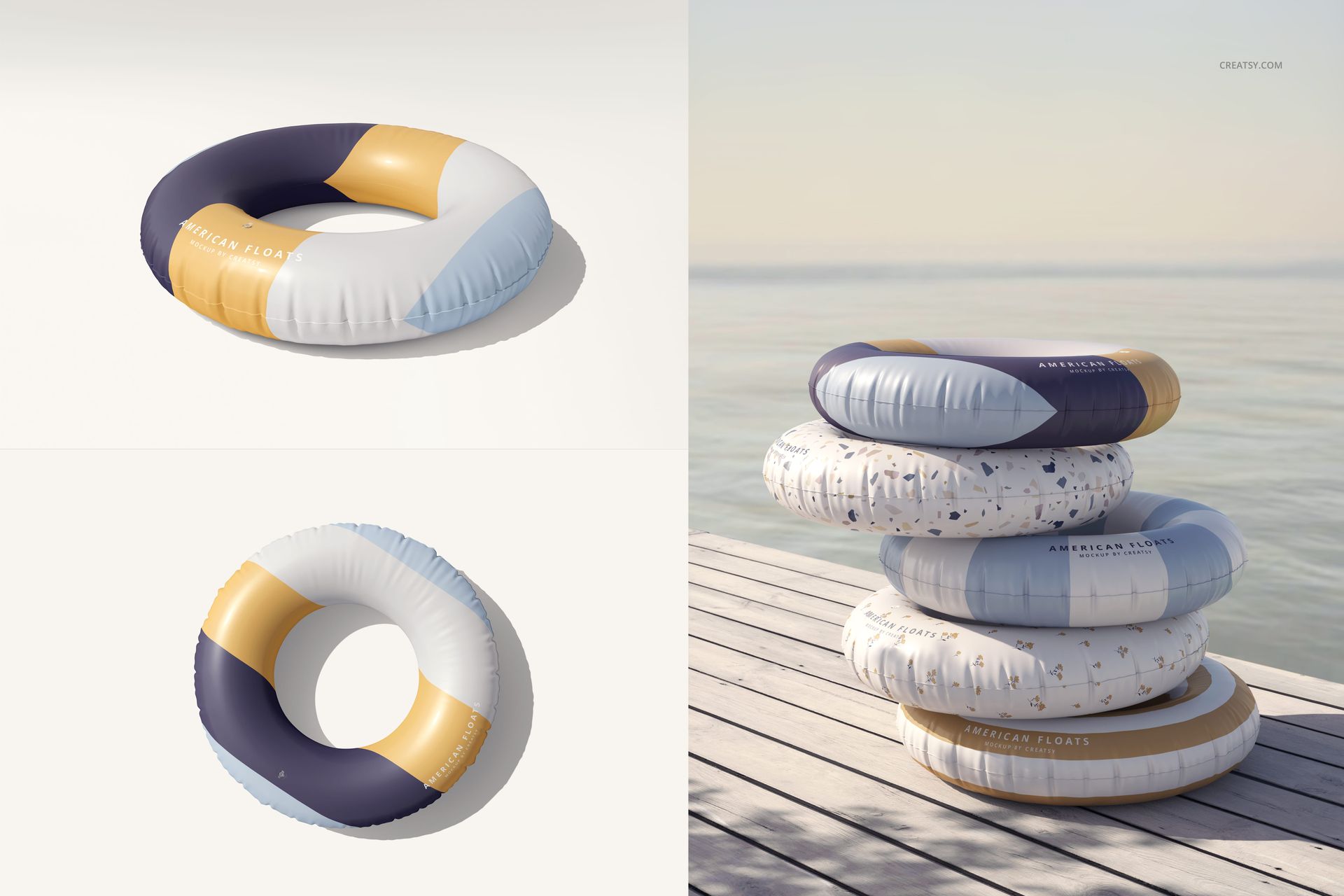
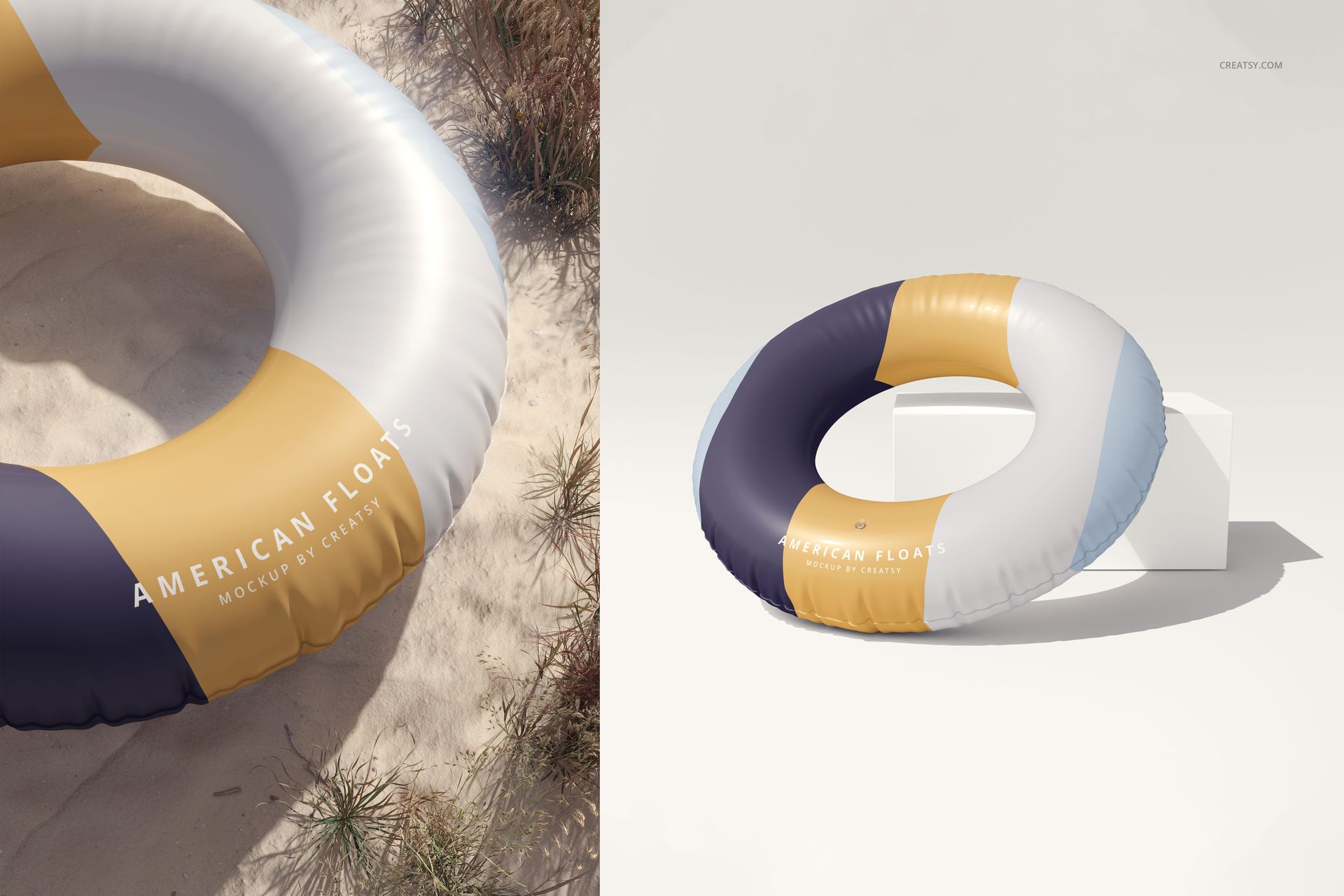
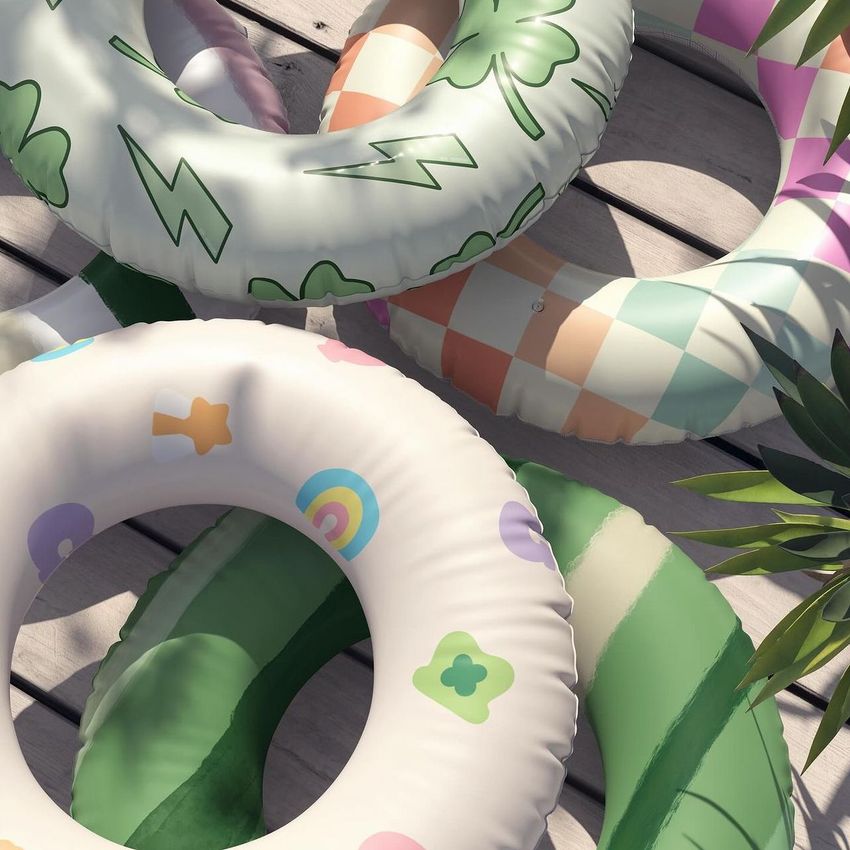
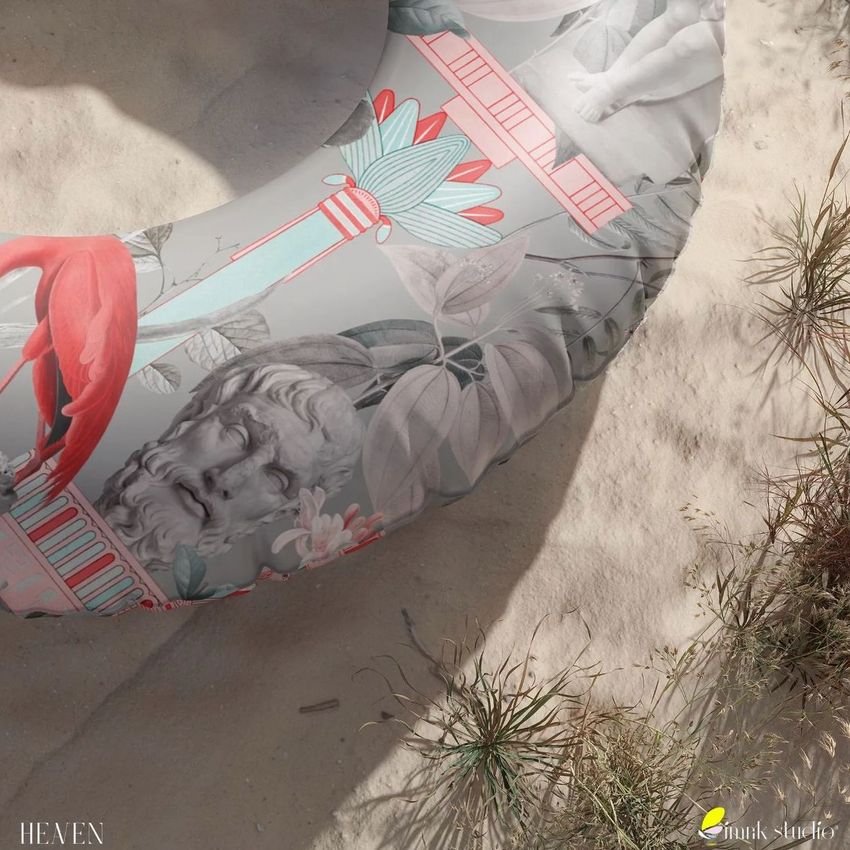
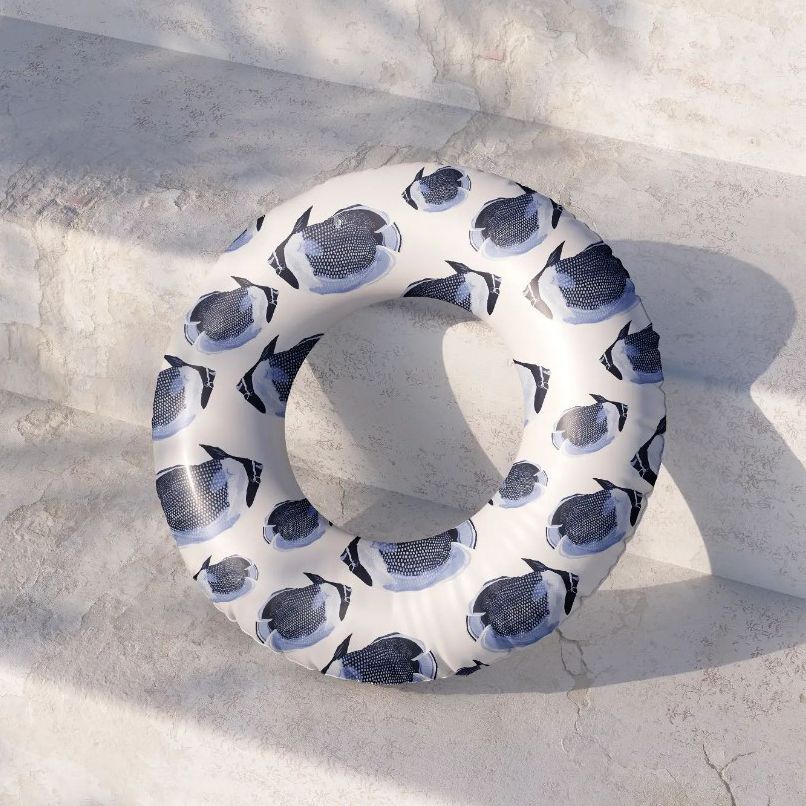
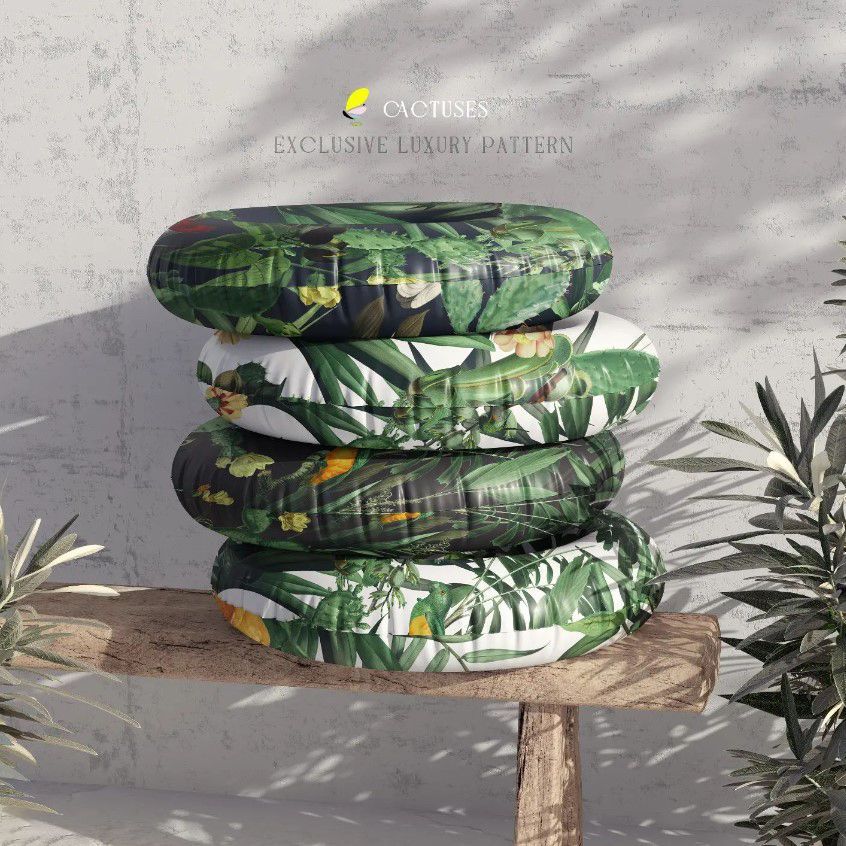
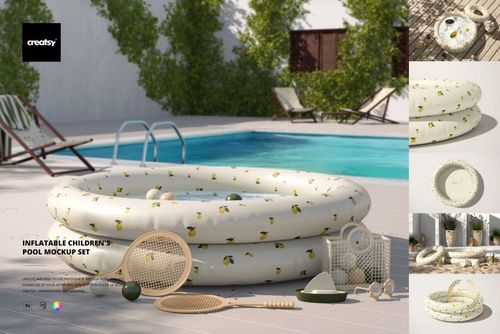
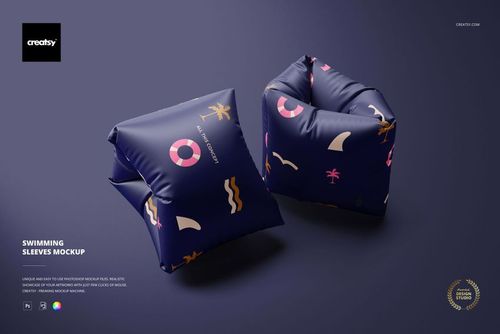
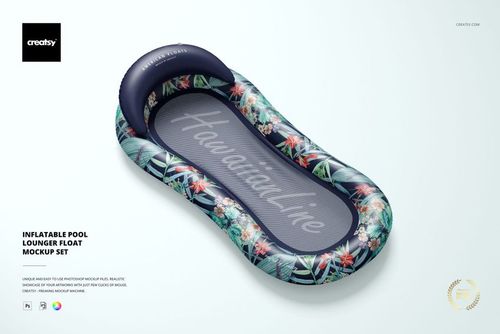
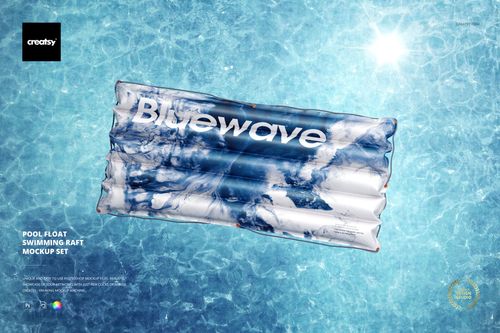
Build a varied summer product story from one flexible collection. These 12 high-resolution PSD scenes place inflatable swim rings beside water, on sand, around poolside decking and in clean studio compositions. Multiple viewpoints help surface designers and brands judge how artwork reads across a curved form, then assemble a consistent gallery for launches, portfolios and client presentations.
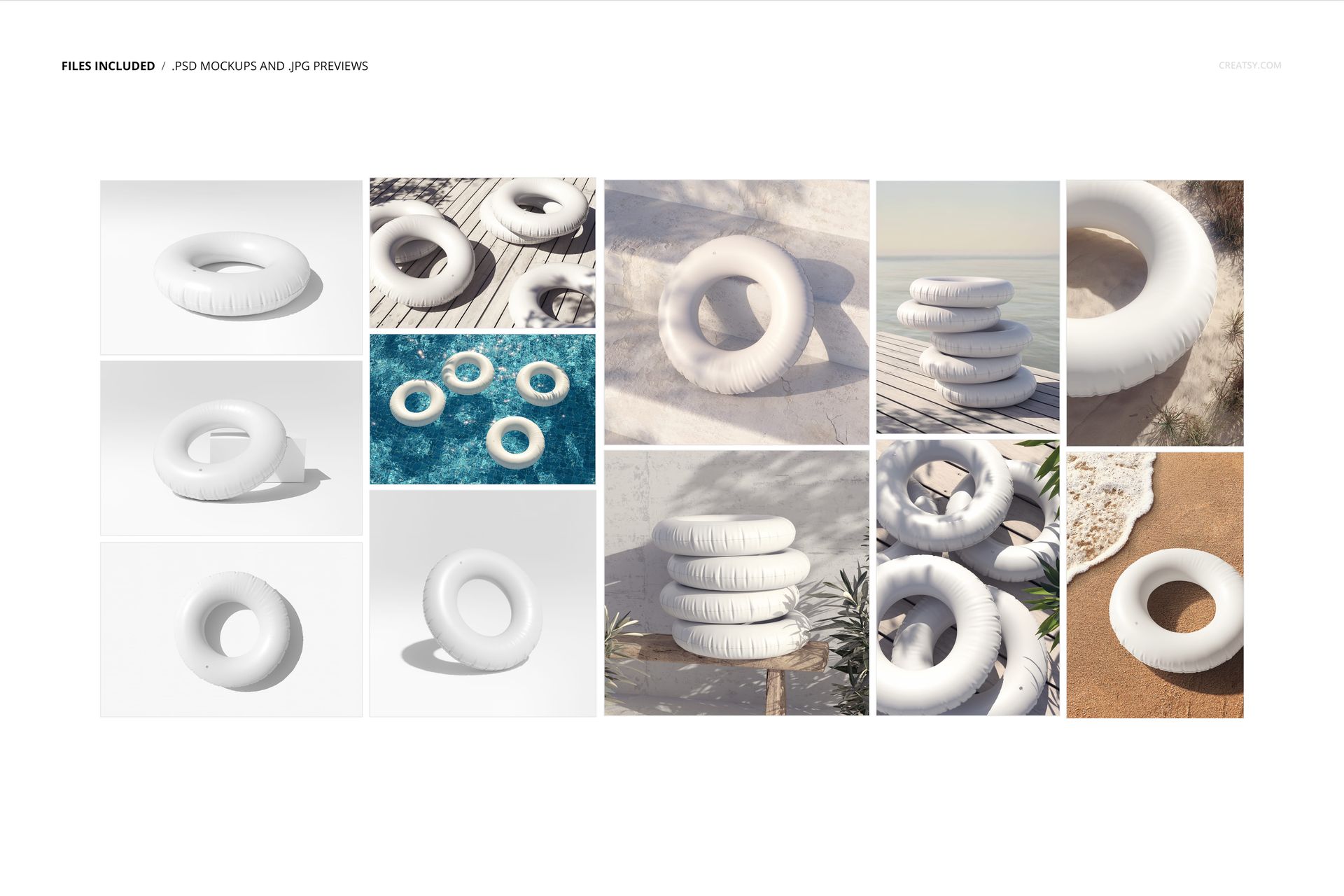
What Is Included
12 PSD mockup files, each 6000 × 4000 px at 300 DPI
12 JPG previews, 24 files in total
Water, sand, poolside deck and studio compositions
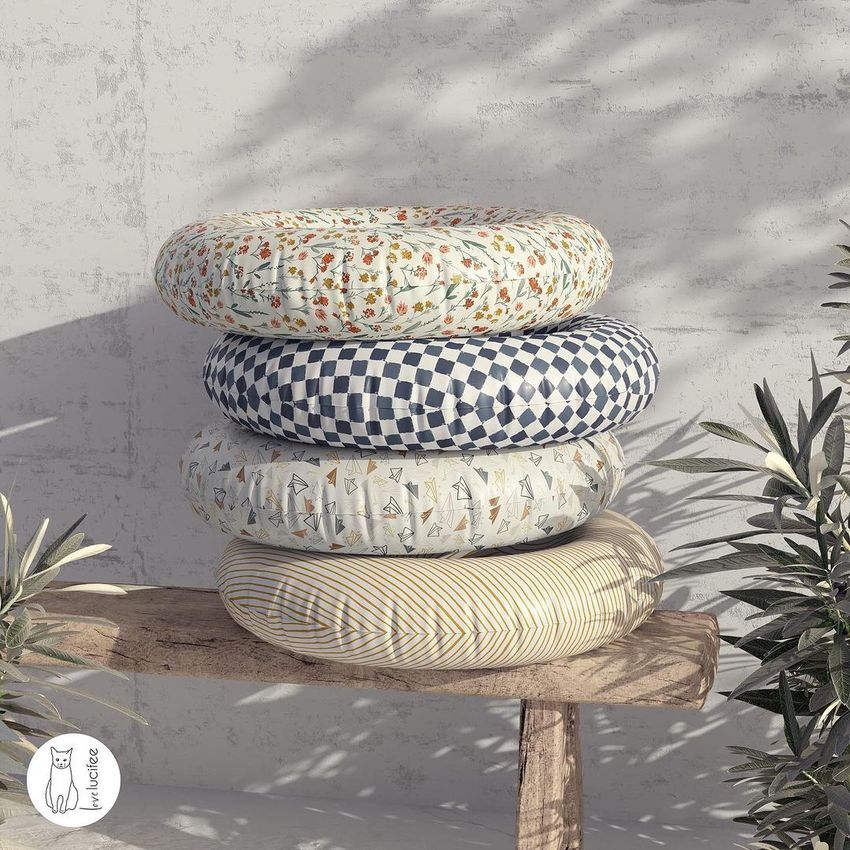
Multiple ring arrangements and viewing angles
Organized layers for a clear editing workflow
Compatibility with Adobe Photoshop CC2020 or newer and Photopea
Control the Product and the Setting
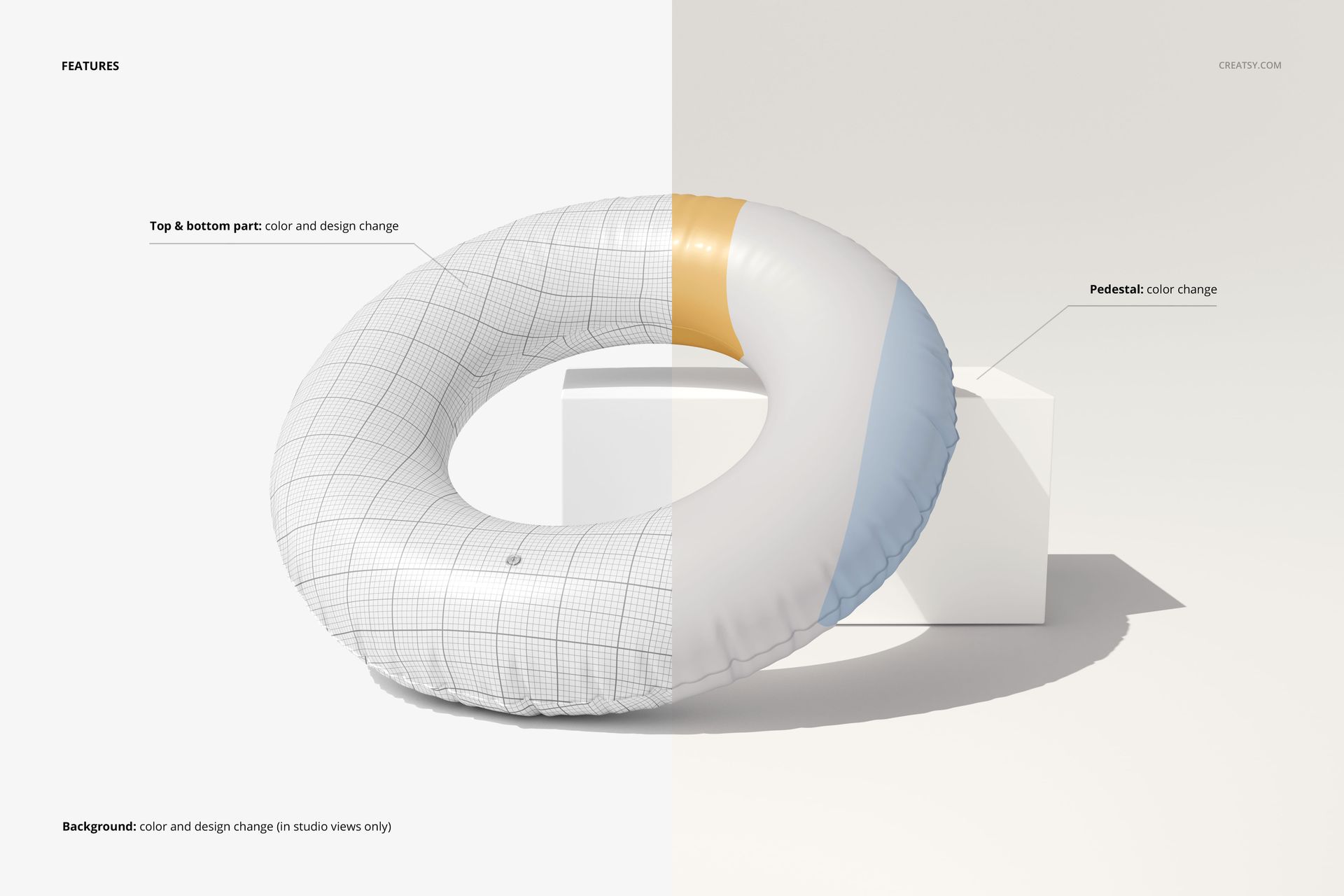
The top and bottom parts of the swim ring support color and design changes. Pedestal color is adjustable, while background color and design can be changed in studio views. This control makes it easier to compare palettes, repeat scales and branded layouts without arranging a physical photo shoot.
A Better Test for Curved Artwork
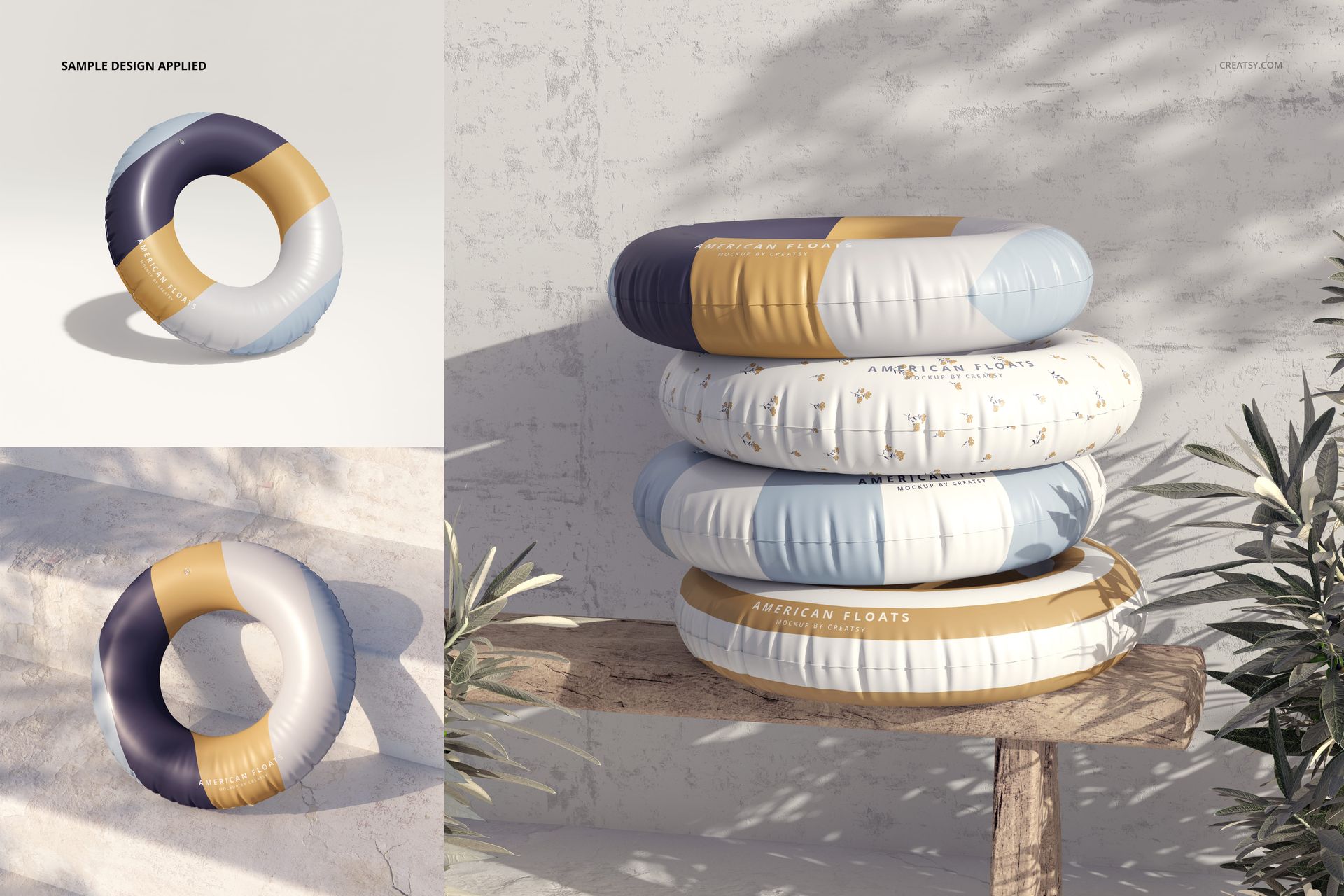
A flat swatch cannot show how motifs, logos or lettering behave around the inner and outer circumference of an inflatable ring. Review the same concept from several angles to spot crowded repeats, weak contrast or focal elements that become less legible on the curve.
Perfect For
Surface pattern portfolios and licensing presentations
Summer accessory and inflatable product brands
Pool, beach, resort and hotel campaigns
Ecommerce galleries and seasonal launch assets
Client reviews, pitch decks and collection boards
Digital Product Notice
This is a digital mockup set, not a physical swim ring or a manufacturing template. Sample artwork shown in the previews is for demonstration only and is not included.