Inflatable Swimming Sleeves Mockup Set
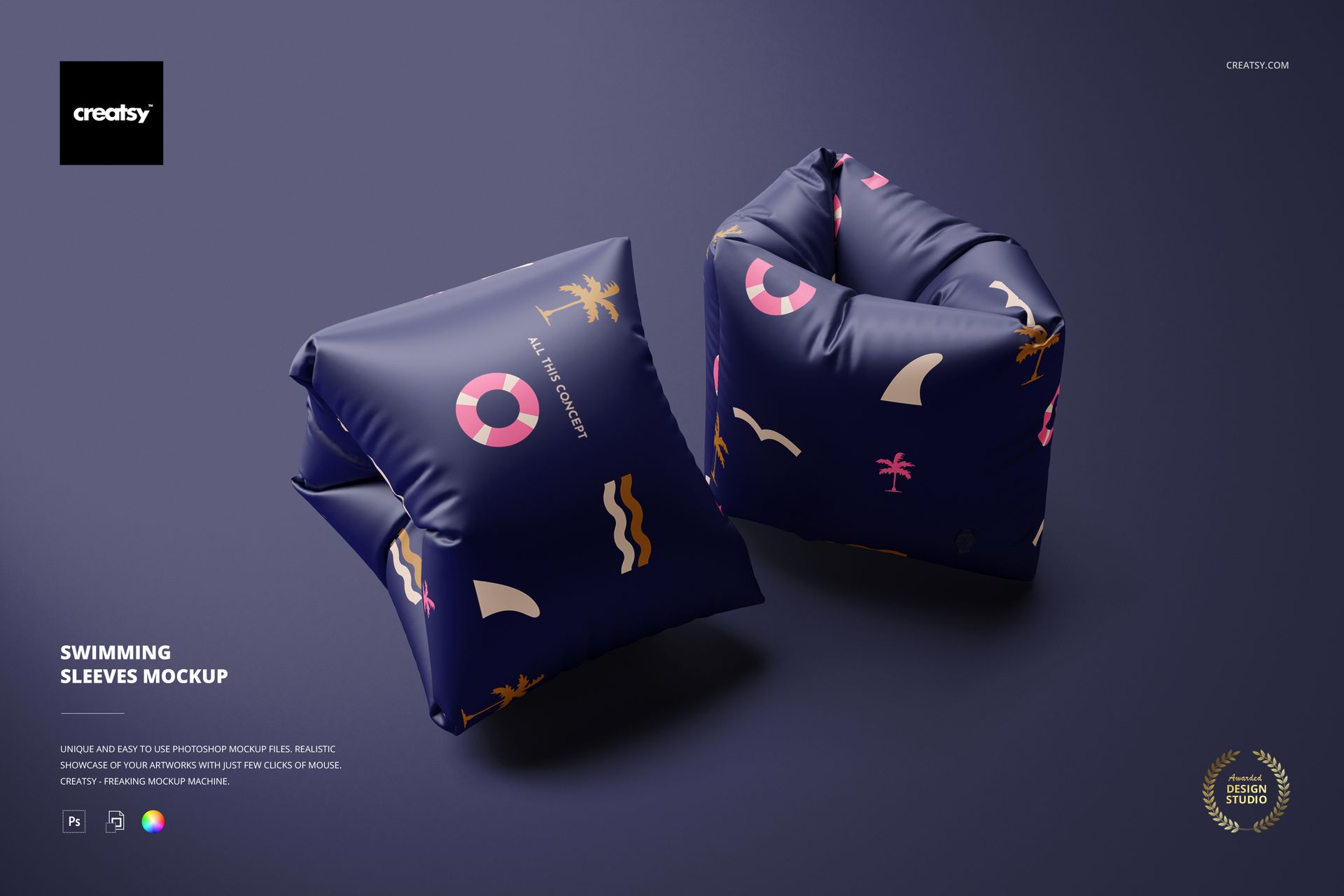
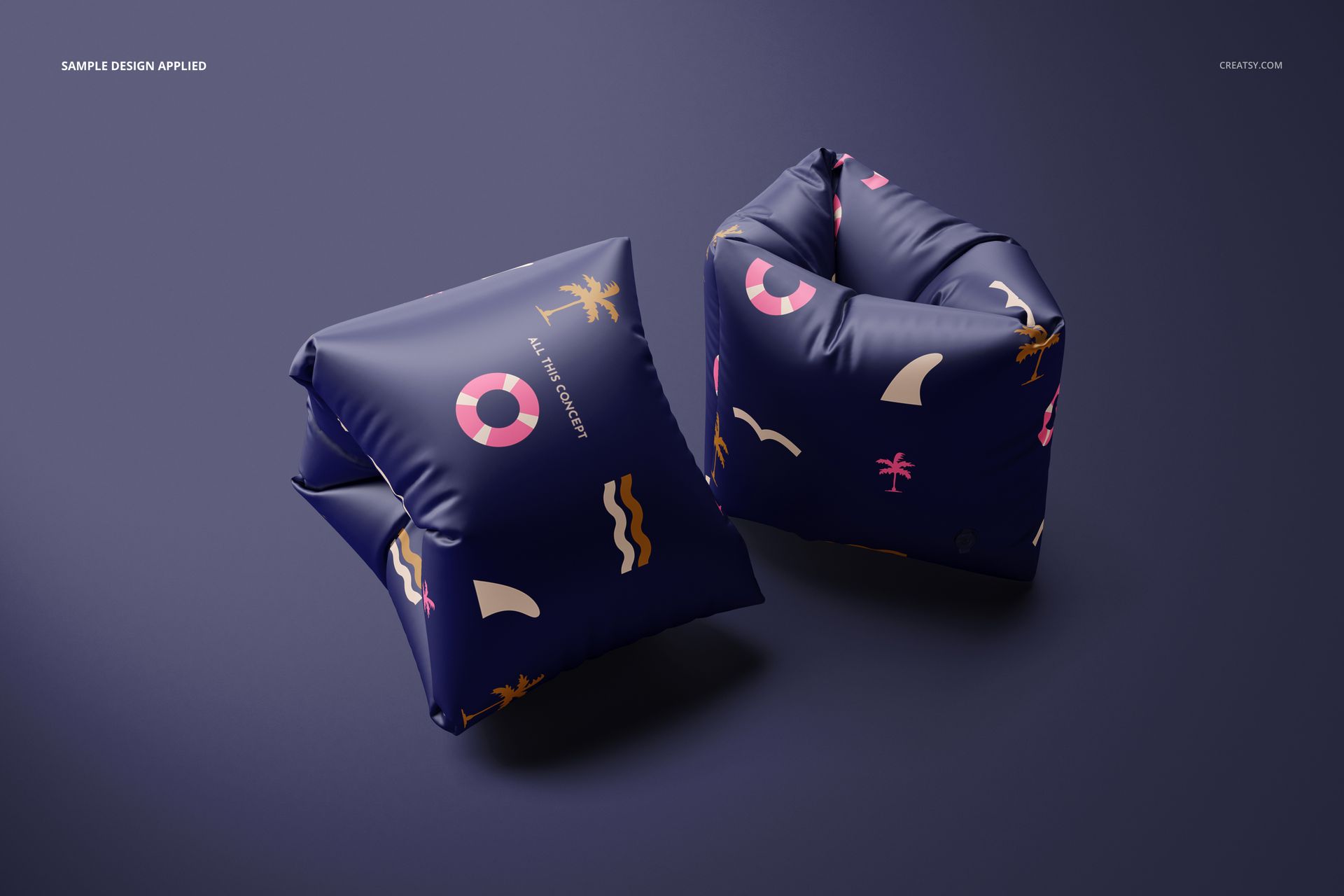
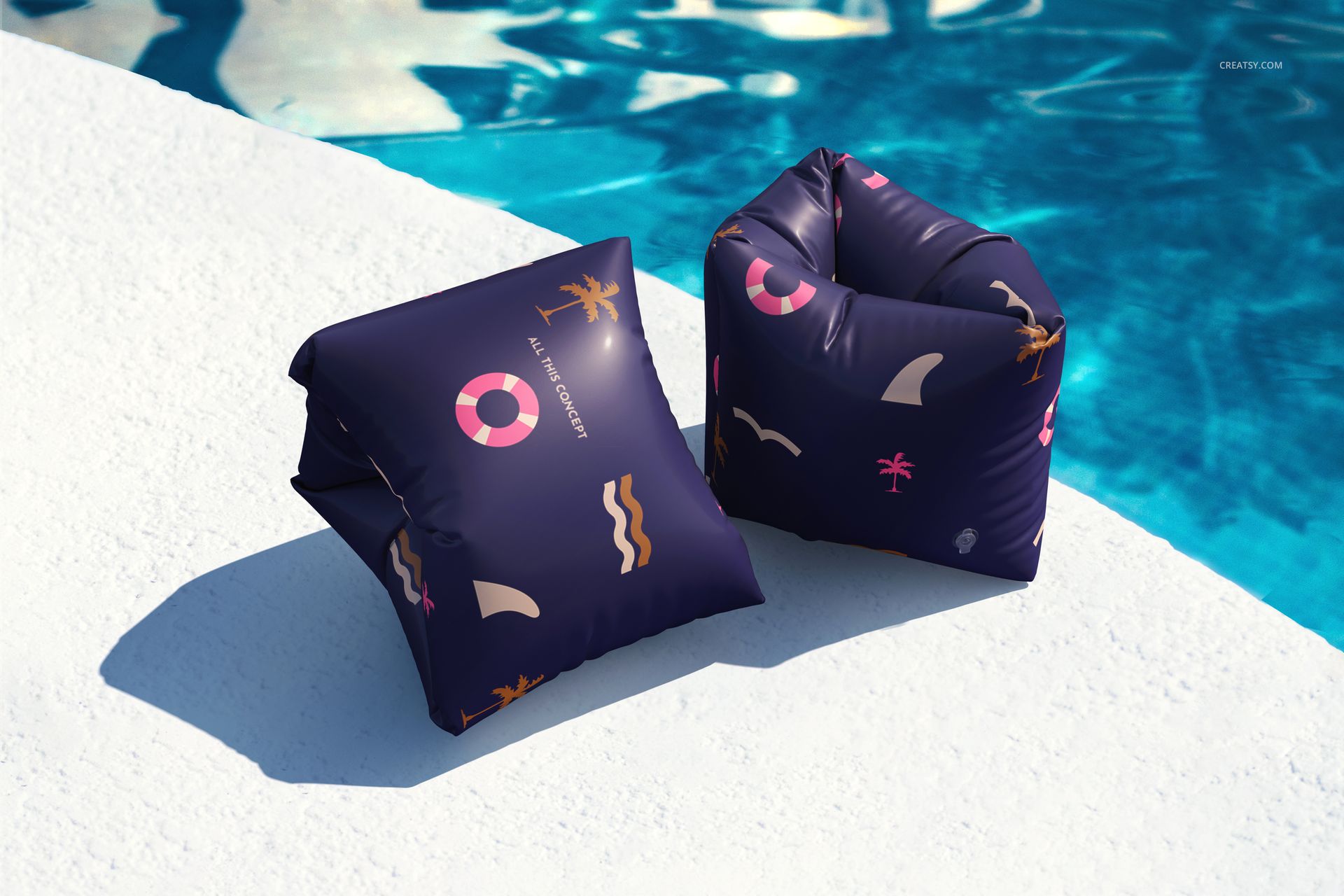
Turn a compact pool accessory into a clear, brand-ready presentation. Two high-resolution PSD scenes show a coordinated pair of inflatable swimming sleeves in clean studio and poolside contexts, helping designers compare pattern scale, logo placement and color contrast before building a storefront gallery, licensing pitch or client review.
What Is Included
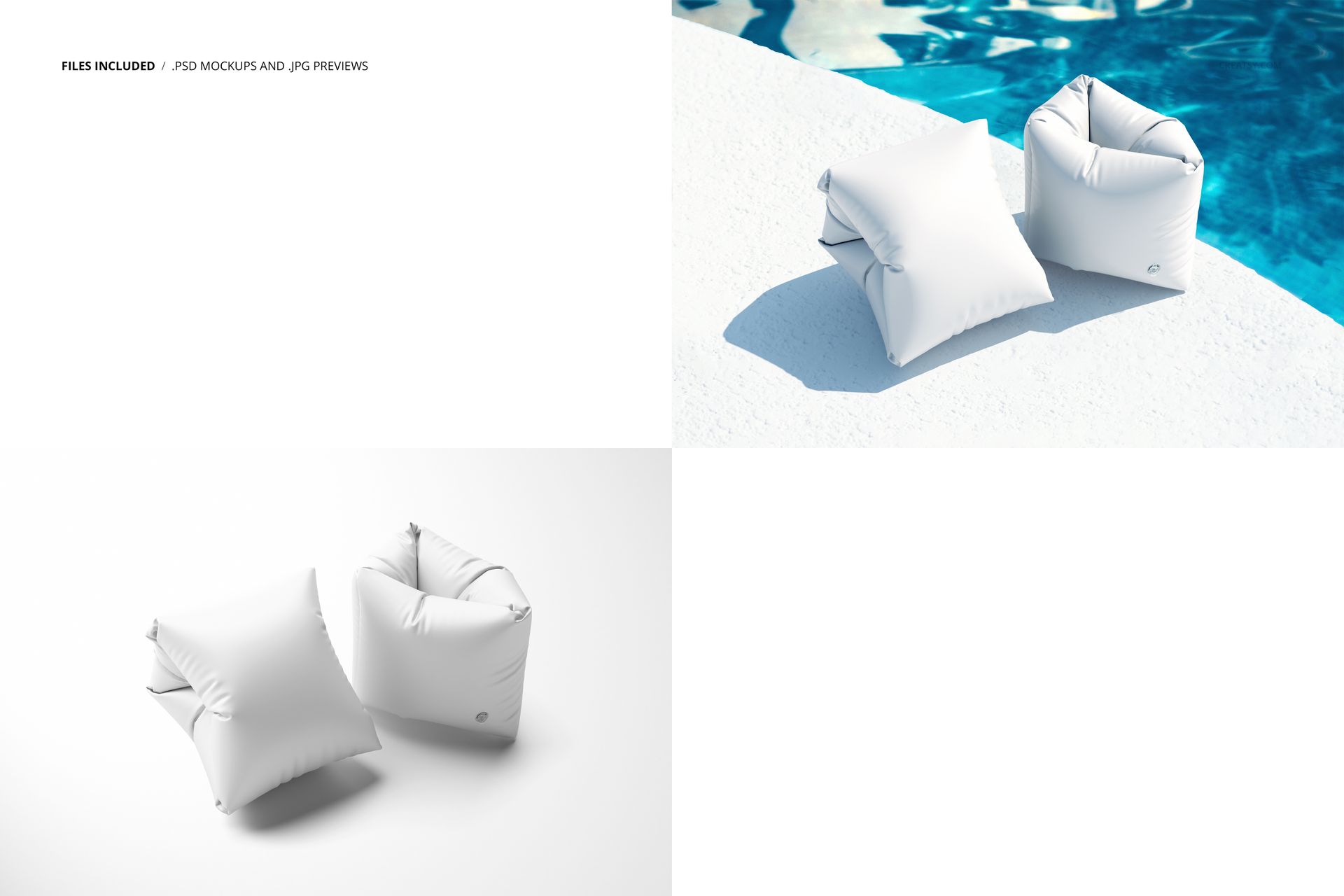
2 layered PSD mockup files and 2 full-resolution JPG previews, 4 files in total
6000 × 4000 px at 300 DPI
Smart Objects for artwork placement
Organized layers for a practical editing workflow
Studio and poolside compositions
Compatibility with Adobe Photoshop CC2020 or newer and Photopea
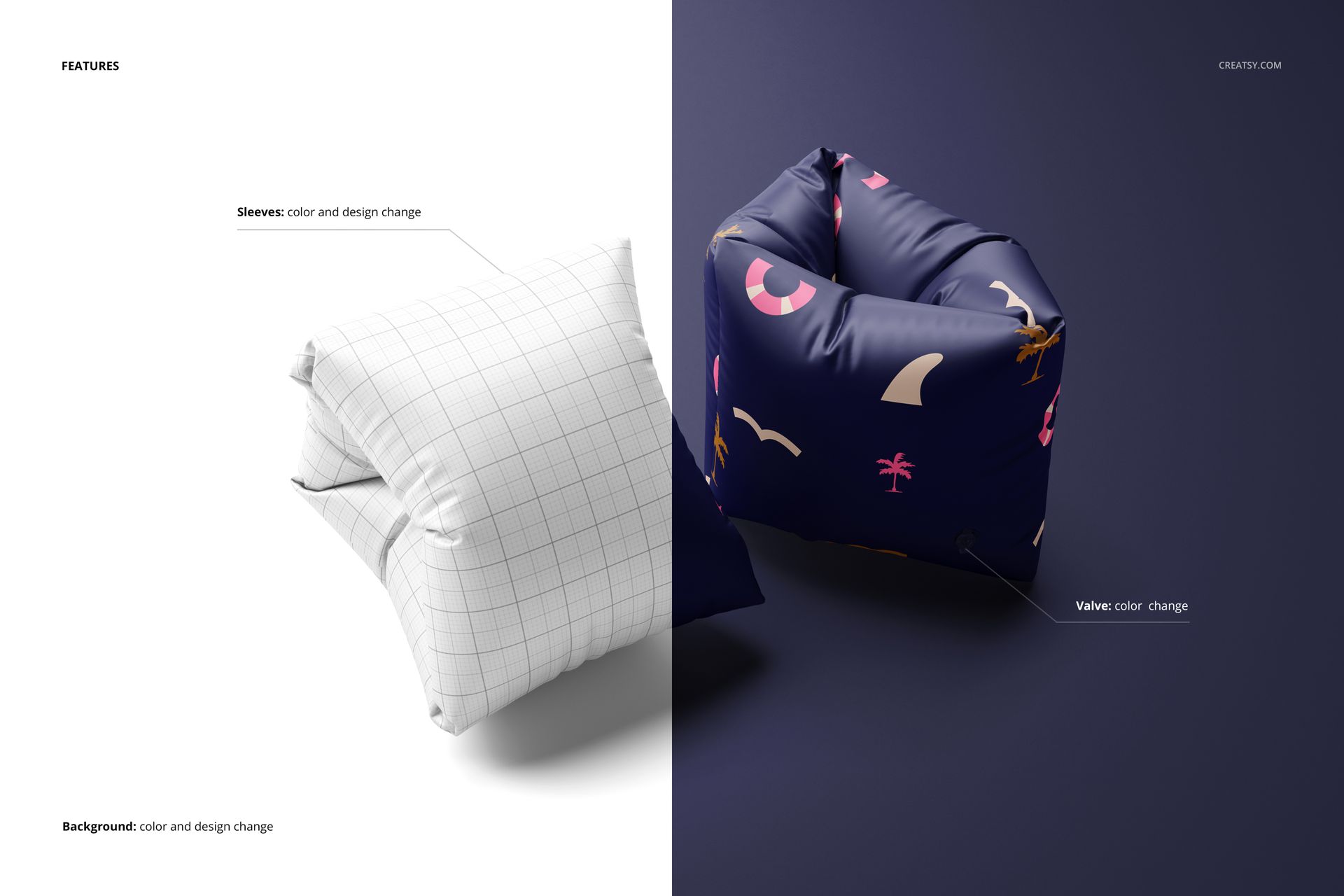
Design the Sleeve, Valve and Scene
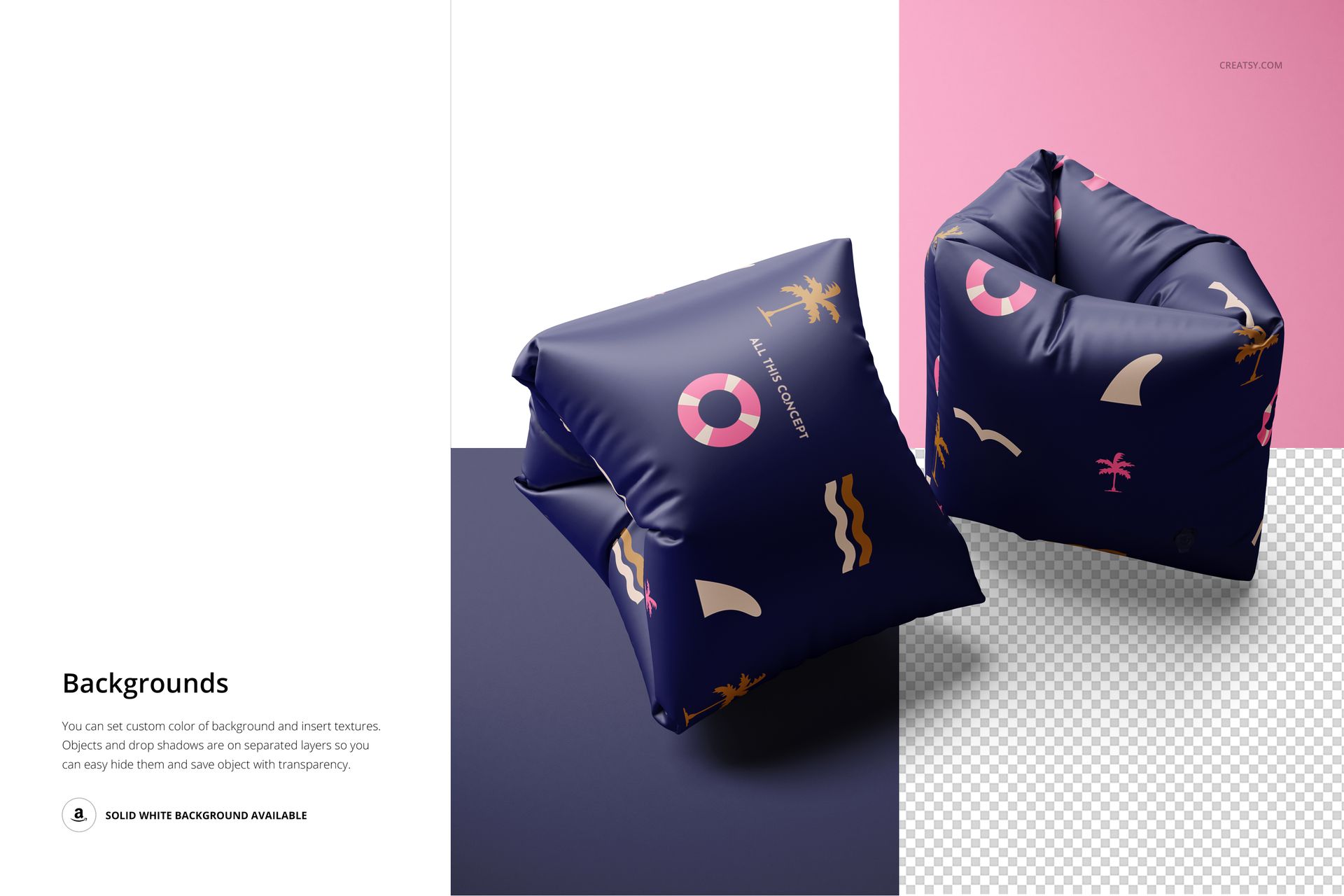
Change the sleeve color and design, adjust the valve color, then tailor the background with a custom color, artwork or texture. Objects and drop shadows sit on separate layers, so you can retain a grounded scene or hide selected elements and prepare an isolated product view with transparency. A solid white background is also available for clean catalog-style images.
Why Two Views Matter
The studio composition keeps attention on artwork placement and color, while the poolside scene shows how the same direction reads near bright water and hard sunlight. Use both to check whether small motifs, typography and pale colorways remain clear in different visual contexts.
Perfect For
Surface pattern portfolios and licensing presentations
Inflatable pool accessory and summer product brands
Poolside, beach, resort and holiday campaigns
Ecommerce galleries and digital product catalogs
Client reviews, pitch decks and coordinated collection boards
Digital Product Notice
This is a digital mockup set, not a physical product or a manufacturing template. Sample patterns and artwork shown in the previews are for demonstration only and are not included.