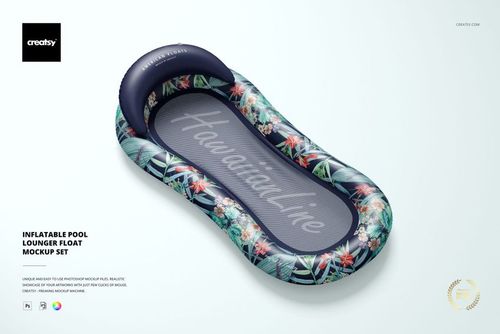
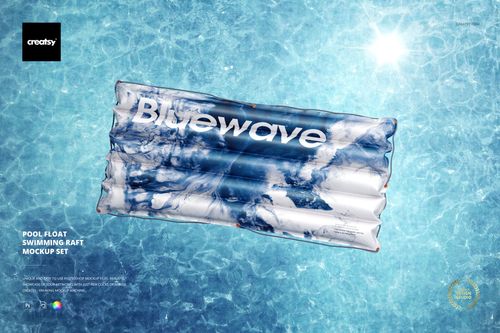
Inflatable Children's Pool Mockup Set

Product Details
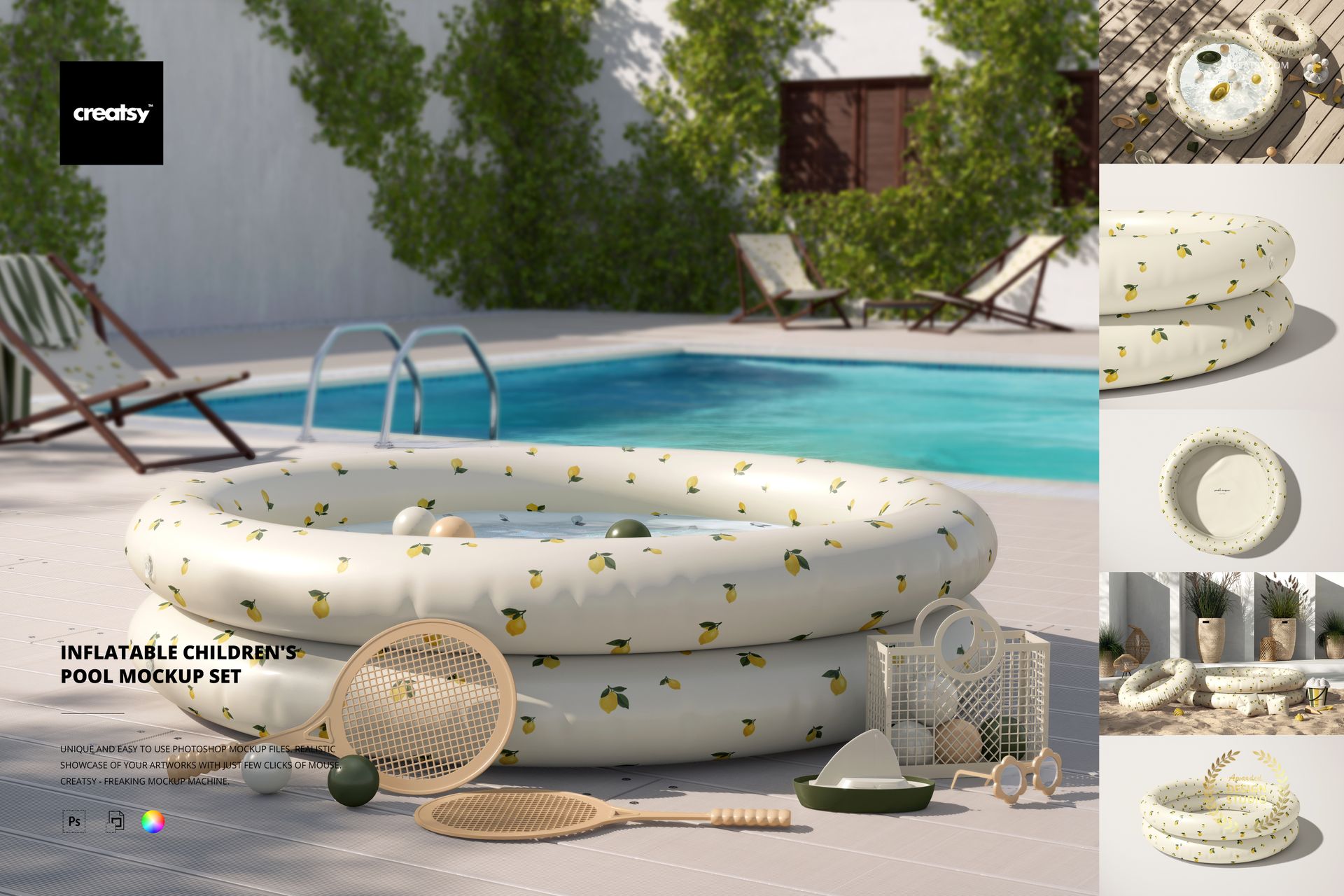
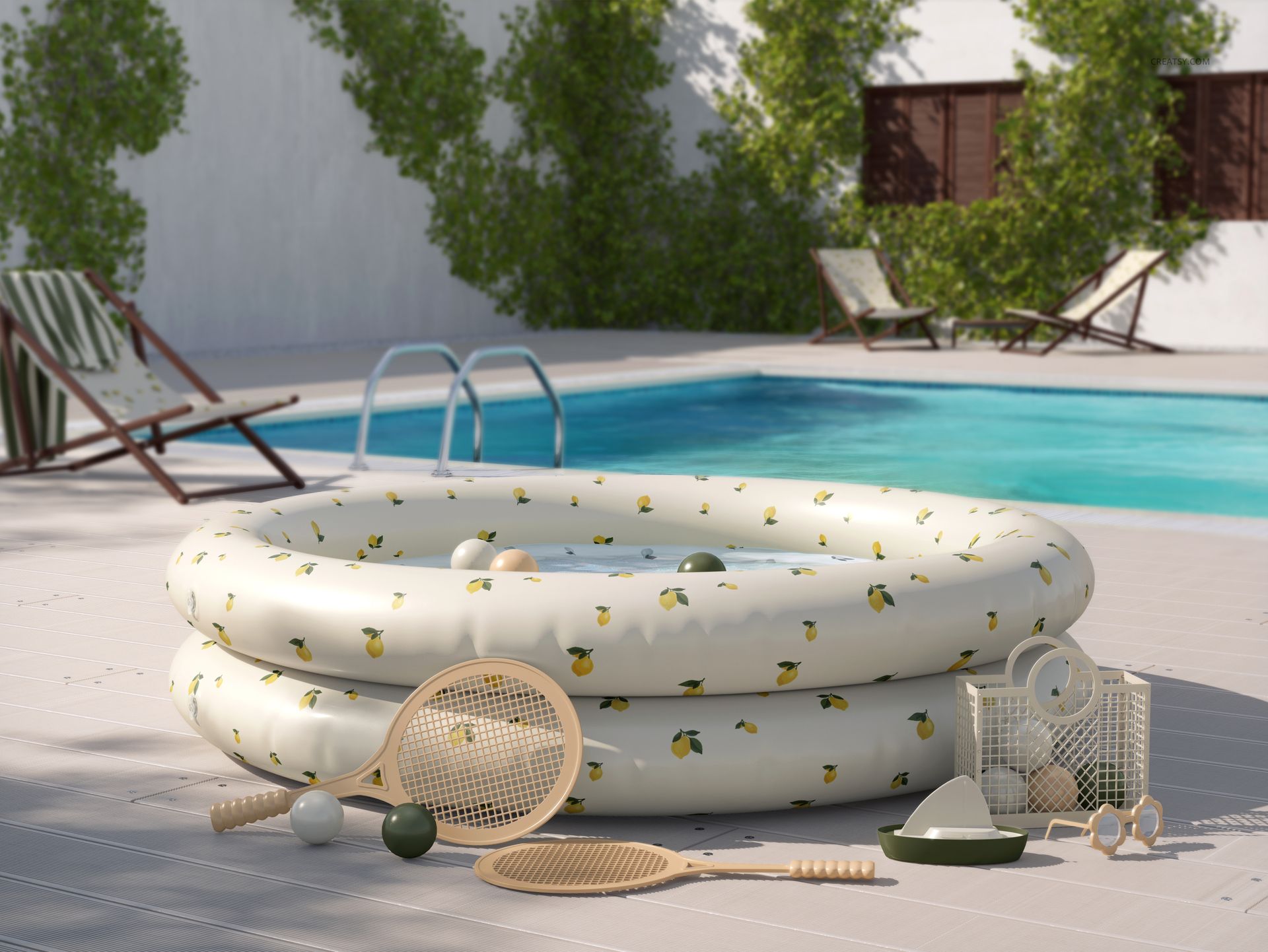
Test Pool Patterns Across Six Realistic Summer Scenes
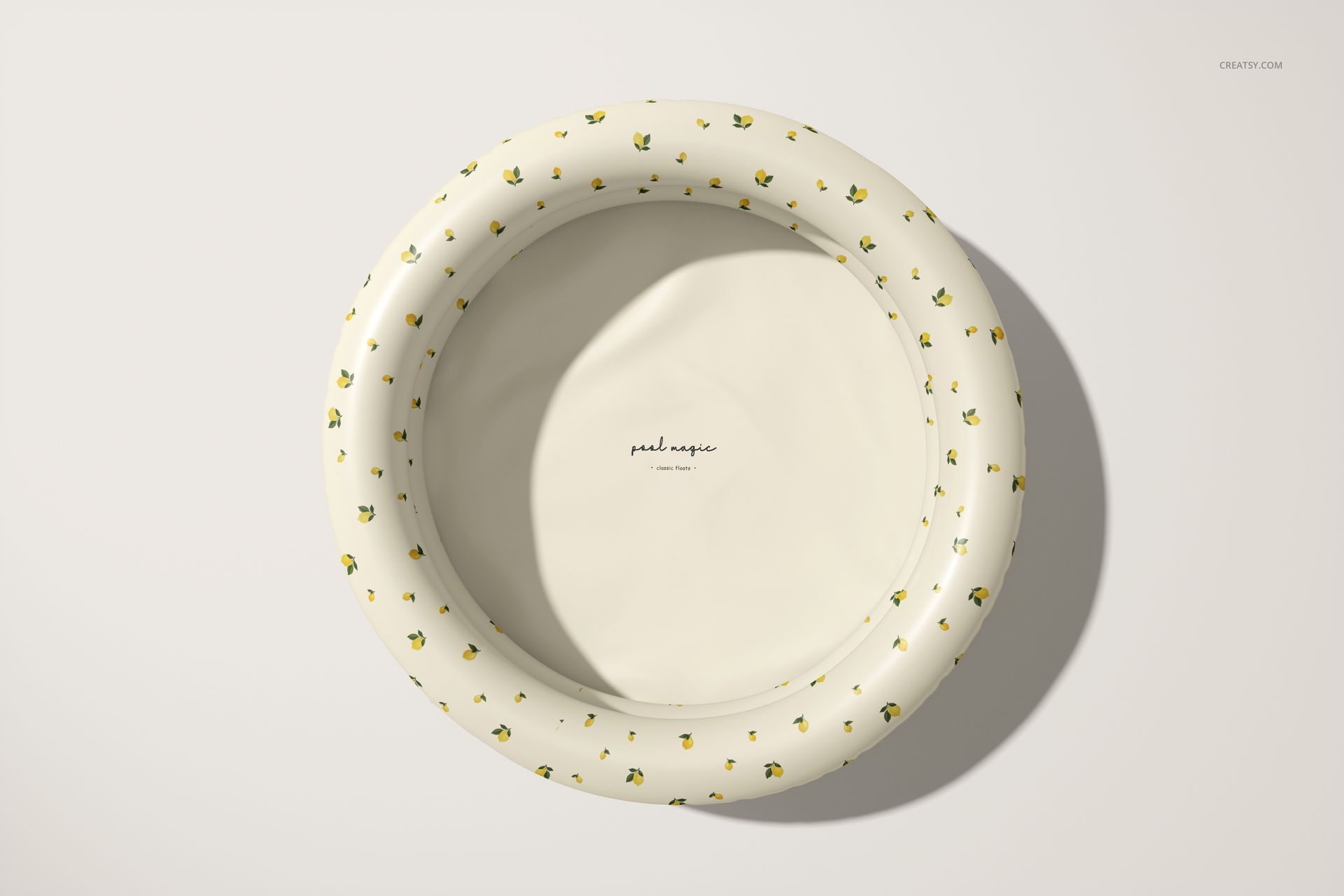
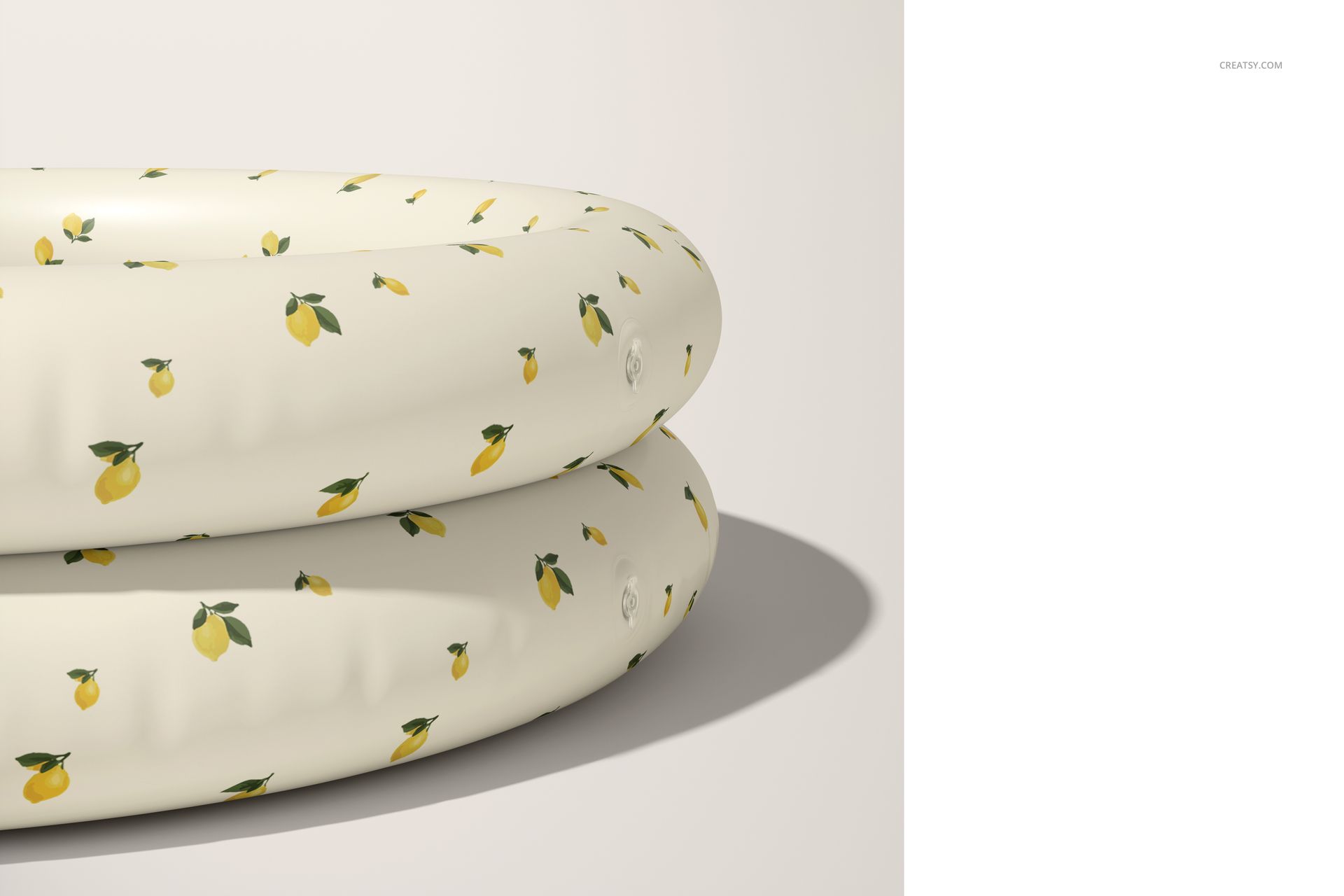
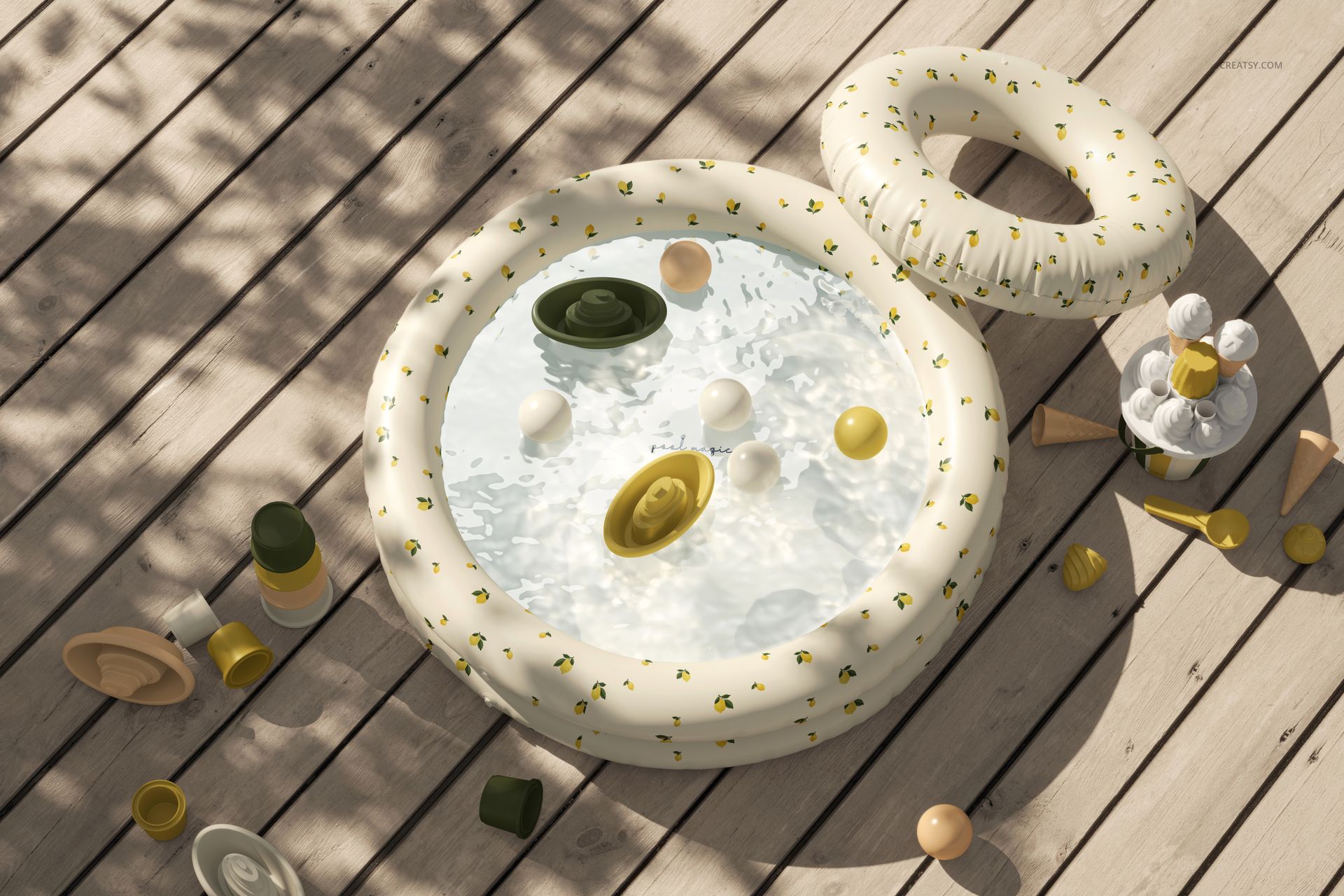
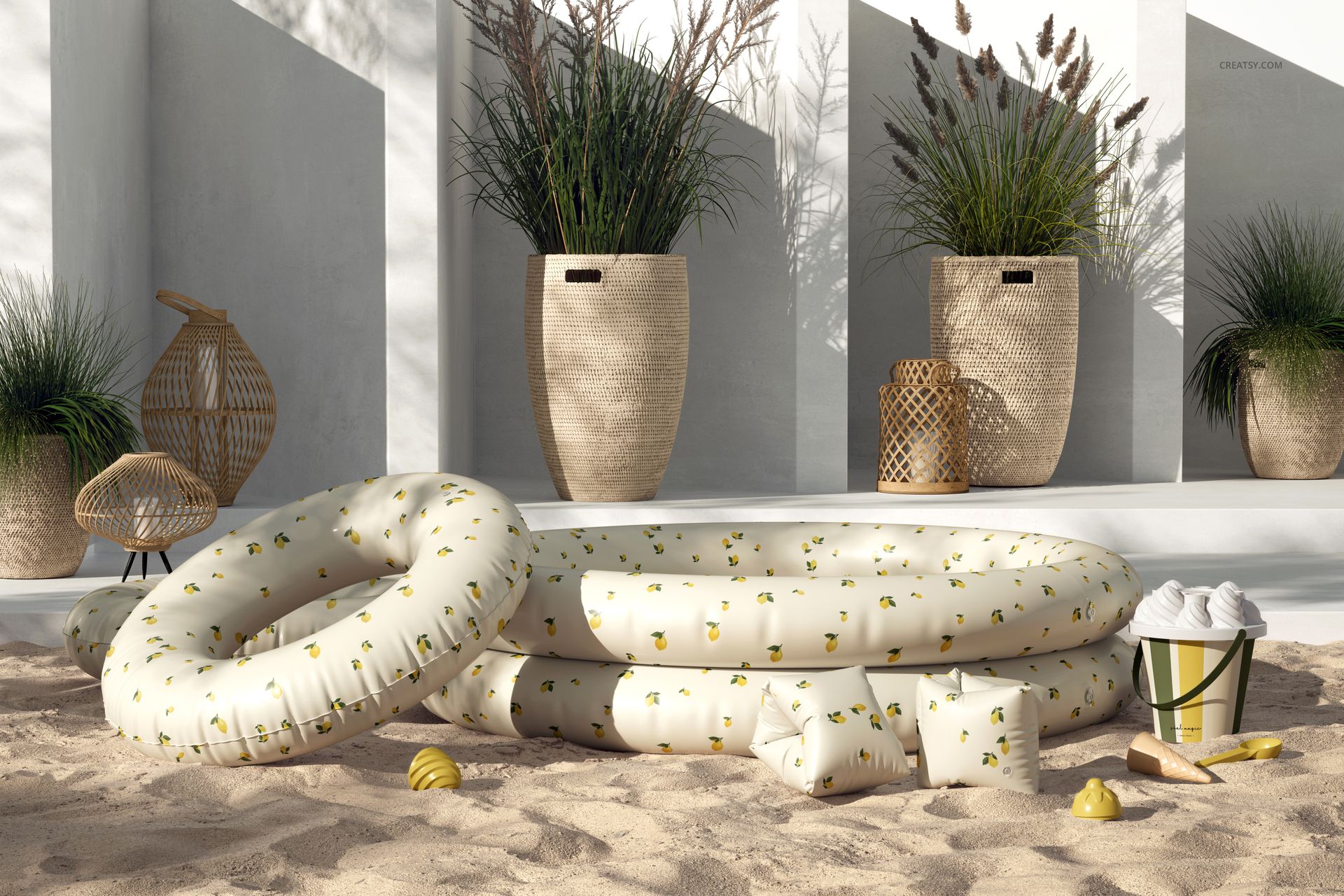
Present colorways and surface patterns on a round inflatable children’s pool in six coordinated mockups. Outdoor settings, top views and angled perspectives reveal how artwork behaves across curved air chambers, inner walls and changing areas of light and shadow.
What is included
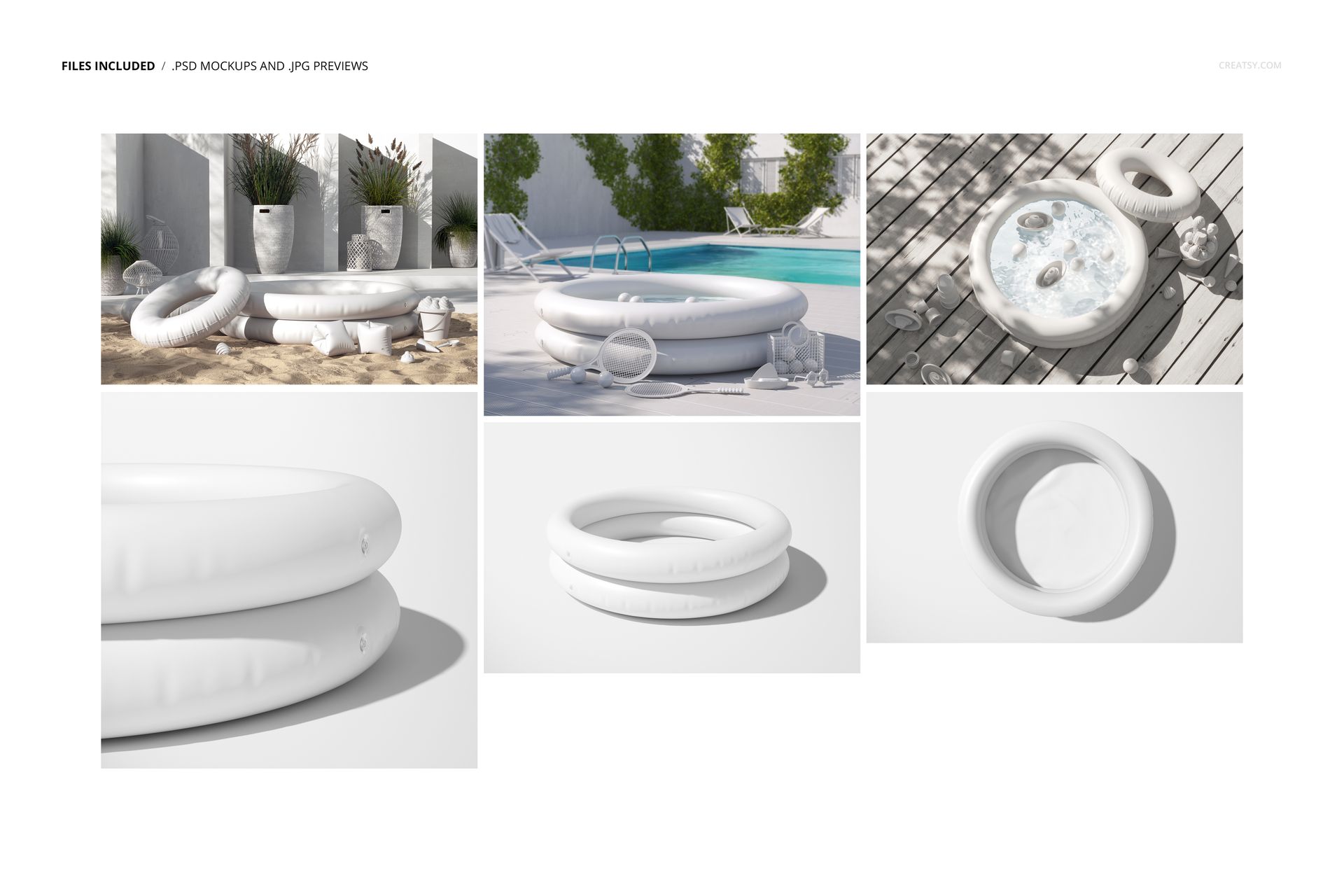
6 editable PSD mockups with 6 matching JPG previews
6000 × 4000 px landscape scenes at 300 DPI
Multiple outdoor, overhead and angled pool compositions
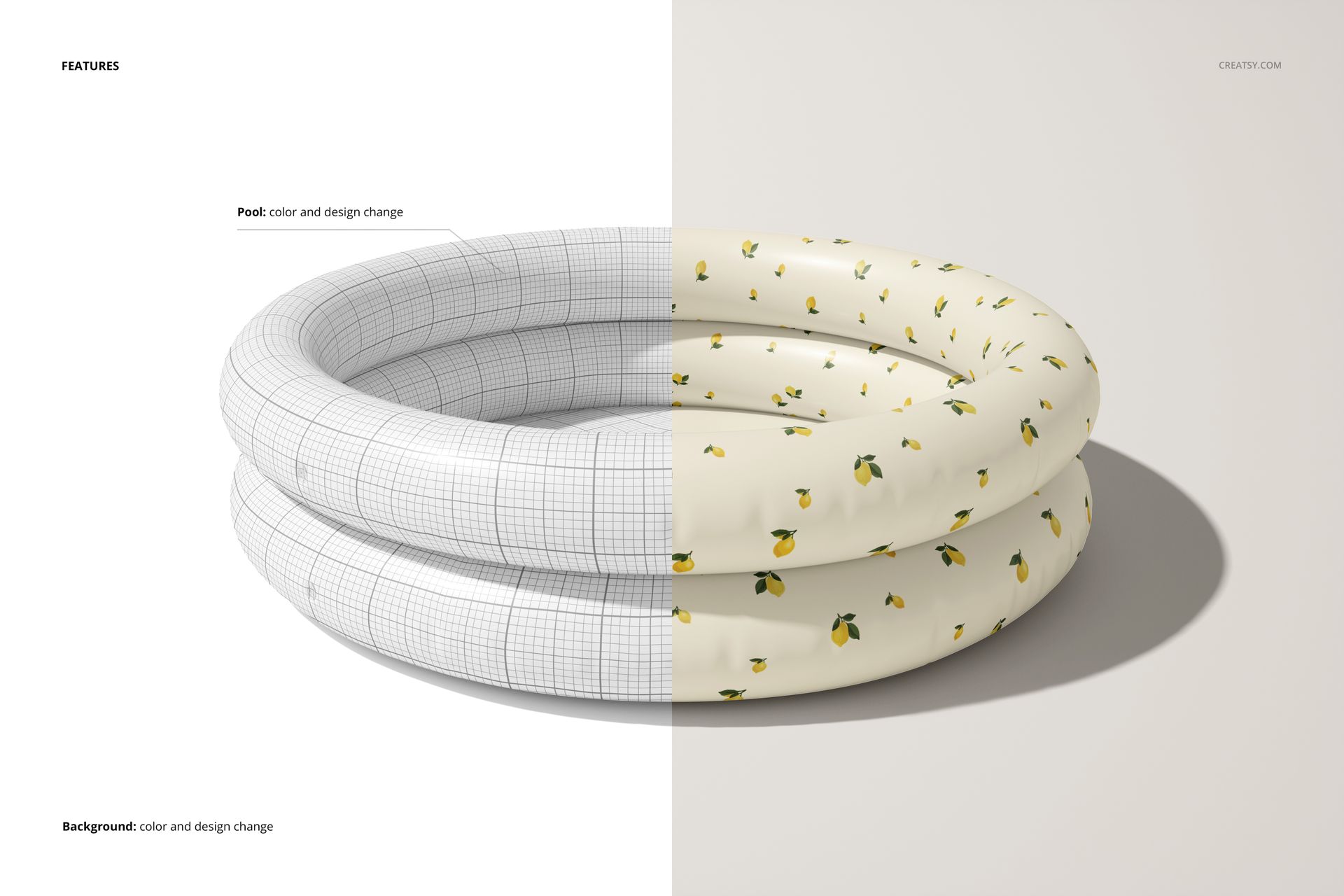
Editable pool color and design
Editable background color and design with well-organized layers
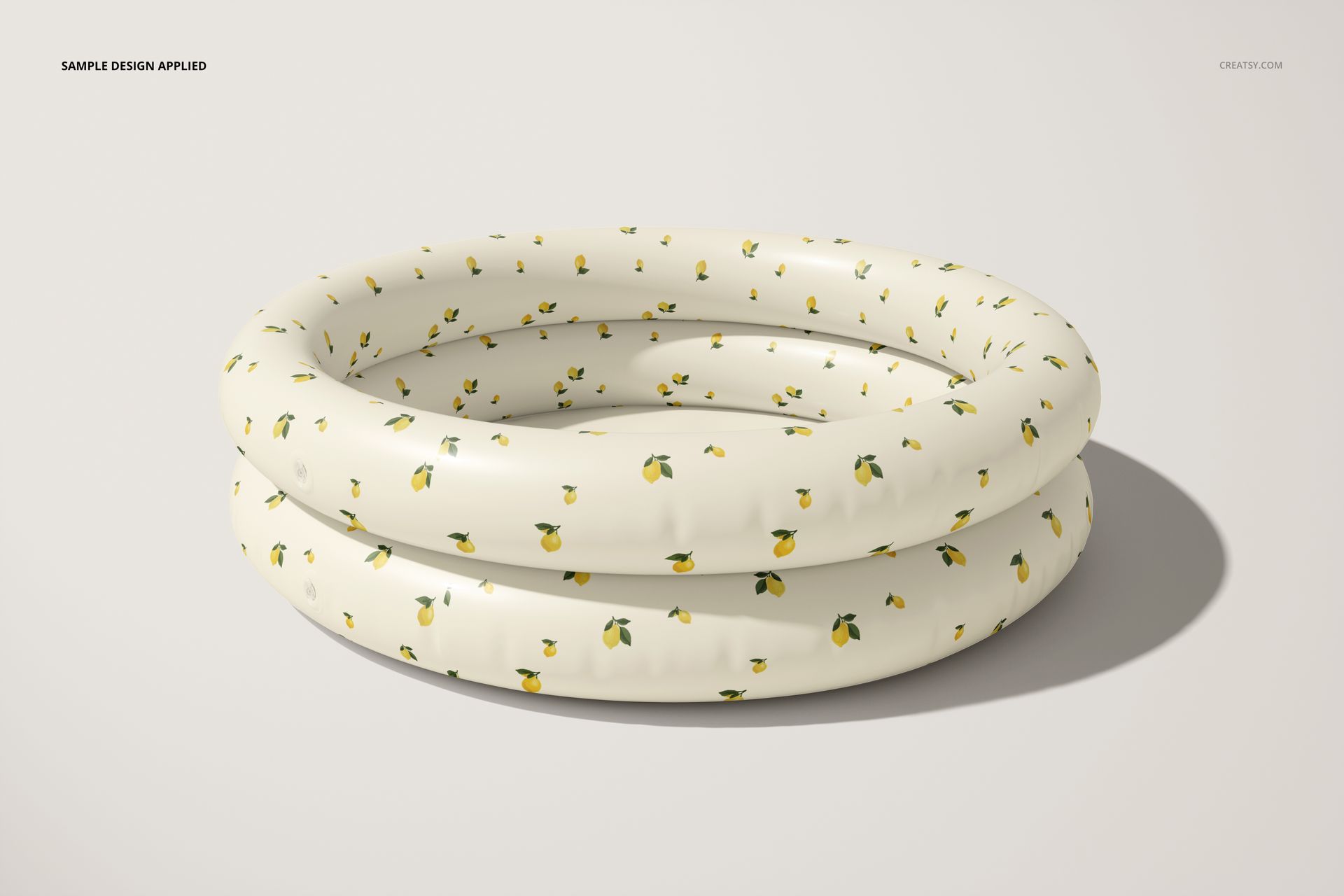
Designed for curved inflatable surfaces
Artwork on an inflatable product wraps around wide rounded rings rather than a flat panel. The six views make it easier to check repeat scale, motif direction and visual balance where the design bends toward the inside of the pool or disappears around the outer edge.
Software and performance note
The package contains large PSD files ranging from about 454 MB to 937 MB after extraction. Photoshop CC 2020 or newer is the most dependable choice. The files are also marked as Photopea-compatible, but browser editing requires substantial available memory and a capable device.
File details
- Compatibility
- Package size
- 2.43 GB
|2.61 GB
- Files type
- .psd, .jpg
- Files size
- 6000x4000


MEET THE SHOP

HOW IT WORKS
3 clicks. That's it.
No tutorial needed. If you can copy-paste, you can use this.
- 1OpenDouble-click the smart object inside the PSD - in Adobe Photoshop, or free in your browser with Photopea.
- 2PasteDrop in your pattern, print, or artwork. Any design, any style.
- 3SaveHit save and the mockup wraps it in for you - shadows, folds, and lighting included.
FROM IDEA TO IMAGE
Built for real workflows
Skip the photo shoot Show your artwork on the real product type for approvals or listings - no studio, no model, no sample.
See it on the product, not a swatch Drop your file into the smart object and the scene's lighting and folds wrap around it, so you judge the real thing before you commit.
Smart Objects
Edit once and you're done. Your artwork drops into a smart object and the mockup updates itself - no masking, no warping by hand.
Perfectly Organized
Named layers and folders you can actually navigate. Find what you need, change what you want, and get out fast.
Print-Ready
High-resolution files built to hold up on screen and in print. Exact size and DPI are in this product's Details above.