Professional Pen Branding Across Six Editable Scenes
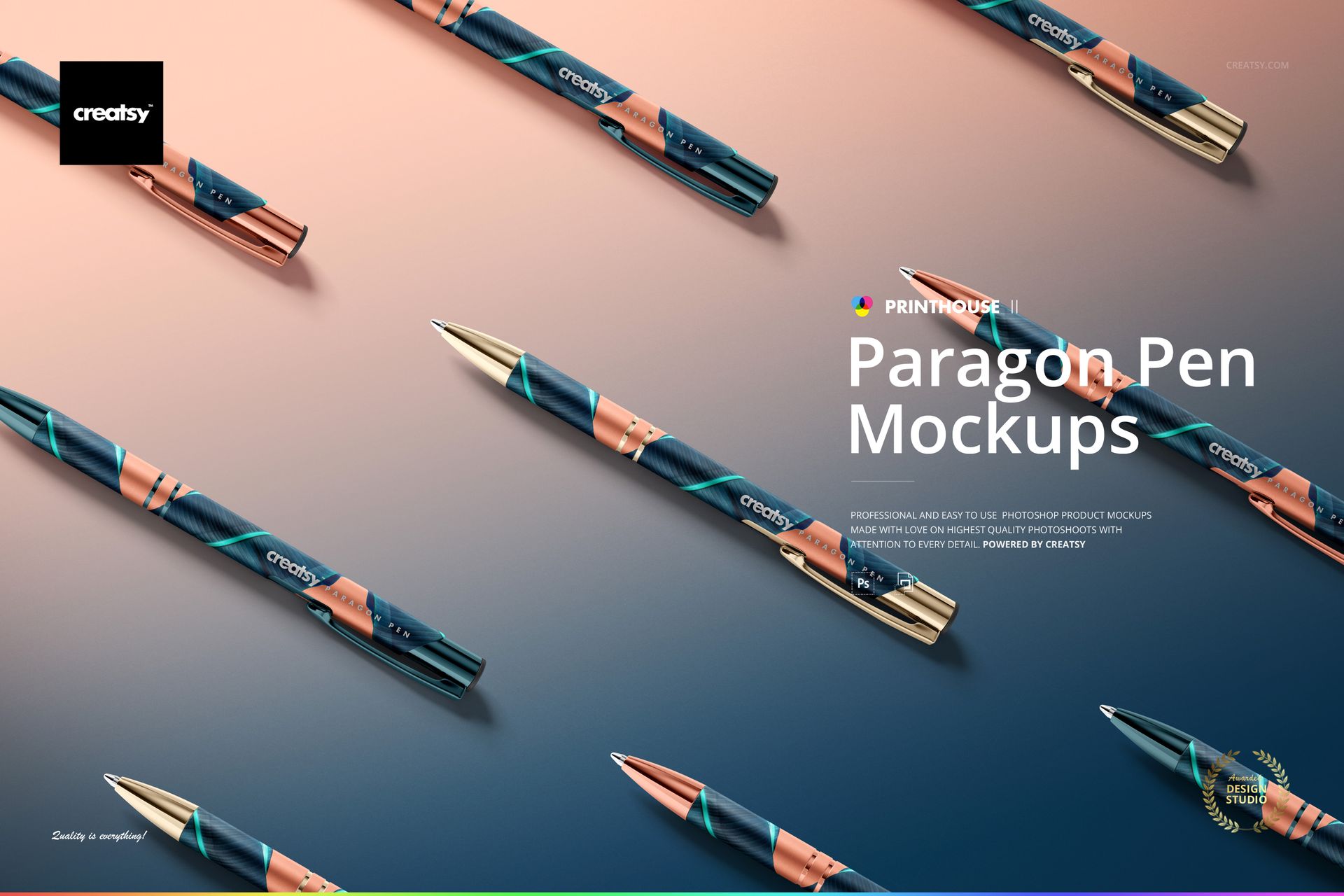
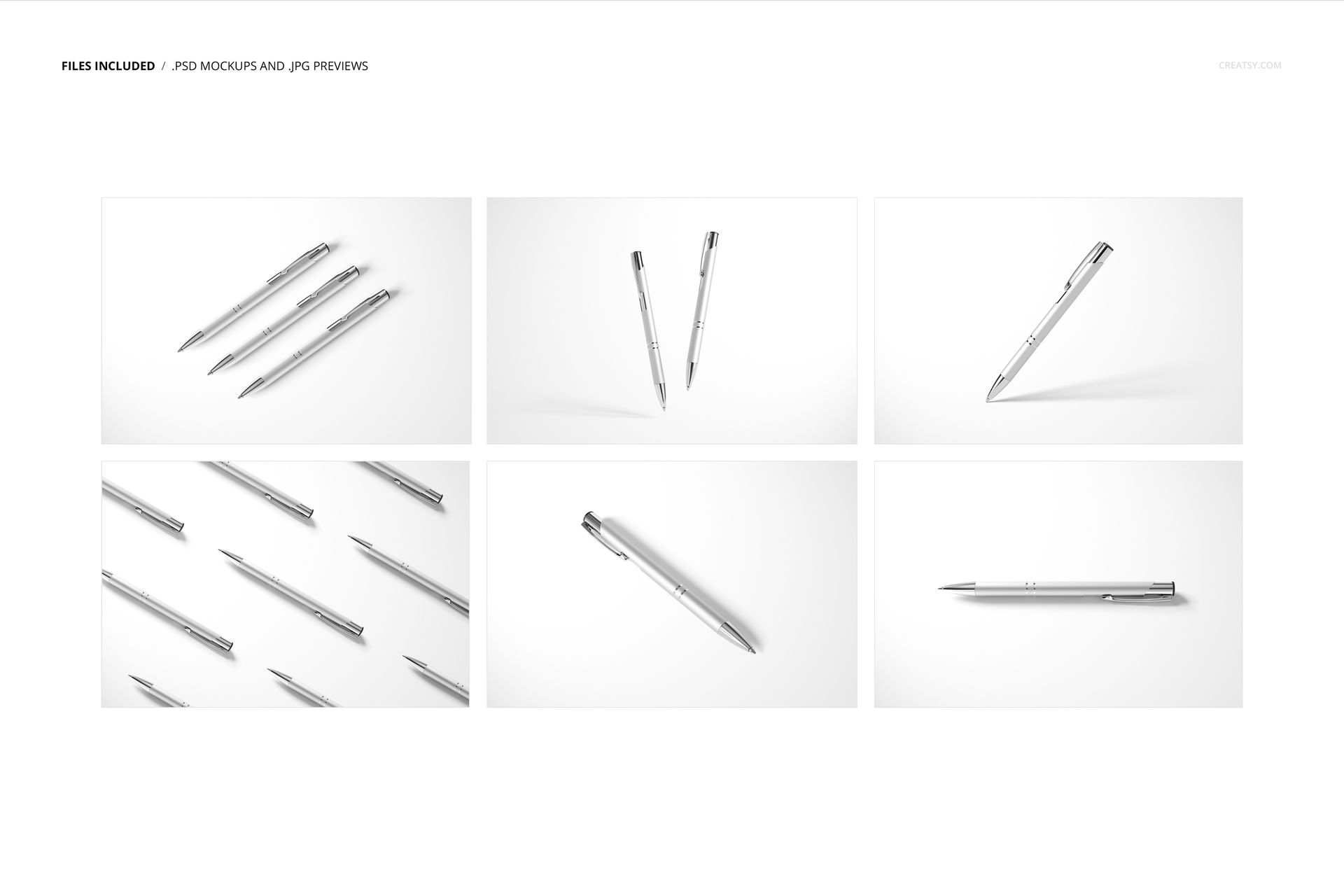
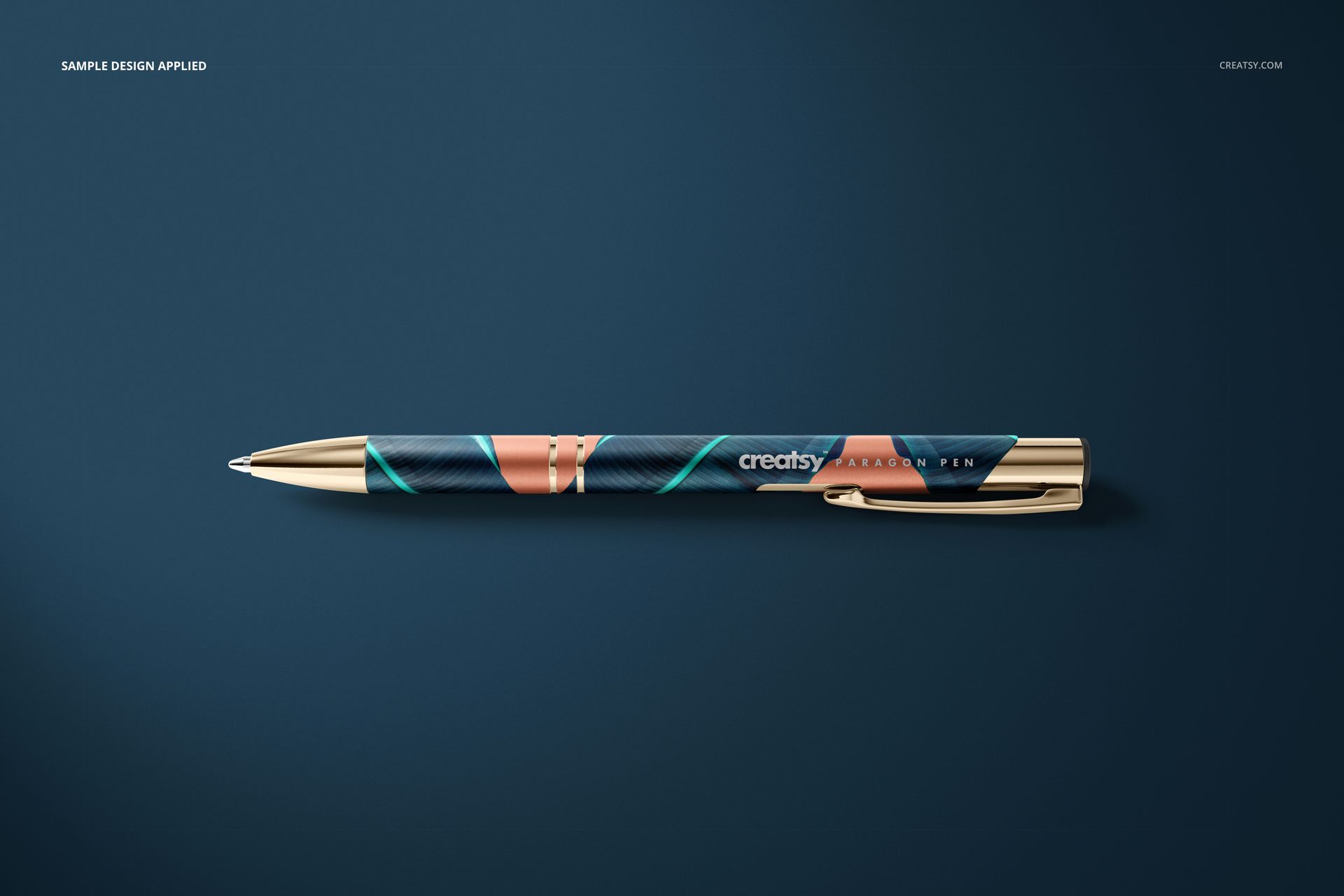
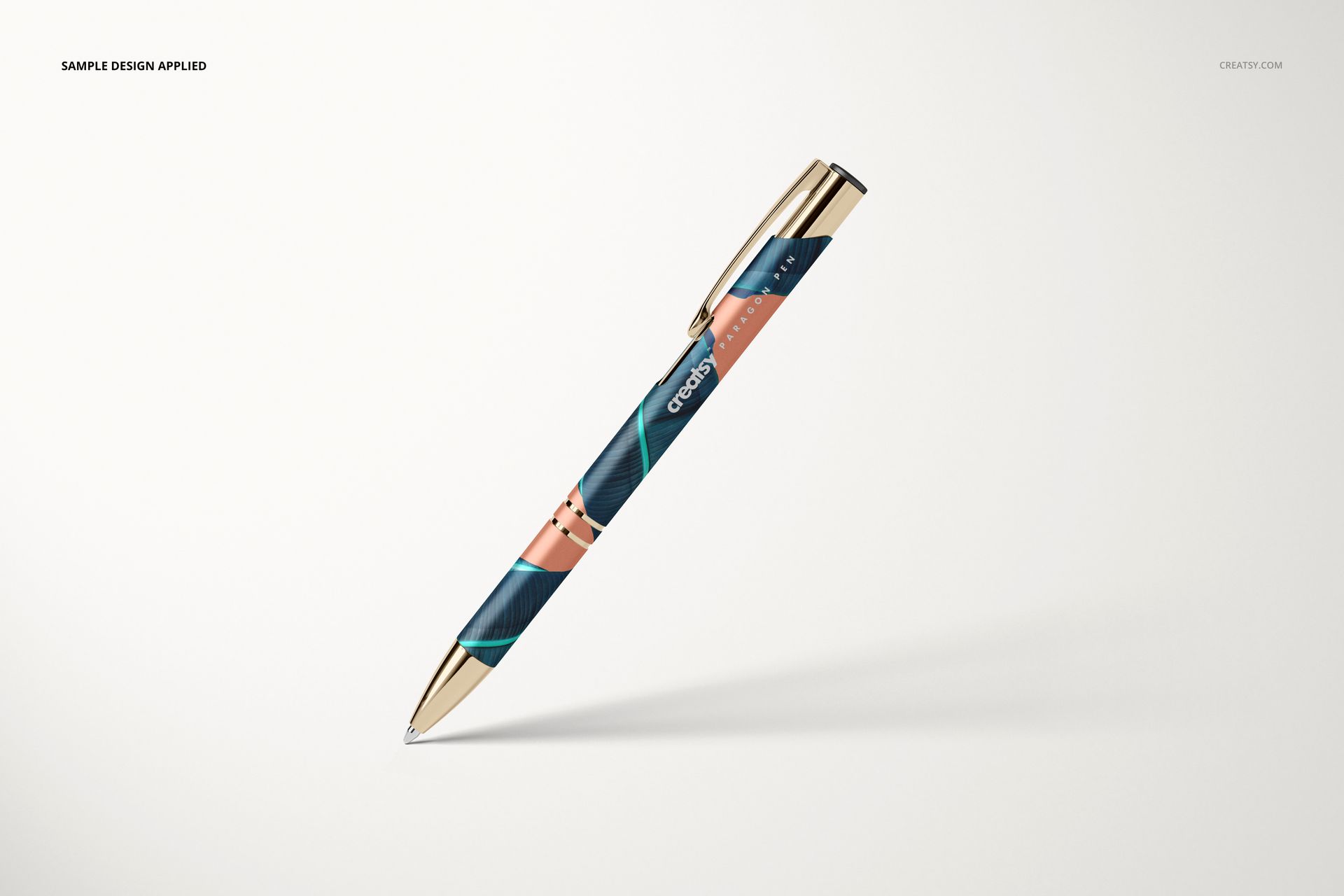
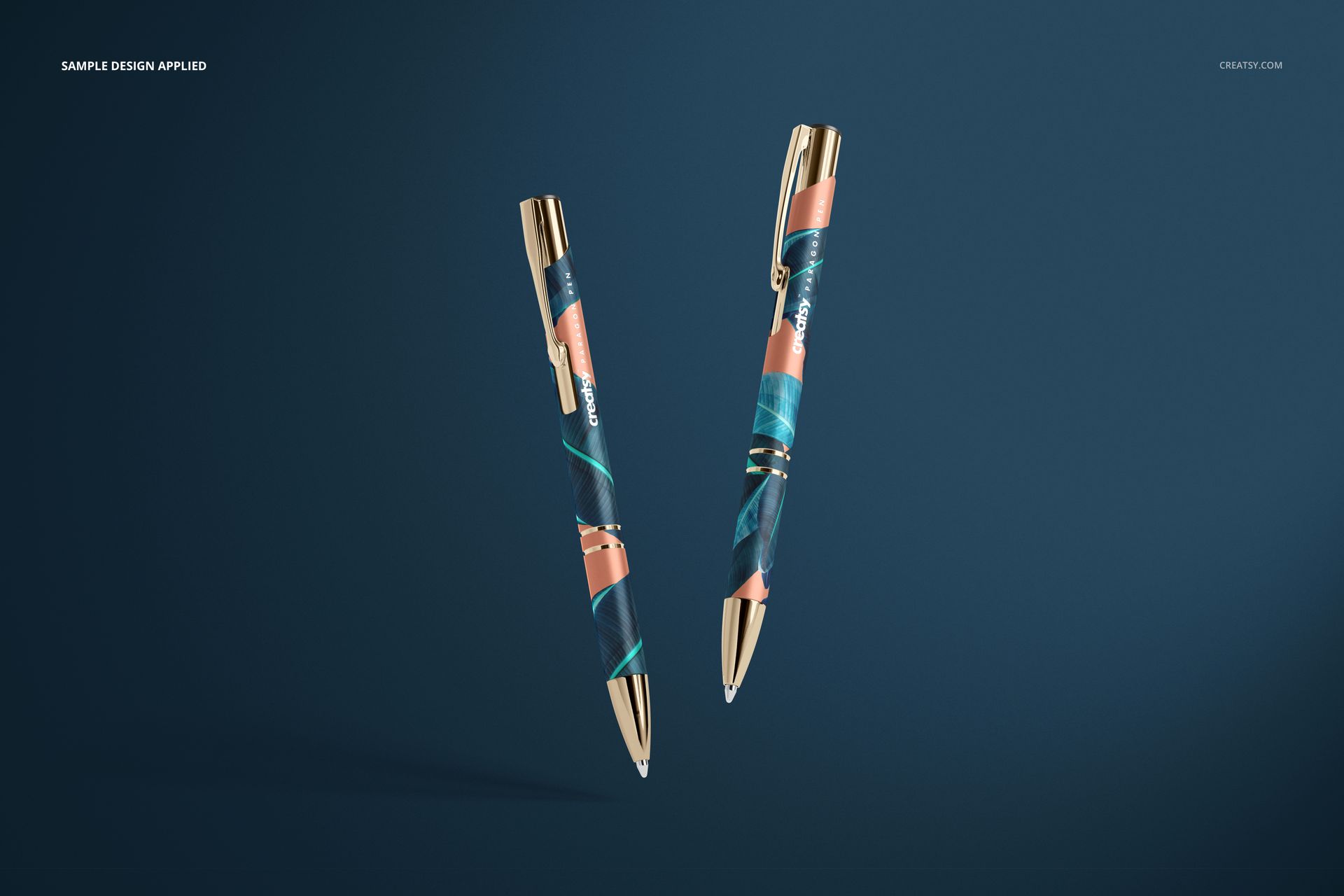
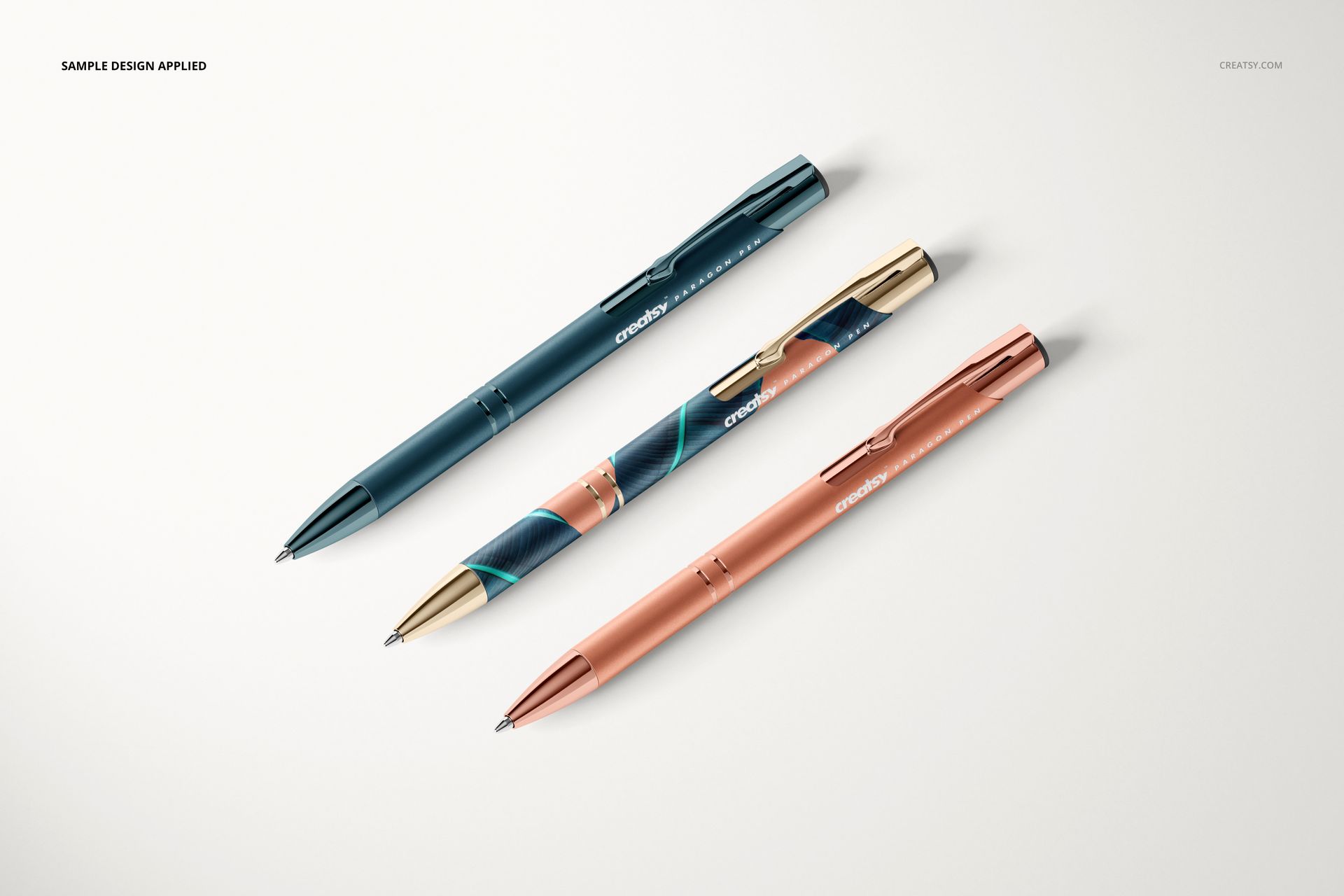
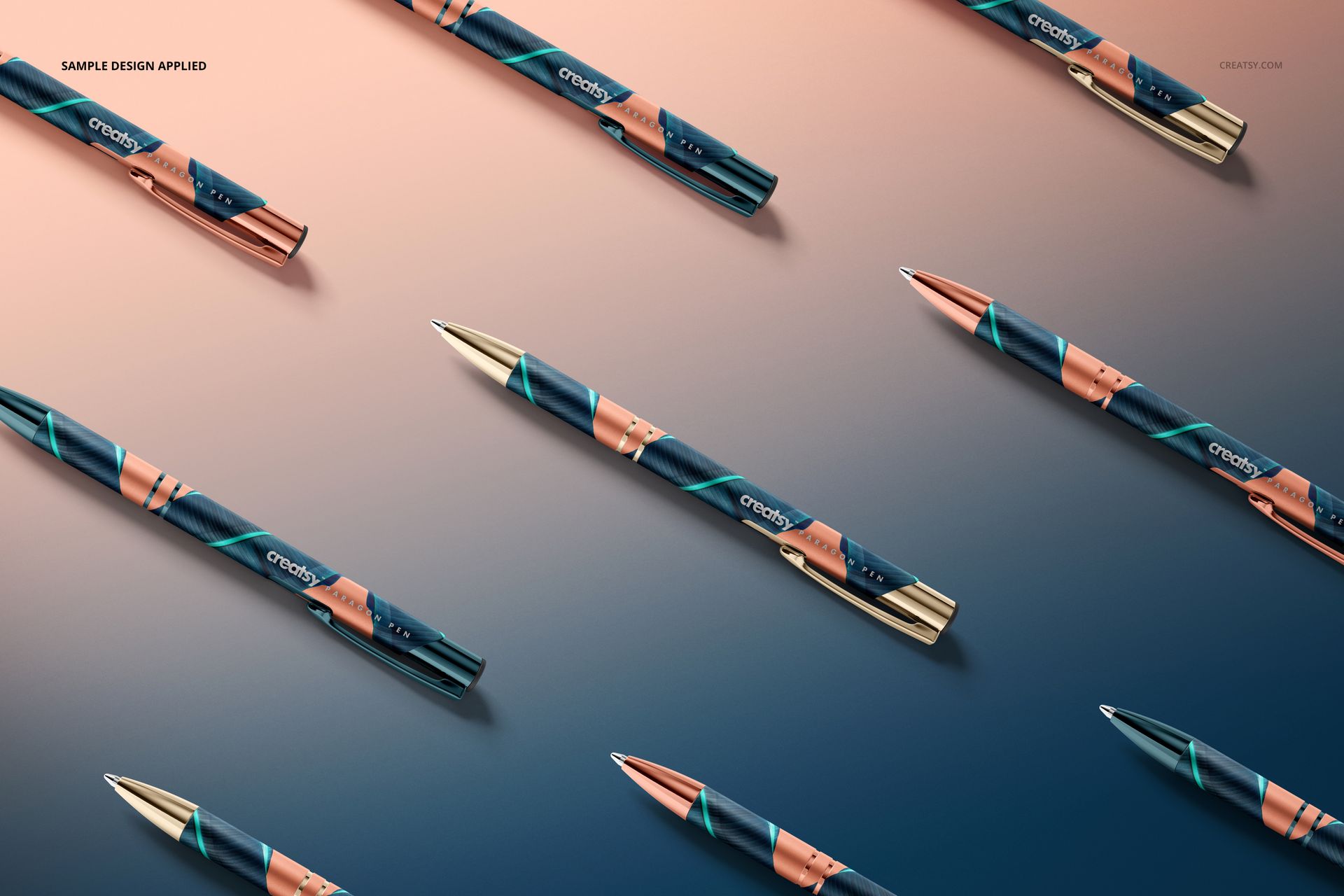
The Paragon Pen Mockup Set helps designers transform logos, engraved marks, campaign graphics, and custom surface artwork into polished presentation images. Six editable scenes cover single pens, paired arrangements, floating compositions, and multi-pen layouts, providing useful options for client approvals, portfolio projects, product launches, and advertising.
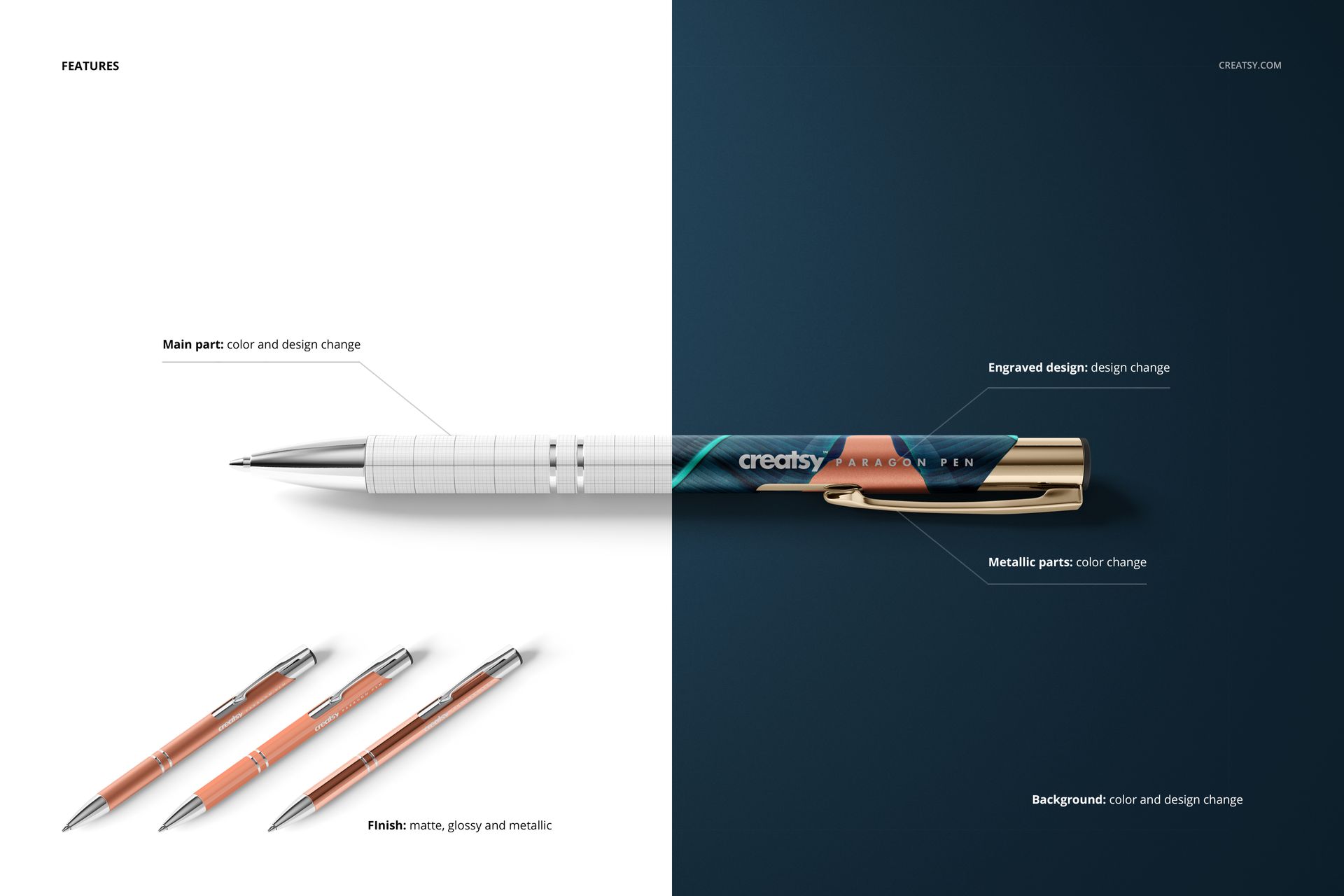
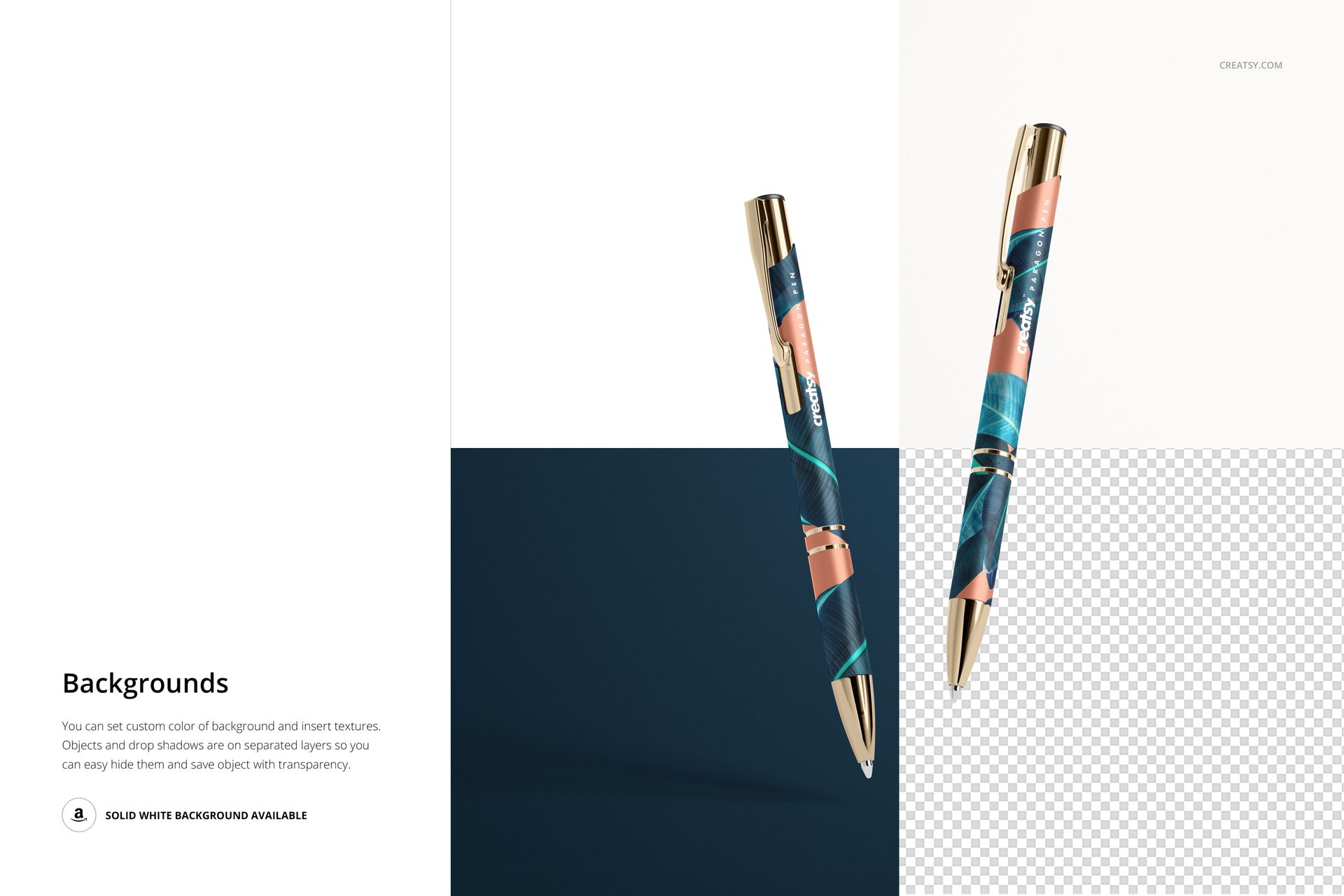
Use Smart Objects and organized layers in Adobe Photoshop to apply artwork efficiently. Customize the main body color and design, replace the engraved design, recolor metallic components, and choose a matte, glossy, or metallic finish. Background controls let you add a custom color or texture, while separate objects and drop shadows support precise composition building.
What Is Included
Six layered Photoshop scenes: 4 PSD files and 2 PSB files.
Six JPG preview files: convenient references for browsing the collection.
One PDF user manual: practical guidance for the editing workflow.
High-resolution presentation: the product resolution is listed as 6000 x 4000 px at 300 DPI.
Flexible background options: use a custom color, inserted texture, solid white background, or transparent output.
The download contains 13 files in total and is compatible with Adobe Photoshop CC 2015 and newer. This set is intended for digital presentation and product visualization, not for manufacturing or engraving setup. The physical pens and sample artwork shown in the previews are not included.
Explore more writing instrument mockups for stationery, promotional merchandise, and brand identity presentations.
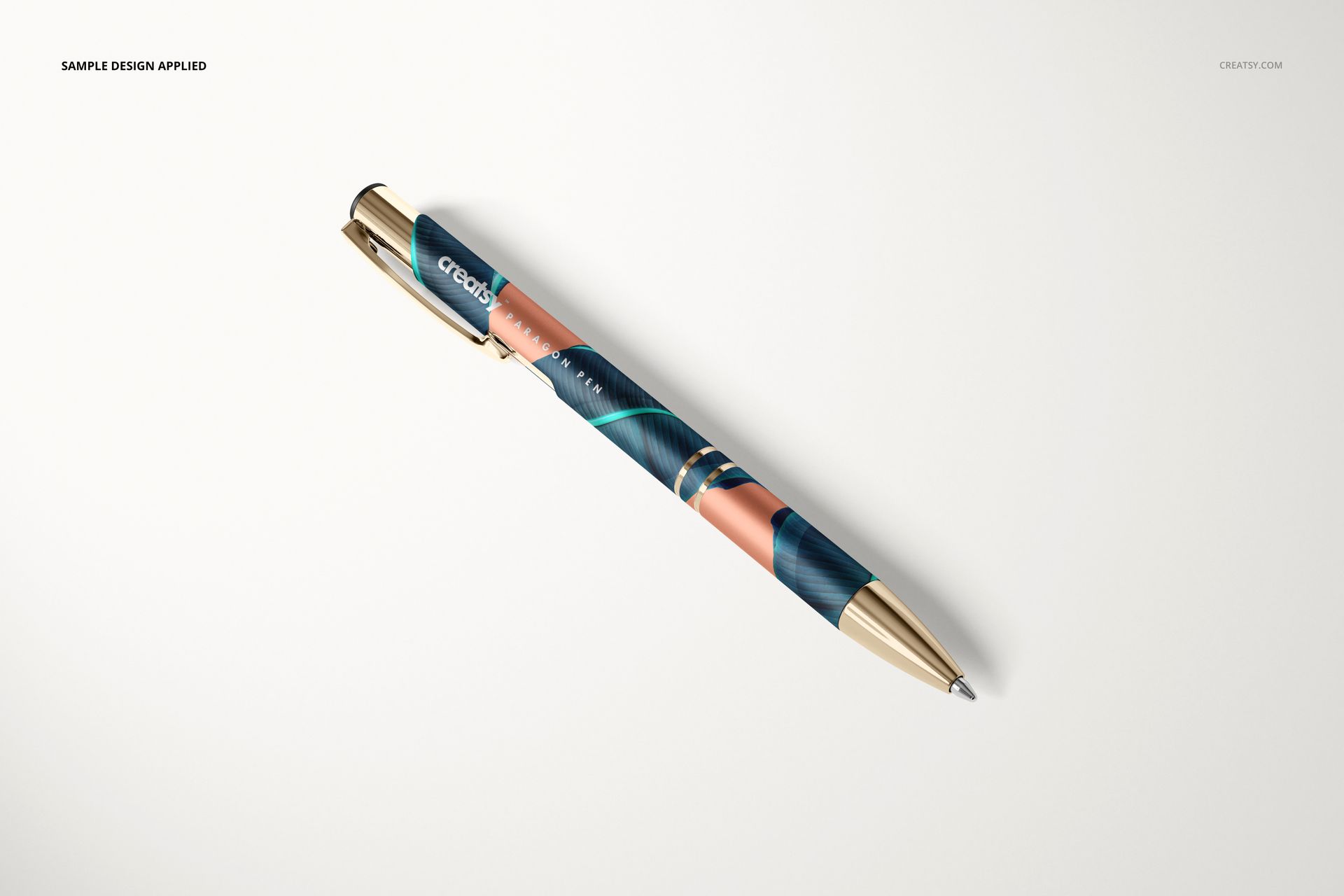
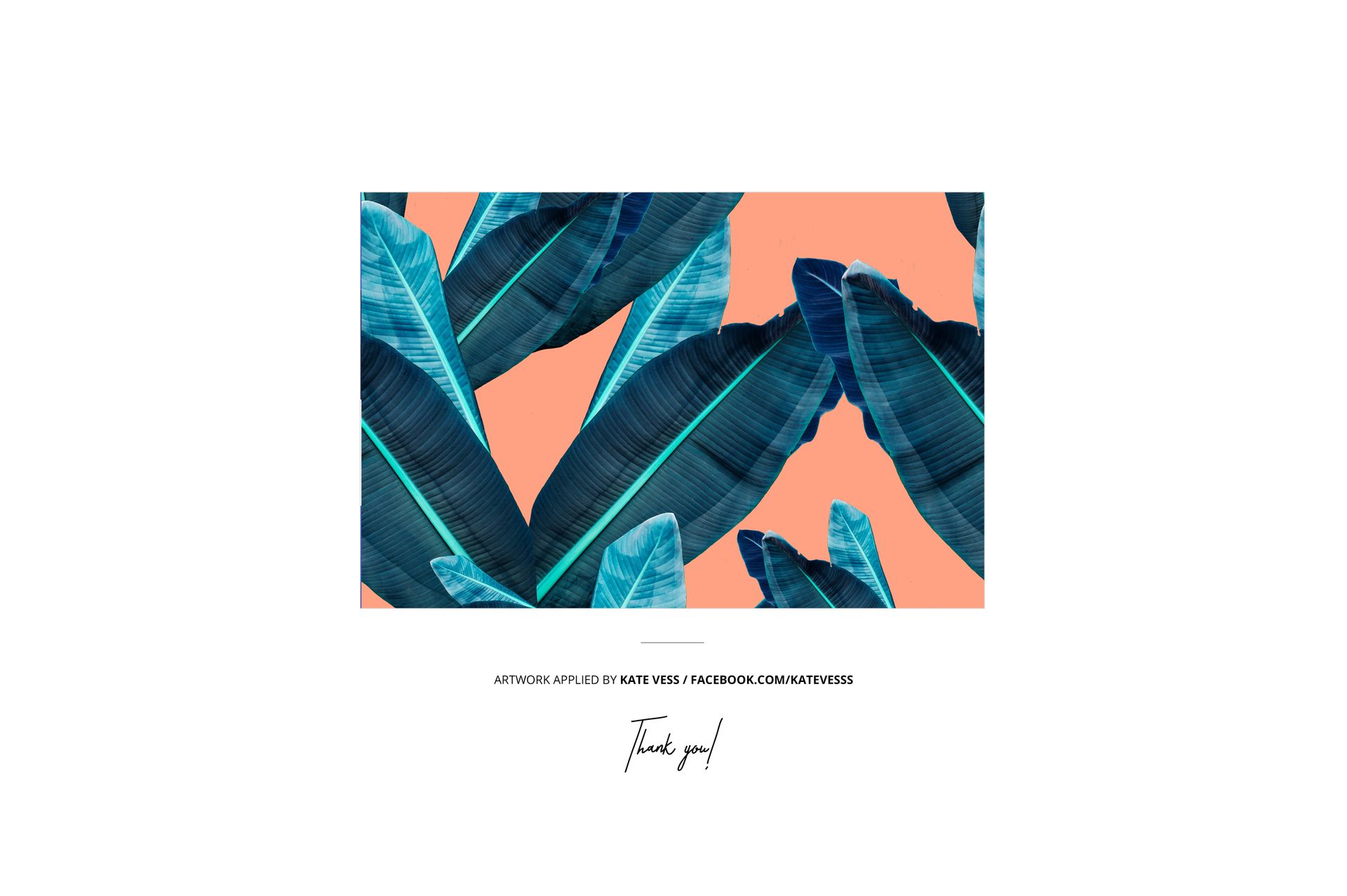
Sample artwork credit: The design applied in the previews is credited to Kate Vess. It is displayed for demonstration purposes only and is not included with the mockup set.