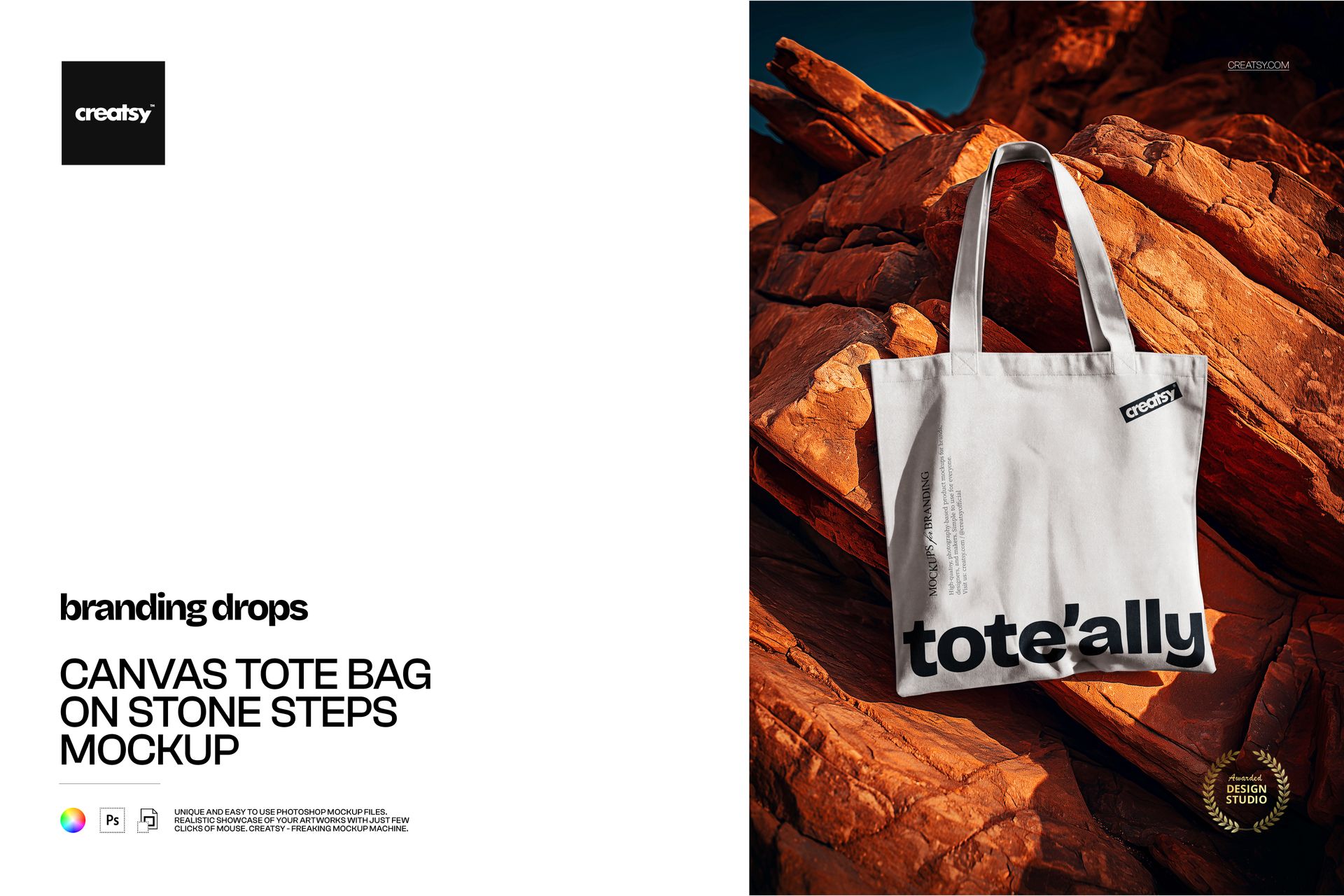
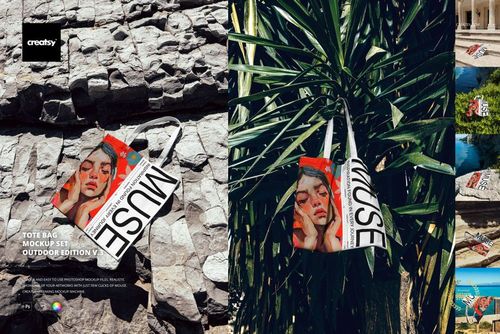
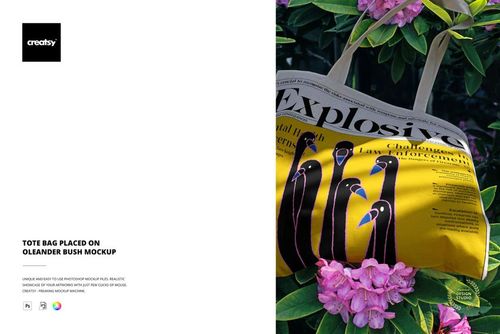
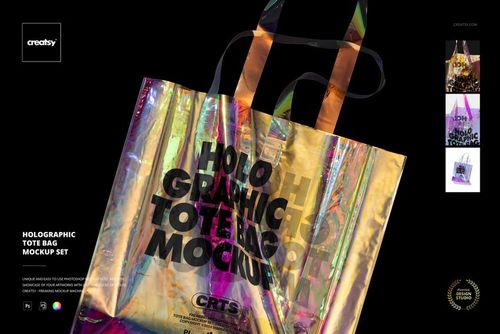
Canvas tote bag mockup on sun-warmed rock
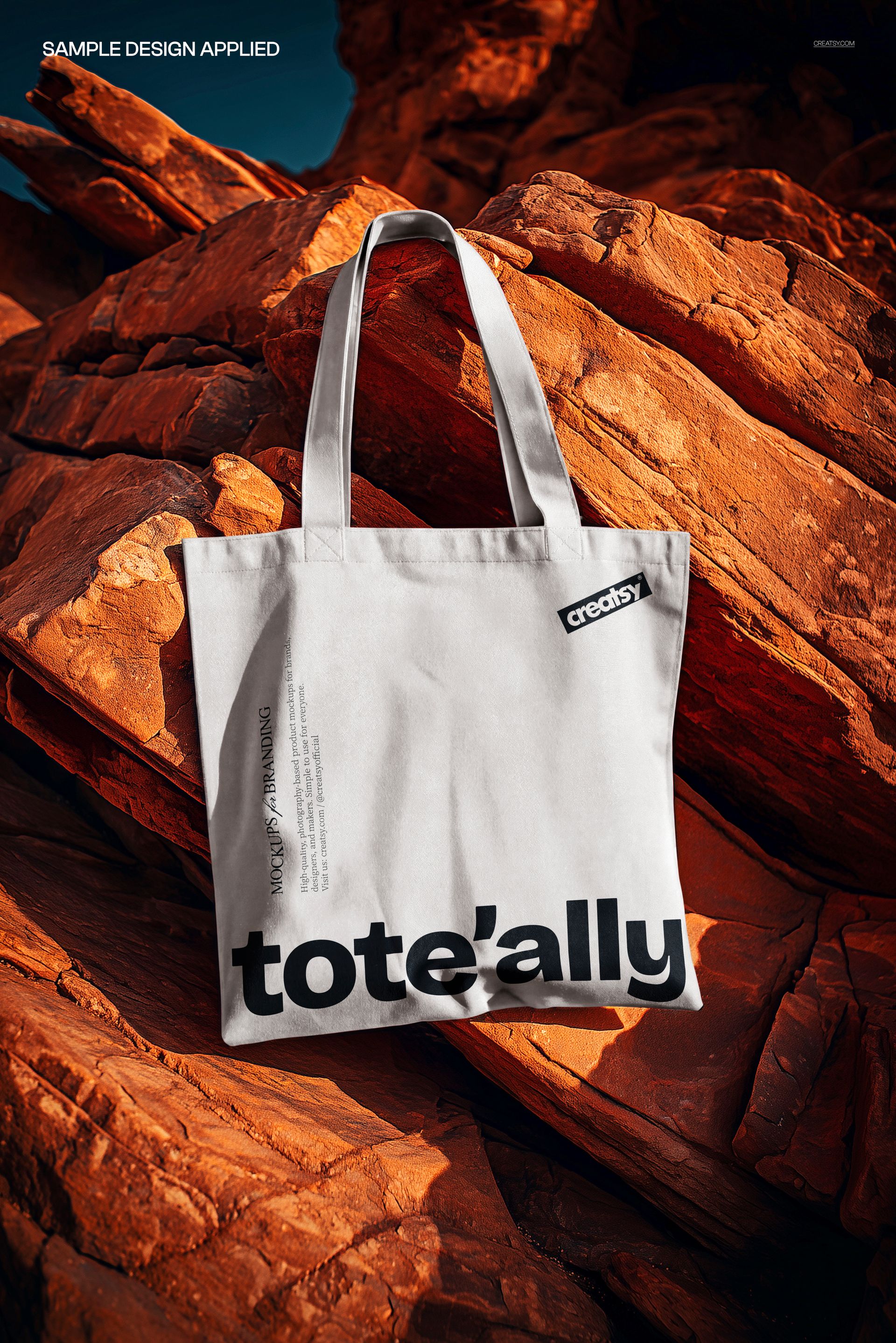
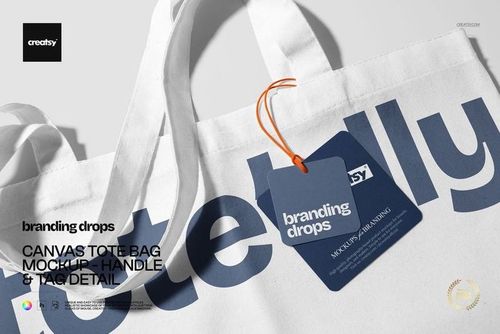
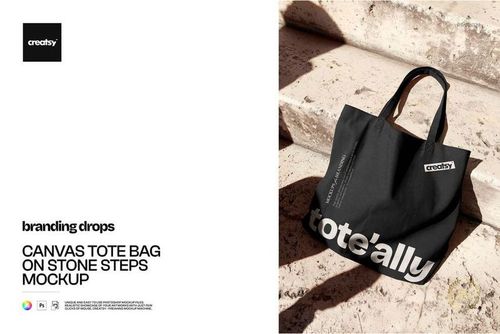
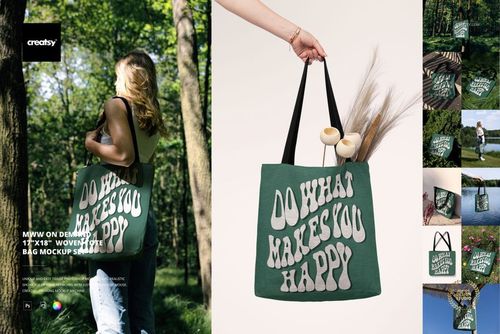
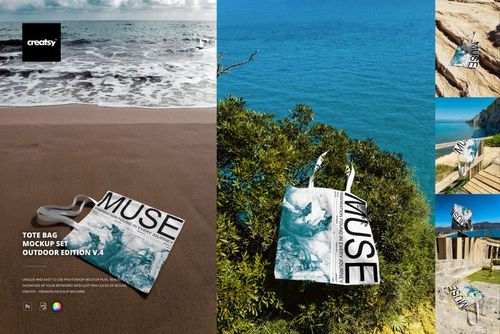
This is a canvas tote bag mockup photographed outdoors on warm red rock, so you can show a tote design in real daylight instead of a flat studio cutout. Drop your artwork onto the bag, recolor the canvas, and you have a finished lifestyle shot ready for your shop, with no photographer, no location permit, and no printed sample to wait for.
The scene
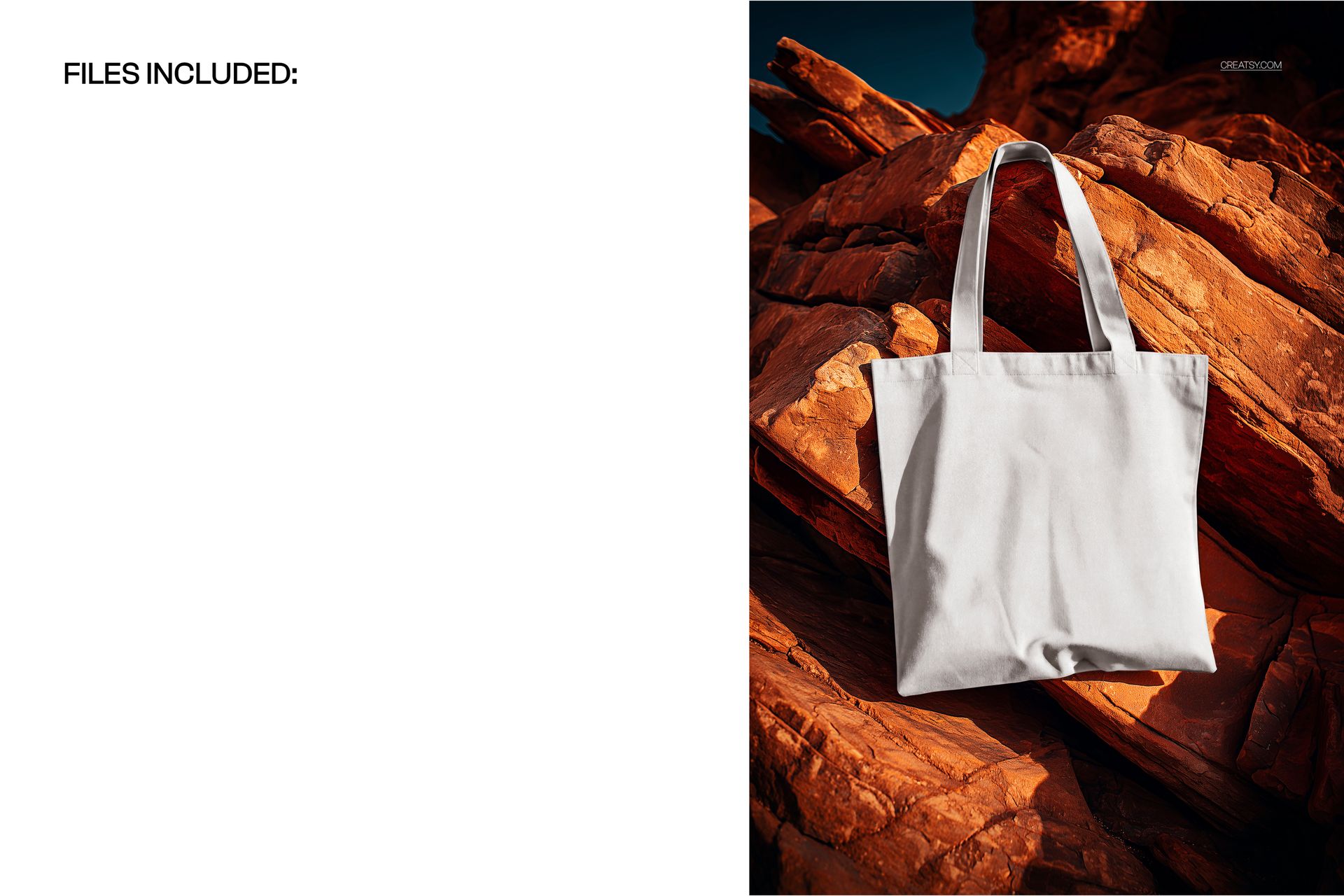
A single canvas tote rests against sunlit sandstone, handles loose, the fabric catching warm afternoon light. The setting reads outdoor, natural, and a little adventurous, the kind of frame that suits eco, artisan, festival, and travel brands. The rock backdrop stays put, so every design you load sits in the same golden-hour scene and your listings keep one steady, recognizable look.
Why an outdoor shot
A tote is something people carry through the day, so it looks most convincing out in the world rather than floating on white. Warm natural light on real stone gives the canvas depth, shows the weave, and helps a buyer picture the bag on a weekend trip or a market run. That context tends to earn more attention in a crowded search grid than a plain flat-lay, and it costs you nothing extra once the design is loaded.
Light and canvas texture
The mockup keeps the character of real fabric. Your design picks up the gentle over-and-under of the canvas weave, the soft creases near the handles, and the warm cast of low sun, so a printed logo looks pressed into the cloth rather than pasted on top. Fine lines and small text stay readable, and solid fills still show the texture underneath, which is what makes a preview feel like a photo rather than a flat graphic.
What you can edit
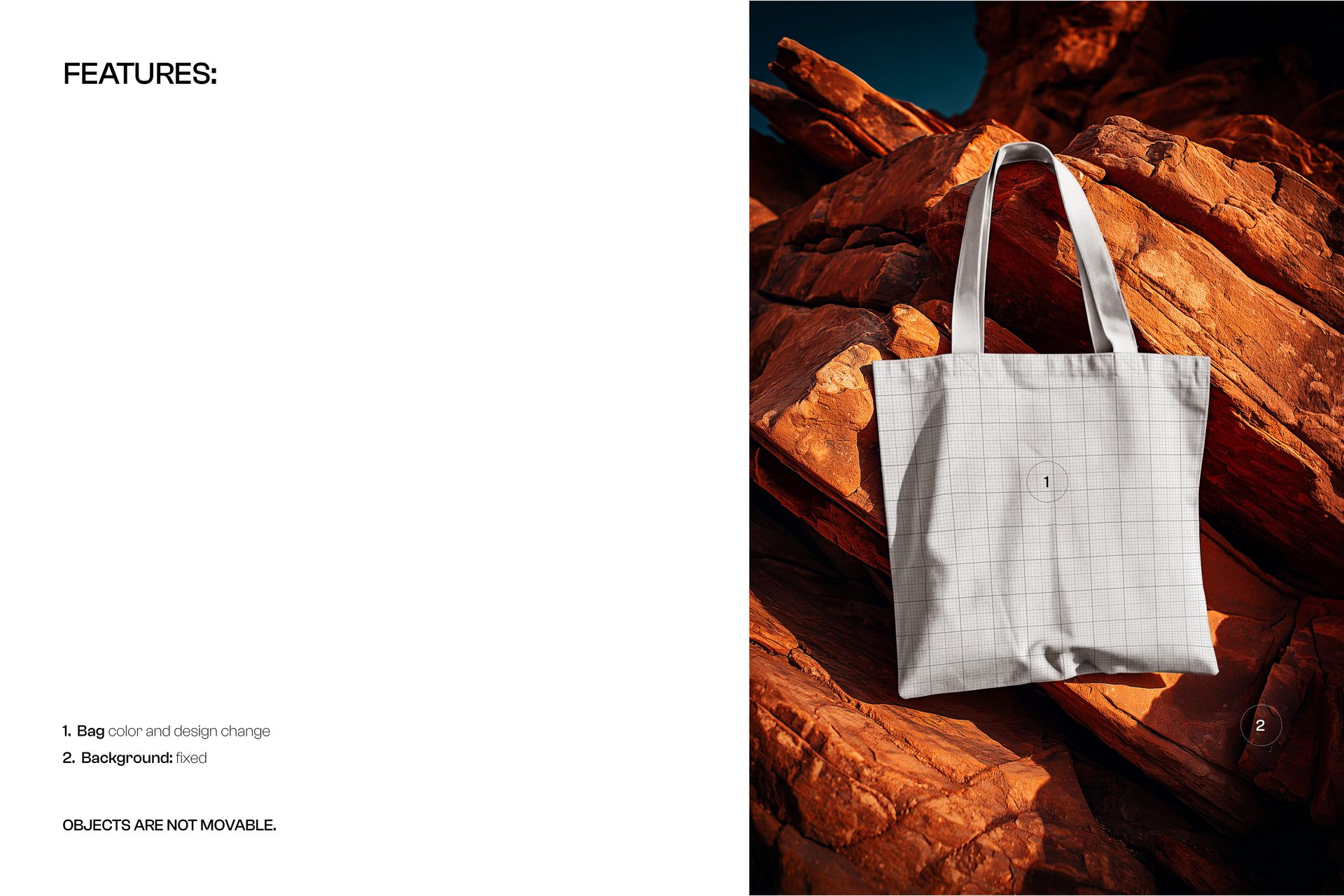
You control the bag. The canvas changes color, and the design on the front swaps through a smart object, so you can show a logo, a slogan, a full illustration, or a repeating pattern. Load your art once and it wraps onto the fabric with the folds and soft shadows already in place. The background rock and the bag position are fixed, and the objects do not move, so this is one carefully lit hero angle rather than a set you rebuild.
How it works
Open the PSD in Photoshop or in Photopea, the free browser-based editor. Double-click the smart object for the bag, place or paste your design, and save. Your artwork appears on the canvas with realistic texture and light. Recolor the tote to match your brand, export a JPG or PNG, and the image is ready for an Etsy listing, an online store, a paid ad, or a lookbook.
One look across your shop
Because the angle, the light, and the setting never change, every design you run through this file comes out matching. That consistency is quietly useful in a shop: a grid of totes that share one scene reads as a real collection, builds trust, and makes a browser more likely to click through. Load design after design and your storefront gains a signature frame without any extra photography.
Specifications
1 layered PSD file
5300 x 3500 px, 300 dpi
Editable bag color and design through a smart object
Fixed outdoor rock background, objects are not movable
Well organized, clearly named layers
Works in Adobe Photoshop CC2020 or newer and in Photopea
Package size about 123 MB
Who it is for
It fits makers and shops selling canvas totes, reusable shoppers, and eco bags, along with designers pitching a tote print, a book-fair bag, a merch drop, or a market-stall look. Print-on-demand sellers and small studios can build a whole catalog on it. If you want a warm, outdoor product shot without booking a shoot, this gives you that frame in a few minutes and keeps working for every new design you release.