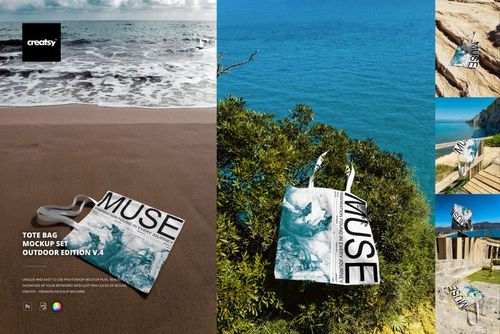
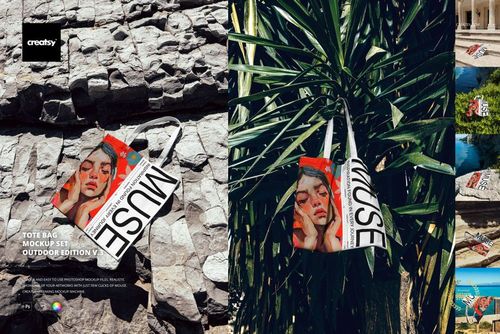
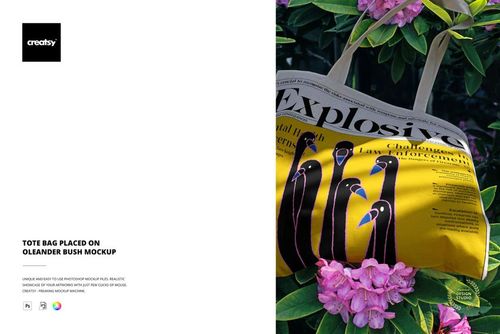
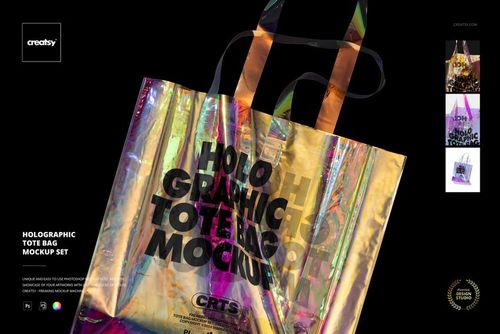
Canvas Tote Bag with Plant Shadows Mockup
This product is a part of Branding Drops Mockup Bundle
Product Details
Canvas Tote Bag with Plant Shadows Mockup
A simple canvas tote can become a strong brand image when the light, composition and atmosphere work together.
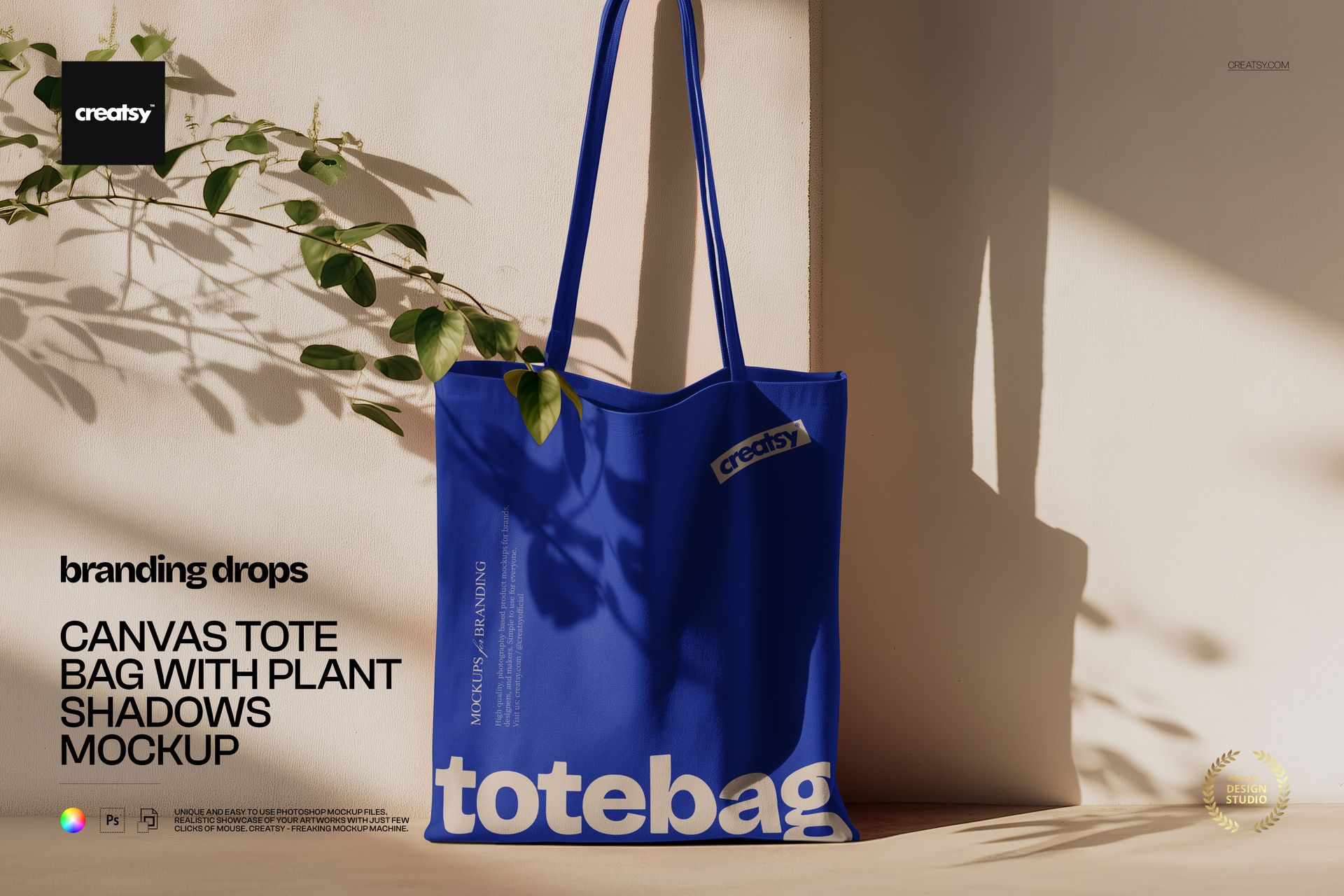
This Canvas Tote Bag with Plant Shadows Mockup presents a long-handled fabric bag against a clean wall, illuminated by natural sunlight and soft botanical shadows. The uncluttered scene gives your artwork room to breathe while adding enough depth and character to make the final image feel like part of a real campaign.
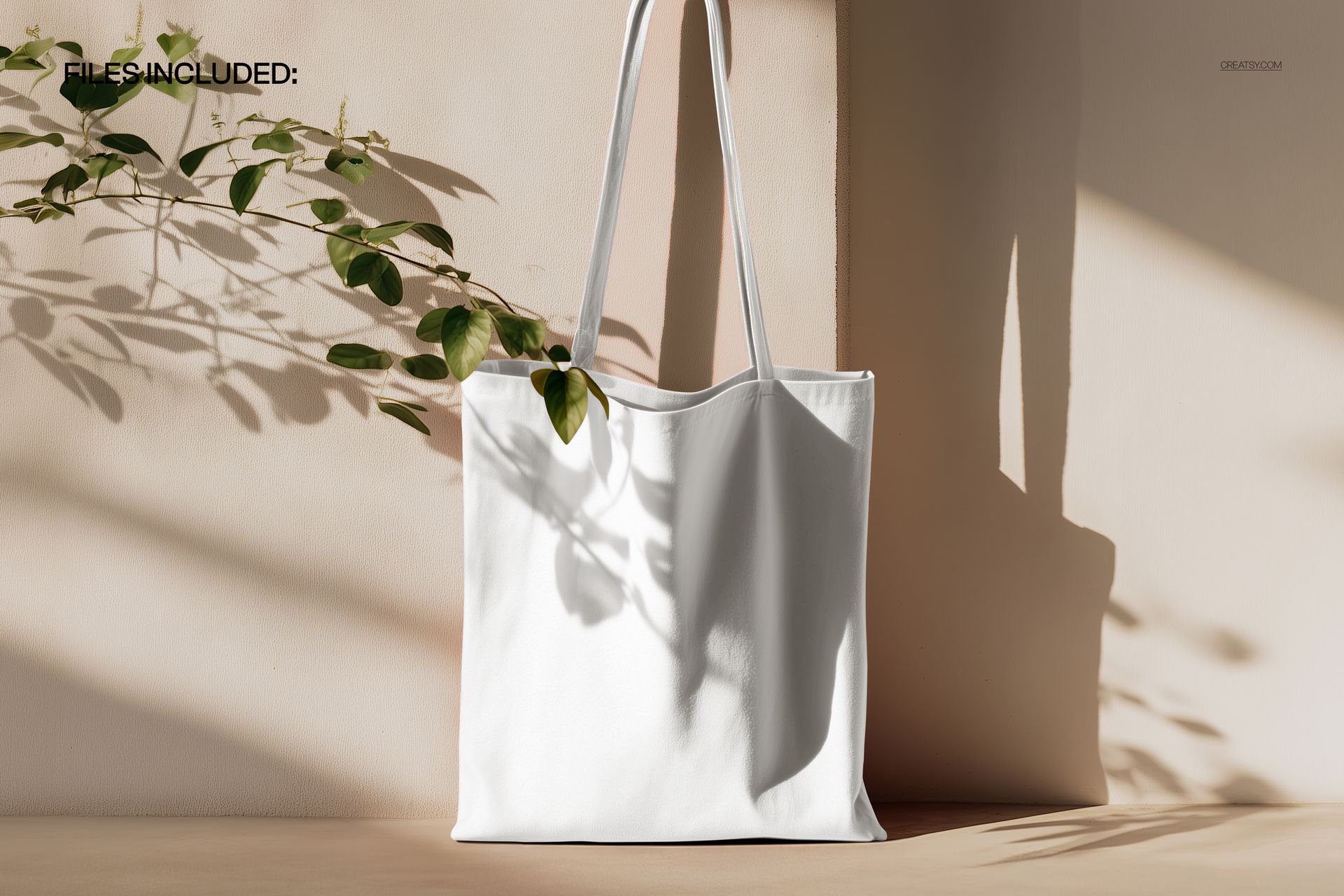
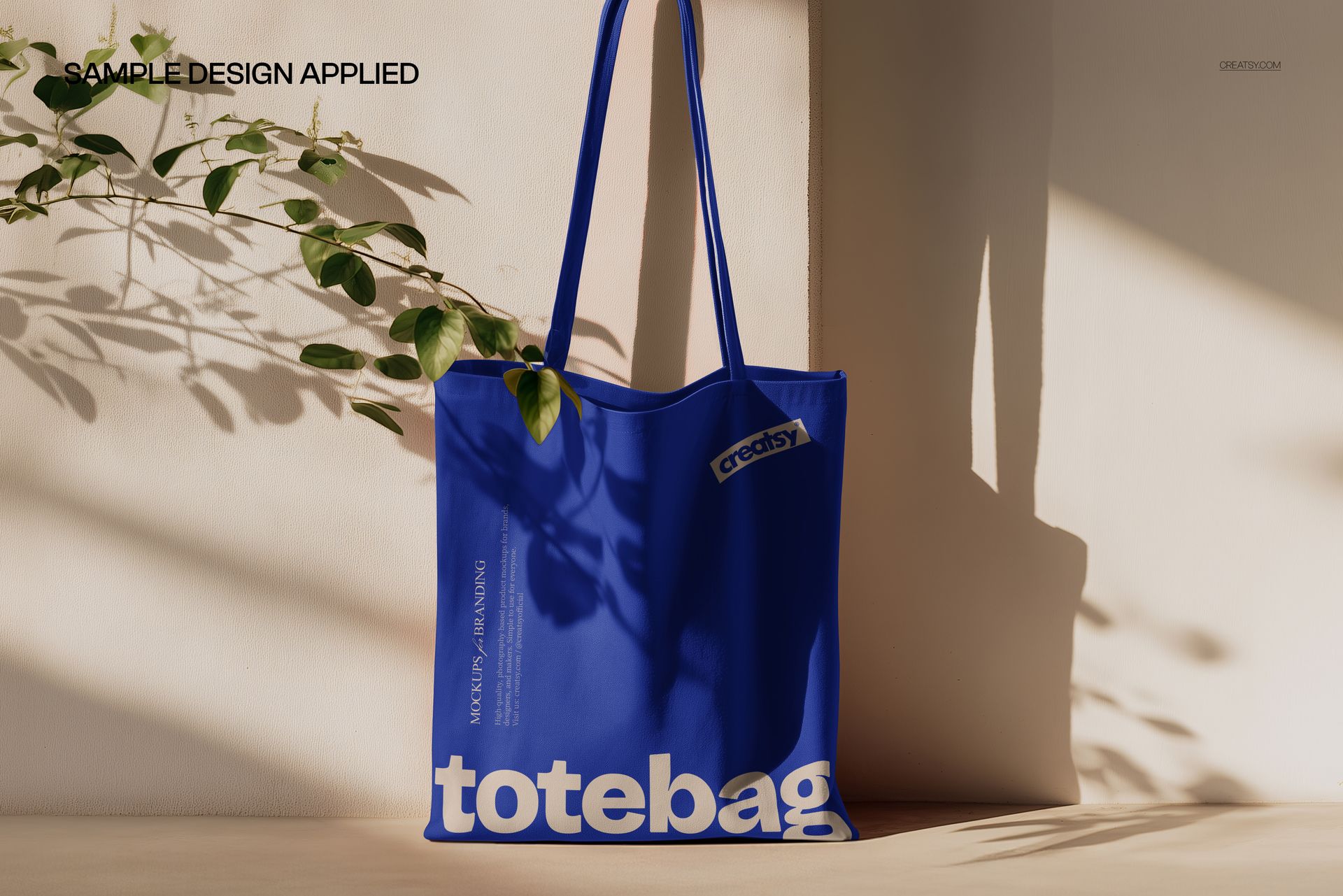
The preview gallery demonstrates several creative directions, including a clean neutral tote, a geometric grid design and a bold blue version. Each variation shows how the same setting can support minimal branding, detailed patterns and strong color-led artwork.
Let the Light Become Part of the Design
Plant shadows introduce an organic element without covering or distracting from the artwork. They give the image a warm, editorial quality and help the tote feel naturally placed in a real environment rather than isolated in a technical product preview.
This makes the scene especially effective for:
Surface pattern collections
Artist and illustrator merchandise
Independent fashion labels
Museum and gallery shops
Bookstore tote bag designs
Botanical and wellness brands
Creative event merchandise
Boutique retail collections
Eco-focused lifestyle branding
Logo and typography presentations
The composition works with both expressive and understated artwork. A colorful repeat pattern can become the visual focus, while a small centered logo can create a quieter, more premium result.
Show More Than a Flat Artwork File
A flat design can show the colors and composition of your artwork, but it cannot communicate how that design will feel on an actual product.
This mockup helps viewers understand:
The scale of a pattern on a full-size tote
The placement of a logo or illustration
How artwork interacts with the bag shape
The visual balance between the design and handles
How the product may appear in natural light
The overall mood of the finished merchandise
That context is useful when presenting work to clients, preparing an online product launch or deciding which design direction should move into production.
A Natural Fit for Surface Pattern Designers
The large front panel offers a clear area for repeat patterns, illustrations and all-over prints. Use it to test whether a design feels too large, too dense or too subtle before preparing the final manufacturing files.
The botanical shadows complement floral, woodland and nature-inspired artwork, but they can also create an interesting contrast with geometric, abstract or typography-led designs.
Try the mockup with:
Floral and botanical repeats
Abstract compositions
Geometric grids and stripes
Bold graphic illustrations
Minimal logo systems
Hand-drawn artwork
Travel and destination graphics
Book and literary merchandise
Seasonal pattern collections
Campaign slogans and typography
Build Stronger Brand and Merchandise Presentations
A tote bag often appears beyond the product page. It may be carried at an event, photographed in public, shared on social media or included as part of a wider retail experience.
This scene can help you prepare visuals for:
Fashion and lifestyle campaigns
Ecommerce product pages
Online shop launch graphics
Instagram and Pinterest content
Client branding presentations
Behance portfolio projects
Artist merchandise announcements
Event and conference promotions
Retail collection previews
Newsletter and website banners
Because the setting is minimal, you can use the final visual alongside other campaign images without making the wider presentation feel crowded.
Simple Smart Object Editing
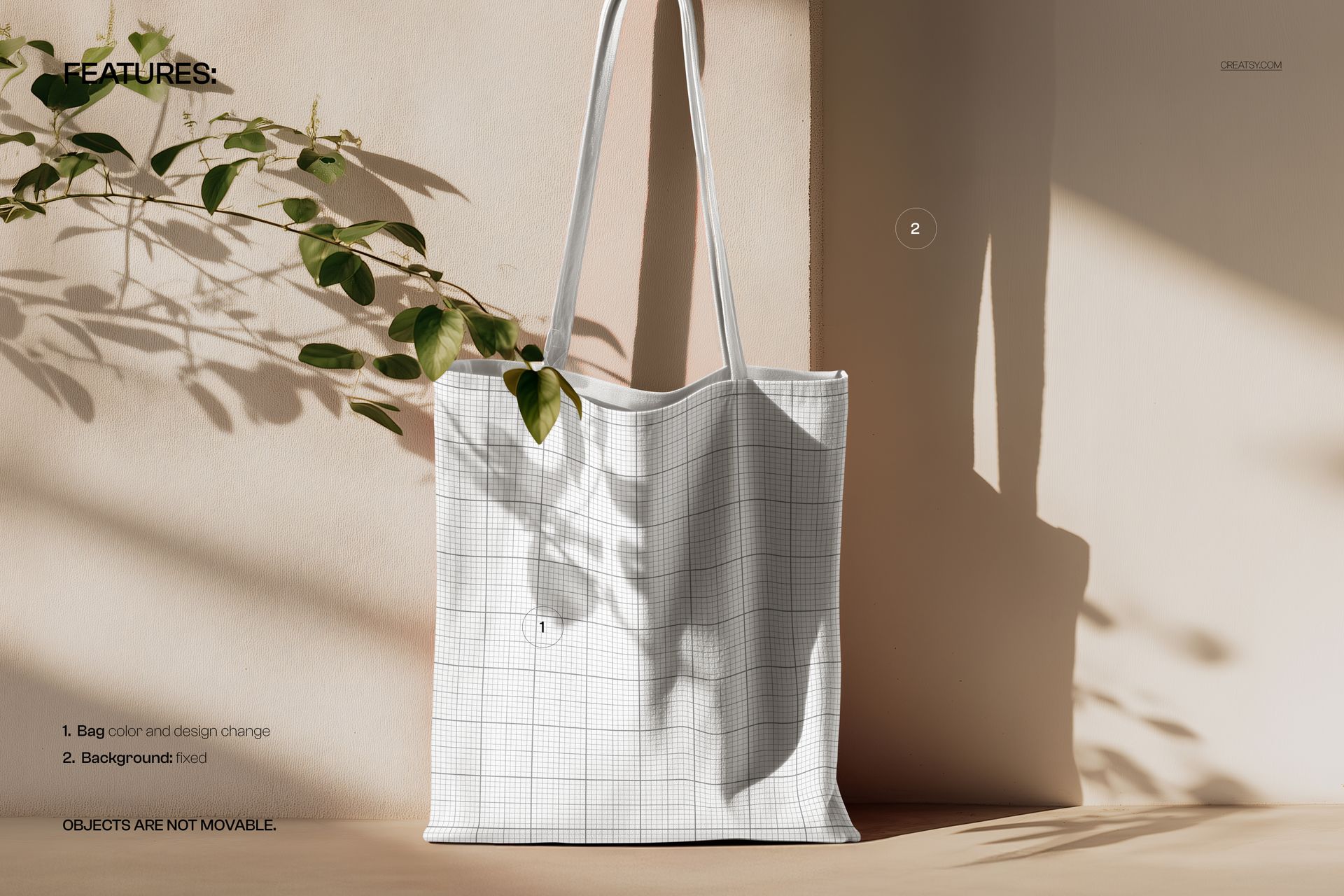
Open the PSD in Adobe Photoshop or Photopea, double-click the Smart Object layer, paste in your artwork and save the file. The mockup updates the tote bag while retaining the original folds, lighting, perspective and natural shadows.
The file uses clearly named layers and folders, helping you move quickly from artwork to a presentation-ready image without manually masking or warping the design.
This workflow makes it easy to compare several patterns, prepare different product variations or create a coordinated set of campaign images before ordering physical samples.
What You Can Showcase
Use this mockup to present:
Canvas tote bag artwork
Custom fabric shopper designs
Surface pattern collections
Logo and identity concepts
Illustrations and art prints
Artist merchandise
Fashion and lifestyle branding
Retail store tote bags
Event merchandise
Museum and gallery products
Bookstore and publishing merchandise
Botanical brand campaigns
Seasonal collections
Online product listing images
Client approval visuals
File Specifications
Part of Branding Drops Mockup Bundle
Pack includes 1 PSD file
2 files included in total
File formats: PSD and JPG
PSD dimensions: 5300x3300 px
Resolution: 300 DPI
Compatible with Adobe Photoshop CC2020 or newer
Compatible with Photopea
Smart Object editing workflow
Well organized layers
Package size listed as approximately 93.7 MB for Windows and 98.2 MB for macOS
File details
- Compatibility
- Package size
- 93.7 MB
|98.2 MB
- Files type
- .psd, .jpg


MEET THE SHOP
- $1615$19.00
- $1870$22.00
- $1615$19.00
- $2125$25.00

HOW IT WORKS
3 clicks. That's it.
No tutorial needed. If you can copy-paste, you can use this.
- 1OpenDouble-click the smart object inside the PSD - in Adobe Photoshop, or free in your browser with Photopea.
- 2PasteDrop in your pattern, print, or artwork. Any design, any style.
- 3SaveHit save and the mockup wraps it in for you - shadows, folds, and lighting included.
FROM IDEA TO IMAGE
Built for real workflows
Skip the photo shoot Show your artwork on the real product type for approvals or listings - no studio, no model, no sample.
See it on the product, not a swatch Drop your file into the smart object and the scene's lighting and folds wrap around it, so you judge the real thing before you commit.
Smart Objects
Edit once and you're done. Your artwork drops into a smart object and the mockup updates itself - no masking, no warping by hand.
Perfectly Organized
Named layers and folders you can actually navigate. Find what you need, change what you want, and get out fast.
Print-Ready
High-resolution files built to hold up on screen and in print. Exact size and DPI are in this product's Details above.