Pacifier Clip Mockup Set
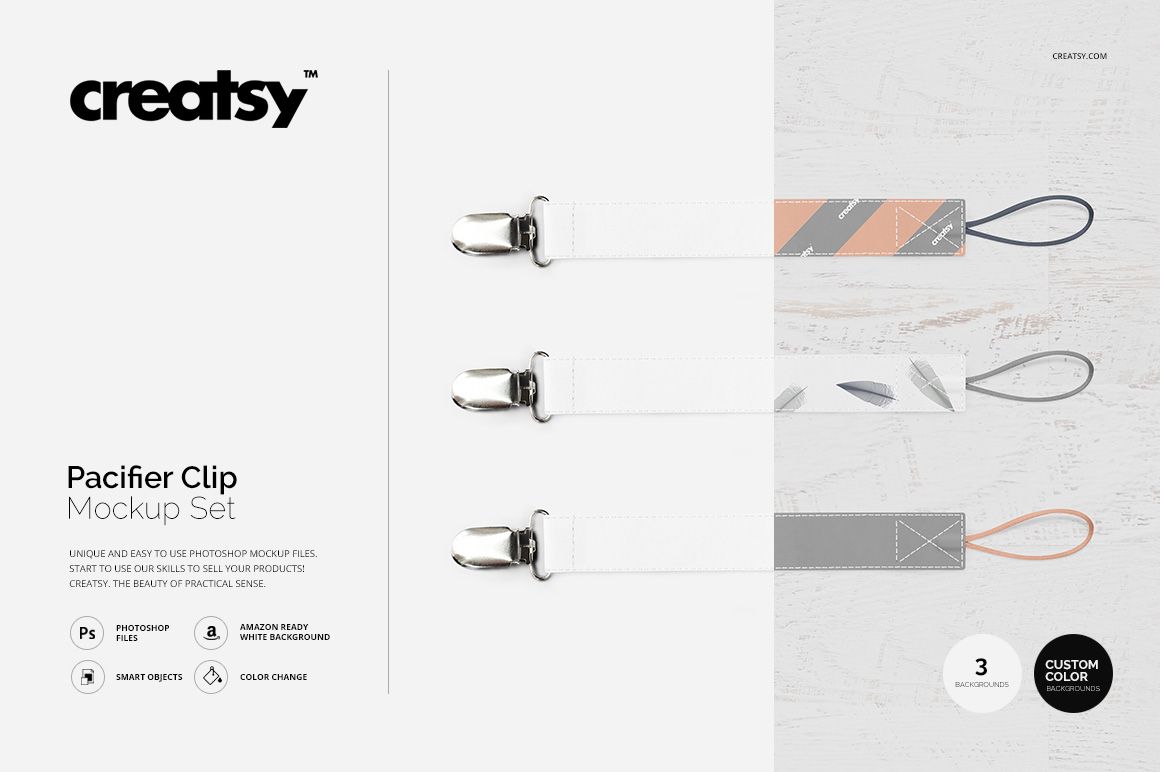
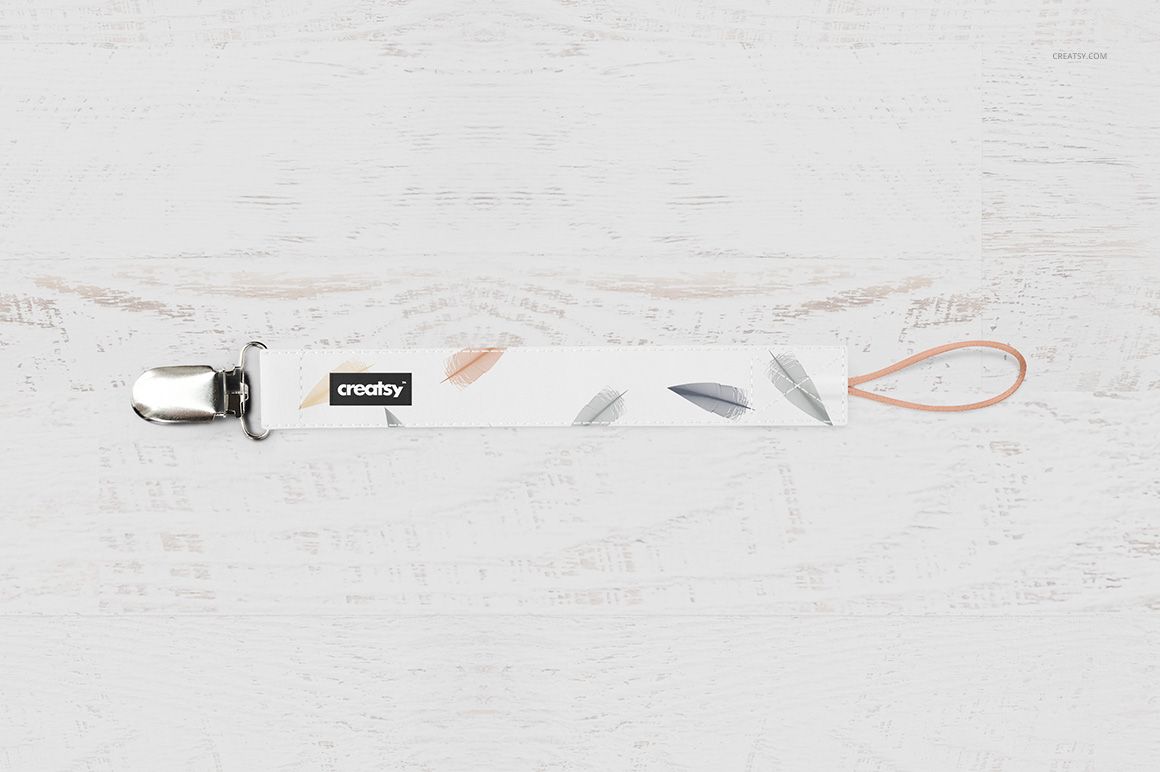
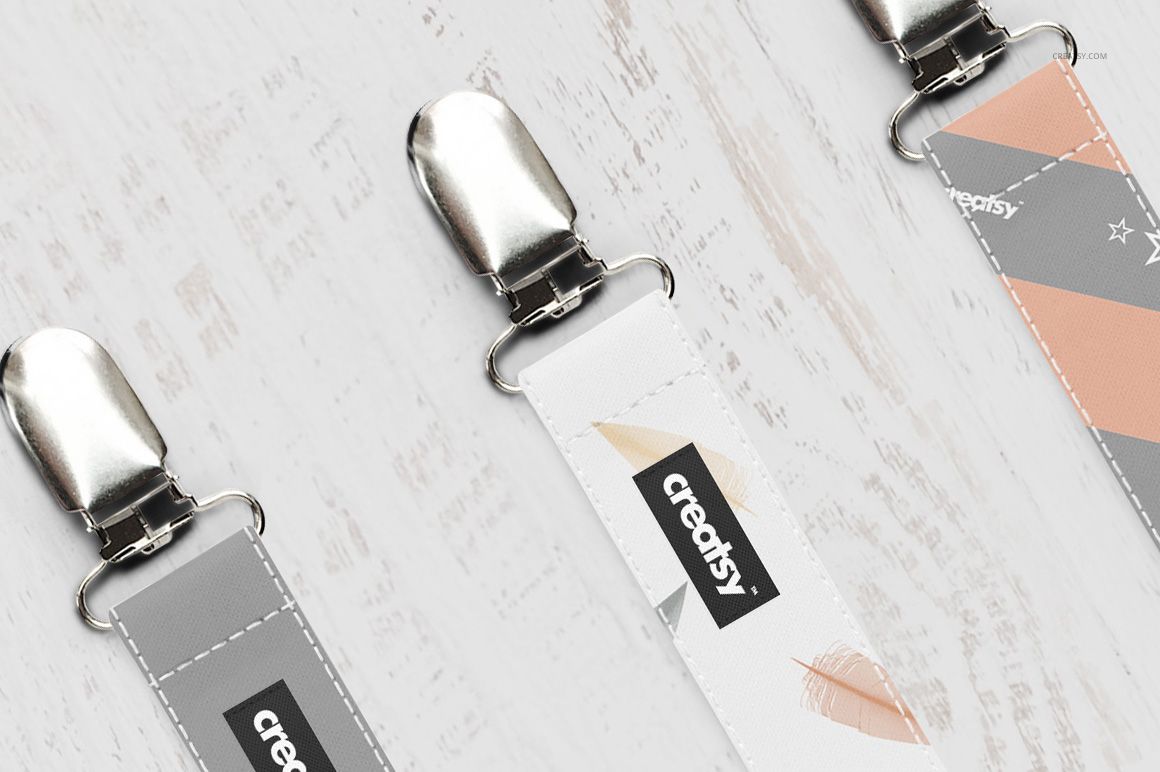
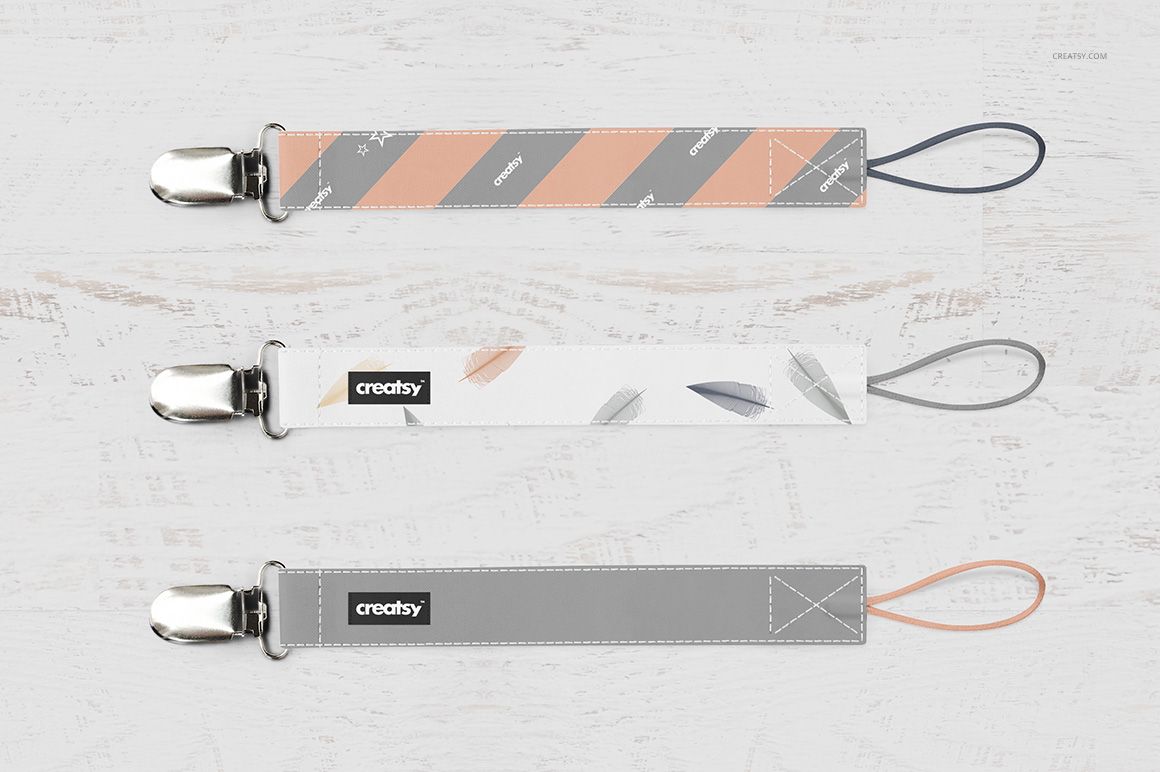
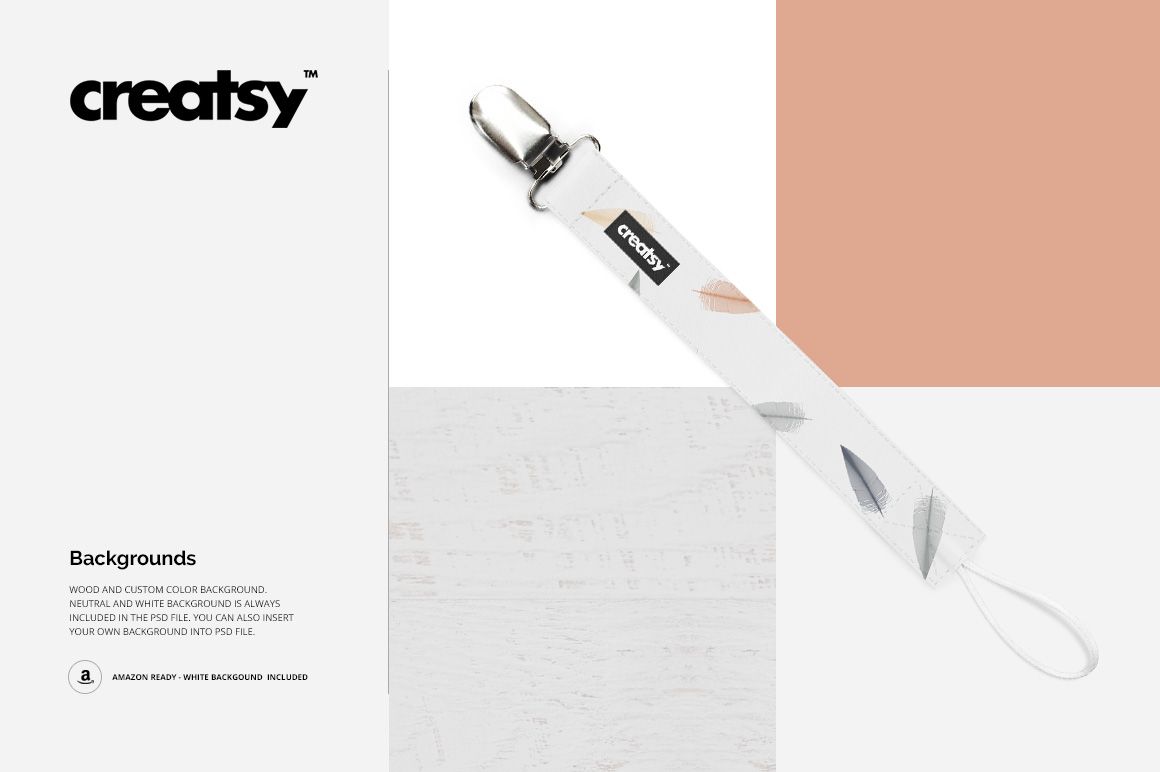
Present a fabric pacifier clip design as a single product or a coordinated group of three. This two-scene mockup set focuses on the narrow strap, its seams, label and metal clip, making it useful for small-scale repeats and baby-accessory branding concepts.
One clip or three coordinated designs
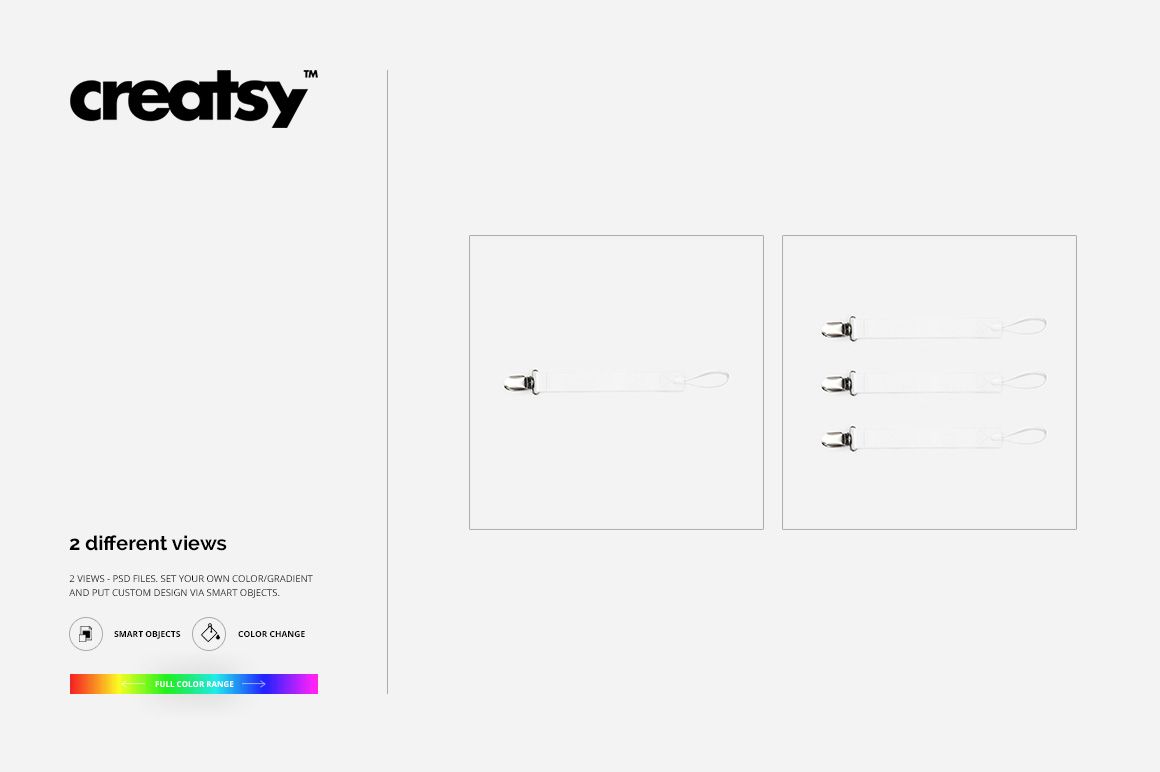
Use the single-clip scene for a clear hero image and the three-clip arrangement to introduce a colorway range. The two files are presentation layouts, not three separate clip styles. Both use square 2500 × 2500 px canvases.
Editable strap, seams and label
Replace the strap artwork through Smart Objects.
Adjust material and seam colors, with color and gradient options.
Edit the label design or remove the label from the presentation.
Choose a custom, neutral or white background to suit your collection.
Designed for small-format artwork
A long, narrow strap shows a repeat differently from a large textile surface. Preview small motifs, lettering and contrasting seam colors before building your portfolio image or client presentation. Keep the design readable at the size it will appear in a product thumbnail.
What the download contains
Includes two layered PSD mockups at 2500 × 2500 px, 300 dpi, two JPG previews and one TIF guide. Compatible with Adobe Photoshop CS4 or later and Photopea. This is a digital design mockup, not a physical pacifier clip, sewing pattern or product-safety specification.