Multi-use Cover Mockup Set
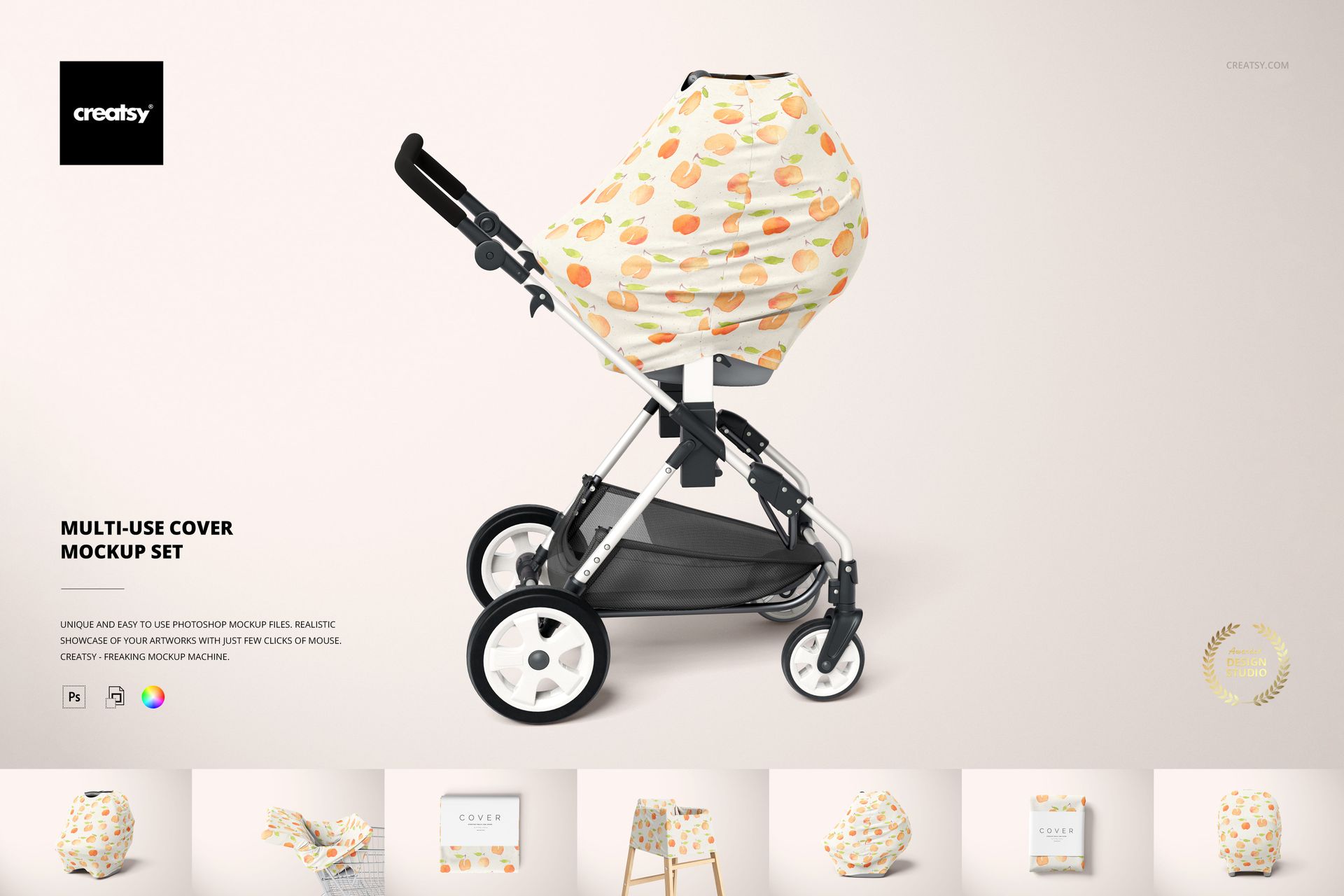
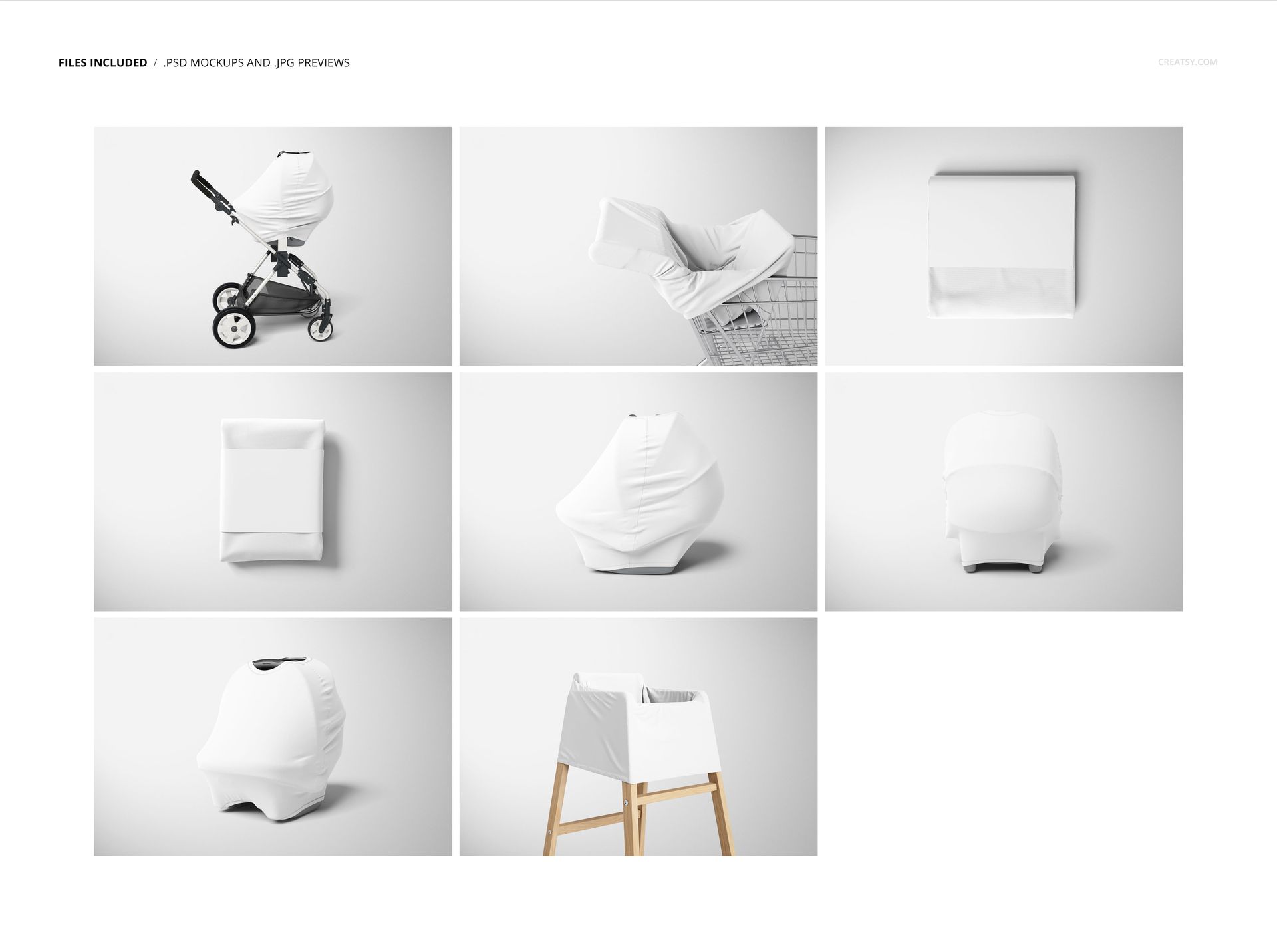
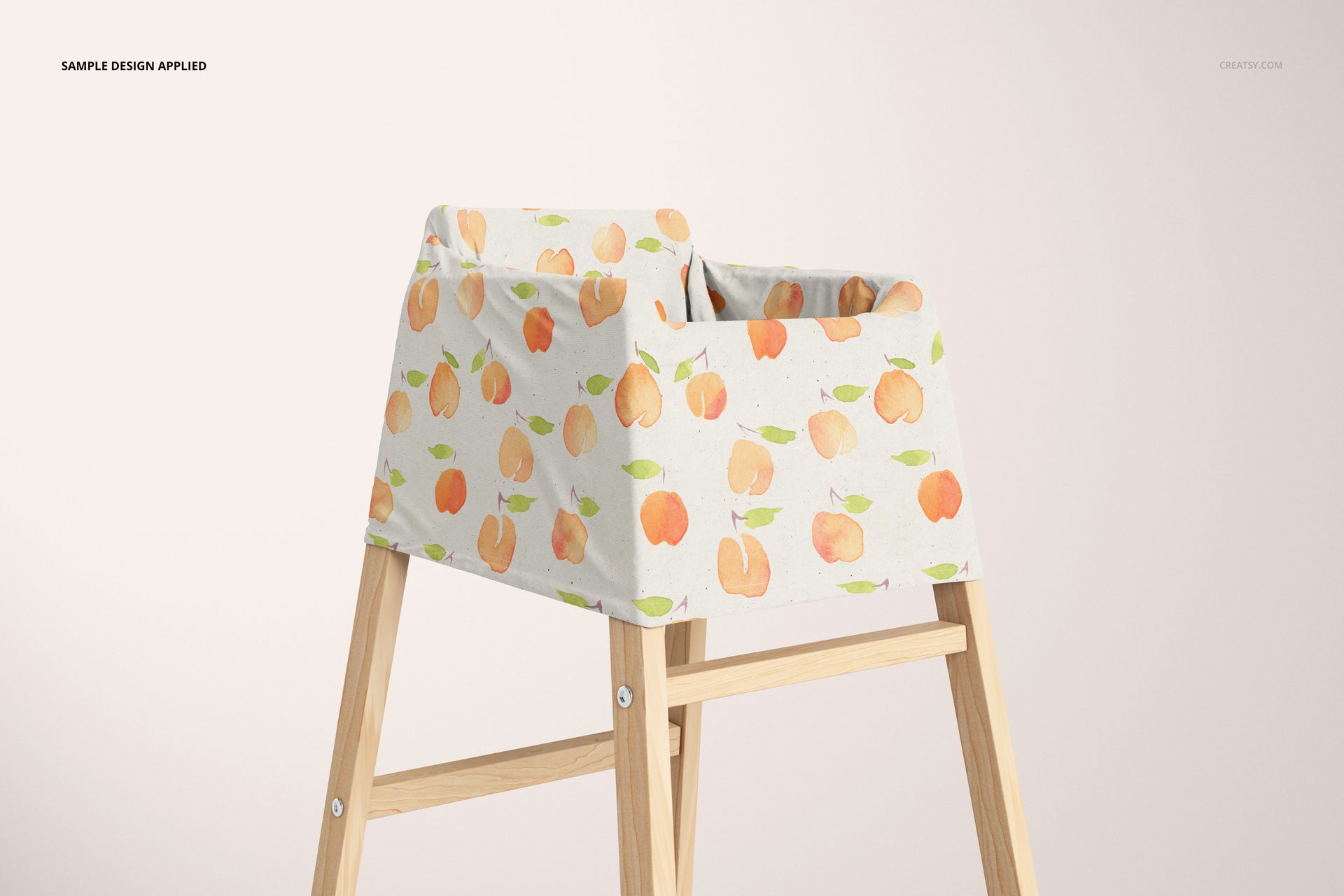
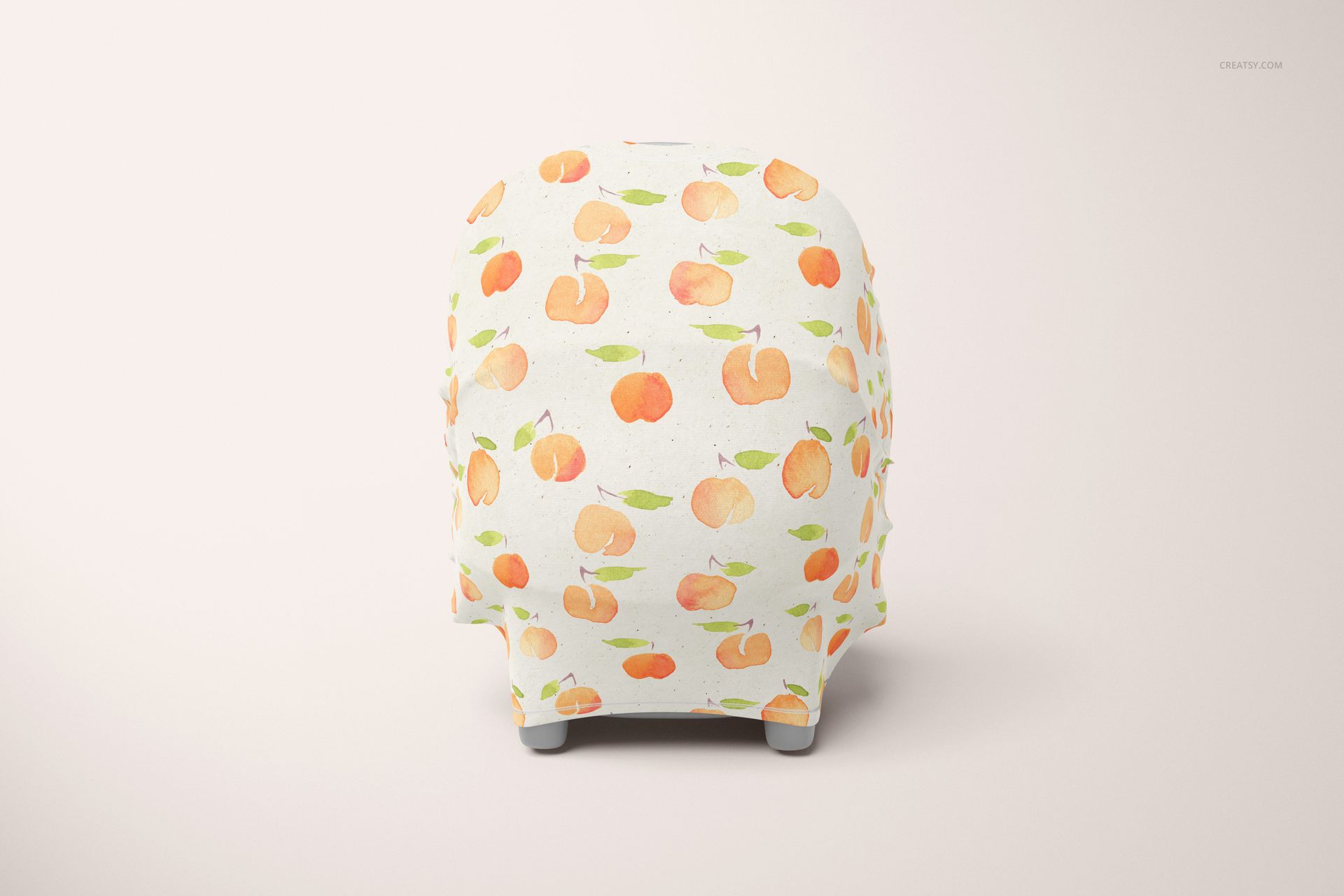
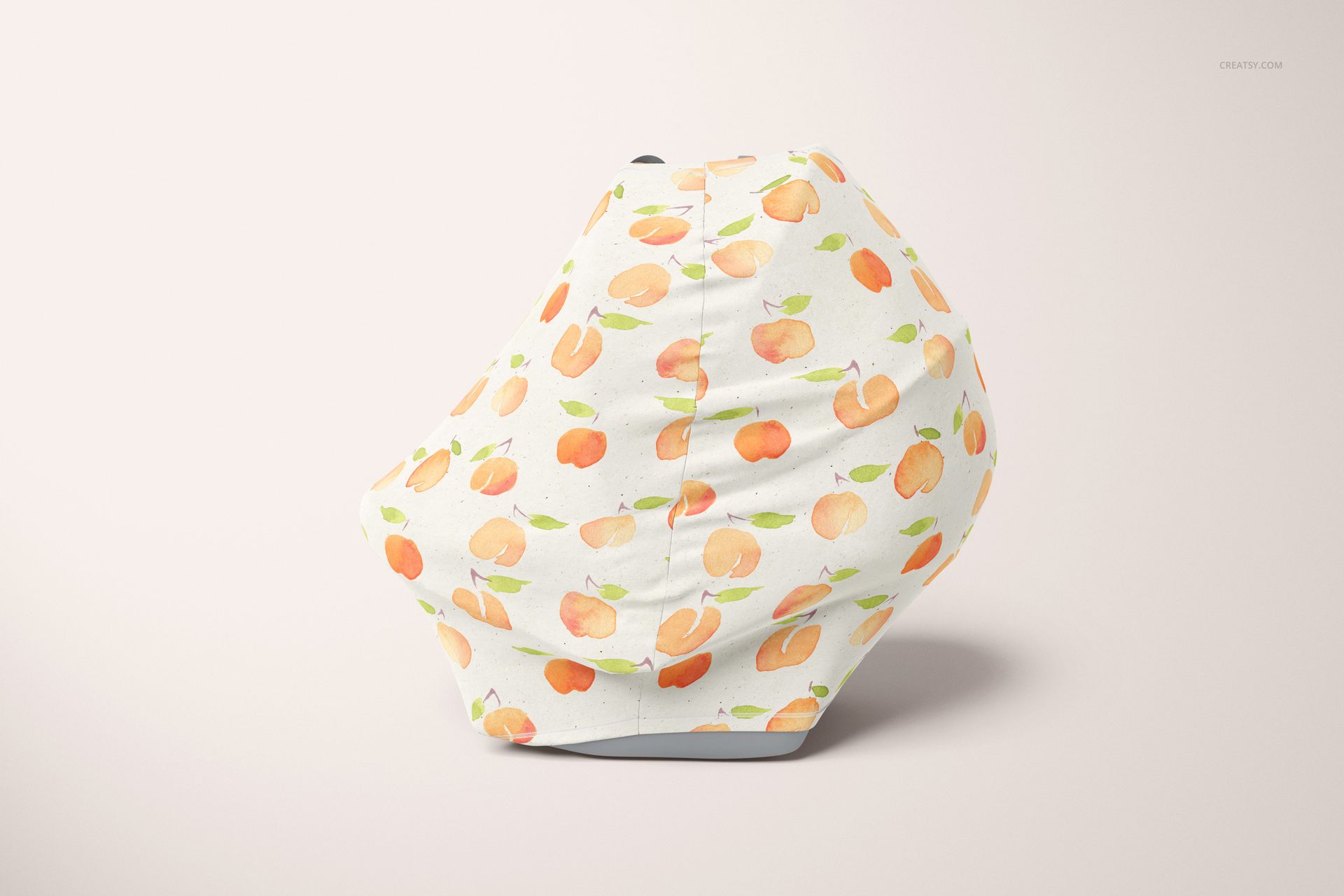
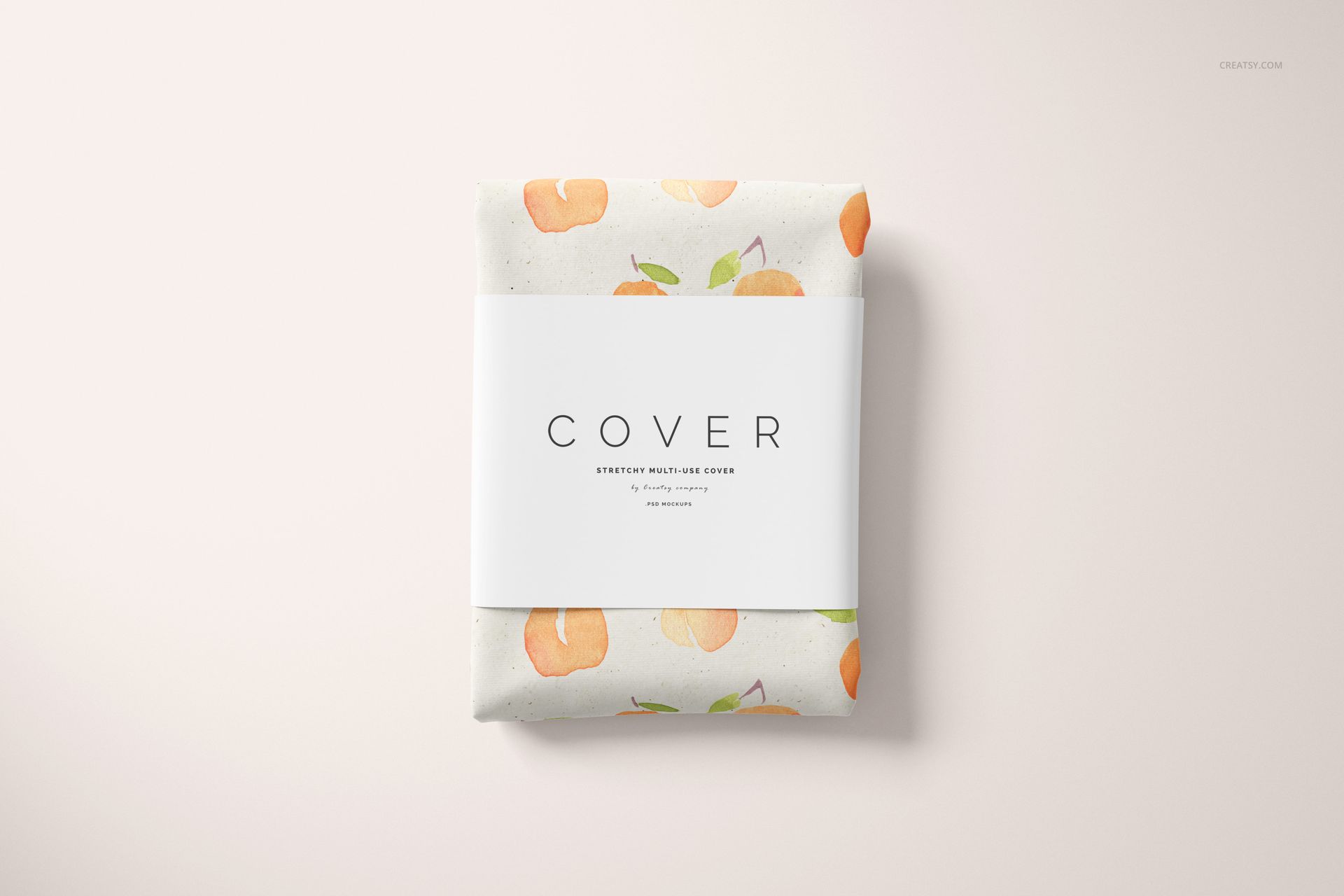
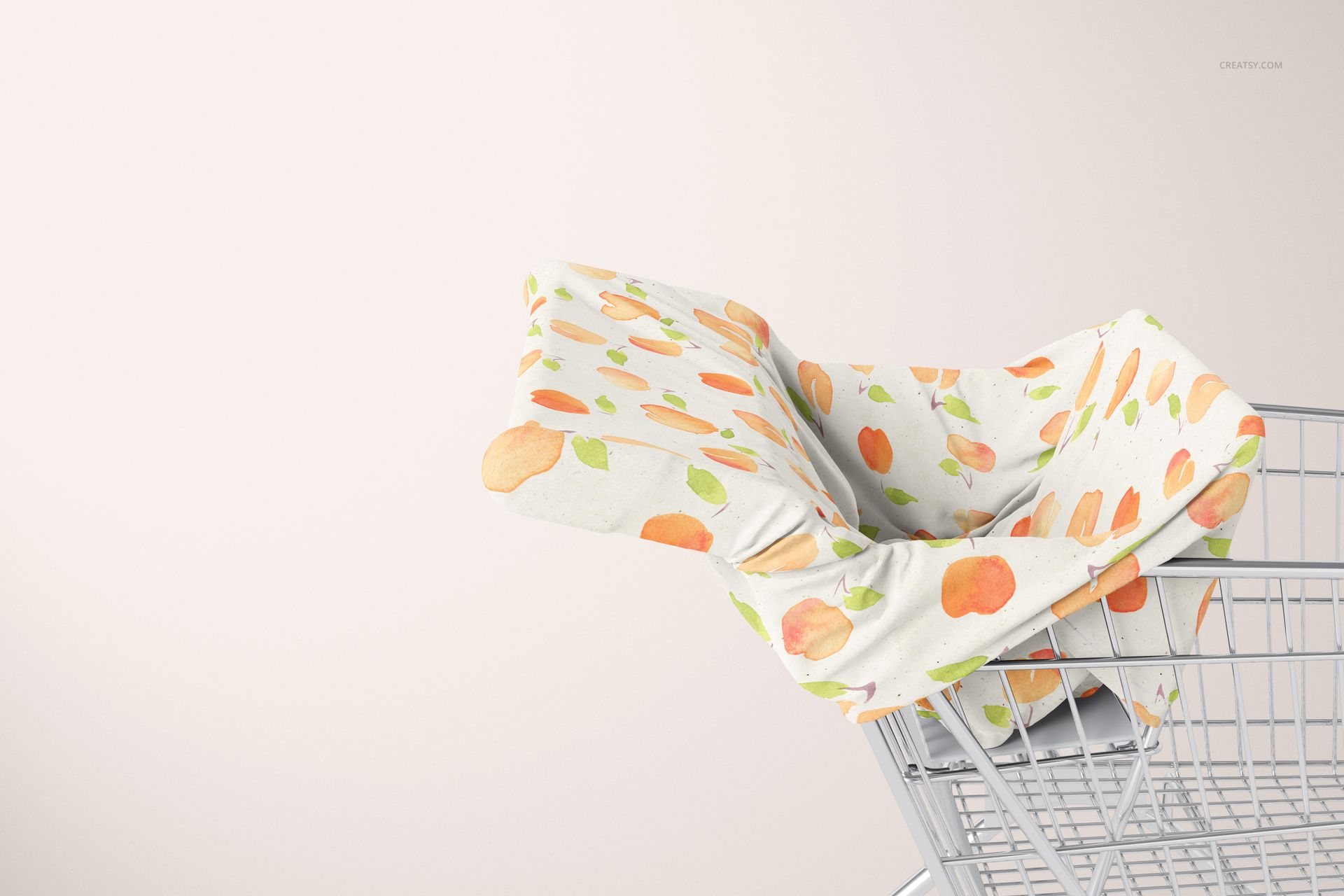
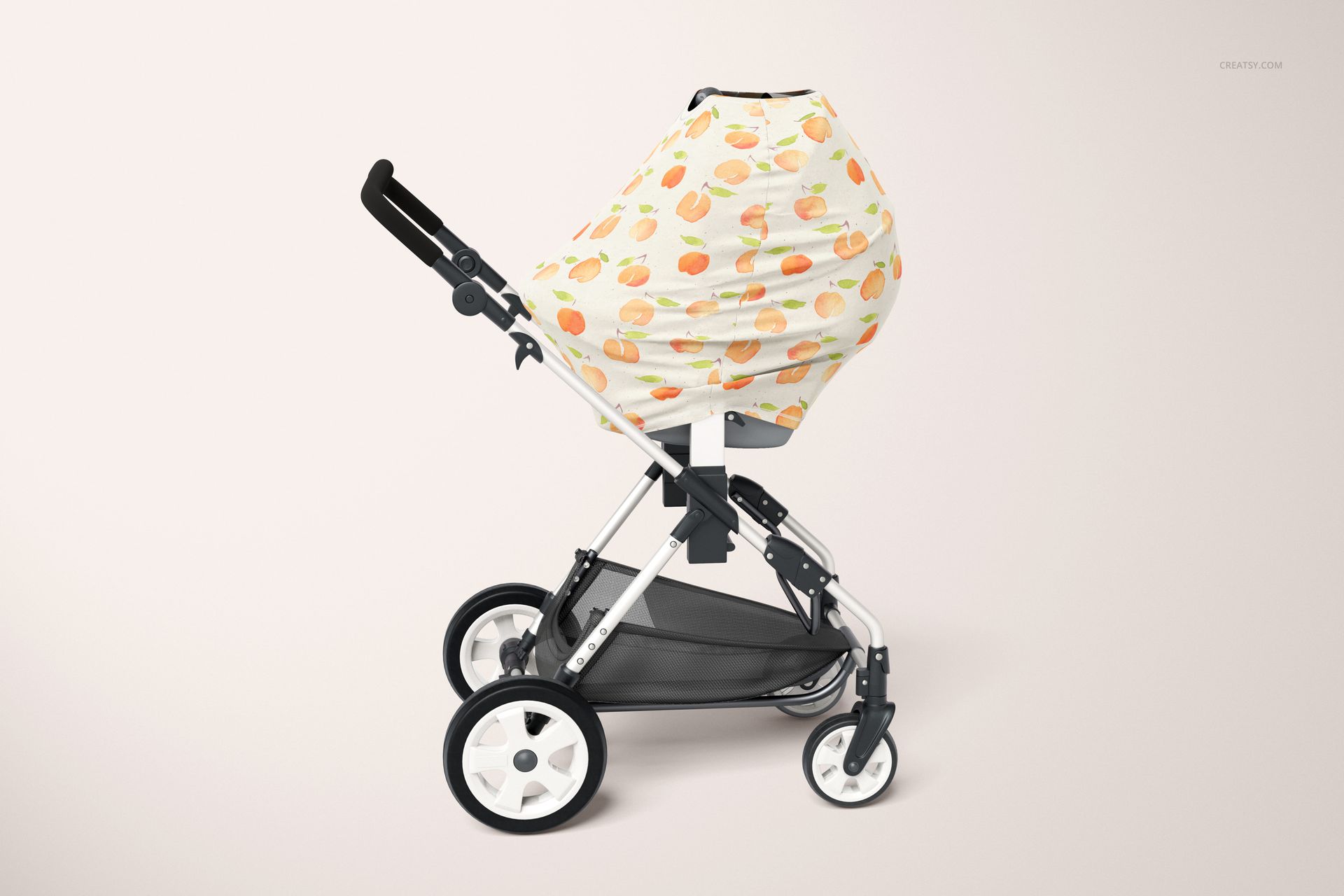
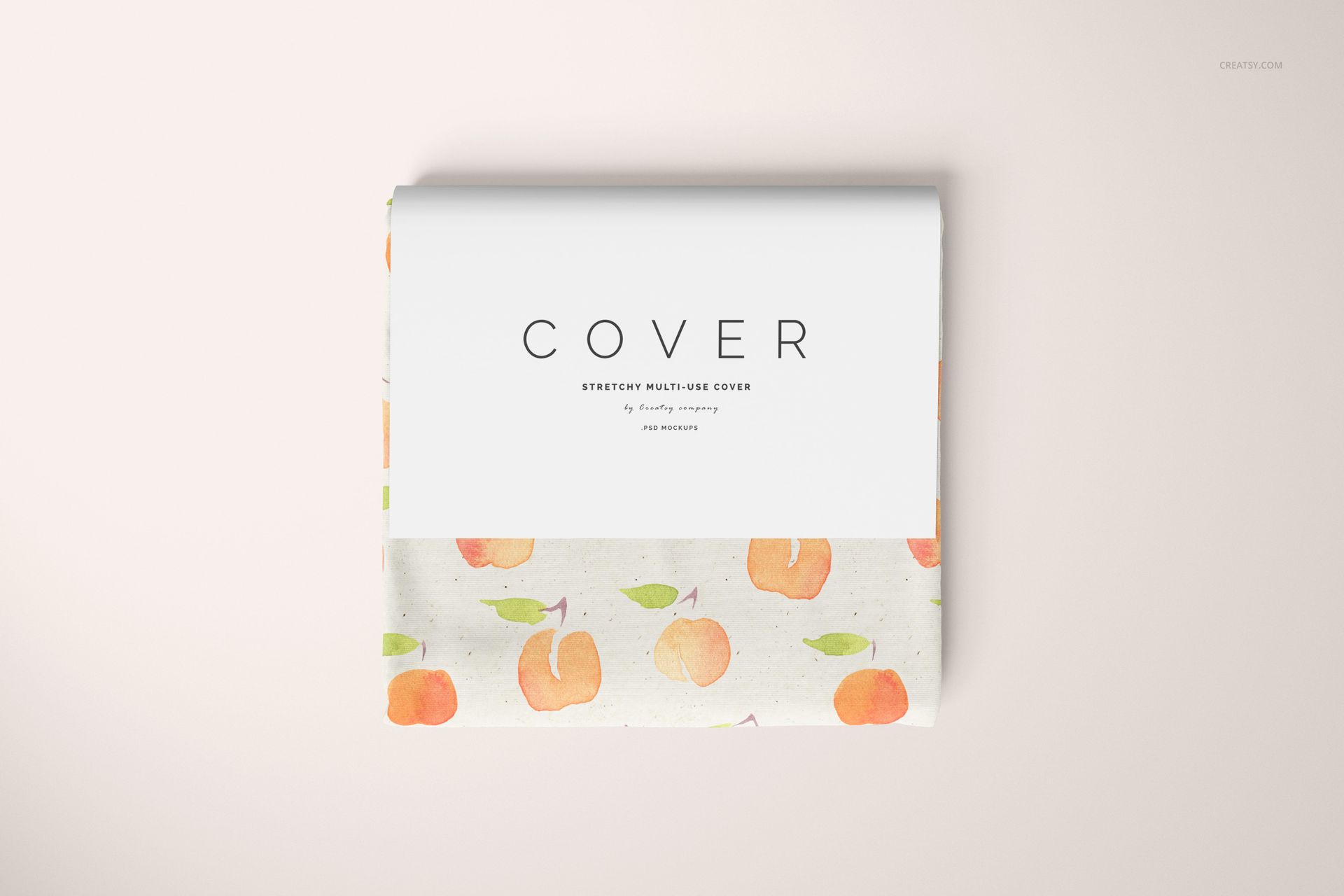
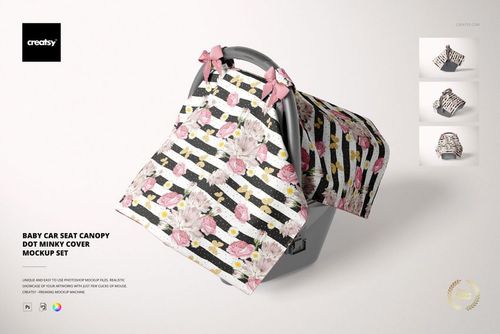
Show a coordinated baby-cover print in use and in its folded retail presentation. The Multi-use Cover Mockup Set includes eight PSD scenes featuring stroller, car seat, shopping cart and high-chair settings, plus folded covers with paper belly bands.
From product context to folded packshot
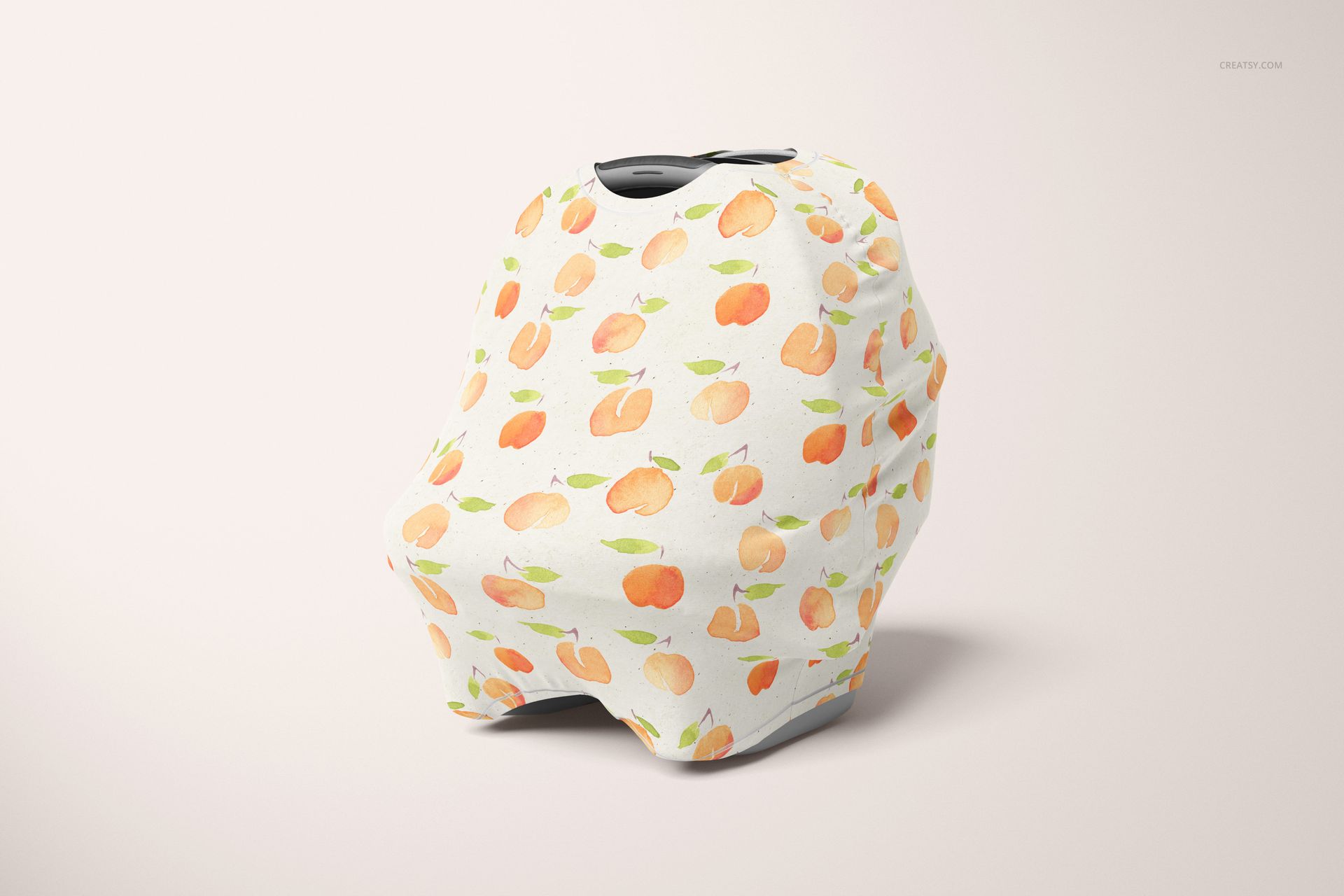
The scenes let you present more than a flat textile swatch. Compare the print on a draped cover, show it in different baby-accessory settings and finish with a folded product image. Three car-seat angles provide extra opportunities to check motif placement.
Editable artwork and scene background
Replace the cover design through Smart Objects and adjust its colors.
Preview the same repeat across the different product settings.
Use folded cover scenes to connect the textile design with a retail-style presentation.
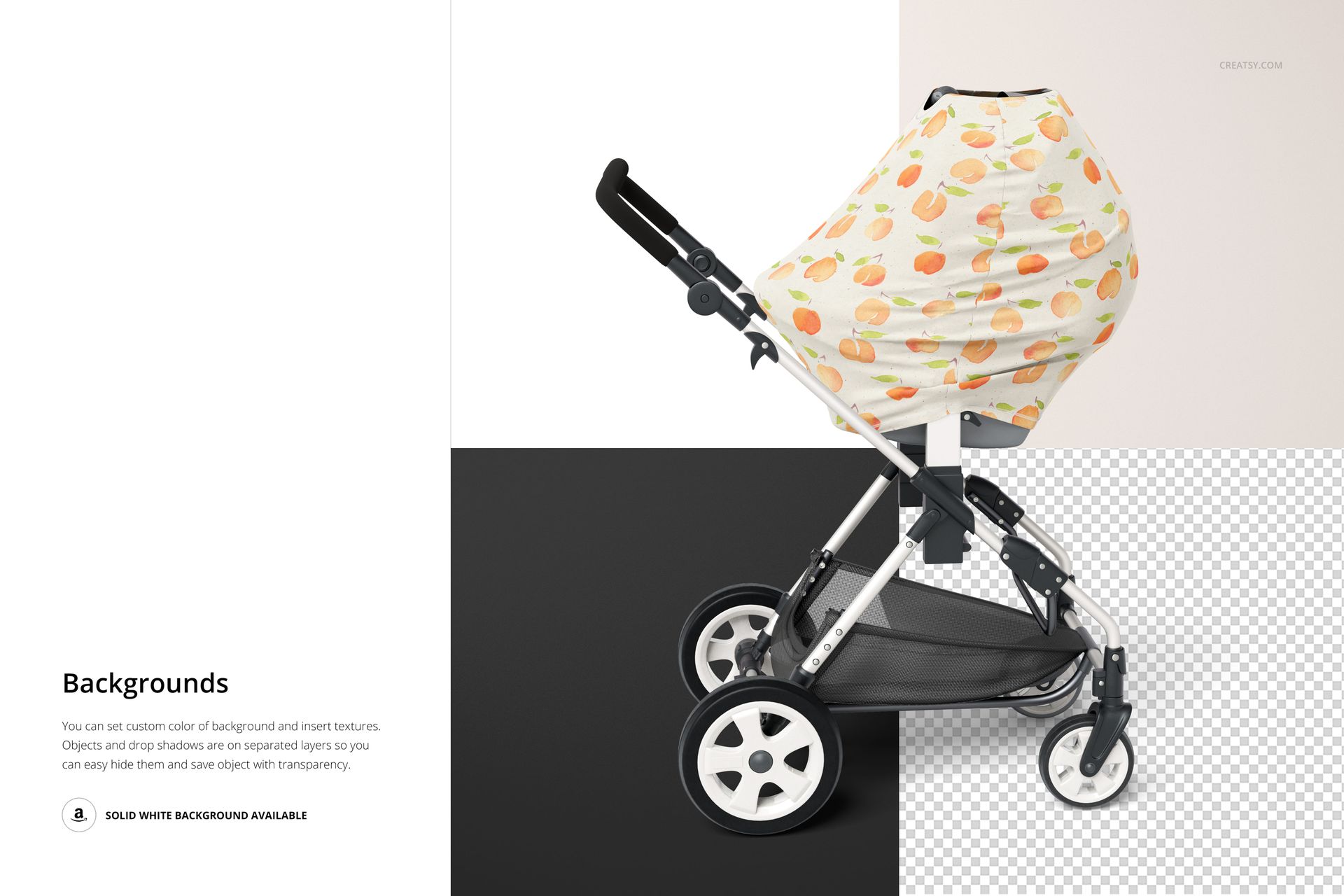
Change the background color or texture, or use white and transparent-background options.
For pattern designers and baby brands
Use the set for licensing proposals, collection boards, product concept pages and portfolio case studies. A repeat that looks balanced when the cover is folded may appear very different when the fabric is draped, making this range of views useful during artwork review.
Download and software
Includes eight layered PSD mockups at 6000 × 4000 px, 300 dpi, and eight JPG previews. Compatible with Adobe Photoshop CC2020 or later and Photopea. This is a digital mockup set, not a physical cover or a sewing pattern. The sample designs are not included.













Files are far too large, too many smart object layers in each file, no proper use of 3D objects or puppet warp but instead 30 copies of the smart object and warped frustratingly. Very frustrating and slow to work with. Would not have purchased if I had known the structure of these files.
Hi there, Thank you for your message, and we completely understand your frustration. Unfortunately, 3D layers are no longer reliably supported in Photoshop. The same applies to Puppet Warp for this kind of advanced distortion. In our experience, it is not able to handle such complex warping consistently, and Photoshop itself still has quite a few bugs with that tool. At this point, the only truly reliable solution is using Smart Objects. We understand why this is disappointing, and we want to make this right for you. I have just forwarded this mockup to our team, and they will start working on optimizing the files as soon as possible. Would this solution be satisfactory for you? We truly appreciate your patience, and we would love the chance to improve this experience for you. Regards, Jakub Creatsy Team