Memo Block Cube in Acrylic Holder Mockup Set
The holder is not only a container. In this collection, it becomes part of the design.
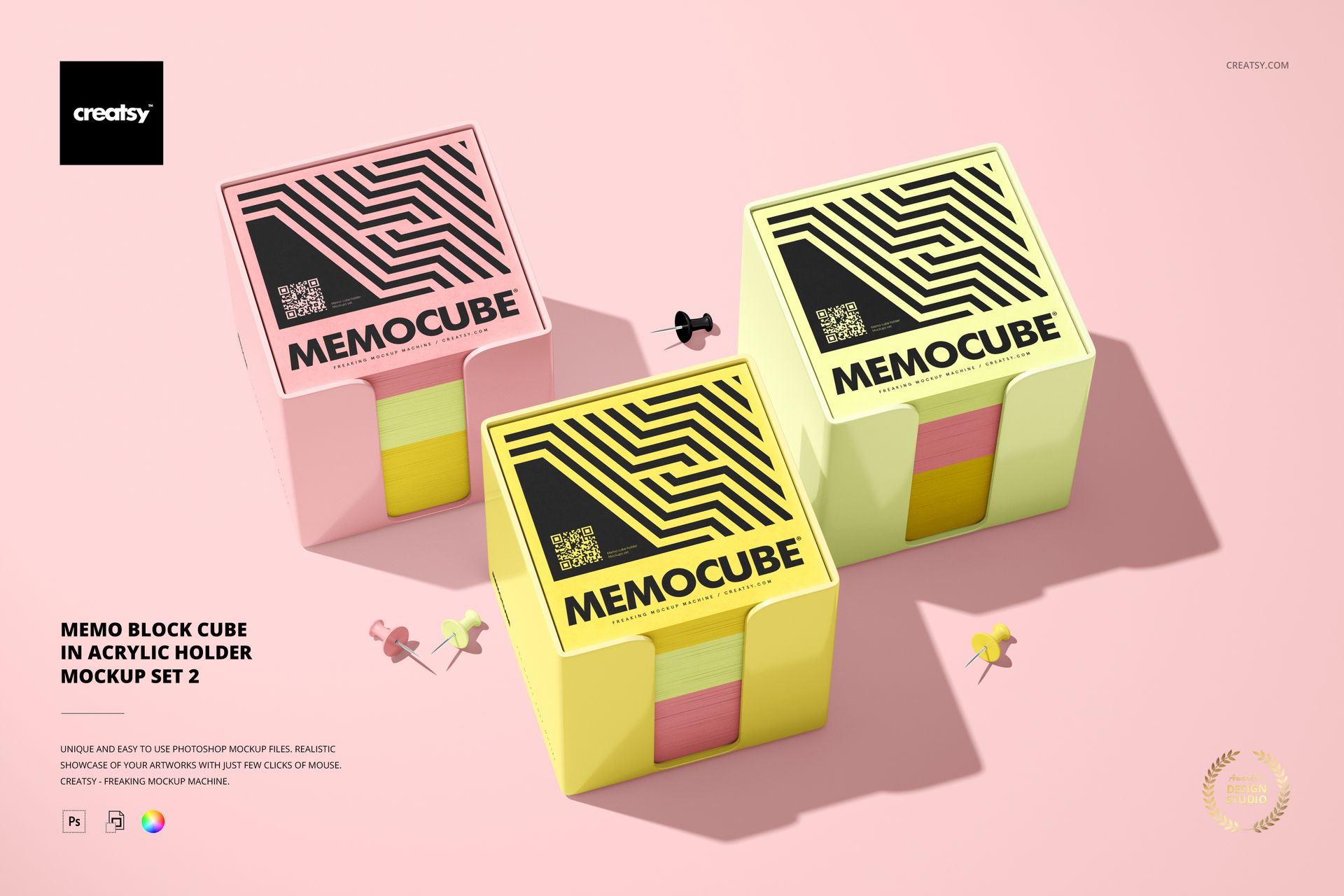
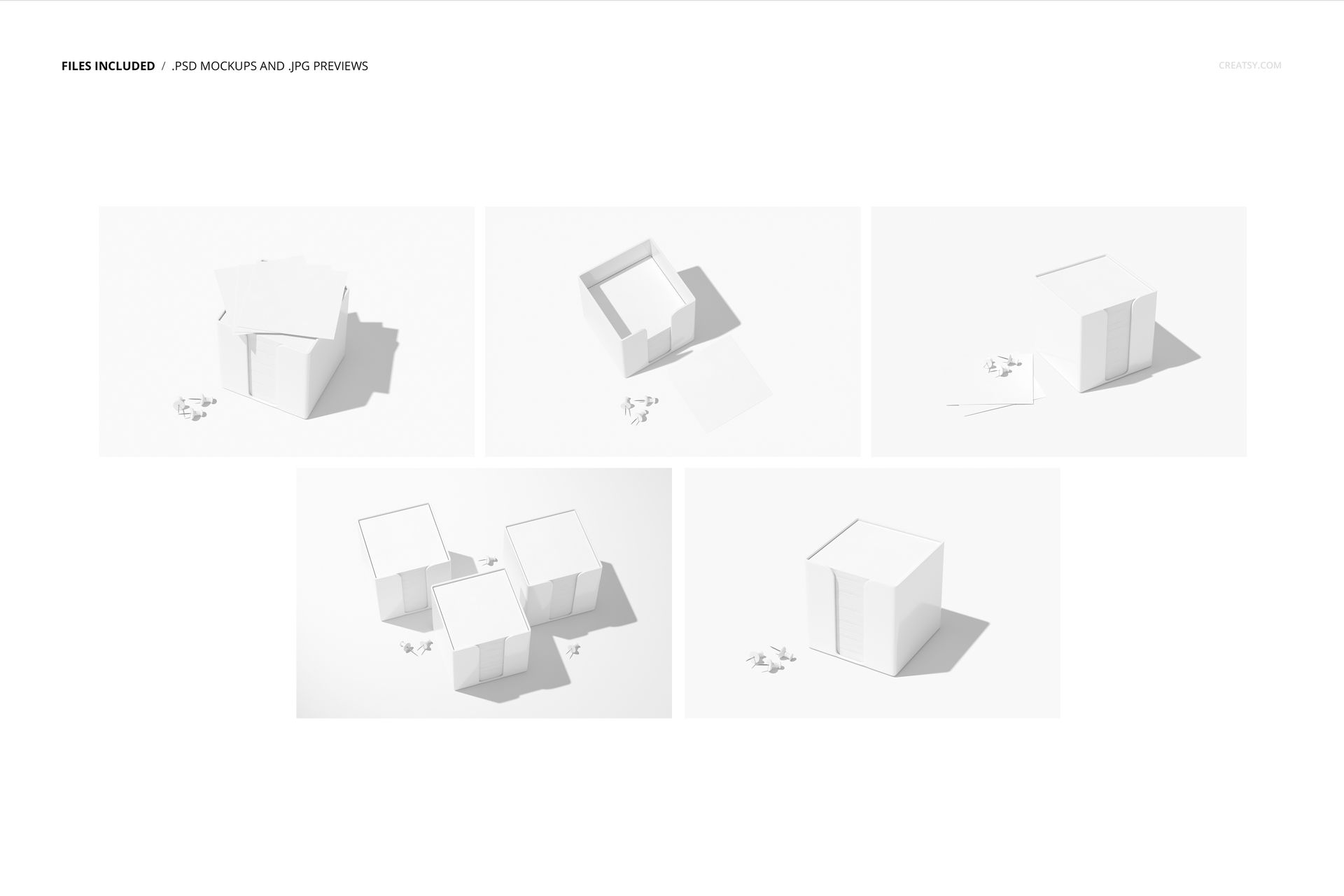
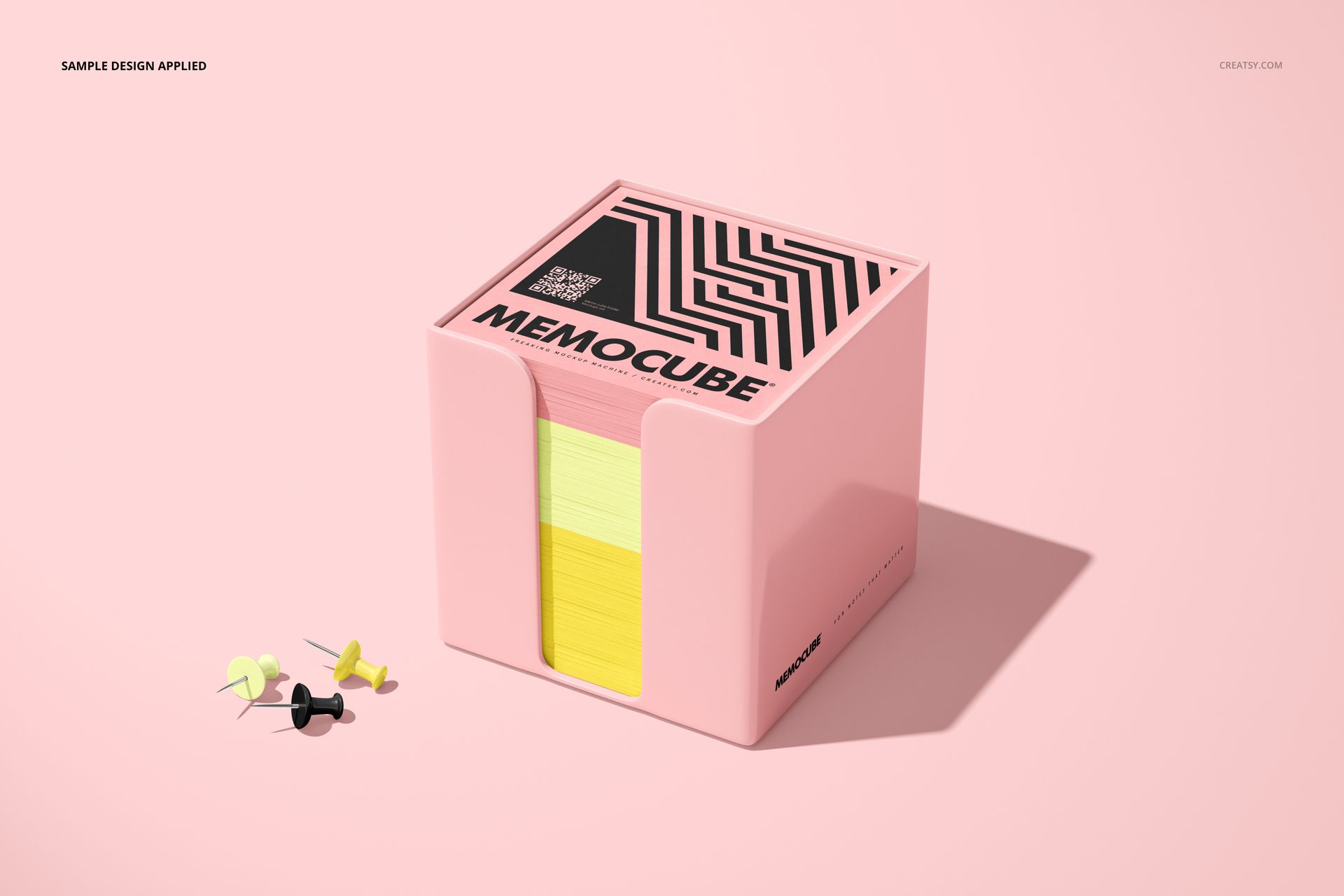
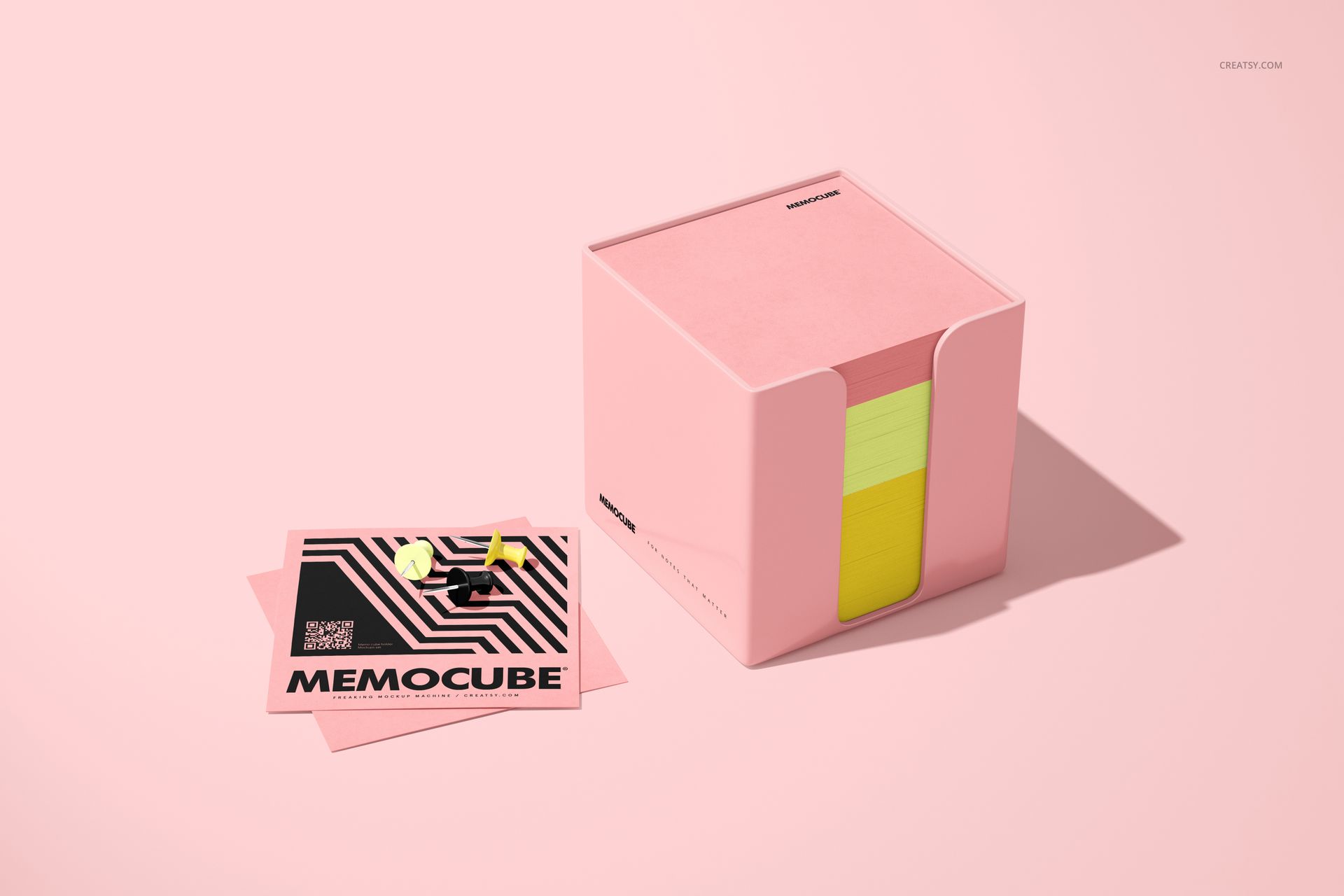
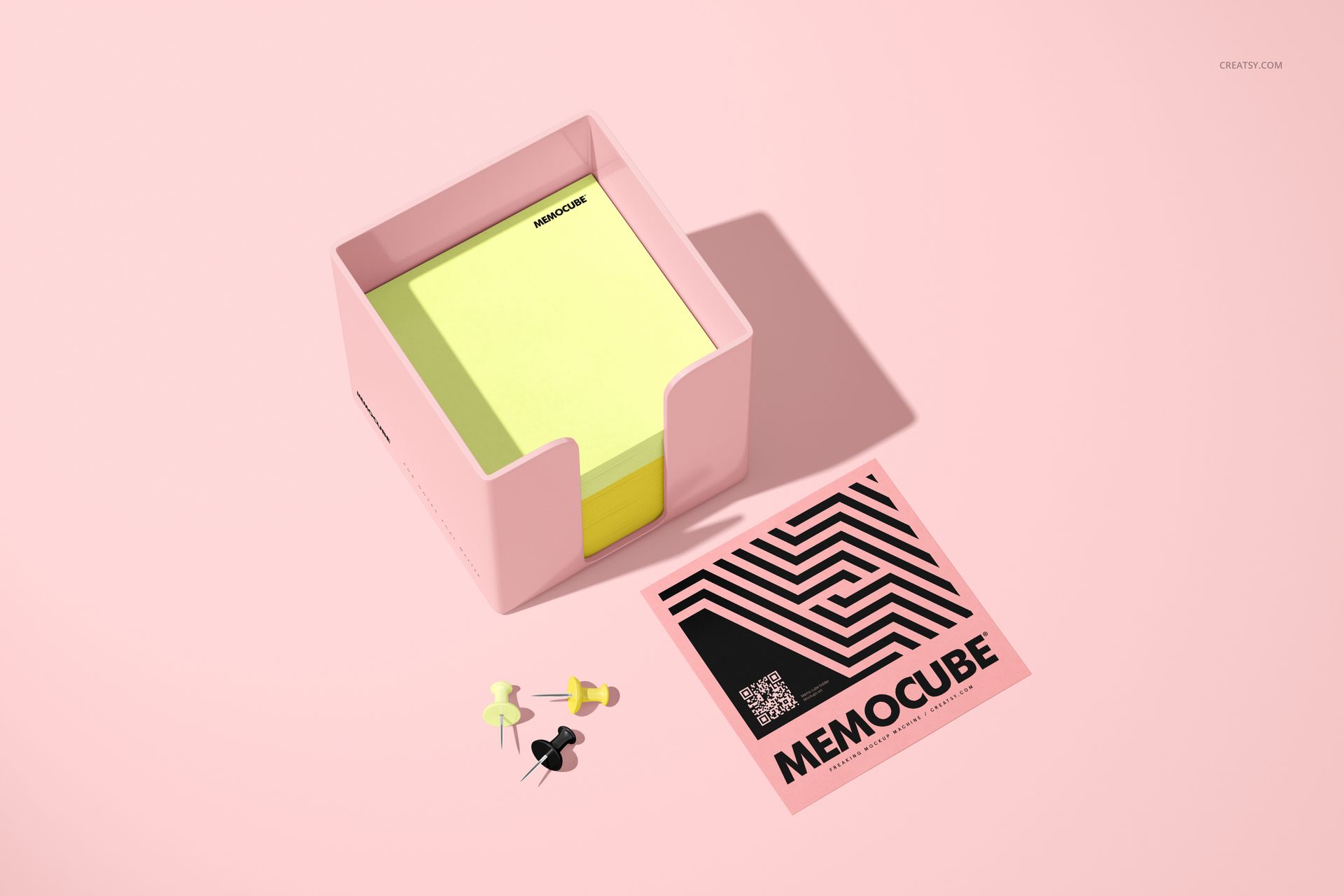
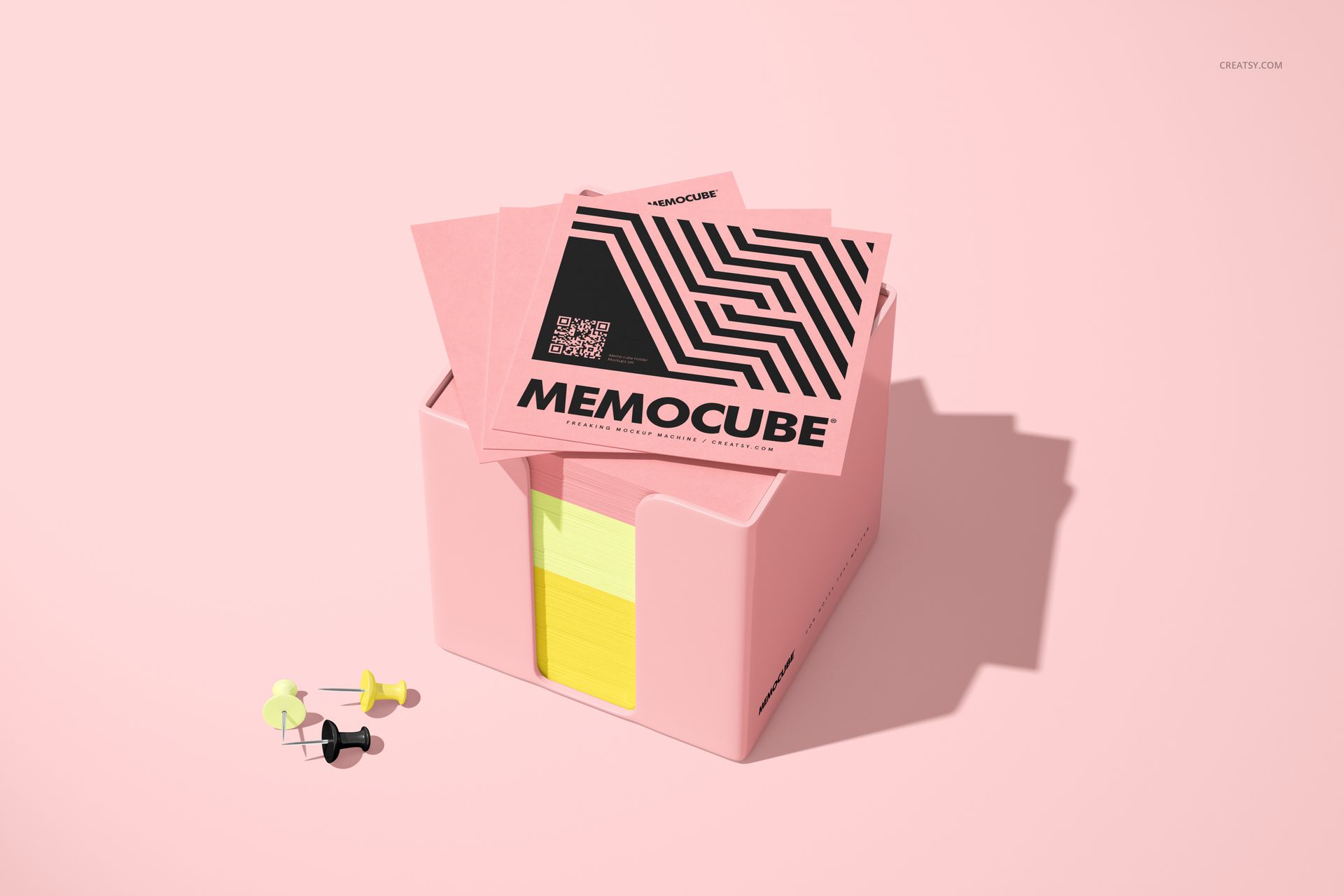
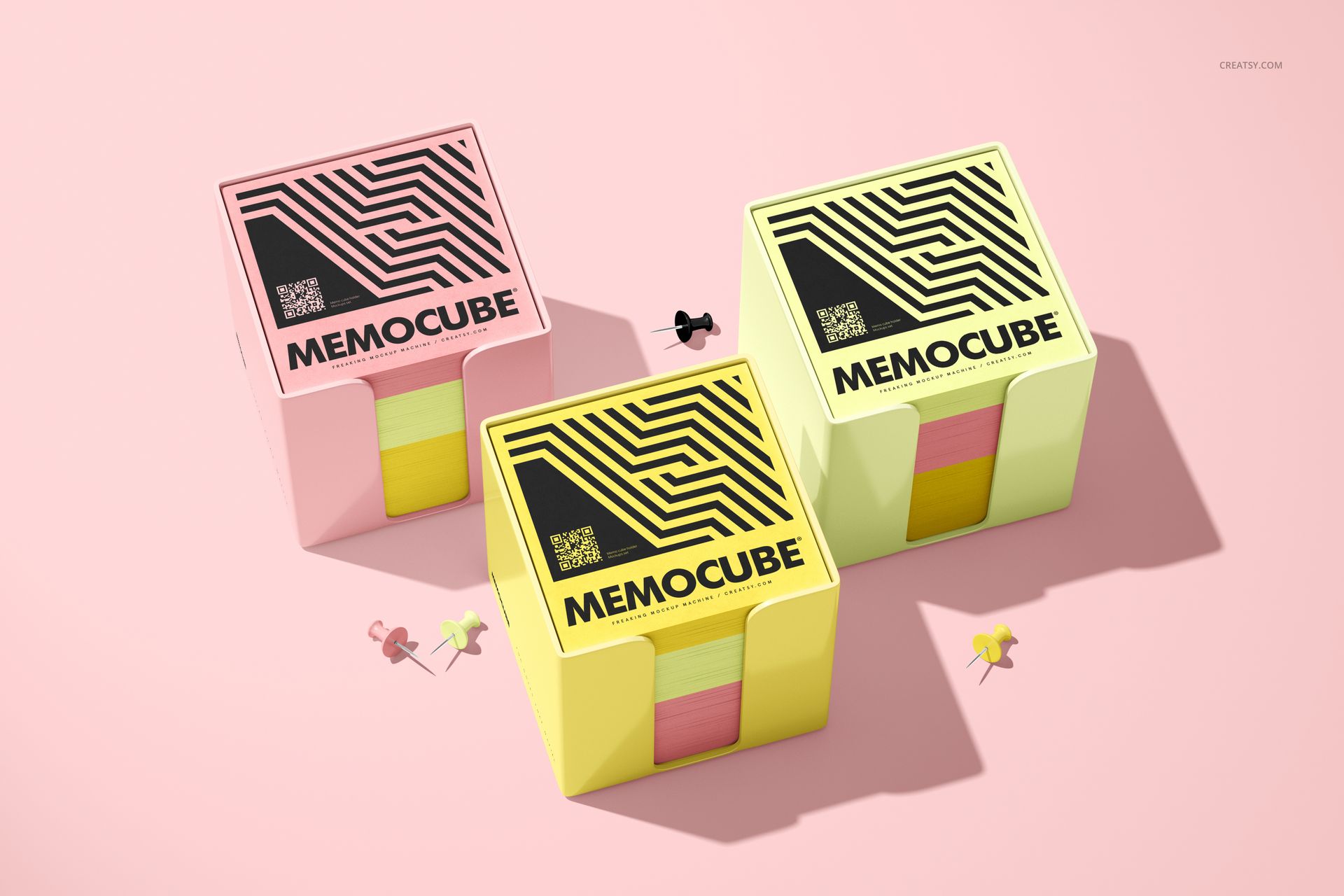
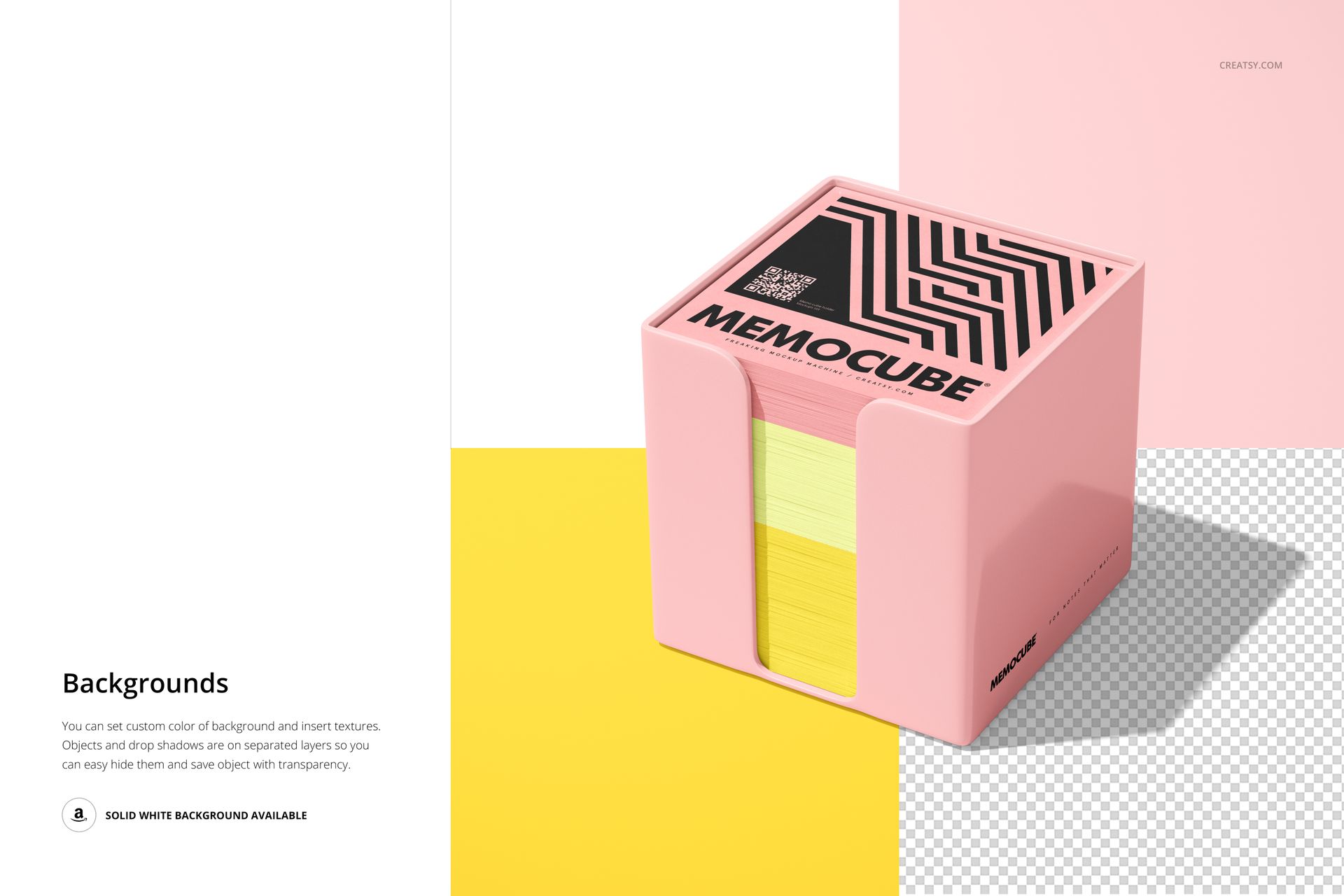
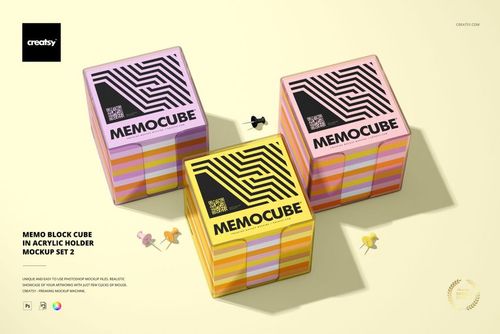
The Memo Block Cube in Acrylic Holder Mockup Set includes five high-resolution PSD scenes created to show cube-shaped memo blocks inside acrylic holders from several angles. The preview gallery combines transparent and colored holder treatments, layered paper edges, top-sheet artwork, graphic stationery cards, push pins and bold color-blocked backgrounds.
Use the set to create a product gallery that feels colorful, polished and more expressive than a standard memo cube photographed against a plain white surface.
Let the Acrylic Holder Join the Color Story
The acrylic holder has a strong visual presence around the memo block. It can support the artwork, introduce contrast or help connect the product with a wider stationery collection.
A clear holder keeps the presentation light and minimal. A colored treatment can make the entire product feel more playful, fashion-led or closely tied to a brand palette.
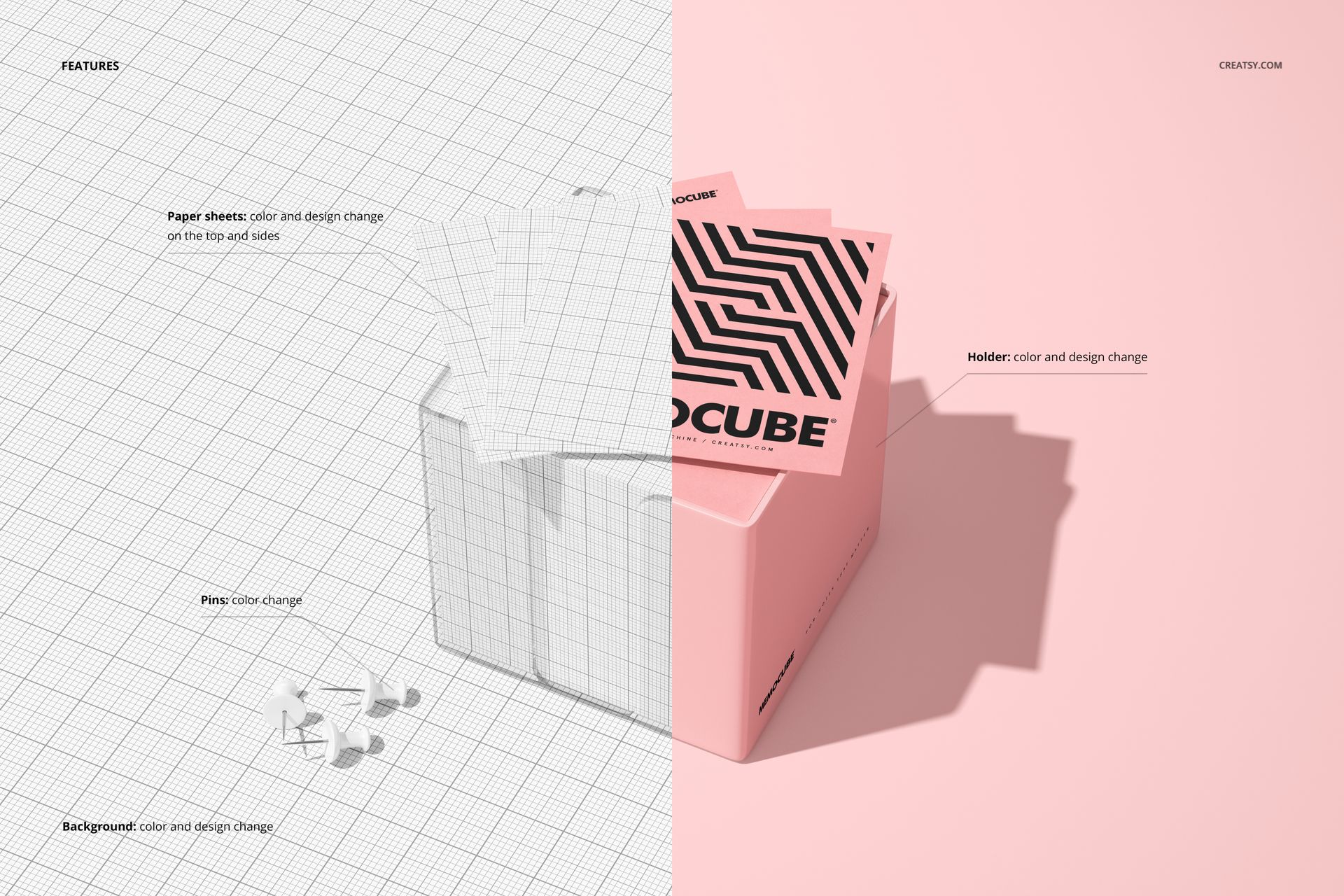
The preview images show both transparent and pink acrylic holder presentations, while the product details confirm editable color and design components. The screenshots should clearly identify which holder, paper and scene colors can be changed in each PSD.
Use the holder treatment to create:
a neutral corporate memo cube,
a bright stationery product for students,
a pastel desk accessory collection,
a bold promotional giveaway,
a branded reception desk product,
a coordinated office stationery range,
a colorful retail notepad collection.
The holder can remain understated or become one of the strongest visual elements in the scene.
Design More Than the Top Sheet
A memo block is visible from several directions.
The top sheet may carry the main logo, illustration, pattern or message, but the layered paper edges can introduce additional color, stripes or repeating artwork. The combination of the top and sides often determines whether the product feels like a complete design or simply a stack of paper with artwork placed on it.
Use these mockups to review:
the scale of the top-sheet design,
how colors appear across the paper stack,
whether side treatments support the main artwork,
the relationship between the memo block and holder,
logo visibility from different angles,
how the product looks when several layers are visible,
whether one design remains consistent across the complete cube.
This is especially useful for artwork built around repeat patterns, color gradients, stripes or coordinated edge treatments.
Five Scenes with Different Presentation Roles
A useful product gallery should not repeat the same image five times.
This set gives you several ways to introduce the memo cube, show the design more closely and add visual context through supporting stationery elements. The gallery includes clean product views, more graphic scenes with split backgrounds, colored acrylic treatments, push pins, printed cards and front-facing product arrangements.
A strong listing sequence could include:
A clear hero image showing the complete memo cube
A closer view of the holder and layered paper edges
A styled scene with a printed card or stationery accessory
A brighter color-blocked image for social media or campaign use
A front-facing or multi-product view showing coordinated designs
This gives customers both a practical understanding of the product and a more memorable visual impression.
Build a Small Stationery Collection
The set works particularly well when the memo block belongs to a wider group of desk accessories.
Use the same palette or pattern across memo cubes, notebooks, planners, pens, cards and folders. The acrylic holder can then introduce a supporting color that connects the full range.
You can also use the scenes to present:
several colorways of one memo cube,
one hero design with quieter alternatives,
corporate and seasonal variations,
multiple stationery concepts for client approval,
a logo-led version and a pattern-led version,
a student collection and a more formal office edition,
coordinating products for a branded workspace.
Seeing the product in a styled scene can make the entire collection feel more intentional than a flat artwork presentation.
Who Is It For?
Stationery brands
Create product images for memo cubes, note blocks and acrylic desk accessories before arranging a physical photoshoot.
Surface pattern designers
Show repeat artwork on the top sheet and visible paper edges, then use the finished image in licensing portfolios or stationery collection presentations.
Branding studios
Extend a visual identity onto a practical office product and include it in corporate stationery, event branding or workplace merchandise.
Promotional product suppliers
Prepare realistic client previews for branded memo blocks, conference gifts, employee welcome packs and office giveaways.
Ecommerce sellers
Build a varied product gallery with clean product views and more expressive campaign-style scenes.
Illustrators and licensing artists
Visualize artwork on memo paper, school stationery and giftable desk accessories.
Corporate and hospitality brands
Present branded memo cubes for hotel rooms, receptions, meeting spaces, offices and customer welcome areas.
Artwork Styles That Work Well
The simple geometry of a memo cube gives you plenty of room to experiment.
Try the set with:
geometric stripes,
abstract patterns,
bold color blocking,
logo repeats,
botanical artwork,
short motivational phrases,
children’s illustrations,
minimal typography,
corporate color systems,
grid-based graphics,
seasonal motifs,
hand-drawn patterns,
gradients,
editorial stationery artwork,
coordinated surface pattern collections.
A detailed pattern can add movement to the paper edges. A simple logo can create a cleaner corporate presentation. Strong contrasting colors can make the acrylic holder and memo block feel like one designed object.
Turn a Functional Product into a Branding Tool
Memo blocks are used repeatedly throughout the day. When placed on a desk, meeting table or reception counter, the product can remain visible for weeks or months.
That makes a branded memo cube useful for:
corporate office stationery,
conferences and trade shows,
employee welcome kits,
hotel and hospitality branding,
universities and schools,
creative studios,
promotional campaigns,
client gifts,
museum and gallery shops,
branded retail collections,
business events,
coworking spaces.
The acrylic holder gives the memo block a more finished appearance and makes it feel like a permanent desk accessory rather than a disposable stack of notes.
Compare Concepts Before Production
Custom memo blocks may require decisions about paper colors, edge printing, holder color, top-sheet artwork and product construction.
A realistic mockup allows you to compare those directions before ordering samples.
Use the set to check:
whether the logo is large enough,
how a pattern works on narrow paper edges,
whether the holder color supports the design,
if the top and side artwork feel connected,
which colorway should become the hero product,
whether the collection feels suitable for its target audience,
how the product may appear in an online listing.
The mockups are intended for visual presentation. Final dimensions, sheet construction, printable areas and production requirements should still be confirmed with the manufacturer.
Easy Editing with Smart Objects
Open a PSD in Adobe Photoshop CC2020 or newer, locate the editable Smart Object, place your design and save the file. The scene updates while retaining its original perspective, lighting and shadows.
The product page confirms editable color and design components as well as well-organized layers. The exact controls available for the paper, acrylic holder, background and supporting objects should be shown in the screenshots.
Because the set includes five separate PSD scenes, the same artwork can be reused across several views to build a consistent product gallery.
What You Can Showcase
Use the Memo Block Cube in Acrylic Holder Mockup Set to present:
memo cube top-sheet designs,
layered paper edge artwork,
colored memo blocks,
acrylic memo holders,
stationery patterns,
company logos,
corporate desk products,
promotional giveaways,
school and university stationery,
employee welcome kit items,
office supply branding,
hotel desk accessories,
product colorways,
client stationery concepts,
ecommerce product images,
licensing portfolio artwork.
File Specifications
5 layered PSD mockup files, 6000 × 4000 px at 300 DPI per PSD, 5 JPG previews and 1 PDF user manual, 11 files in total; compatible with Adobe Photoshop CC2020 or newer; editable color and design components; well-organized layers; package size approximately 1.35 GB for Windows and 1.45 GB for macOS; example artwork is not included.