Note Cube Mockup Set
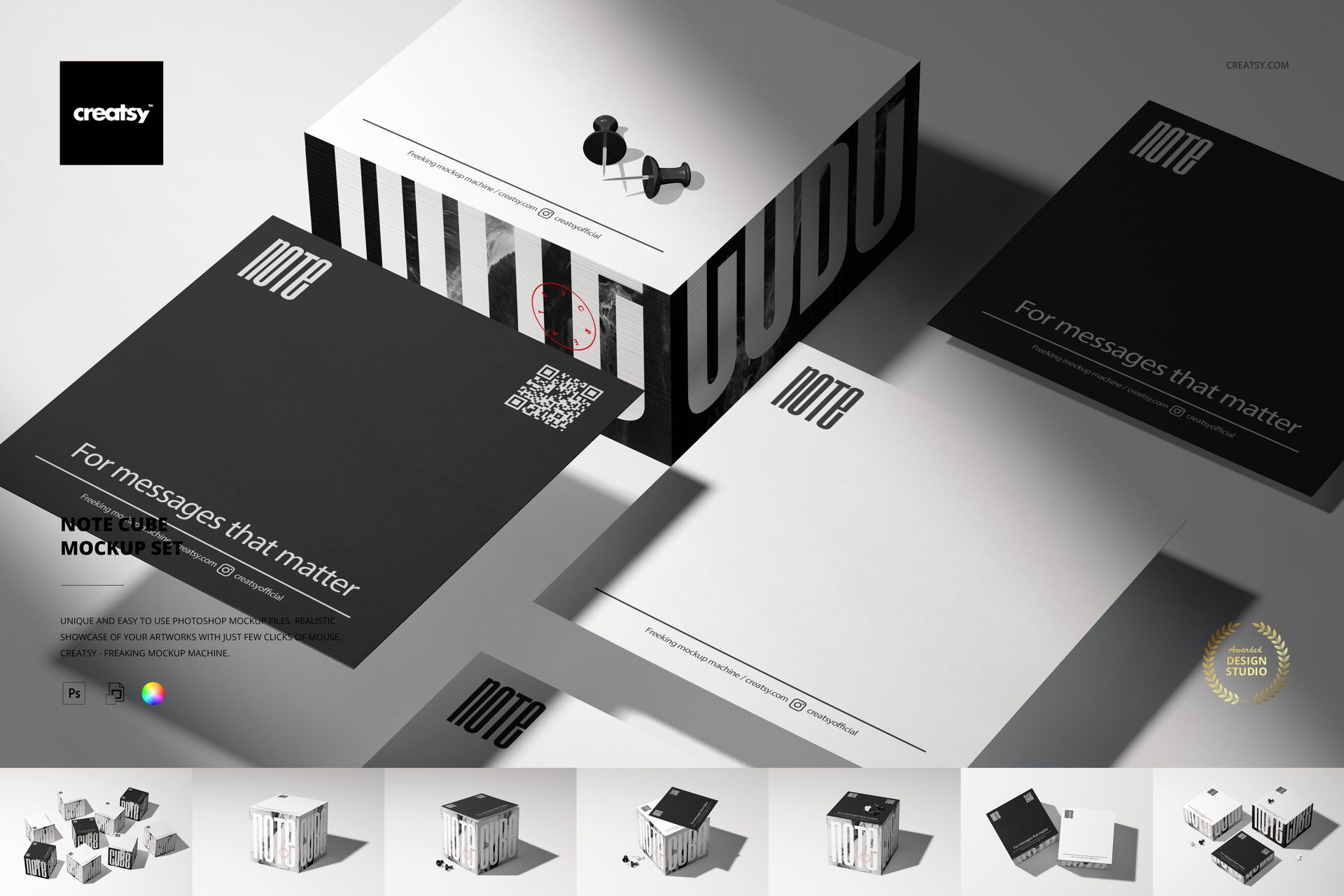
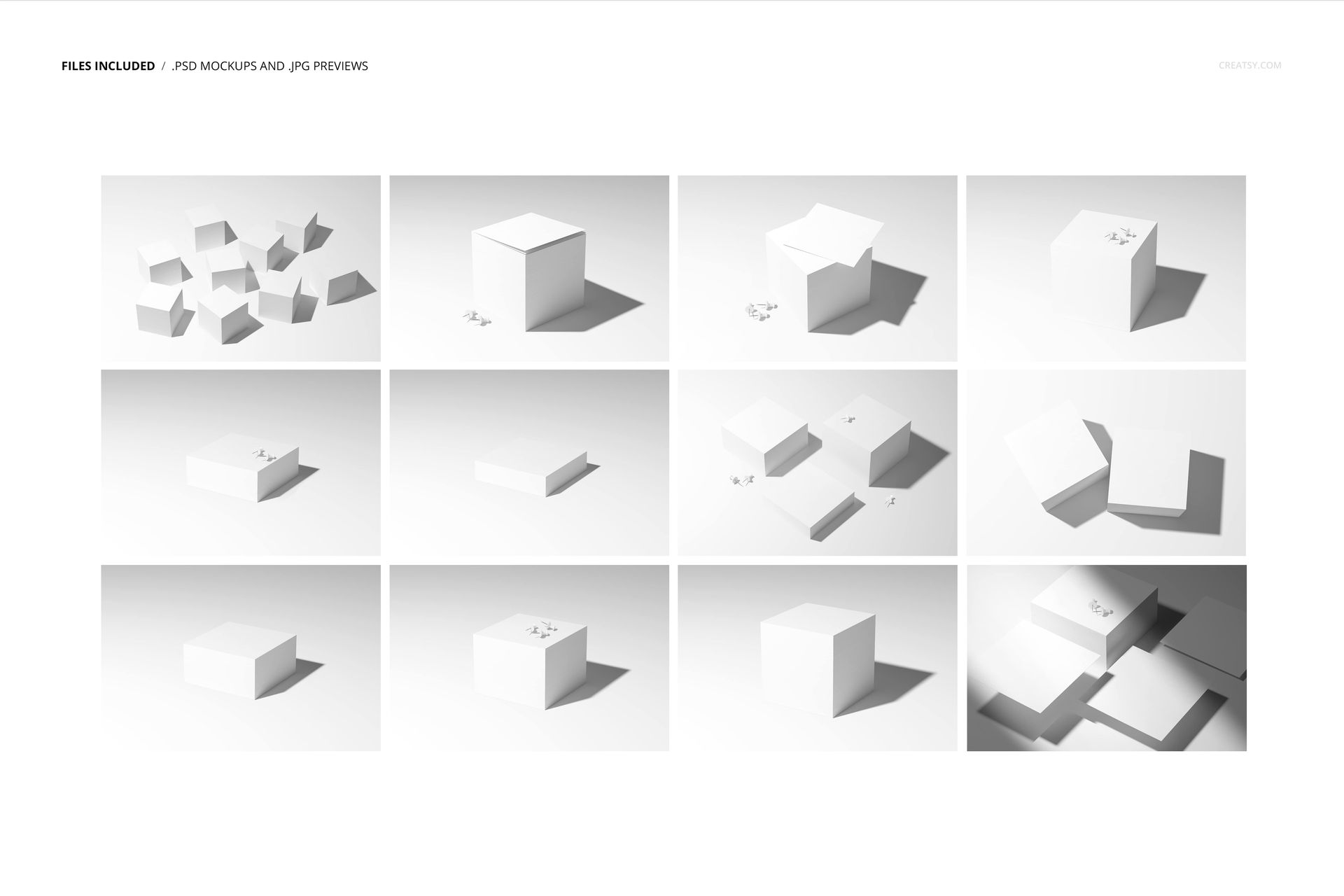
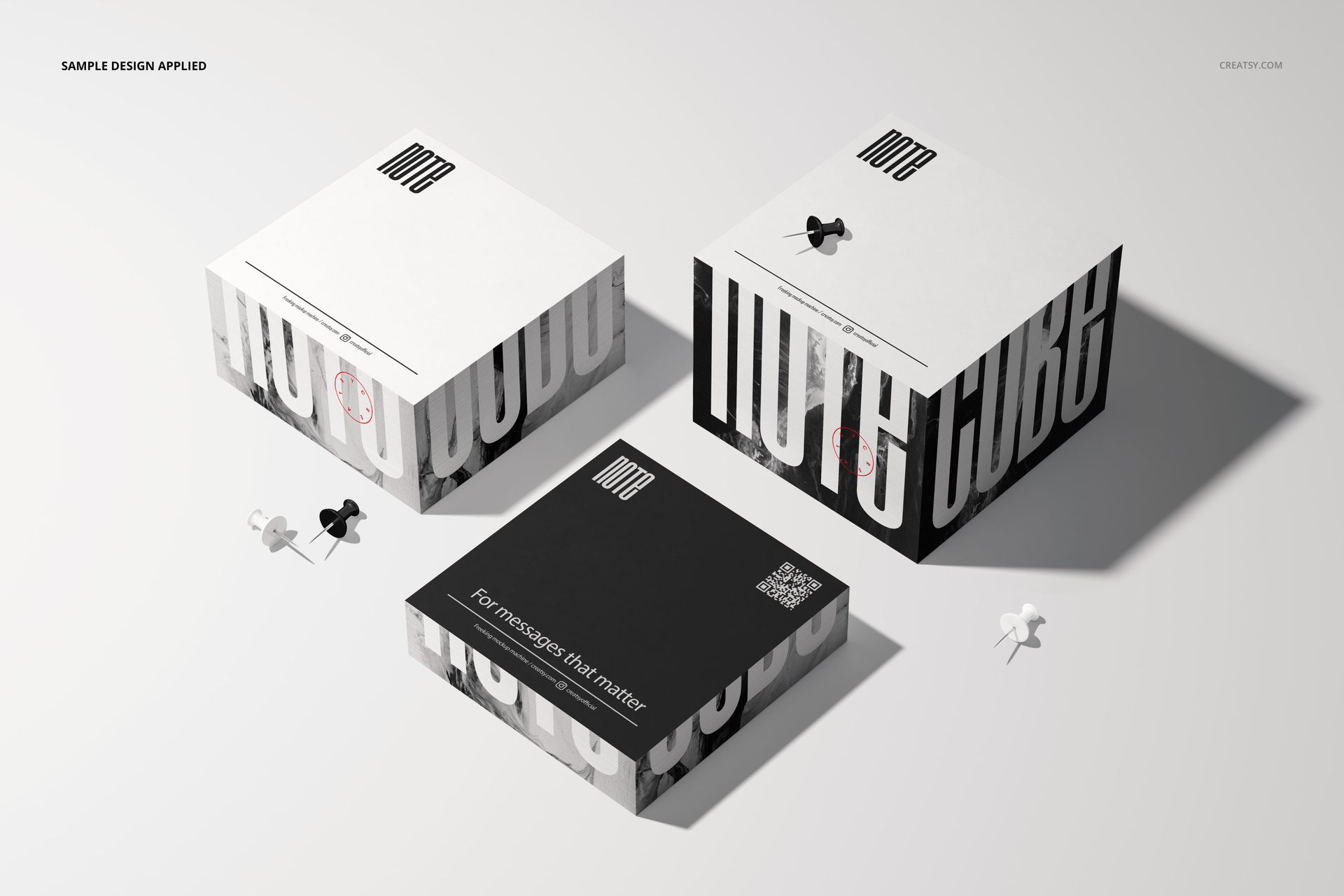
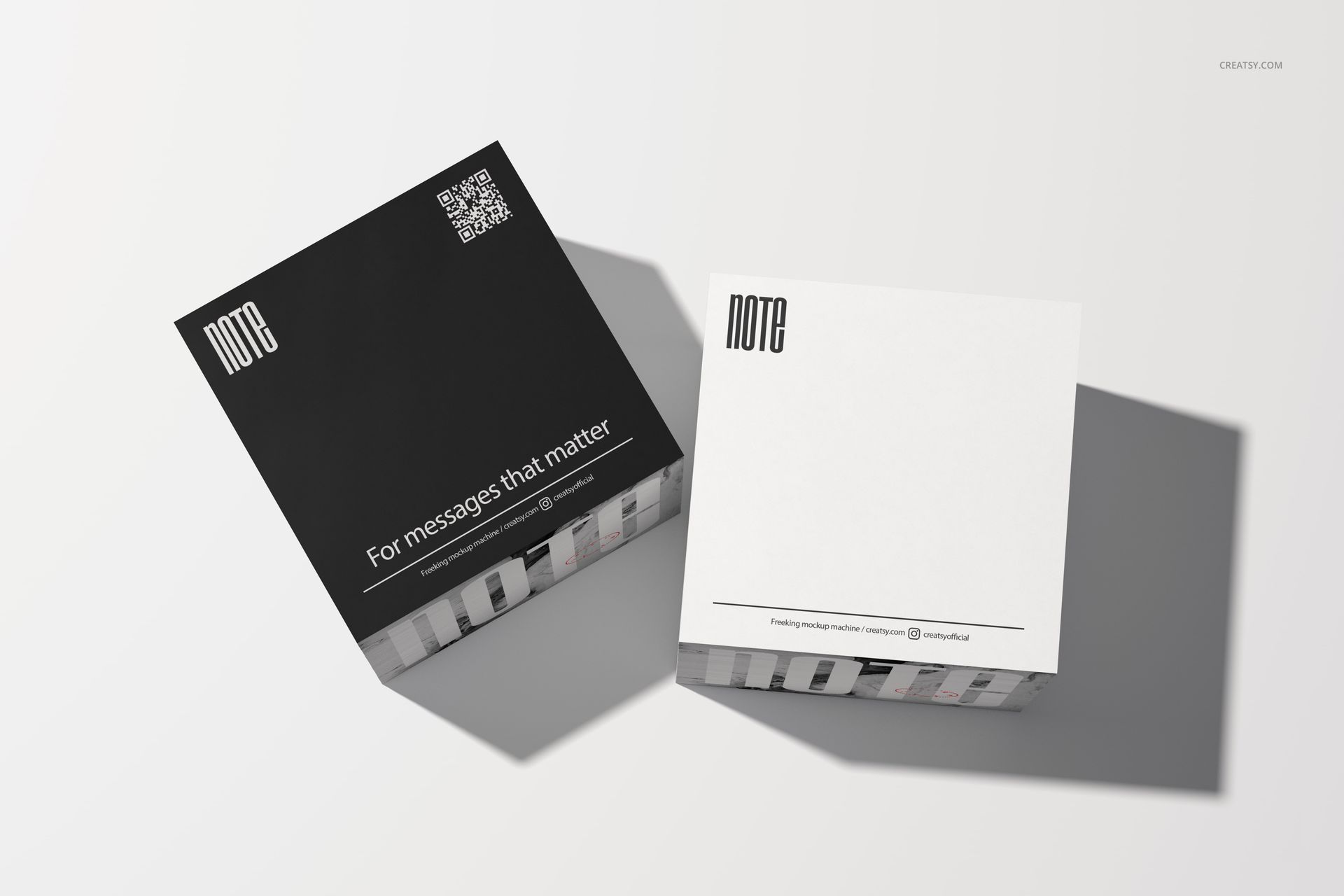
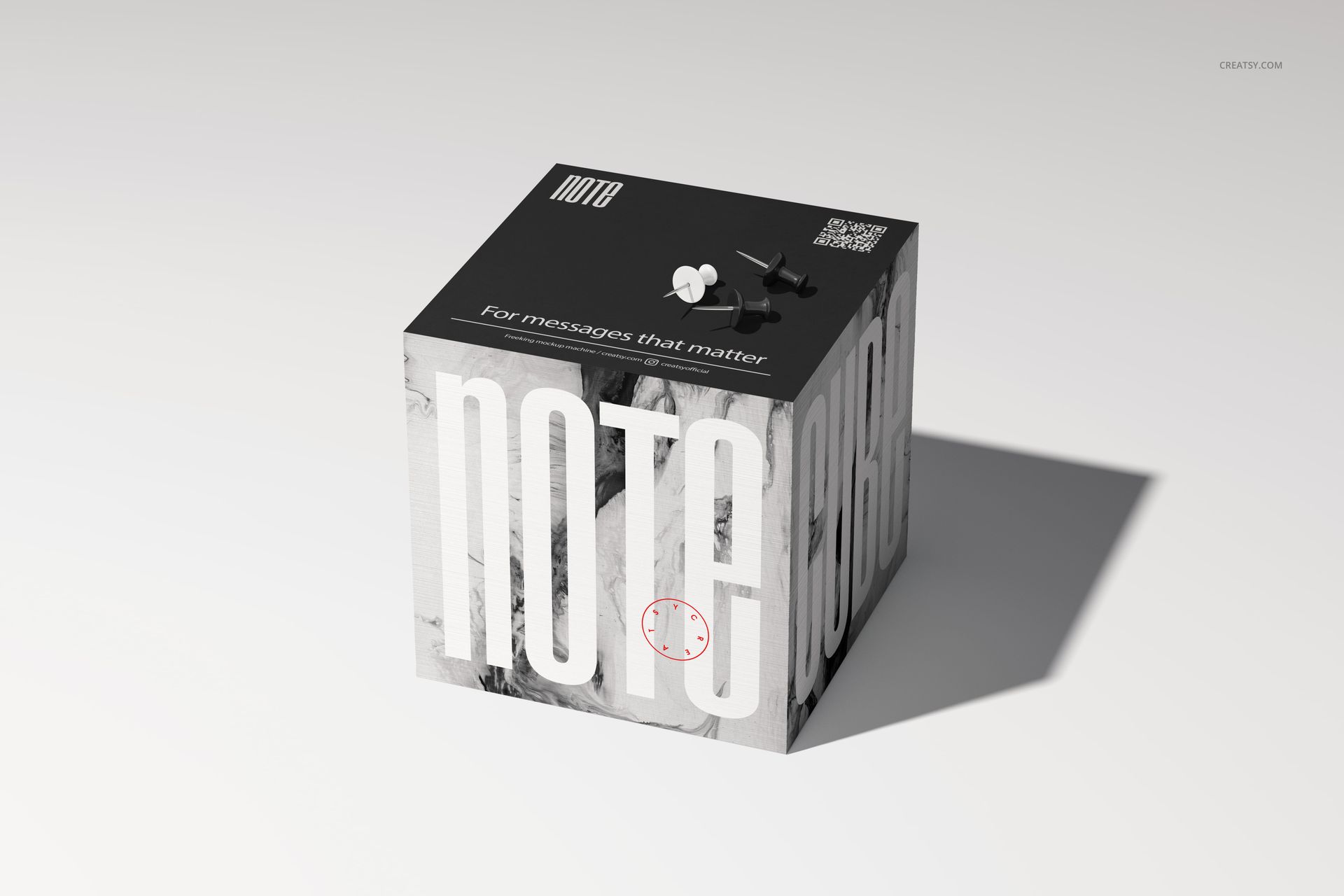
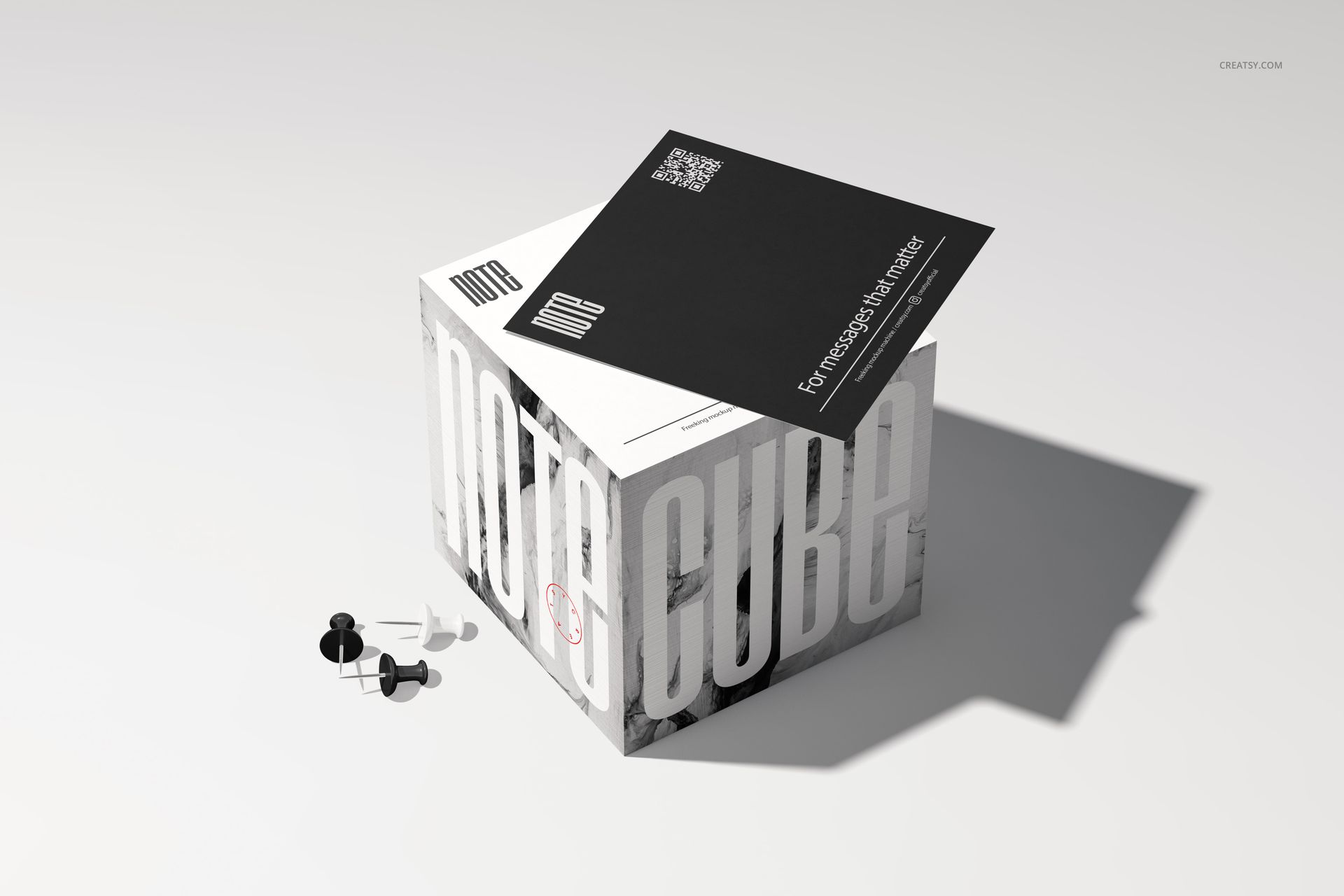
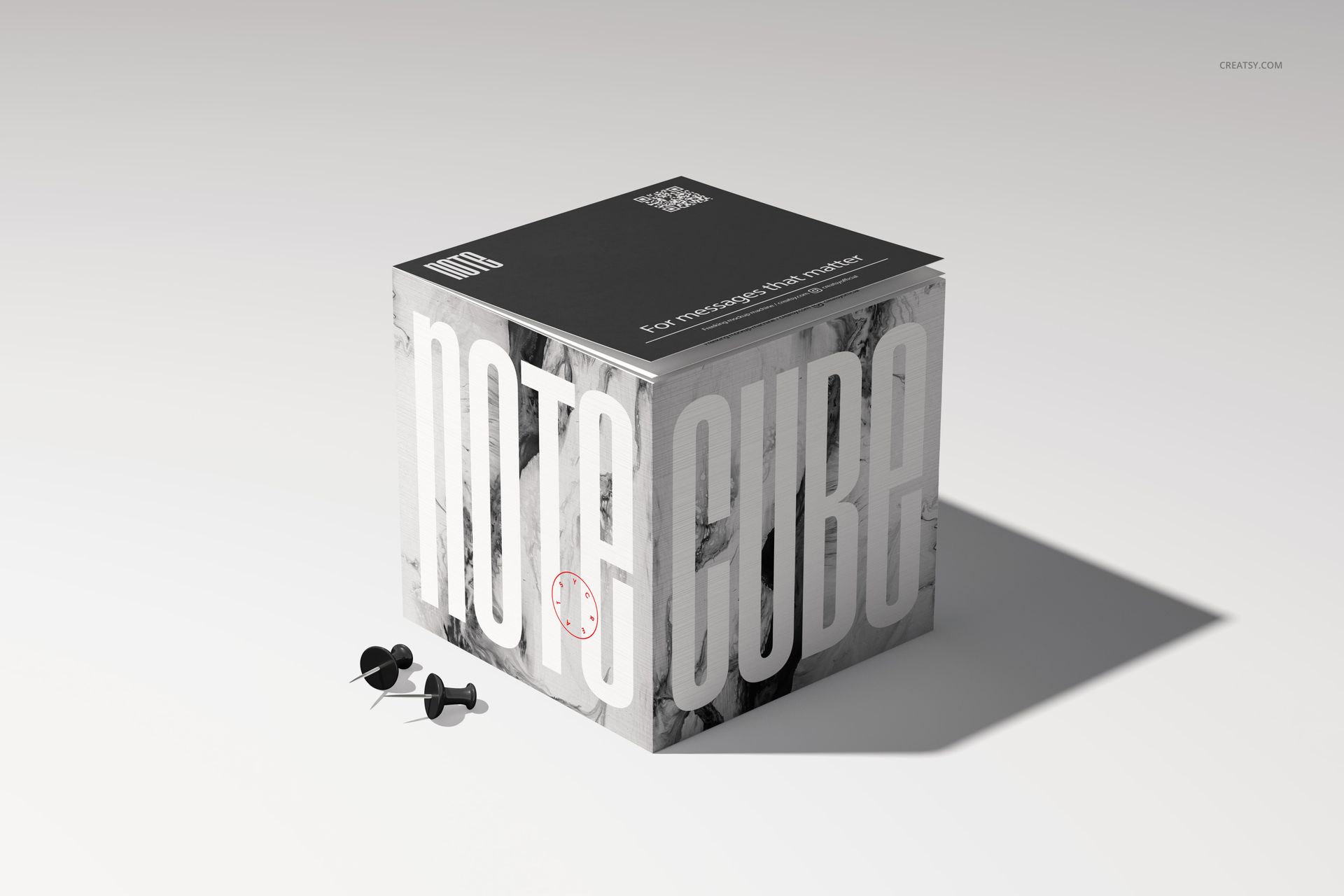
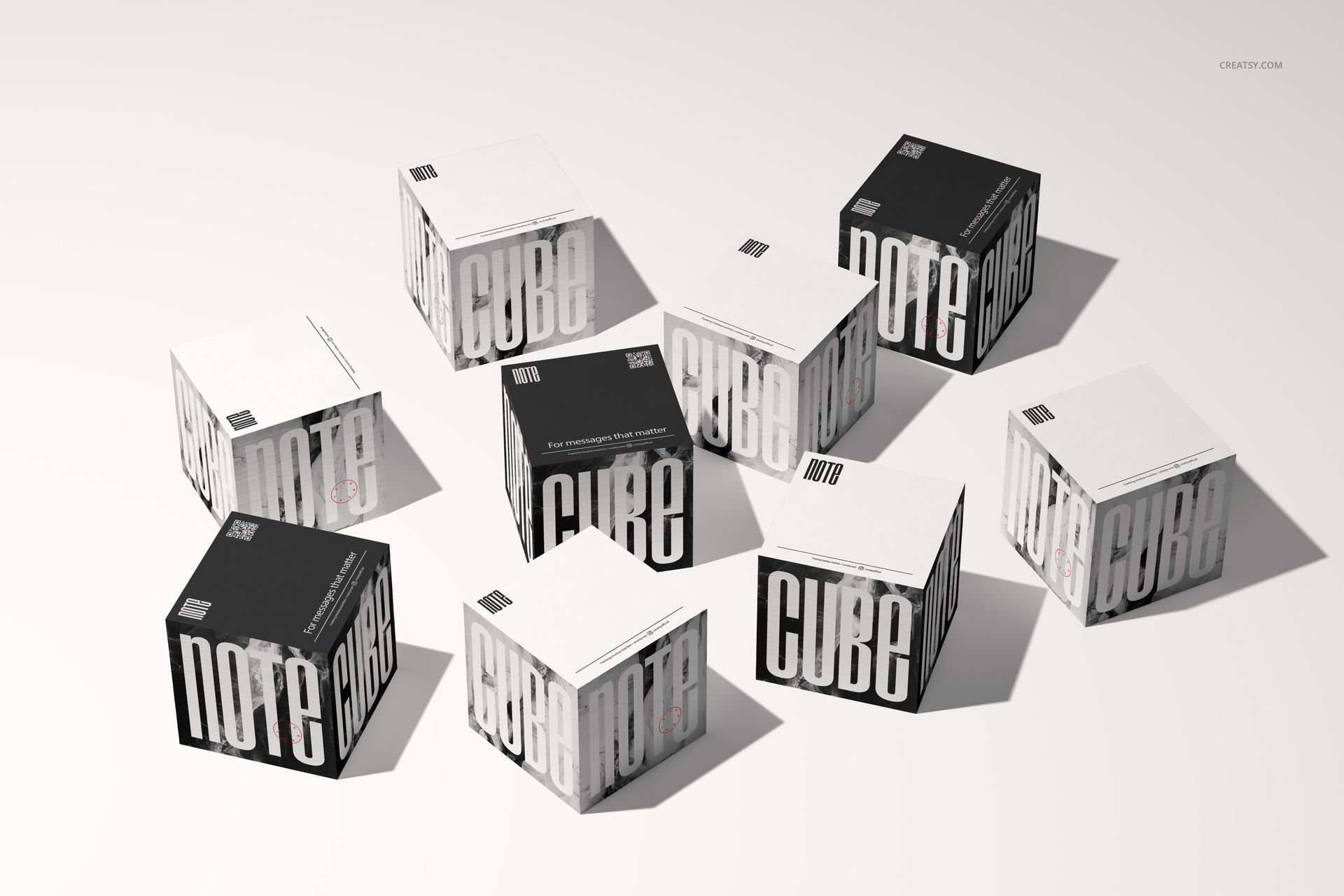
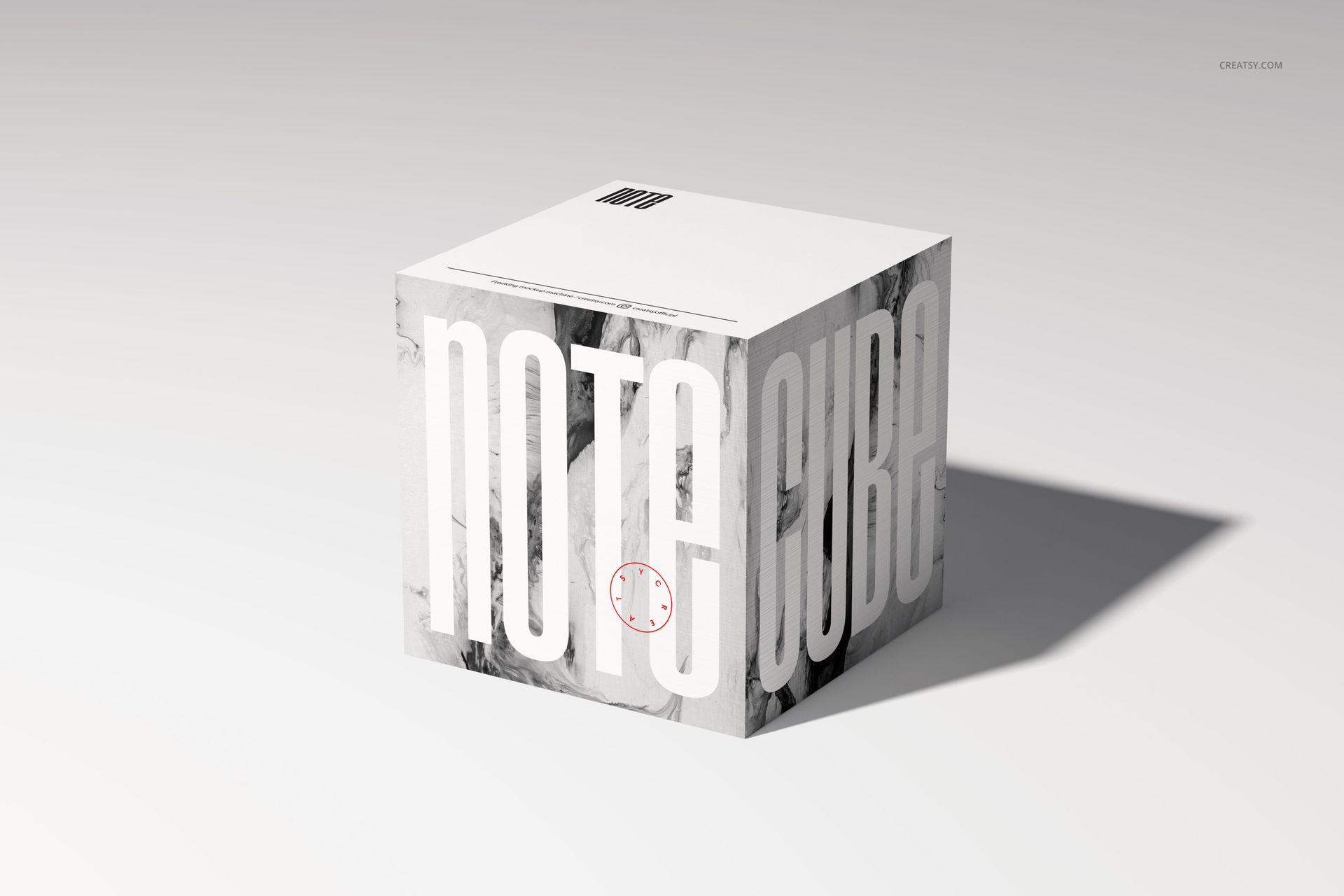
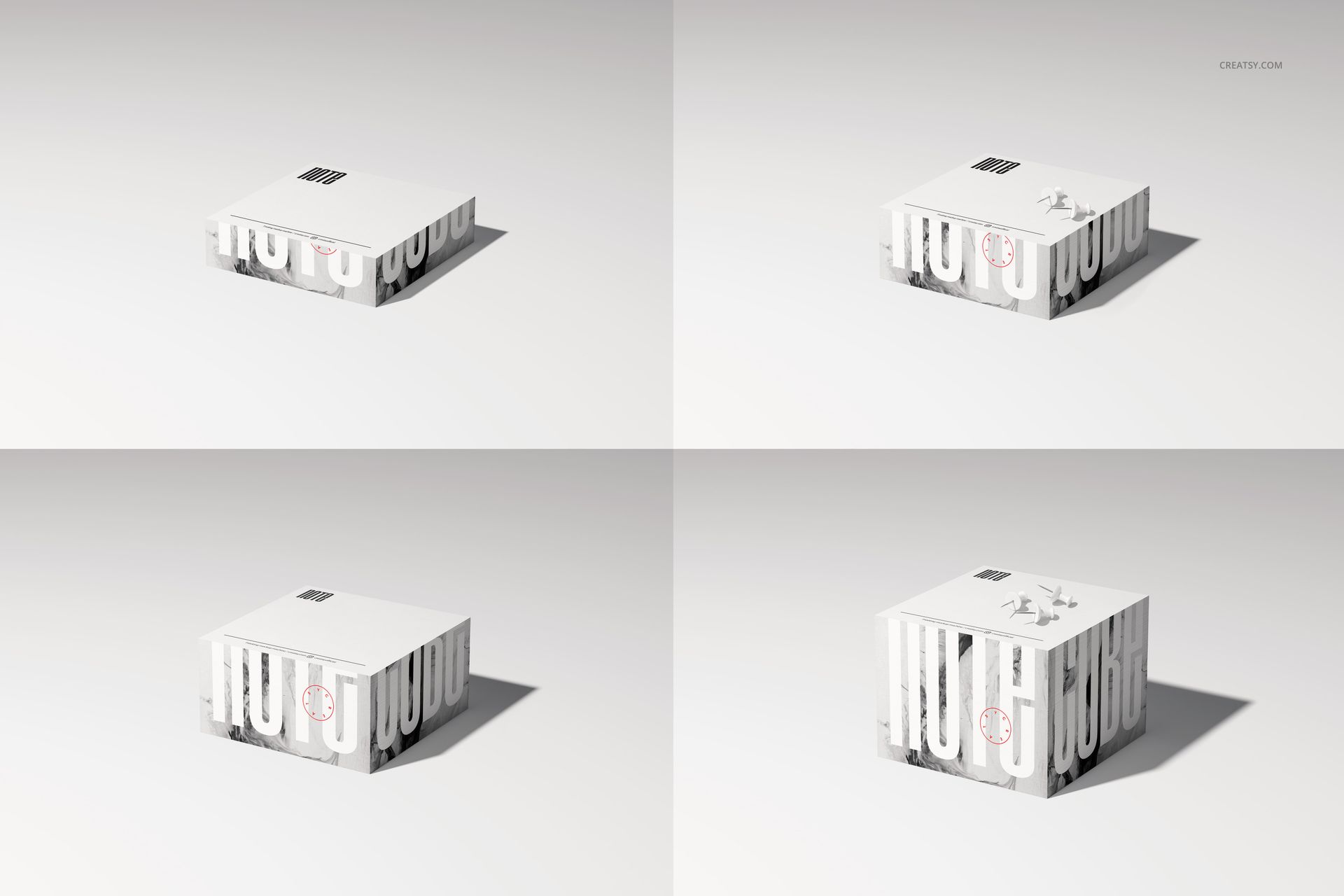
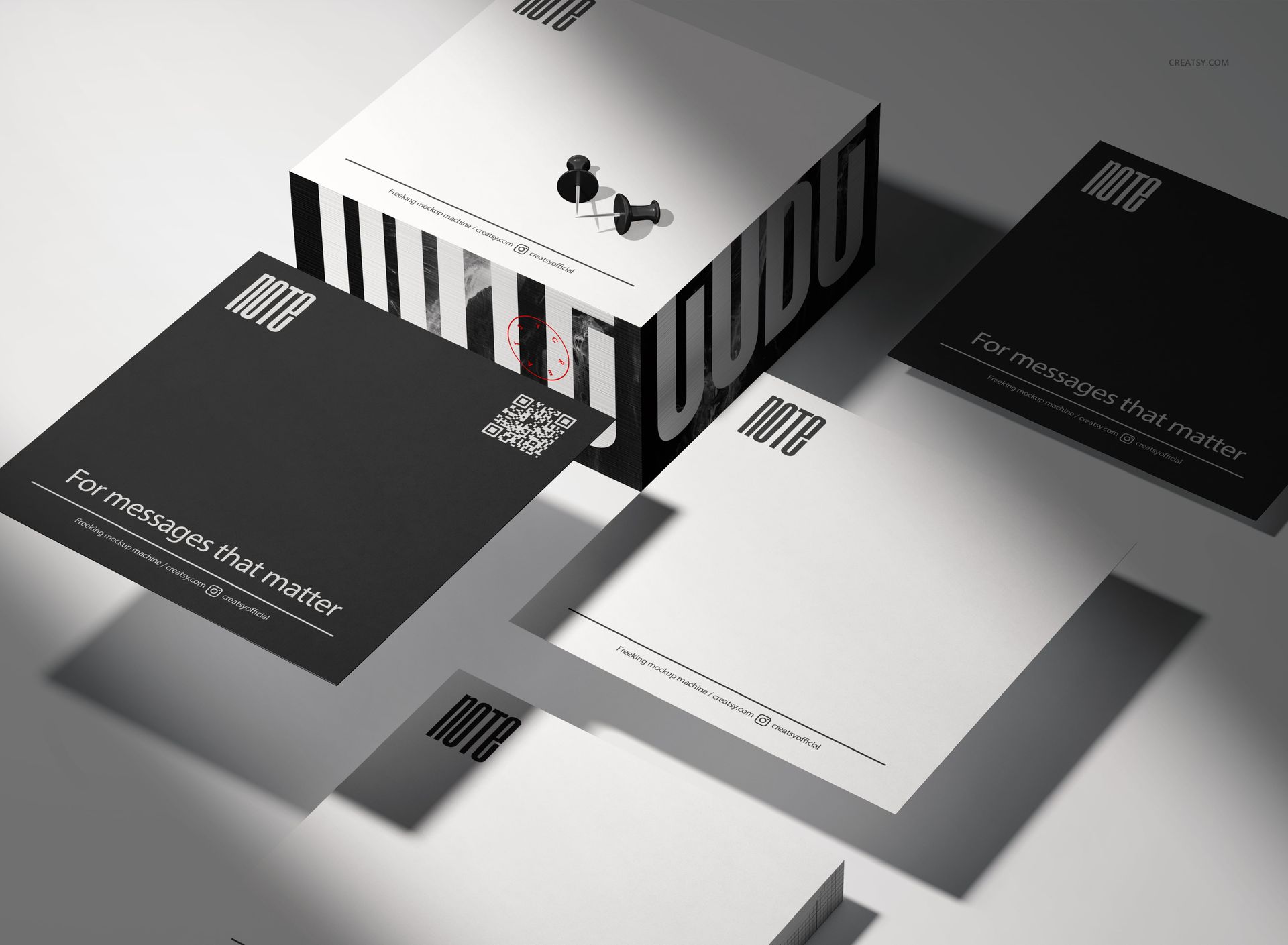
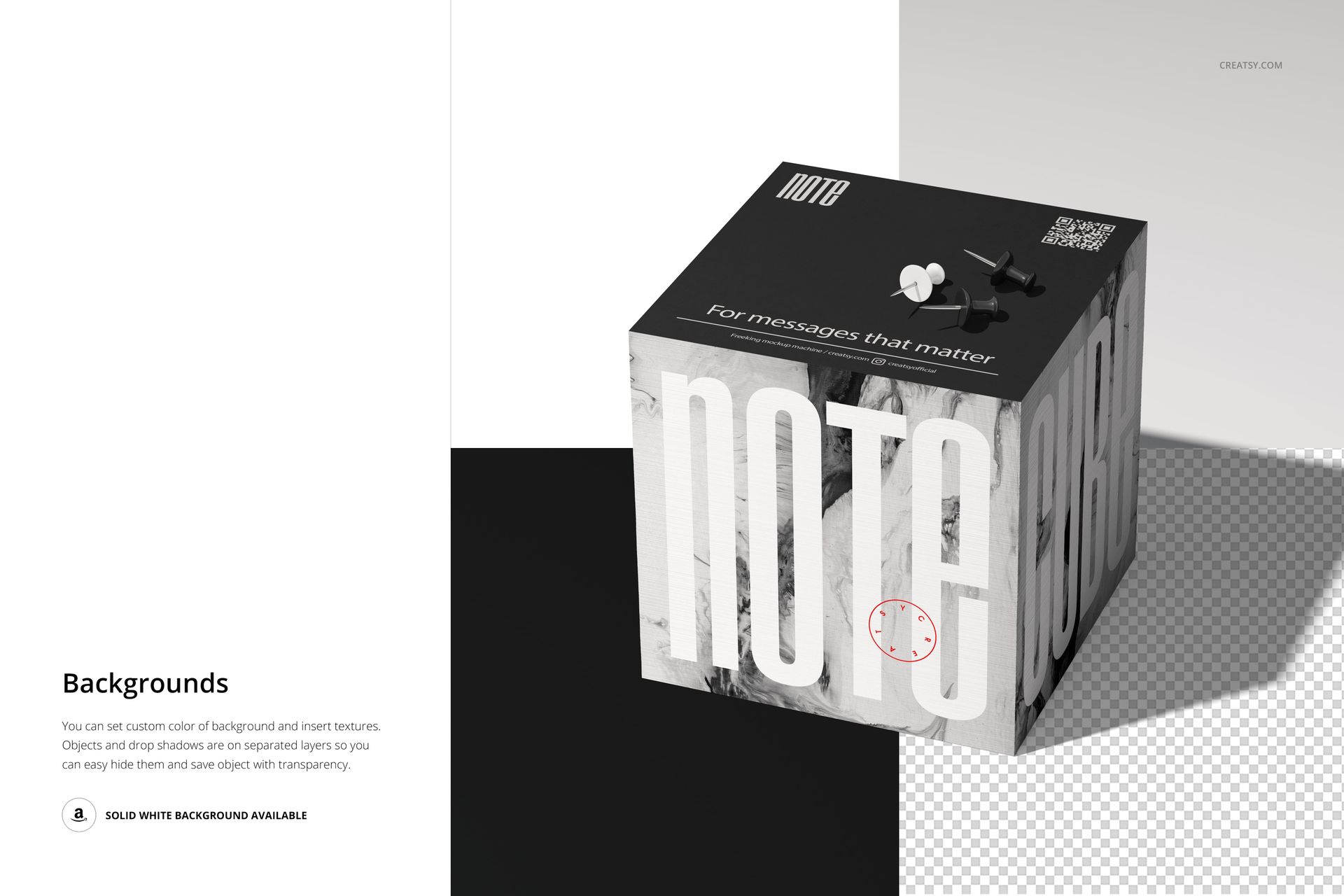
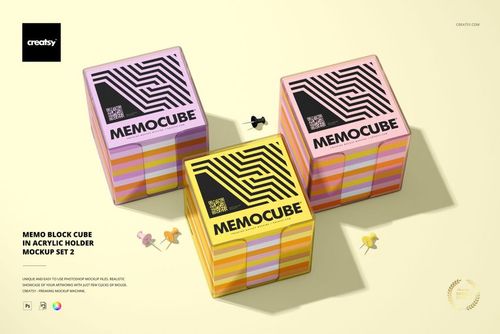
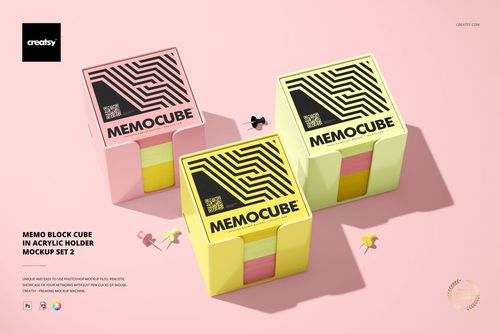
Present note cube and memo block designs across 12 separate high-resolution scenes. The collection includes grouped and individual cube-shaped paper blocks shown from varied angles and with different stack heights, loose or lifted sheets, and push pins in selected compositions.
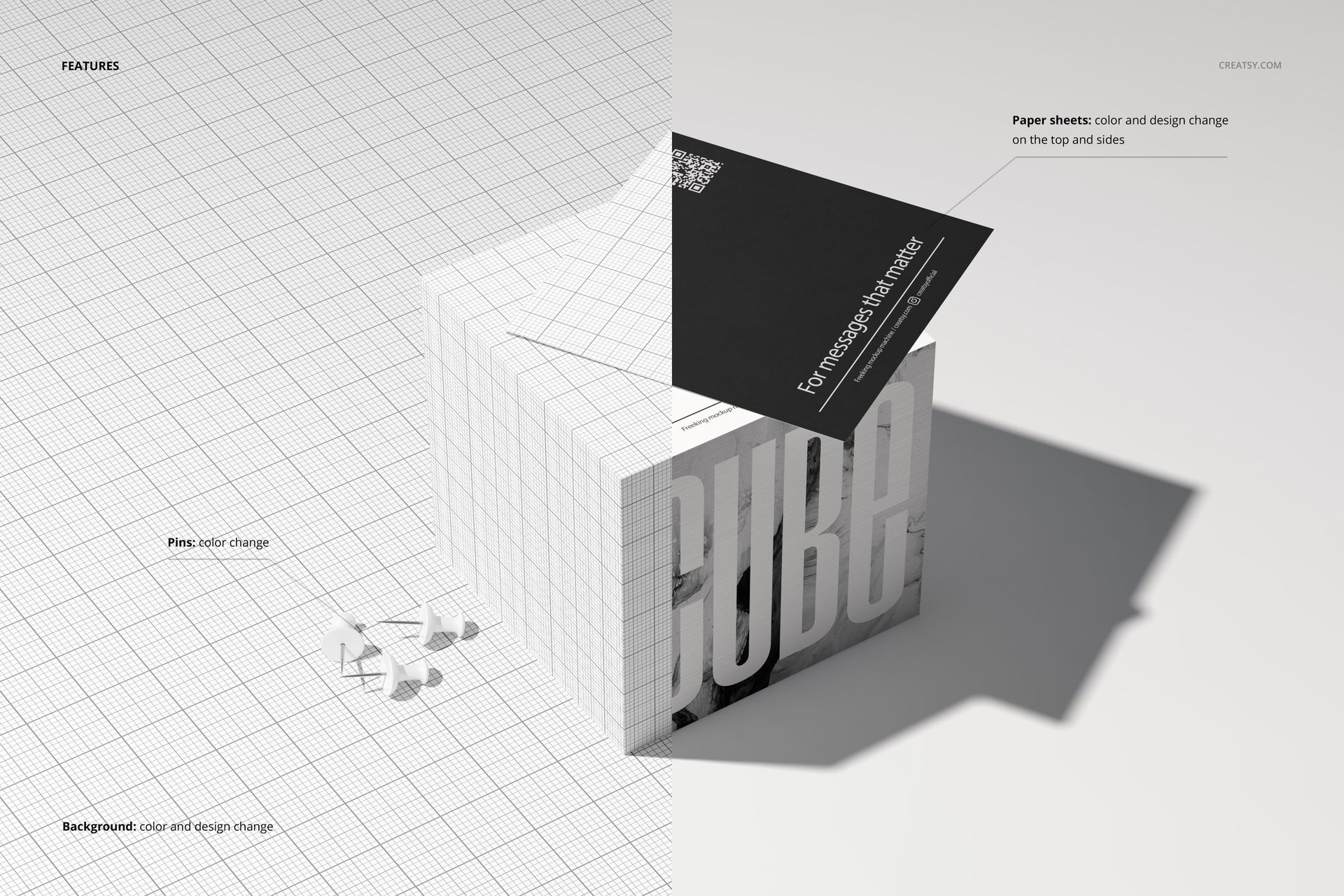
Place artwork with Smart Objects, then use the organized layers to adjust the visible paper surfaces. Change the color and design on the top and sides of the note cubes, and recolor the push pins in scenes where they appear.
Explore 12 Scene Variations
Grouped note cubes for coordinated collection presentations
Individual memo blocks for focused artwork previews
Top, front, and angled viewing perspectives
Different paper stack heights and sheet arrangements
Selected compositions with loose sheets or push pins
Included Files and Resolution
12 separate layered PSD mockup scenes
12 JPG preview images
1 PDF user manual
25 files in total
PSD canvas size: 6000 x 4000 px at 300 DPI
Package size: 510 MB for Windows and 535 MB for macOS
Software Compatibility
Open the PSD files in Adobe Photoshop CS6 or later, or edit them with the Photopea online mockup editor.
Please Note
This is a digital mockup product. No physical note cube, paper sheets, or push pins are included or shipped. Patterns and graphics shown in the previews are demonstration artwork and are not included.