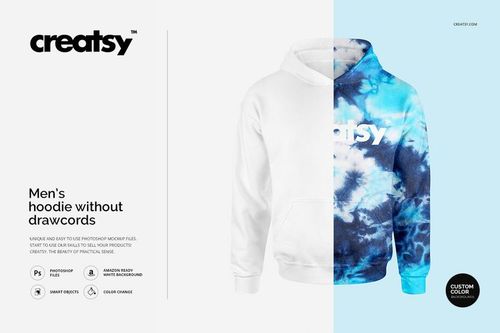
Designer Questions (Quick Answers)
Q1. How do I place my artwork on the hoodie?
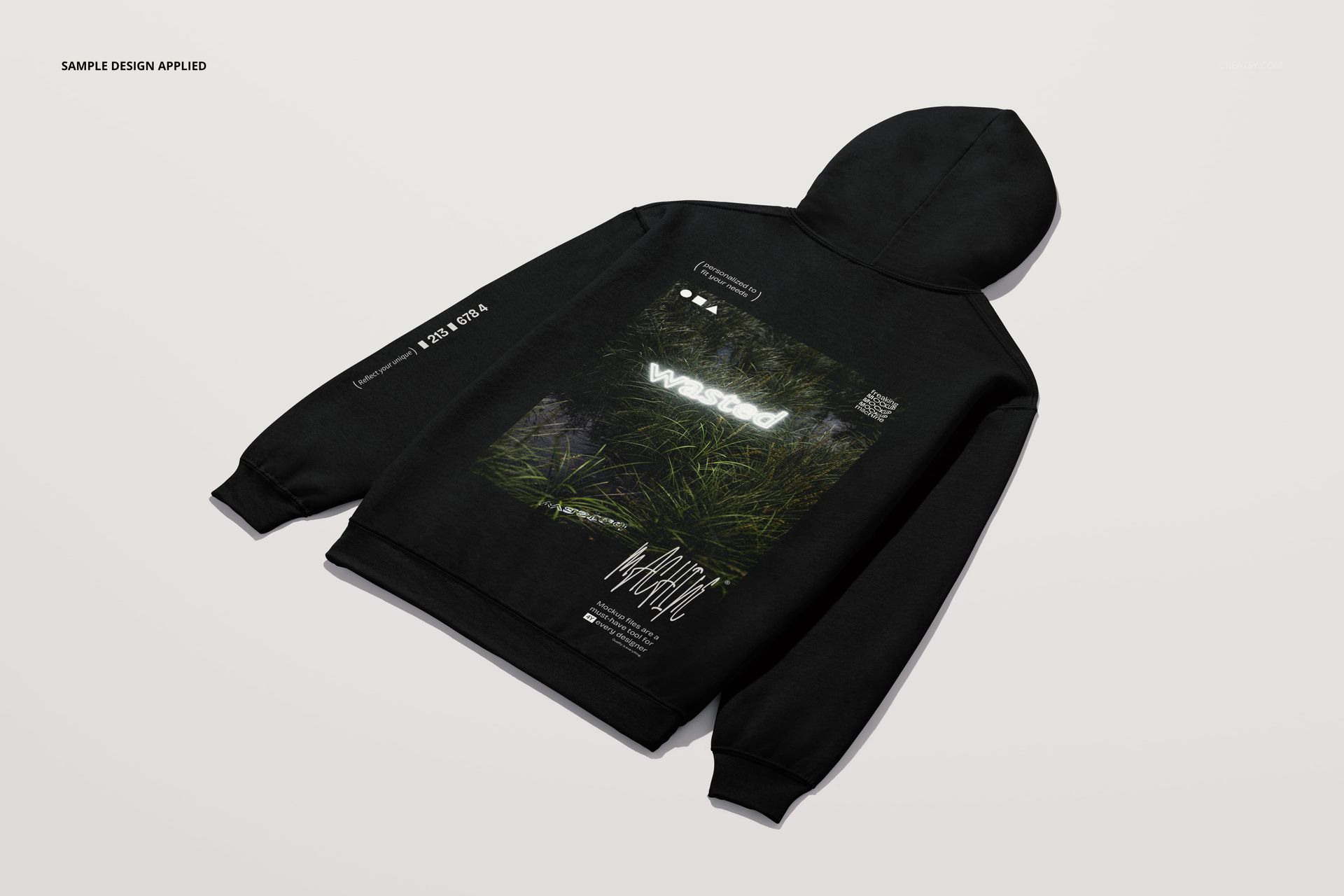
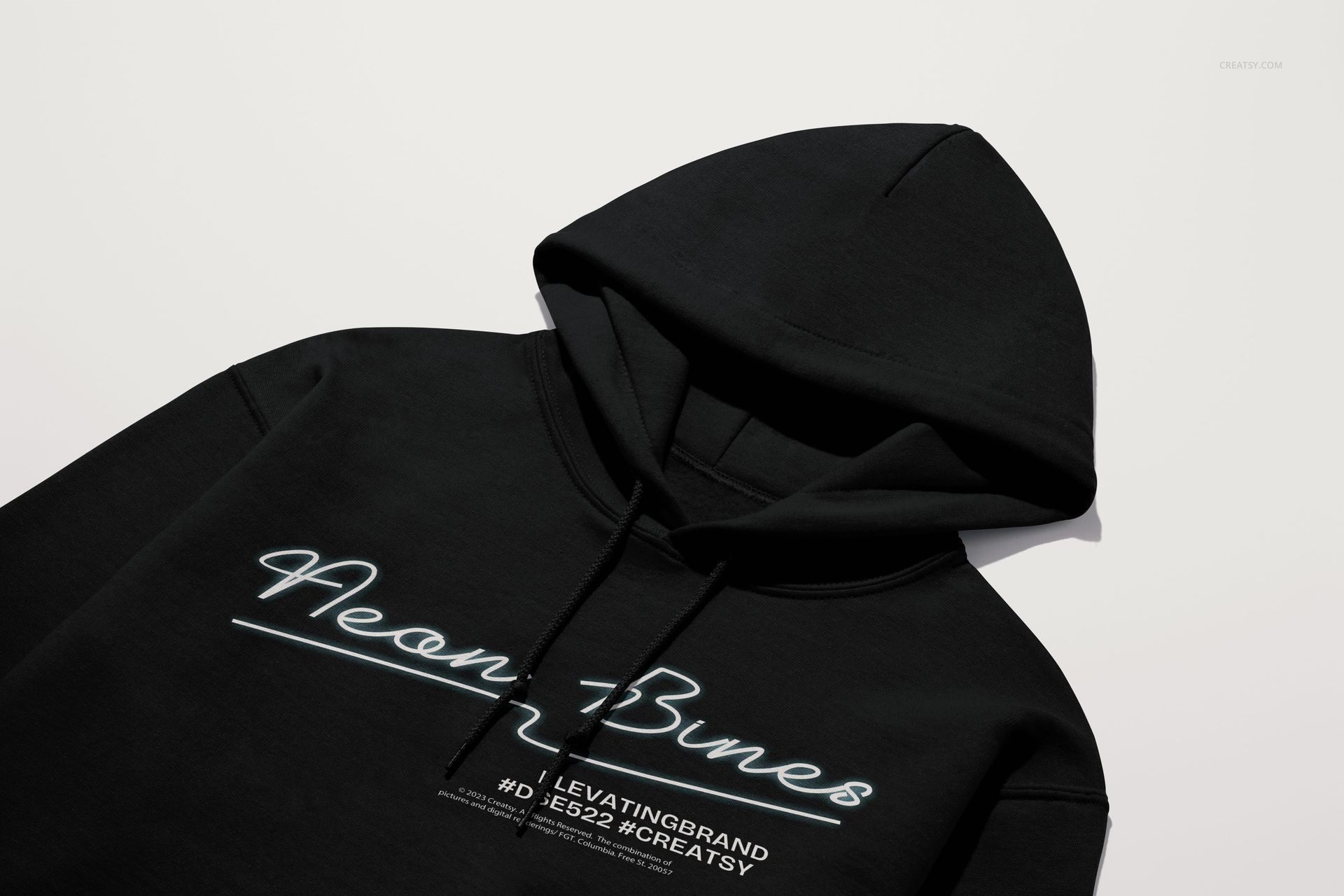
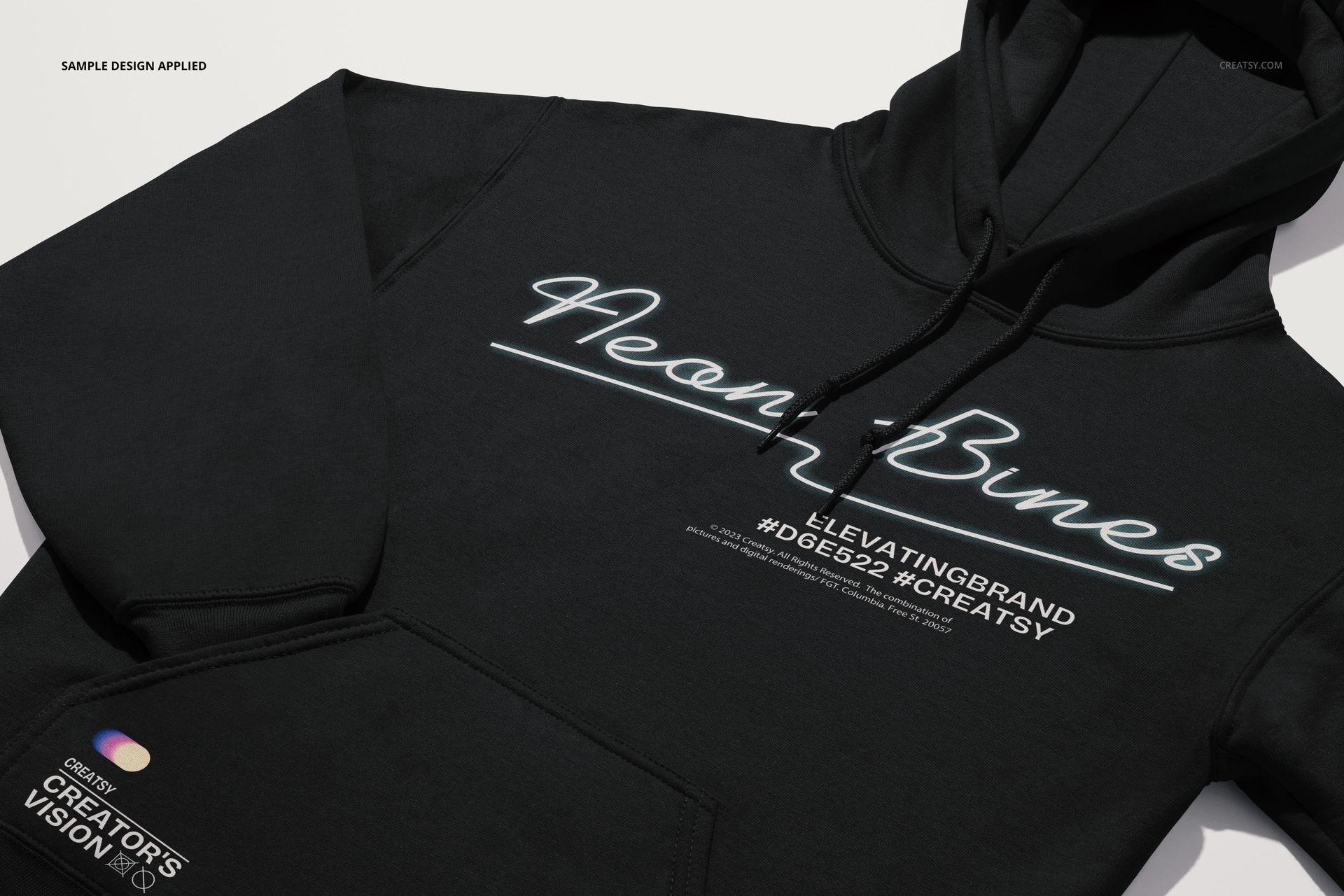
In each PSD, double-click the main Smart Object for the print area, paste your artwork, save the Smart Object, and return to see your design wrapped realistically around the hoodie folds and seams.
Q2. Can I change hoodie colors to match my brand?
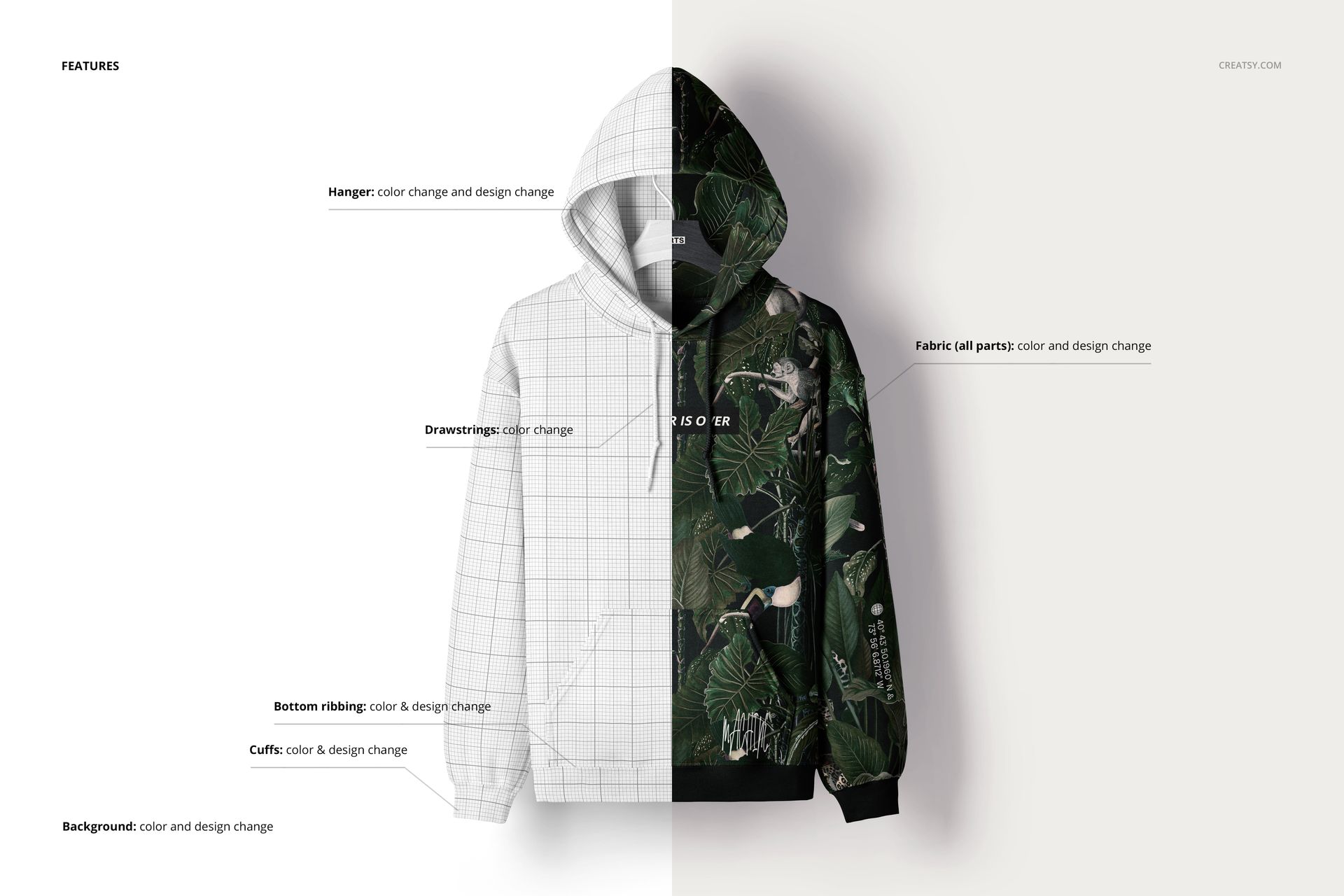
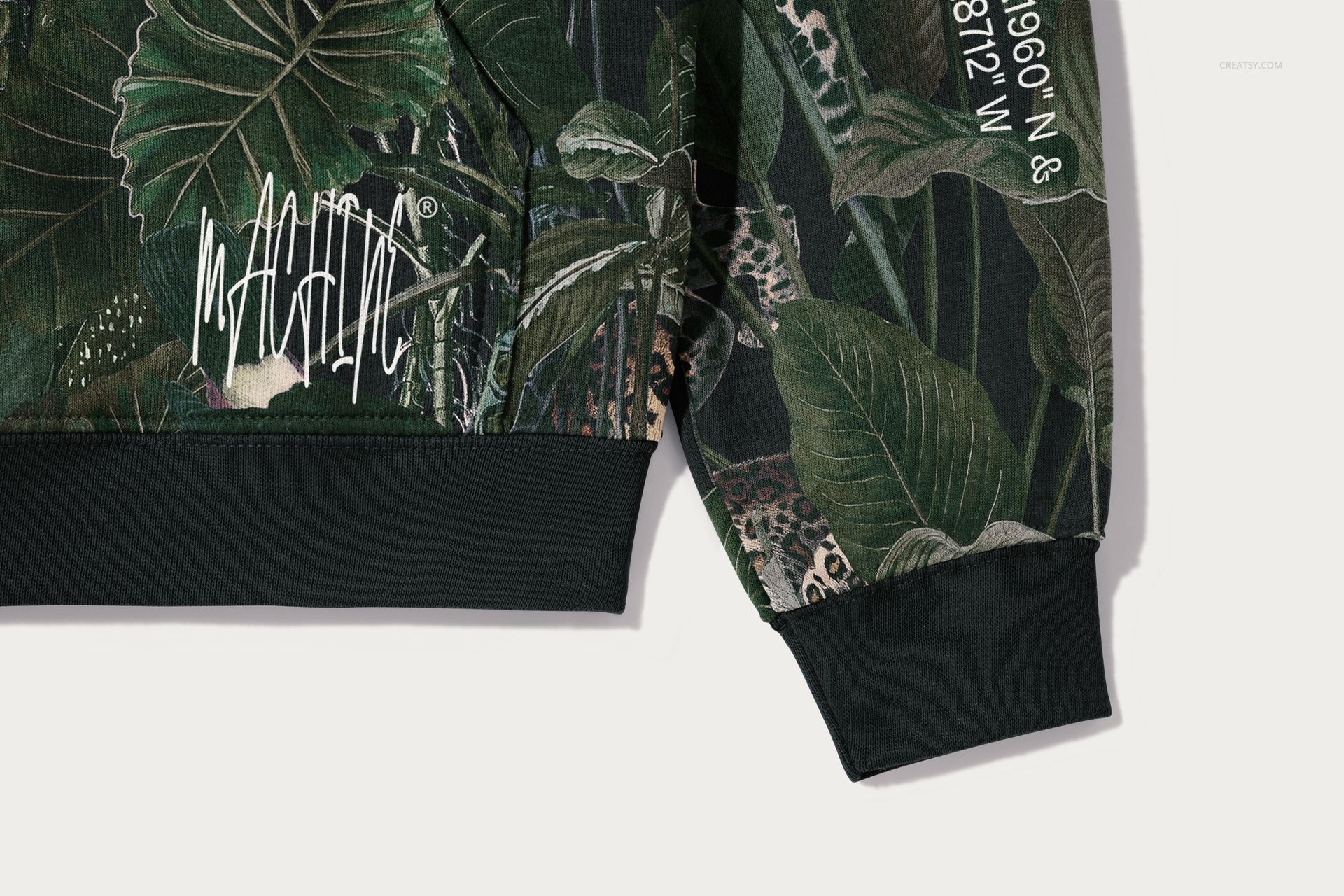
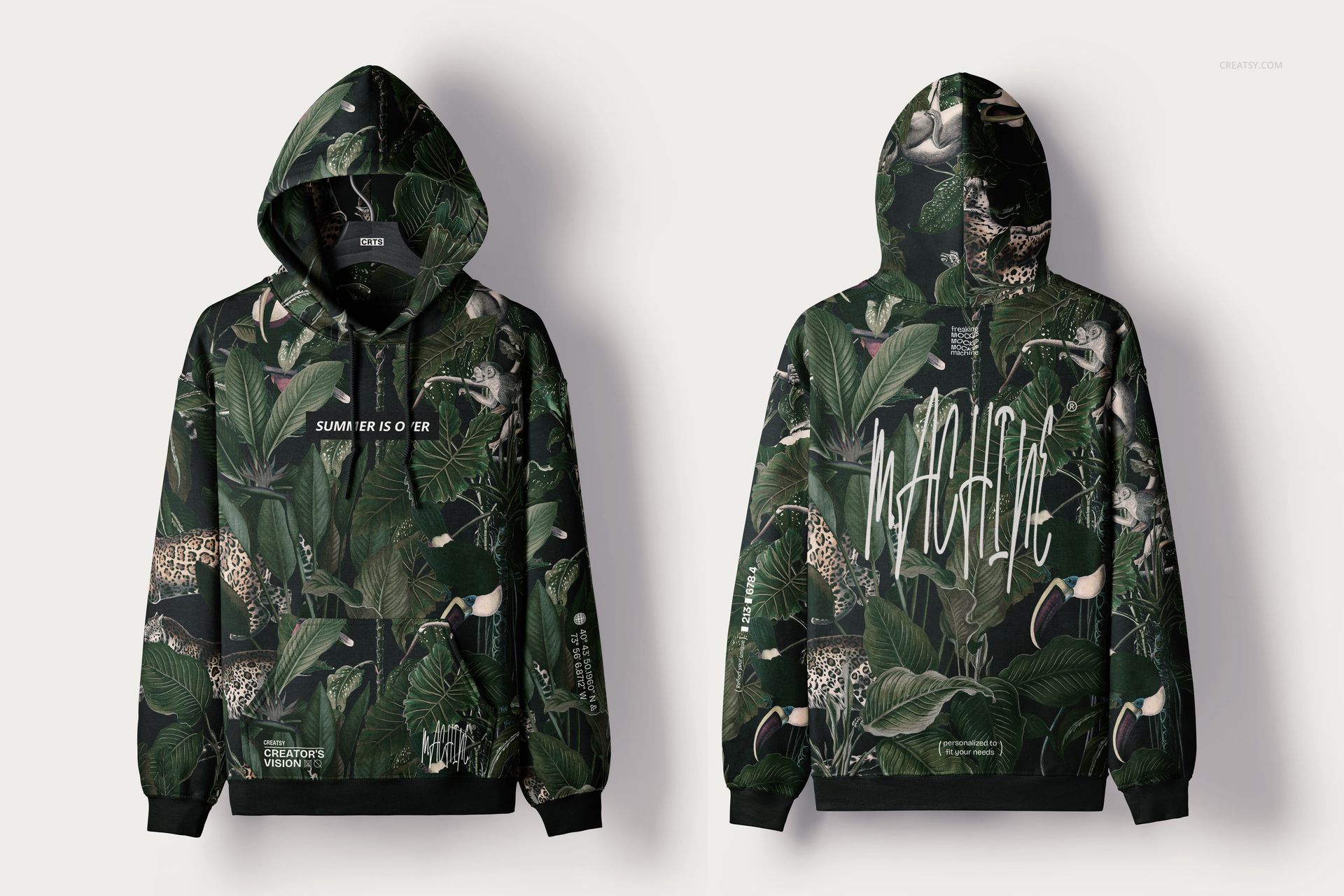
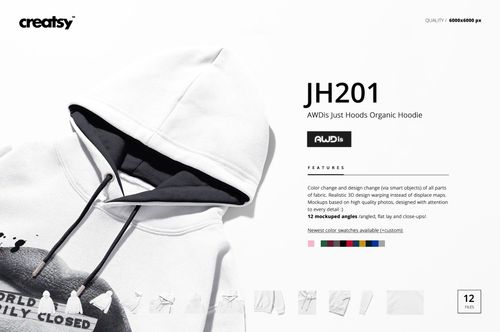
Use the dedicated color or fabric color layers for the hoodie body, ribbing, and hood, and adjust their color settings so each panel matches your brand palette while keeping the original texture and shading.
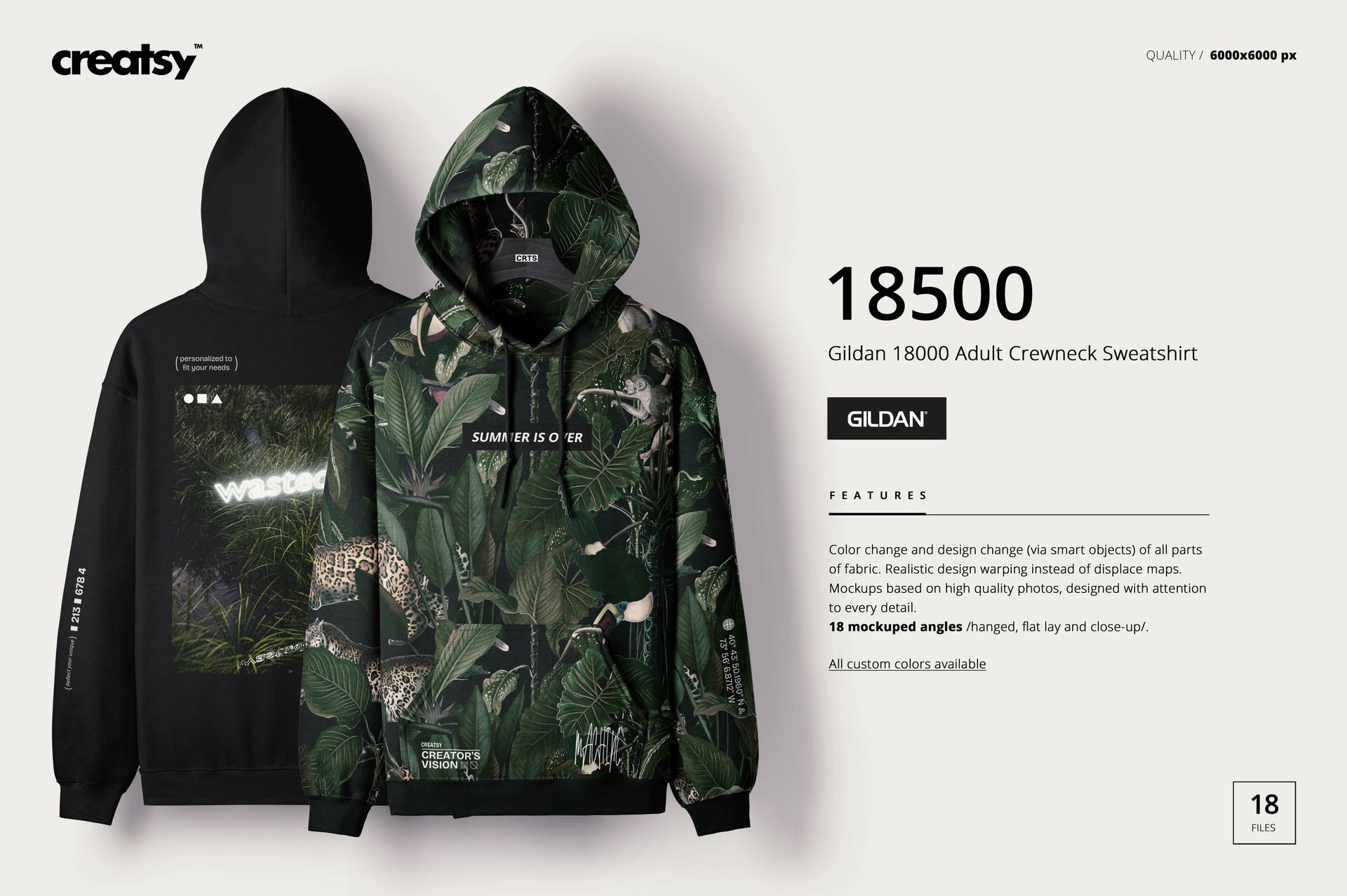
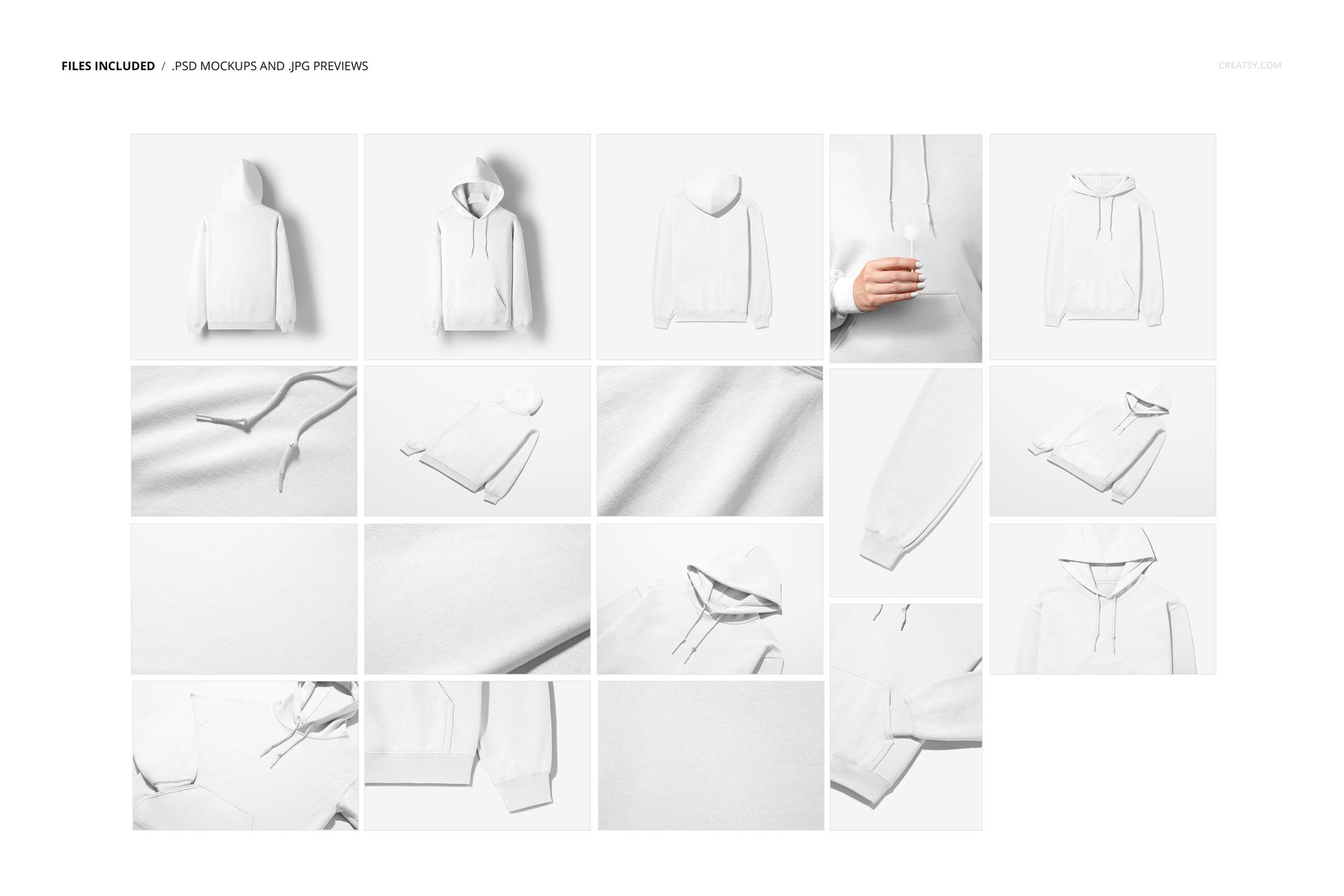
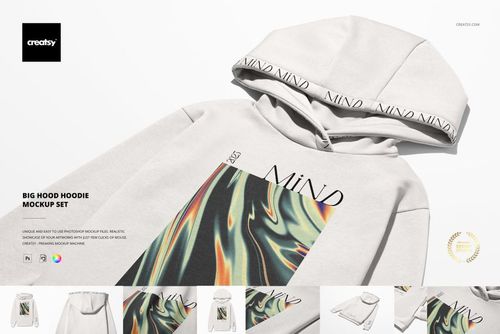
Q3. What’s included in the Gildan 18500 Hoodie Mockup Set?
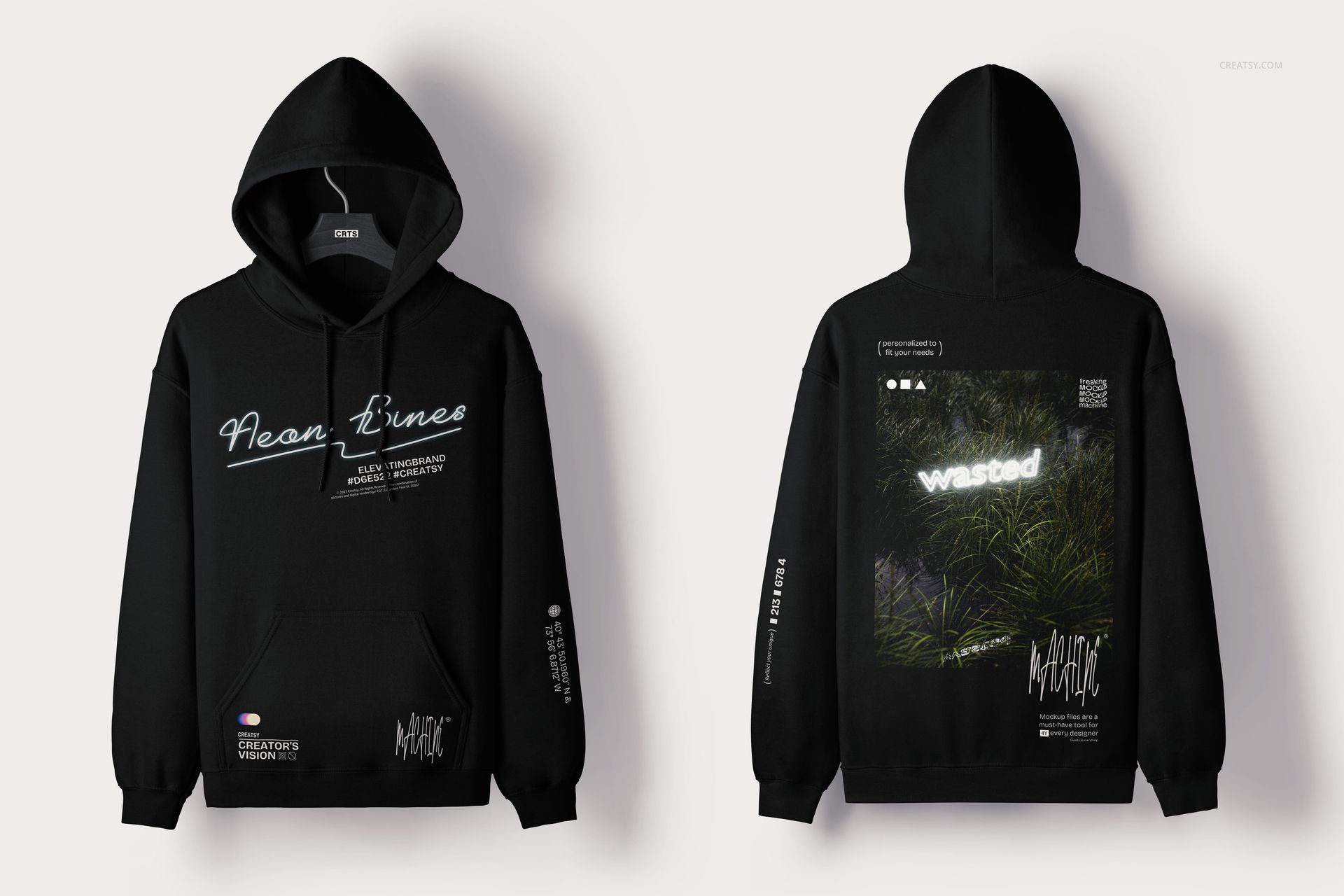
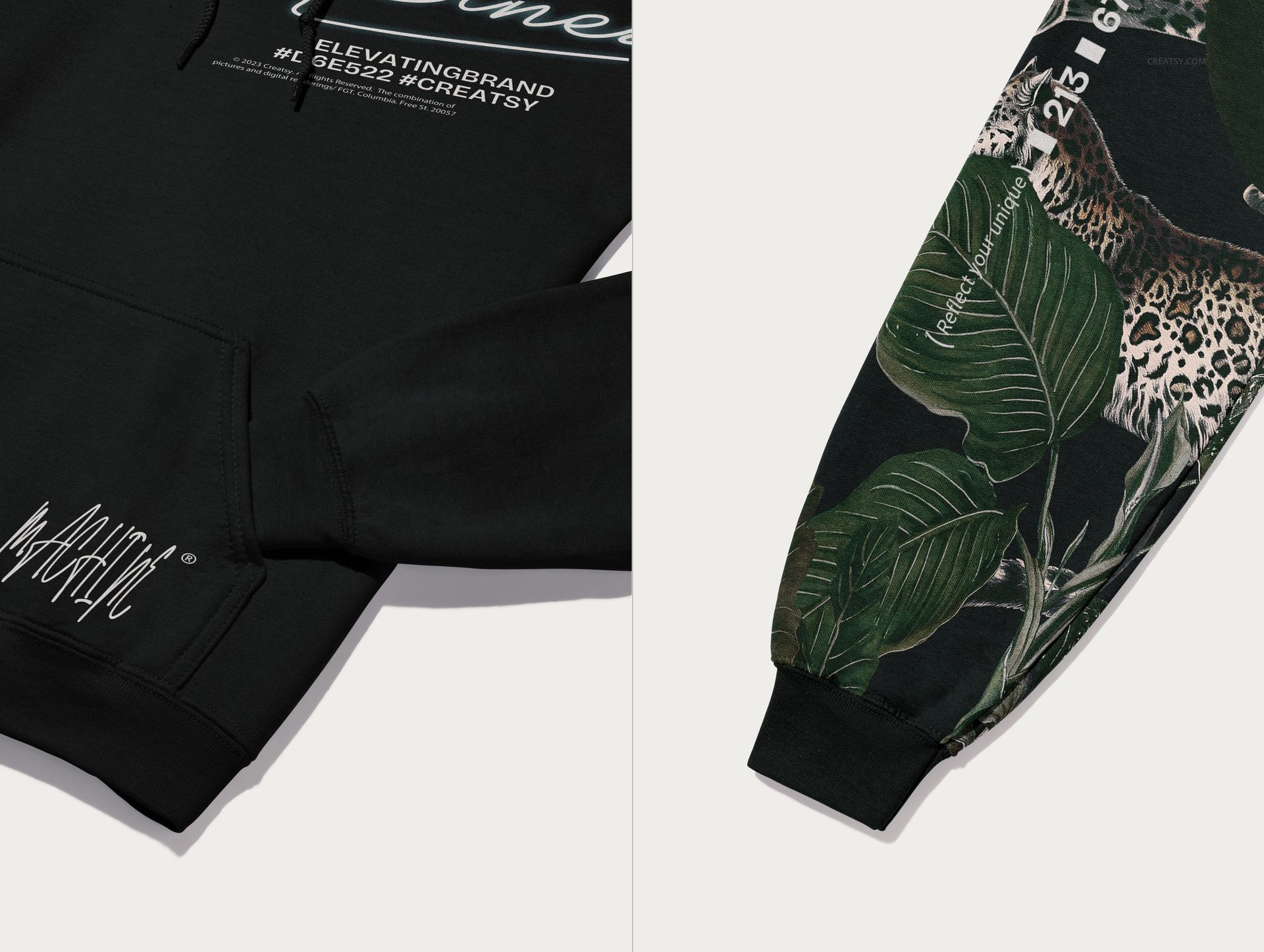
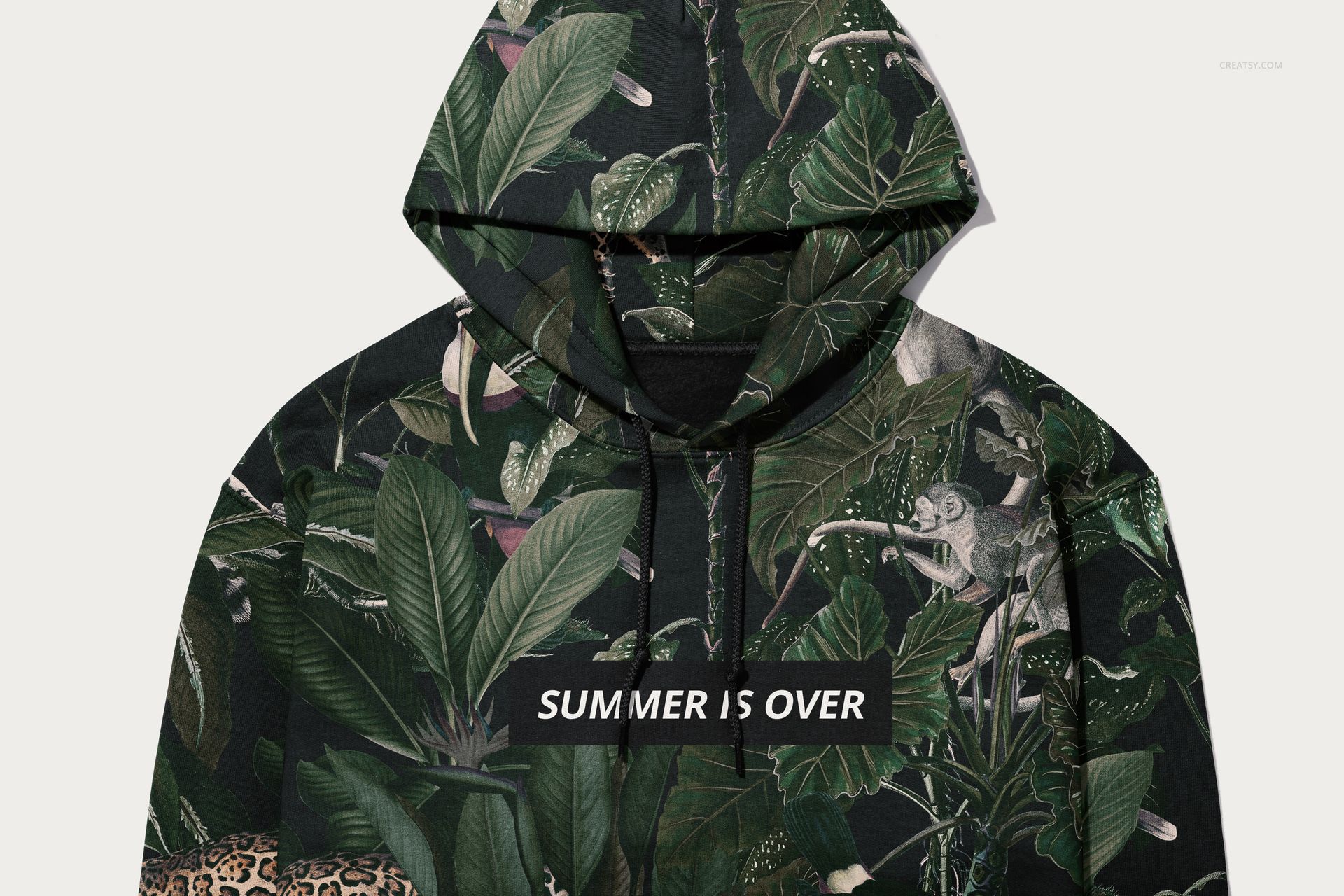
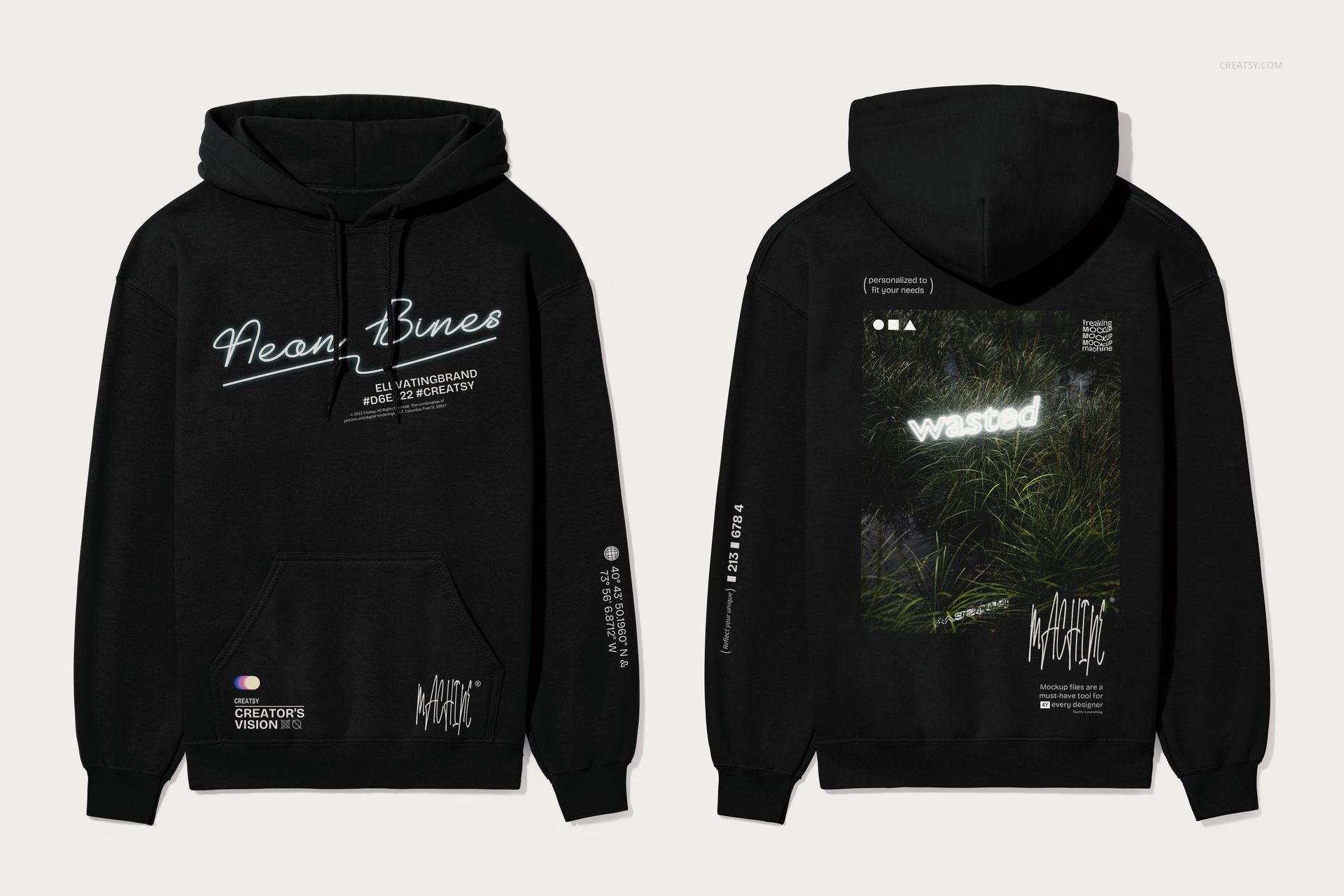
The pack includes 18 layered PSD files at 6000 × 4000 px and 6000 × 6000 px, 300 DPI, giving you a range of hoodie views and close-ups ready for product pages, campaigns, and social media.
Q4. Does this mockup set work in Photopea or only Photoshop?
The set works in both Adobe Photoshop CC 2020 or newer and Photopea. All Smart Objects and main adjustments are fully editable in Photopea, so you can customize colors and artwork in the browser if you don’t have desktop Photoshop installed.
Q5. Can I turn off the background or shadows?
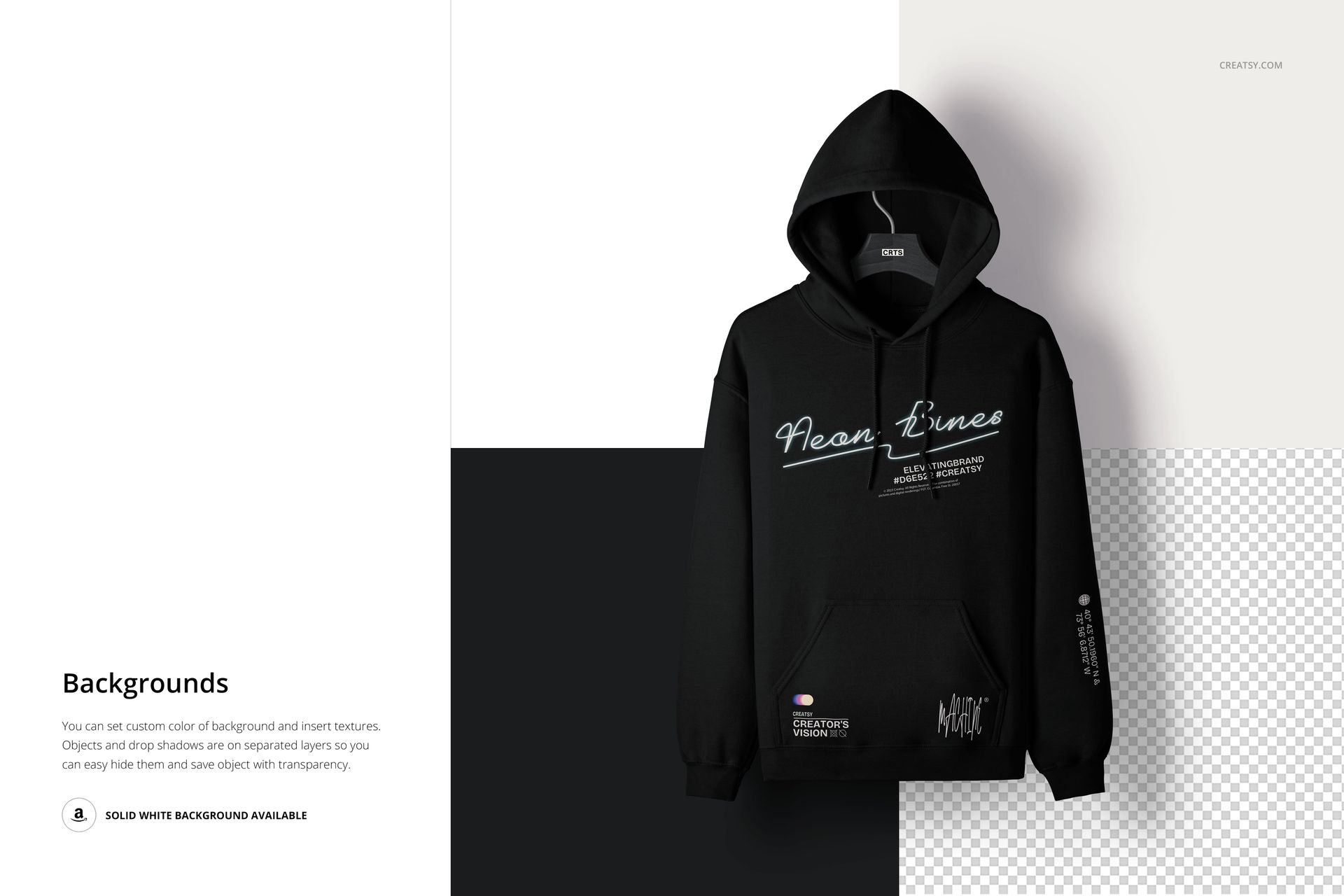
Yes, background and shadow layers are separated in the PSD, so you can lower their opacity, swap the backdrop, or turn them off entirely to export the hoodie on white or transparent for your own layouts.
Q6. What are the canvas size and DPI for these files?
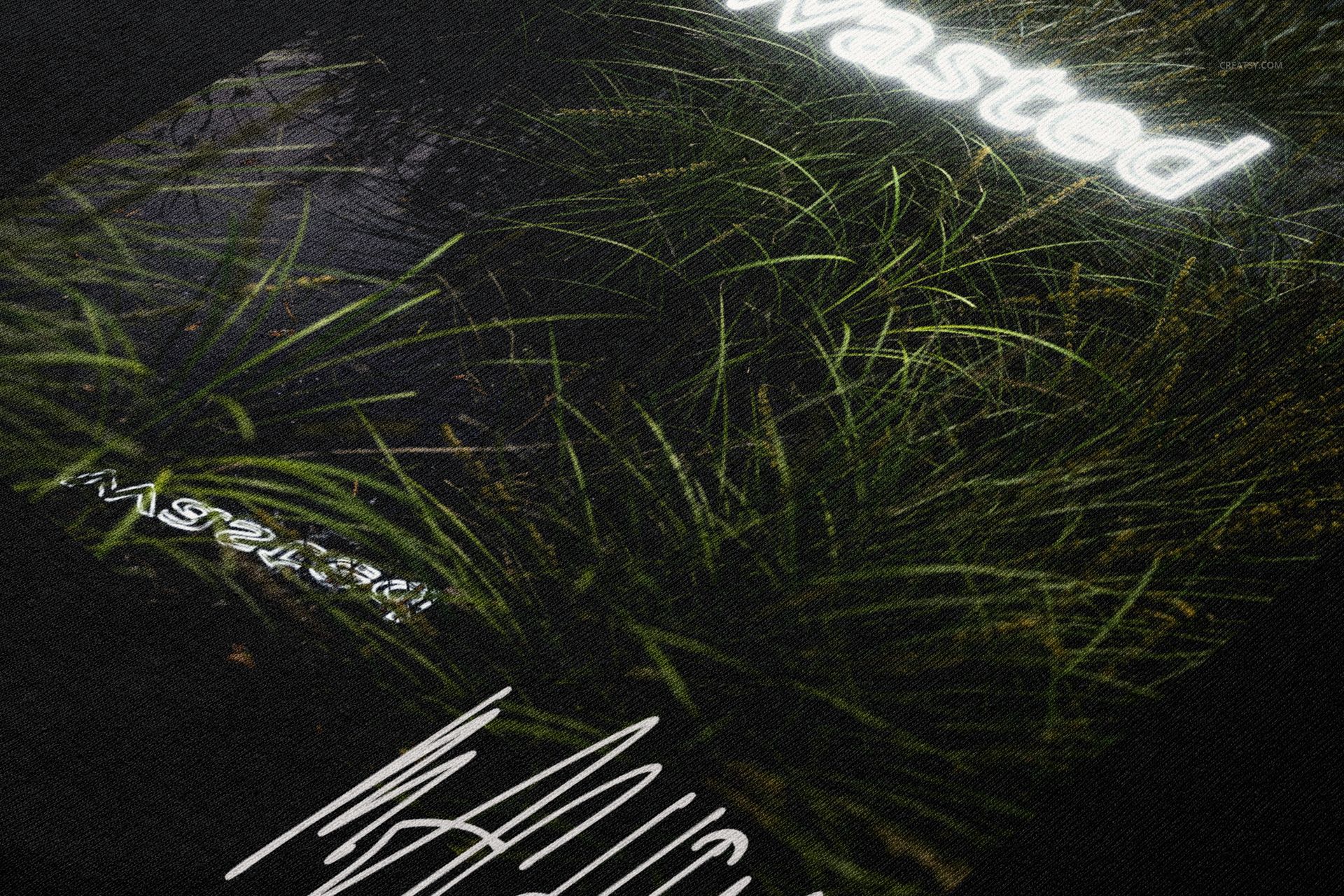
Each PSD is set to either 6000 × 4000 px or 6000 × 6000 px at 300 DPI, providing print-ready resolution and plenty of space for tight crops or zoomed-in detail shots.
Q7. Can I use this set to create print-on-demand product images?
Yes, you can generate print-on-demand listing images with your designs by exporting flattened JPG or PNG files while keeping the original PSD private in accordance with Creatsy’s license terms.
Q8. License: what commercial uses are allowed for this mockup?
The Commercial license covers up to 5,000 end products and typical client projects, while the Extended Commercial license increases that limit to 250,000 units and broader campaigns; for edge cases, always refer to the Licenses page on Creatsy.