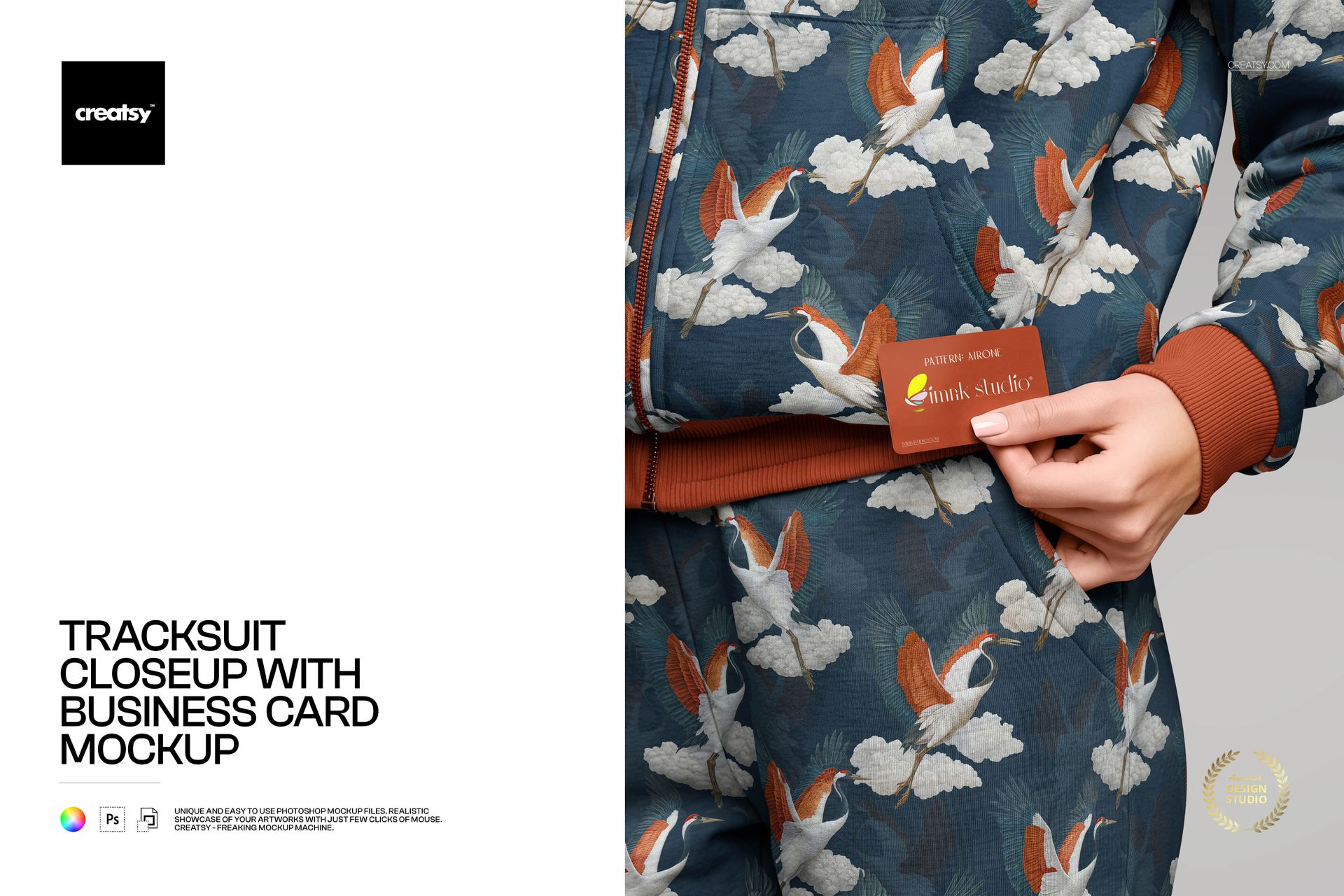
A wide shot sells the silhouette. A closeup sells the quality. This mockup delivers the closeup - a tight frame on a tracksuit surface with a business card resting against the fabric. The combination puts two brand touchpoints into a single image: apparel and print collateral, textile texture and card stock finish, large-scale pattern and small-scale typography. For brands that span streetwear and professional identity, this kind of dual-material composition says more in one frame than a full page of separated mockups.
The closeup framing eliminates background distractions entirely. No mannequin pose to evaluate, no styling to debate, no set design to approve. What remains is pure material - the weave and drape of the tracksuit fabric, the edge and weight of the business card, and whatever design you place on both surfaces. That reduction to essentials makes this PSD useful far beyond simple product previews. It functions as a texture proof, a branding consistency check, and a visual quality benchmark.
What the Frame Contains
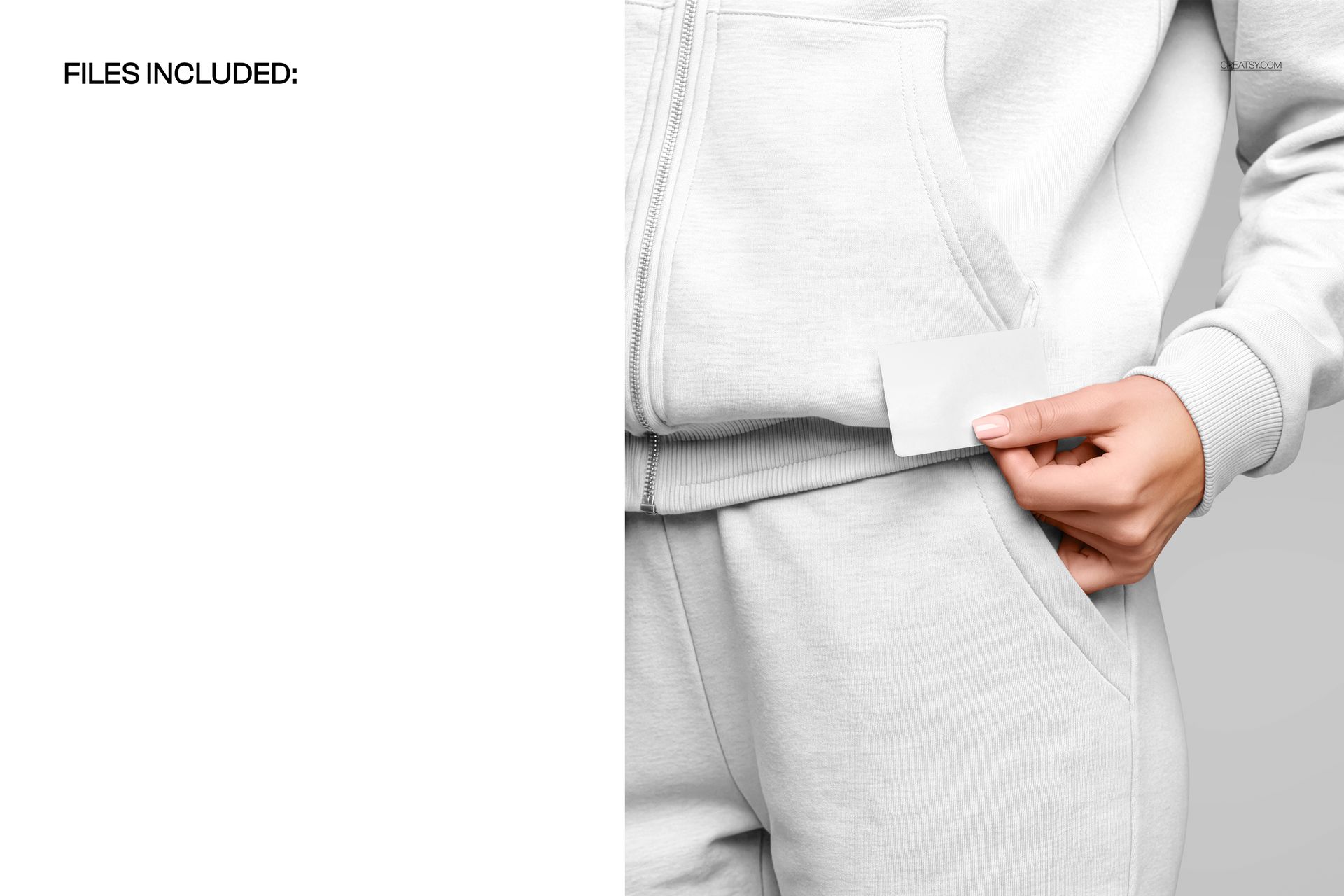
The shot captures a section of a tracksuit hoodie at close range with visible fabric texture, seaming details, and natural fold lines. A business card sits against the garment, angled to show one face clearly. The camera distance is tight enough to reveal individual thread patterns in the fabric and paper grain on the card surface. Lighting is controlled to produce even, readable exposure across both the textile and the printed card without harsh shadows or hot spots.
Editable Surfaces
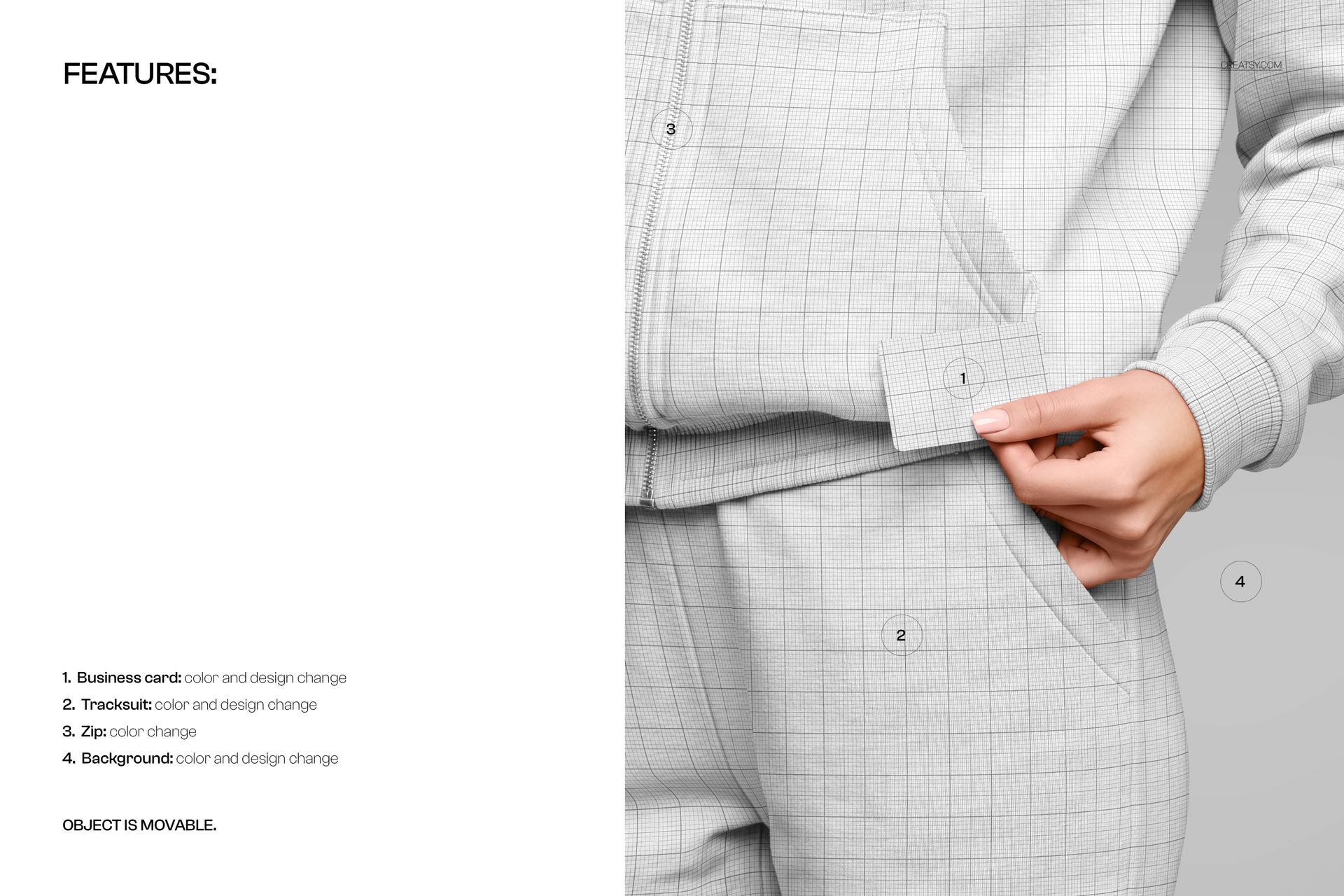
Both the tracksuit fabric and the business card face are editable through smart object layers. Drop in your textile pattern, logo, or solid color for the apparel surface. Place your card design - front layout with typography, logo placement, contact details - into the card smart object. Save, and the PSD renders both elements with accurate material responses: fabric texture showing through the print, card stock reflecting ambient light, and perspective distortion matching the camera angle. Layer groups are organized and labeled for quick navigation.
Technical Specifications
One PSD file at 4800 x 6000 pixels, 300 DPI. The vertical orientation and high resolution make it suitable for portfolio layouts, pitch deck hero images, Instagram Stories and Reels cover frames, and print applications up to roughly 16 x 20 inches at full quality. Download size approximately 424 MB. Compatible with Adobe Photoshop CC 2020 and newer, and opens fully in Photopea (photopea.com) for those working without a Photoshop license.
Two Brand Channels in One Image
Most mockup files show one thing: a shirt, a card, a package, a poster. This file shows two things in deliberate proximity. That proximity is the entire point. When a client sees their pattern on the tracksuit fabric and their business card sitting on top of it, the brand system clicks. The colors match or contrast intentionally. The typography on the card relates to the pattern scale on the fabric. The overall tone - minimal, maximalist, playful, corporate - reads as coherent or reveals gaps.
Branding agencies use compositions like this in final presentation decks to demonstrate brand consistency across physical touchpoints. Fashion brands use them for investor materials that need to communicate product quality and business legitimacy simultaneously. Freelance designers use them on portfolio sites where a single hero image needs to establish credibility across disciplines.
Natural Light and Material Honesty
The lighting setup favors natural, directional light that shows how both materials actually behave. Fabric absorbs and diffuses light. Card stock reflects it. This difference in surface response is preserved accurately in the PSD rendering, which means your design preview accounts for the physical reality of each material rather than flattening both into a uniform digital surface. Darker fabrics reveal shadow depth. Lighter cards show subtle gradient across the stock. That level of material honesty makes client presentations more trustworthy.
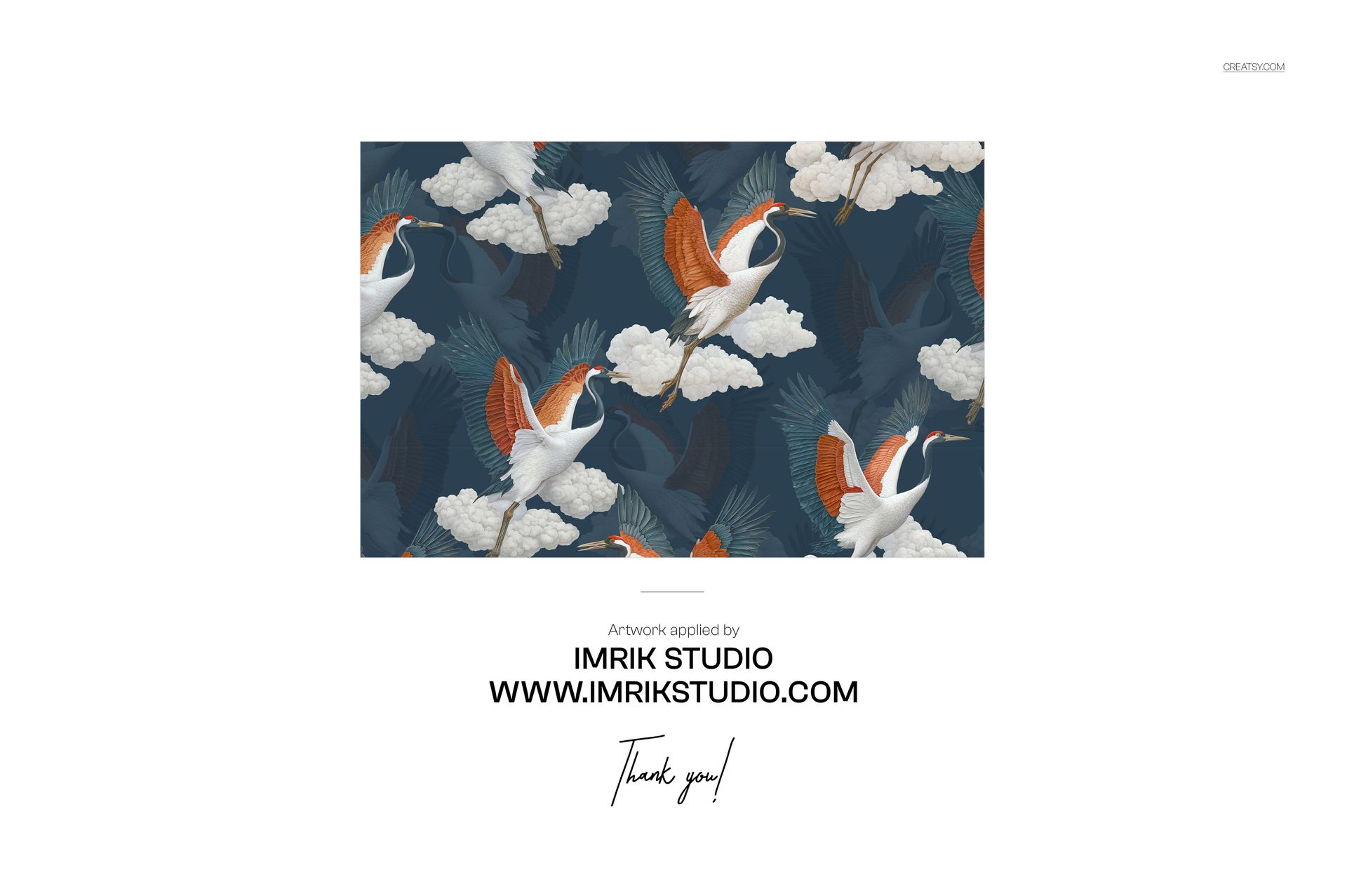
Sample artwork in the product screenshots features a pattern design by Imrik Studio.