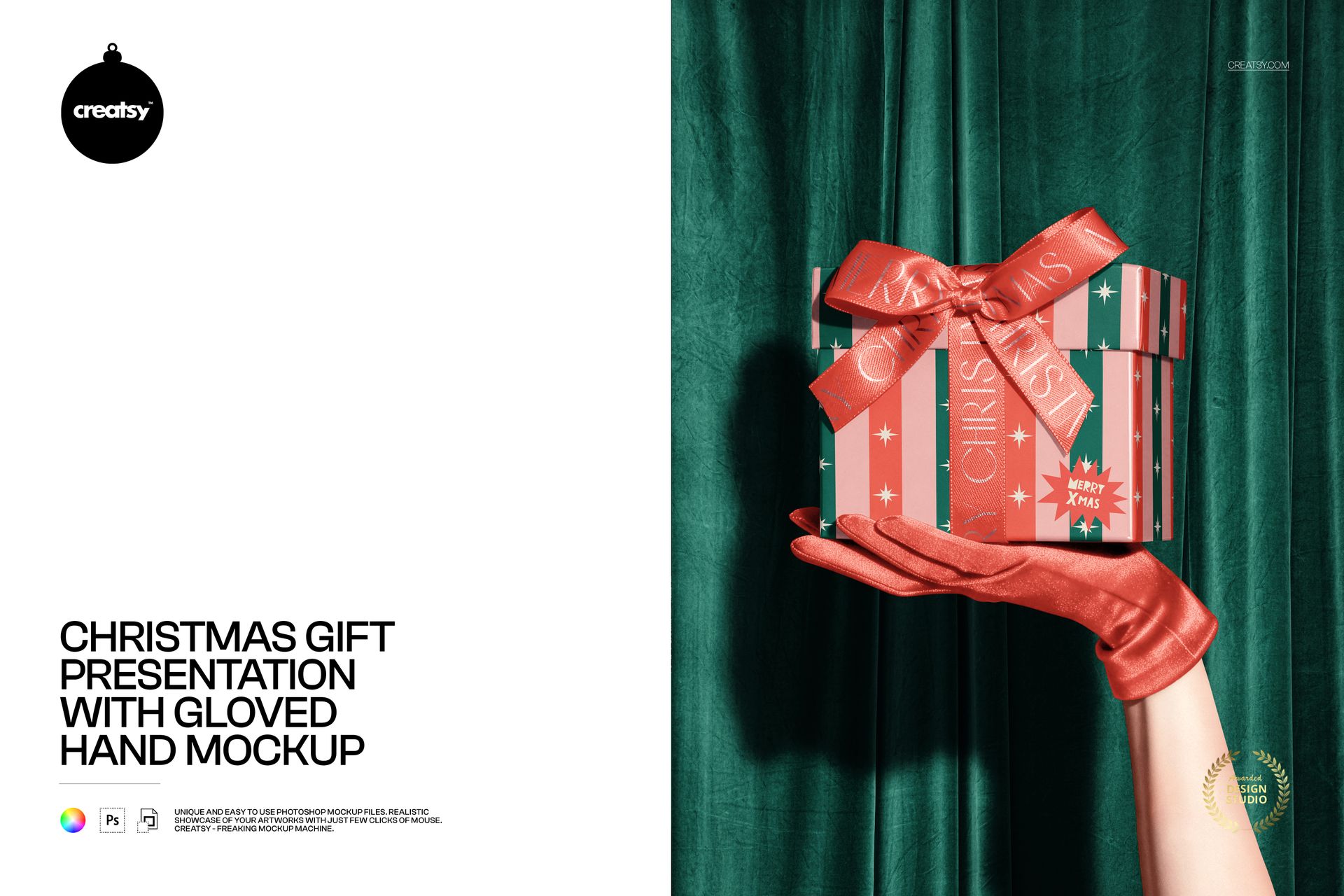
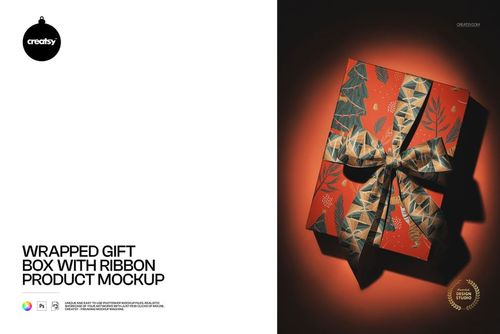
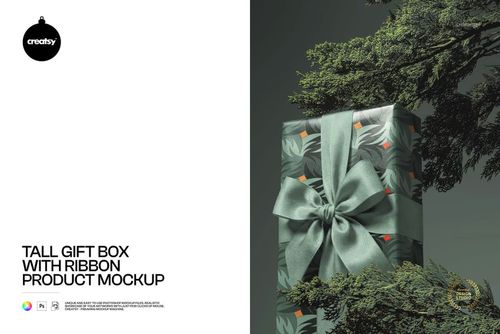
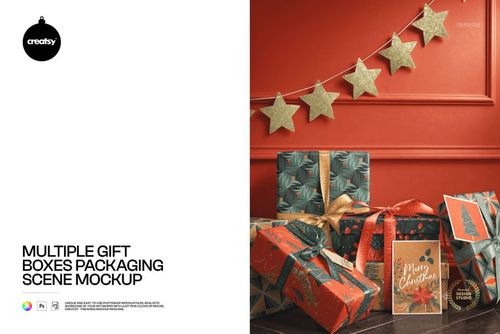
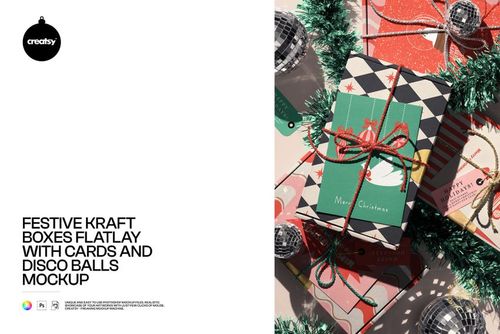
Photorealistic mockup of a wrapped Christmas gift box being presented by a gloved hand. The PSD file includes smart object layers for the wrapping paper surface and ribbon, so you can apply your custom pattern, branding, or holiday artwork to the gift wrap and see it rendered in a festive presentation scene. Built from real product photography at 6000x4488 pixels, 300 DPI - the highest resolution needed for both digital marketing and print production at any size.
Why a Christmas Gift Presentation Mockup
Gift wrapping paper is one of the most visually driven product categories in seasonal retail. Buyers choose wrapping paper based on how it looks on an actual wrapped gift - not based on a flat pattern tile or an unwrapped sheet. This mockup shows your design on a professionally wrapped box being presented by a gloved hand, creating the exact emotional moment that drives holiday gift wrap purchases: the anticipation of giving a beautifully wrapped present.
The gloved hand adds a human element that transforms a product shot into a lifestyle image. Instead of a static wrapped box on a surface, the viewer sees the gift being offered - a gesture that triggers the emotional associations of giving, celebration, and holiday joy. This emotional context makes the mockup image significantly more effective for social media, advertising, and product listings than a standard flat-lay or tabletop gift wrap presentation.
What Is Included
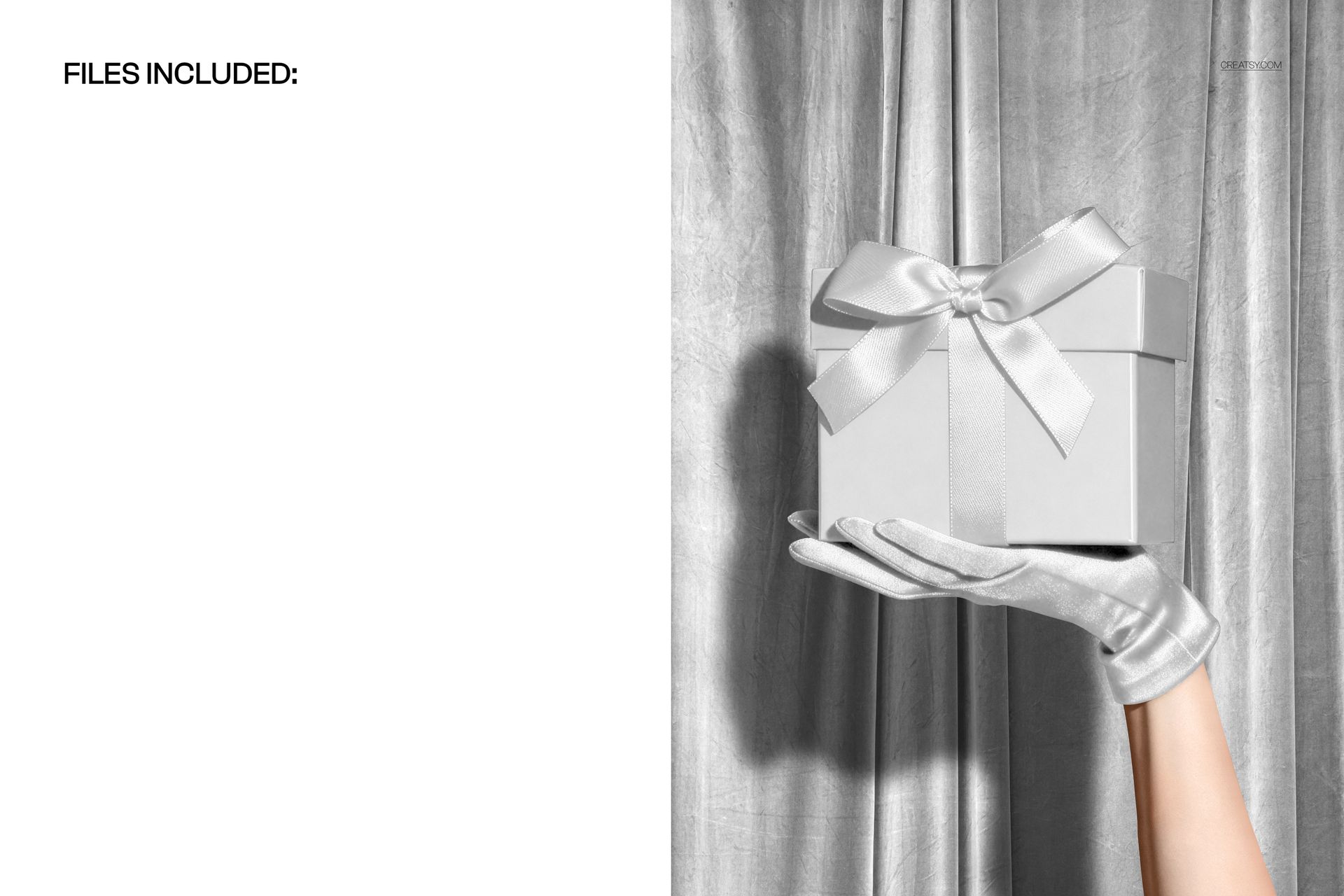
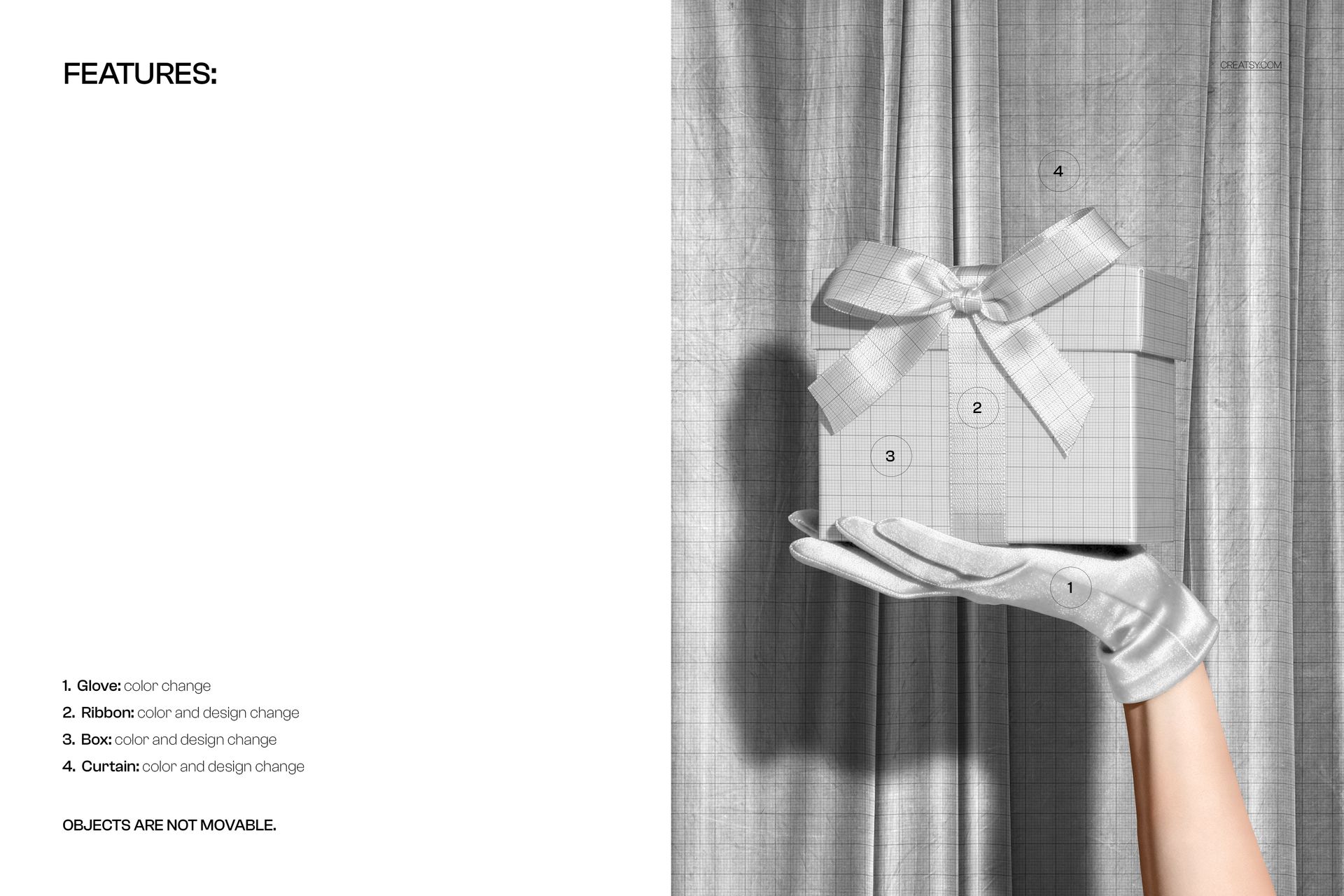
One PSD file at 6000x4488 pixels, 300 DPI resolution. The file contains organized, labeled layers with smart objects for the wrapping paper surface and ribbon or bow elements. The gloved hand, dark atmospheric background, and festive lighting are part of the photographic base. The high resolution captures paper texture, fold creases, ribbon sheen, and wrapping details in fine detail suitable for large-format print production.
What You Can Customize
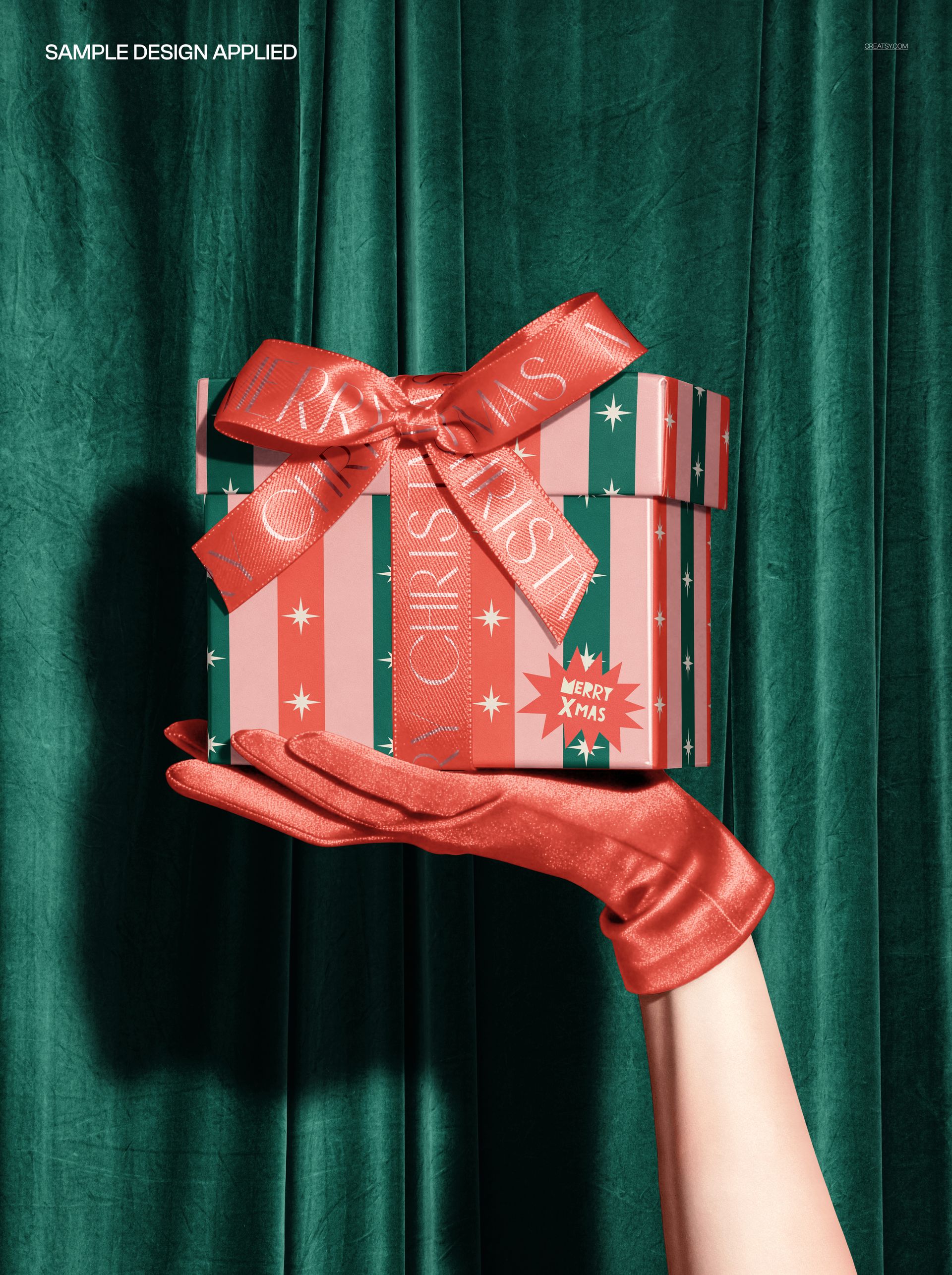
Place your wrapping paper pattern, custom artwork, or brand design onto the gift wrap surface via the smart object layer. The mockup renders your design with realistic paper folds, edge creases, and the way the pattern wraps around the box corners. The ribbon and bow add a finishing touch that completes the gift presentation. Test traditional holiday patterns, modern minimalist designs, branded corporate gift wraps, or custom illustrated holiday artwork to see how each reads on a professionally wrapped box.
Who This Mockup Is For
Surface pattern designers presenting Christmas and holiday wrapping paper collections to licensors and manufacturers. Gift wrap brands creating product images for seasonal catalog and e-commerce launches. Corporate branding teams producing custom branded holiday gift wrap for client gifts. Print-on-demand sellers listing custom wrapping paper on Etsy, Shopify, or Amazon. Social media managers creating holiday marketing content. Graphic designers producing festive promotional materials for holiday campaigns.
File Specifications
Format: PSD with smart object layers. Resolution: 6000x4488 pixels at 300 DPI. File size: approximately 385 MB. Compatibility: Adobe Photoshop CC 2020 or newer, Photopea (free browser-based editor). The large file size reflects the exceptional photographic detail captured in this scene, supporting print production at poster and display sizes without quality loss.