Elegant Gift Box Behind Curtain Mockup
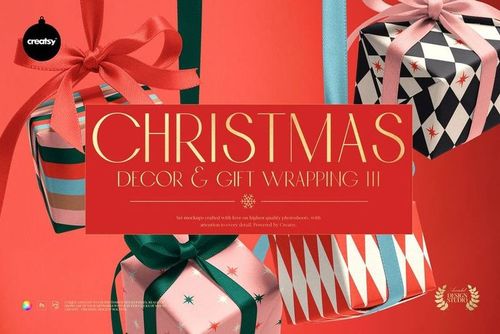
This product is a part of Christmas Decor & Gift Wrapping Mockup Bundle III
Product Details
Elegant Gift Box Behind Curtain Mockup
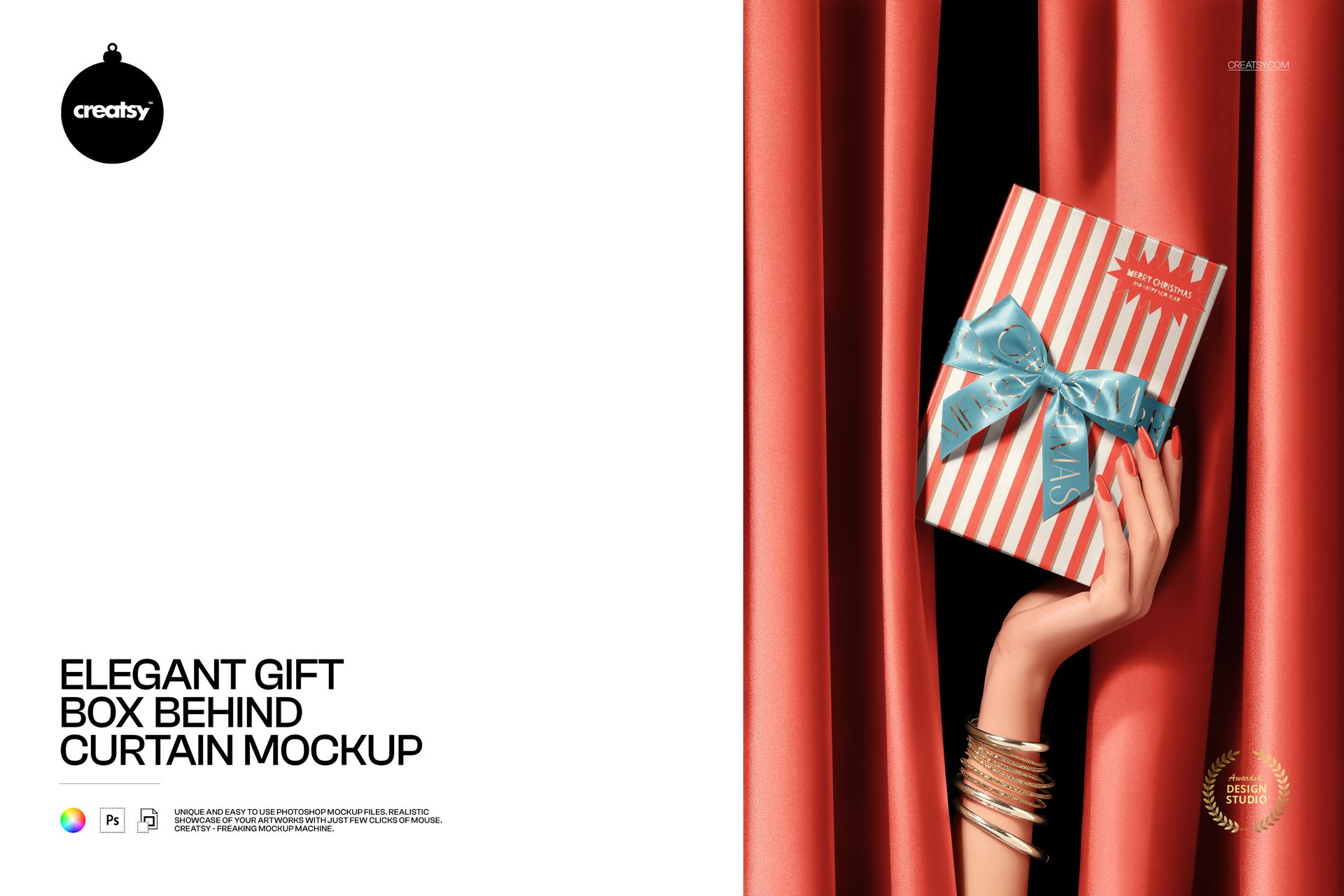
Some packaging deserves more than a simple product shot. This Elegant Gift Box Behind Curtain Mockup turns the presentation itself into part of the story, creating a memorable reveal that feels polished, celebratory and slightly theatrical.
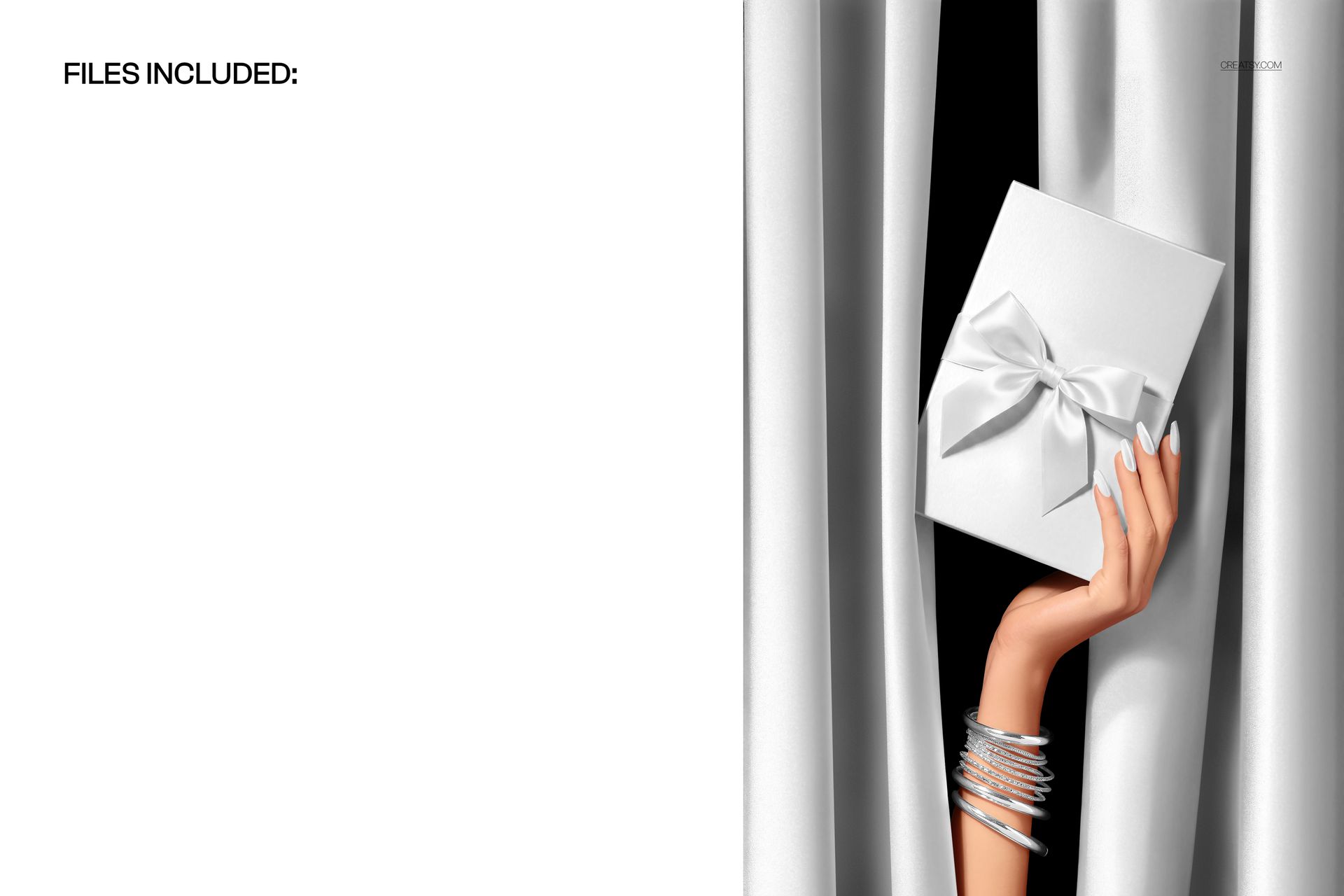
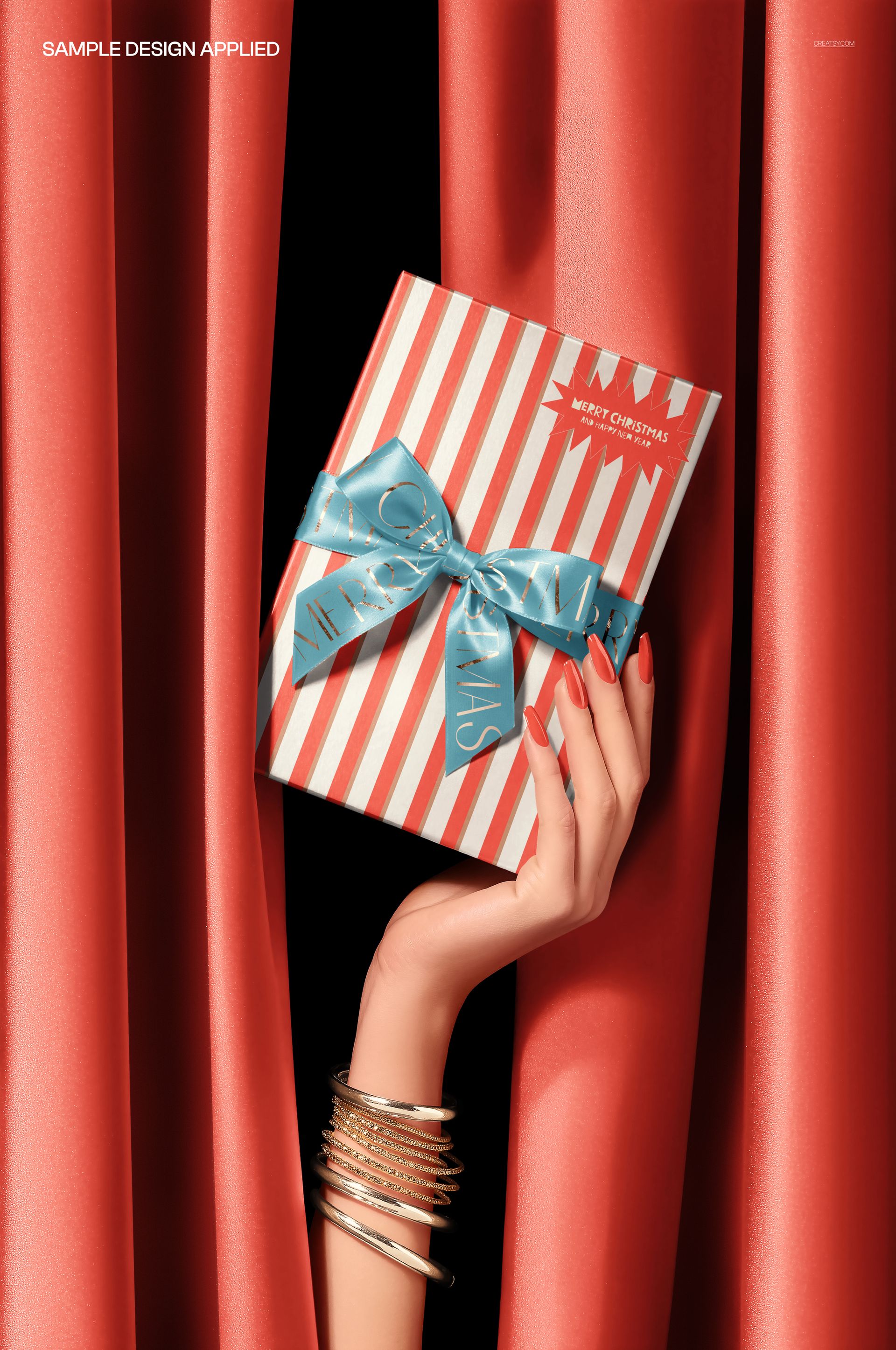
The scene features a hand presenting a ribboned gift box from behind a curtain. Preview variations show the composition with different curtain and packaging styles, making it suitable for refined gift collections, festive campaigns and premium brand presentations.
Use it to give your packaging design the feeling of a premiere, a surprise announcement or a carefully planned product launch. The curtain creates anticipation, the hand adds a human touch and a clear sense of scale, while the front-facing box keeps the artwork easy to see.
Make the Reveal Part of Your Brand Story
Most packaging mockups show a box resting on a surface. This scene does something different. It captures the moment when the product is being introduced.
That makes it especially useful for:
Luxury gift packaging
Christmas and holiday collections
Limited edition product launches
Boutique and premium branding
Influencer and press mailer concepts
Seasonal advertising campaigns
New collection announcements
Social media product reveals
Client packaging presentations
Ecommerce hero images
The visual tension created by the curtain helps attract attention without overwhelming the packaging design. It gives the image a campaign-ready quality that can work across Instagram posts, Pinterest graphics, website banners, launch emails, digital lookbooks and portfolio projects.
A Strong Choice for Premium Packaging Designs
This mockup works particularly well when the packaging needs to communicate exclusivity, celebration or anticipation.
Try it with elegant typography, geometric patterns, festive illustrations, minimalist logos, luxury monograms, striped packaging, fashion-inspired artwork or detailed seasonal designs. The composition can support both understated branding and more decorative gift box concepts.
It is a useful scene for fashion labels, jewelry and accessory brands, beauty businesses, stationery shops, lifestyle brands, premium food products, holiday collections and independent designers presenting custom gift packaging.
Designed for Launches, Campaigns and Client Presentations
A packaging concept is easier to approve when the client can see how it might appear in a real campaign. Instead of sending another flat box template, you can present the artwork in a scene that already communicates mood, scale and positioning.
Use this mockup to:
Introduce a new packaging direction
Present several seasonal design options
Create a hero image for a product launch
Show a gift box concept in a branding case study
Prepare promotional graphics before production
Build a polished social media announcement
Preview a holiday or limited edition collection
Make a portfolio project feel more complete
The scene is expressive enough to attract attention, but the box remains the clear focal point.
Easy Smart Object Editing
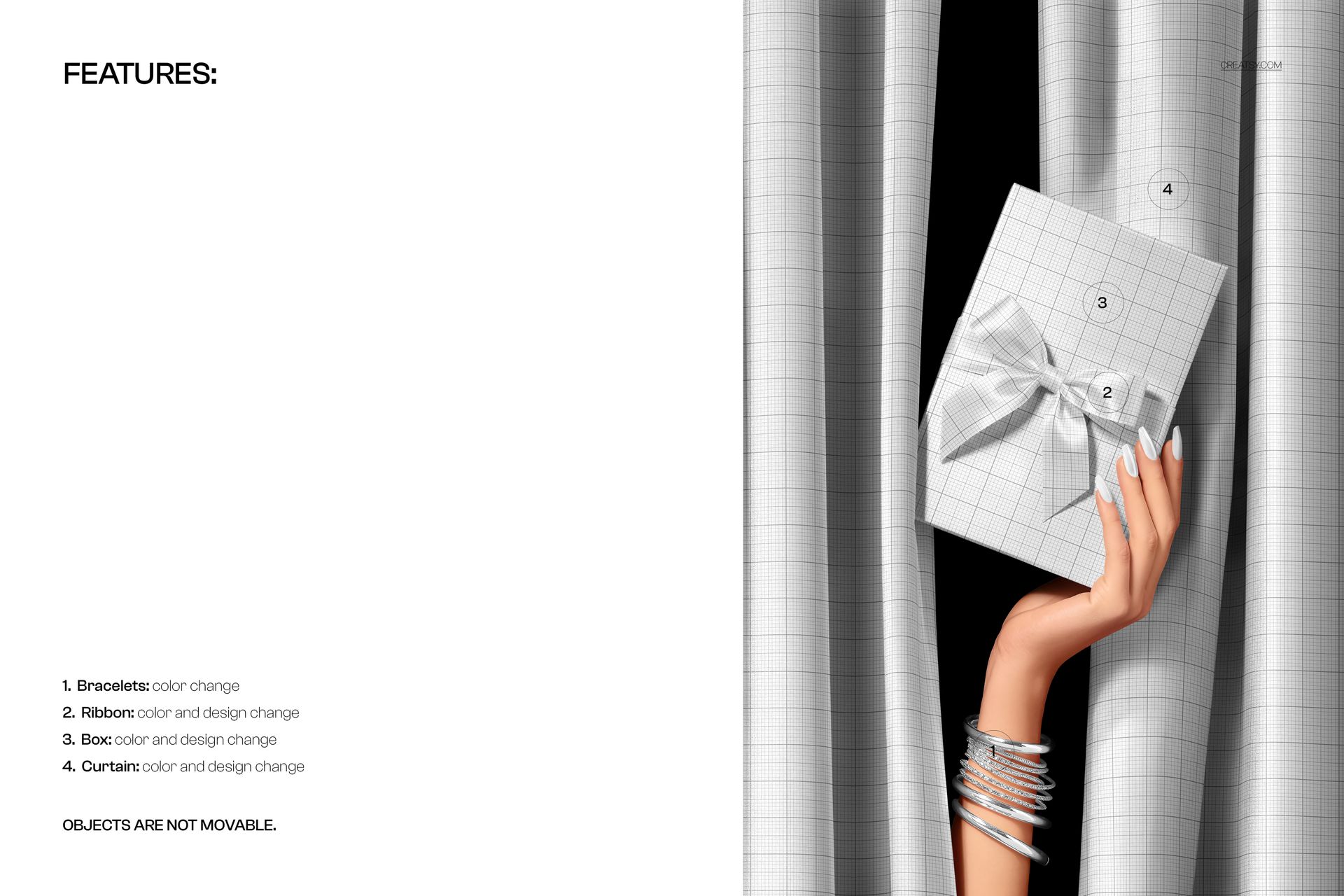
Open the PSD in Adobe Photoshop or Photopea, locate the Smart Object, add your packaging artwork and save the file. The mockup applies the design within the original lighting, perspective and scene composition. The product page also highlights organized layers and a Smart Object workflow designed to avoid manual masking or warping.
This allows you to test different visual directions quickly, compare packaging concepts and prepare multiple campaign images without arranging a photoshoot or producing a physical box first.
What You Can Showcase
Use the mockup for:
Ribboned gift box artwork
Luxury packaging concepts
Holiday gift collections
Christmas box designs
Premium retail packaging
Limited edition branding
Product launch campaigns
Boutique gift presentations
Seasonal patterns and illustrations
Corporate gifting concepts
Client approval visuals
Portfolio and Behance projects
Instagram and Pinterest content
Website and newsletter graphics
File Specifications
Pack includes 1 PSD file
2 files included in total
File types: PSD and JPG
PSD size: 5000x3333 px
Resolution: 300 DPI
Compatible with Adobe Photoshop CC2020 or newer
Compatible with Photopea
Well organized layers
Smart Object editing workflow
Screenshots show the available scene variations and features
File details
- Compatibility
- Package size
- 194 MB
|203 MB
- Files type
- .psd, .jpg
- Files size
- 5000x3333


MEET THE SHOP
- $1615$19.00
- $1870$22.00
- $1615$19.00
- $2125$25.00

HOW IT WORKS
3 clicks. That's it.
No tutorial needed. If you can copy-paste, you can use this.
- 1OpenDouble-click the smart object inside the PSD - in Adobe Photoshop, or free in your browser with Photopea.
- 2PasteDrop in your pattern, print, or artwork. Any design, any style.
- 3SaveHit save and the mockup wraps it in for you - shadows, folds, and lighting included.
FROM IDEA TO IMAGE
Built for real workflows
Get the label signed off before the print run Wrap your design onto the box, pouch, or bottle and show the client exactly what ships.
See it on the product, not a swatch Drop your file into the smart object and the scene's lighting and folds wrap around it, so you judge the real thing before you commit.
Smart Objects
Edit once and you're done. Your artwork drops into a smart object and the mockup updates itself - no masking, no warping by hand.
Perfectly Organized
Named layers and folders you can actually navigate. Find what you need, change what you want, and get out fast.
Print-Ready
High-resolution files built to hold up on screen and in print. Exact size and DPI are in this product's Details above.