iPhone XR Snap Case Mockup Set (matte)
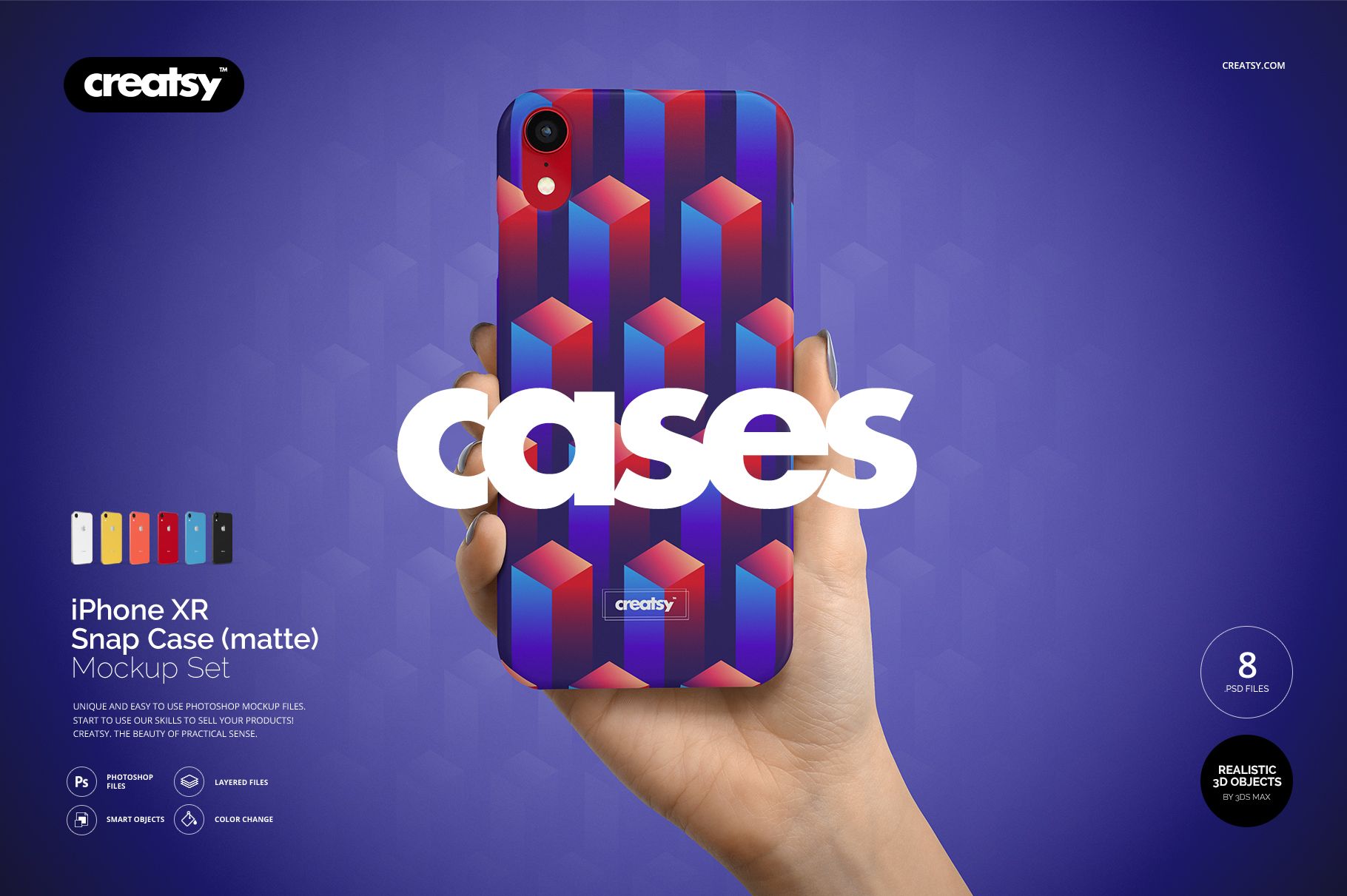
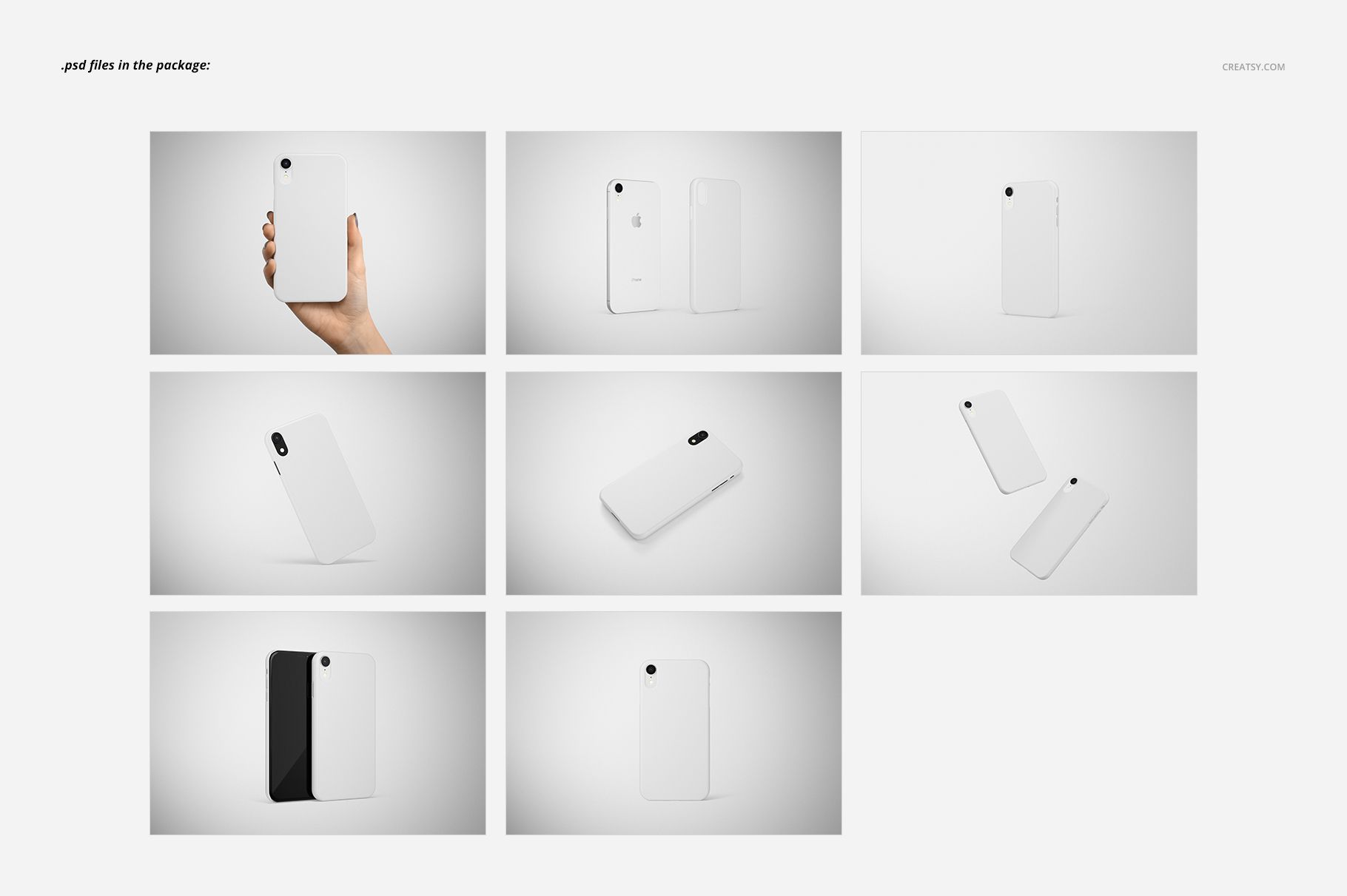
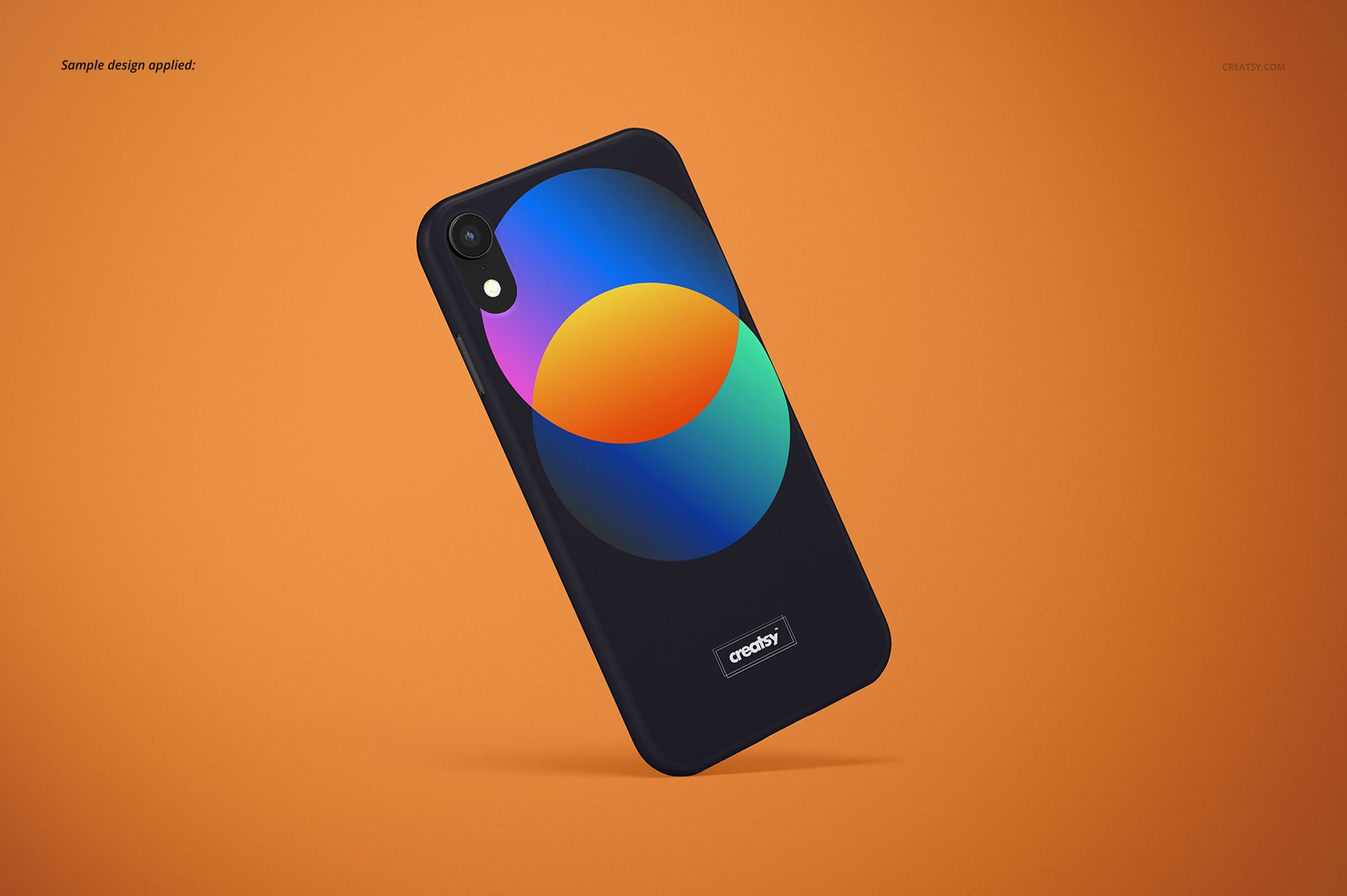
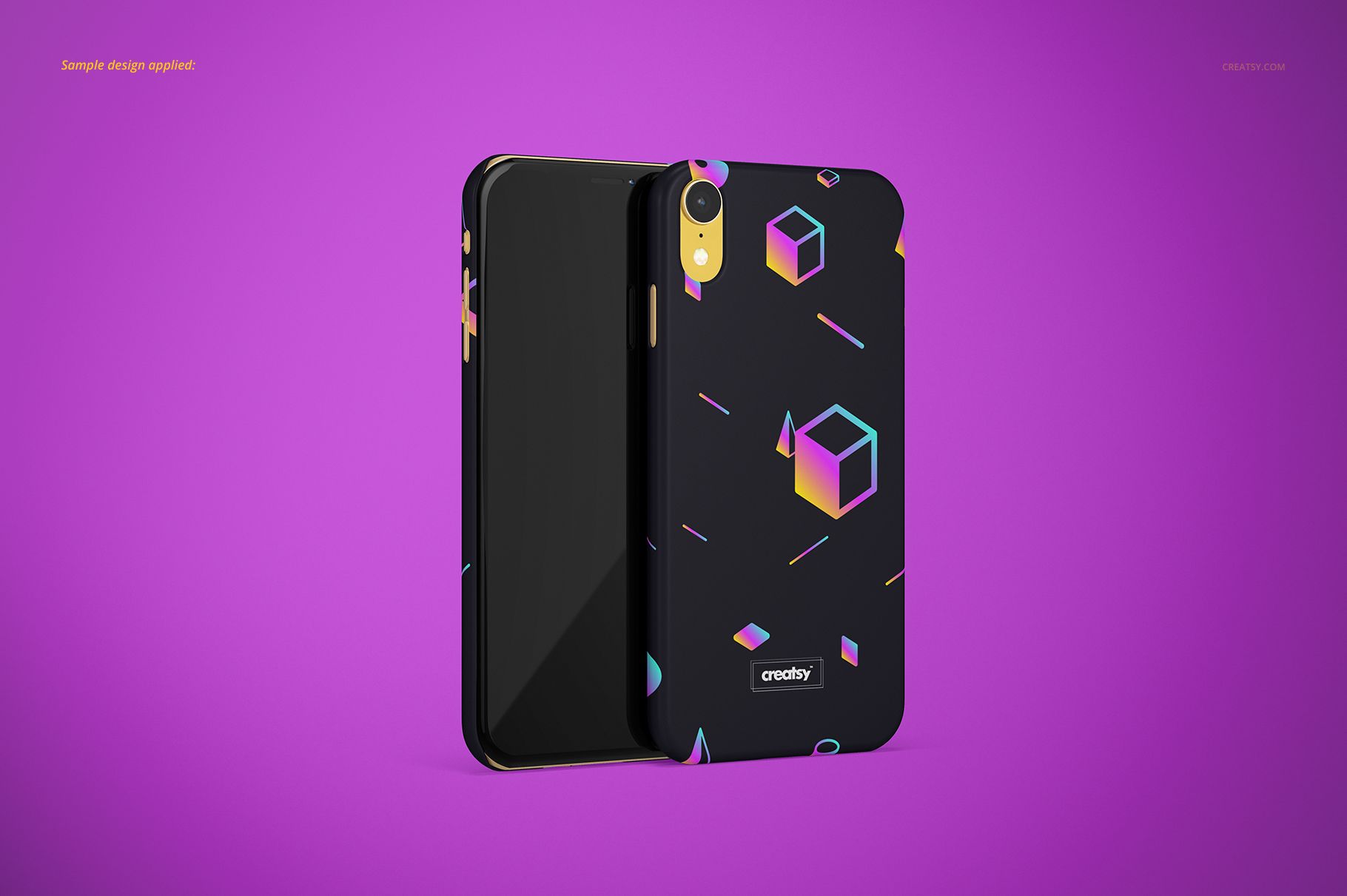
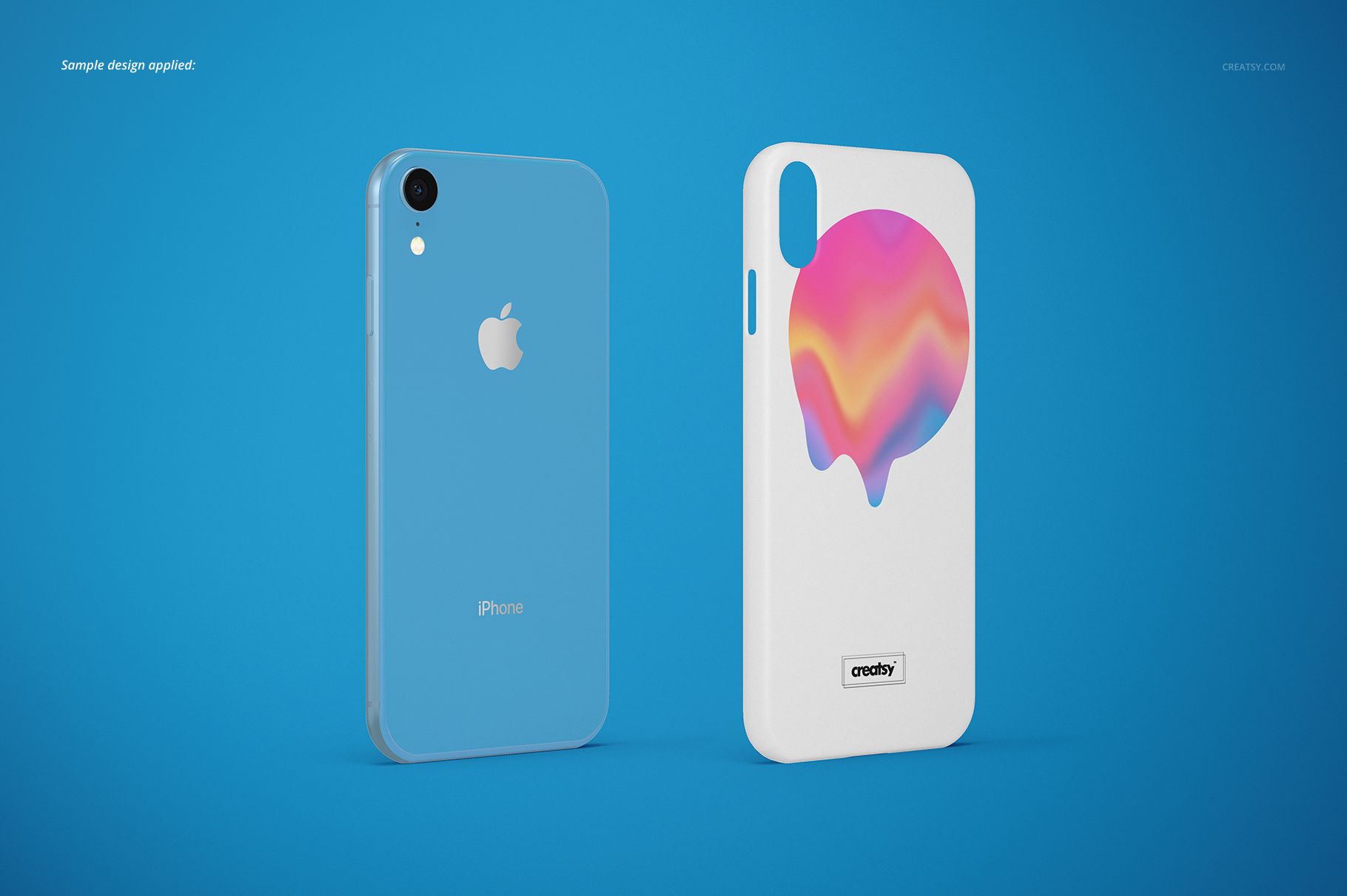
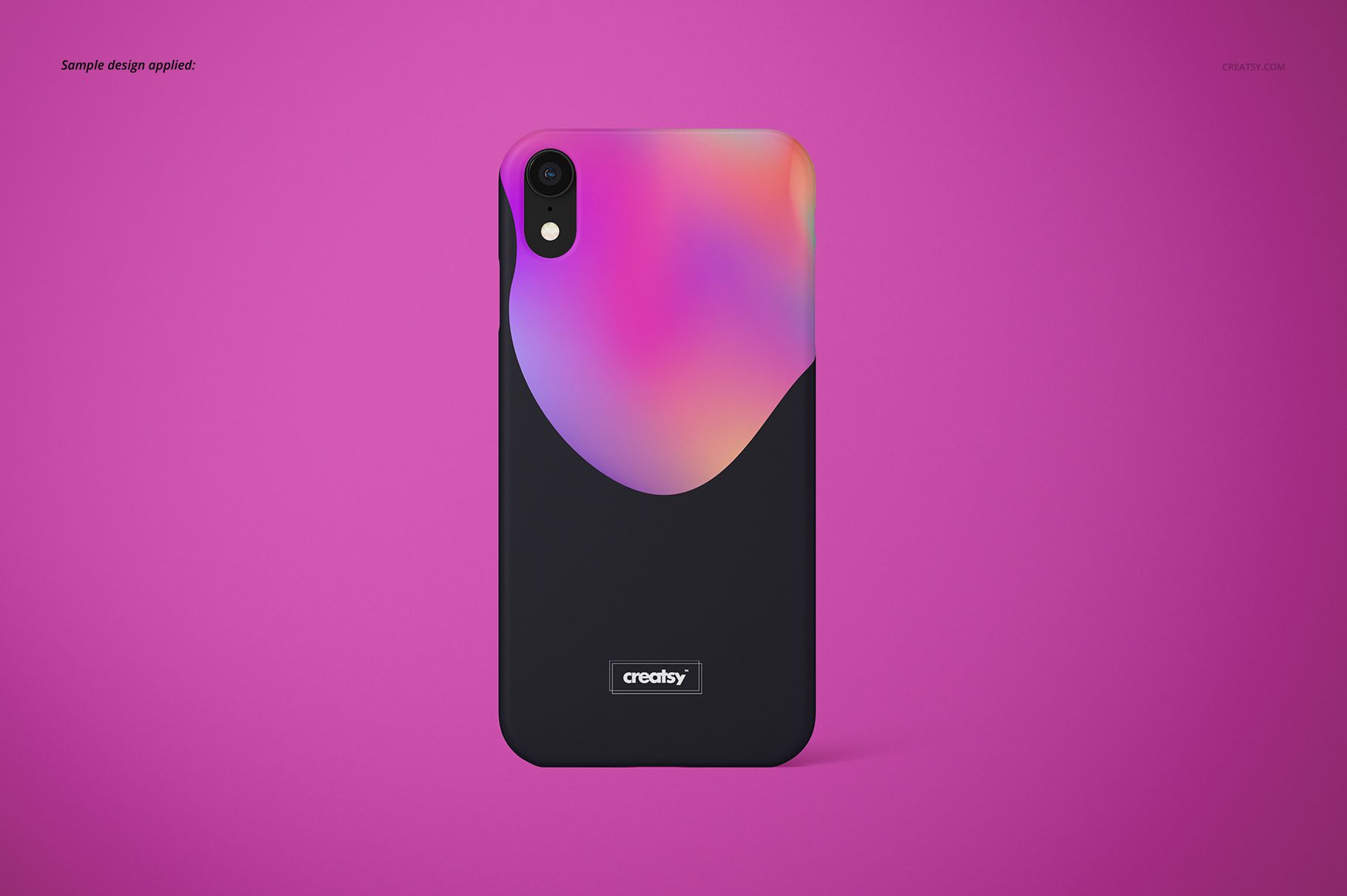
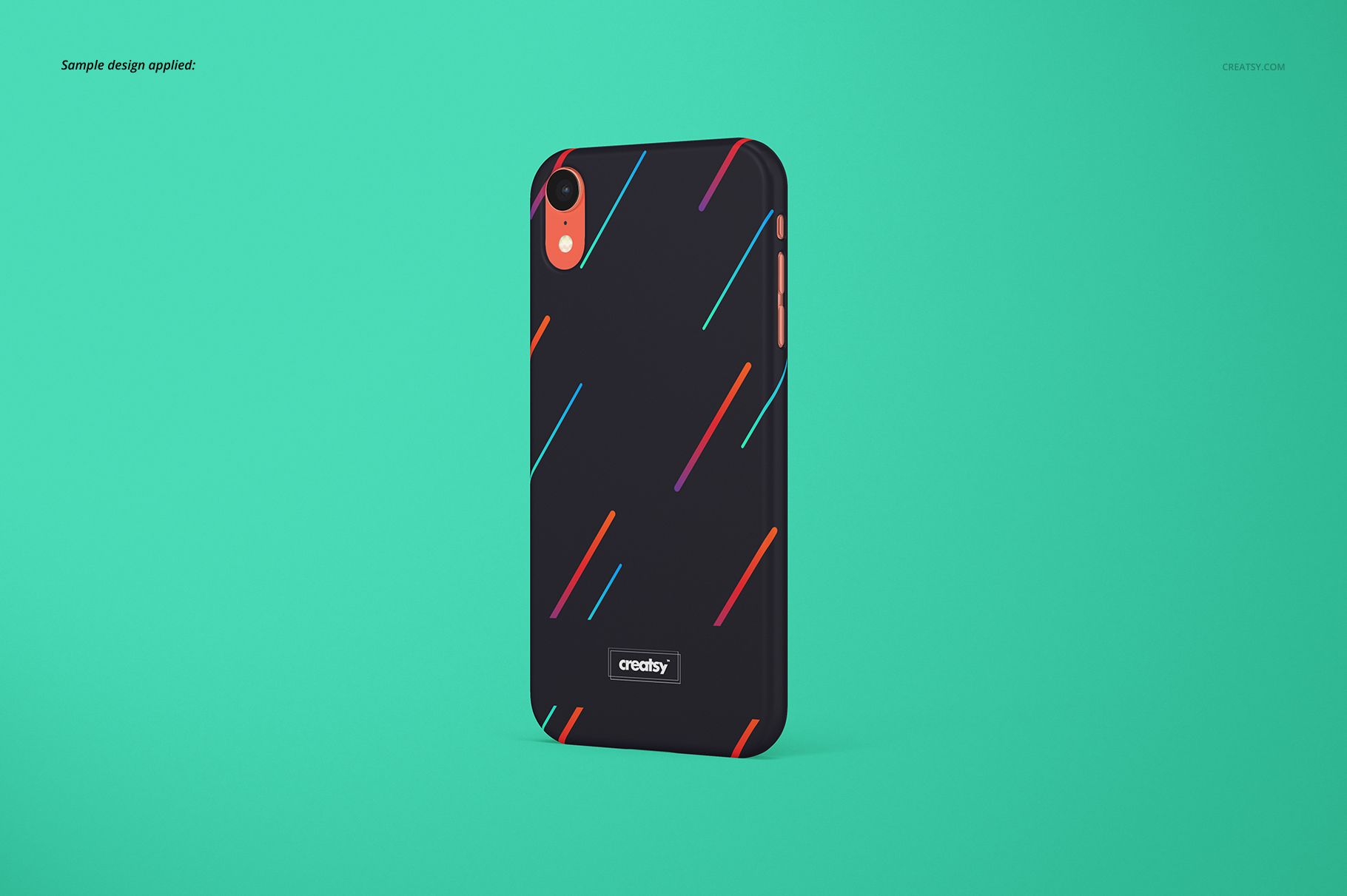
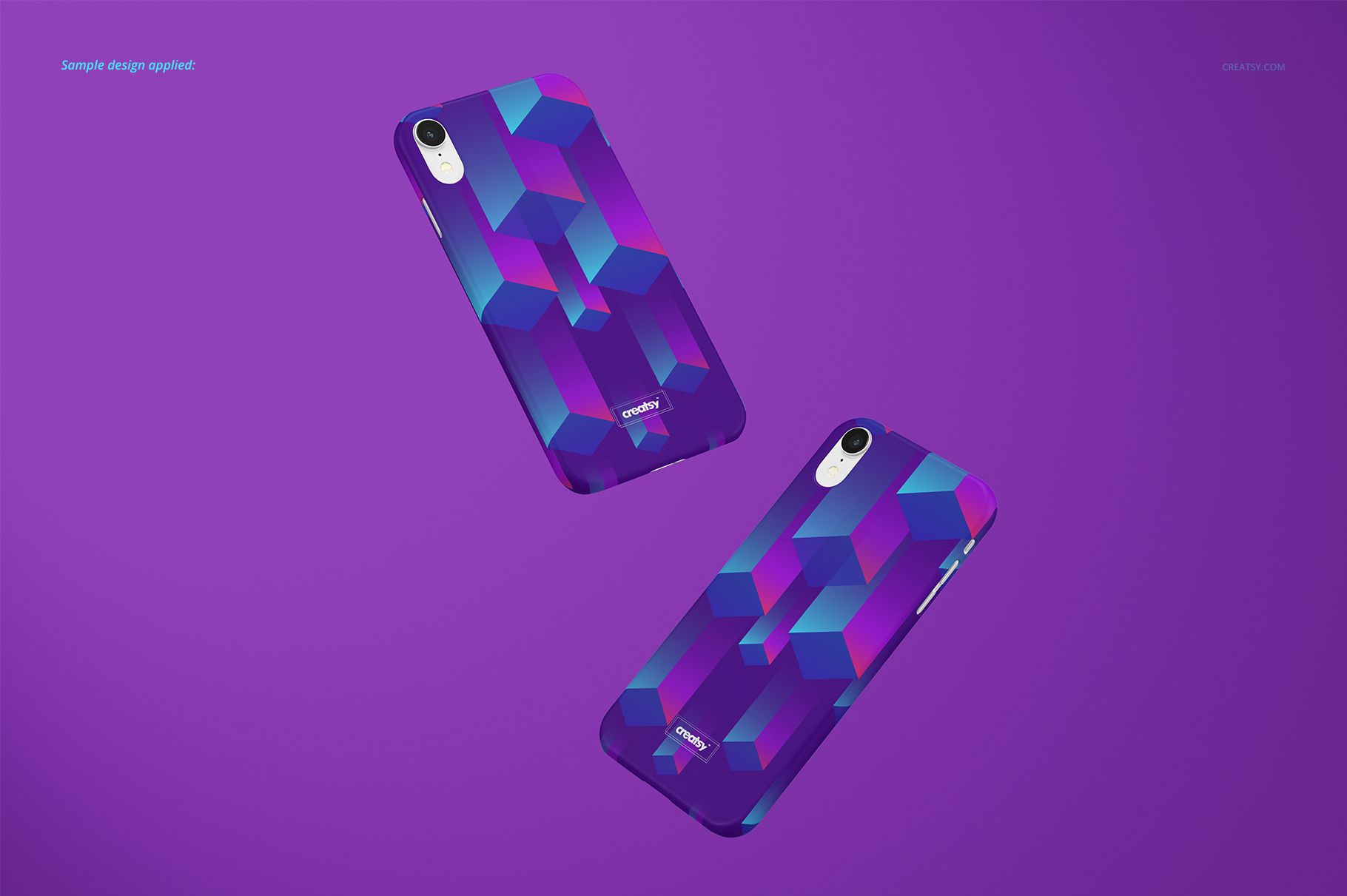
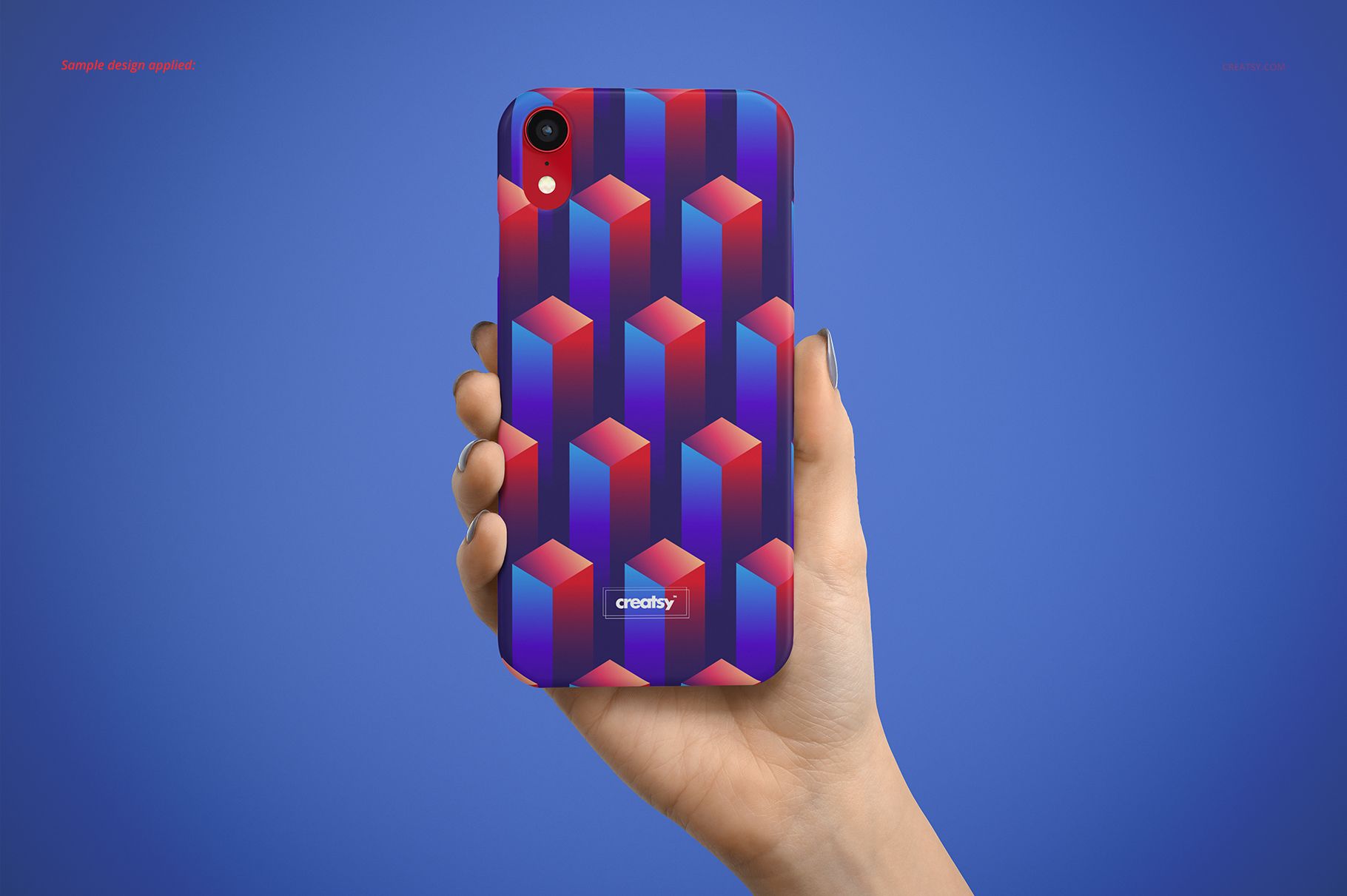
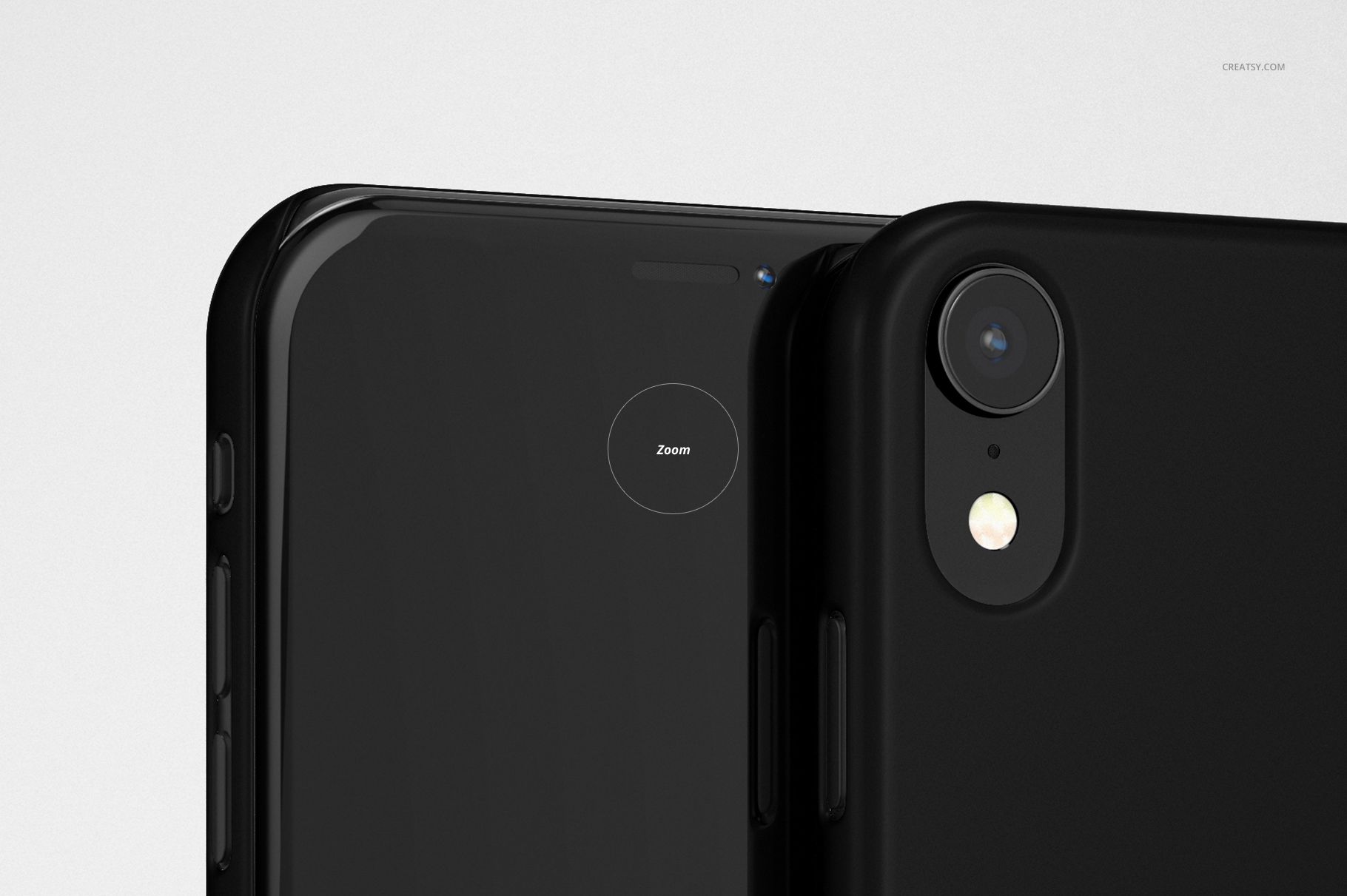
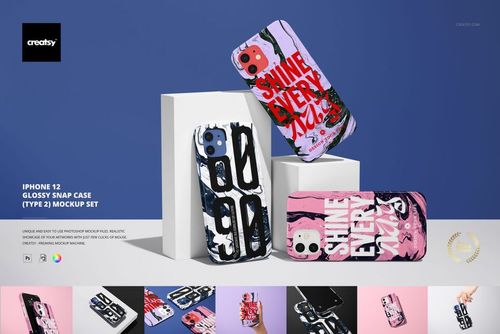
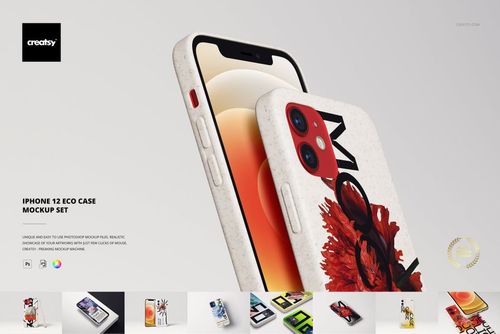
Present custom artwork on a matte iPhone XR snap case in eight PSD compositions. The set includes a hand-held view, standing and lying angles, a paired-case arrangement, a phone beside its separate case, and a front-and-back presentation. Six phone colors let you compare the visible device details with your case design.
Current 3D version
This set currently uses Photoshop's legacy 3D features to edit the case artwork. A conversion to standard Smart Objects is planned.
Customization options
Add your case artwork and adjust the case color.
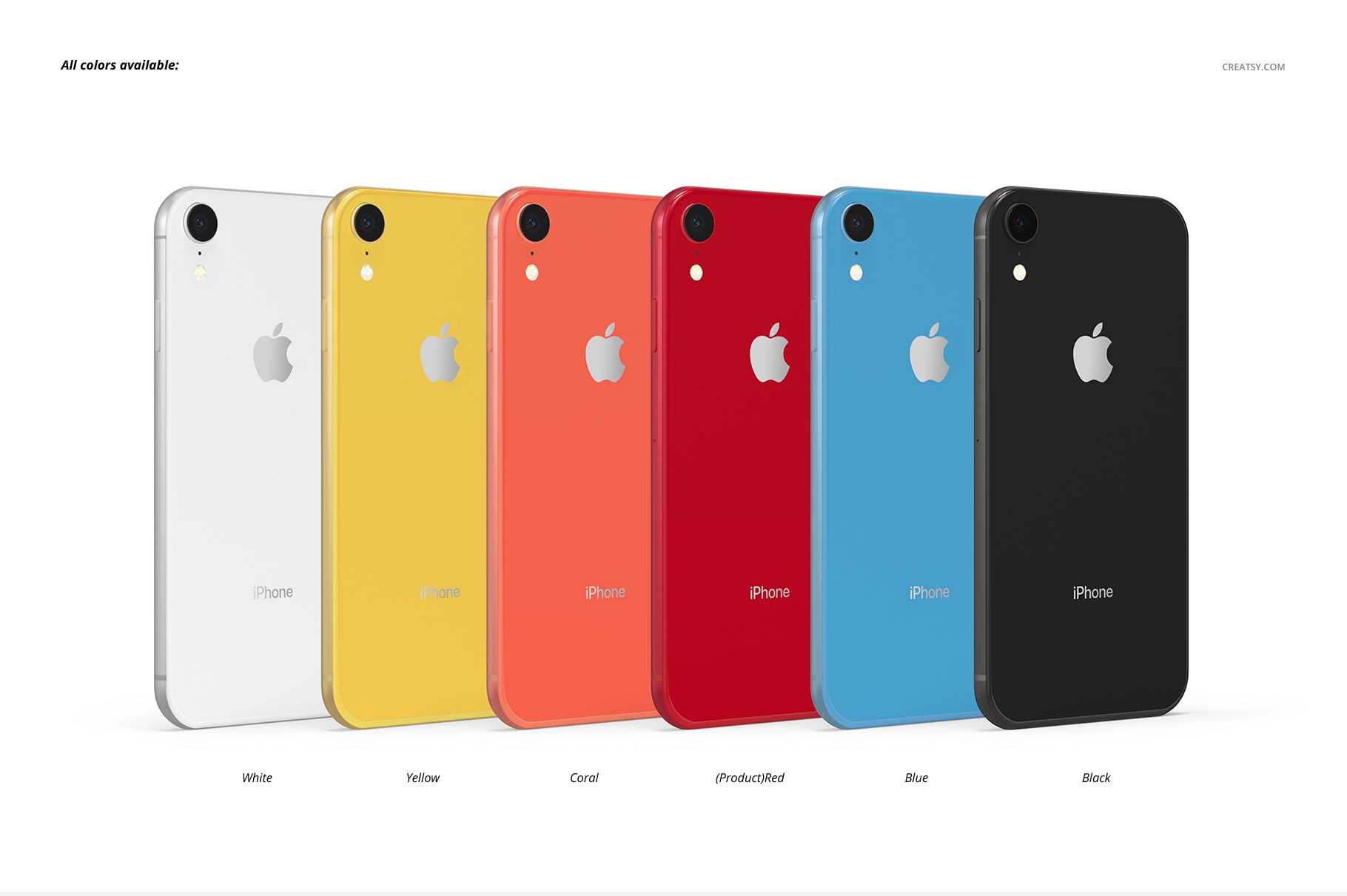
Choose white, yellow, coral, red, blue or black phone options.
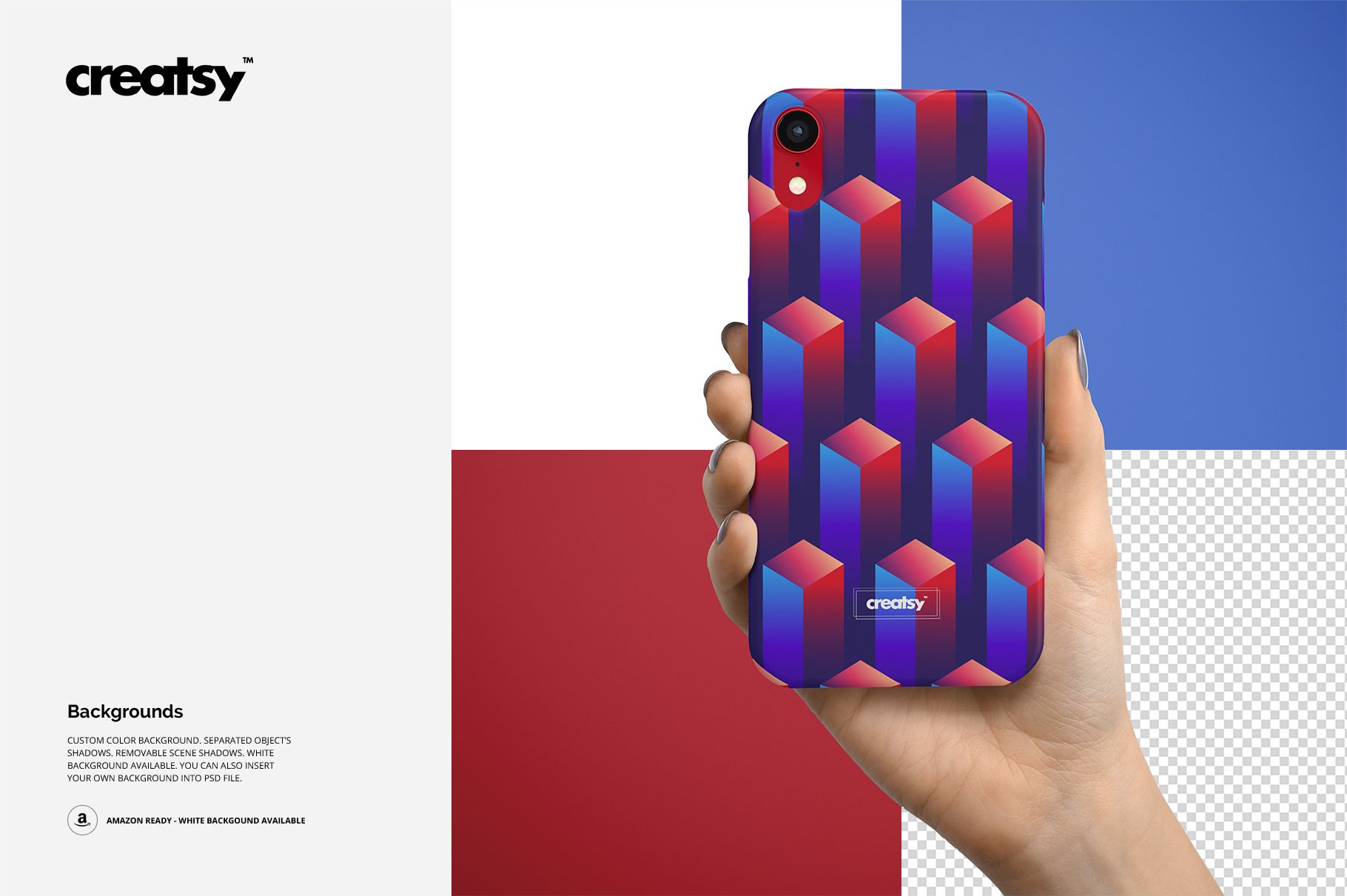
Set a custom background color, use a white background or insert your own background.
Work with separate object shadows and remove scene shadows as shown in the gallery. Use a transparent background when preparing a cutout presentation.
Included in the download
8 editable PSD files, 8 JPG scene previews and a JPG instruction guide. The ninth JPG is the guide, rather than another mockup view.
Use the set for phone accessory shop images, client proposals, surface pattern portfolios and coordinated case collections.
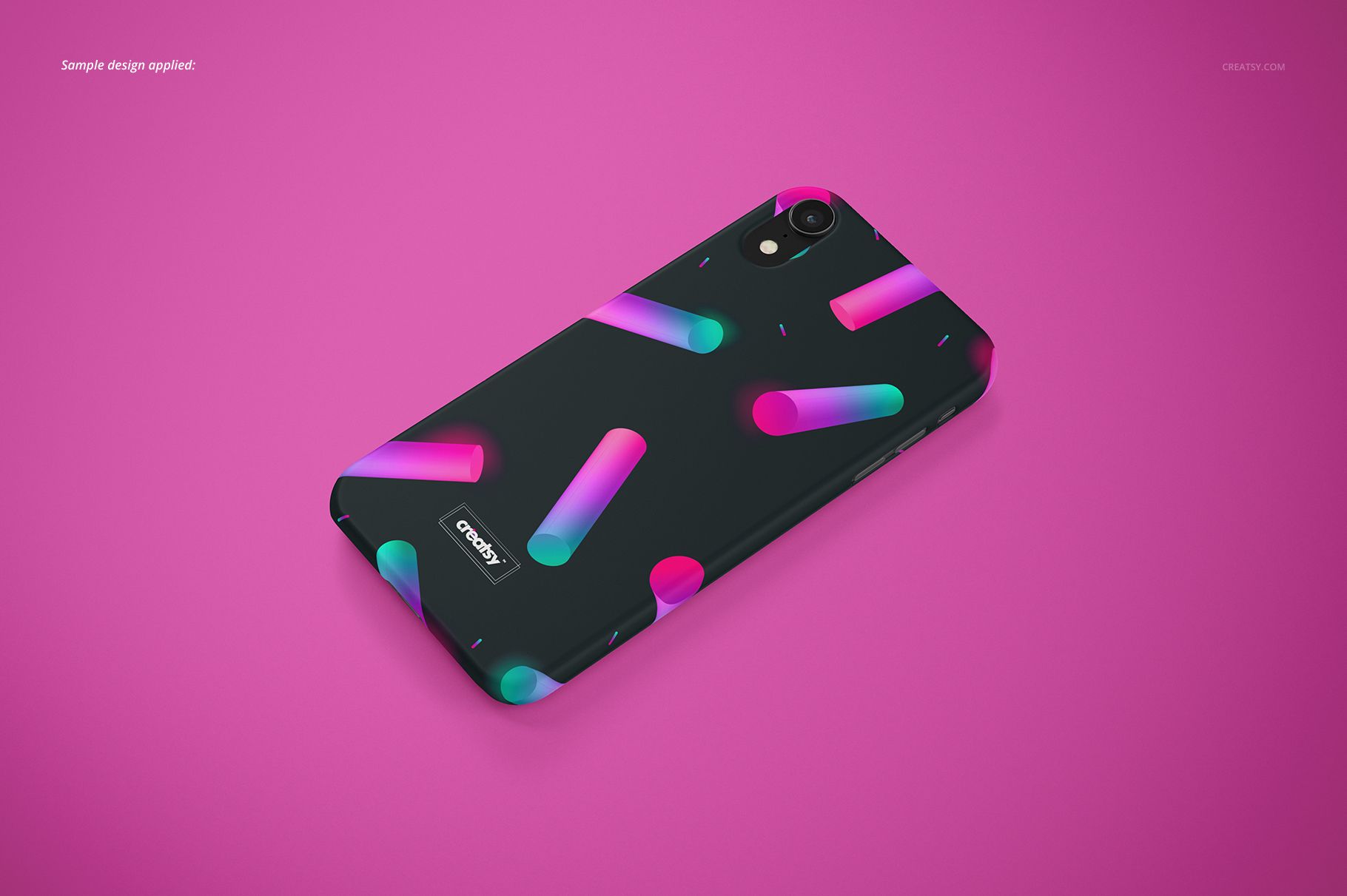
This is a digital mockup product. No physical phone or case is included. The example patterns and artwork in the gallery are for demonstration and are not included.