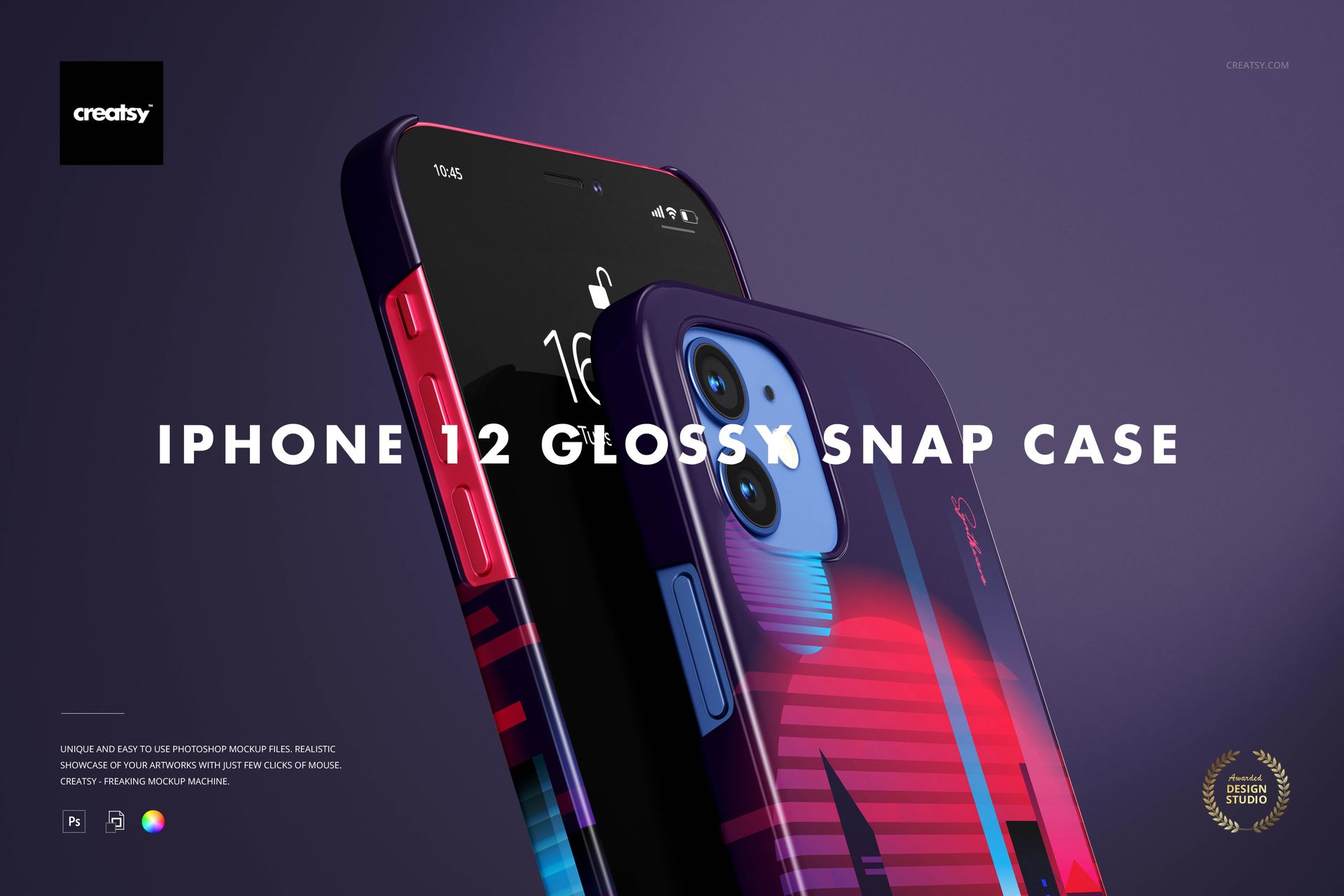
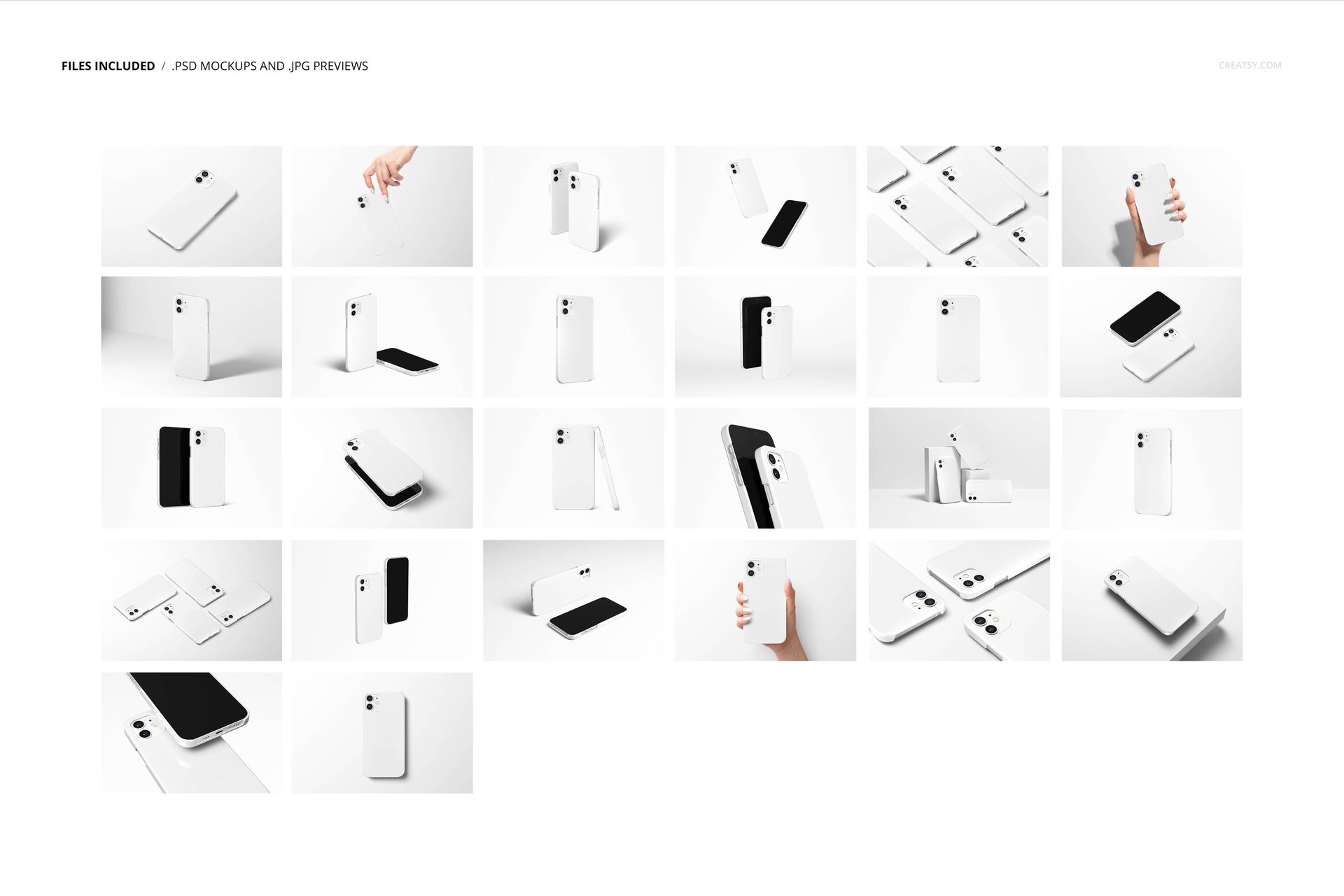
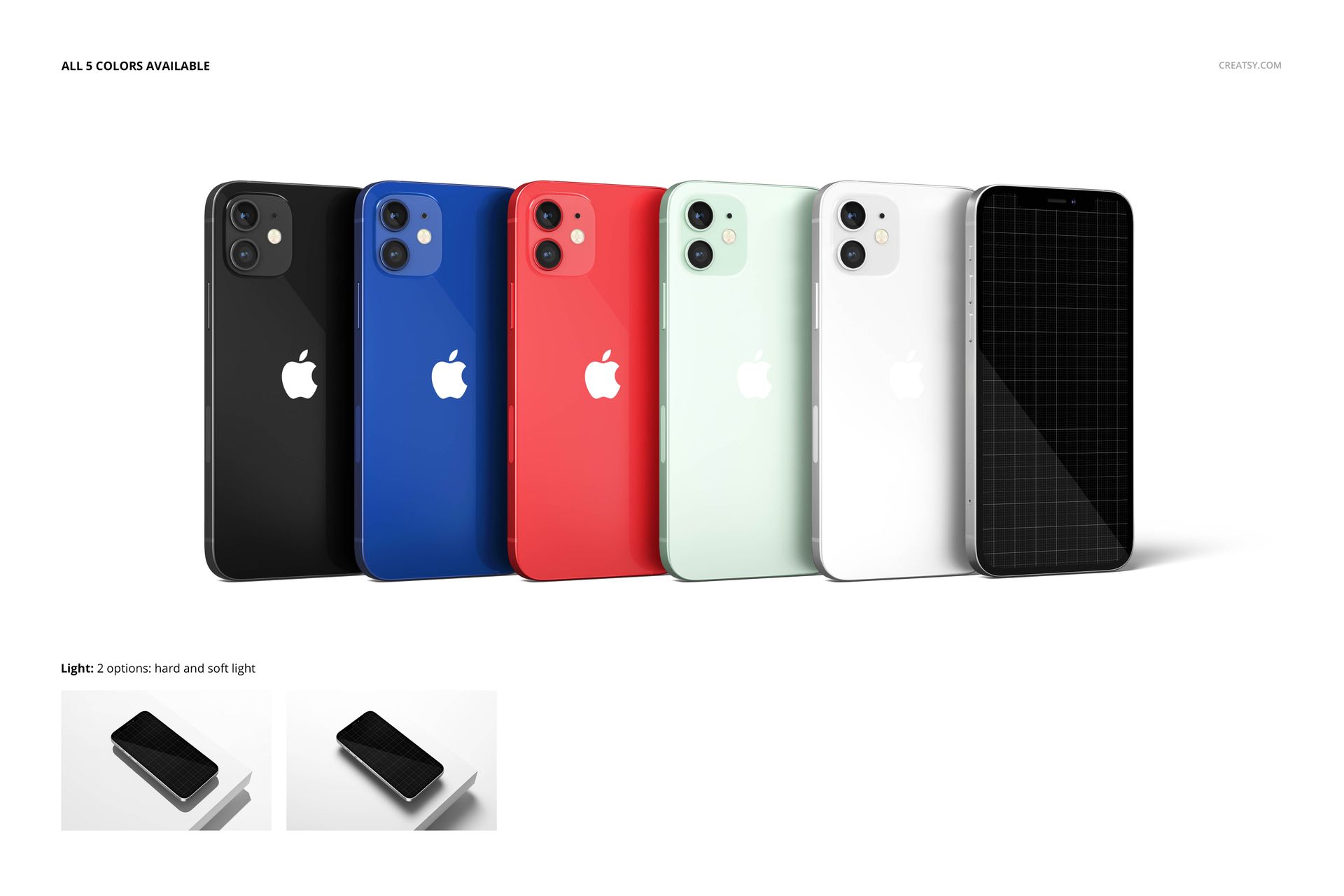
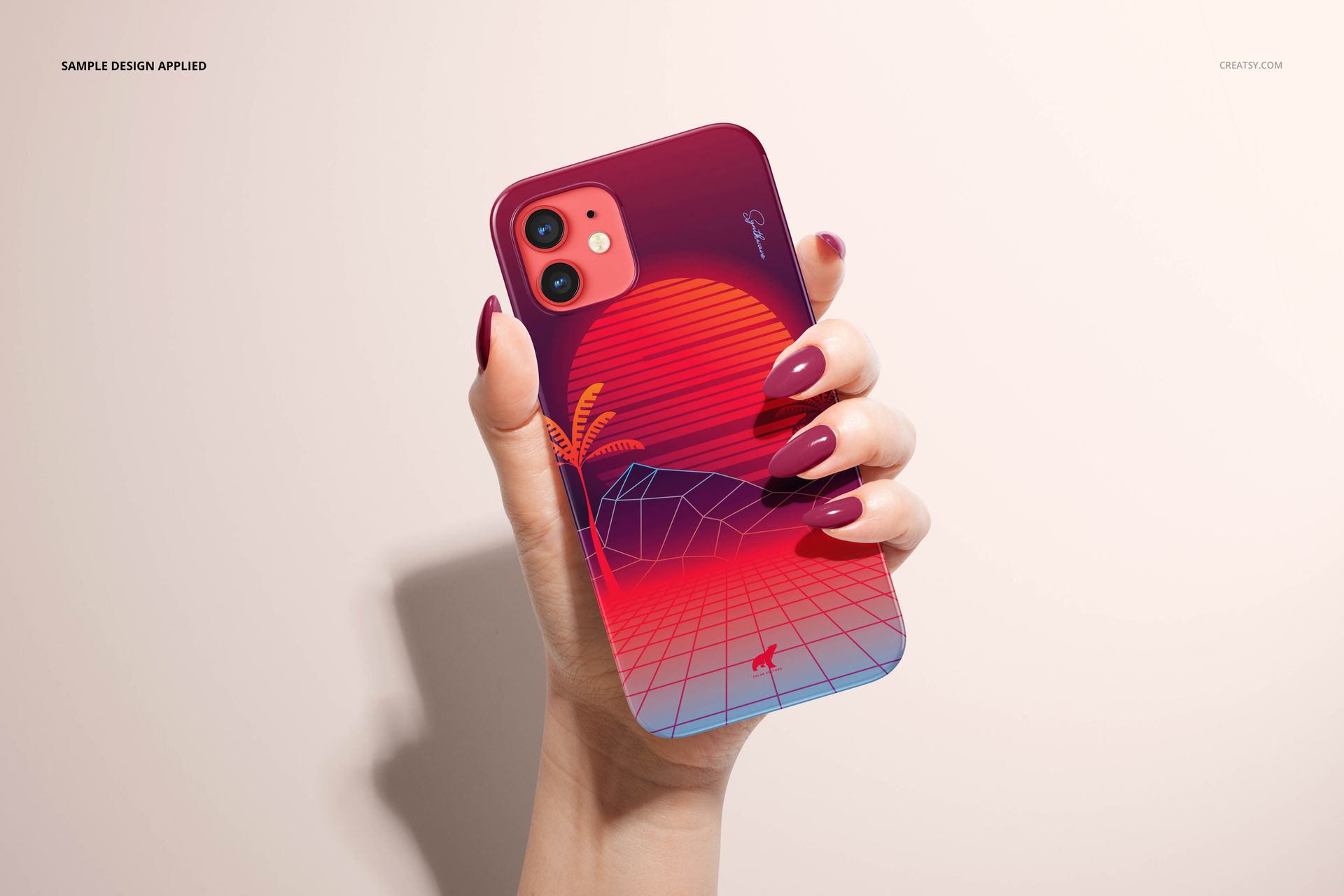
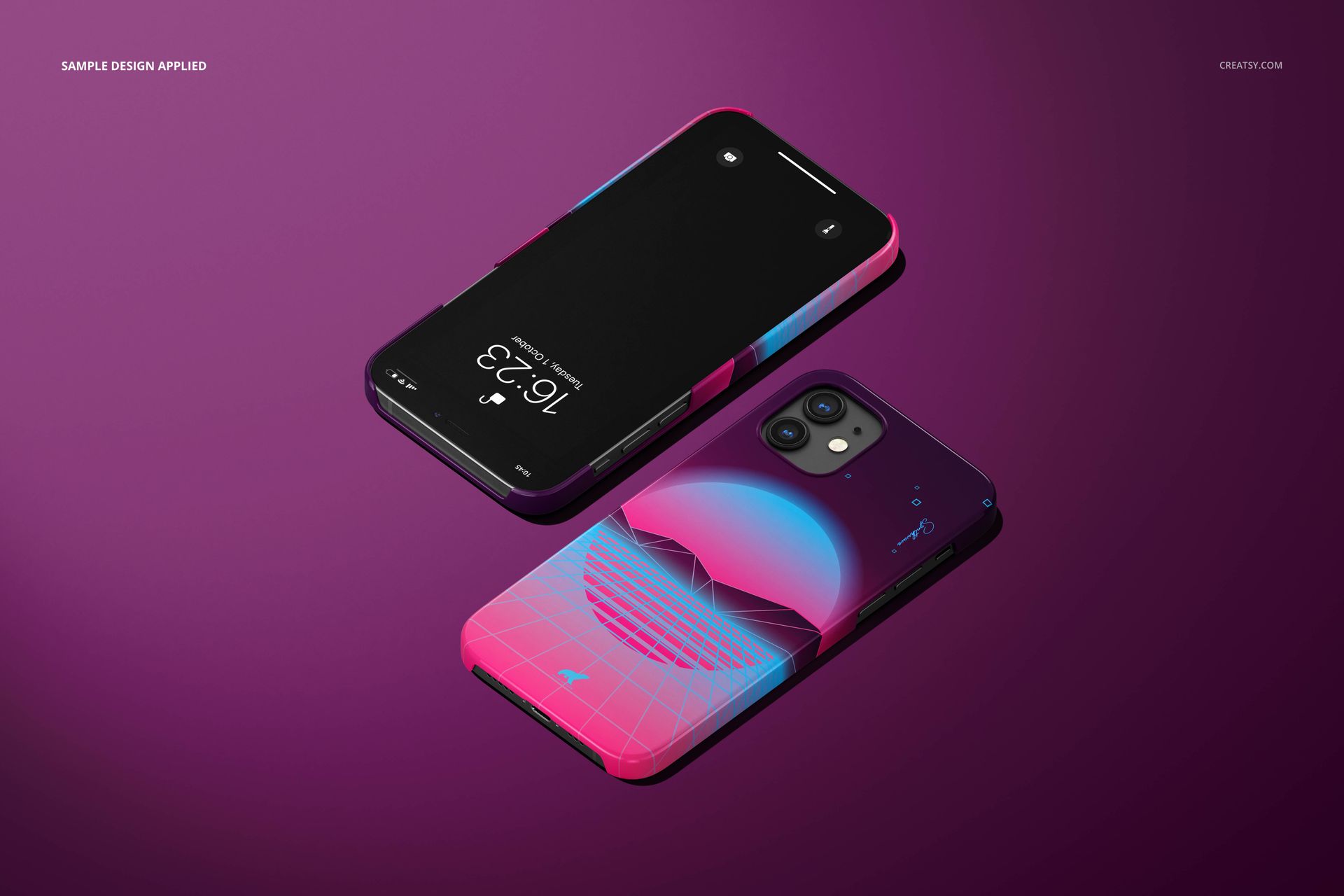
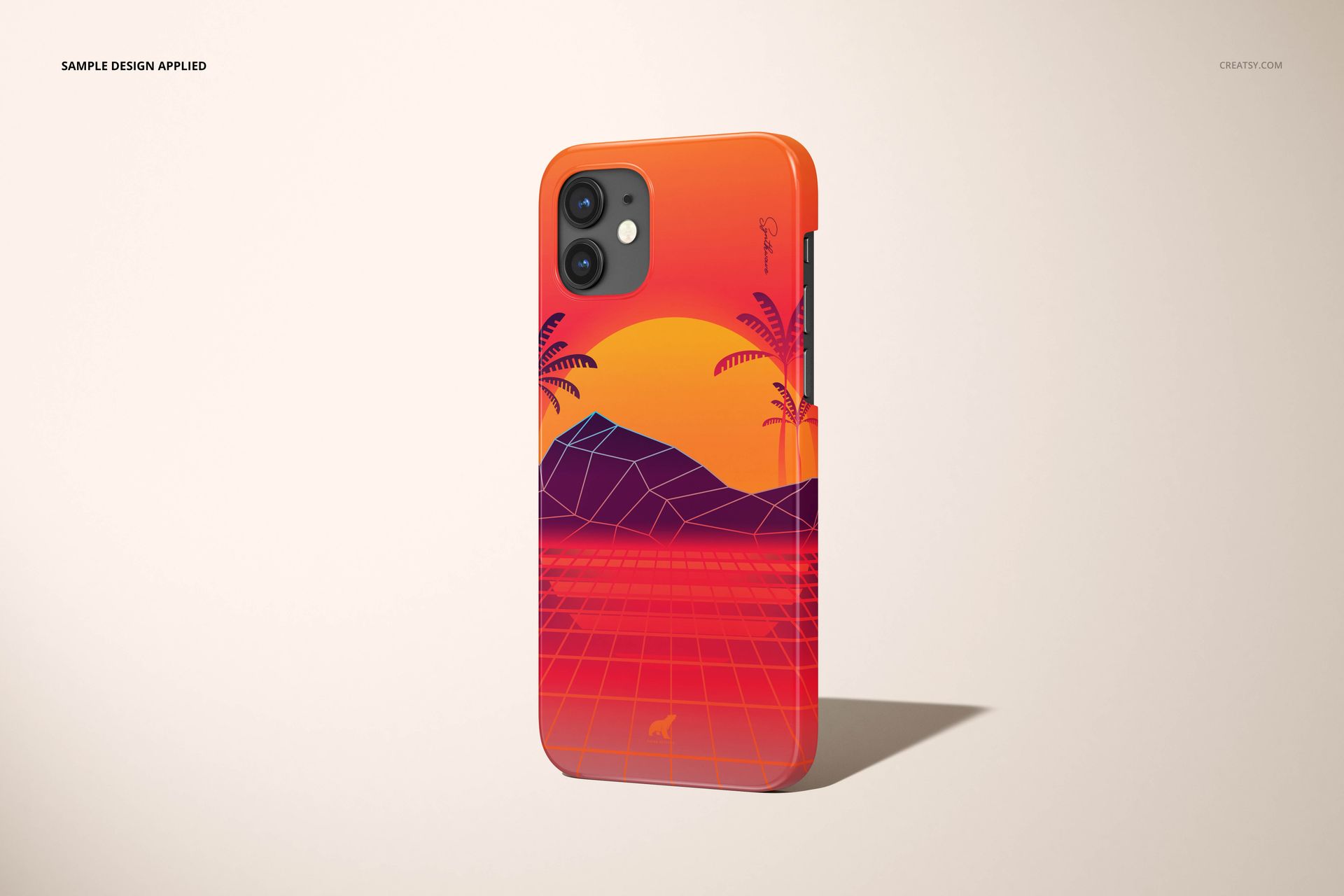
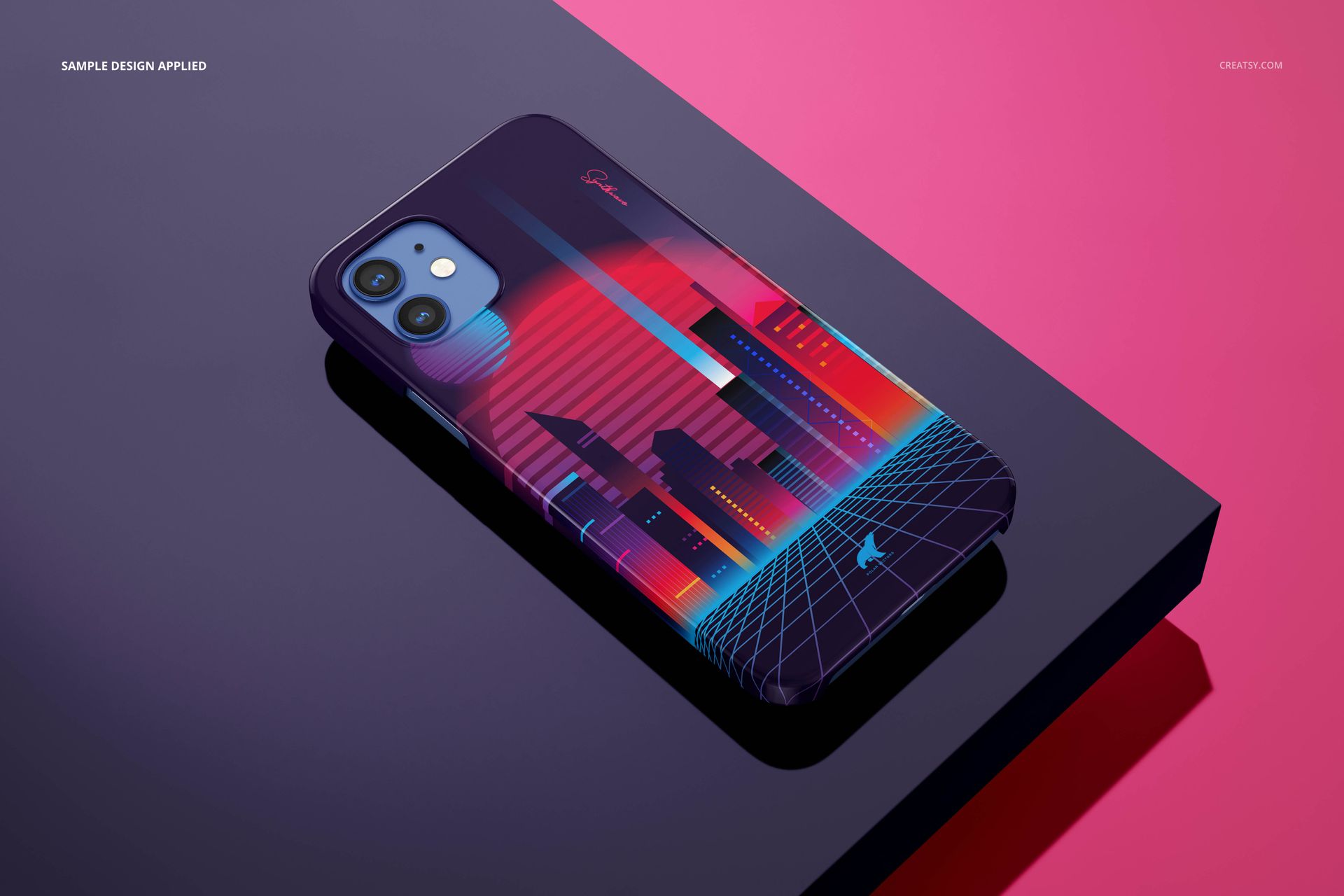
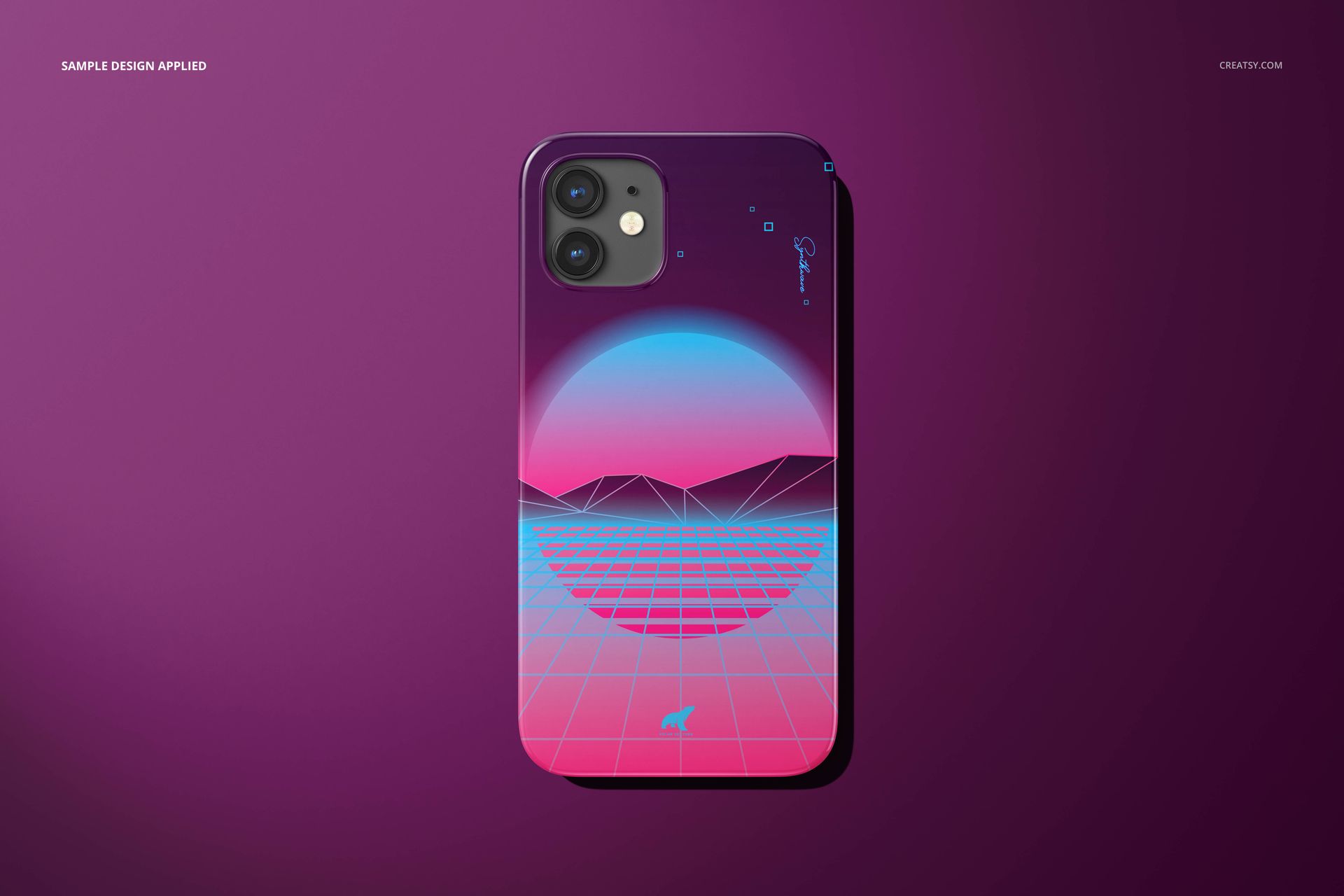
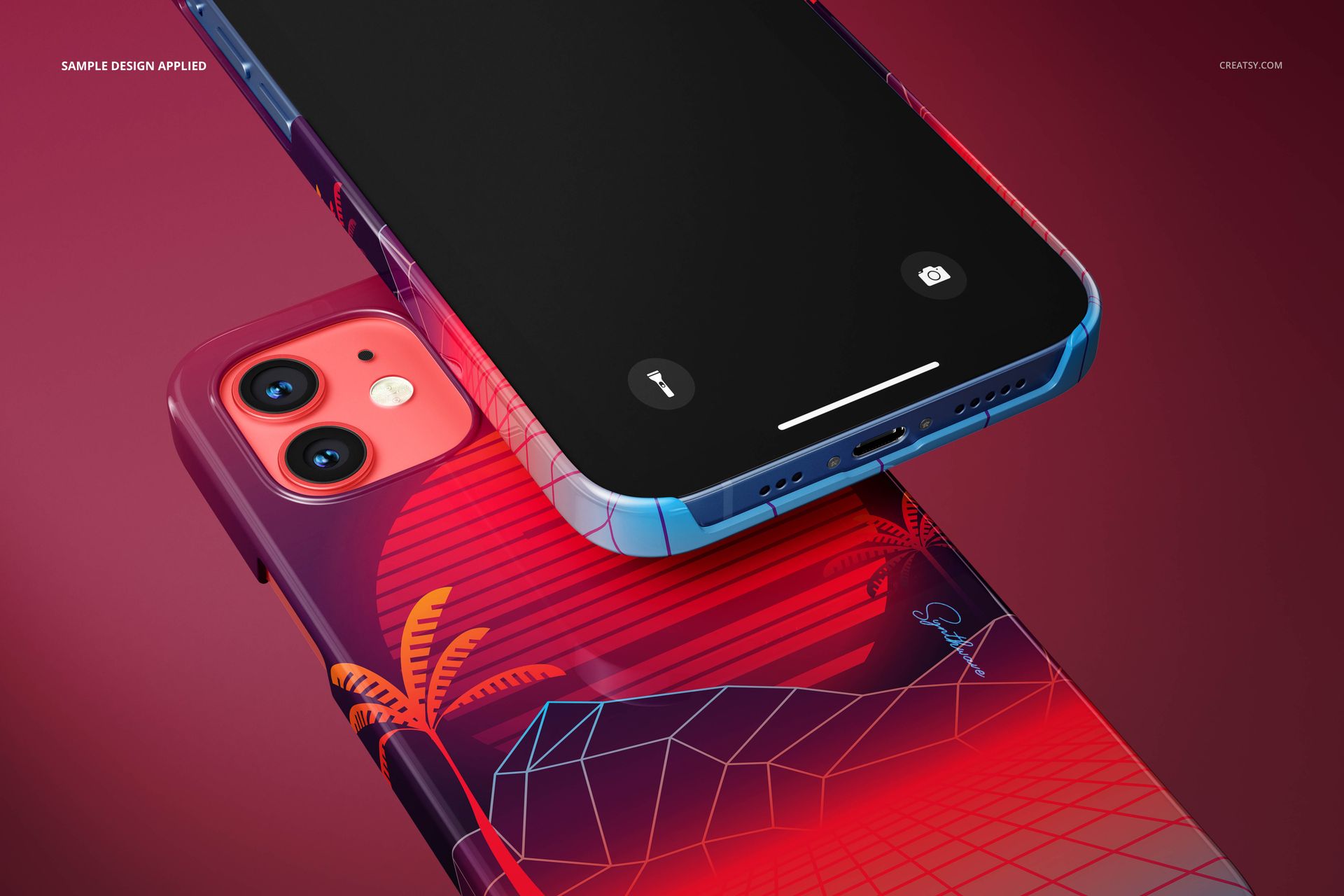
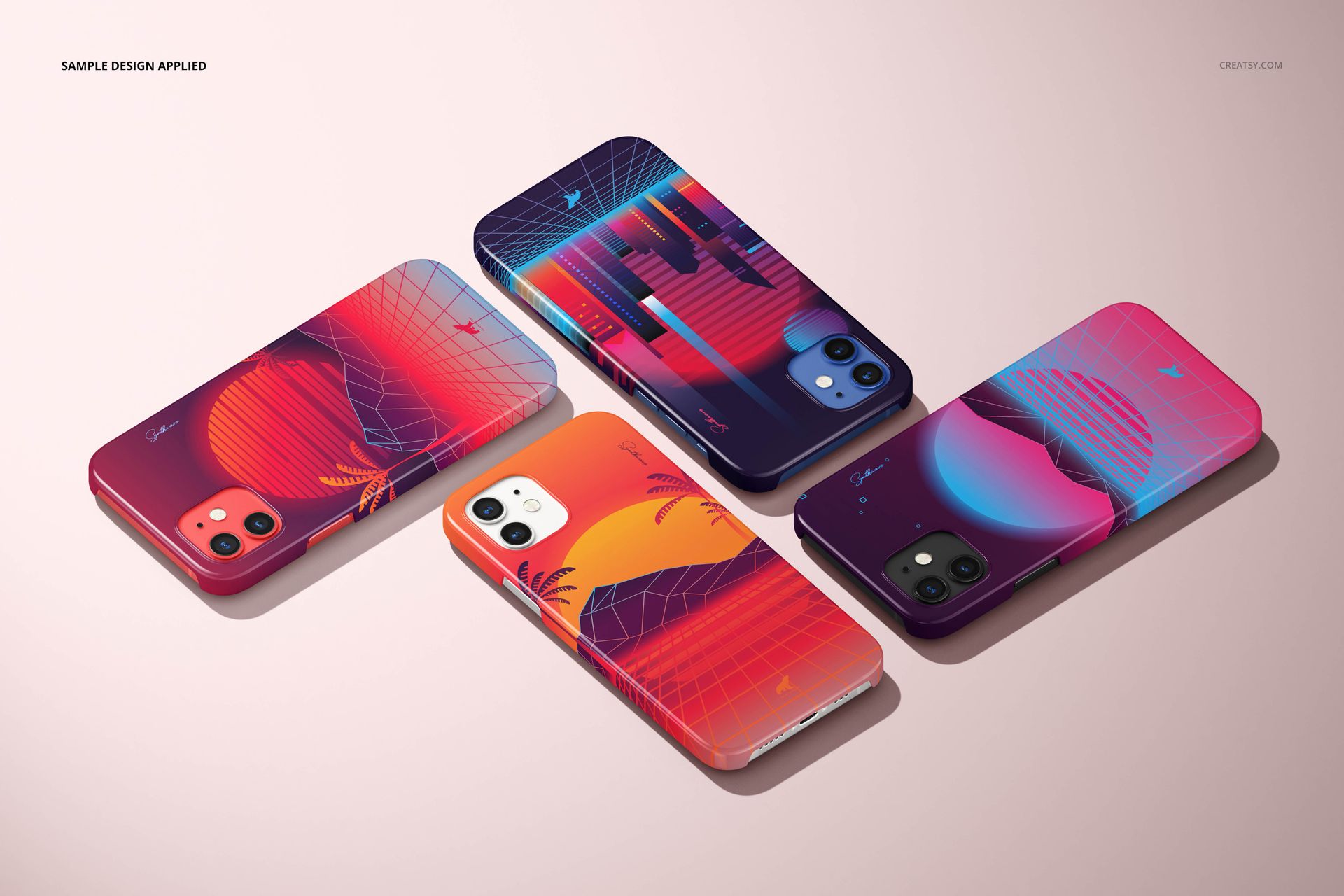
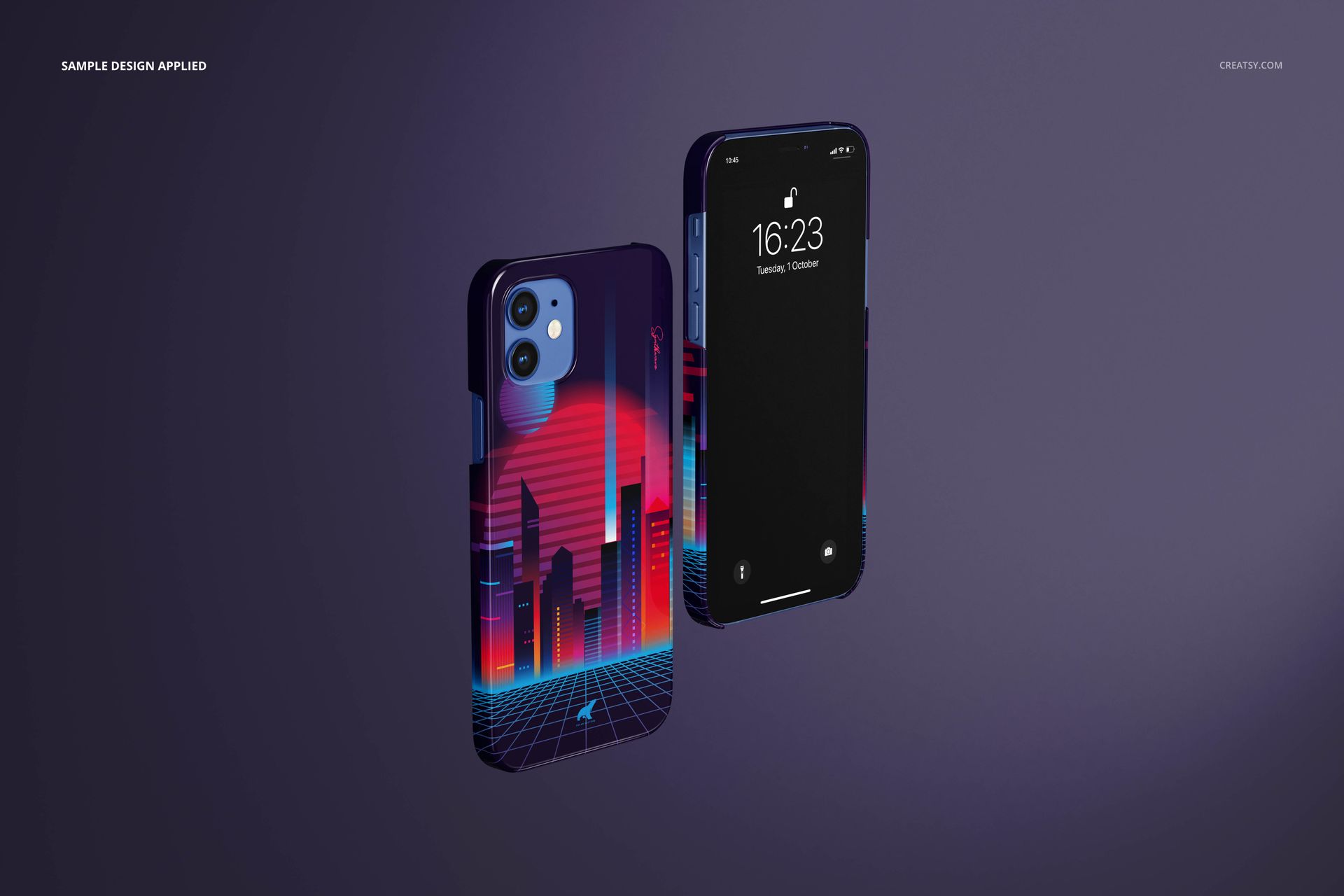
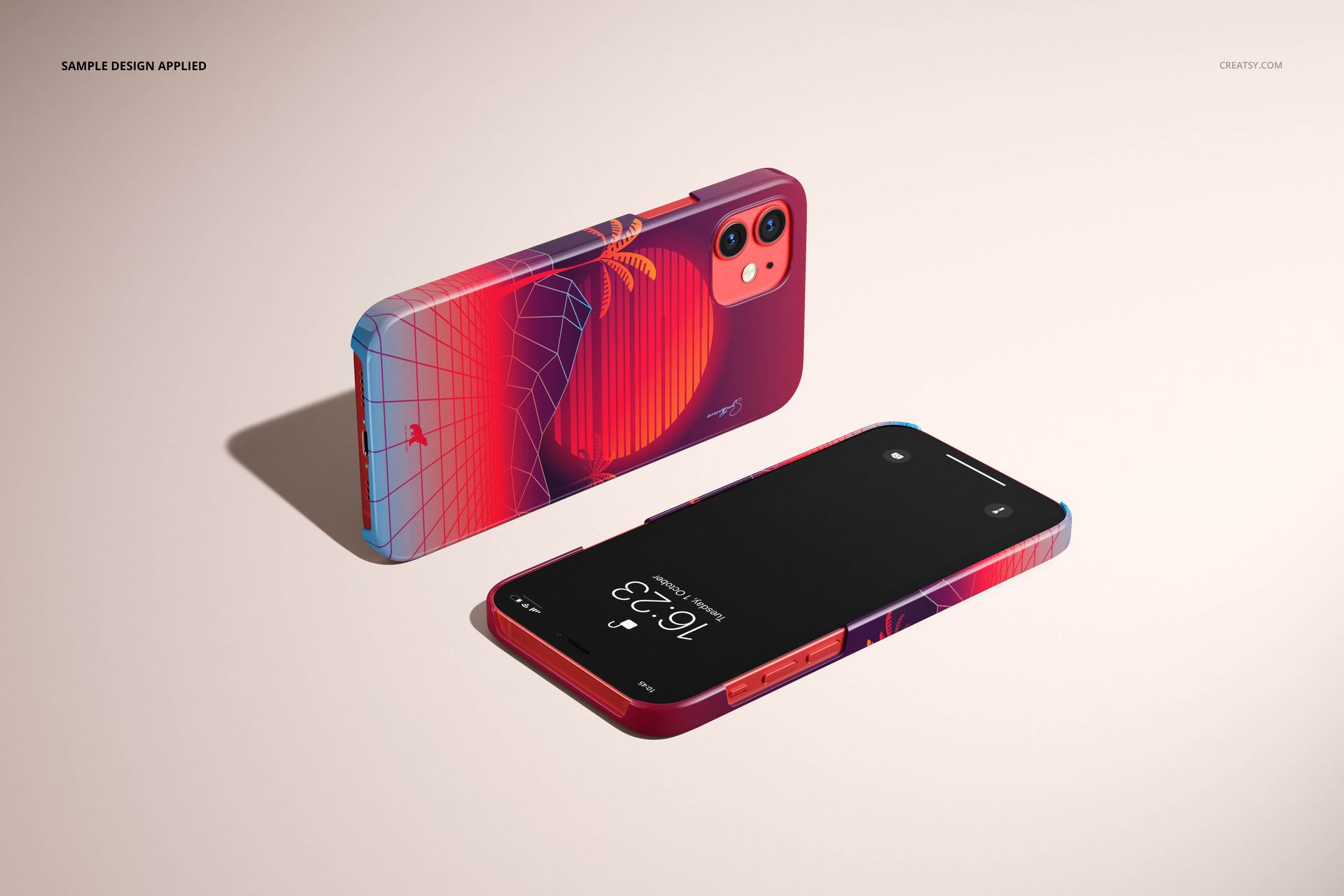
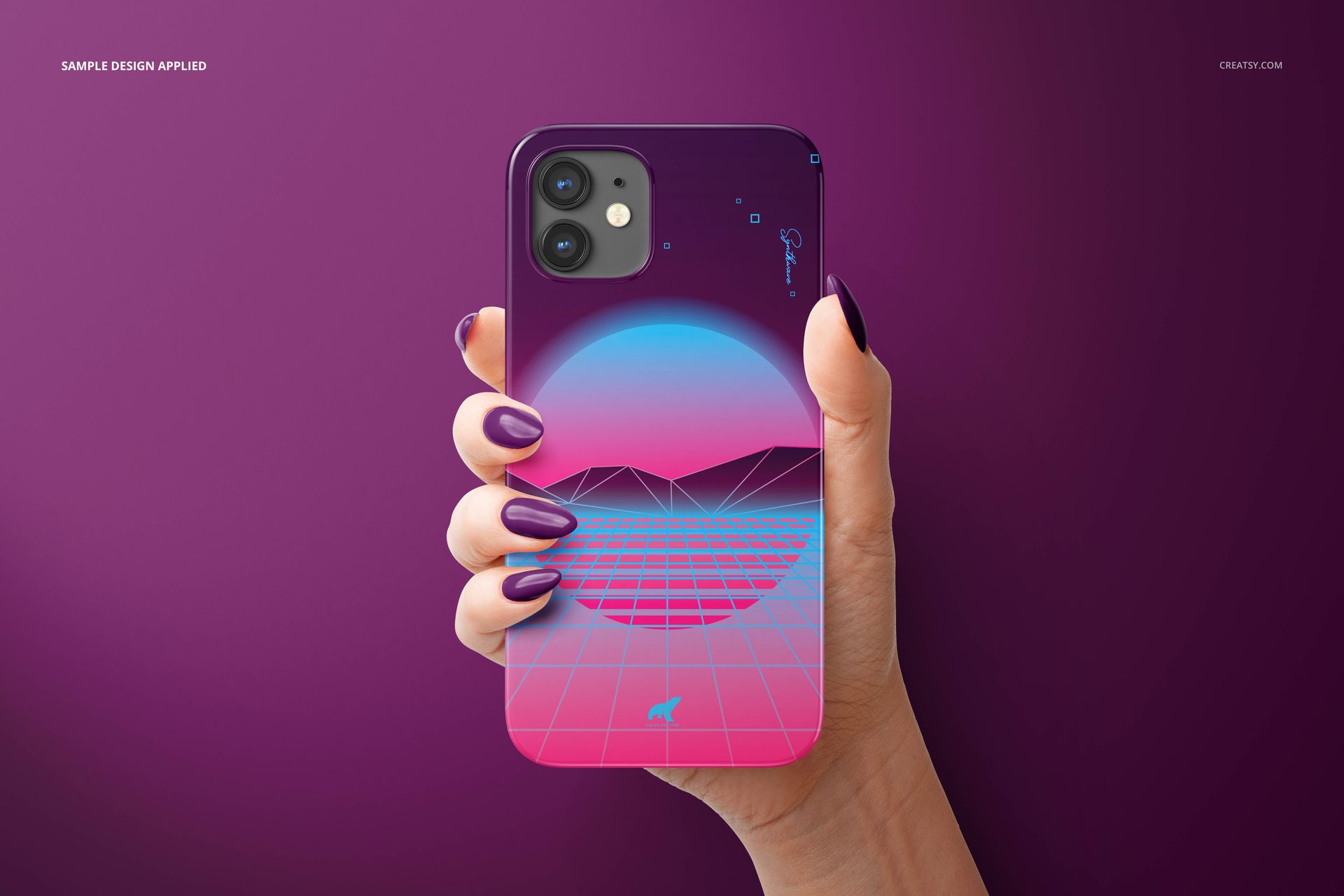
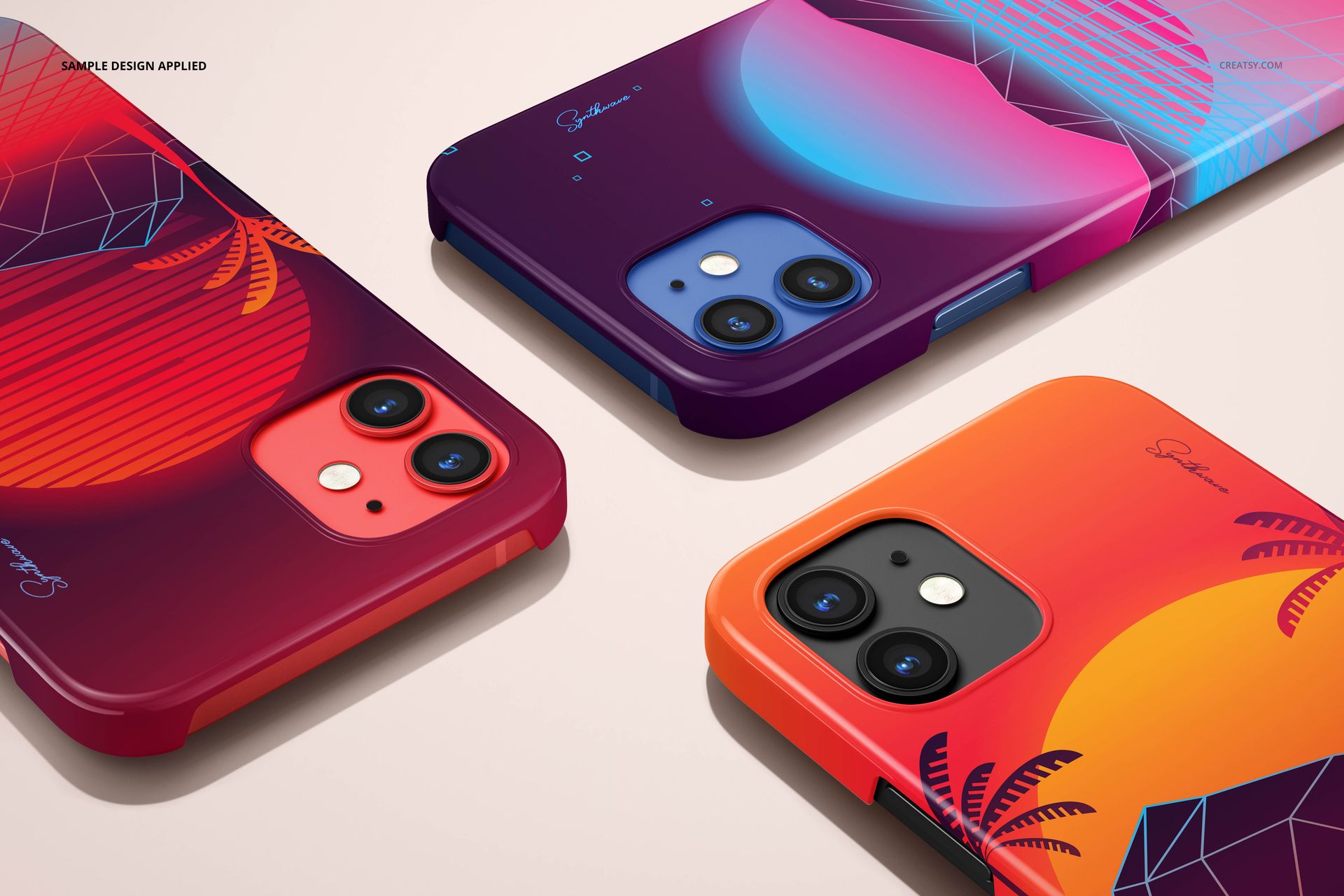
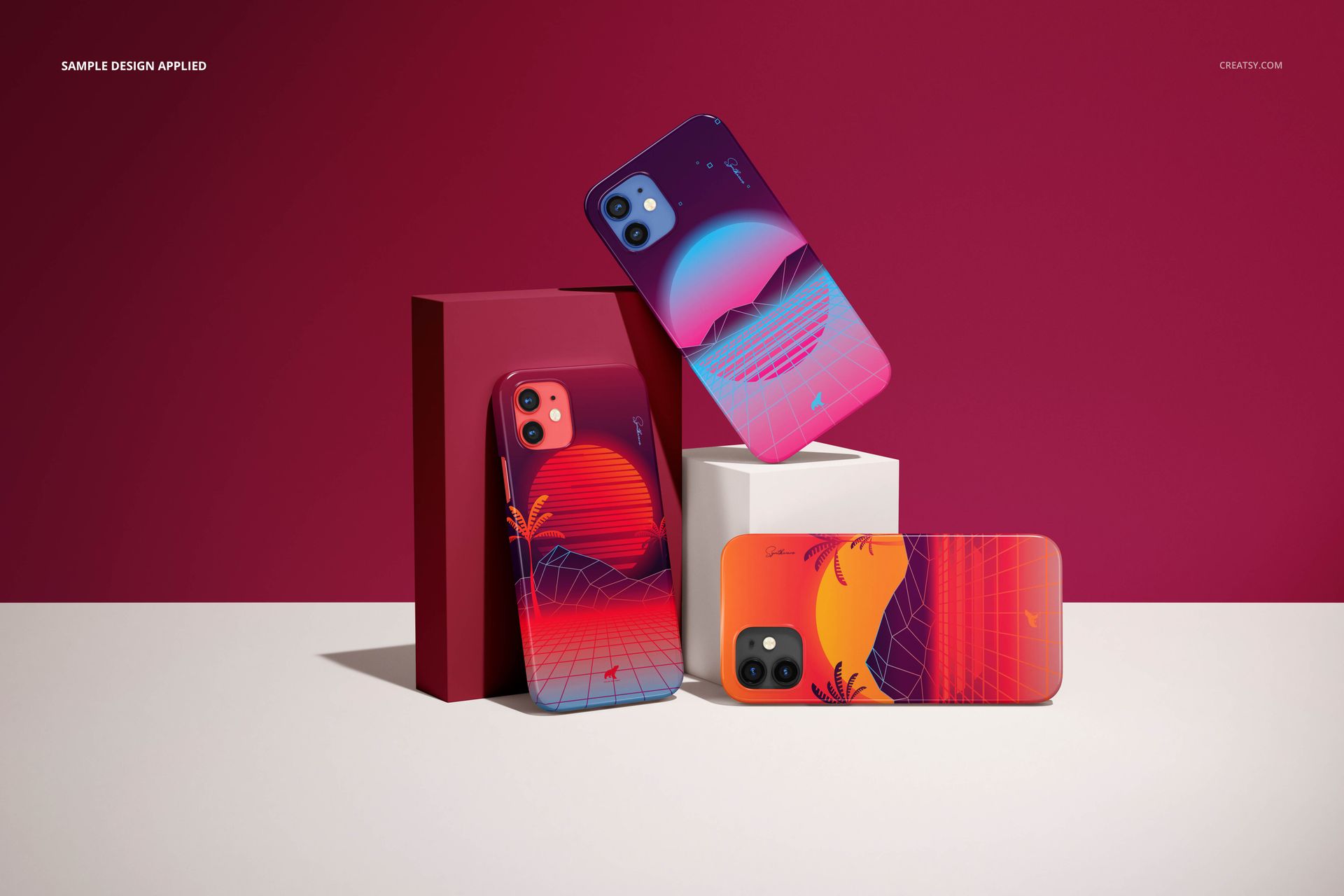
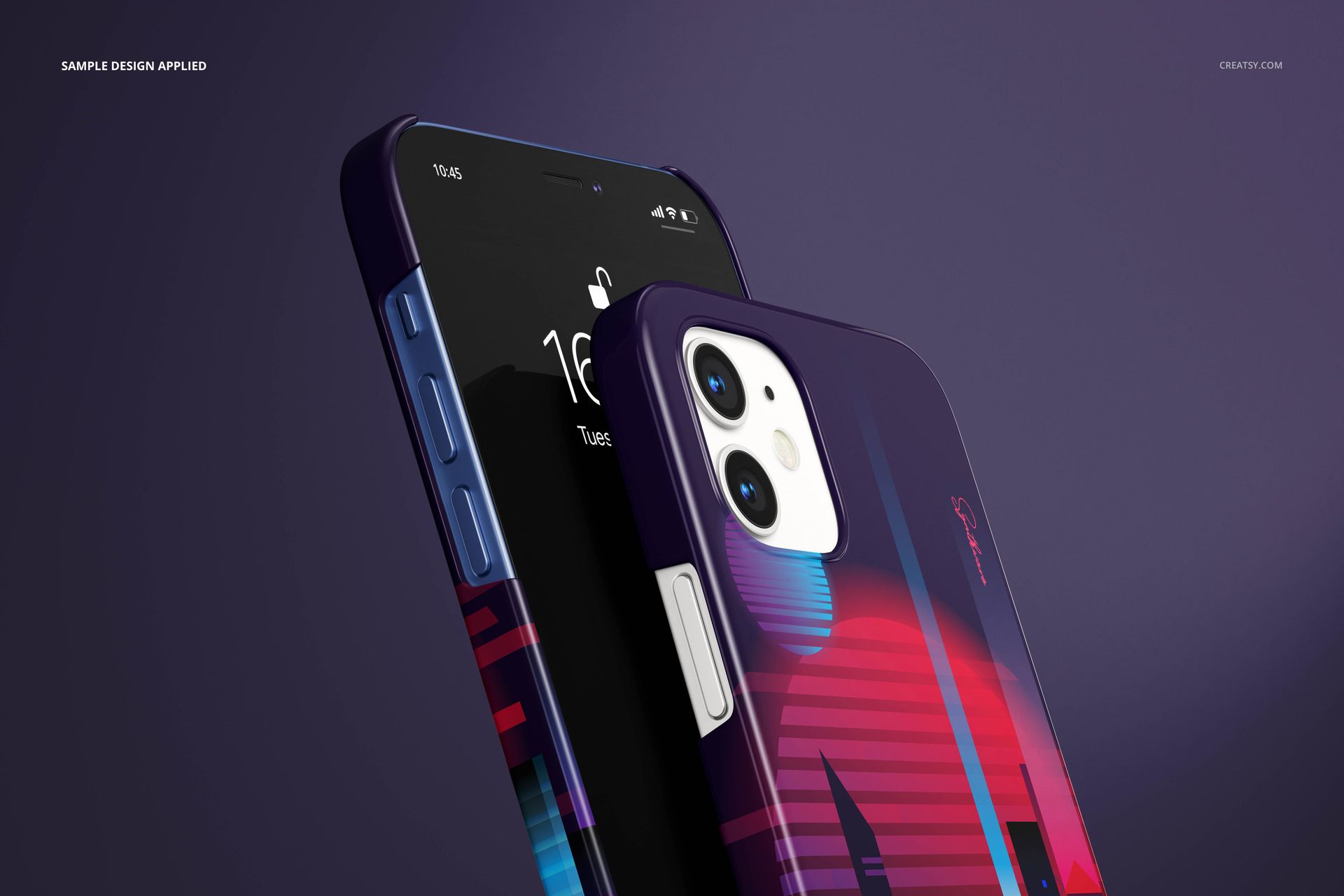
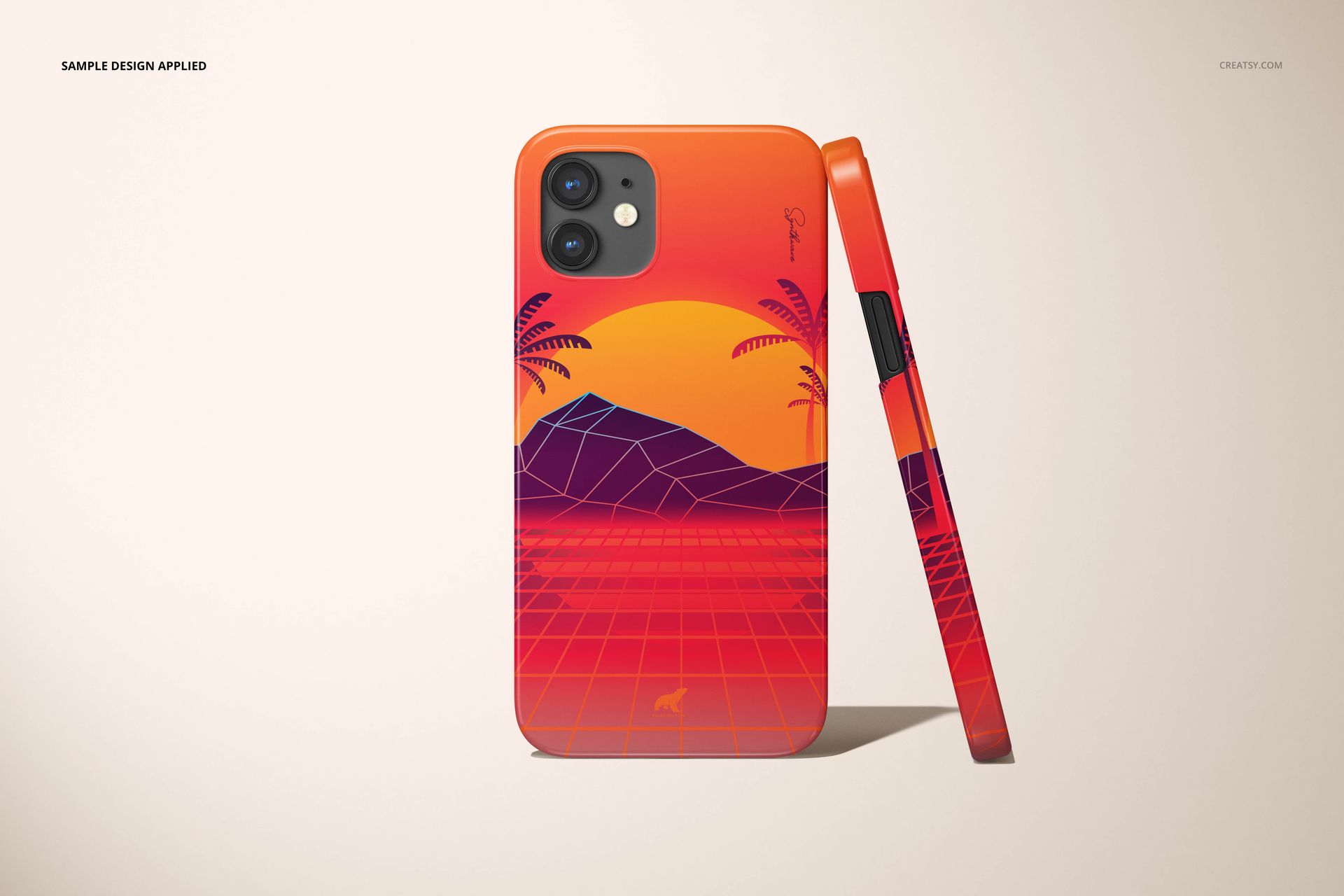
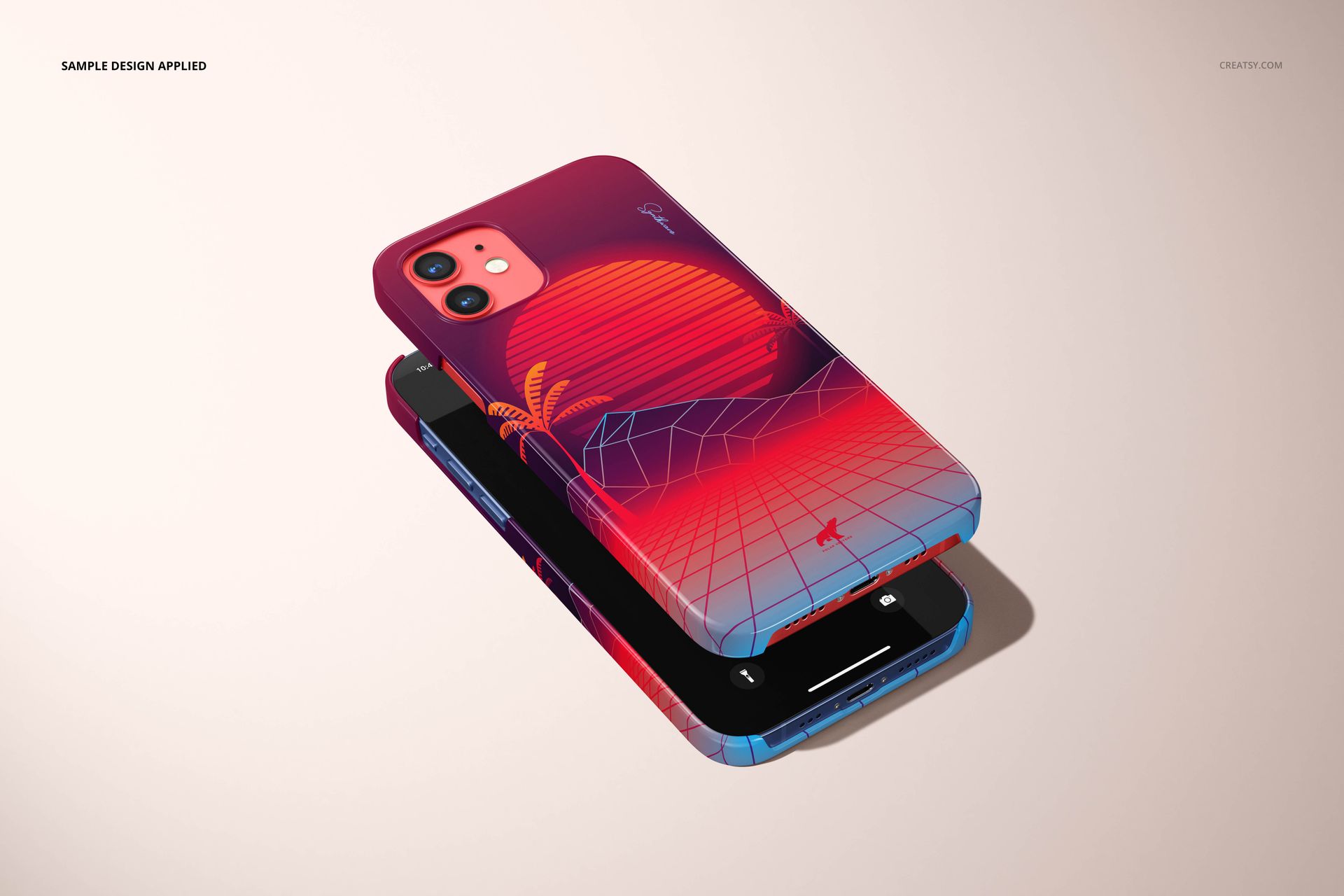
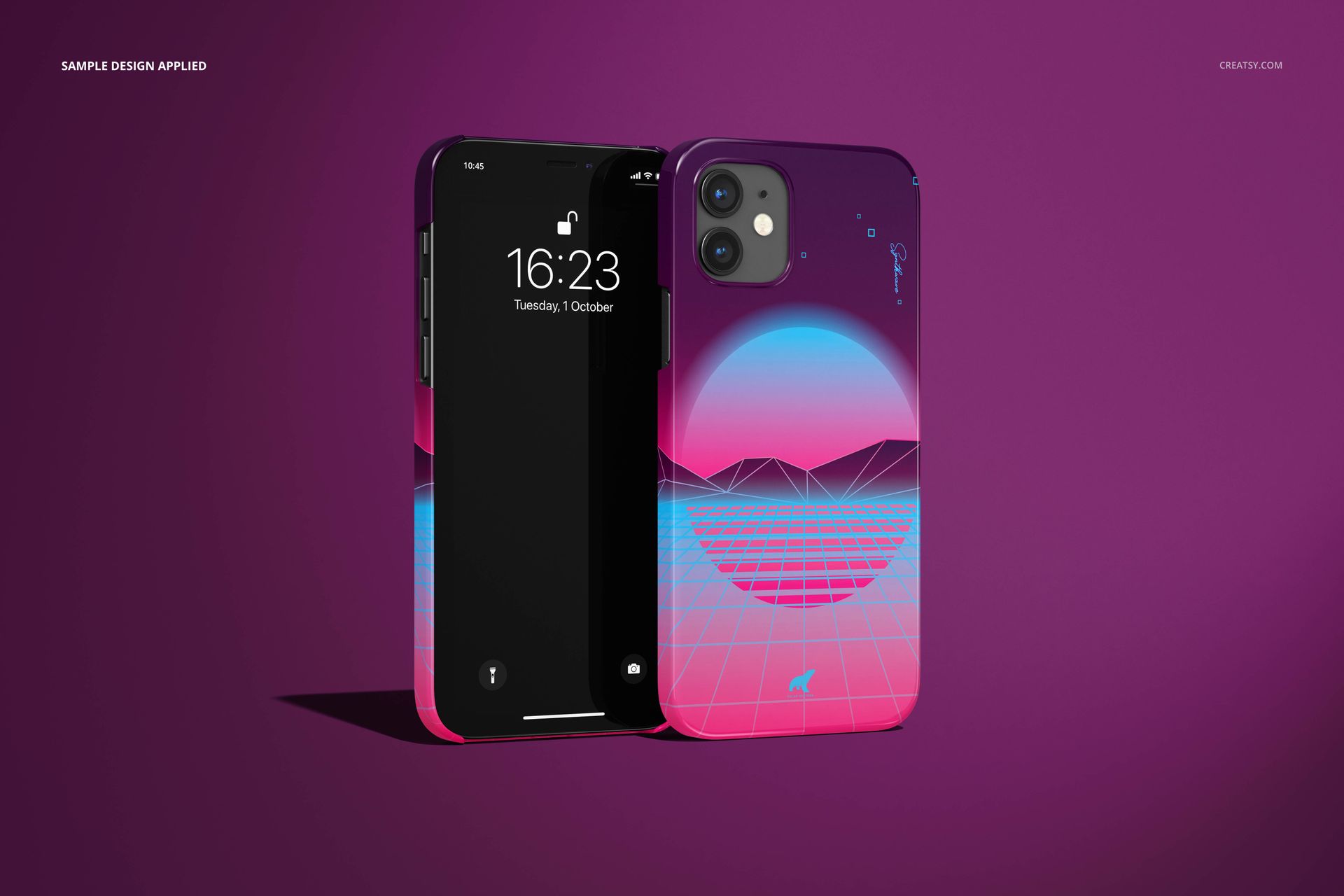
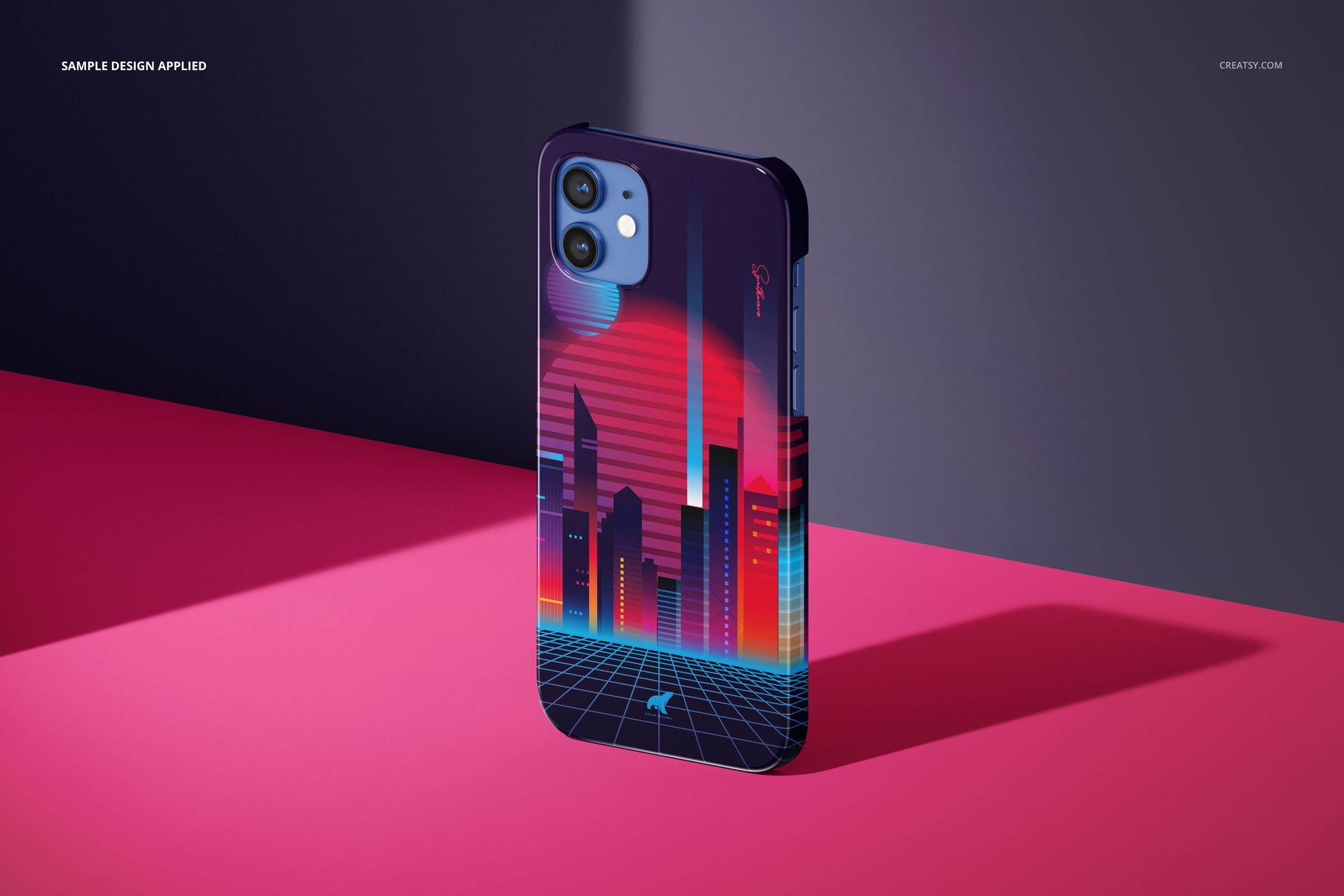
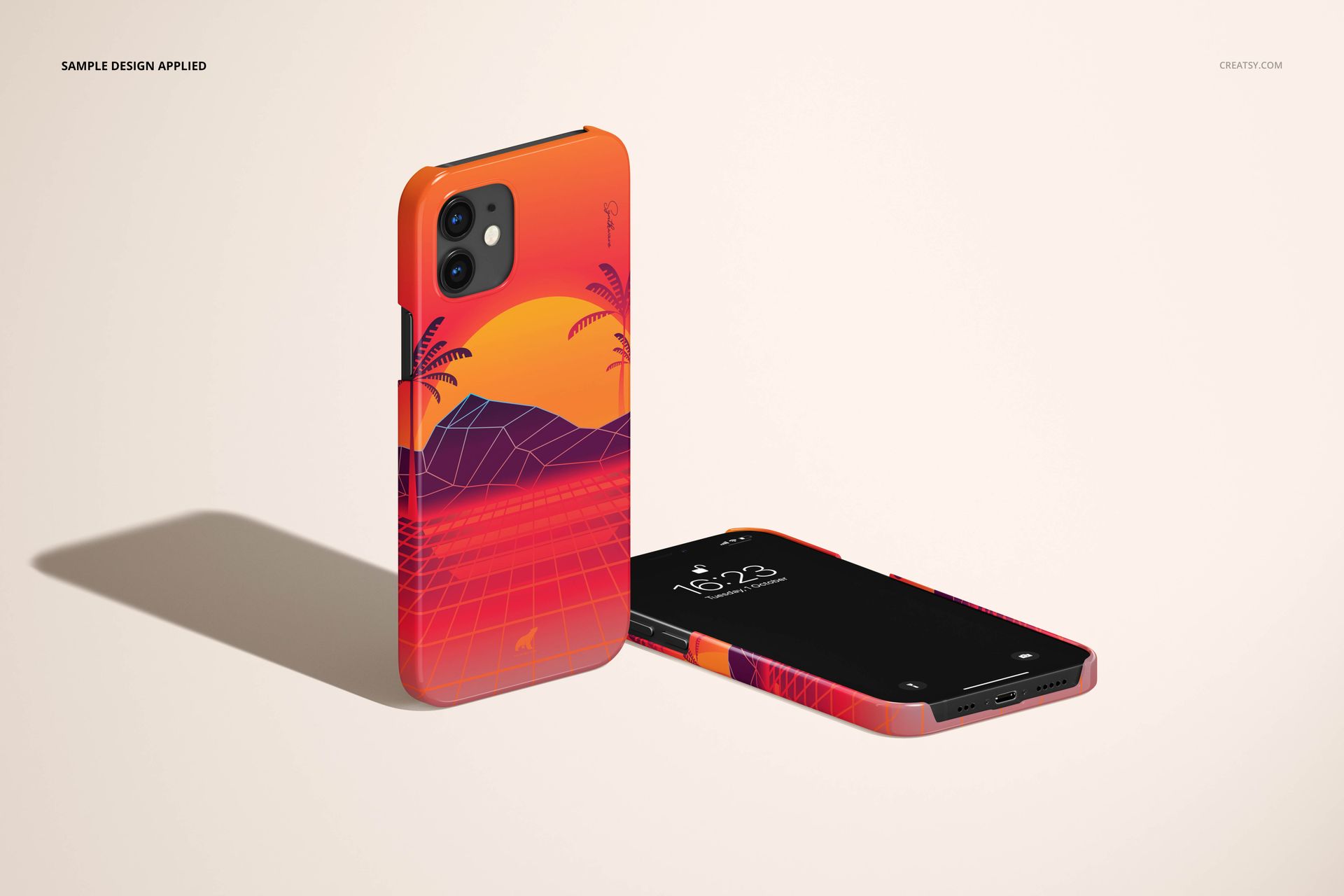
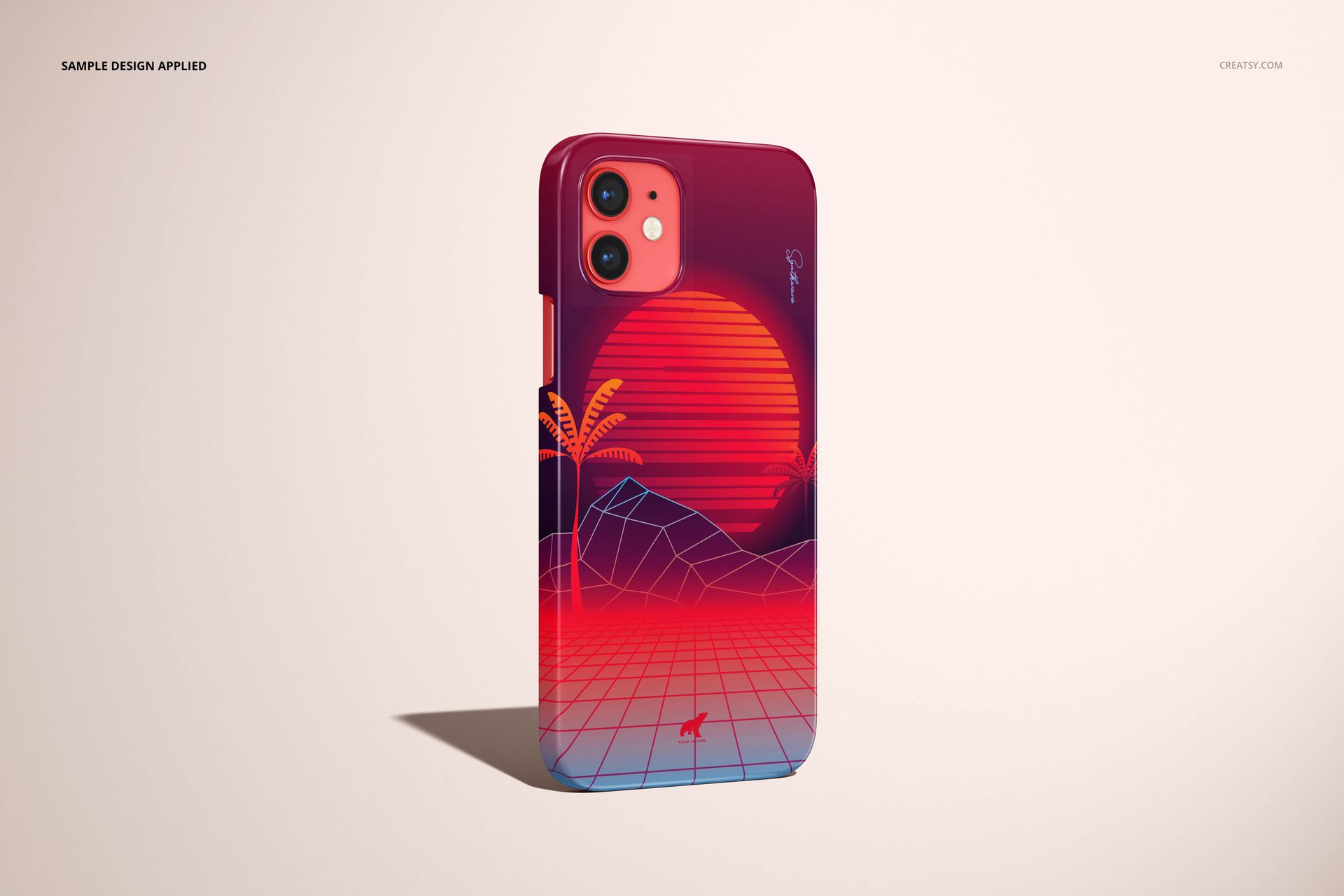
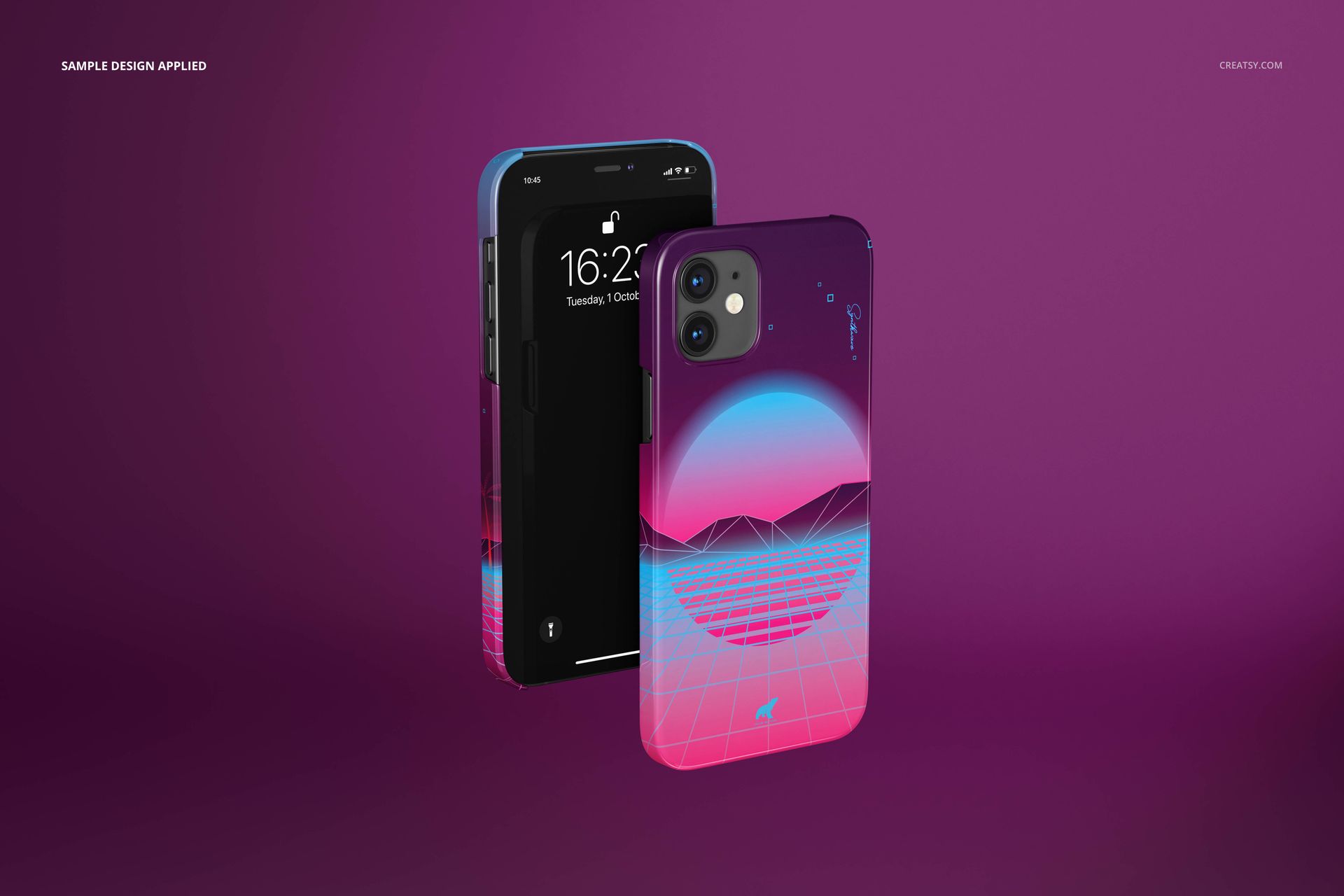
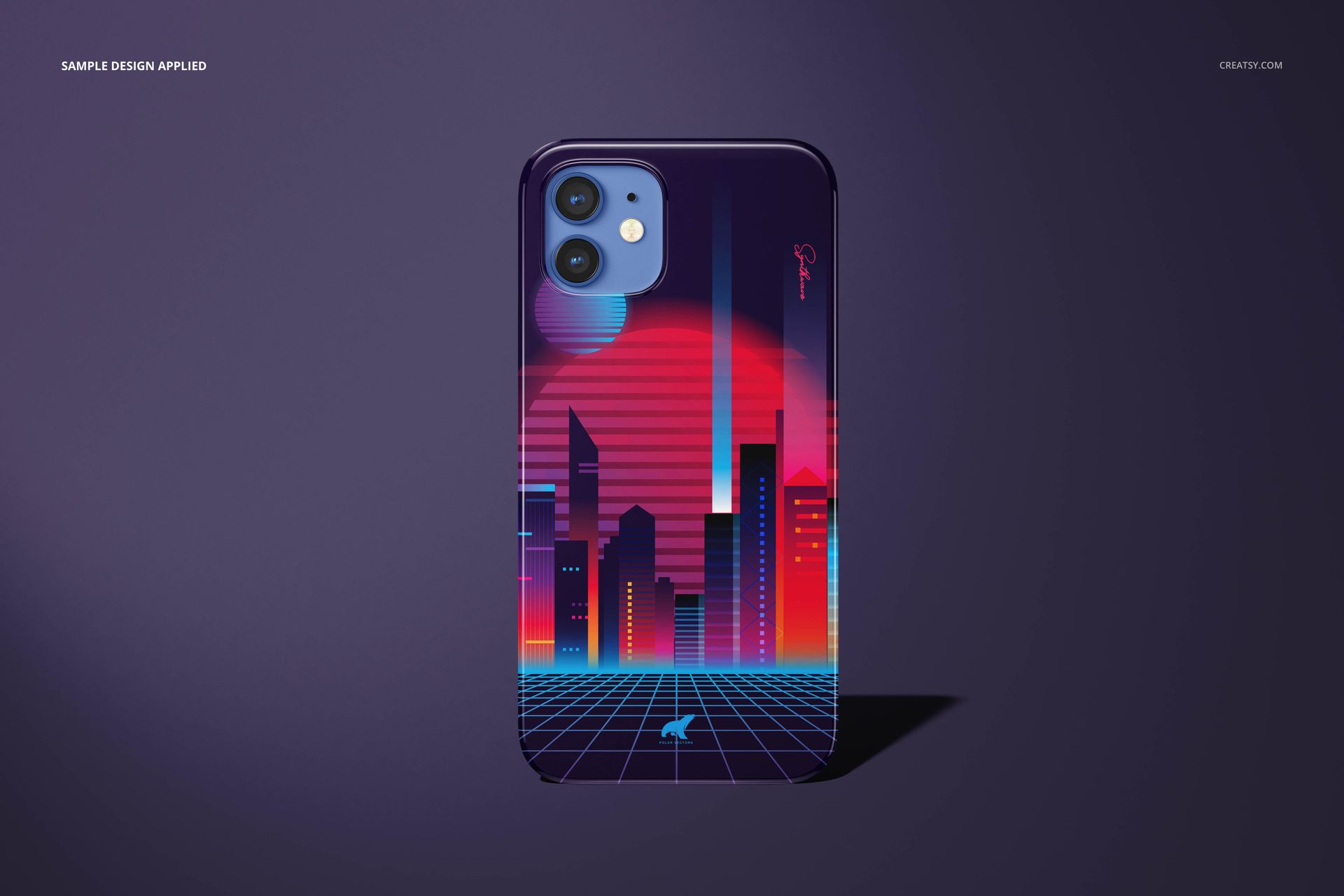
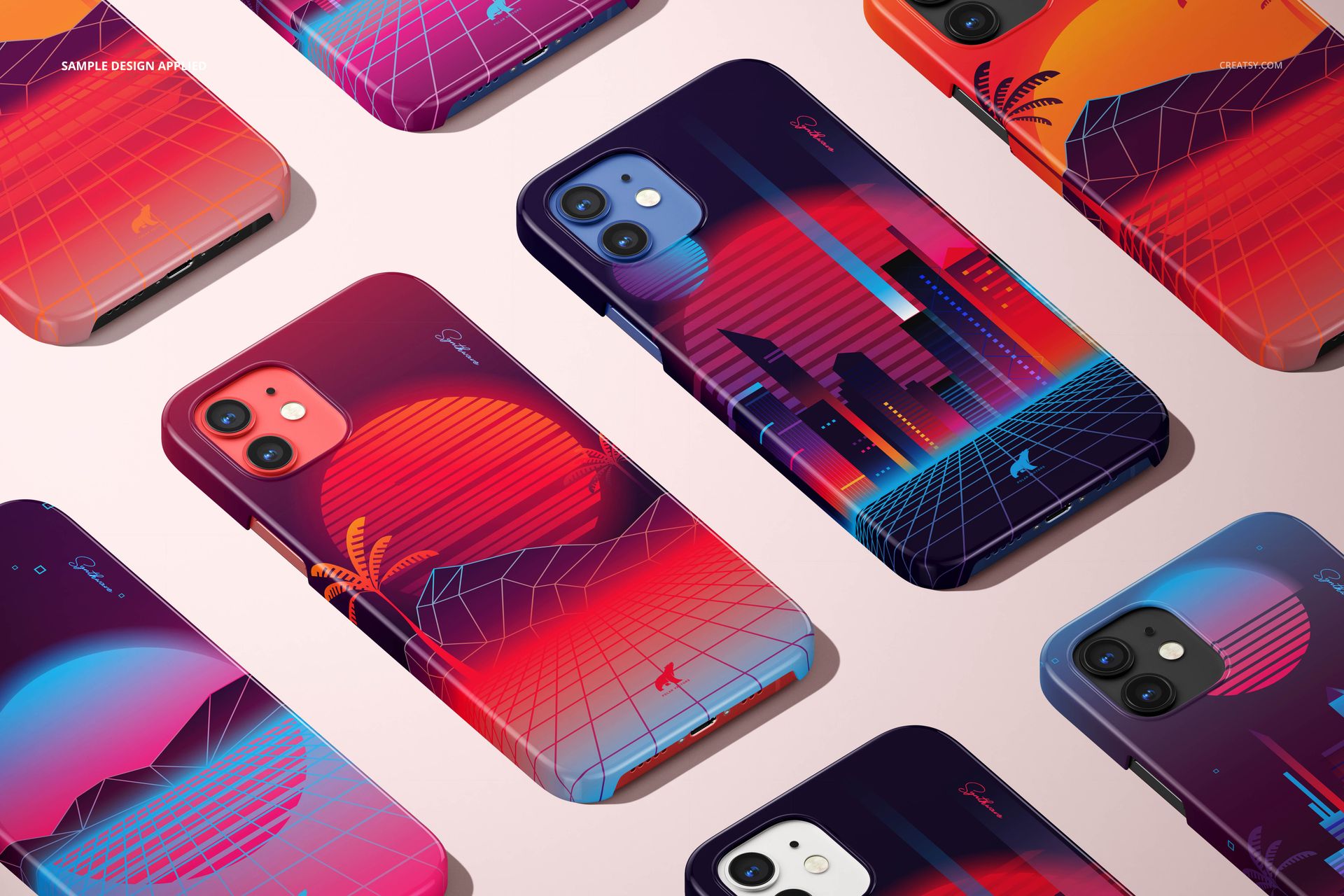
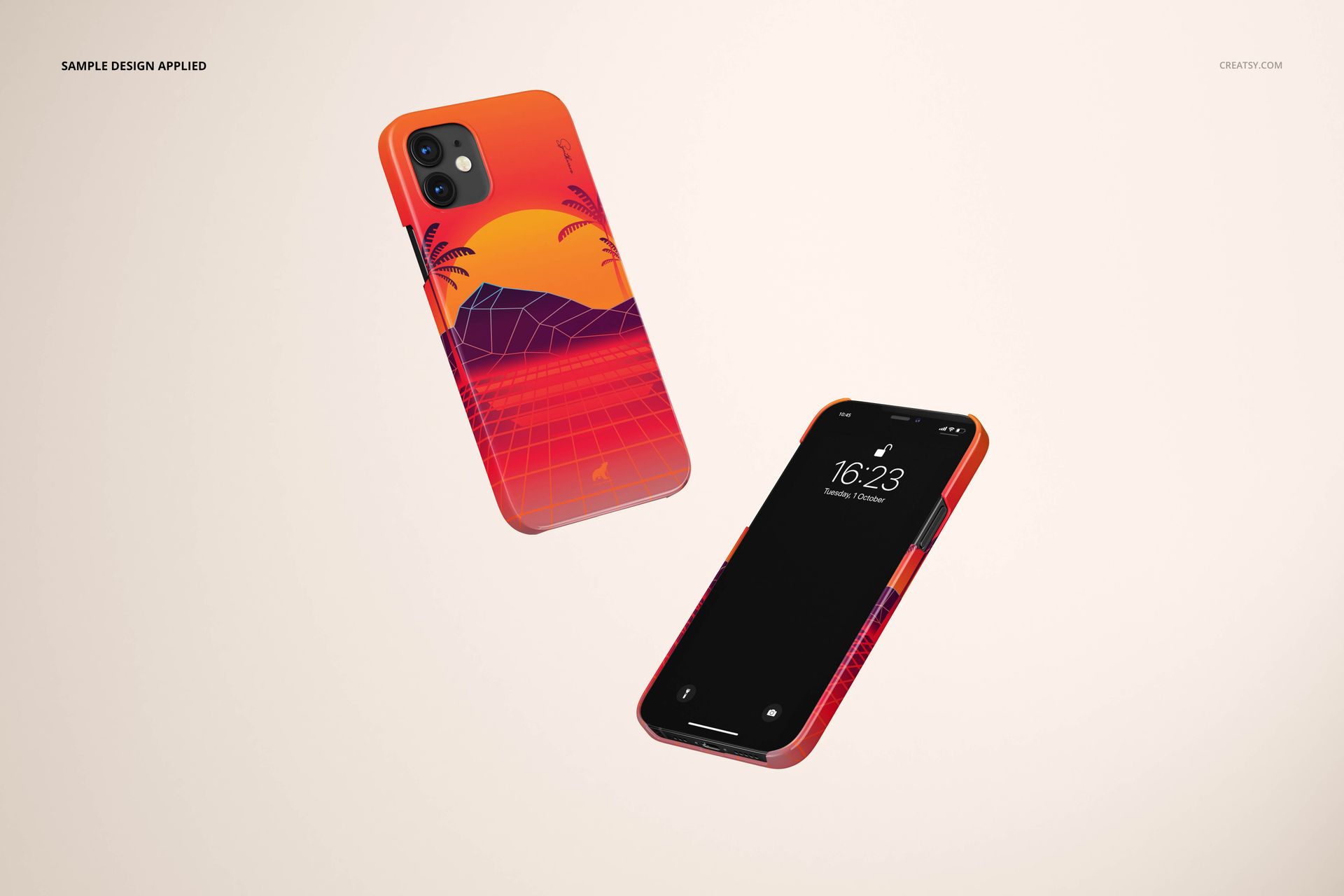
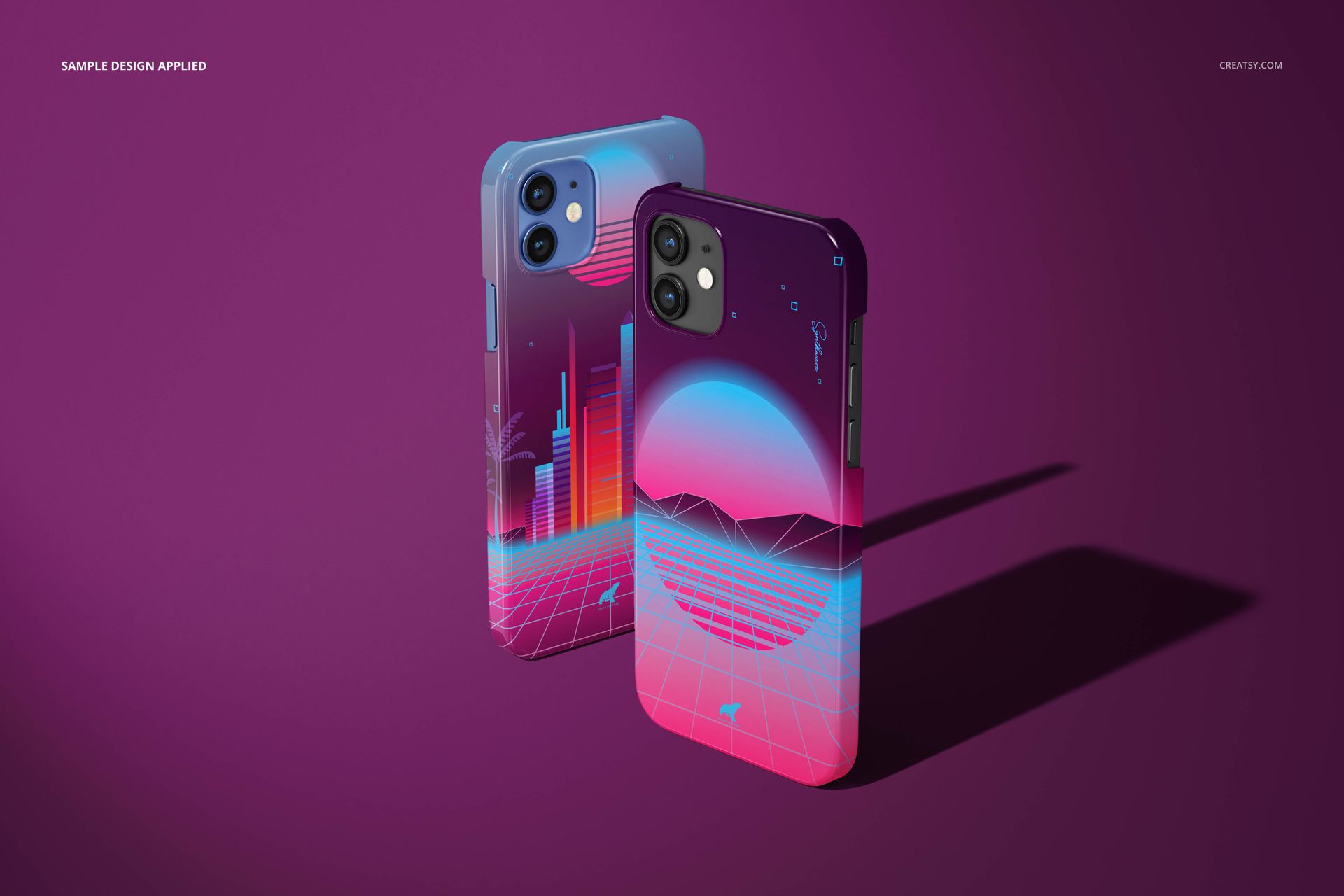
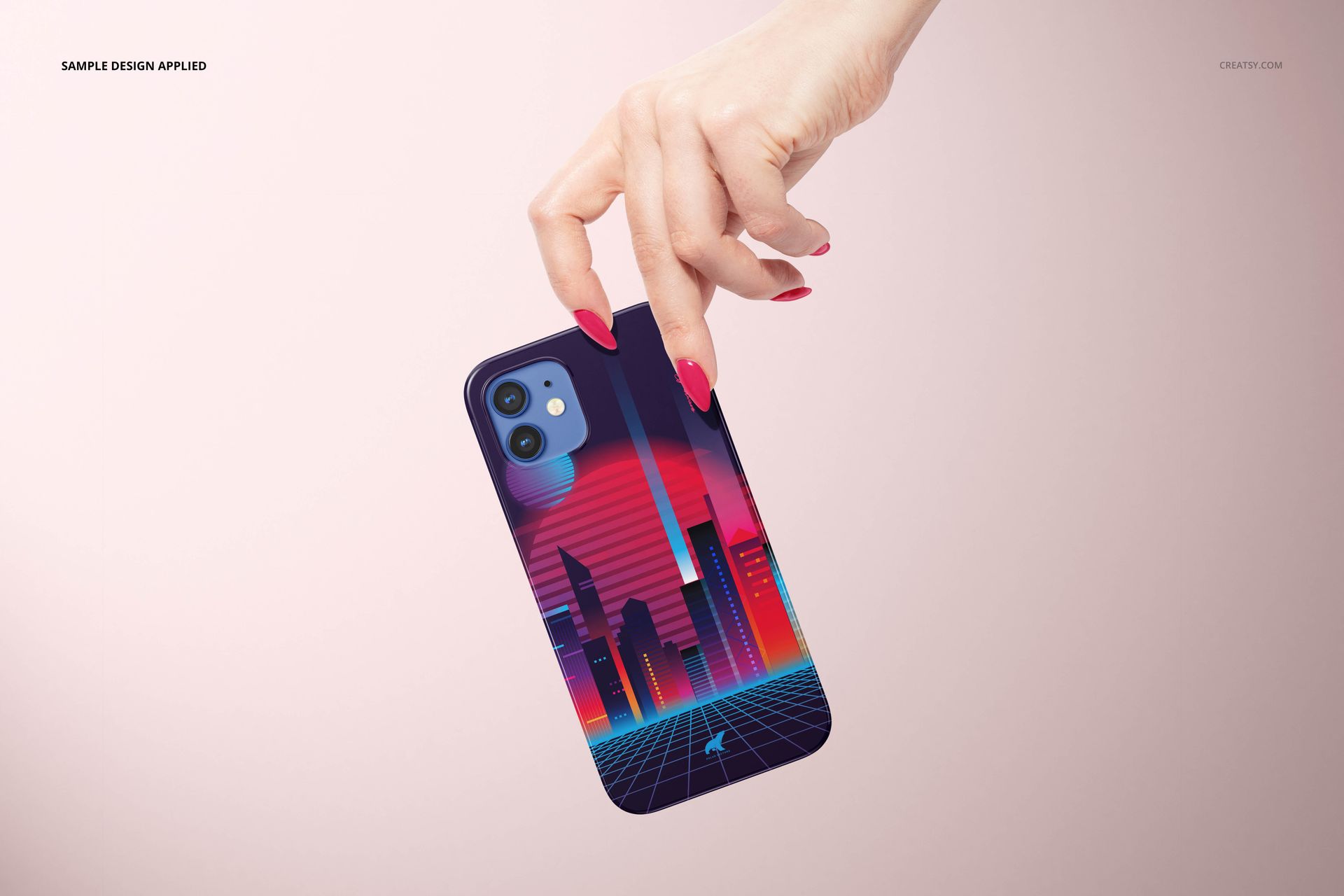
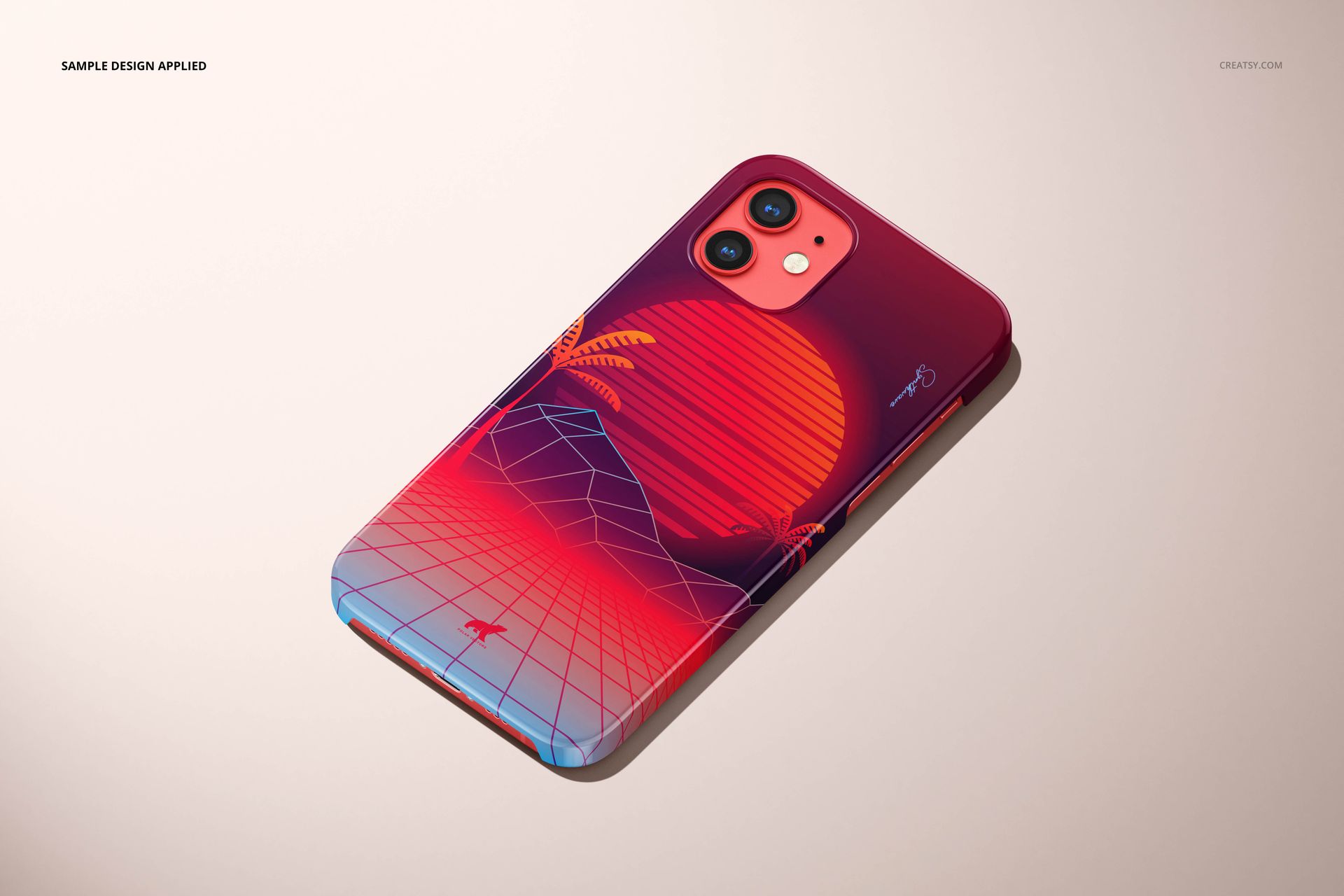
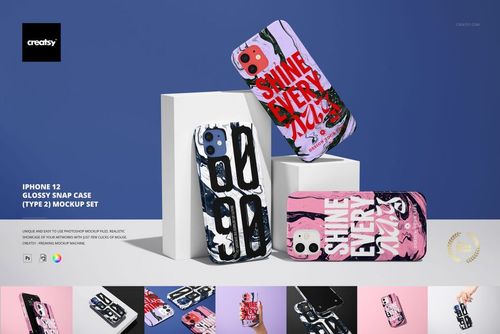
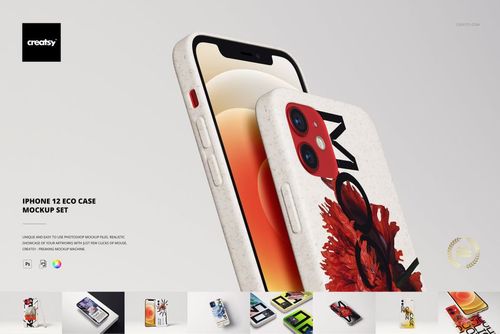
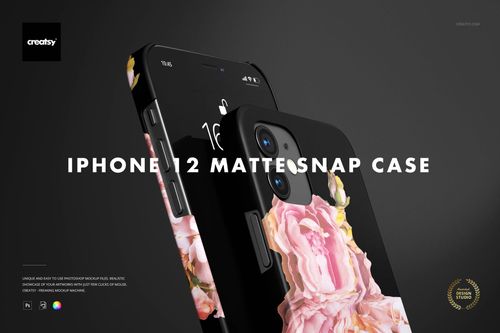
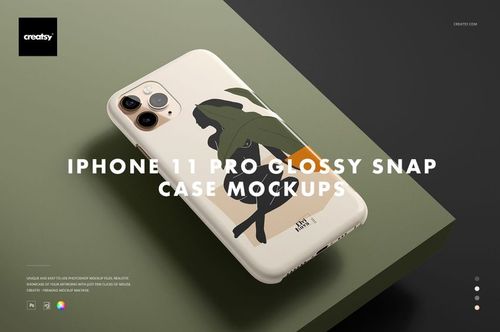
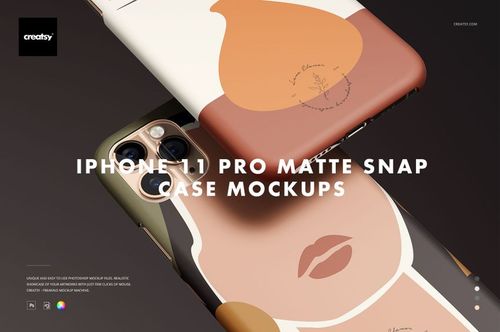
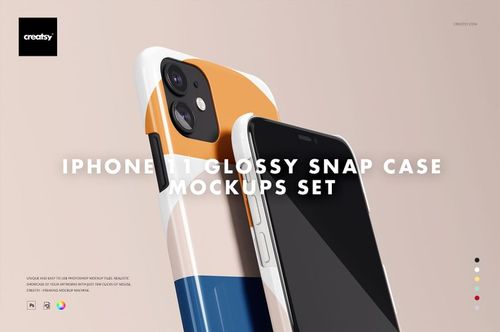
The iPhone 12 Glossy Snap Case Mockup Set lets you present phone case designs on a glossy snap case photographed across 26 different compositions, angles, and hand-held poses. This collection of layered PSD files gives you control over the case surface design, iPhone body color, and background for each scene - producing a complete product image library that covers every angle and context your phone case listings need. Choose from five iPhone 12 body colors (white, mint, red, navy blue, and black) to match your case design to the phone that shows it best.
Why This Mockup Set Works
Phone case buyers scroll through dozens of listings before choosing one, and the listings with the most realistic, varied product photography consistently win the sale. This 26-file set gives you more compositions than most competitors use for their entire shop - hand-held shots that show the case in use, flat lay arrangements for clean product views, angled perspectives for depth and dimension, and close-up detail shots for print quality assurance. The glossy snap case surface renders your artwork with accurate color reproduction and realistic light reflections that match how a printed glossy case actually looks in person. Five iPhone body color options let you present each design on the phone color that creates the best contrast and visual appeal.
What Is Included
You receive 26 high-resolution PSD files featuring an iPhone 12 glossy snap case across diverse compositions. Files are available in two resolution tiers: 6000 x 4000 px and 3000 x 2000 px, both at 300 DPI. The scenes include hand-held poses from multiple angles, flat lay product views, stacked and grouped arrangements, and close-up detail shots. Each PSD file contains well-organized smart object layers for the case surface artwork, iPhone body color selection, and background customization. All files follow the same layer naming convention for a consistent editing workflow across the entire set.
What You Can Customize
Open any PSD file in Adobe Photoshop CC 2020 or newer (also compatible with Photopea for free browser-based editing) and double-click the case surface smart object to place your design. Your artwork maps onto the glossy snap case with realistic curvature, light reflections, and edge-to-edge print rendering applied automatically. Select from five iPhone 12 body colors to find the ideal pairing for each design. Adjust the background color for each scene to create visual consistency across your product listing or introduce variety between images for social media campaigns.
Who This Mockup Set Is For
This set serves phone case designers and artists selling custom designs on Etsy, Amazon, Redbubble, and Society6, print-on-demand entrepreneurs building phone case product lines, graphic designers presenting branded phone accessories to clients, phone accessory brands creating product pages and marketing campaigns, and e-commerce sellers who need a complete product photography library without commissioning individual photo shoots for every design. The 26-file variety with five phone color options means a single design generates over 100 unique product images.
File Specifications
Format: 26 layered PSD files with organized smart object layers. Dimensions: 6000 x 4000 px and 3000 x 2000 px at 300 DPI. Compatibility: Adobe Photoshop CC 2020 or newer, Photopea (free browser-based editor). Total file size: 1.51 GB. iPhone colors: white, mint, red, navy blue, black. Editable elements: case surface design, phone body color, background.