iPhone 12 Matte Snap Case Mockups for Artwork Collections
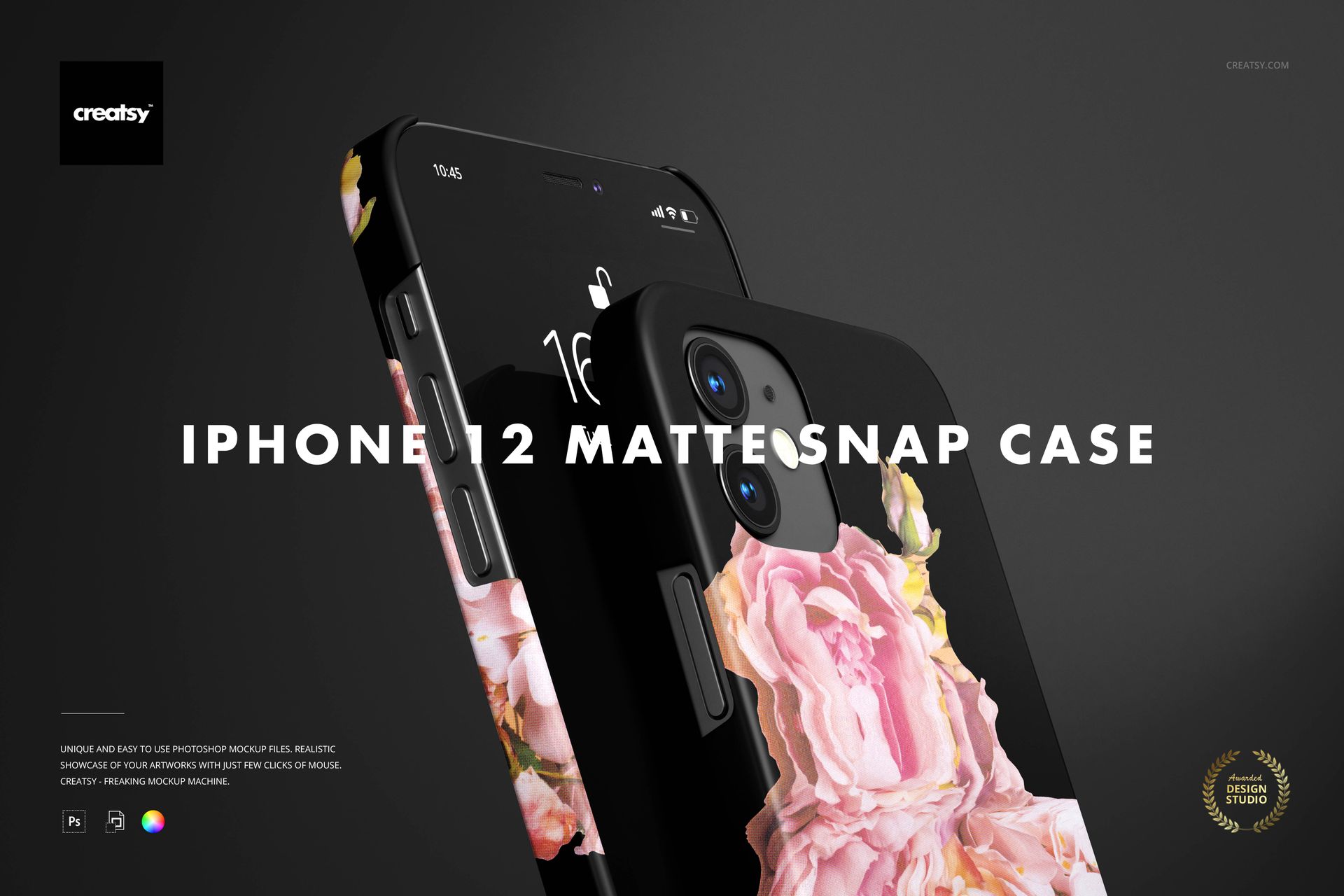
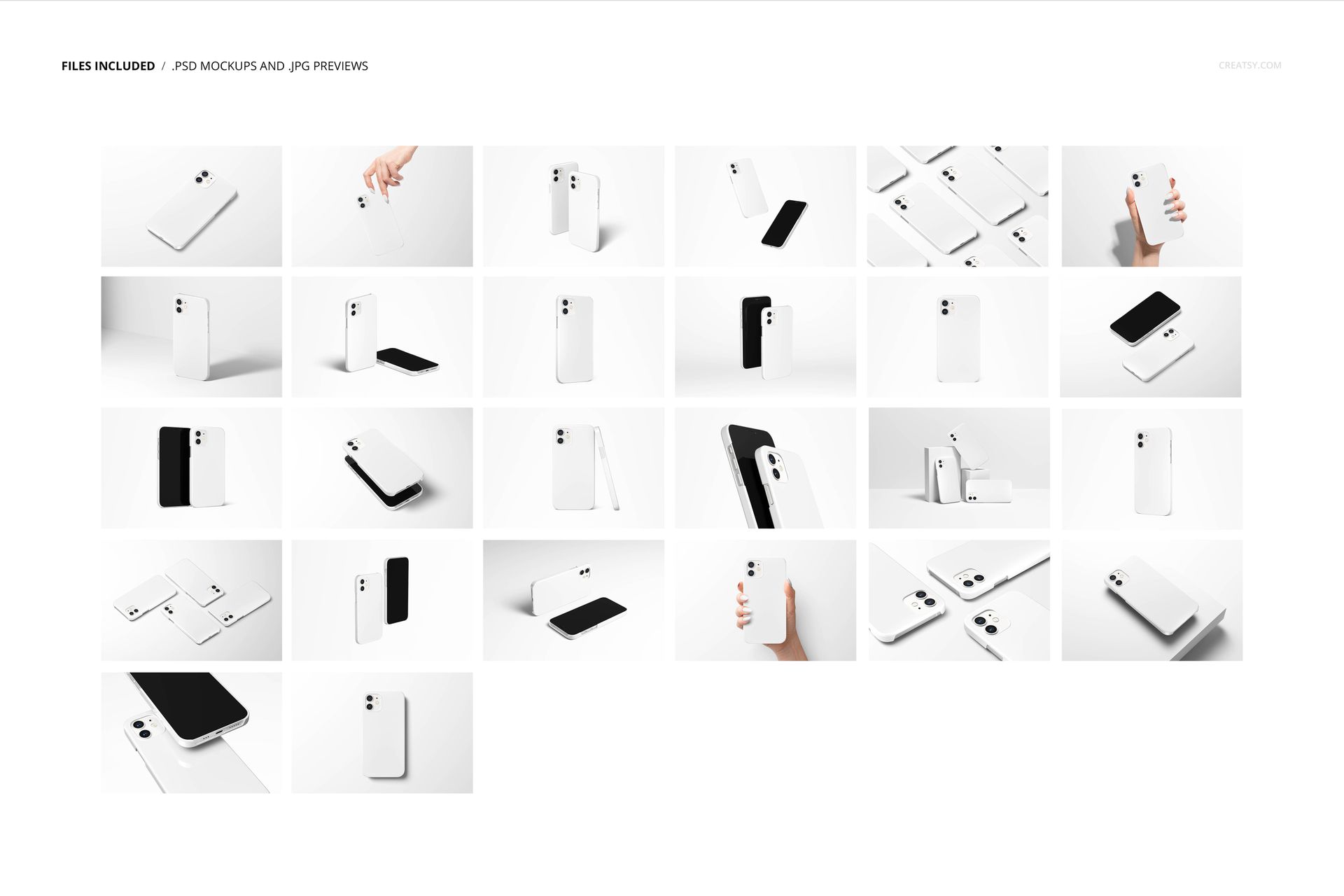
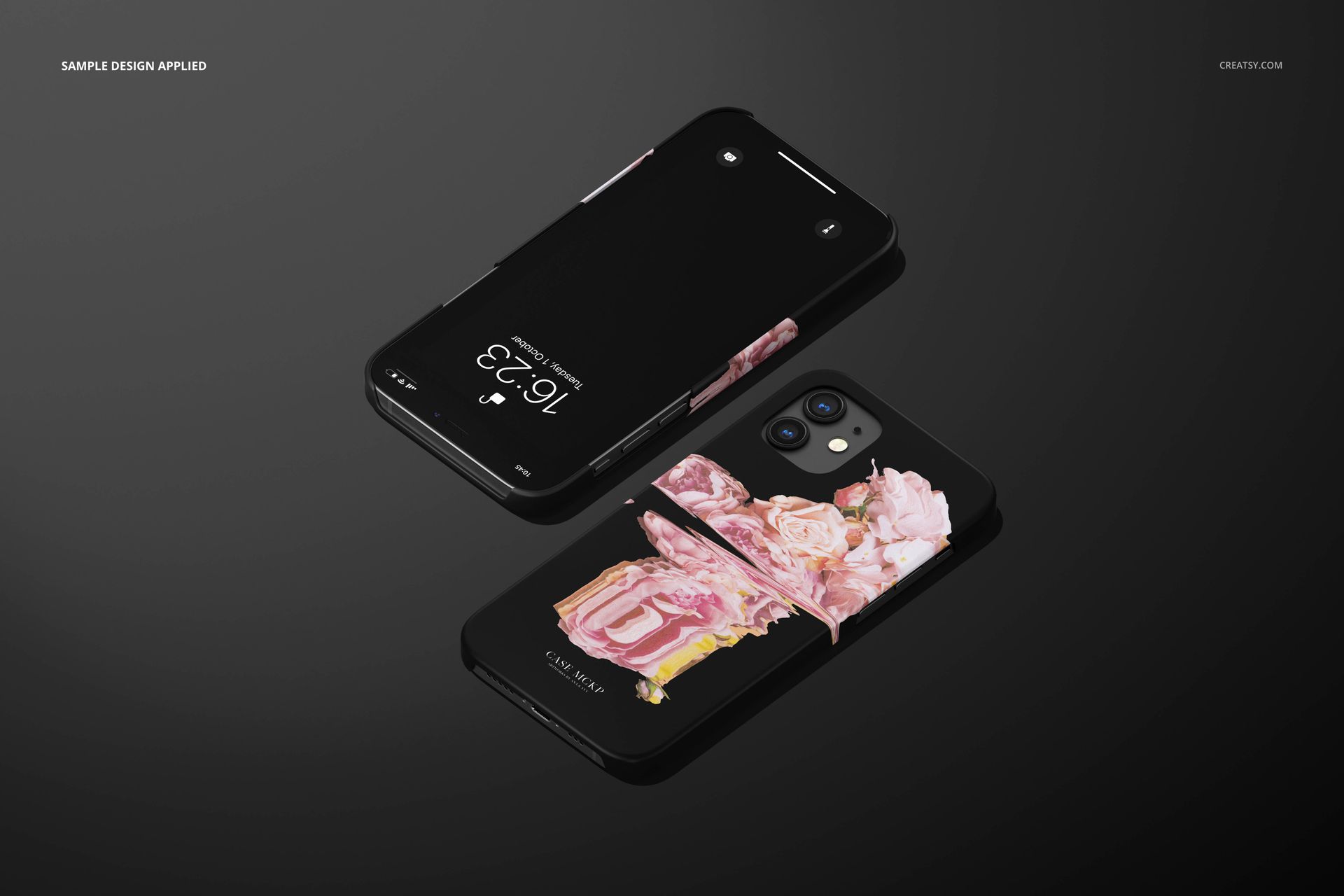
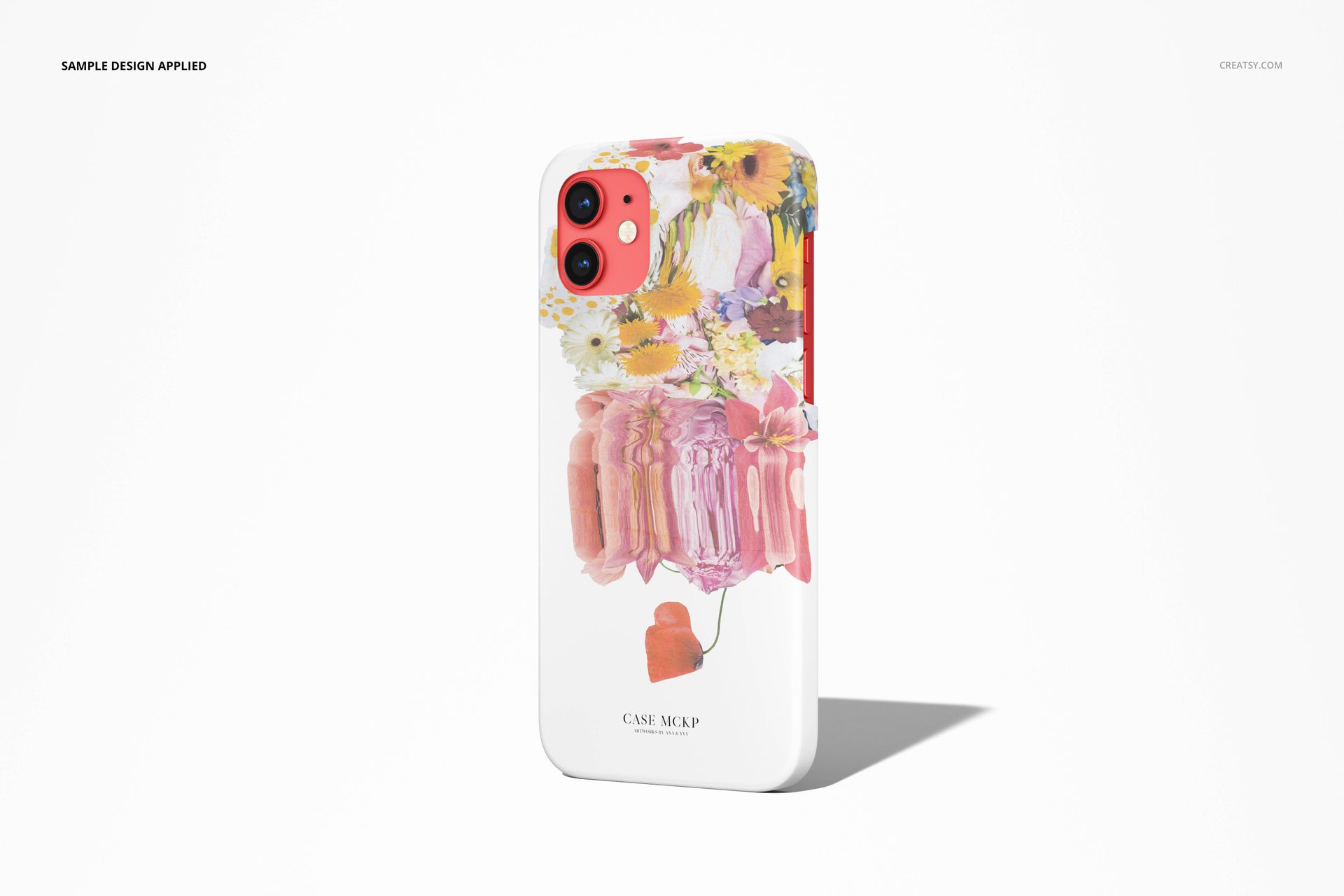
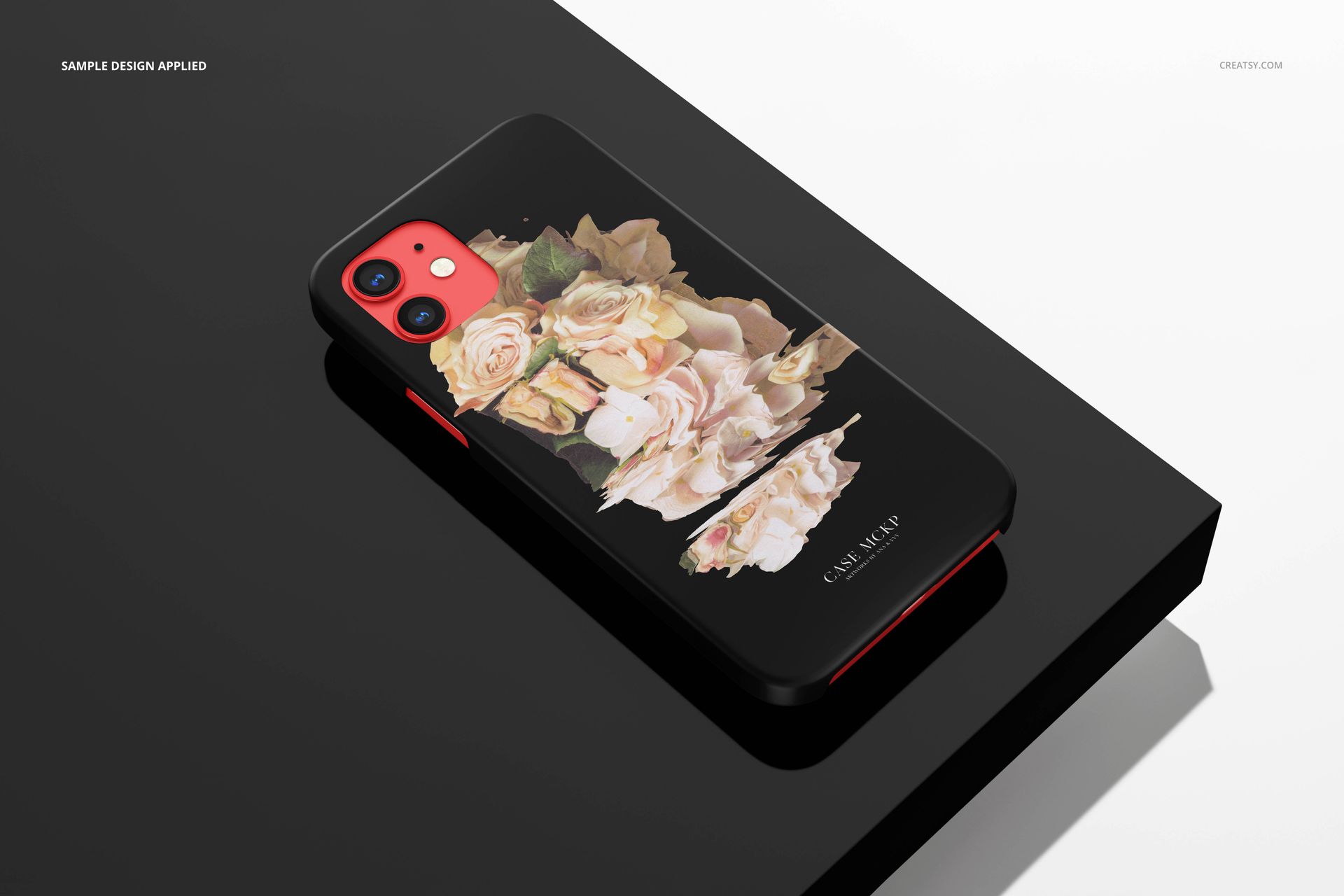
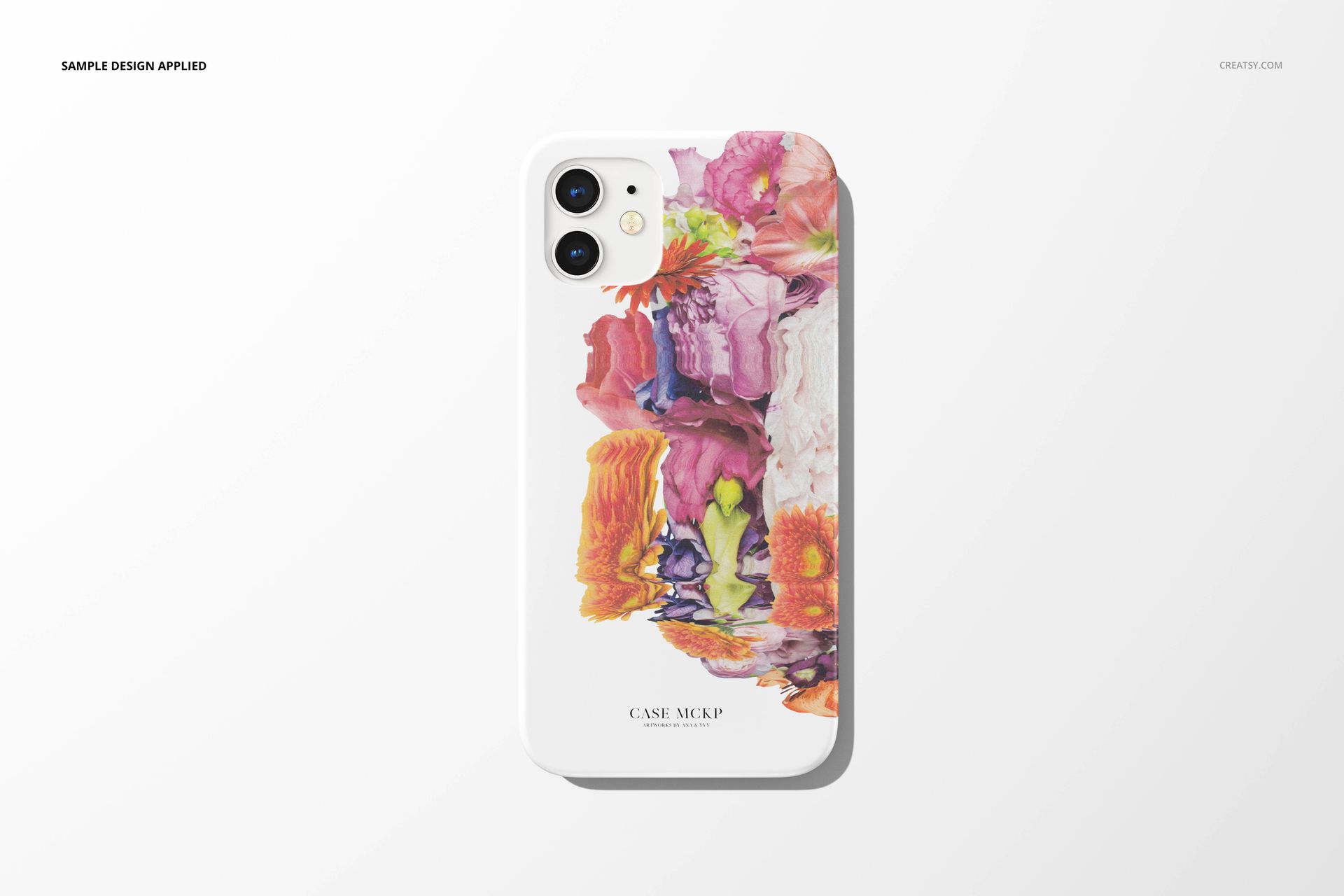
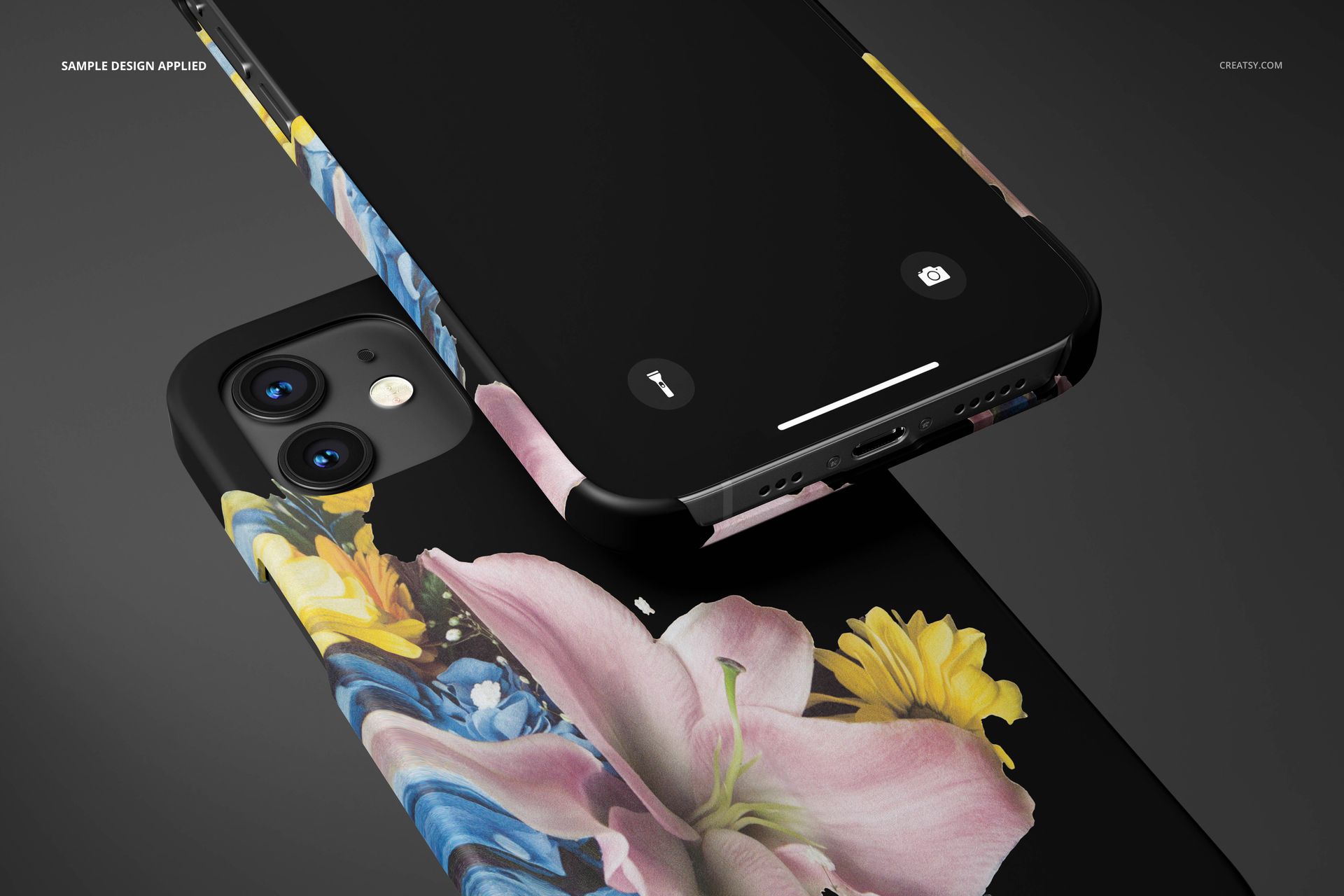
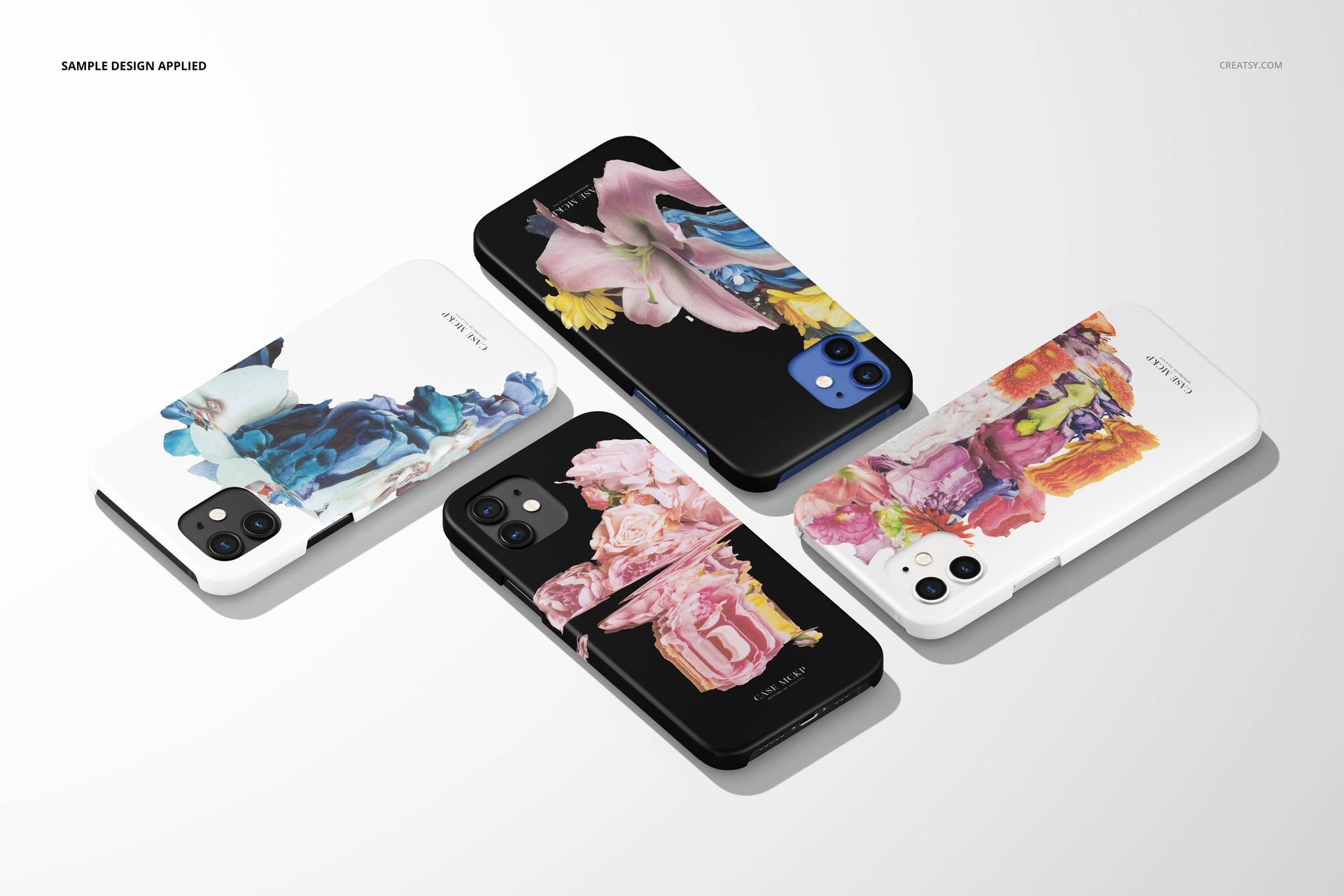
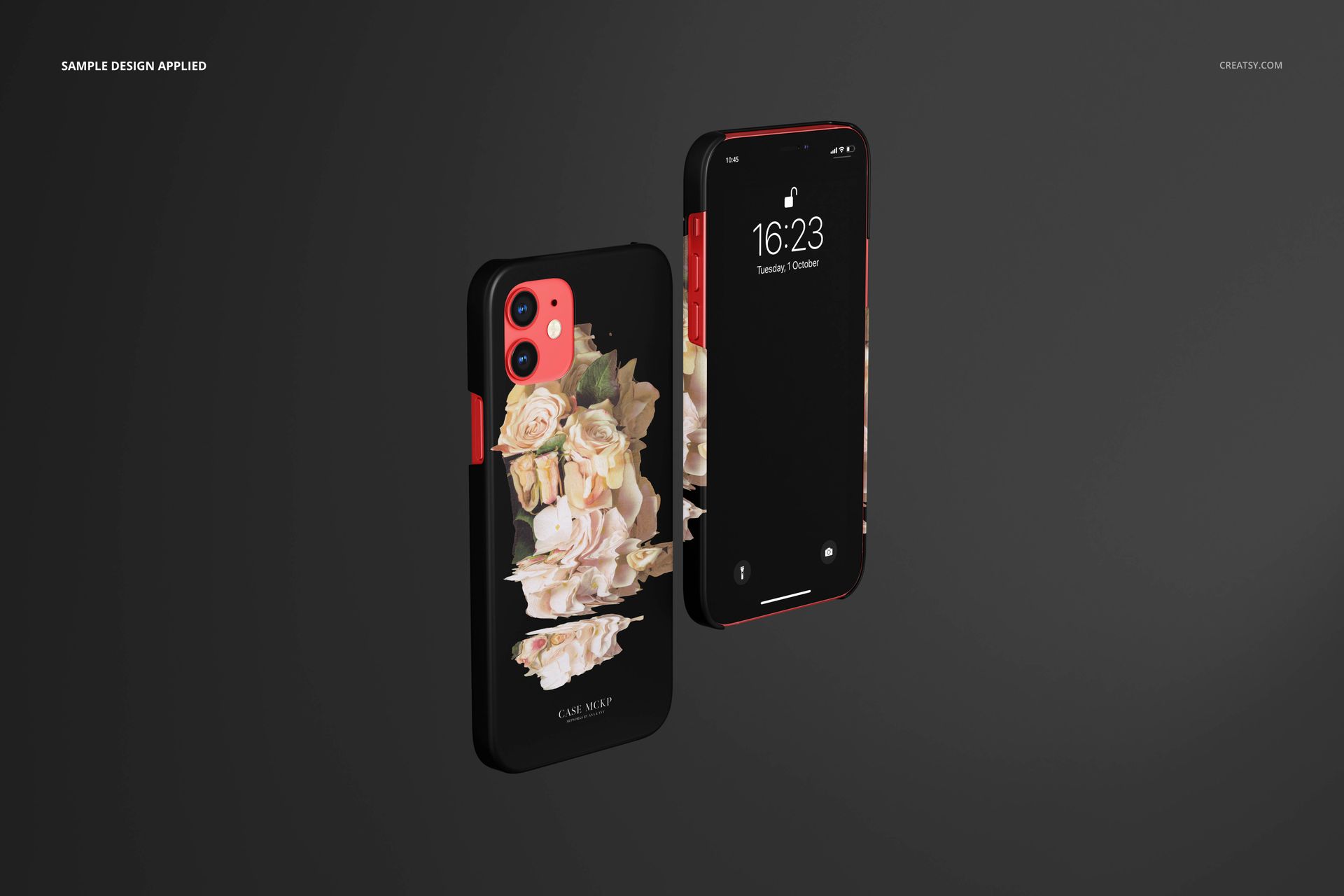
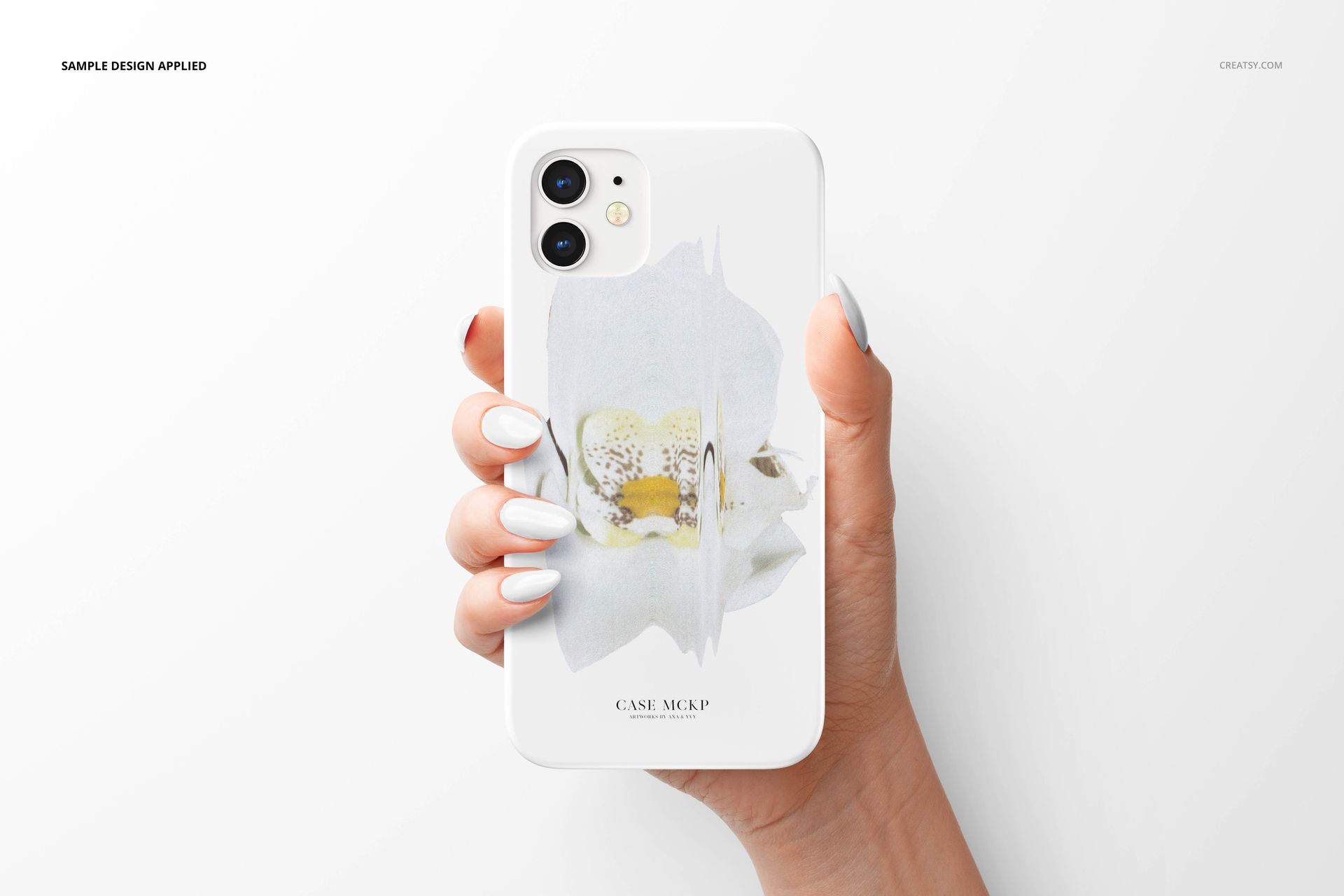
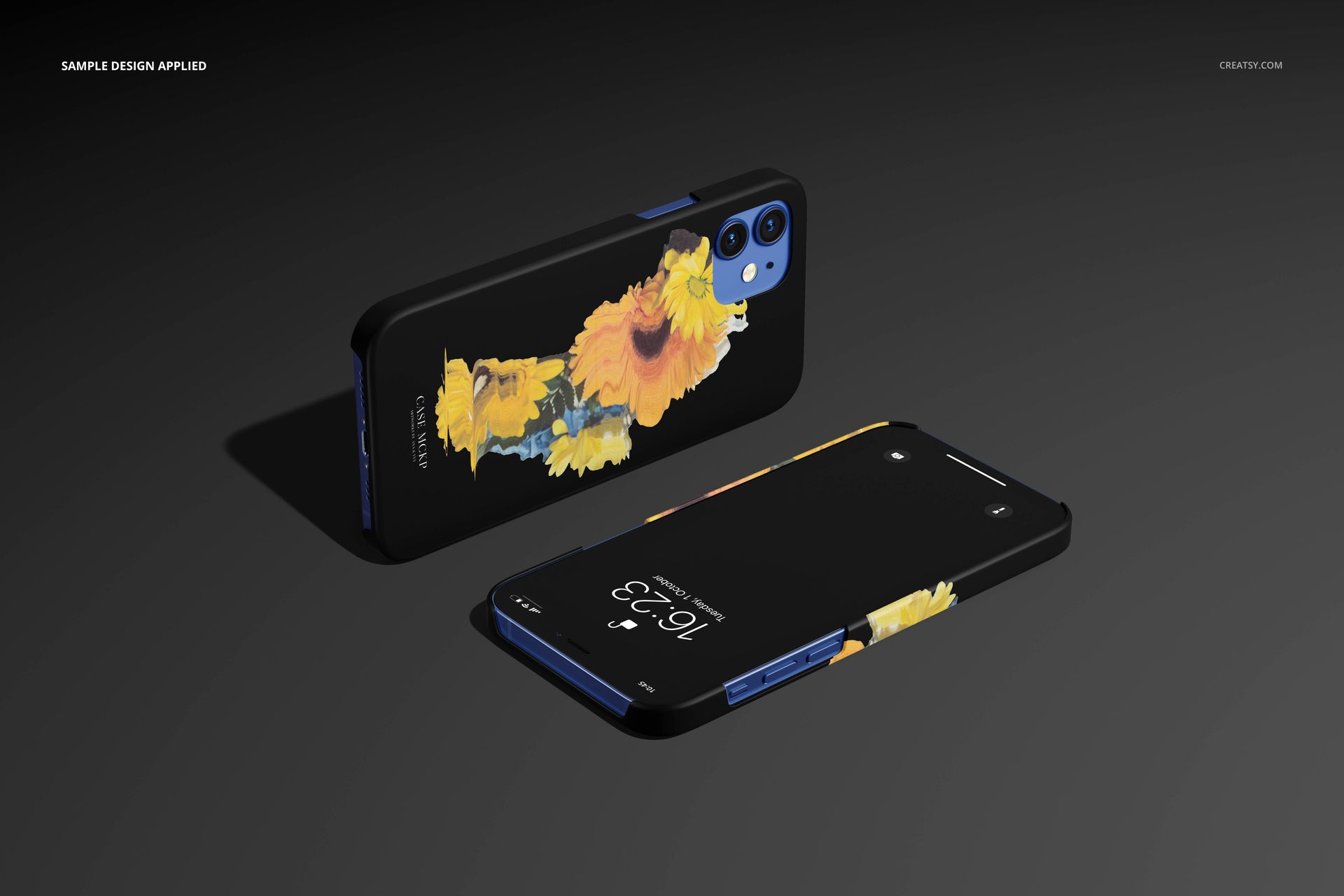
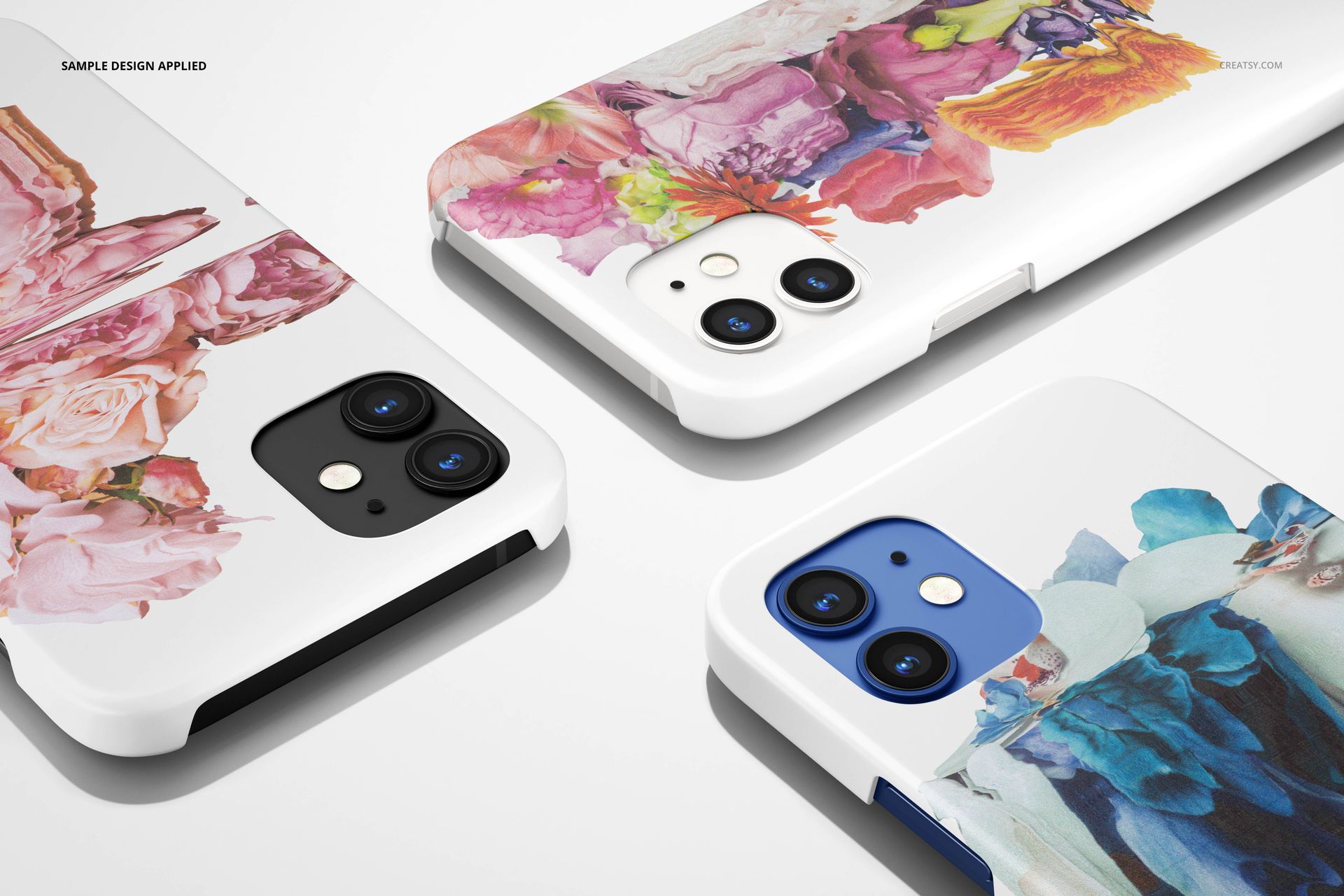
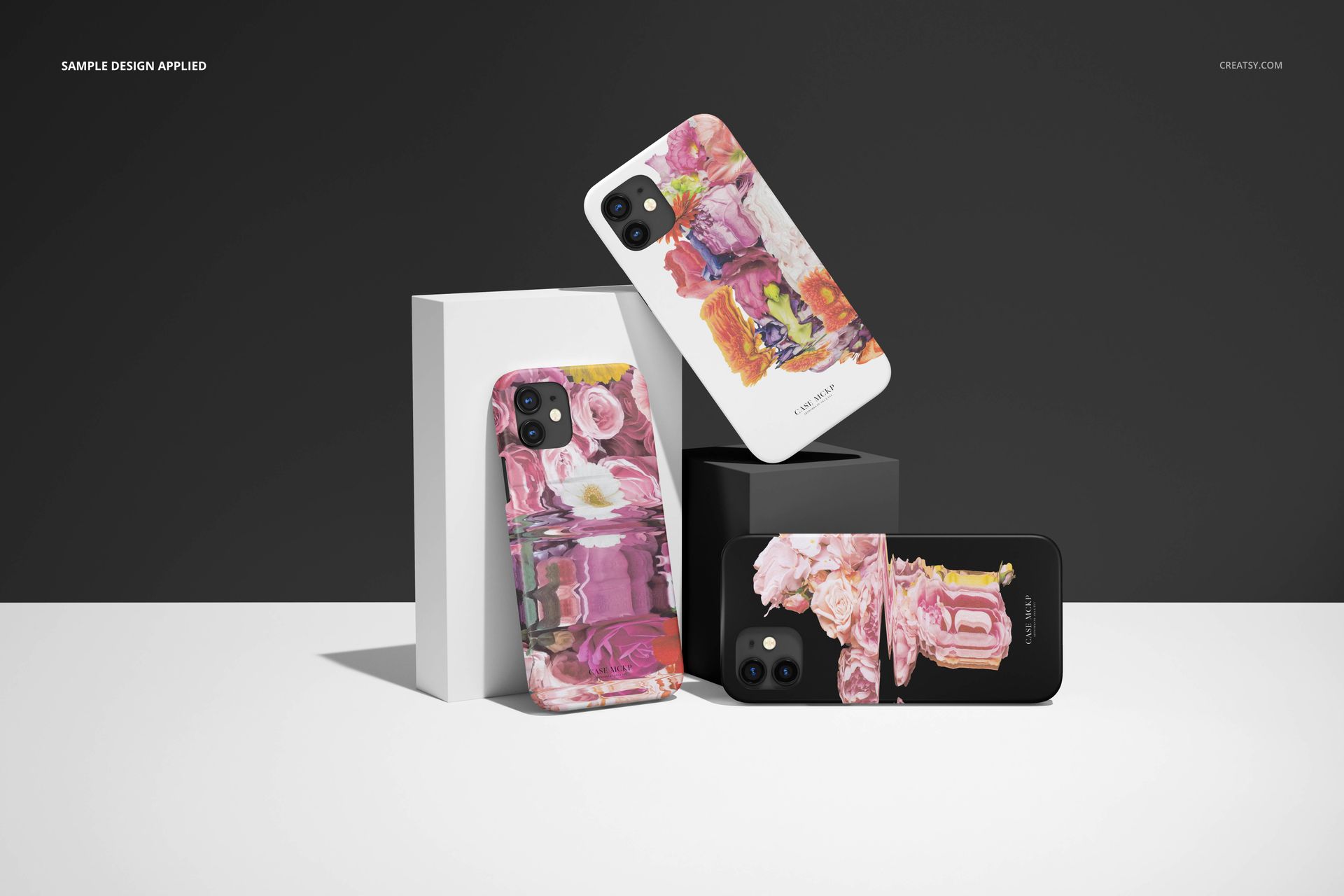
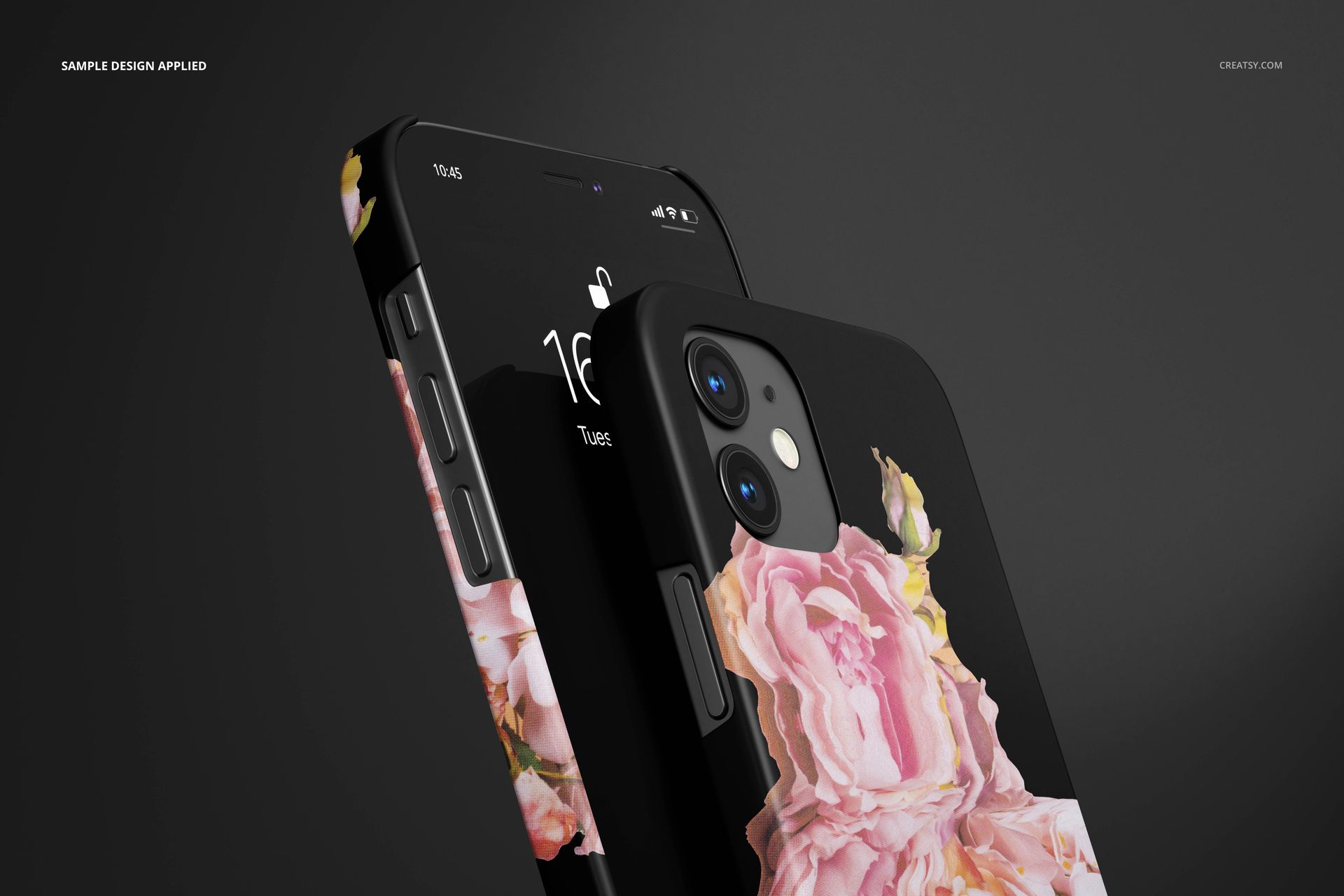
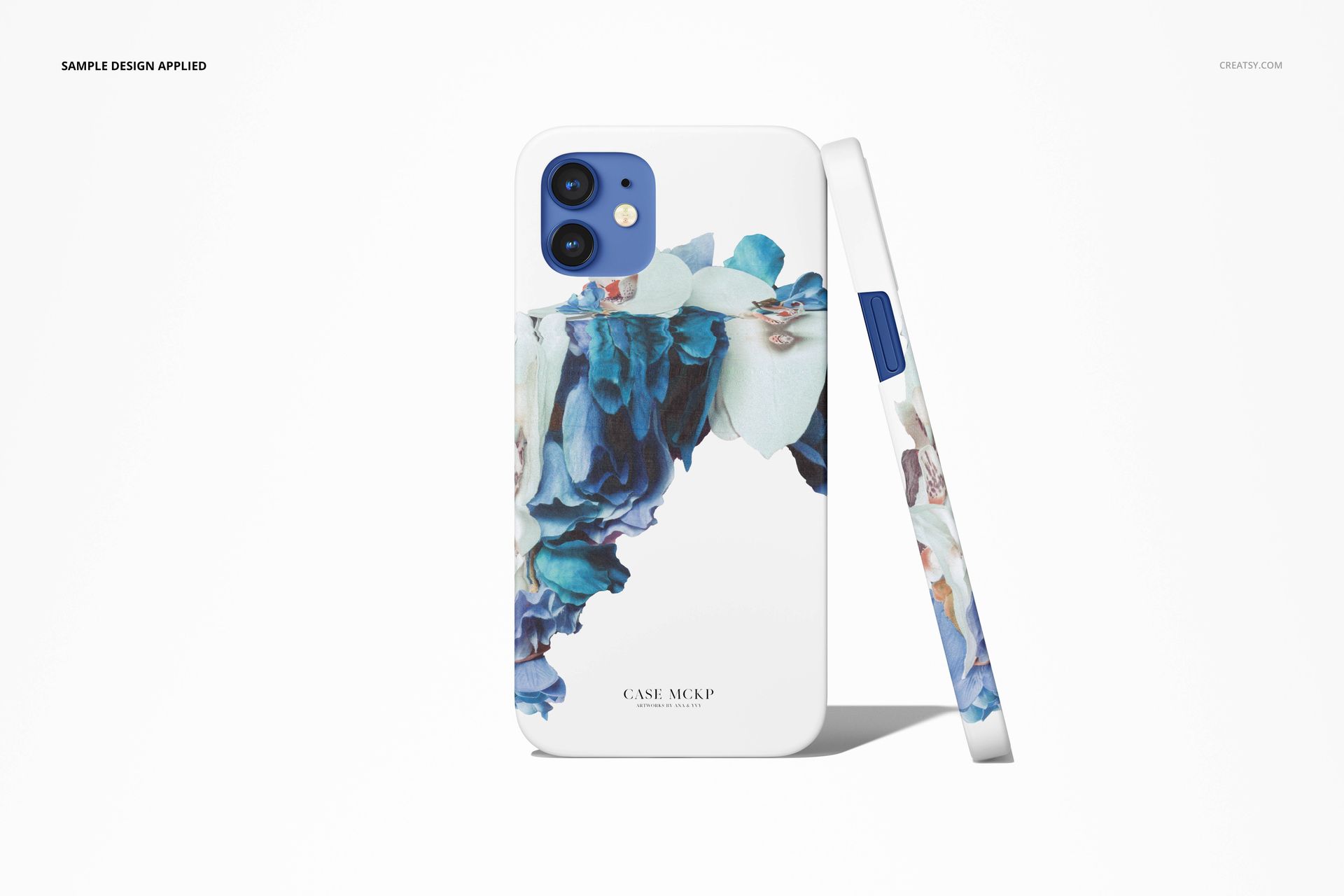
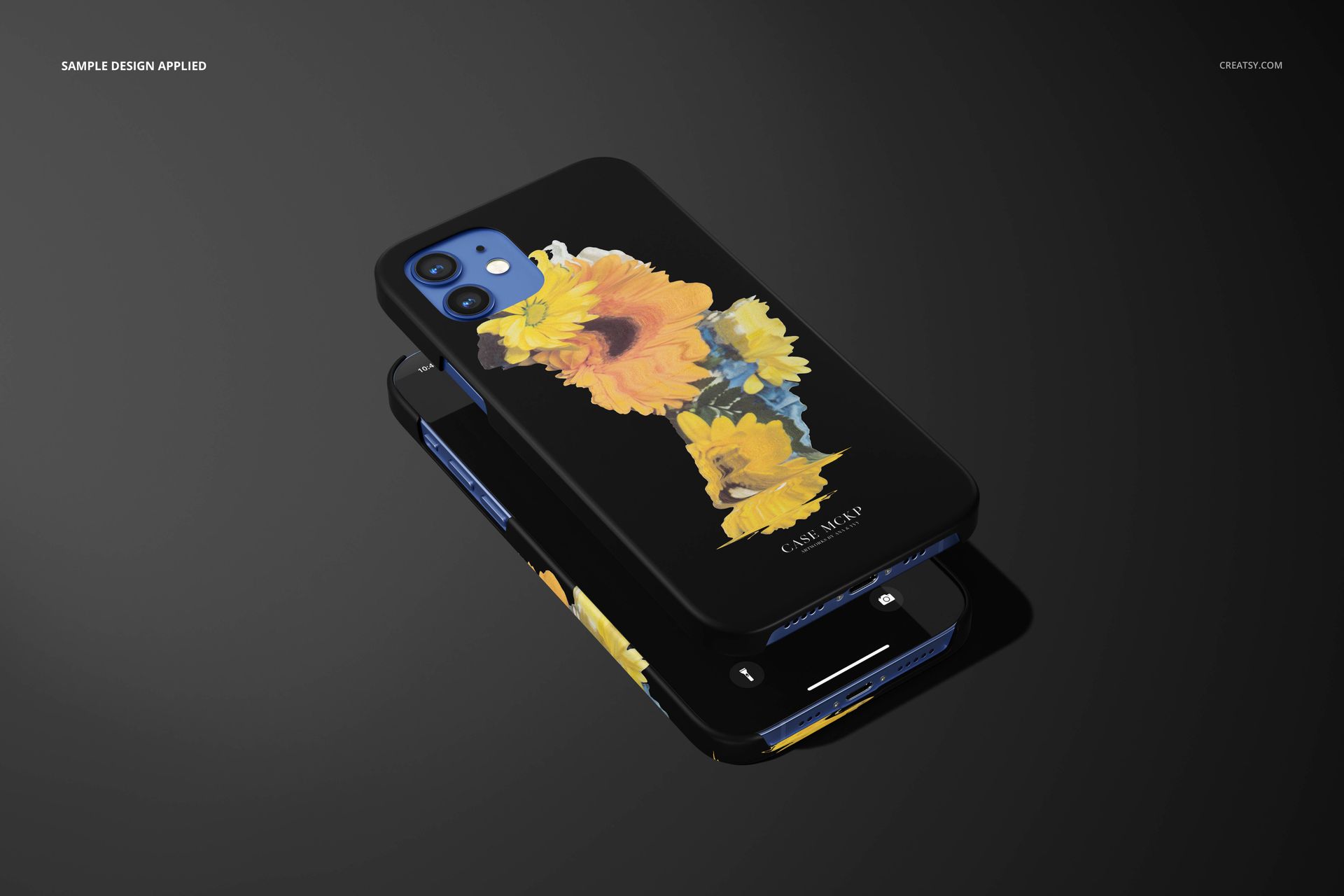
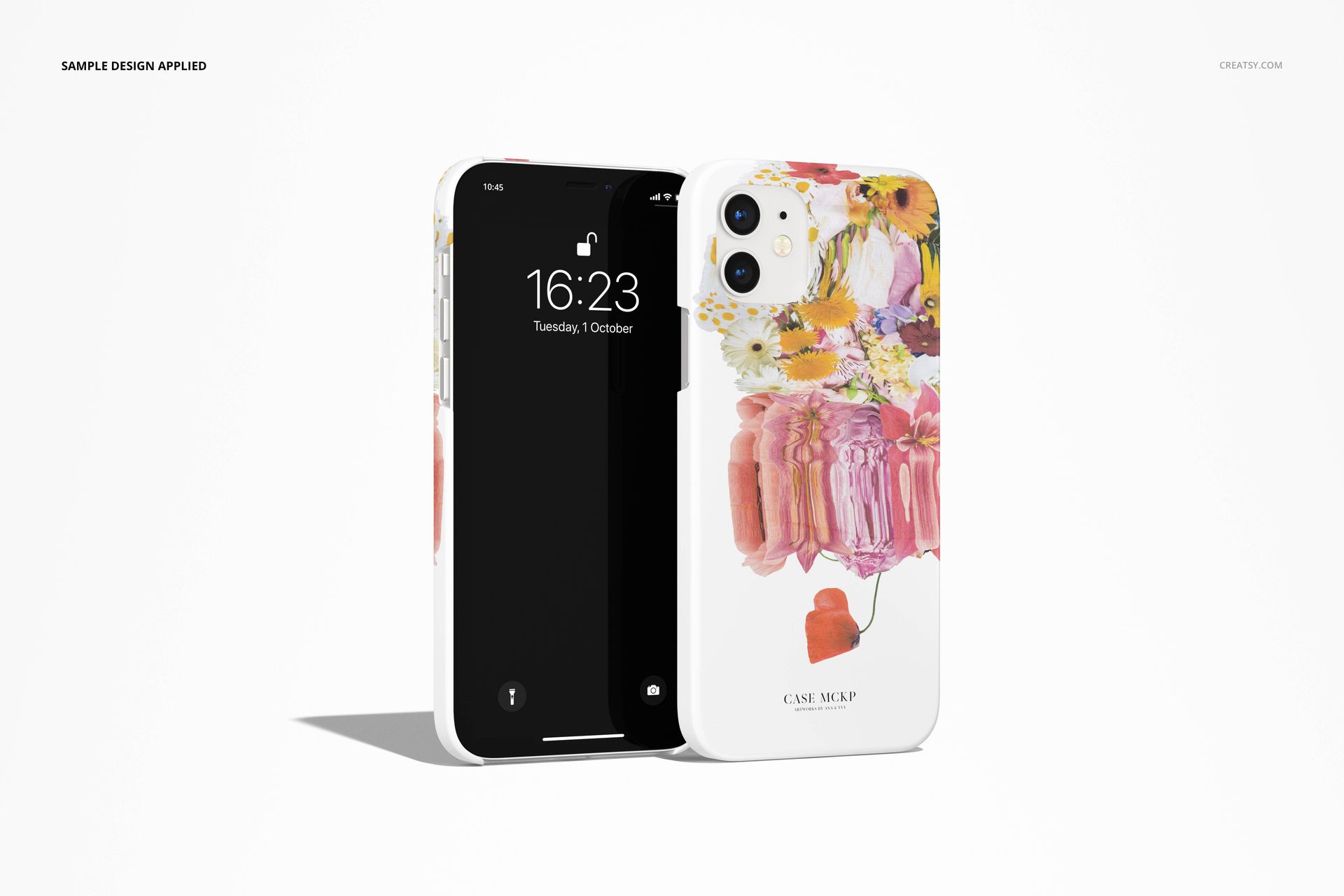
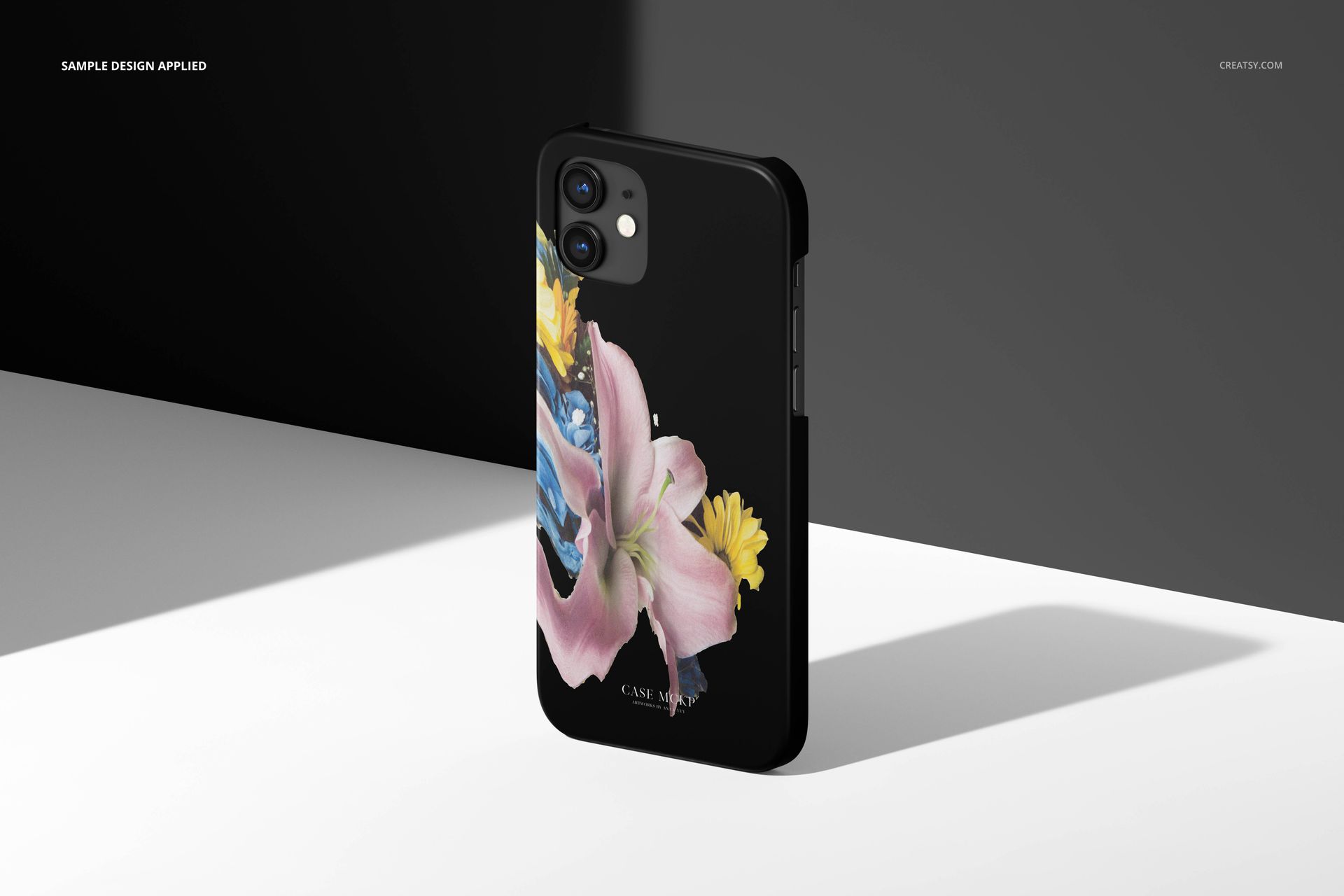
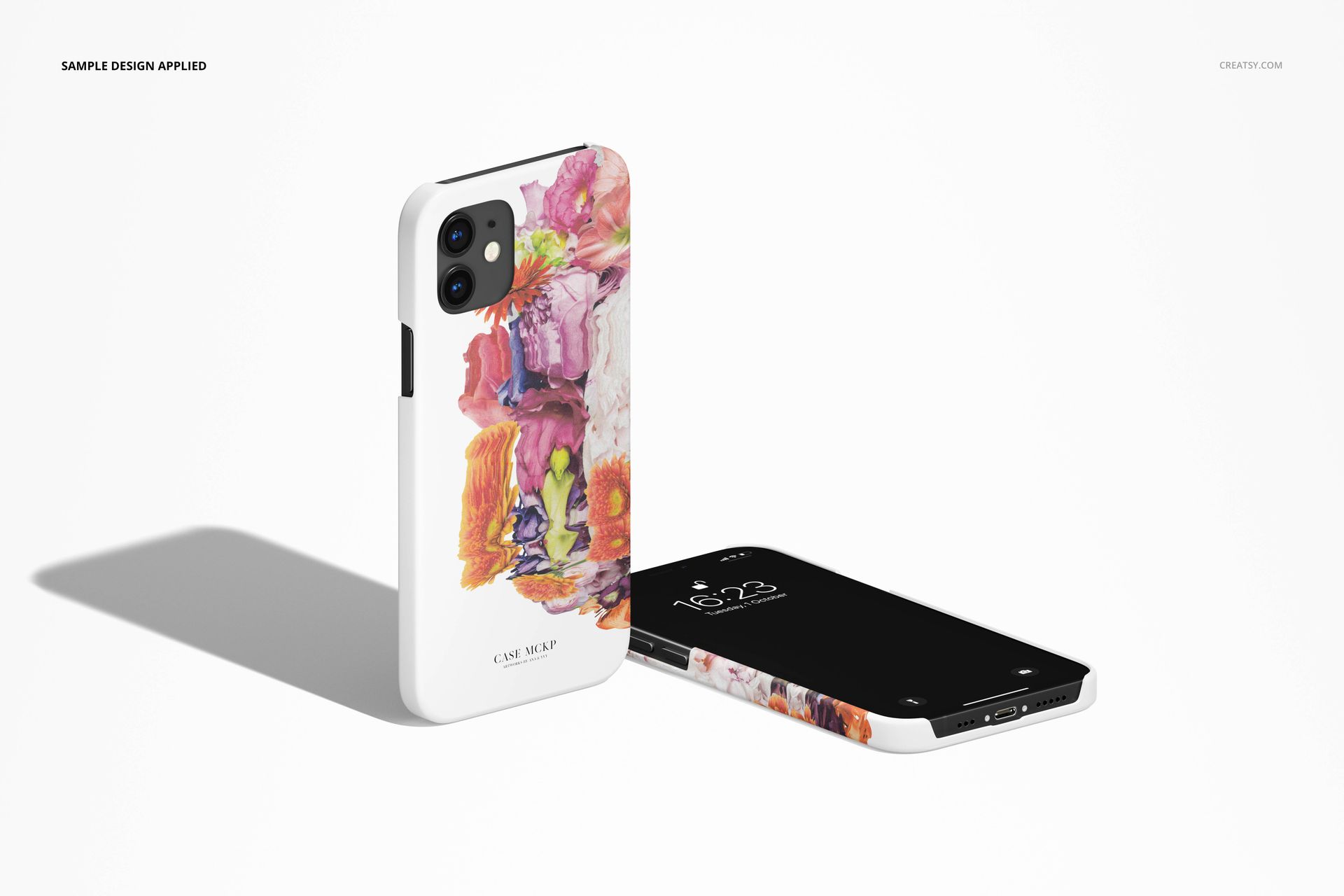
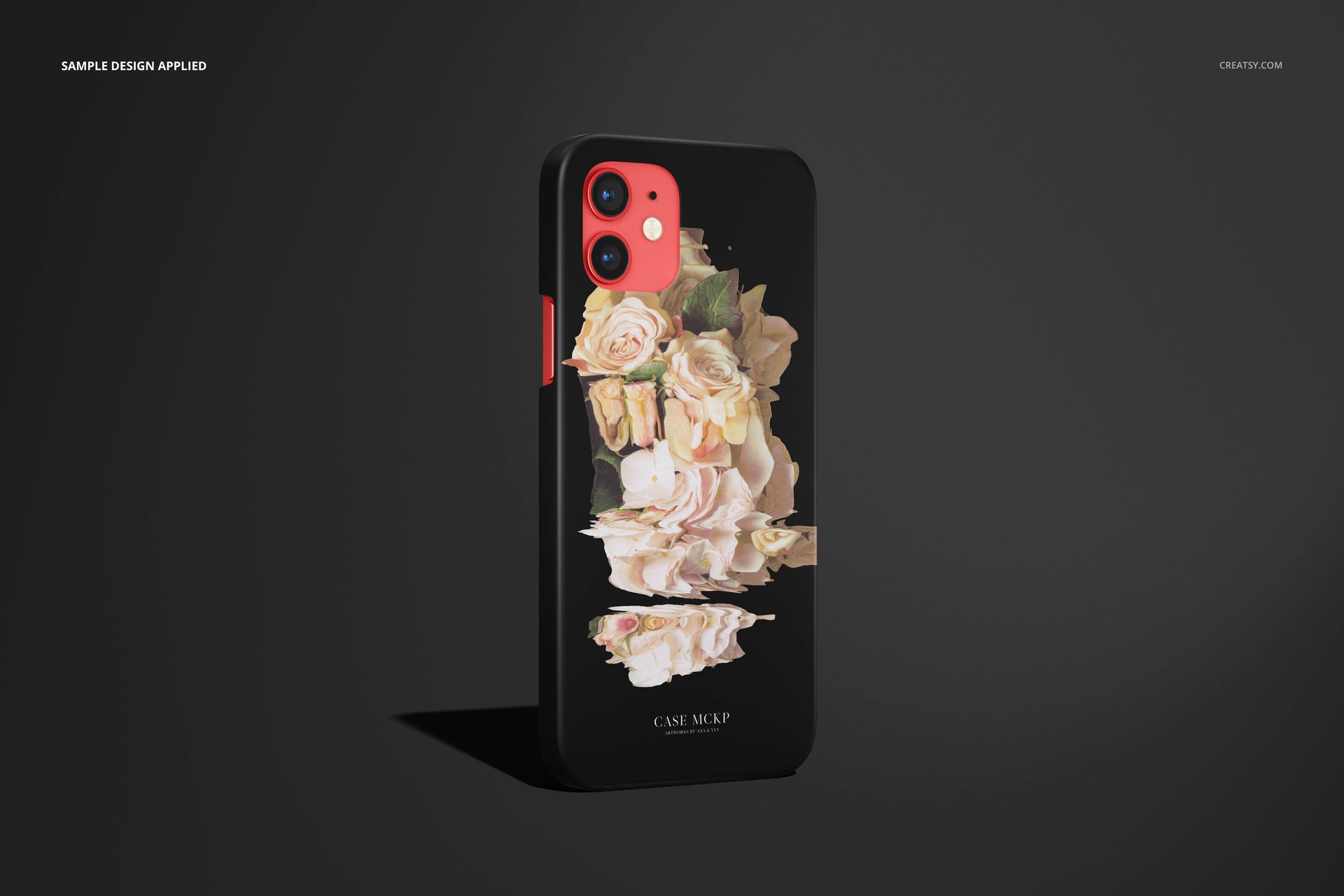
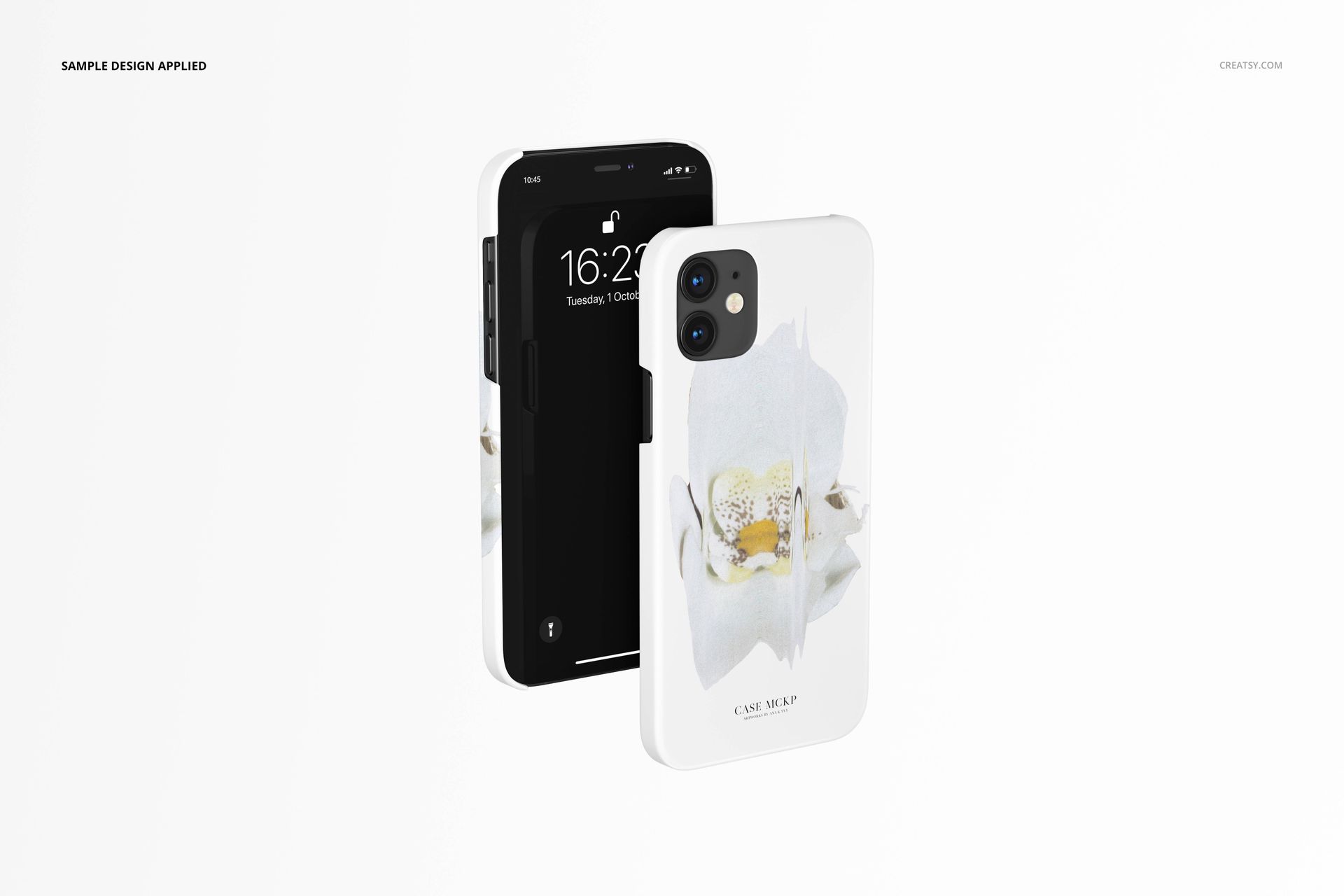
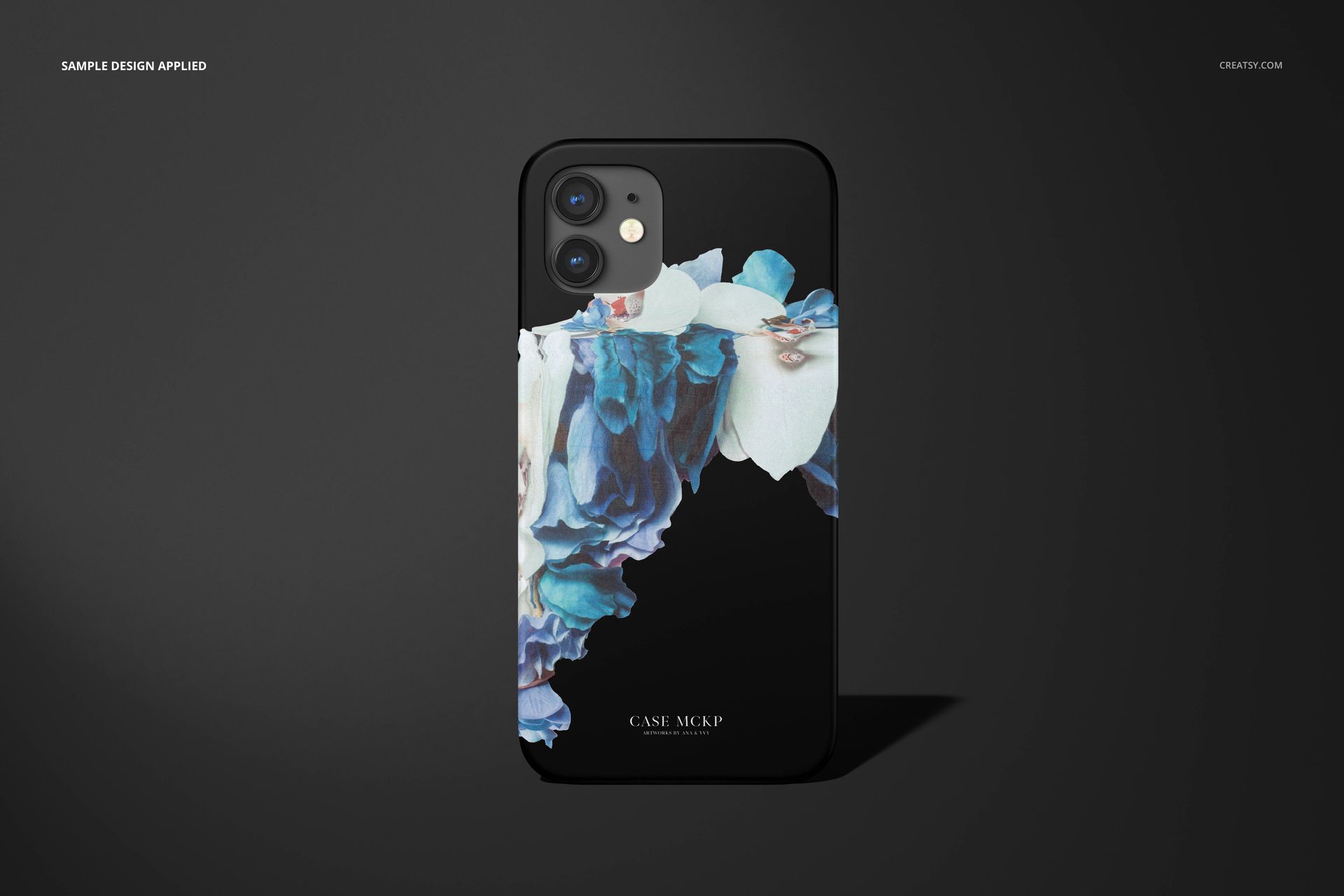
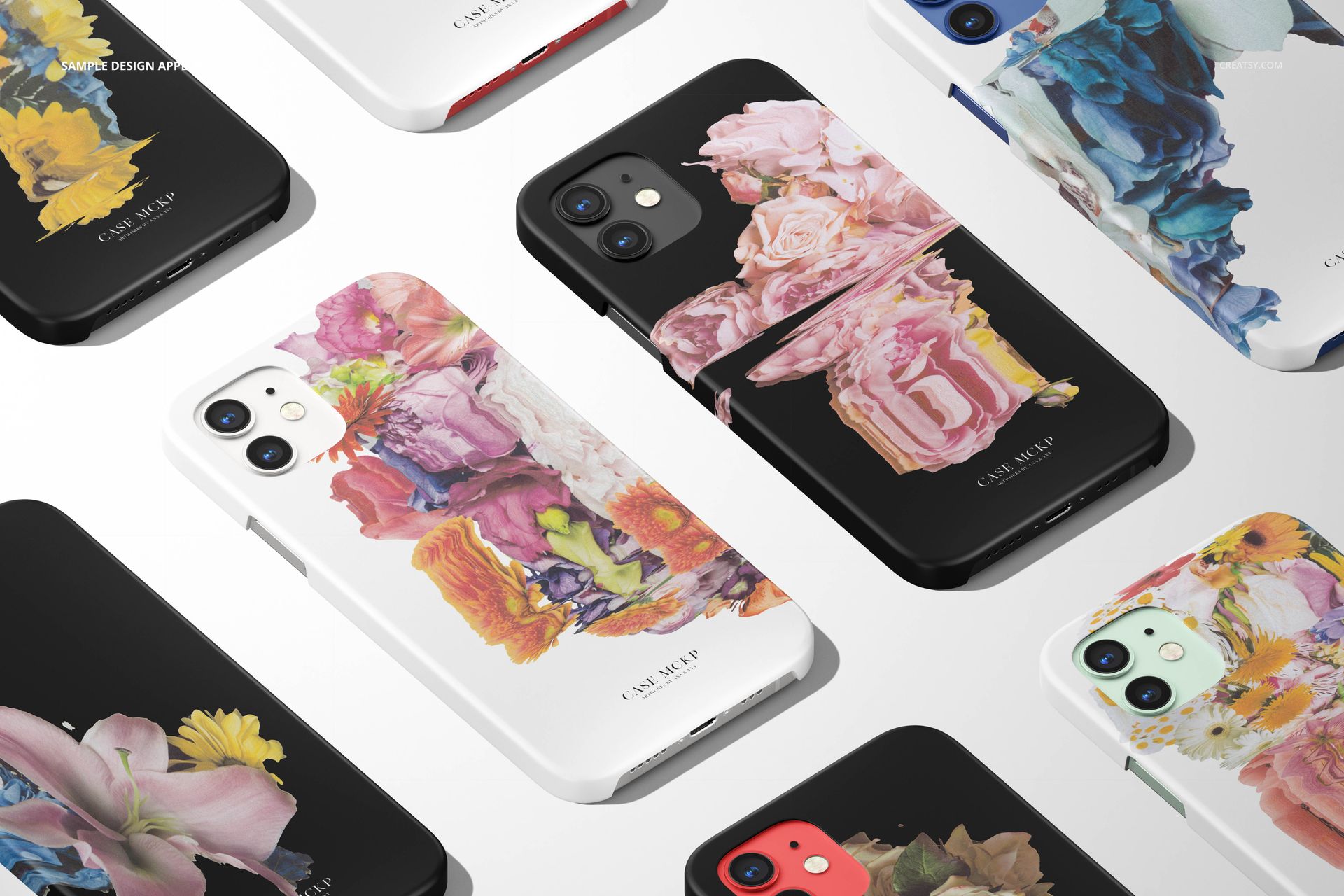
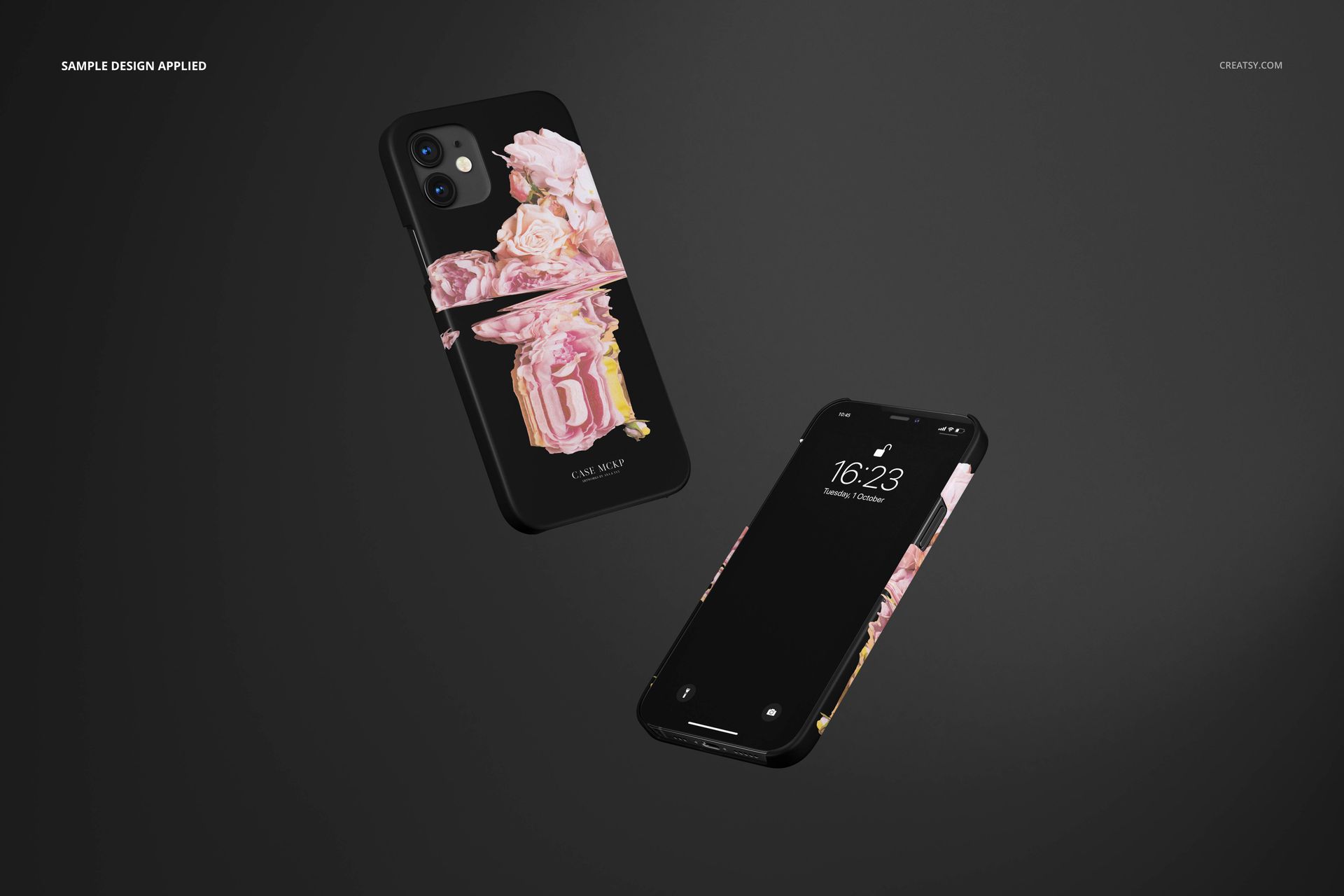
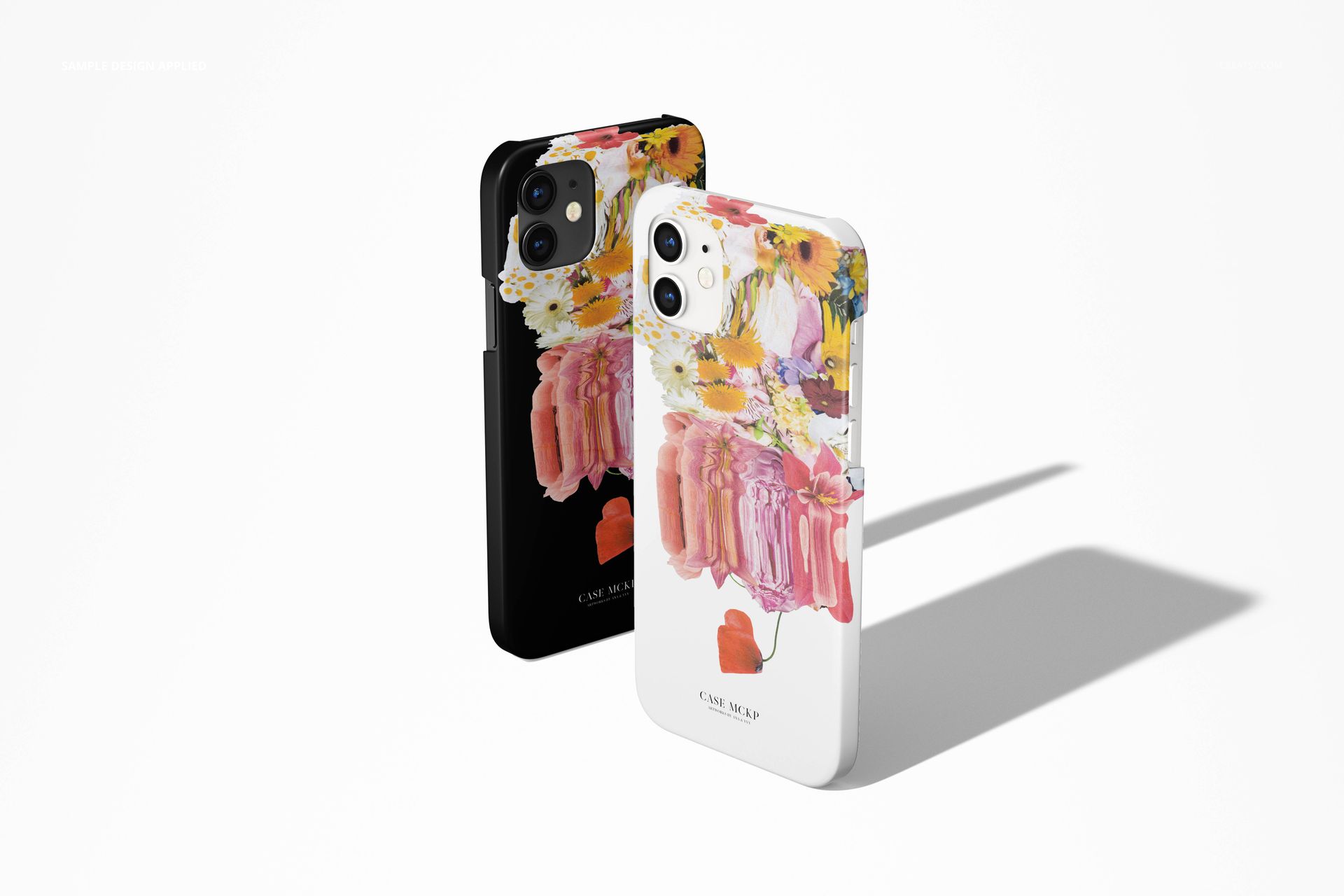
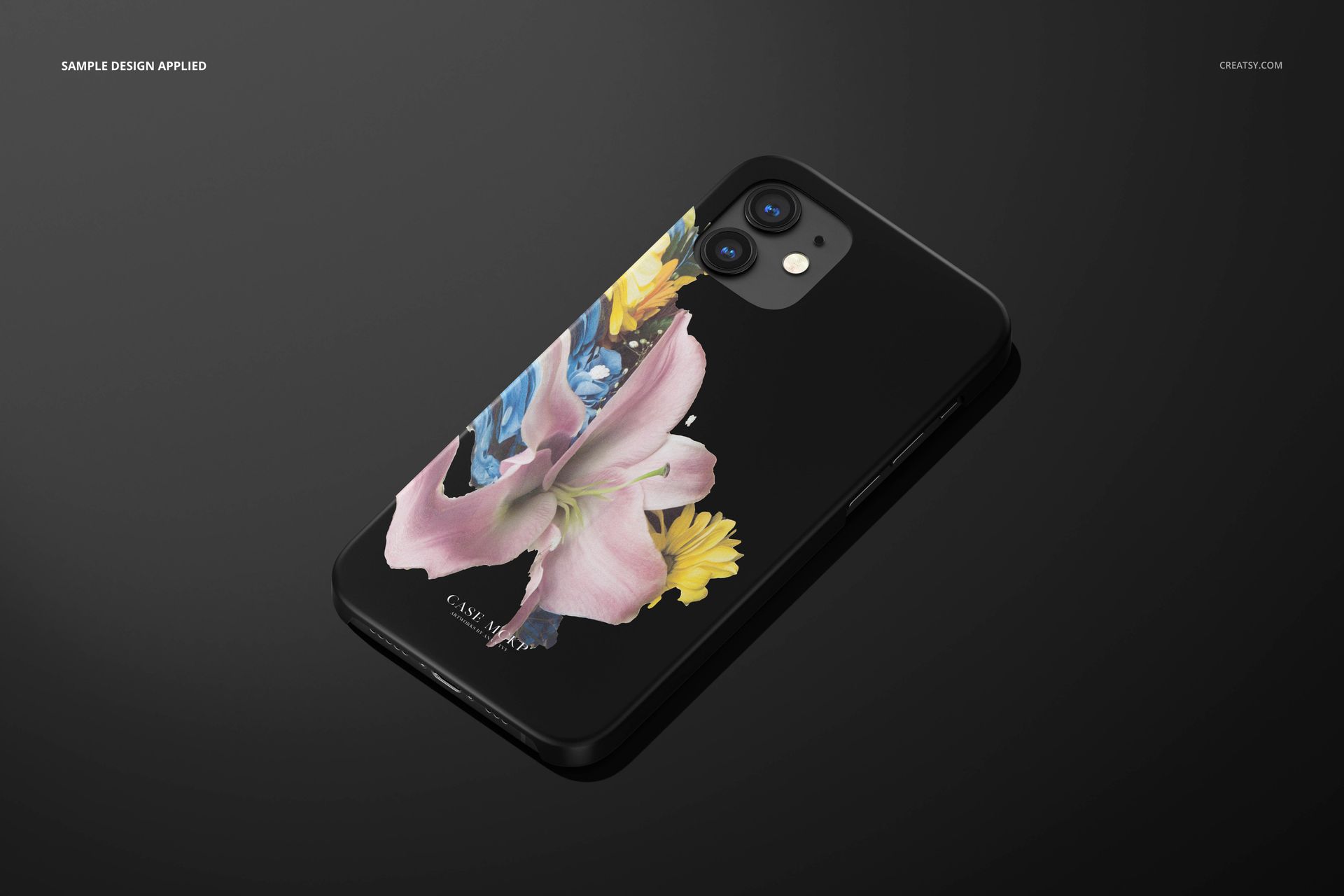
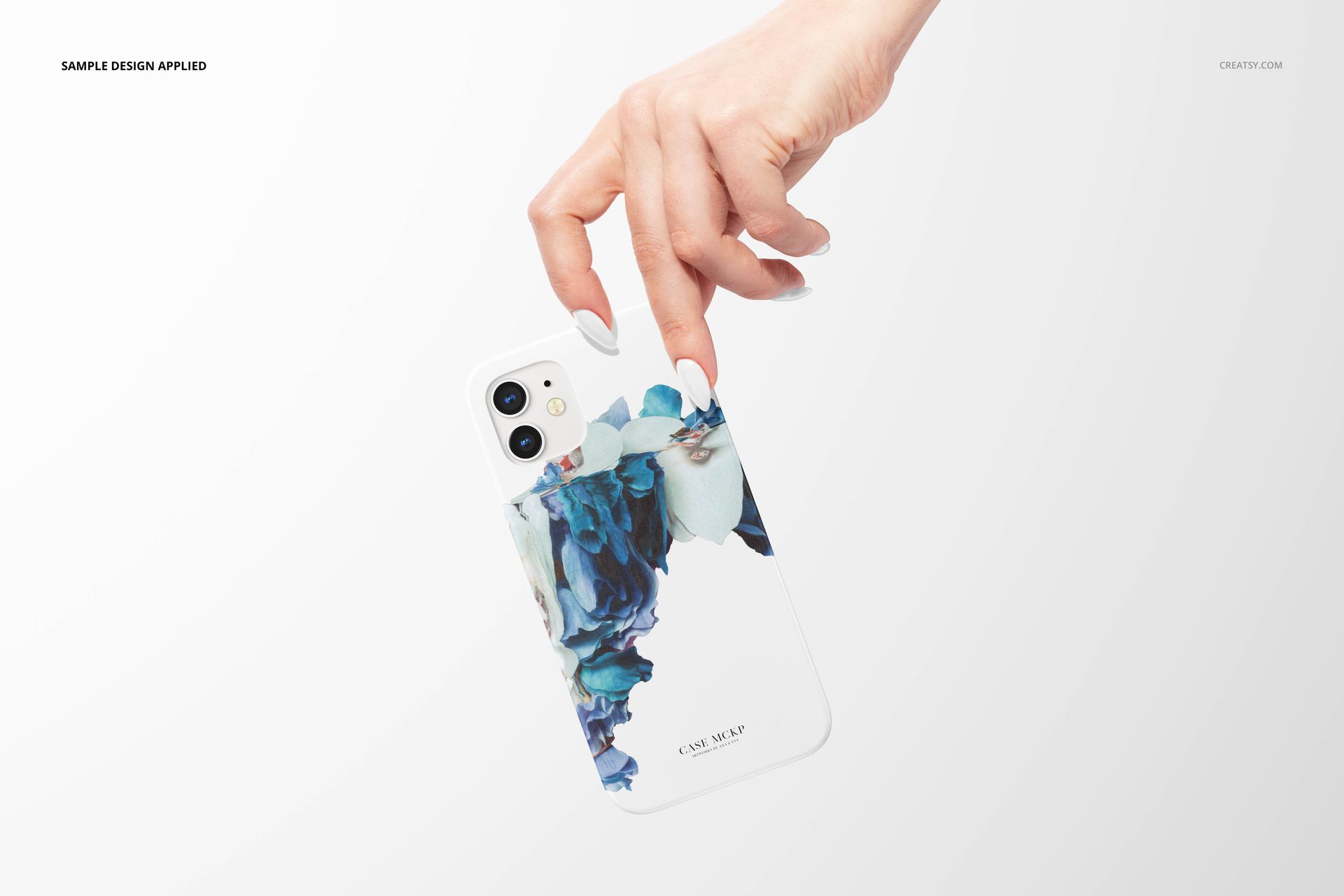
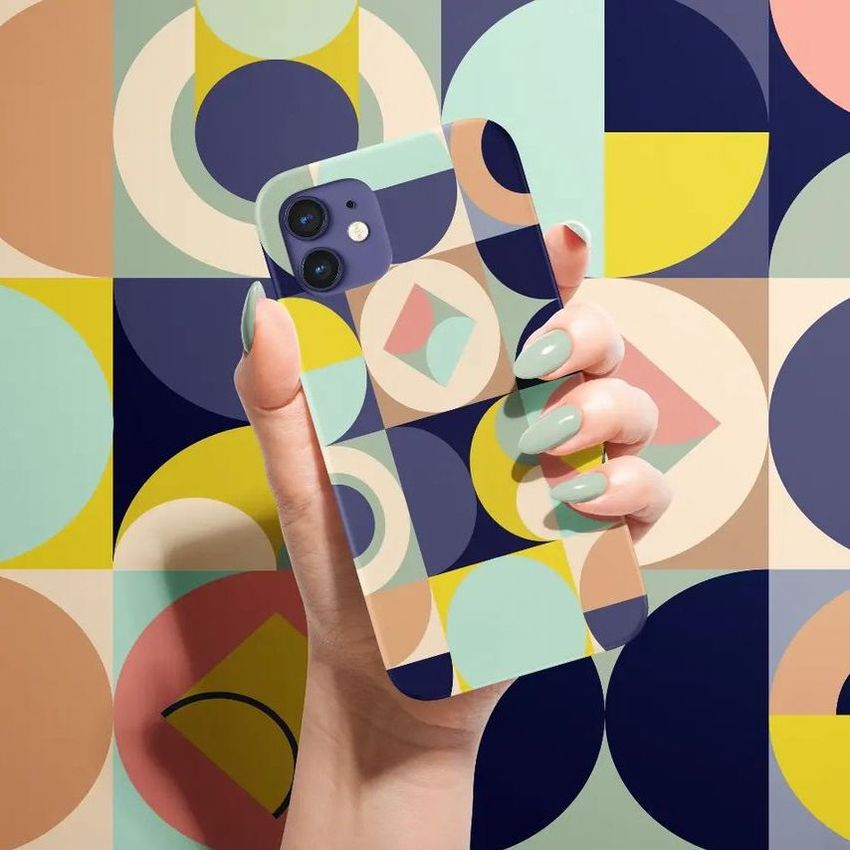
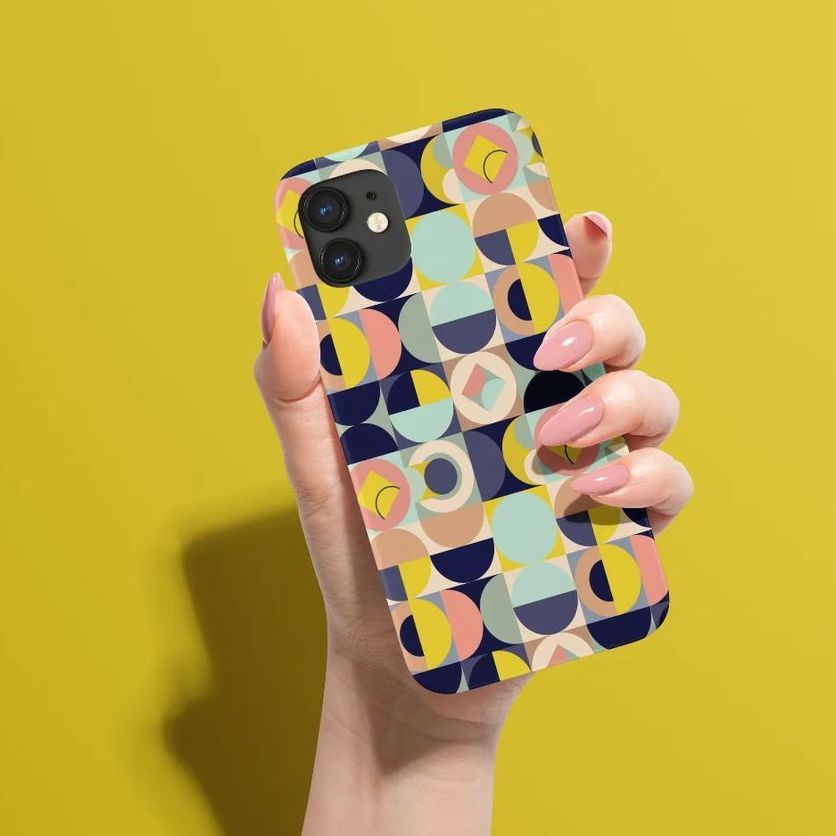
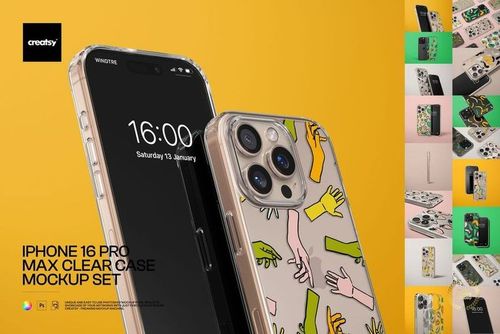
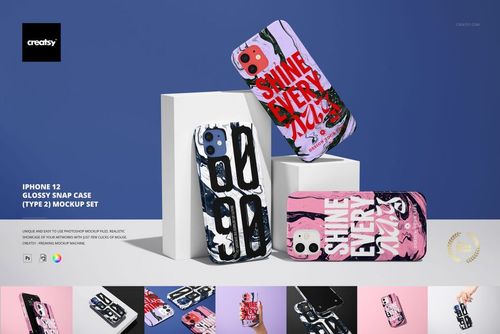
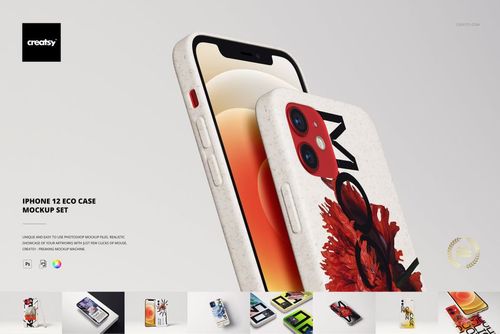
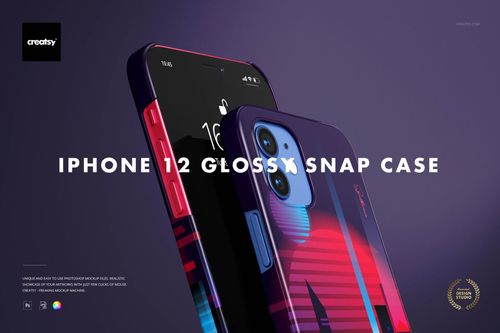
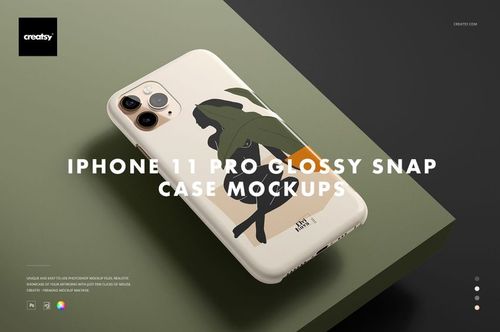
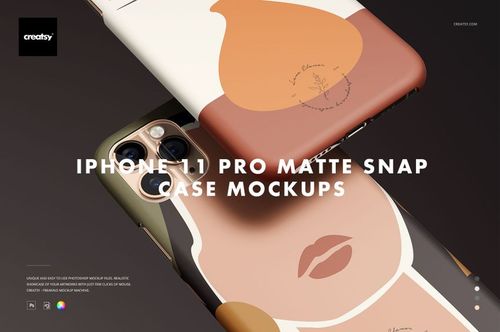
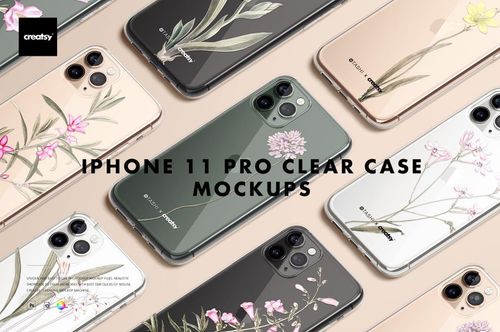
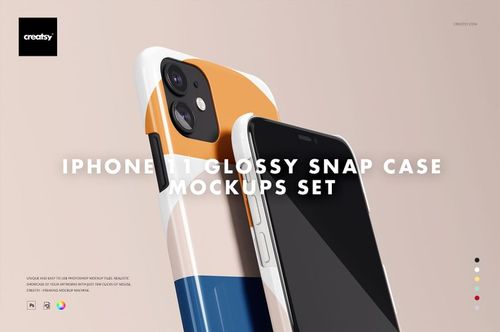
Turn a flat illustration or pattern into a clear phone case presentation. This iPhone 12 Matte Snap Case 1 Mockup Set contains 26 editable PSD files with a matte case finish. Choose from individual cases, paired and grouped arrangements, detail views, and compositions held in a hand to give a collection several useful perspectives.
Product Specifications
Included files: 26 layered PSD mockups and 26 JPG previews.
PSD canvas: 6000 x 4000 px at 300 dpi.
Compatibility: Adobe Photoshop CC 2015 or later, and Photopea.
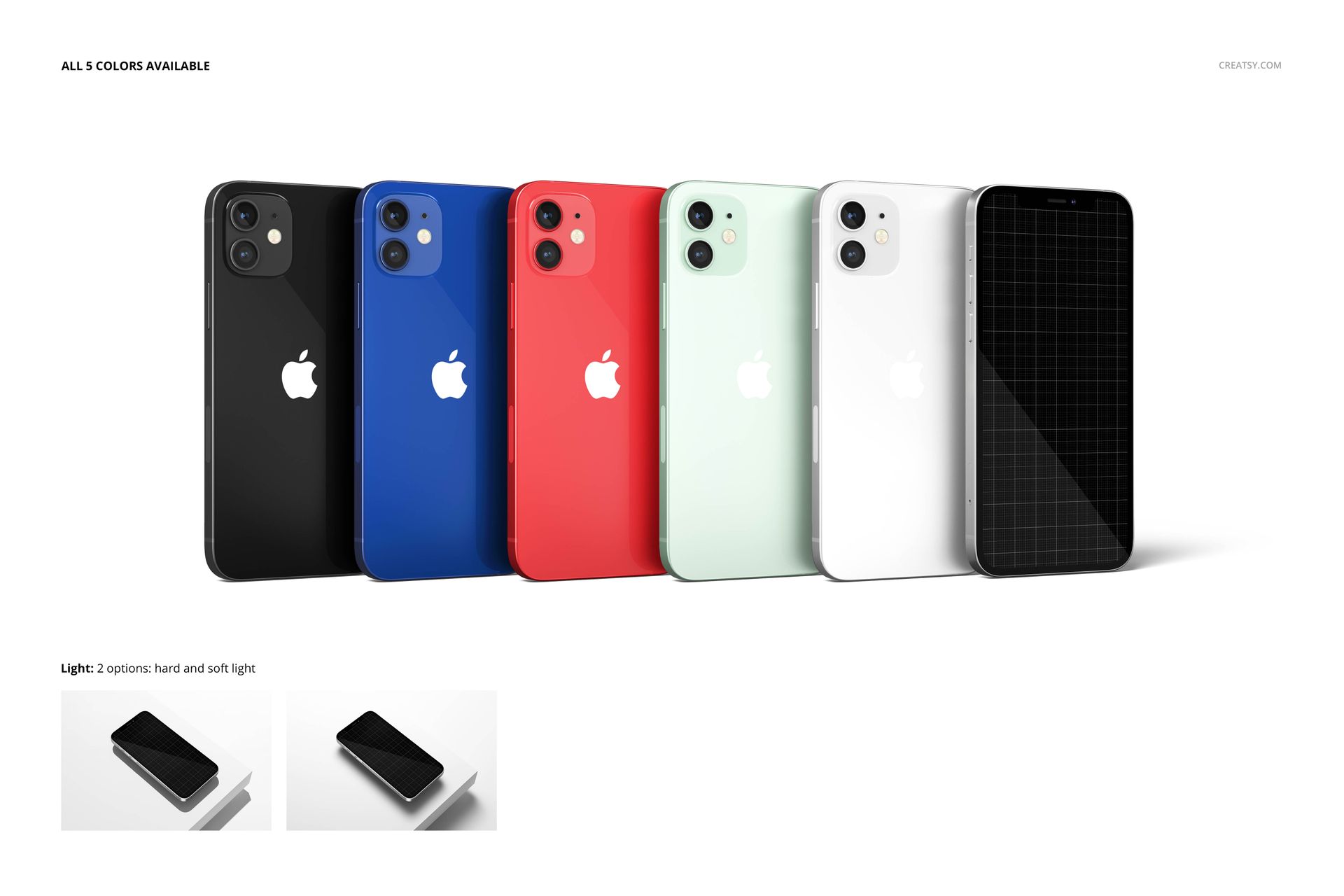
Editable elements: case artwork and color, using Smart Objects and color layers.
Model and finish: iPhone 12 matte snap case, Type 1.
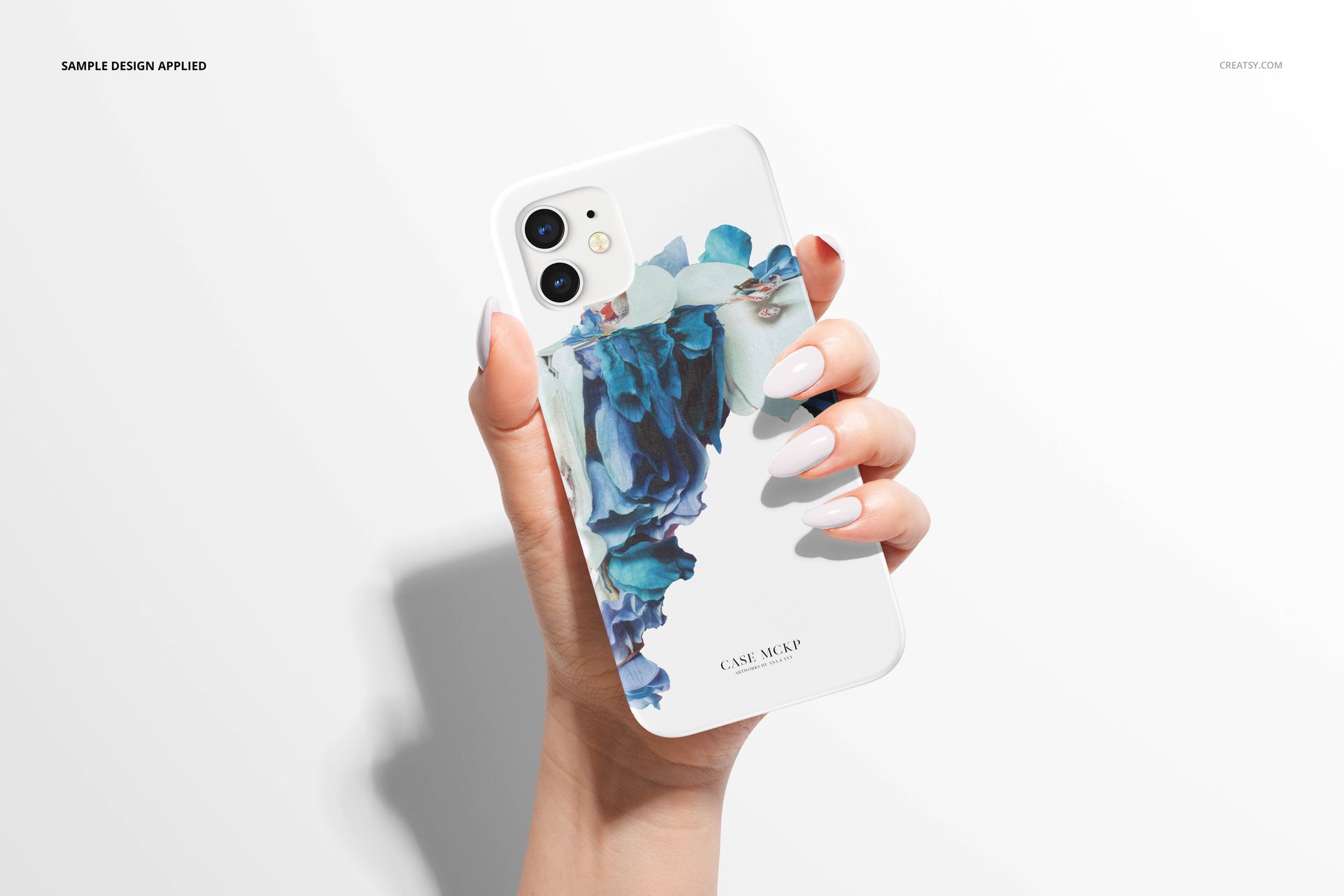
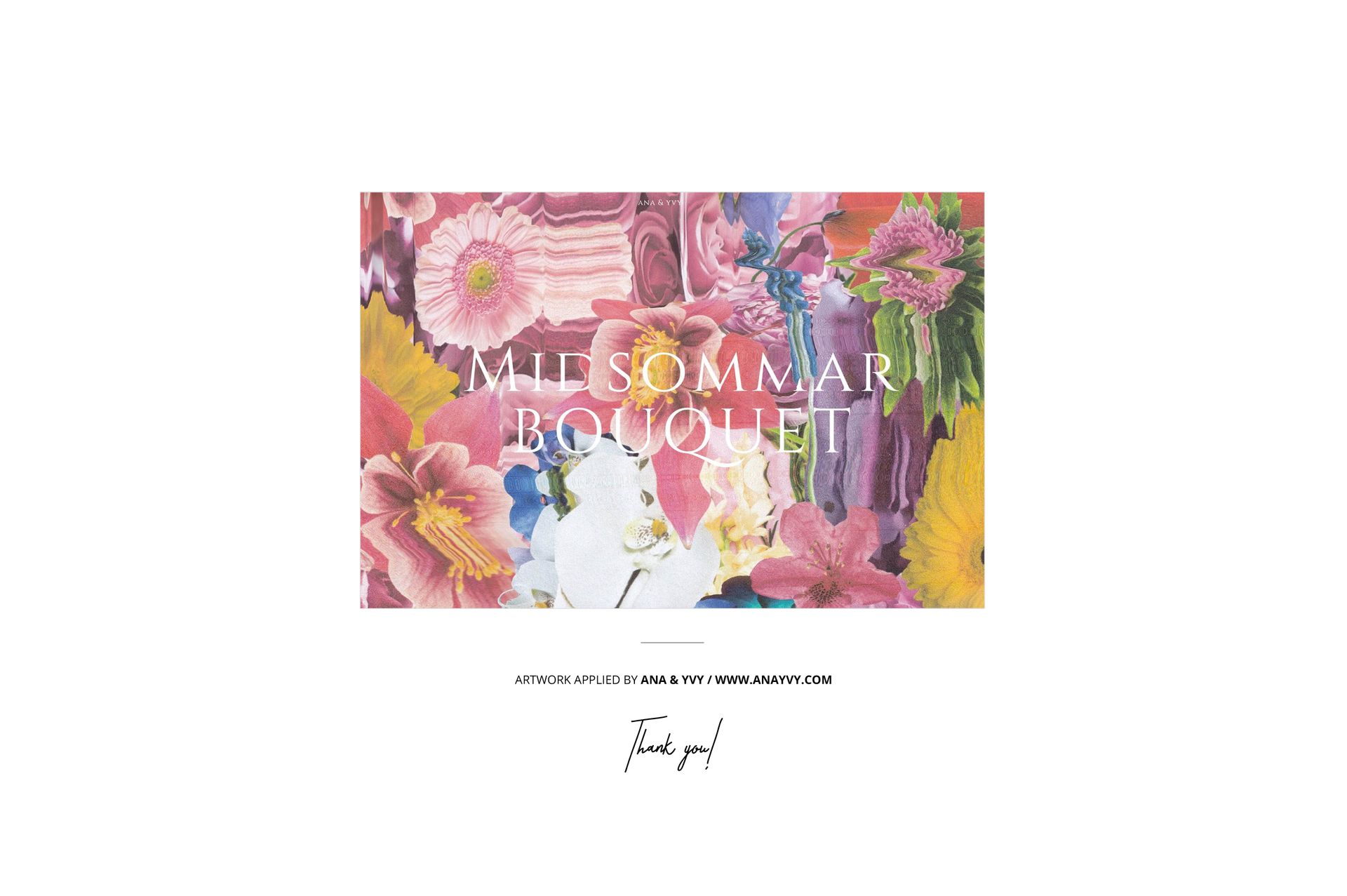
Sample artwork: ANA & YVY, anayvy.com.
Present the Whole Range
Use a back view to show the main illustration, a closer angle to examine its placement near the camera, and a grouped scene to bring complementary prints together. The matte appearance offers a quieter setting for delicate florals, painted textures, and bold graphic designs. Create a coherent set of images for an online store, design portfolio, client proposal, or print-on-demand concept.
Example designs are shown for demonstration and are not included in the purchase. This is a digital mockup set; no physical case or phone is supplied.