Stacked Packaging Tape Rolls Mockup
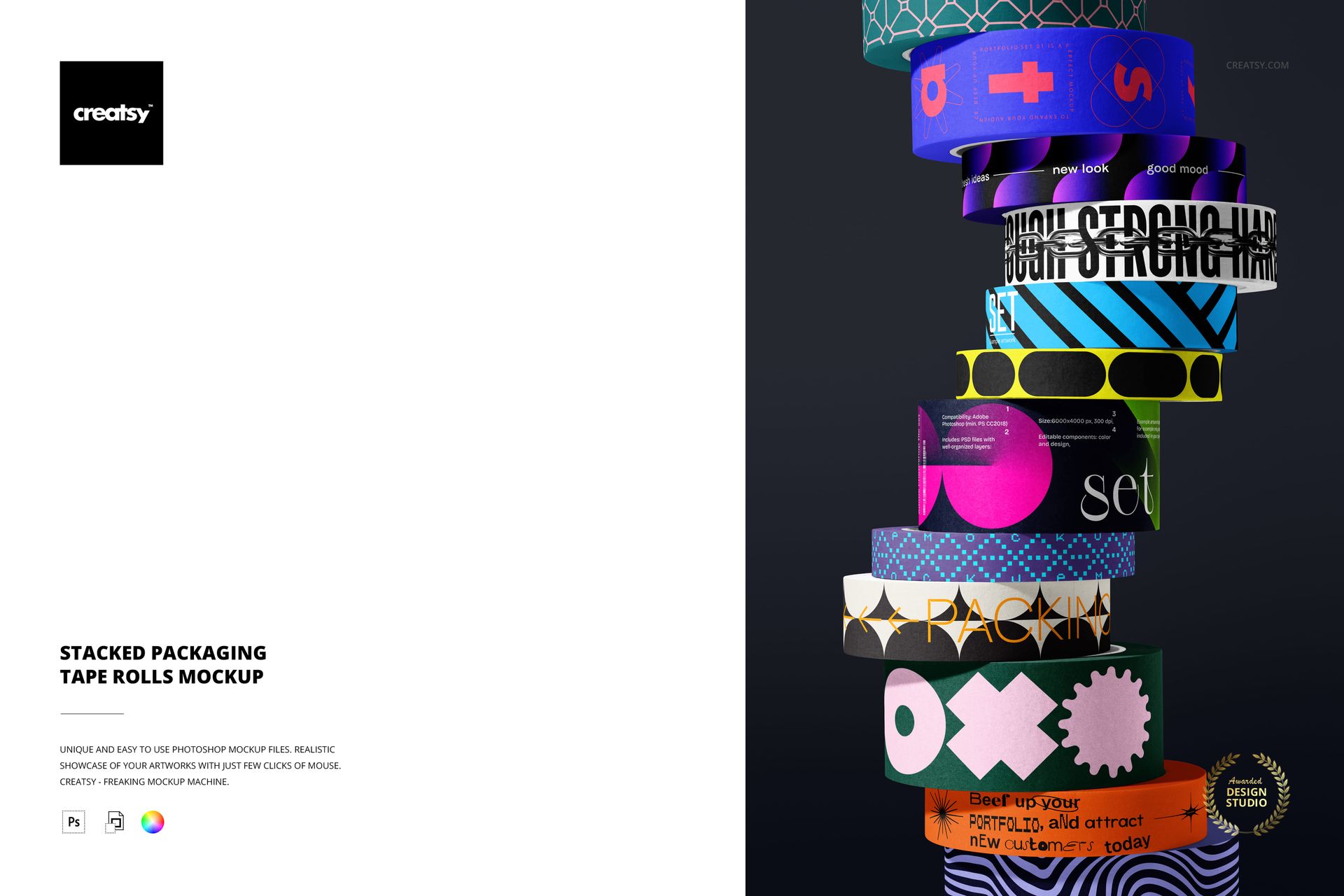
Build a collection image one band at a time. A tall column of packaging tape rolls shifts gently from side to side, bringing broad prints, narrow accents and curved lettering into a single close-up. The front-facing stack gives each visible band a place in the overall design story.
What Is Included
1 layered PSD mockup with a 6000 px long edge and 4000 px short edge, at 300 DPI
1 JPG preview at 341 x 512 px, 2 files in total
One stacked arrangement of tape rolls in varied widths
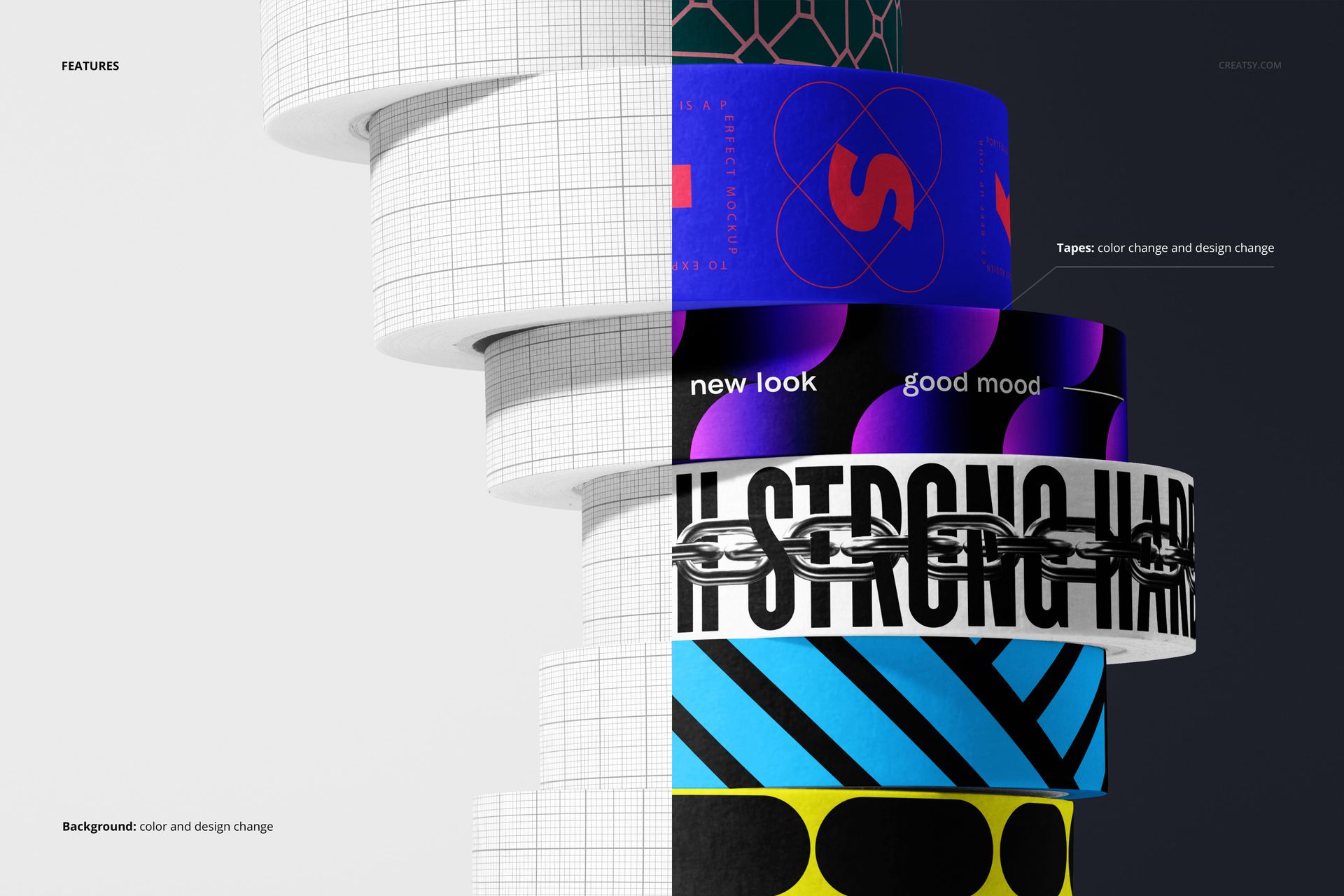
Tape and background color and design editing
A Rhythm of Wide and Narrow Bands
Use the stack to present related patterns without repeating the same treatment on every roll. Broad bands can carry expressive shapes or lettering, while narrow tapes can supply a quieter repeat. The offset edges and soft surface detail help separate neighboring designs.
Easy Smart Object Editing
Replace the example artwork through Smart Objects in Adobe Photoshop CC2020 or newer, or Photopea. Change the tape colors and designs, then adjust the background color and artwork to suit the collection. The PSD includes organized layers.
A Collection View for Client Presentations
The scene is useful for packaging portfolios, printed-tape catalogs and brand collection announcements. It emphasizes how different prints work together, rather than how one length of tape seals a parcel.
This is a digital mockup, not physical packaging tape. Sample designs shown in the previews are for presentation only and are not included as separate artwork assets.