Packaging Tapes Unrolled Mockup
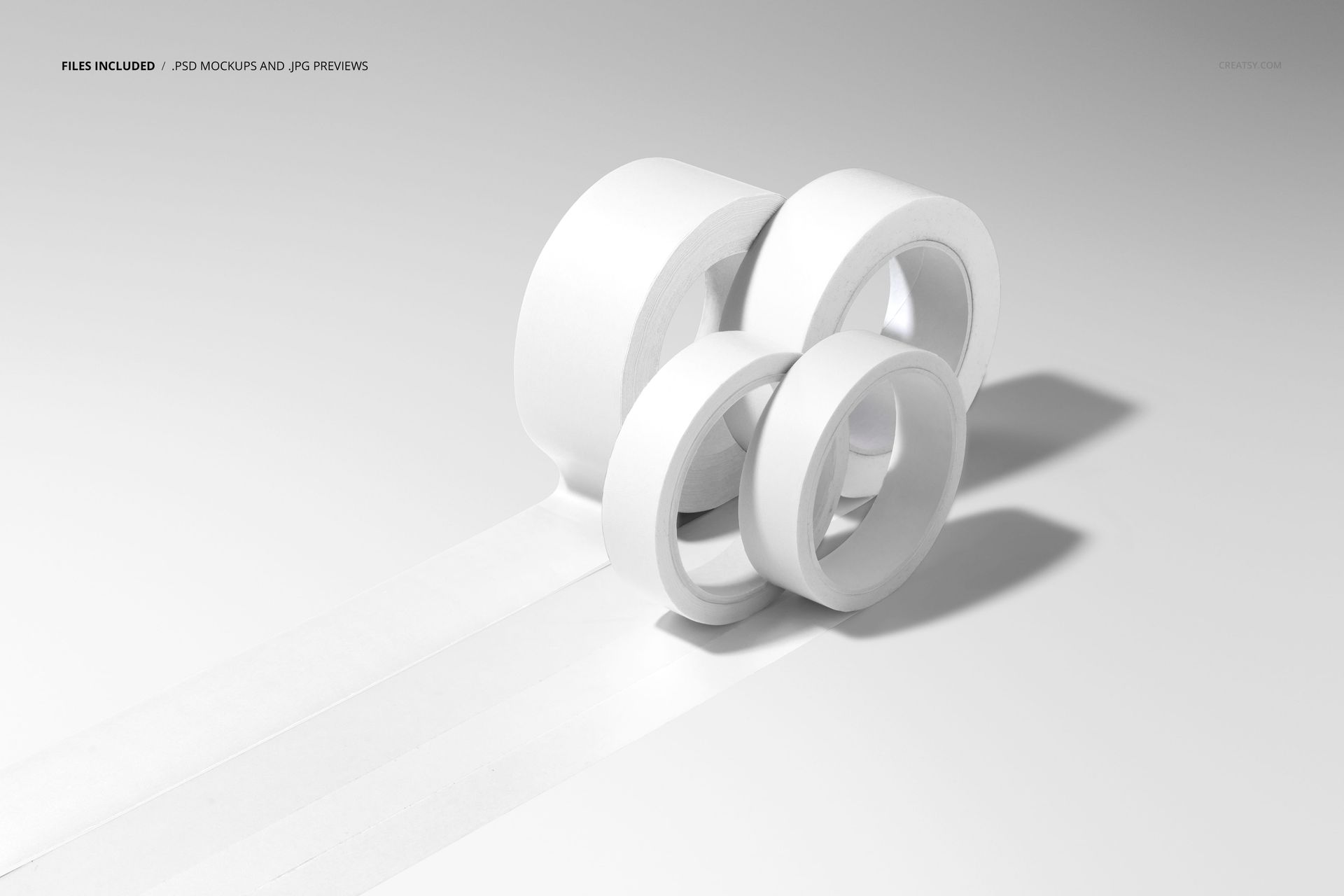
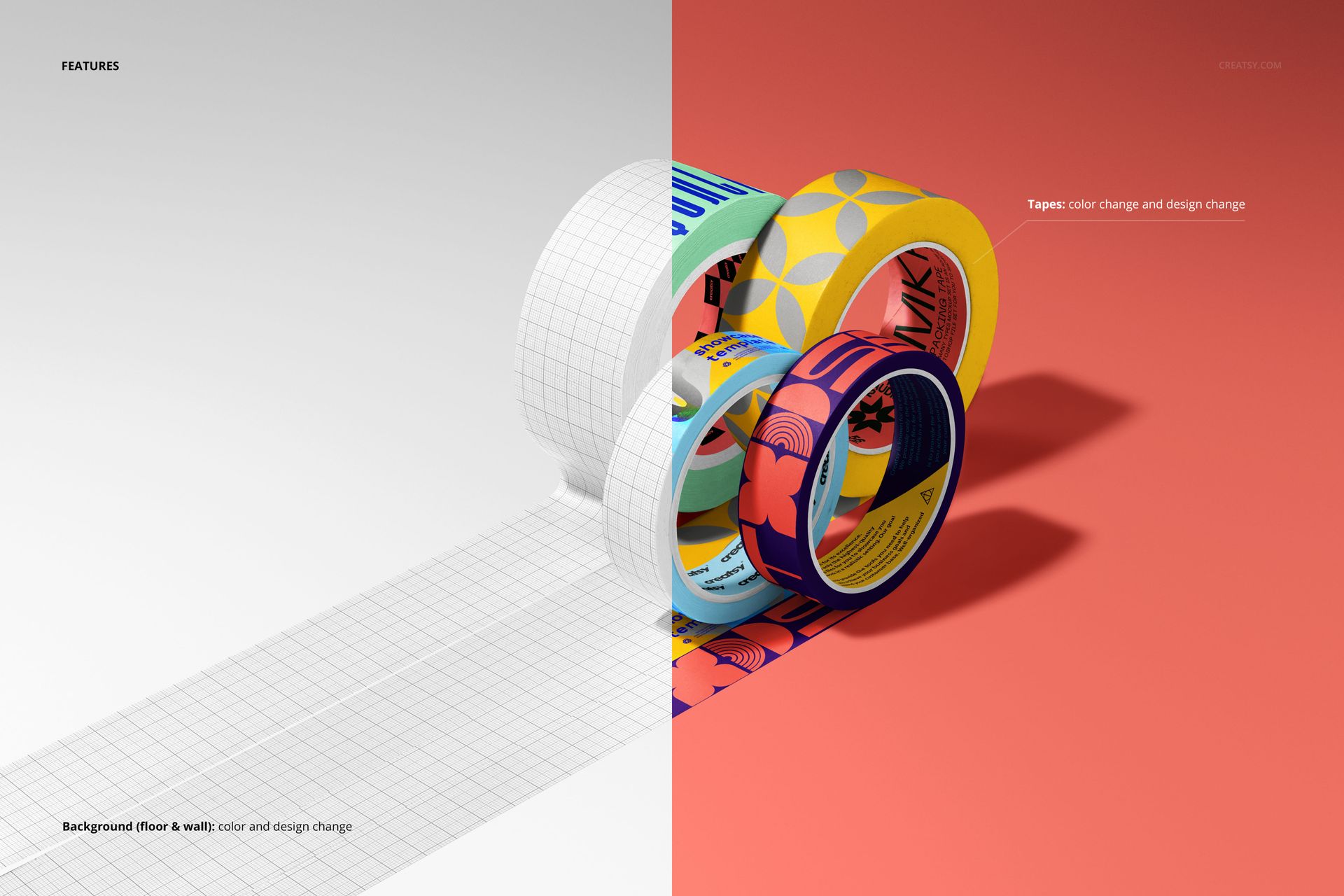
A repeating design reveals more when the tape is unrolled. Four rolls feed long strips toward the foreground in this single studio composition, showing your artwork on both curved tape surfaces and extended lengths. Two larger rolls sit behind two smaller ones, creating a clear view of a coordinated print collection.
What Is Included
1 layered PSD mockup at 6000 x 4000 px and 300 DPI
1 JPG preview at 512 x 341 px, 2 files in total
One landscape scene featuring four unrolled tape rolls
Compatibility with Adobe Photoshop CC2020 or newer and Photopea
Give Repeating Artwork Room to Breathe
The extended strips let you judge the rhythm of a logo repeat, the distance between motifs and the direction of a continuous message. Use the visible roll curves to see how the same graphic reads as the surface turns away from the viewer.
Easy Smart Object Editing
Add your graphics through Smart Objects and adjust the tape colors to develop your presentation. The PSD includes organized layers and controls for tape color and design changes. Keep this prepared four-roll arrangement as the setting for each artwork variation.
Made for Tape Print Presentations
Present packaging identities, decorative pattern collections and branded sealing tape concepts to clients. The long strips also provide a useful visual for catalogs, portfolio pages and print-service proposals where the repeated design needs to stay visible.
This is a digital mockup, not a physical tape product. The example artwork shown in the previews is for presentation only and is not included as a separate design asset.