Packaging Tape Roll Row Mockup
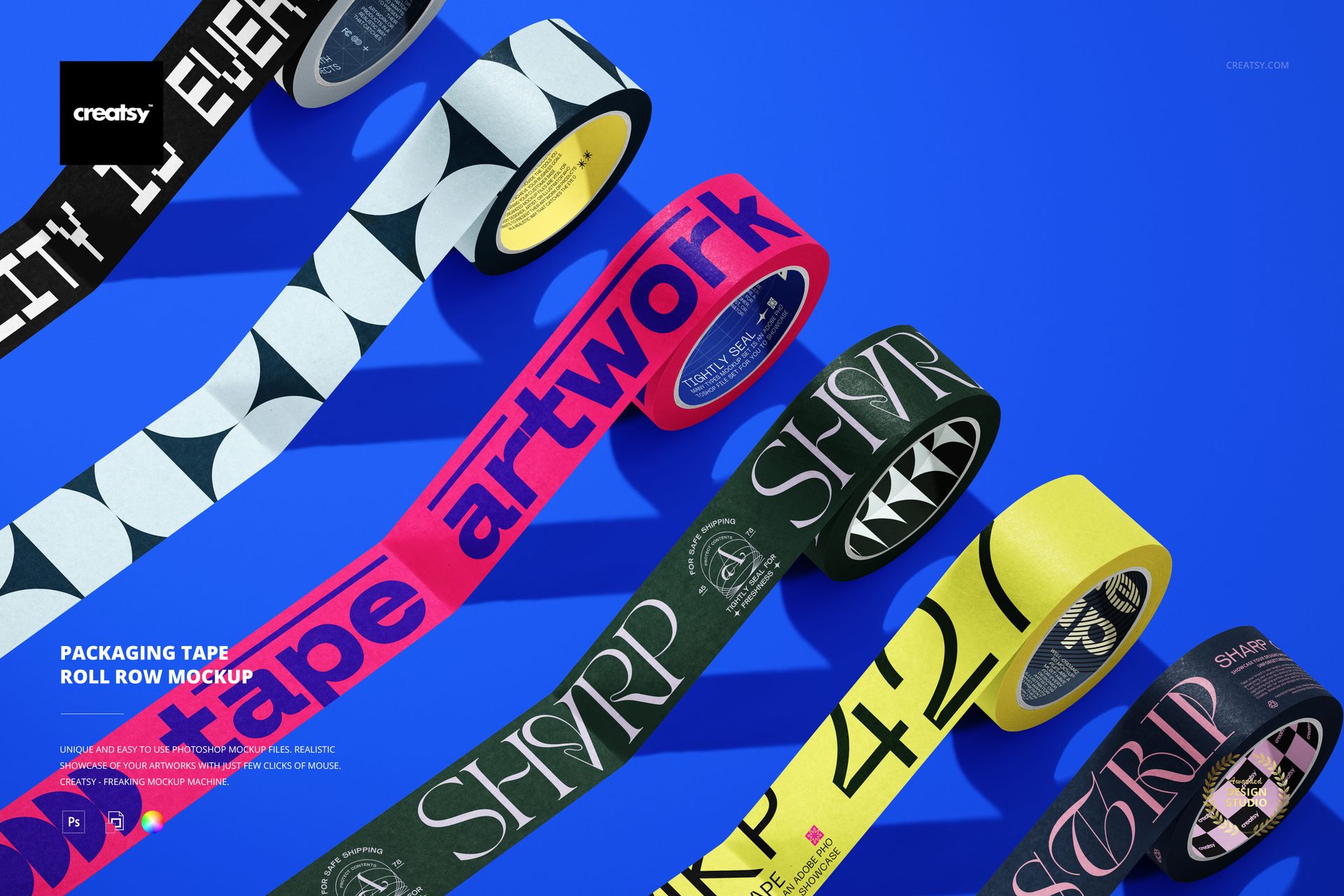
Present a coordinated line of printed packaging tapes in one clear top-view scene. The mockup places five colorful tape rolls in a diagonal row on a blue surface, with extended strips that help show pattern, color, and range at a glance.
What Is Included
1 layered PSD mockup with a 6000 x 4000 px landscape composition at 300 DPI
1 JPG preview, 2 files in total
Five tape rolls arranged as a collection view, with separate spacing and visible tape strips
Package size: 51.8 MB for Windows and 54.3 MB for Mac
Show a Full Tape Range in One Frame
Use the row layout to compare several colorways, printed patterns, or branded variants without building a multi-image layout. The diagonal arrangement creates a clear visual path for catalog pages, launch graphics, online shops, and client presentations.
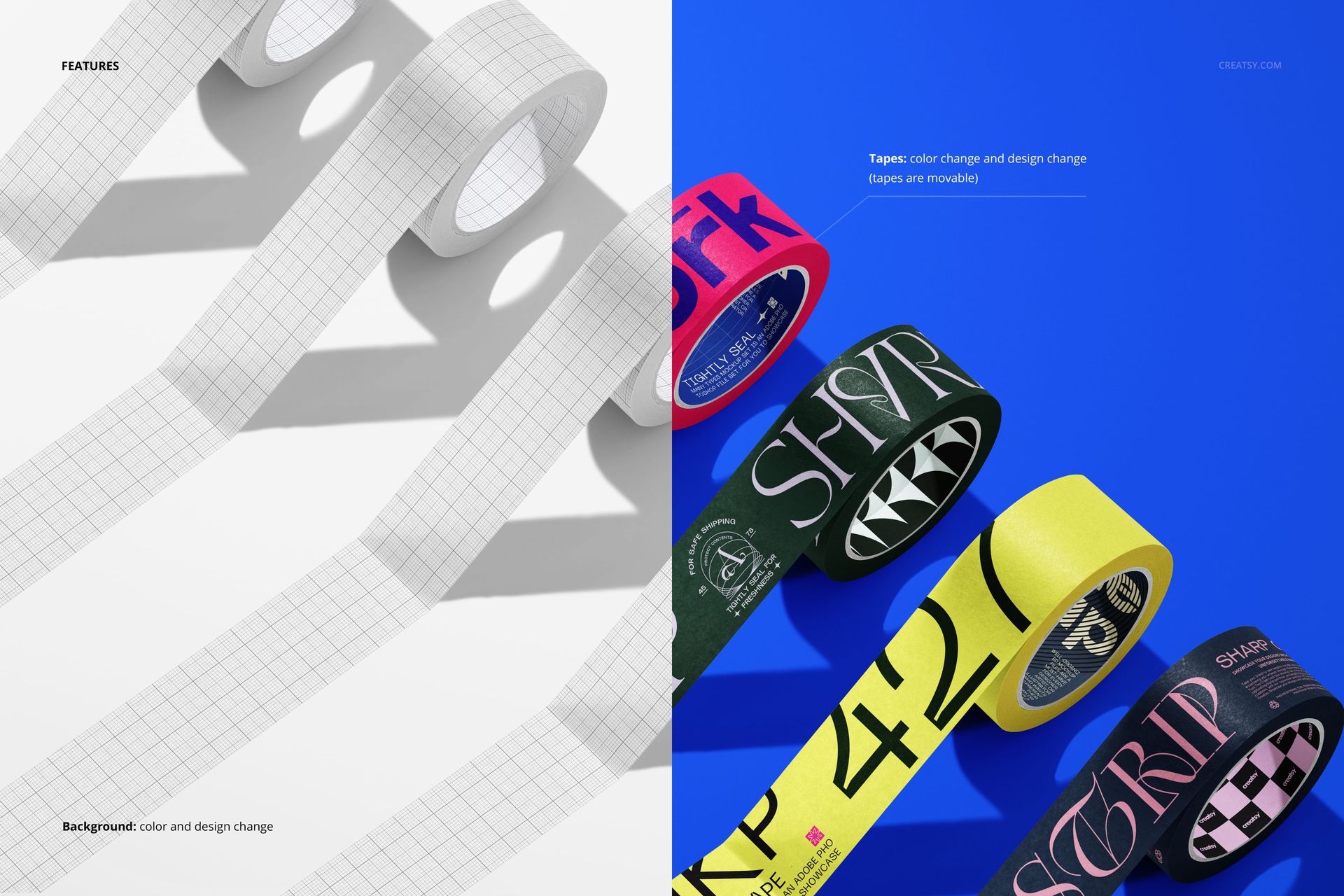
Edit the Artwork and Scene
Replace the tape artwork through Smart Objects, adjust tape colors and designs, move the tapes into a preferred position, and change the background color or design. Organized layers keep the scene easy to navigate. The PSD works with Adobe Photoshop CC2020 or newer and Photopea.
Useful for Brand Presentations
Prepare visual concepts for packaging tape brands, stationery collections, gift wrapping supplies, shipping materials, e-commerce listings, and portfolio case studies. Compare repeat patterns and color direction before preparing production files.
This is a digital presentation mockup. Sample artwork shown in the previews is not included.