Premium Gift Box with Satin Ribbon Mockup
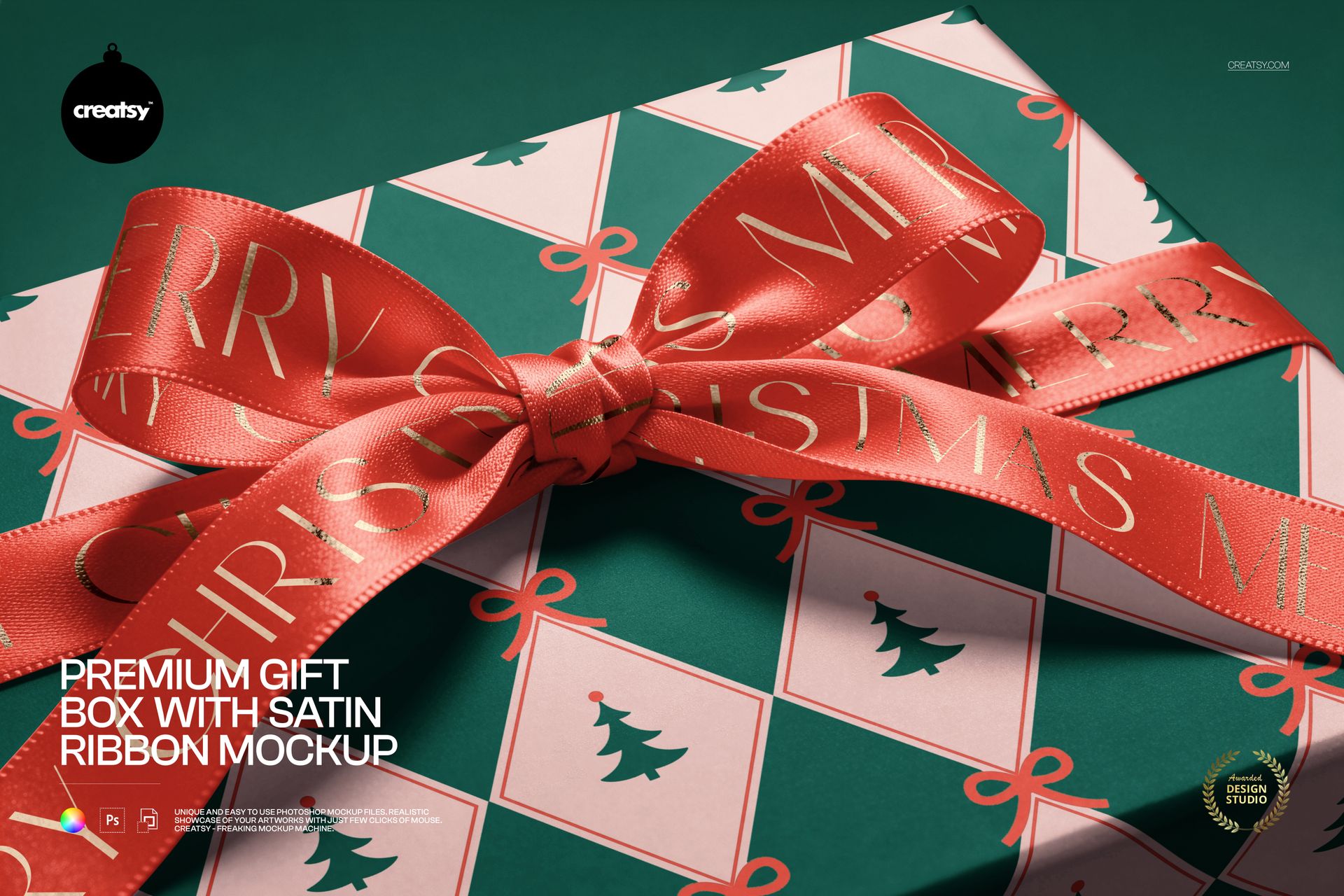
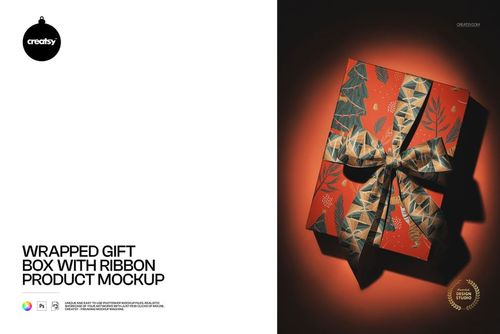
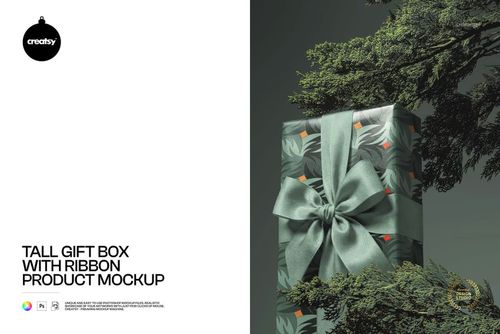
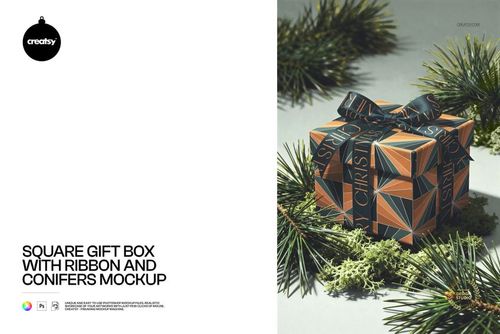
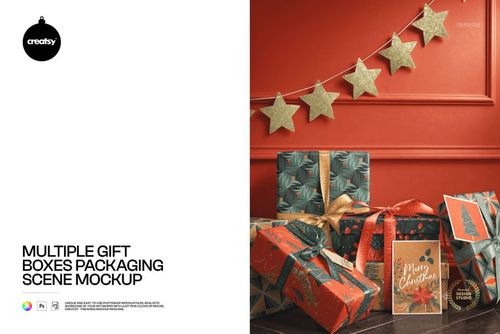
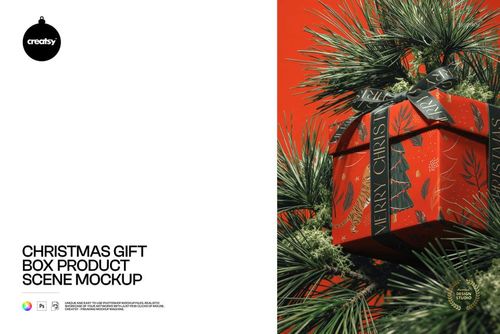
Bring the finishing detail into focus. This close-up gift box mockup frames a satin bow across the lid, with visible weave, stitched edges and light falling over the ribbon loops. The tightly cropped composition gives ribbon lettering and packaging patterns room to be examined together.
Use it as a detail image in a packaging presentation when the finishing ribbon deserves as much attention as the box artwork. The angled view reveals how a design reads across folds and highlights, rather than showing the entire package at a distance.
What Is Included
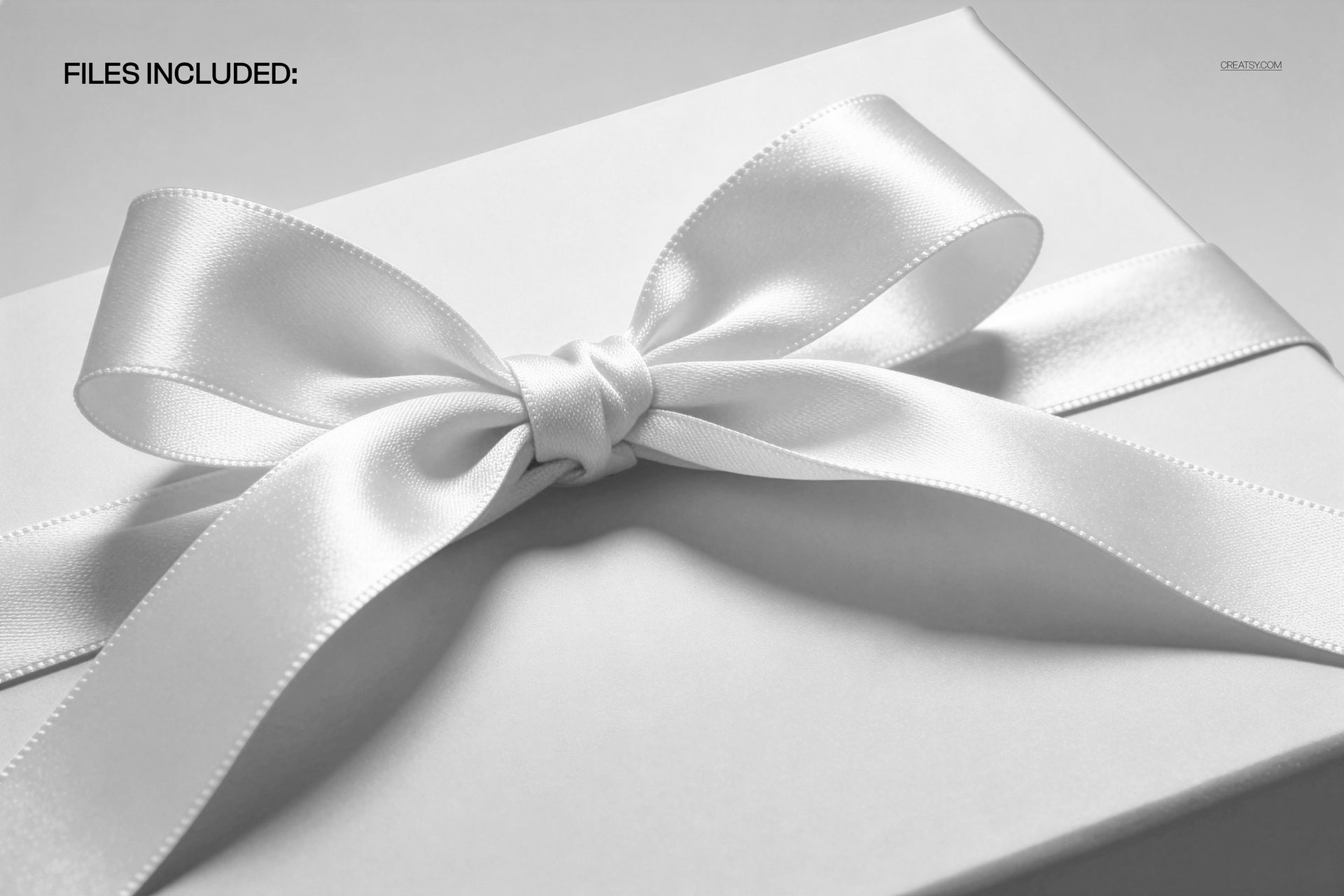
1 layered PSD mockup with one fixed close-up scene.
PSD dimensions: 6000 × 4000 px at 300 DPI.
1 JPG preview, with 2 files in total.
Well-organized layers for Adobe Photoshop CC2020 or newer and Photopea.
Printed Ribbon, Seen Up Close
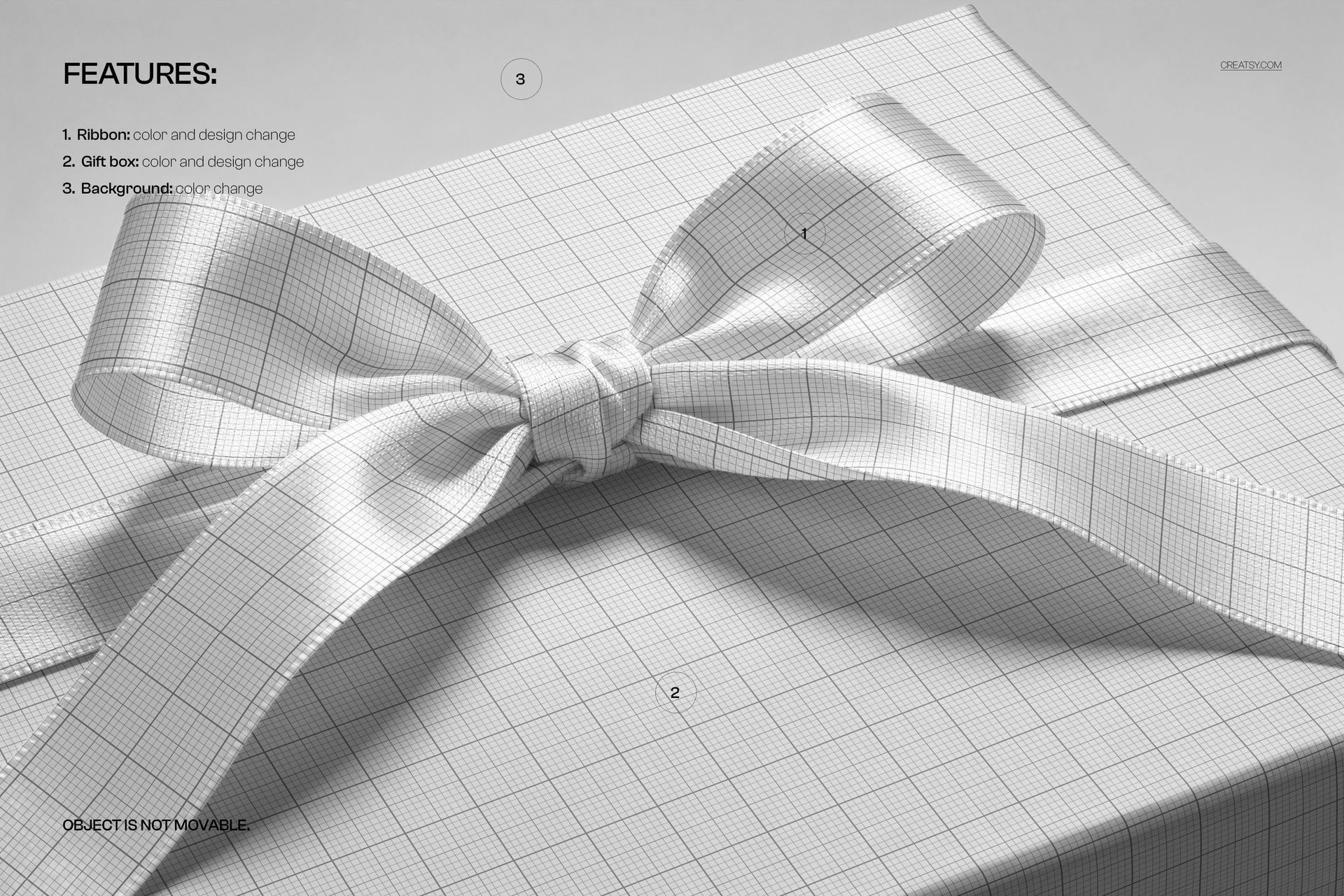
Change the color and design of both the gift box and satin ribbon, then choose a background color. The bow and box remain in their photographed positions; this is not a movable-object scene builder.
Easy Smart Object Editing
Open the PSD in a supported editor, enter the relevant Smart Object, place your artwork and save that Smart Object to update the composition. Adjust the available color controls, then check lettering around the knot and curved loops before exporting.
Perfect For
Ribbon branding proposals, luxury gift packaging details, festive surface patterns and close-up portfolio images for packaging designers and boutique brands.
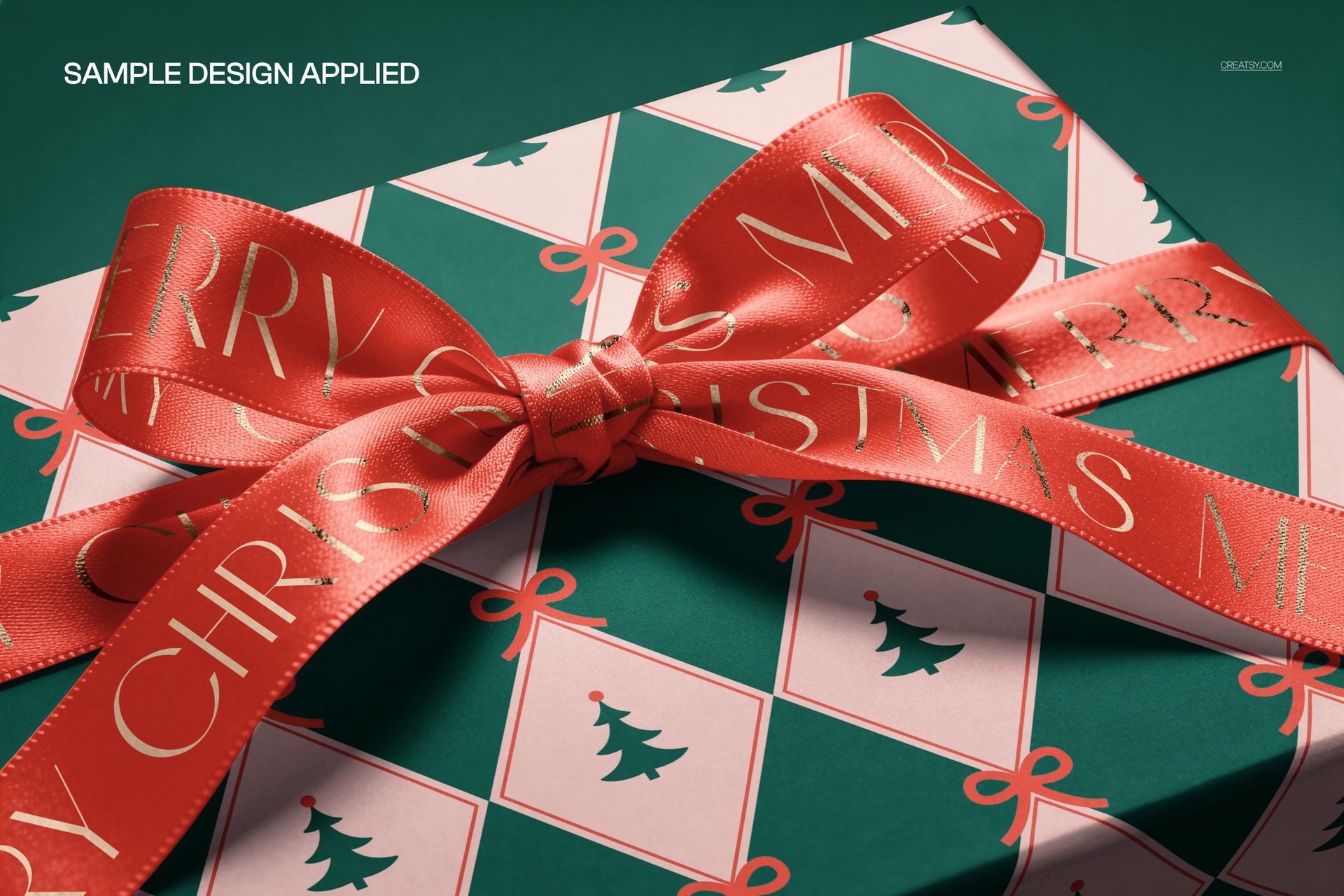
This is a digital mockup, not a physical gift box or ribbon. Sample artwork shown in the previews is not included.