Elegant Winter Baby Coat Mockup Set
This product is a part of Little Fashion 3 Mockup Bundle
Product Details
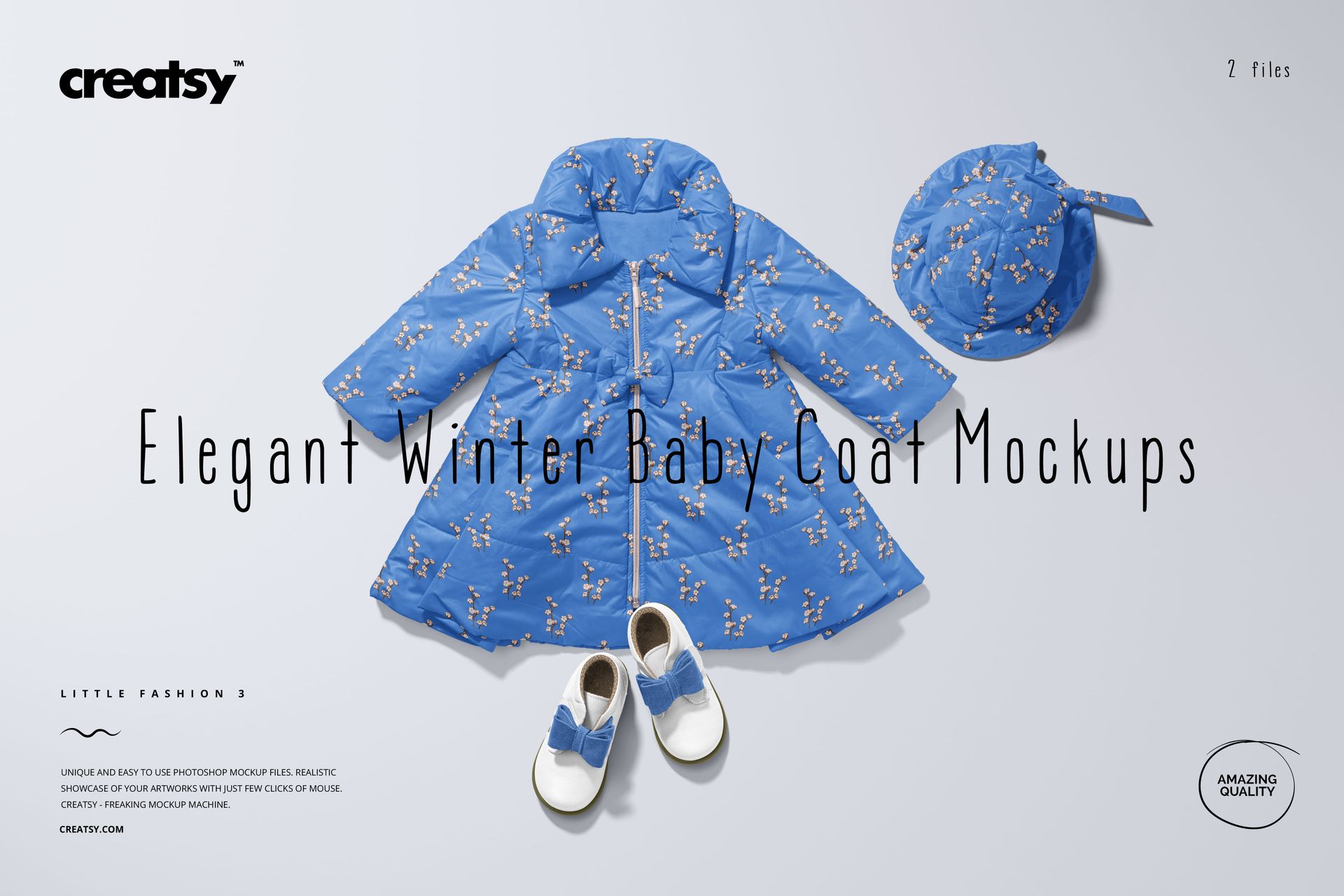
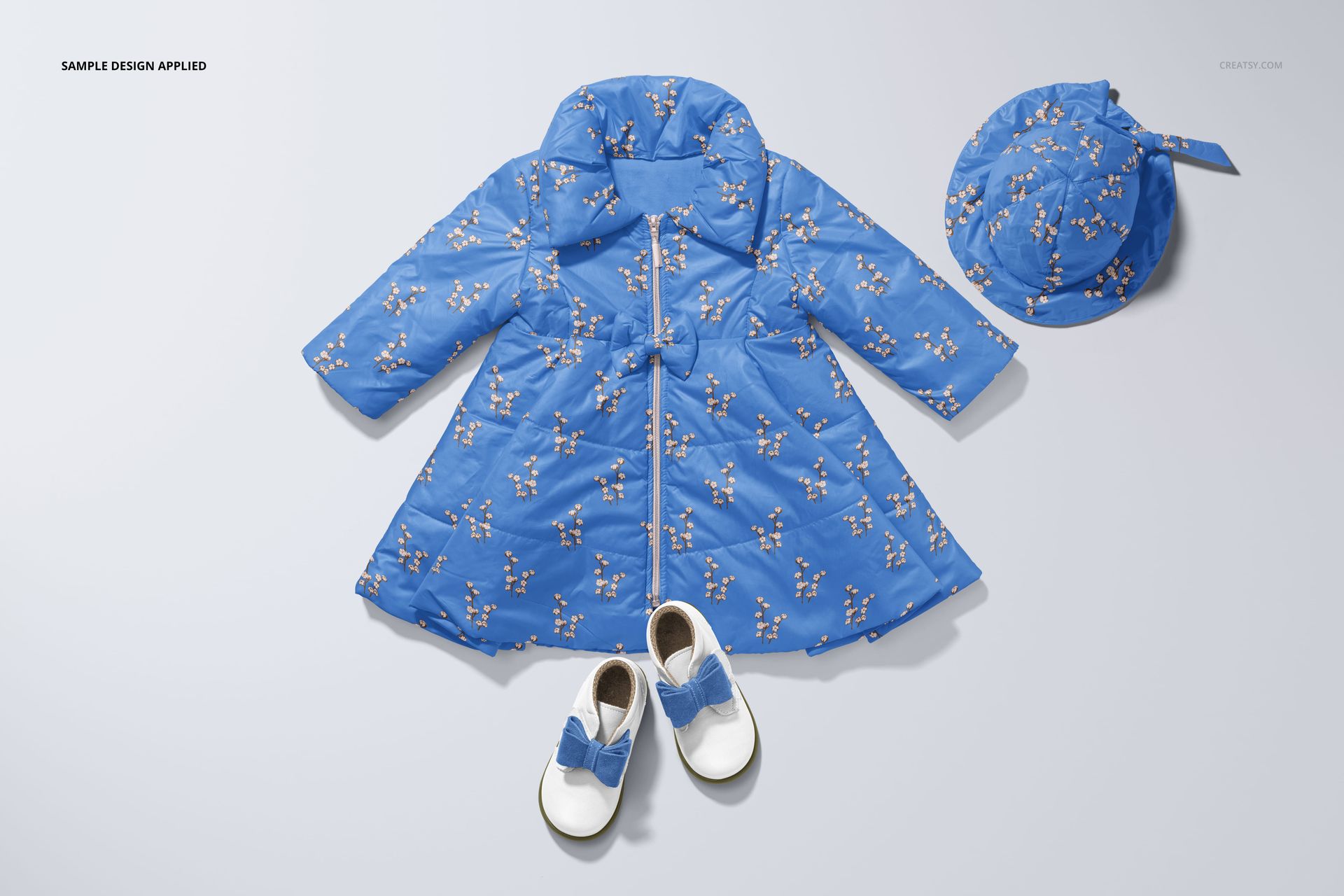
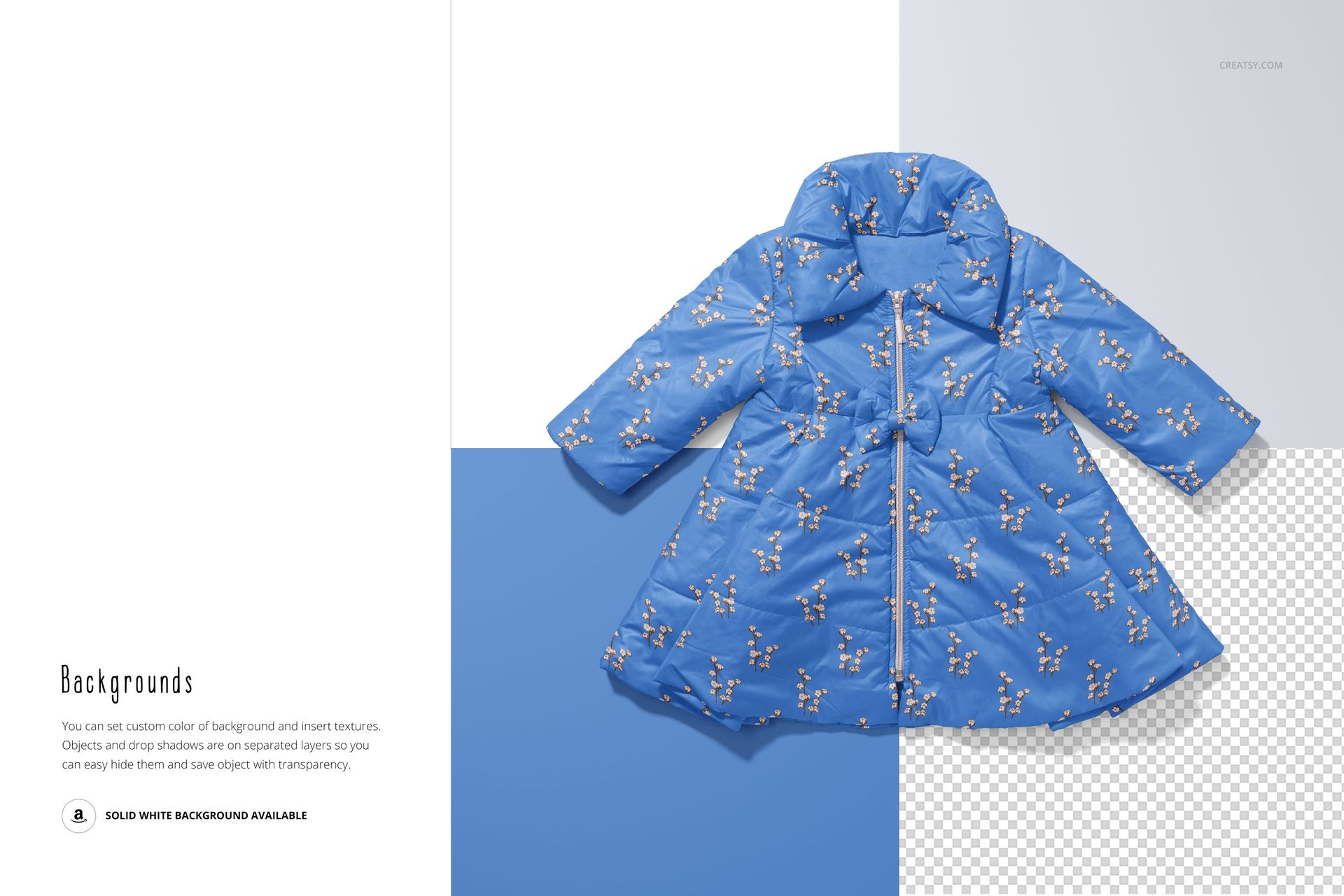
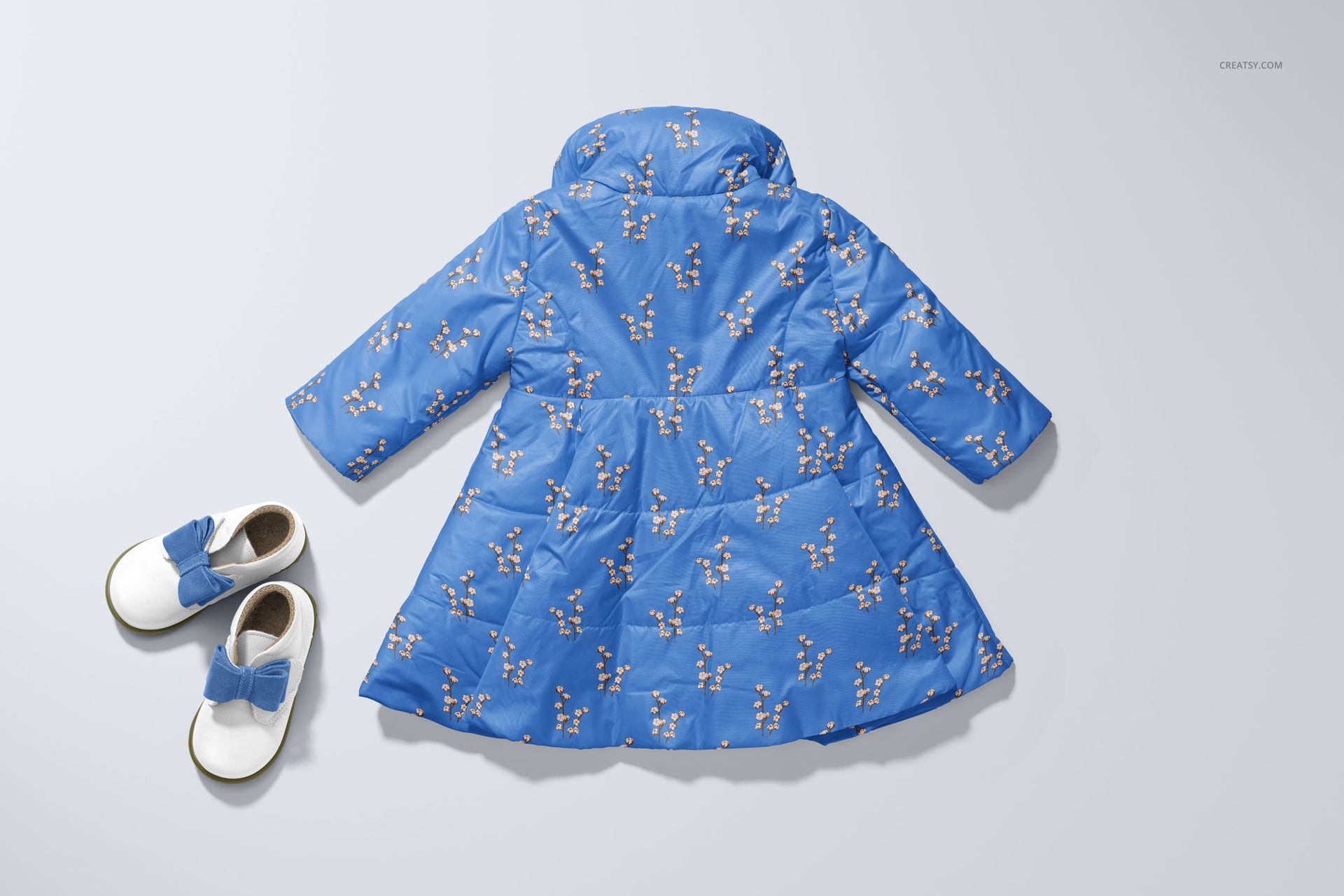
The Elegant Winter Baby Coat Mockup Set shows your pattern or brand artwork on a structured, quilted infant coat - the kind of outerwear piece that parents dress their babies in for holiday photos, family outings, and cold-weather occasions. Winter coats sit at the premium end of baby clothing, and this mockup lets you present your design on that high-value product in photorealistic detail. The set includes 2 PSD files at 6000x4000 pixels, 300 DPI - ready for product listings, brand presentations, and social media.
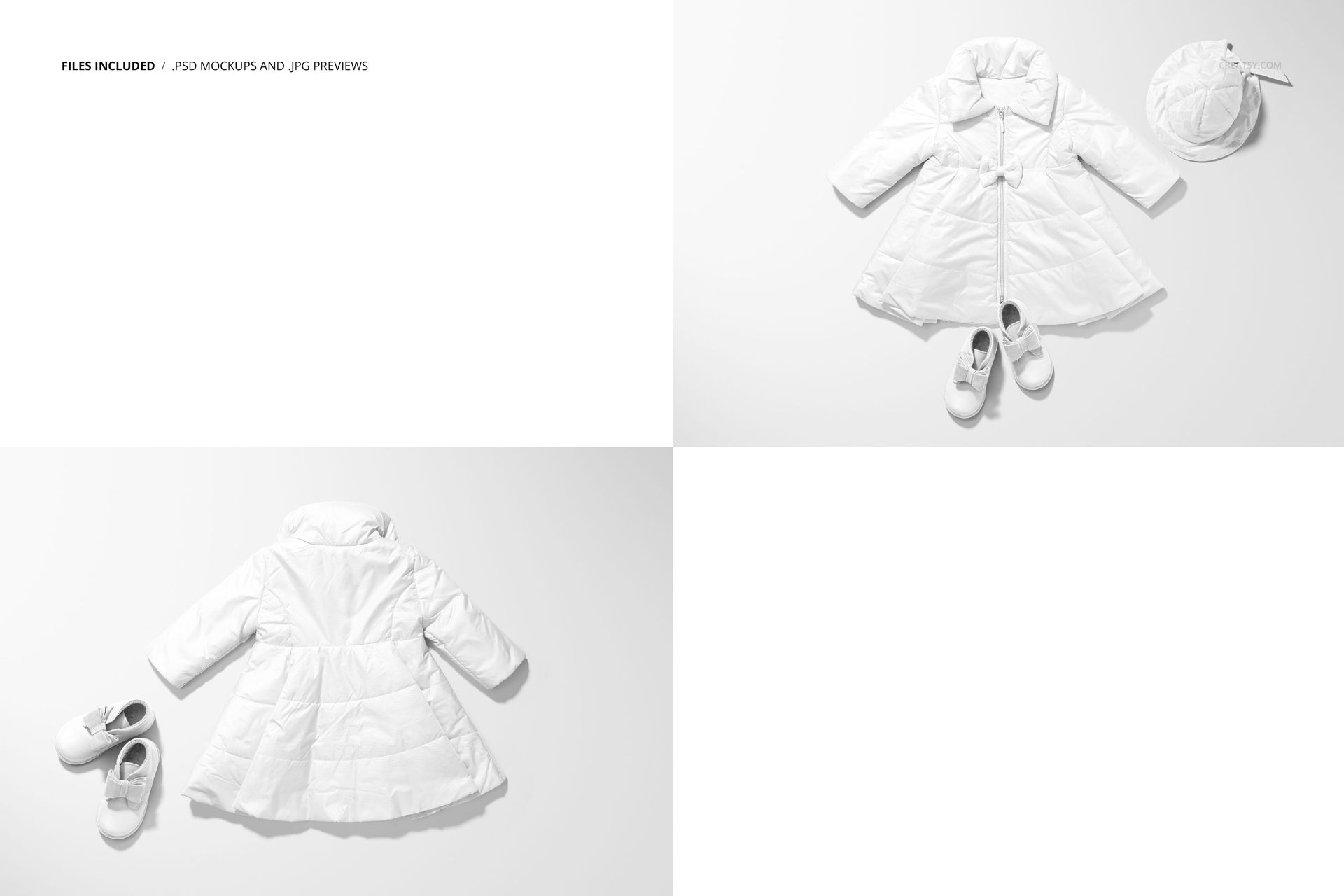
The two scenes capture the baby coat from different angles, showing the quilted structure, collar detail, button or snap closure, and how the fabric holds its shape. The coat silhouette has a tailored, elegant look that elevates any design placed on it - whether that is a subtle tonal pattern, a bold seasonal print, or a solid color with brand-specific trim details.
Why a Winter Baby Coat Mockup
Baby outerwear is one of the highest-value categories in children's clothing. Parents invest more in coats and jackets than in everyday basics because outerwear is visible, photographed frequently, and expected to look polished. For pattern designers and children's clothing brands, this means a winter coat mockup carries more visual weight and perceived value than a T-shirt or bodysuit mockup. When you present your design on an elegant coat, buyers and art directors immediately see it as a premium product - which is exactly how you want your work to be perceived.
The quilted construction of this coat adds texture and dimension to your pattern presentation. Unlike flat garments where the pattern sits on a smooth surface, the quilted panels create a grid of padded sections that interact with your design in visually interesting ways. This gives your mockup a tactile, luxury feel that flat mockups cannot replicate.
What Is Included
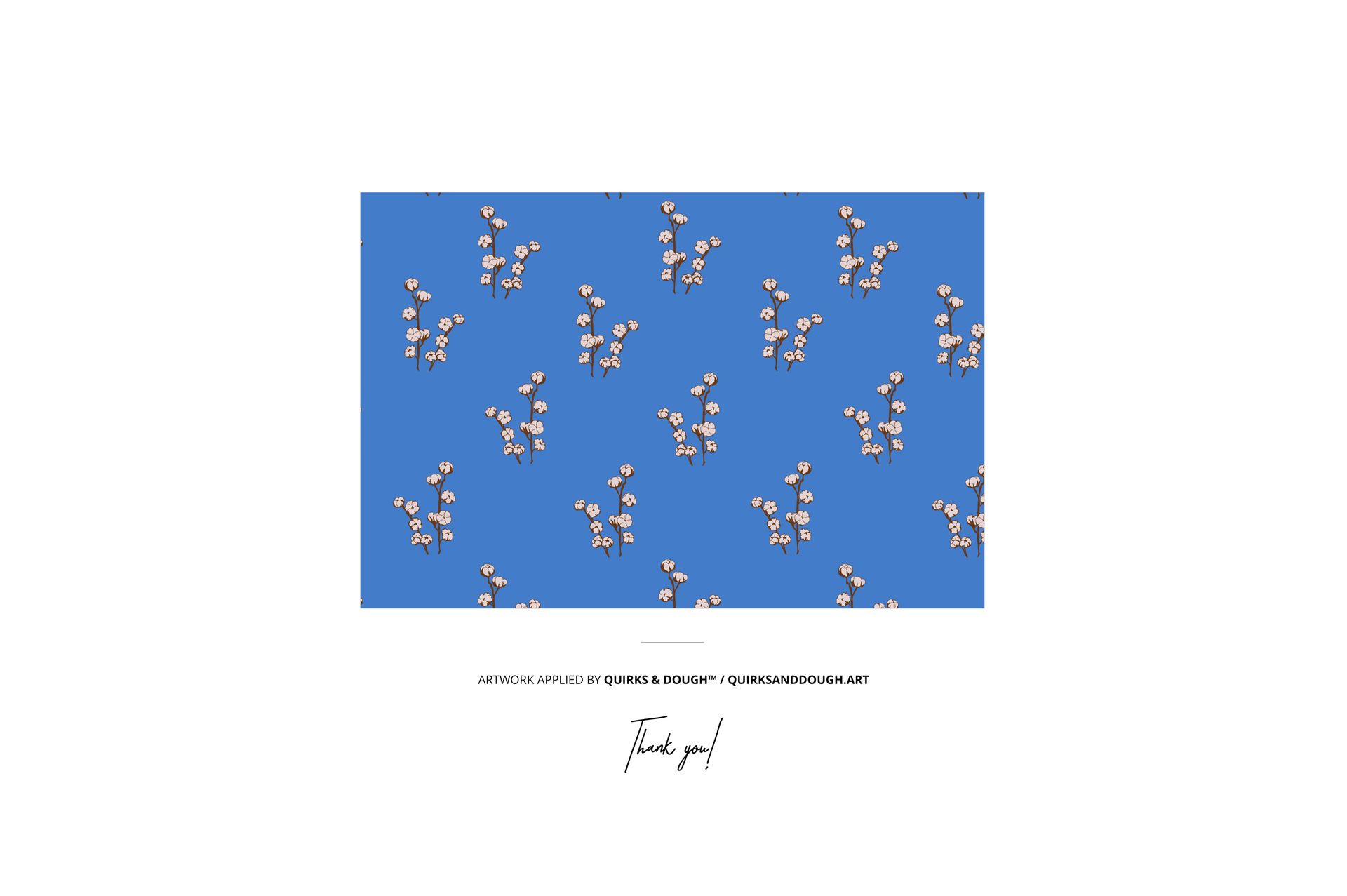
2 layered PSD files, each at 6000x4000 pixels, 300 DPI. Multiple views of the winter baby coat showing the quilted structure, collar, closure details, and overall garment shape. Smart object layers for easy design placement. Organized and labeled layer structure for fast navigation. Total download size: approximately 538 MB. Compatible with Adobe Photoshop CC 2020 or newer and Photopea (free browser-based editor). Preview designs by quirks and dough (quirksanddough.art) are for demonstration only and are not included in the download.
What You Can Customize
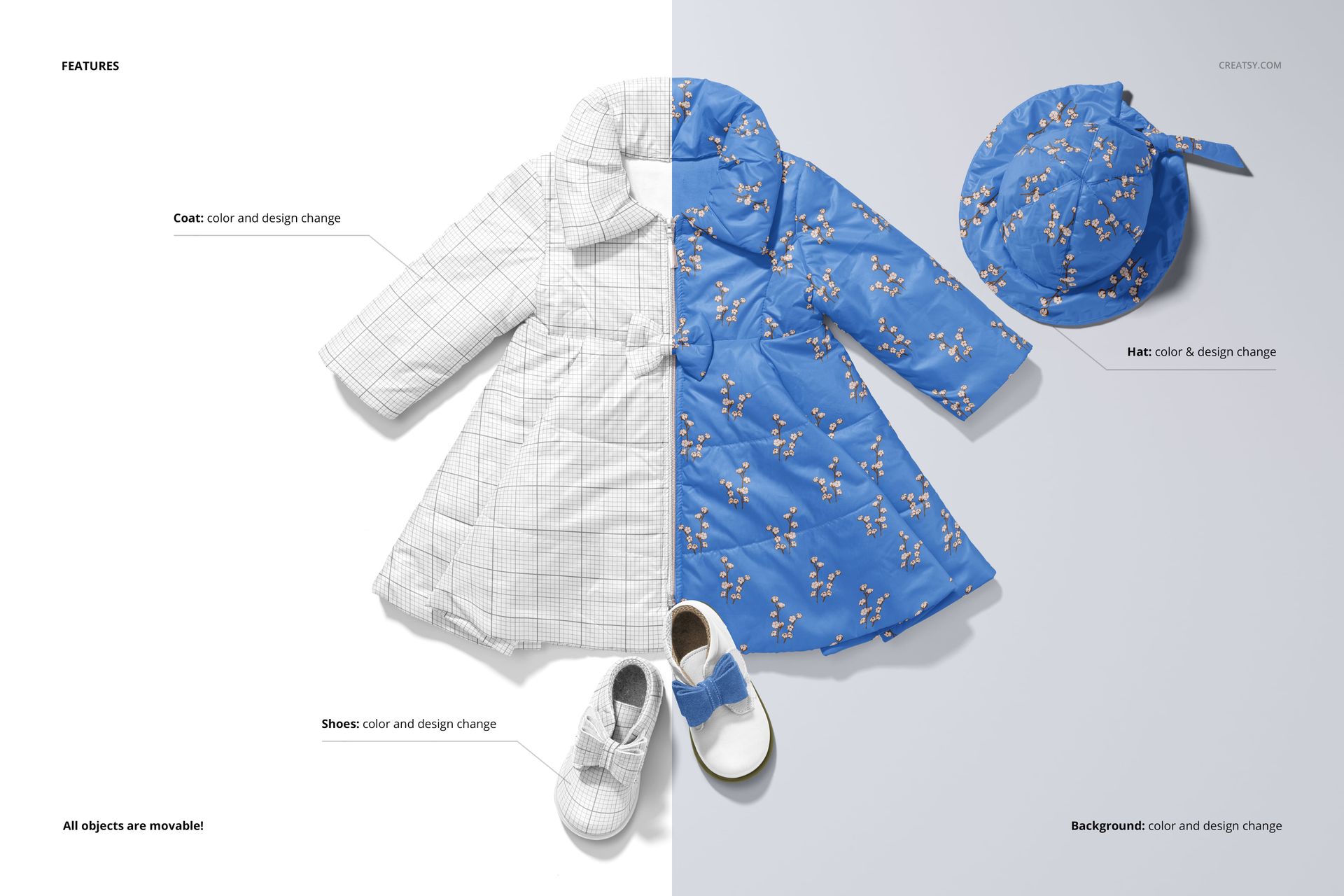
Place any pattern, color, texture, or brand artwork onto the coat through the smart object layer. The mockup handles the quilted fabric texture, padding dimension, and shadow rendering automatically. Test all-over repeat patterns that flow across the quilted panels, solid colors with contrast trim, holiday prints for seasonal collections, or monogram and logo placements for brand identity work. Compare light and dark colorways to see how the quilted texture reads differently depending on the base color.
Who This Mockup Is For
Surface pattern designers creating children's outerwear or winter textile collections. Children's clothing brands developing seasonal coat lines or capsule collections. Print-on-demand sellers listing premium baby outerwear on Etsy, Shopify, or specialty marketplaces. Branding designers building visual identities for luxury or premium baby clothing labels. Illustrators and textile artists presenting applied product work for licensing portfolios. Gift retailers and boutique buyers evaluating new product lines for the holiday season.
File Specifications
Format: PSD (Adobe Photoshop). Number of files: 2 PSD scenes. Resolution: 6000x4000 pixels at 300 DPI. Download size: approximately 538 MB. Layer structure: organized layers with smart objects. Compatibility: Adobe Photoshop CC 2020+, Photopea. Design credit: preview artwork by quirks and dough (not included in download).
File details
- Compatibility
- Number of files included
- 4
- Package size
- 538 MB
|564 MB
- Files type
- .psd, .jpg
- Files size
- 6000x4000


MEET THE SHOP

HOW IT WORKS
3 clicks. That's it.
No tutorial needed. If you can copy-paste, you can use this.
- 1OpenDouble-click the smart object inside the PSD - in Adobe Photoshop, or free in your browser with Photopea.
- 2PasteDrop in your pattern, print, or artwork. Any design, any style.
- 3SaveHit save and the mockup wraps it in for you - shadows, folds, and lighting included.
FROM IDEA TO IMAGE
Built for real workflows
Skip the photo shoot Show your artwork on the real product type for approvals or listings - no studio, no model, no sample.
See it on the product, not a swatch Drop your file into the smart object and the scene's lighting and folds wrap around it, so you judge the real thing before you commit.
Smart Objects
Edit once and you're done. Your artwork drops into a smart object and the mockup updates itself - no masking, no warping by hand.
Perfectly Organized
Named layers and folders you can actually navigate. Find what you need, change what you want, and get out fast.
Print-Ready
High-resolution files built to hold up on screen and in print. Exact size and DPI are in this product's Details above.