ID: 2086426965 | Updated: Mar 29, 2024

Product Details

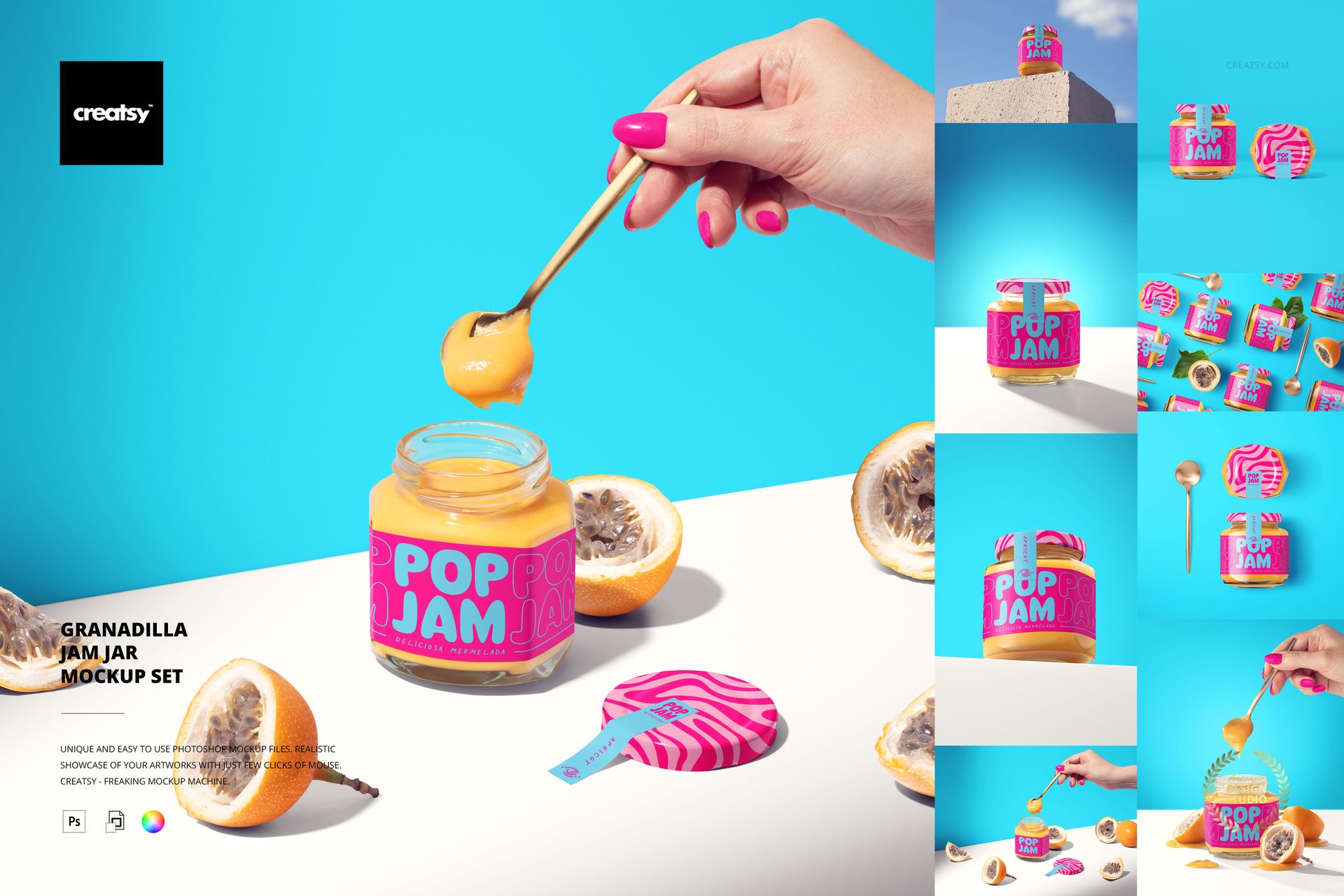
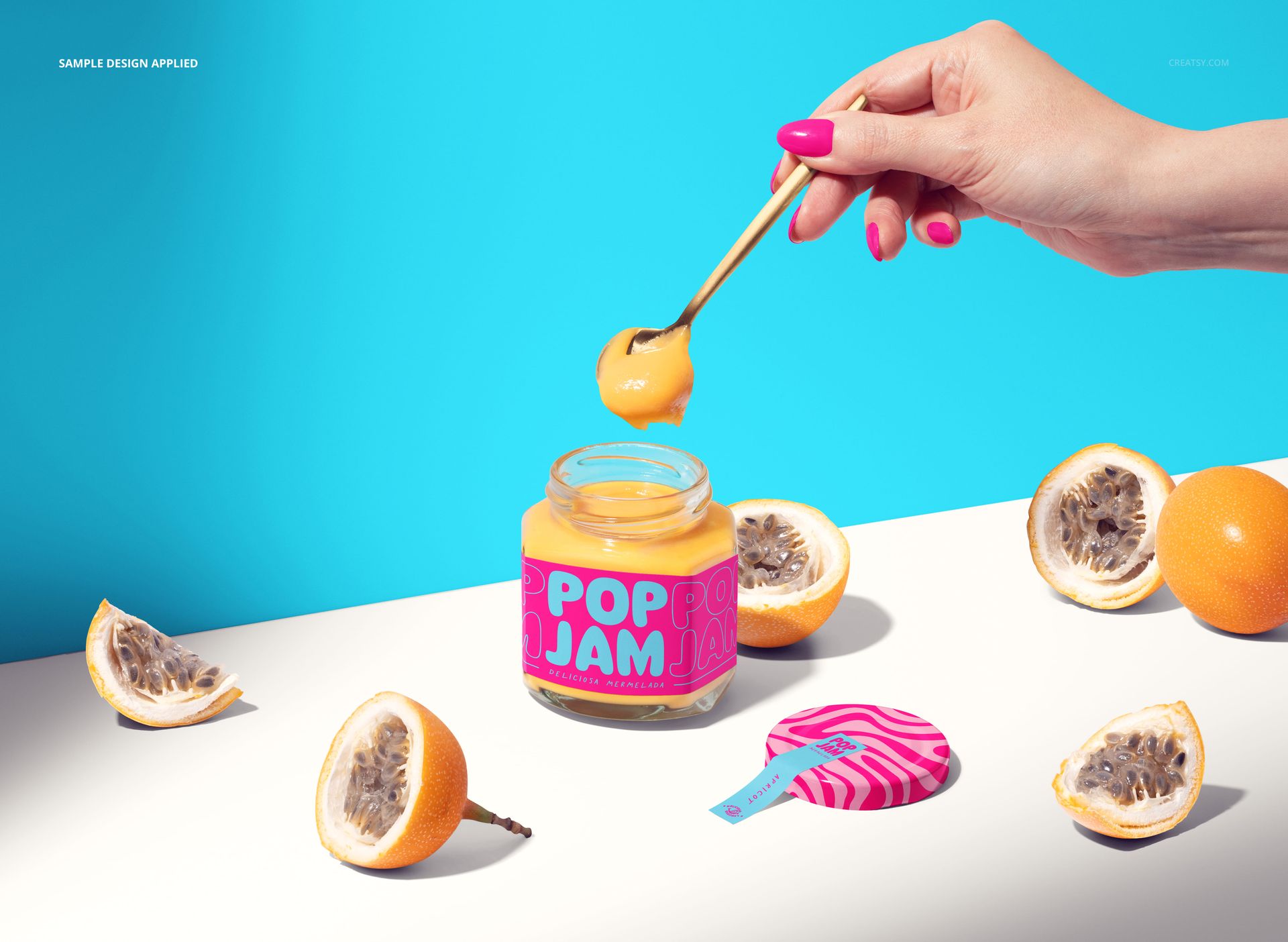
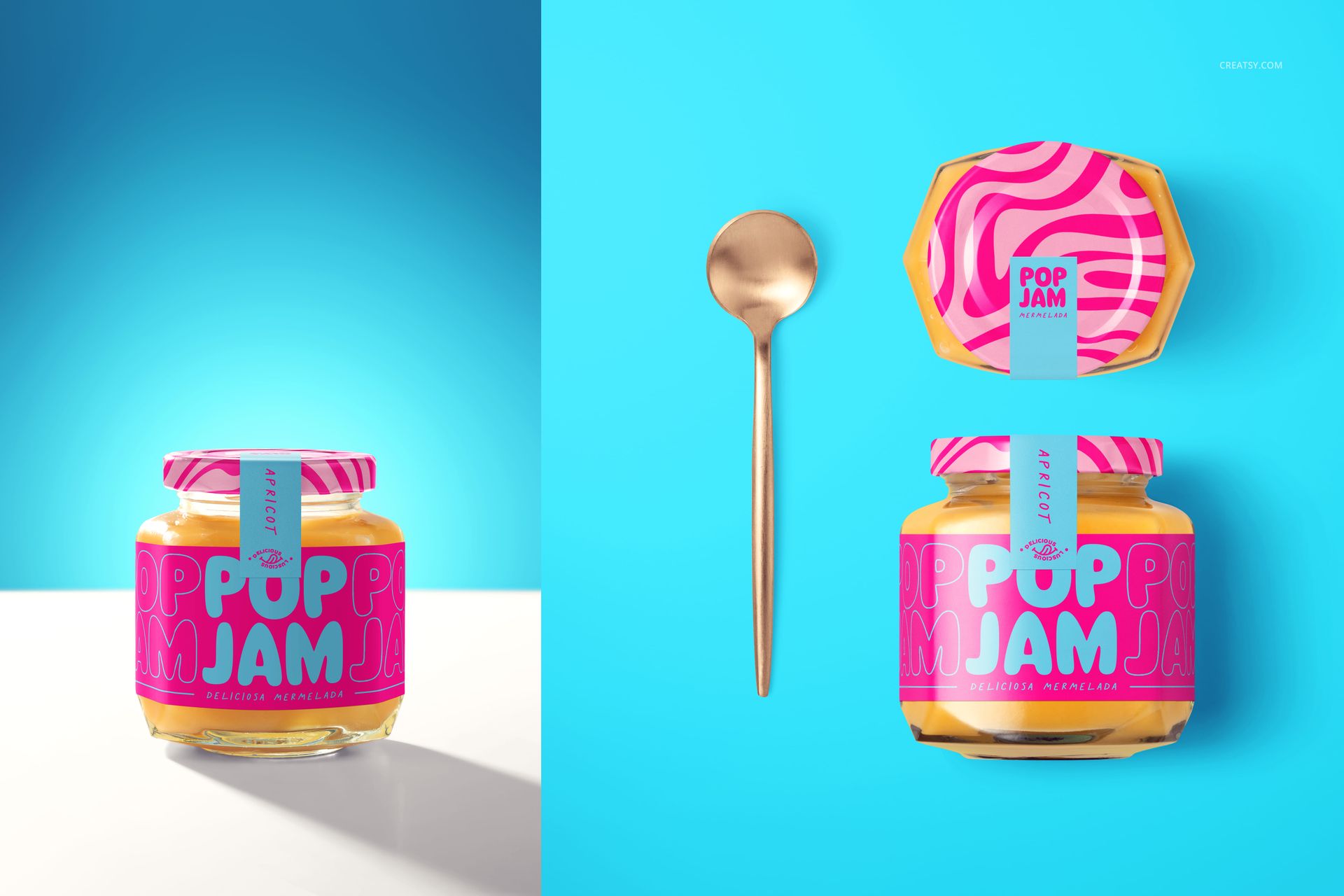
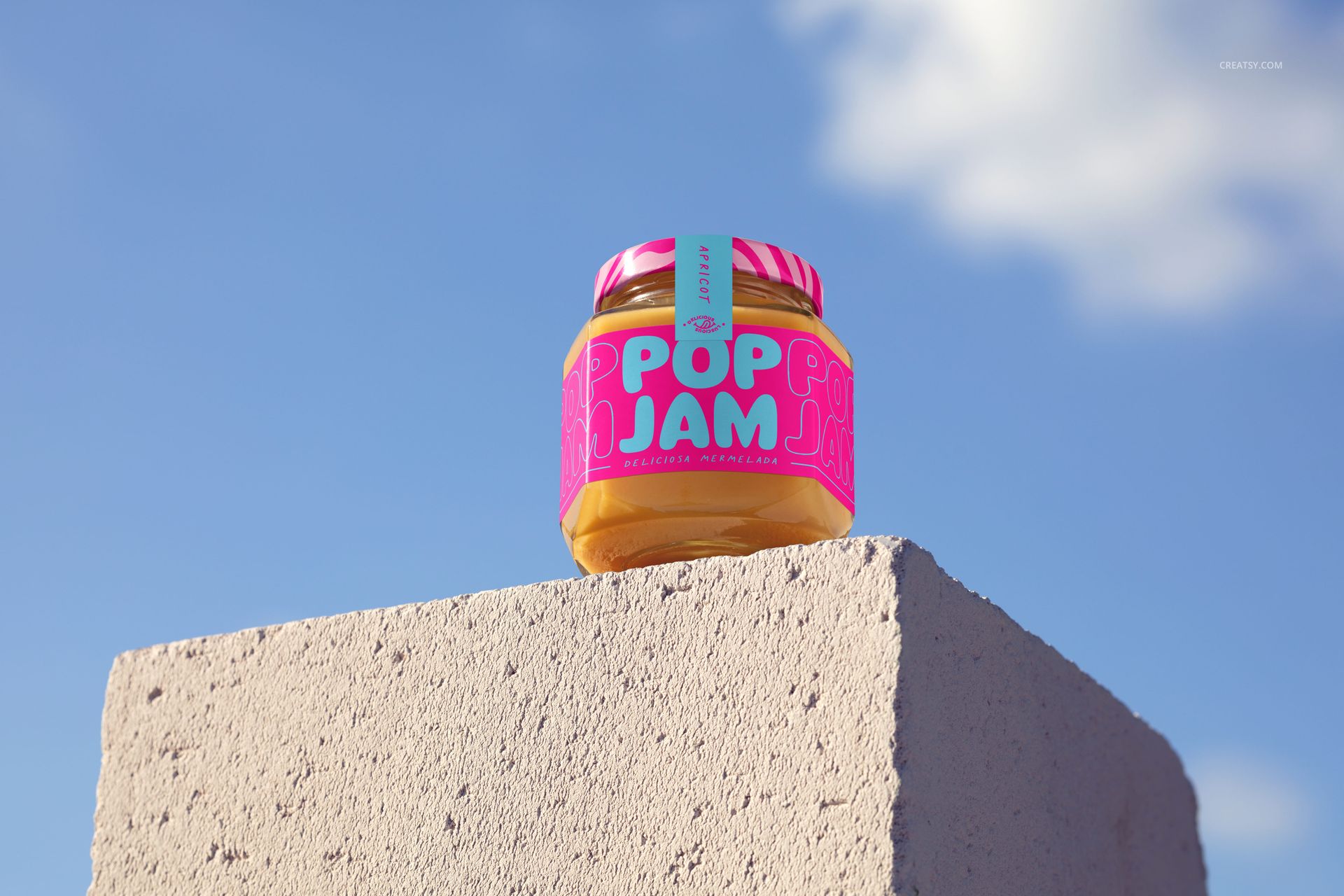
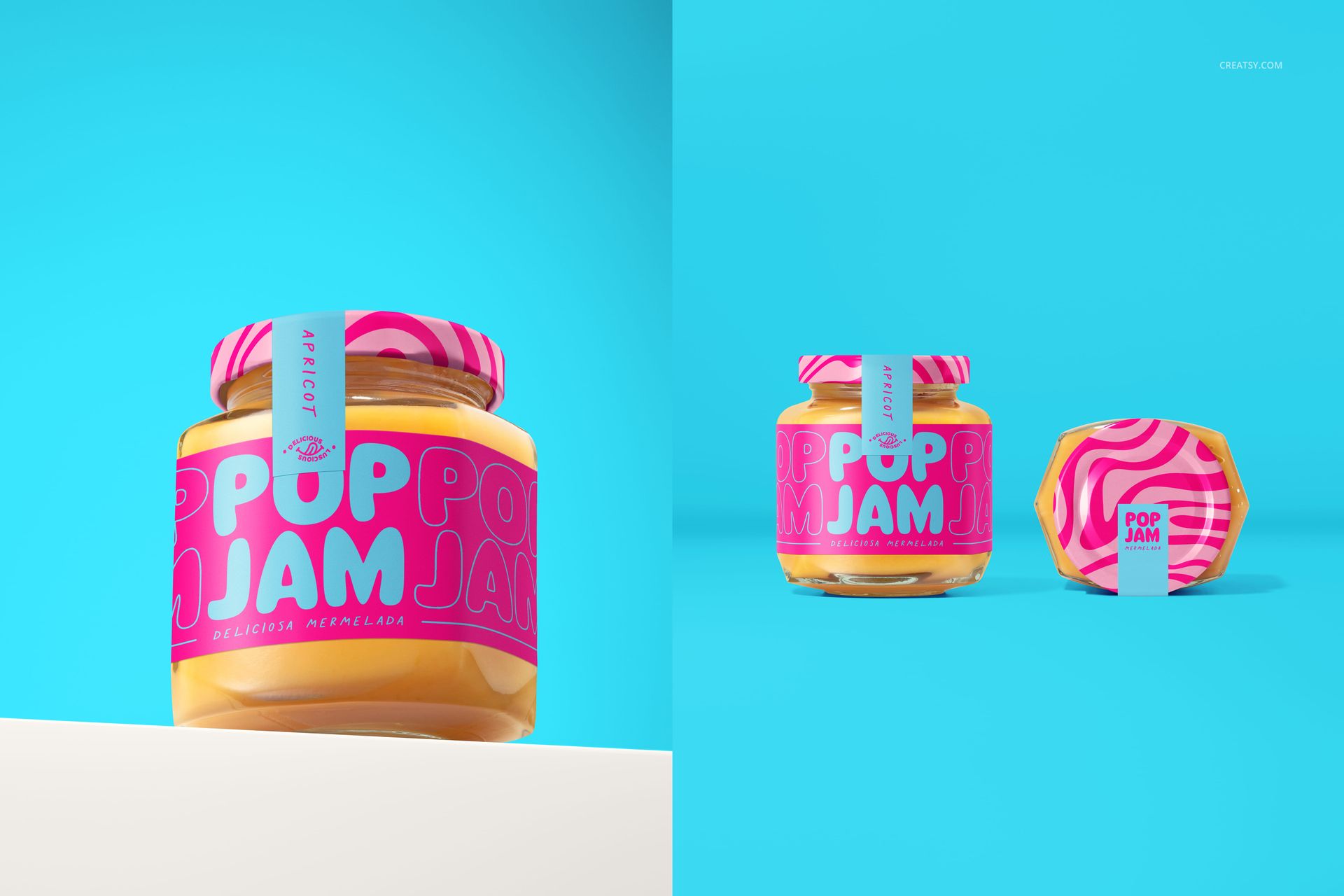
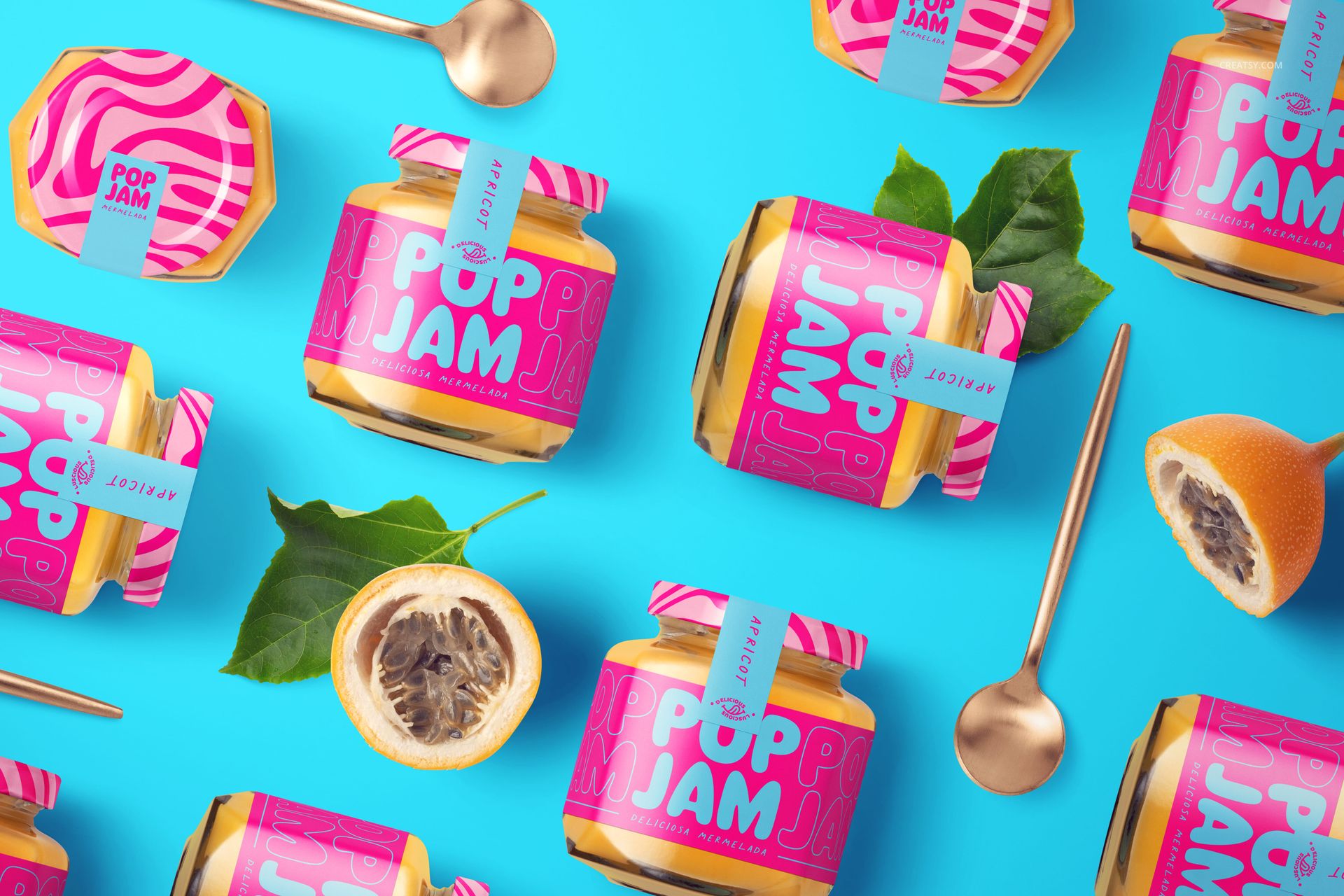
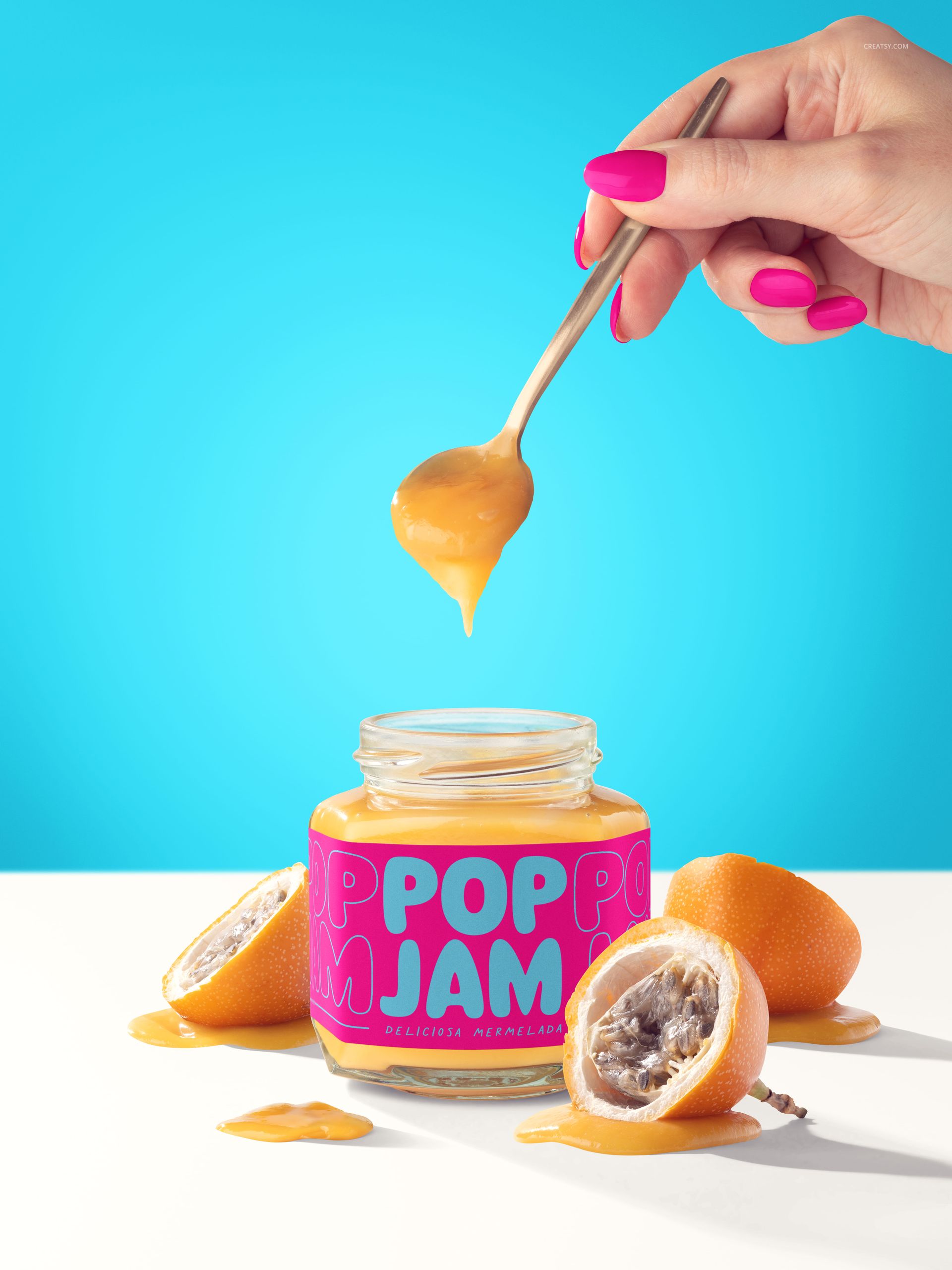
Granadilla Jam Jar Mockup Set from Creatsy presents your jam, preserve, or condiment label design across 8 PSD files showing a glass jar from multiple angles with styled props including sliced granadilla fruit, spoons, and hands interacting with the product. This mockup set captures the full range of perspectives a food brand needs for packaging presentations, product listings, and marketing campaigns. Whether you design labels for artisan preserves, commercial jam brands, or specialty food startups, this set delivers the kind of vibrant, lifestyle-styled food packaging imagery that makes products stand out on shelf and screen. Each file measures 6000 x 6000 pixels at 300 DPI for maximum output flexibility across print and digital channels.

Why This Mockup Set Works

Food packaging sells on appetite appeal and brand trust. This set delivers both by showing your label on a real glass jar surrounded by fresh fruit props and styled with hands that add human interaction and scale context. The 8 different compositions give you variety for product listing galleries, social media content, and marketing materials without purchasing separate mockups for each angle. Having multiple perspectives in one consistent visual style maintains brand cohesion across all your touchpoints while providing the image variety that e-commerce platforms and social algorithms reward.

What Is Included

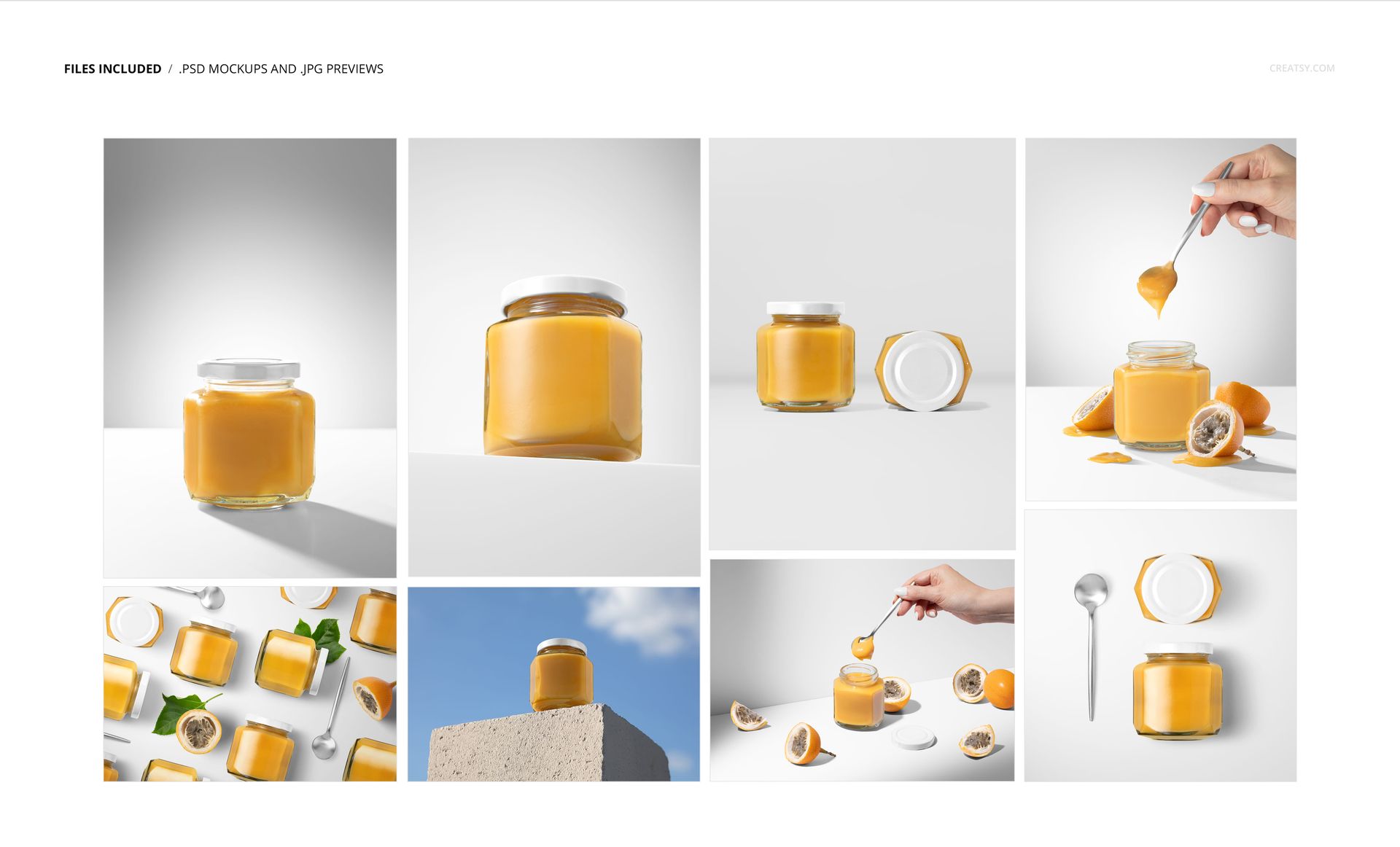
This download contains 8 PSD files, each at 6000 x 6000 pixels and 300 DPI. The set includes front views, angled perspectives, overhead compositions, handheld shots, and detail views with spoons and fruit props. Each file features the granadilla jam jar with consistent studio lighting and colorful styling. All layers are well organized for efficient navigation and editing. Files work in Adobe Photoshop (minimum version CC 2020) and in Photopea for browser-based editing.

What You Can Customize

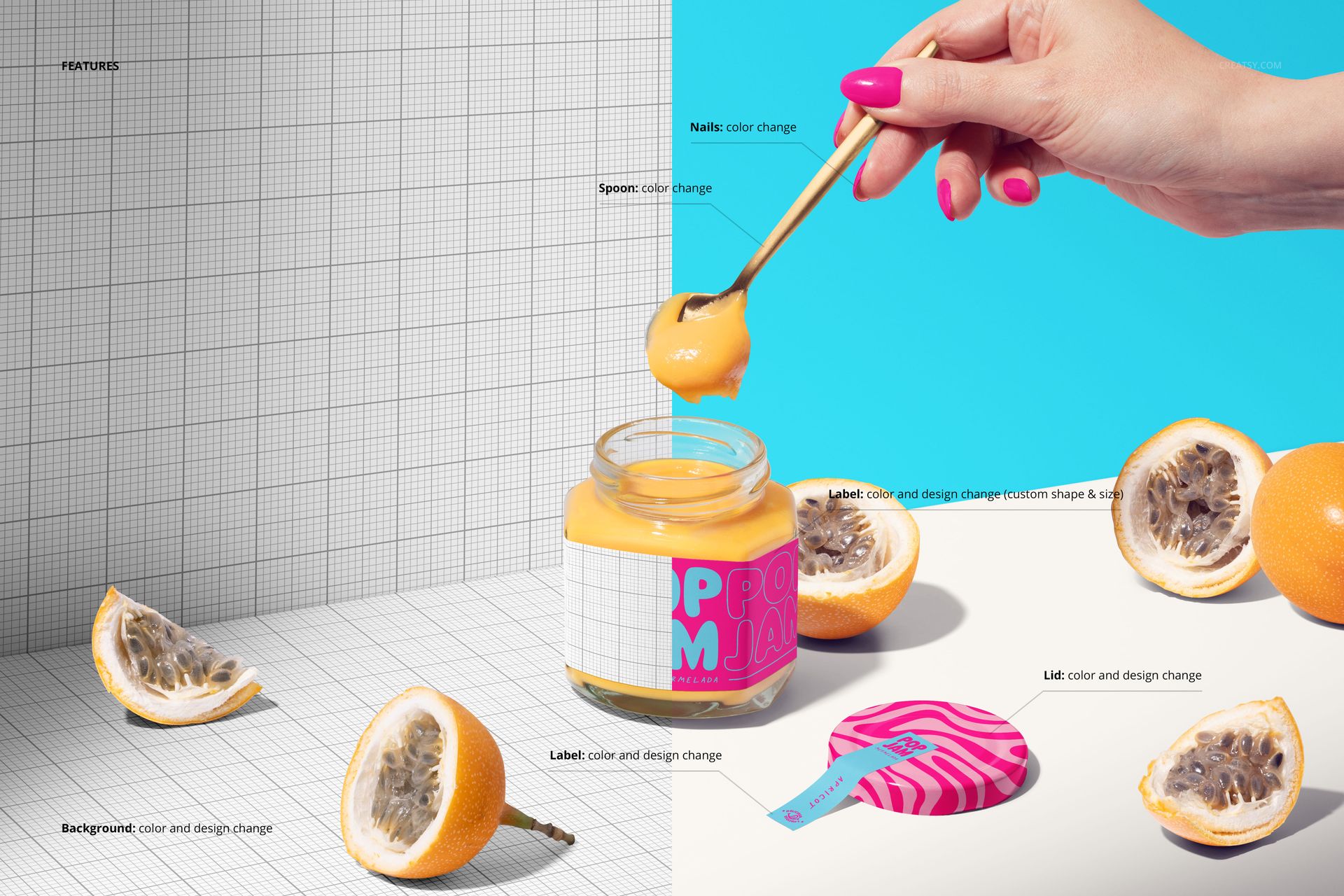
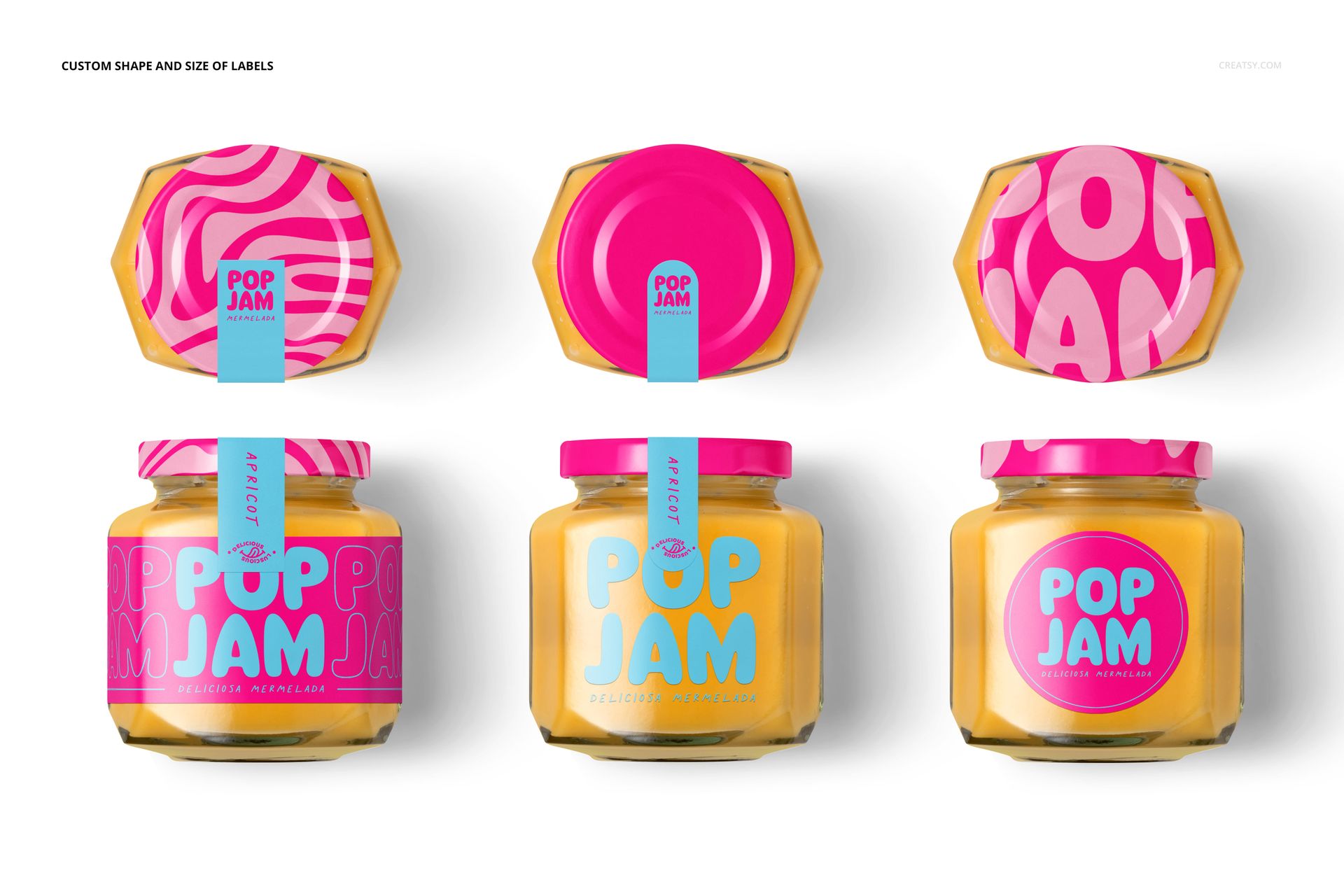
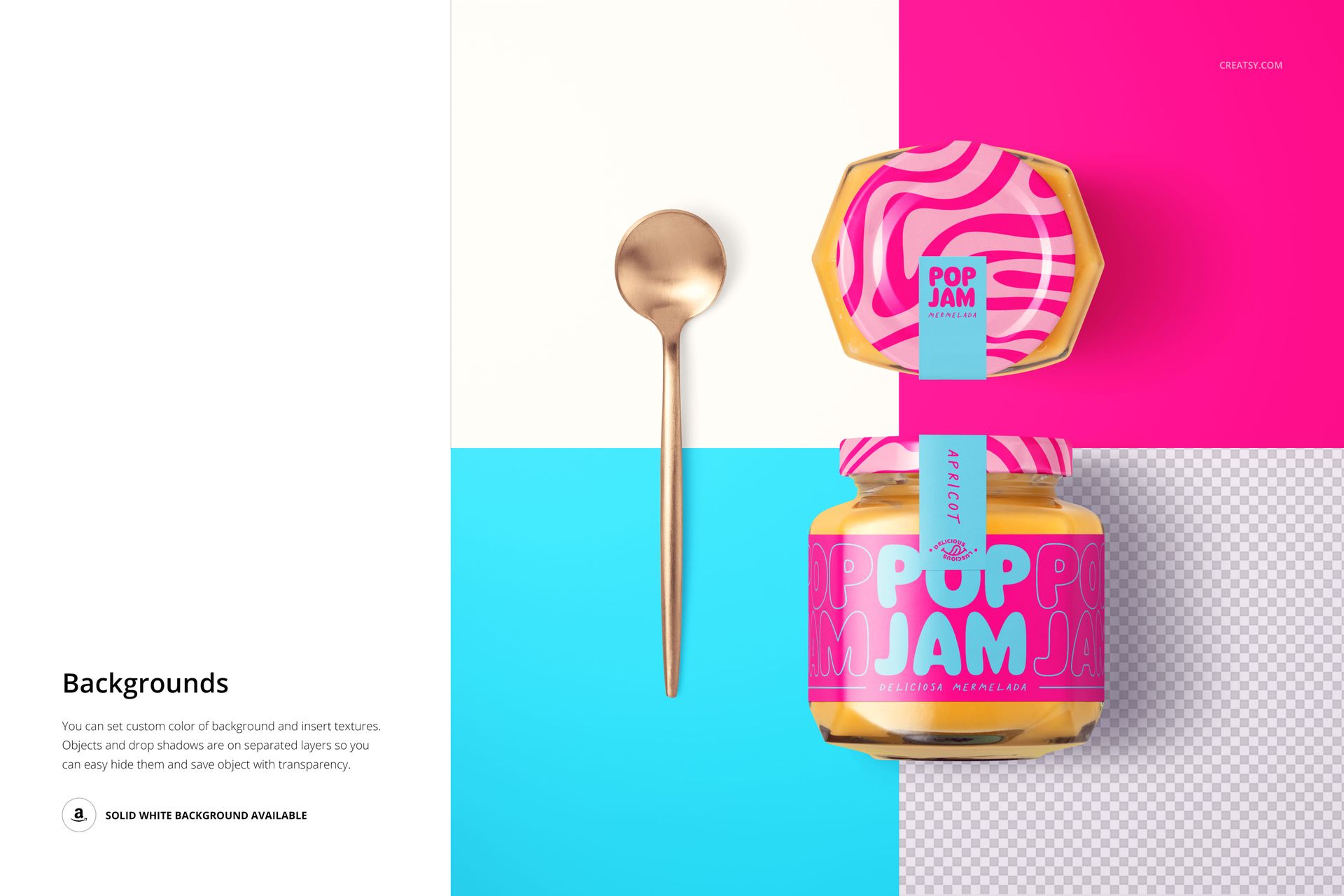
Smart object layers let you place your label artwork onto the jar surface with accurate glass curvature, realistic transparency, and natural light refraction across all 8 compositions. You can customize the jar lid color, background color, and overall color tone to match your brand palette. Each file maintains consistent editing structure so once you learn the layer organization in one file, you can work through the remaining seven quickly and efficiently.

Who This Mockup Set Is For

This set serves food packaging designers presenting jam, preserve, honey, or condiment label concepts to clients. Artisan food producers launching new product lines can use it to build complete listing galleries for their online shops before printing physical labels. Food brand marketing teams preparing social media campaigns, email newsletters, or website product pages will find the 8 varied compositions provide enough content for a full product launch. Print-on-demand food label sellers and specialty grocery brands evaluating label options before production will also benefit from the comprehensive angle coverage.

File Specifications

File count: 8 PSD files. Dimensions: 6000 x 6000 pixels each. Resolution: 300 DPI. Total file size: 992.01 MB. Compatibility: Adobe Photoshop CC 2020 or newer, Photopea. Editing method: smart object layers for non-destructive label placement with realistic glass jar rendering and consistent styling across all compositions.

File details

Compatibility
PhotopeaAdobe Photoshop
Number of files included
16
Package size
992 MB992 MB|1.04 GB1.04 GB
Files type
.psd, .jpg
Files size
6000x6000
TEST FOR FREE

MEET THE SHOP

Creatsy logo

Creatsy

Poland
4.7 (644)

Bring your ideas to life.

We're a family-run studio in Katowice, Poland, making PSD mockups by hand since 2016. Everything in this shop starts in our own studio. We shoot the photography, build the 3D, and put together every Smart Object PSD ourselves - then we test it, organize the layers, and only ship it once it actually works...
GO TO SHOP

HOW IT WORKS

3 clicks. That's it.

No tutorial needed. If you can copy-paste, you can use this.

  1. 1OpenDouble-click the smart object inside the PSD - in Adobe Photoshop, or free in your browser with Photopea.
  2. 2PasteDrop in your pattern, print, or artwork. Any design, any style.
  3. 3SaveHit save and the mockup wraps it in for you - shadows, folds, and lighting included.

FROM IDEA TO IMAGE

Built for real workflows

Get the label signed off before the print run Wrap your design onto the box, pouch, or bottle and show the client exactly what ships.

See it on the product, not a swatch Drop your file into the smart object and the scene's lighting and folds wrap around it, so you judge the real thing before you commit.

Smart Objects

Edit once and you're done. Your artwork drops into a smart object and the mockup updates itself - no masking, no warping by hand.

Perfectly Organized

Named layers and folders you can actually navigate. Find what you need, change what you want, and get out fast.

Print-Ready

High-resolution files built to hold up on screen and in print. Exact size and DPI are in this product's Details above.