Cherry Jam Jar Mockup Set
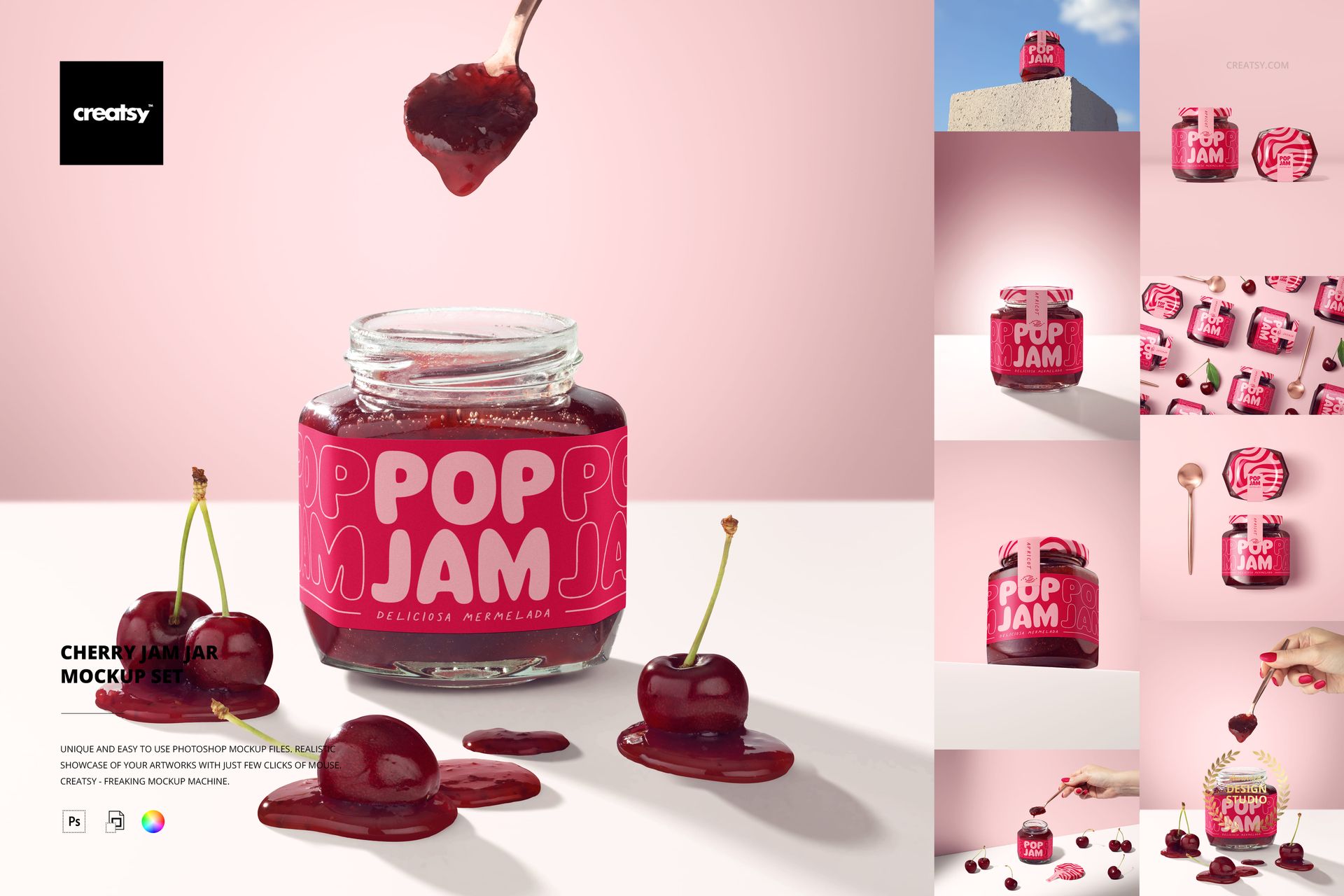
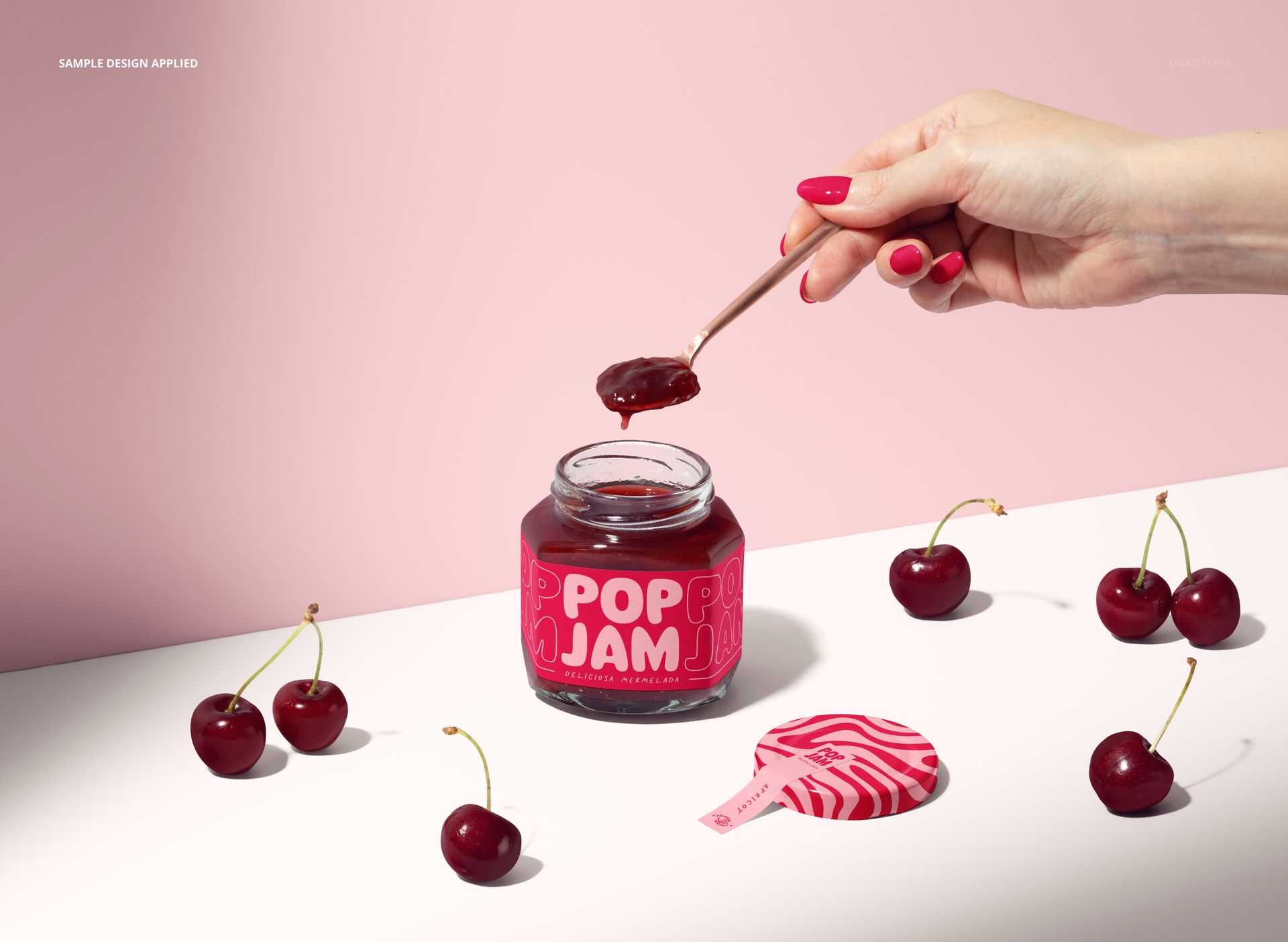
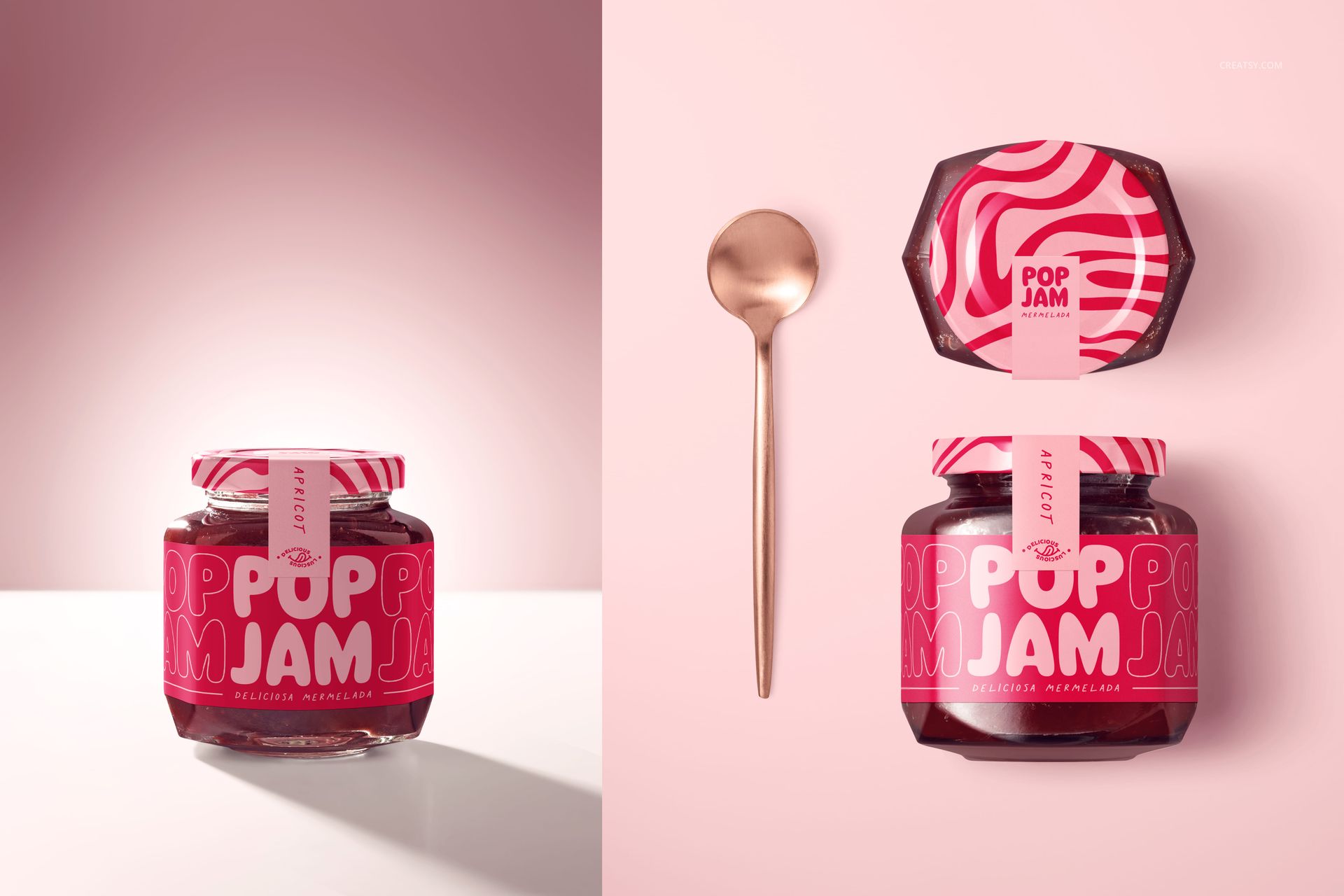
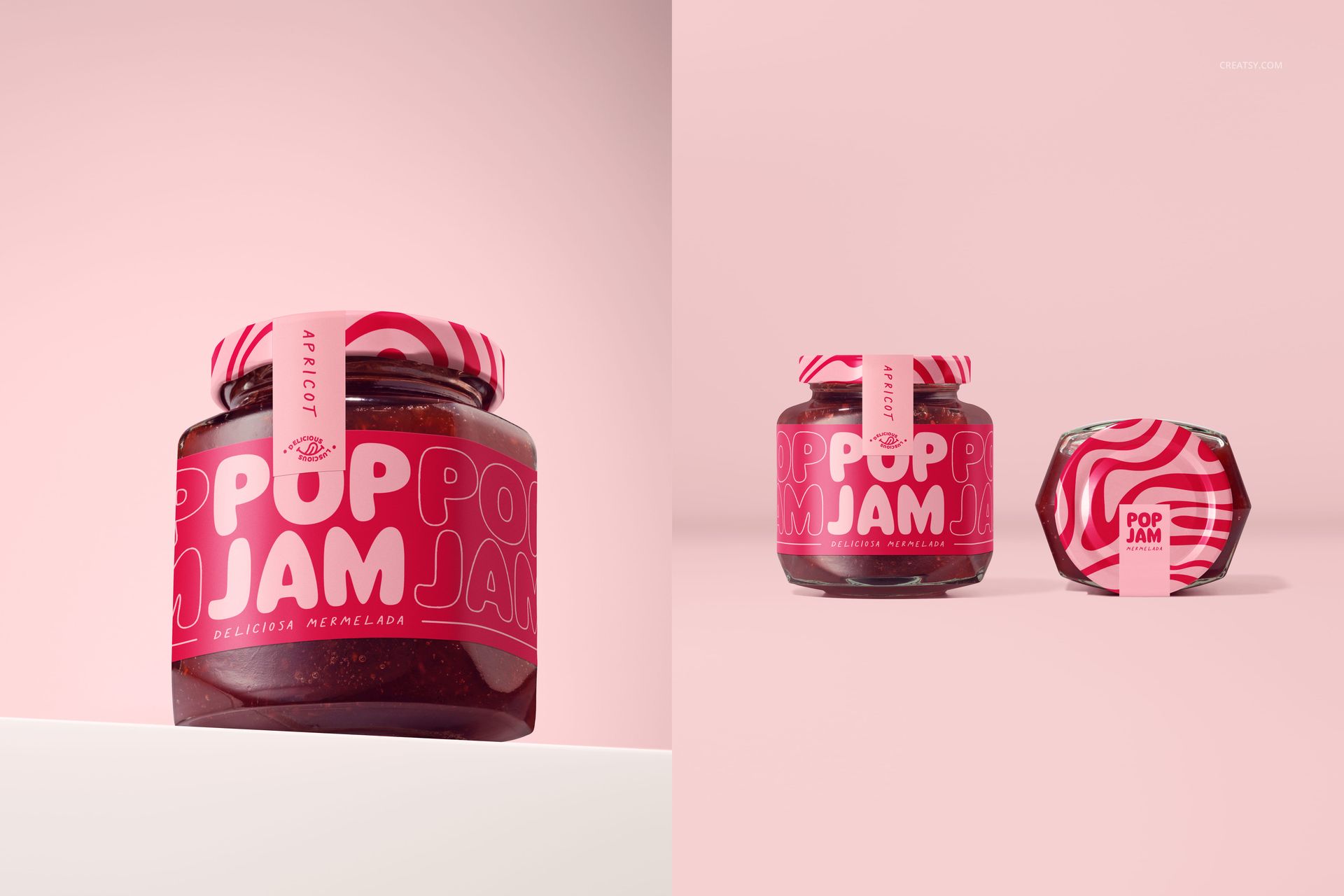
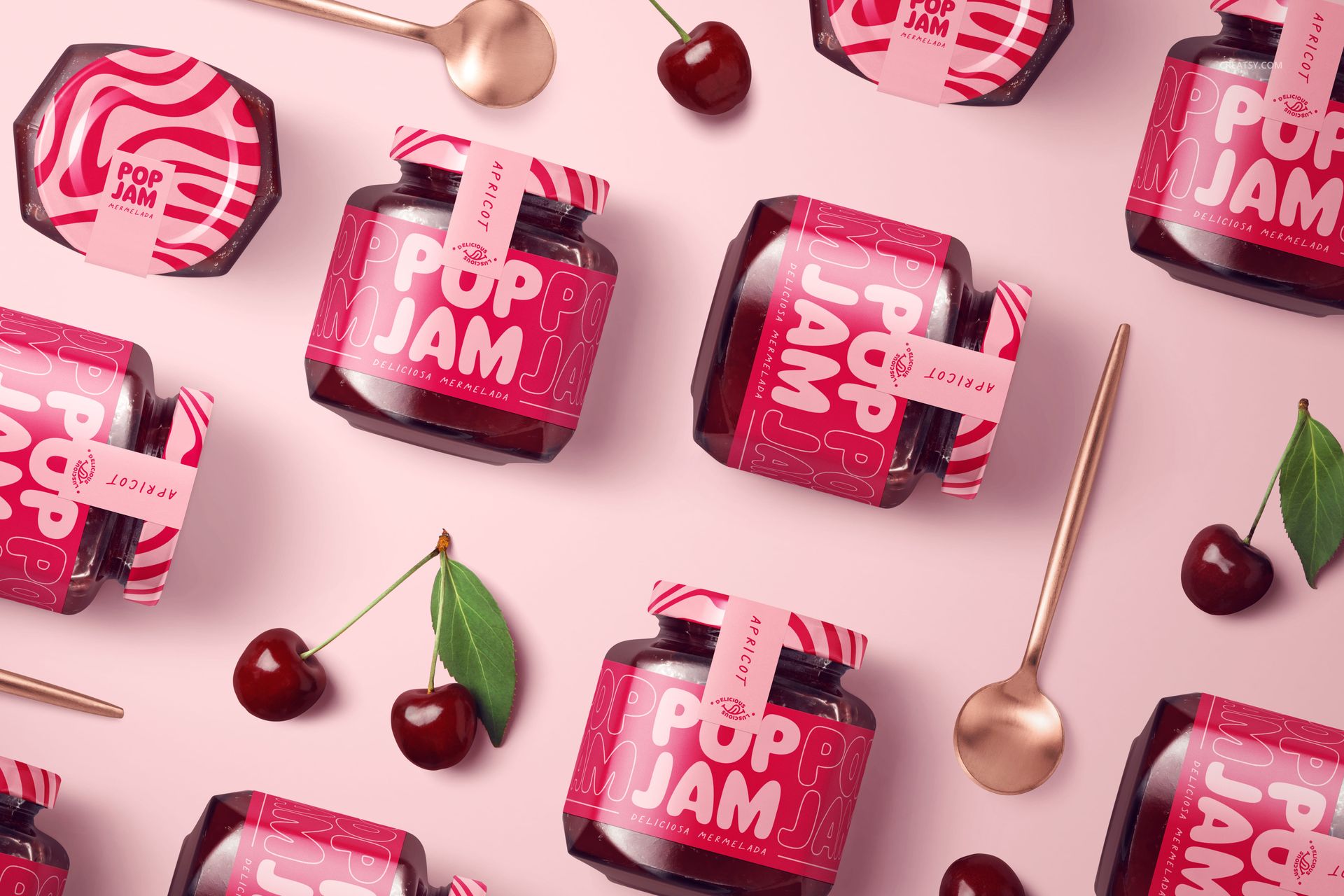
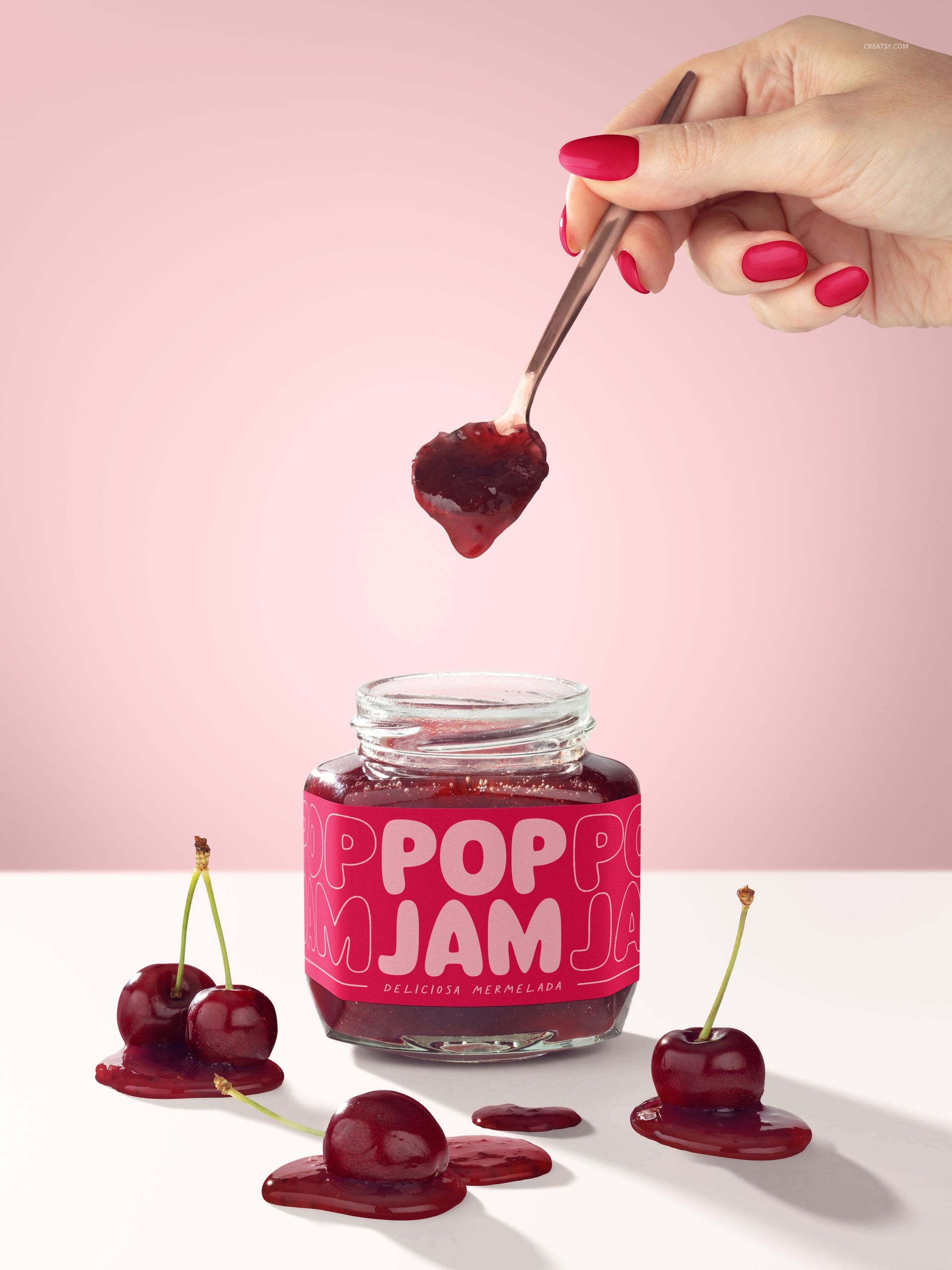
Bring a cherry preserve identity into focus with eight scenes of hexagonal glass jars, deep red jam and fresh cherry props. This jam jar mockup set combines clean package views with spoon-serving scenes and styled arrangements, so a client can see both the artwork and the flavor story.
From Front Label to Lid
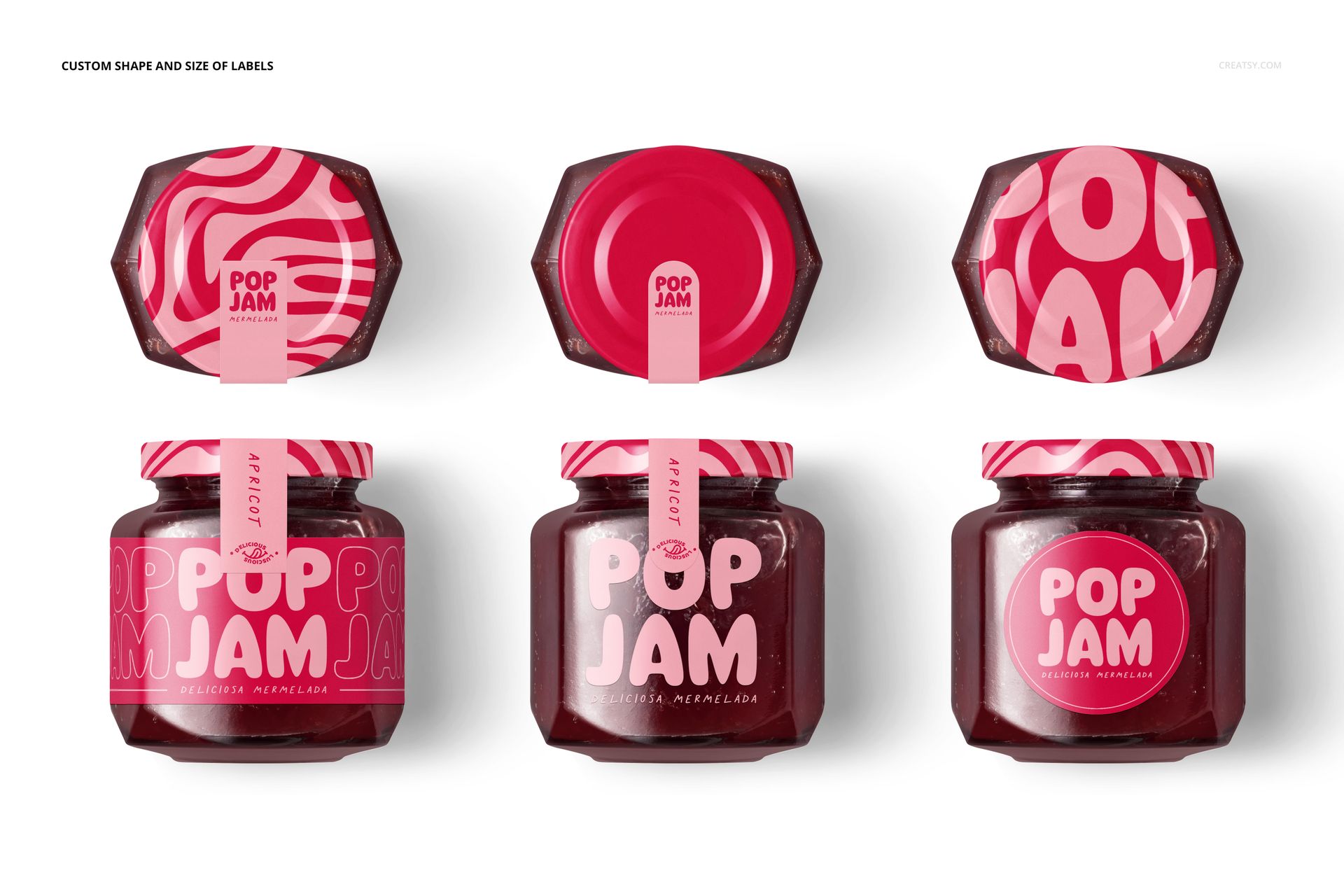
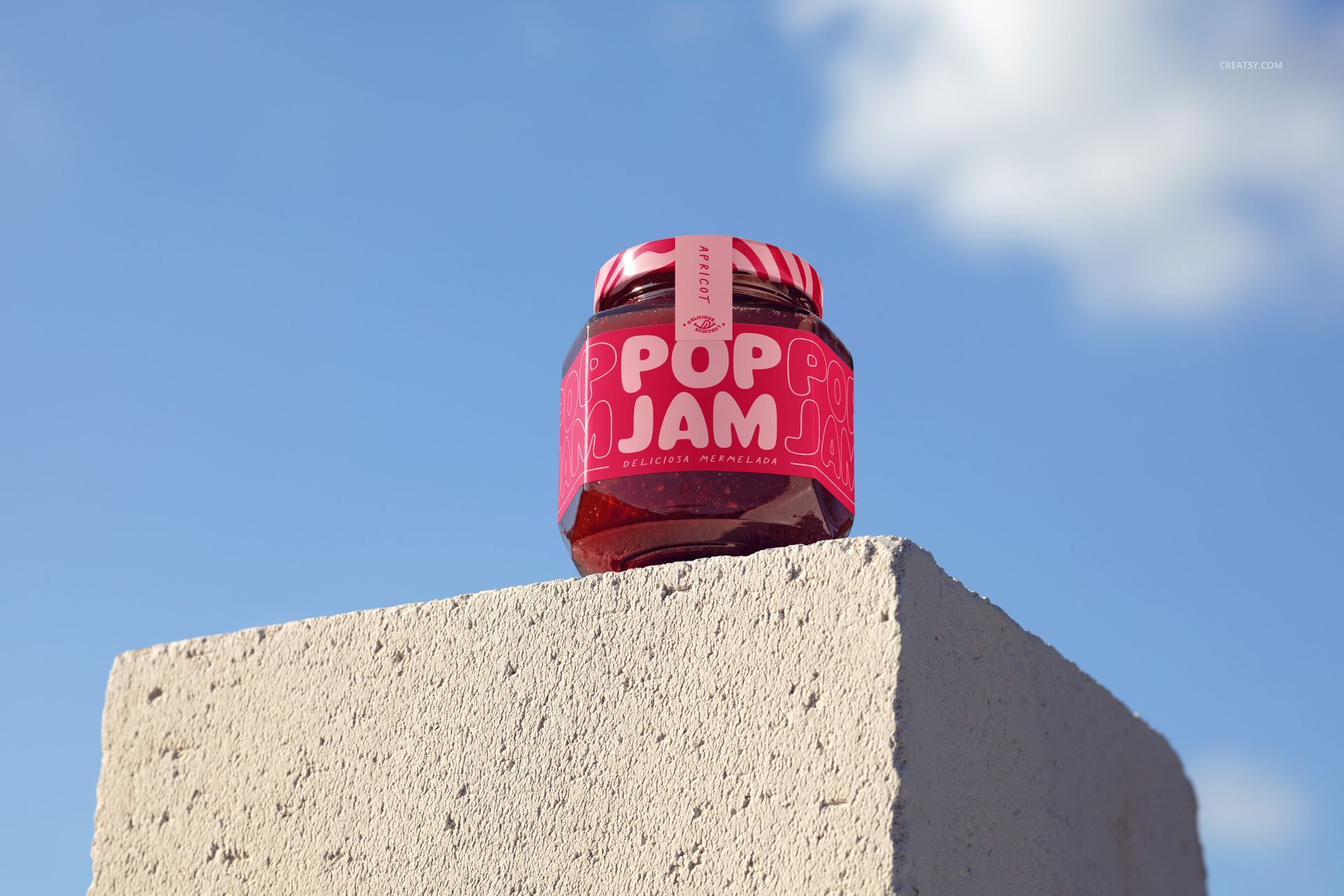
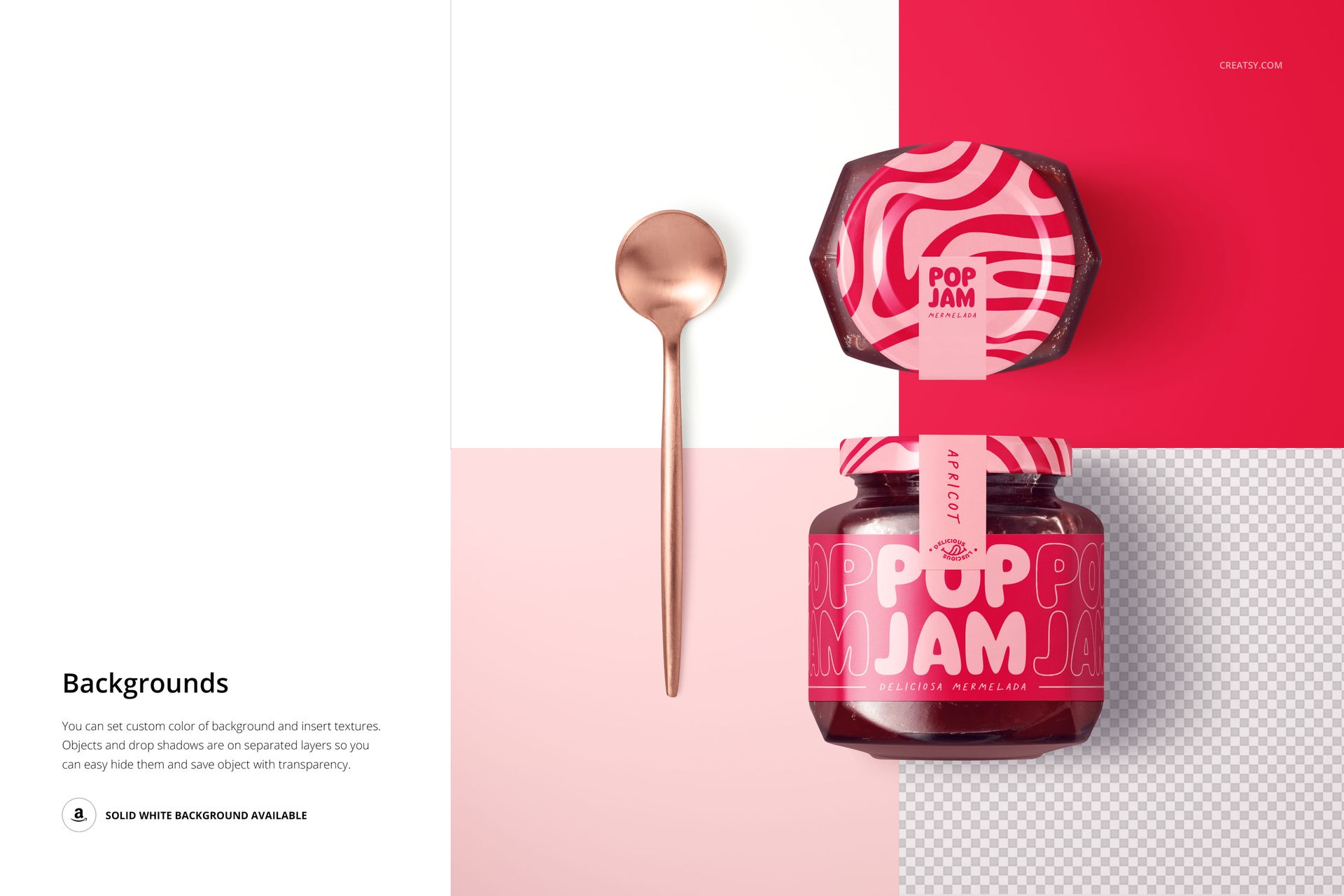
Use the front and top views to compare the label hierarchy with the smaller lid design. Cherry stems, leaves and glossy fruit add a recognizable seasonal setting without making every image serve the same purpose. An outdoor concrete-block scene offers another backdrop for a campaign hero image.
Inside the Download
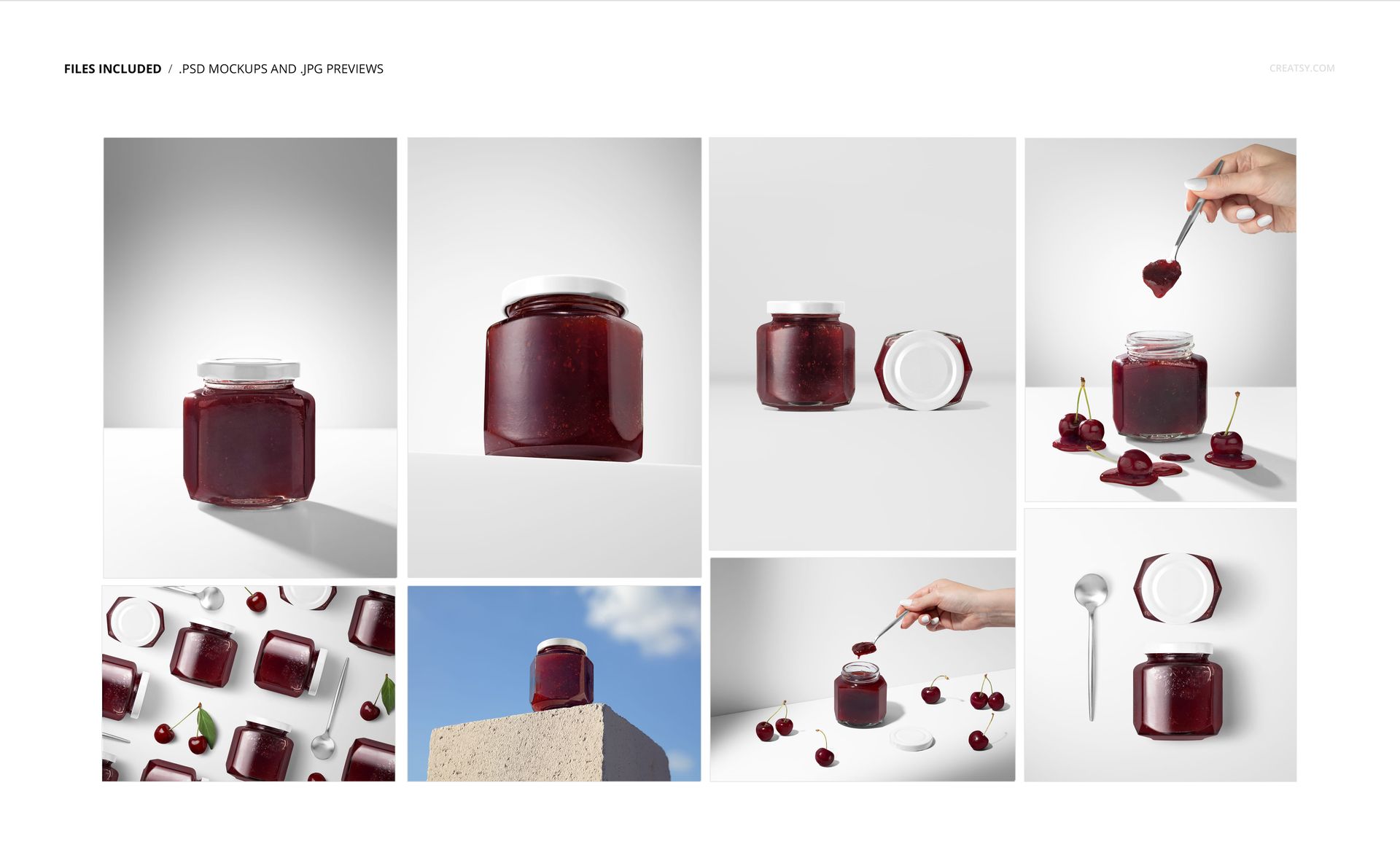
8 editable, layered PSD scenes.
8 JPG previews, giving 16 files in the archive.
Square, portrait and landscape layouts with studio, flat-lay and serving compositions.
Edit the Packaging Details
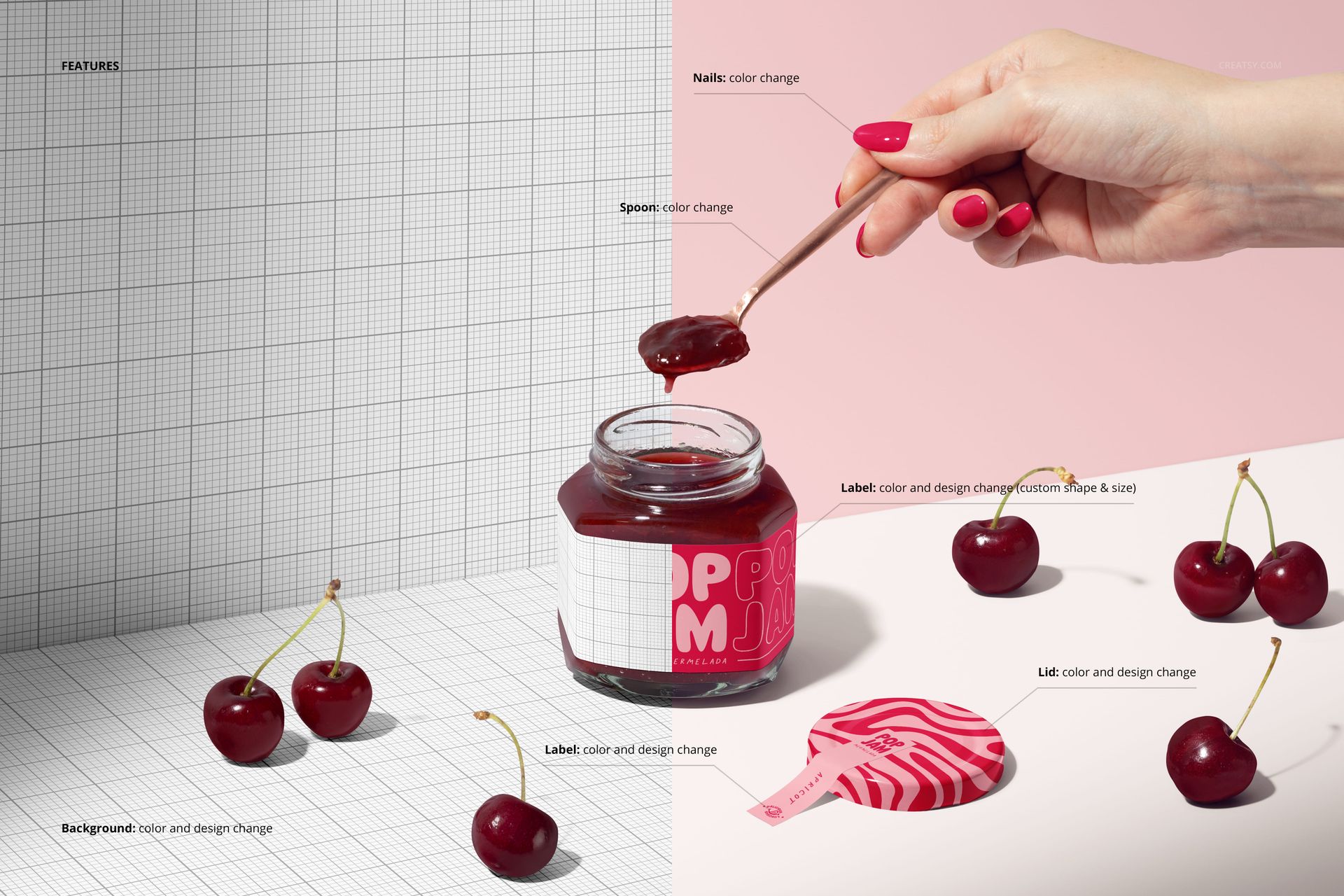
Apply your graphics through Smart Objects. Customize the main label shape, size, color and design, then coordinate the lid and sealing strip. Spoon and nail colors can be adjusted in the relevant scenes. The studio backgrounds support color and texture changes, with separate objects and drop shadows for transparent-background output.
Made for Cherry Preserve Branding
Present a food-brand refresh, illustrated label collection or small-batch preserve concept in Adobe Photoshop CC2020 (version 21) or newer, or Photopea. Organized layers help keep the edits manageable across the set. Digital mockup files only; the sample artwork is not included.