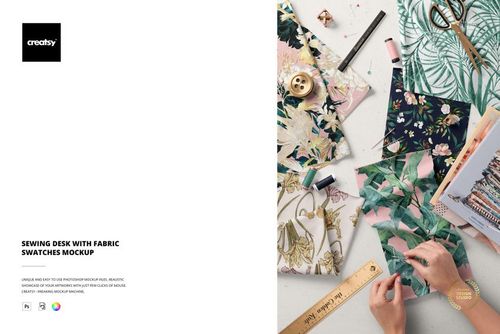
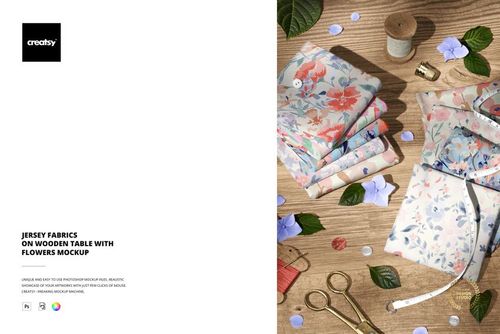
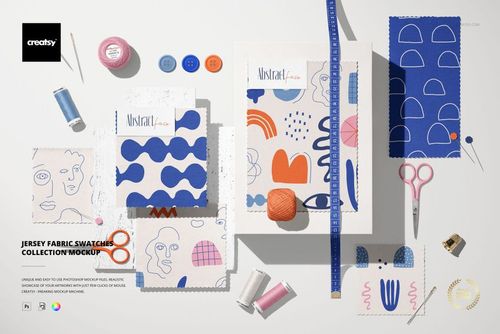
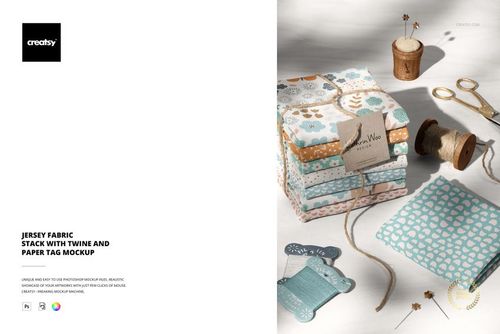
What is Folded Fabrics Mockup (20FFv.11)?
Folded Fabrics Mockup (20FFv.11) is a detailed PSD template for transforming flat pattern files into a polished textile presentation. The layered stack gives surface pattern designers, illustrators, fabric brands, and licensing artists a practical way to show how several prints work together as one collection.
Each visible fabric can be used to introduce a different repeat, coordinate, or color variation. Smart objects streamline artwork placement, while editable color layers make it possible to refine the fabrics and background without rebuilding the composition. The number of fabrics can also be changed, helping the same file support compact print families and larger coordinated ranges.
Key benefits
Show several complementary patterns in a single realistic composition
Compare hero prints, secondary motifs, blenders, and colorways
Replace artwork efficiently through smart object layers
Change fabric and background colors to match a collection
Adjust the number of folded fabrics for a tailored presentation
Produce professional visuals for portfolios, catalogs, shops, and pitches
File specifications
1 organized PSD mockup file
6000 × 4000 px at 300 dpi
Created for Adobe Photoshop CC 2015 or newer and compatible with Photopea
Editable designs, solid colors, gradients, fabric count, and background
High-resolution output suitable for digital and print-based presentations
Please note: The preview patterns are not included. Insert your own artwork into the editable smart objects.
The featured artwork is credited to Julia Dreams.