About this fabric swatches mockup
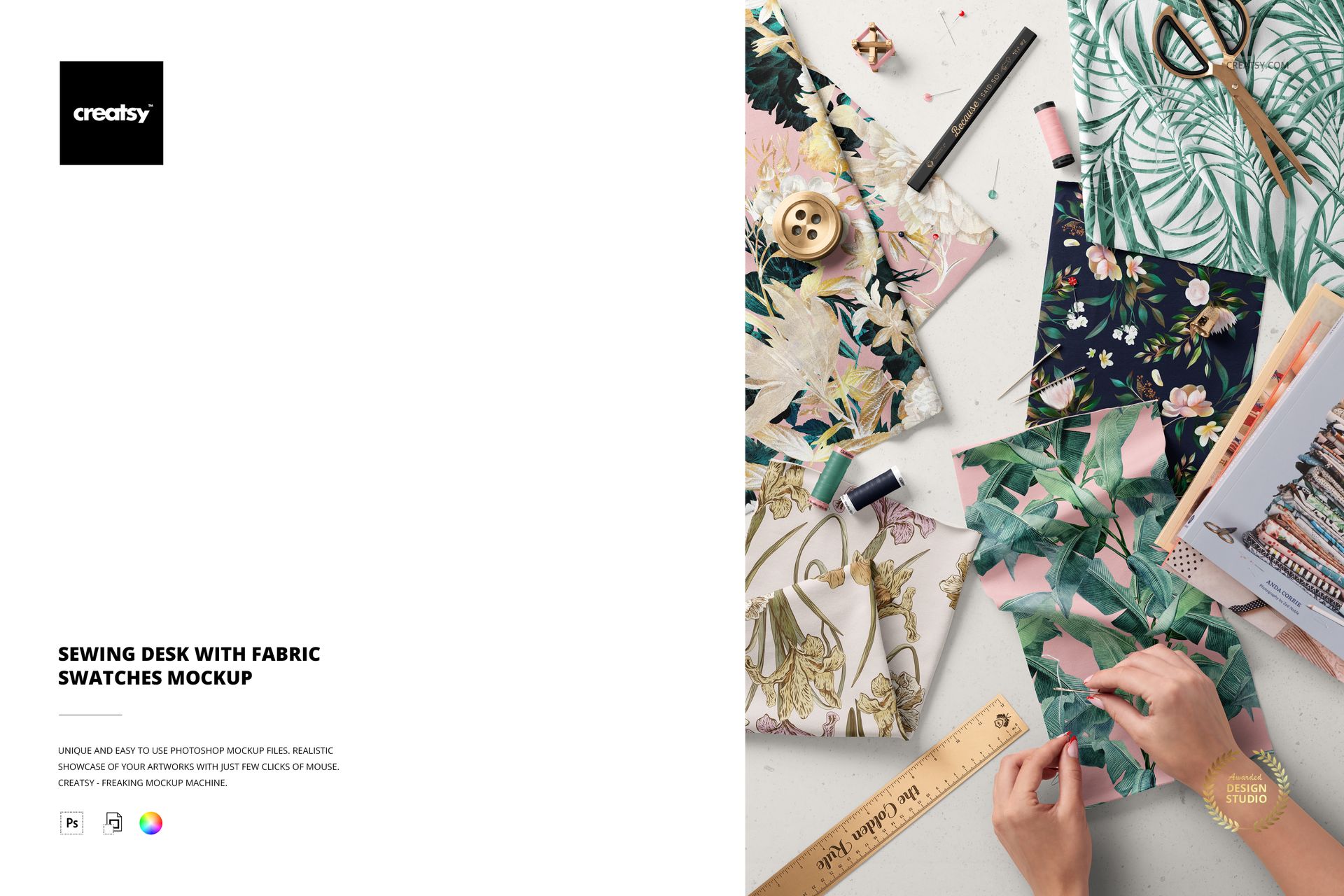
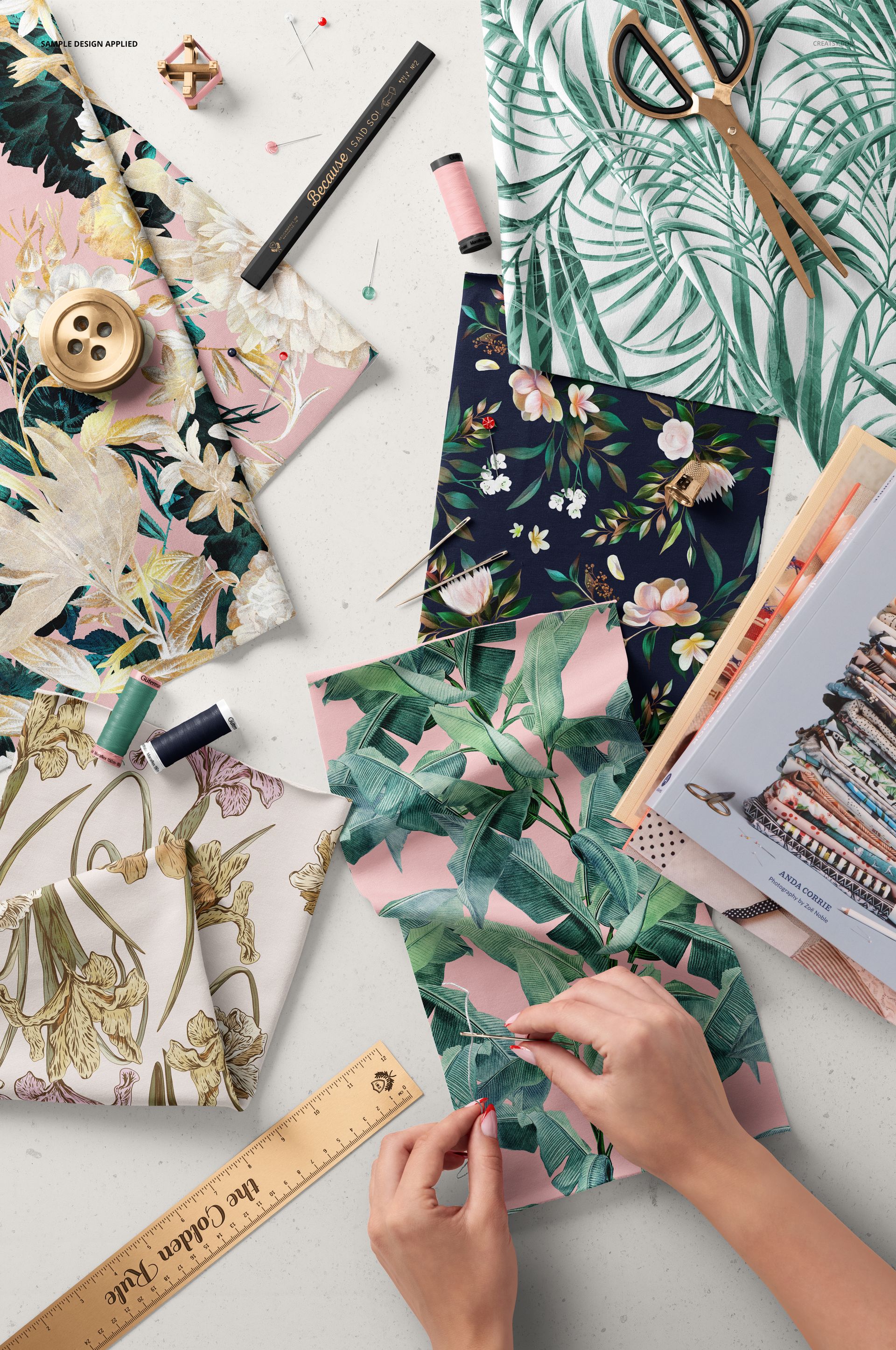
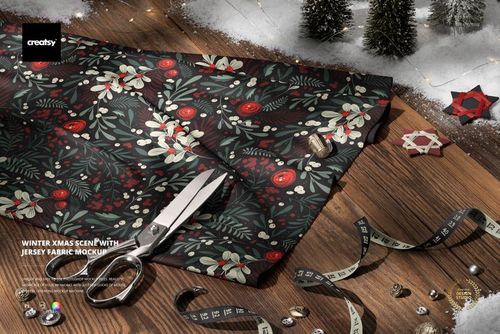
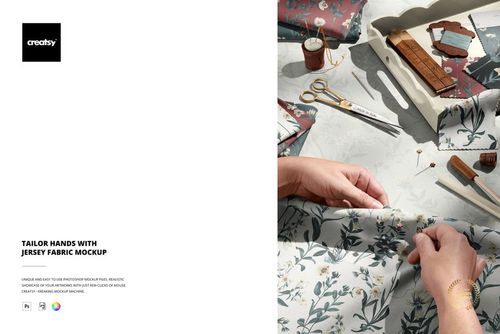
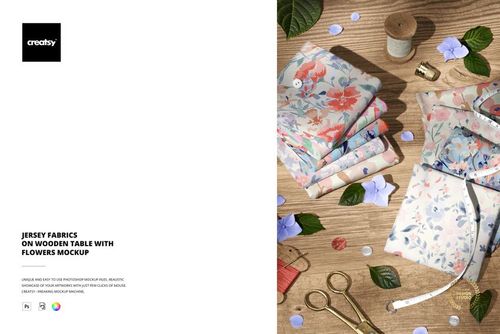
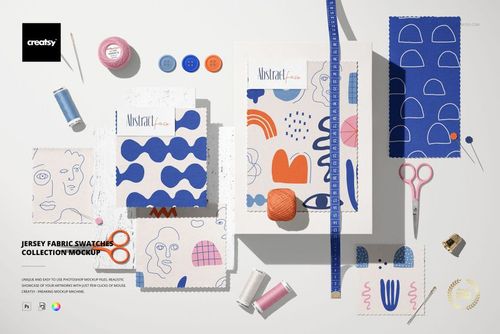
The Sewing Desk with Fabric Swatches Mockup by Creatsy is a fabric mockup that shows your print on cotton swatches laid out on a maker's sewing desk, among scissors, pins, thread, and a ruler, with hands mid-project. It comes as a single layered PSD at 6000 x 4000 px and 300 dpi, wide enough for a banner or a shop hero and sharp enough to crop in on the weave. The layout keeps the swatches large in the frame, so a single print can carry the whole scene.
Where a flat swatch card shows the print, this scene shows the print in use. Your design drops onto the fabric through smart objects and picks up the folds, the soft desk light, and the shadows of the tools around it, so the pattern reads like real quilting cotton someone is about to cut and sew. For a fabric shop or a pattern seller, that lived-in, on-the-table look does more selling than a plain repeat tile, because a buyer can picture the cloth in their own hands.
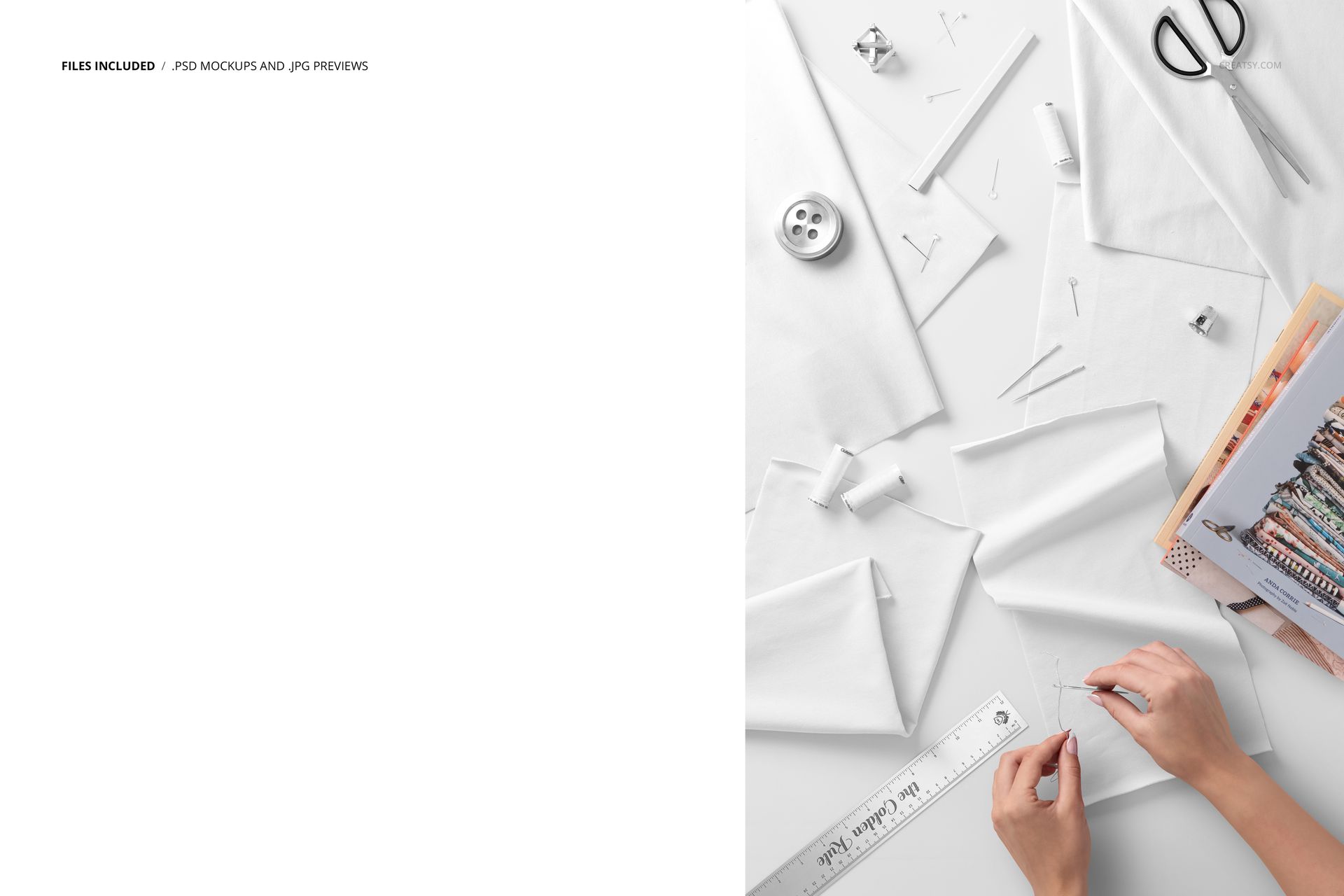
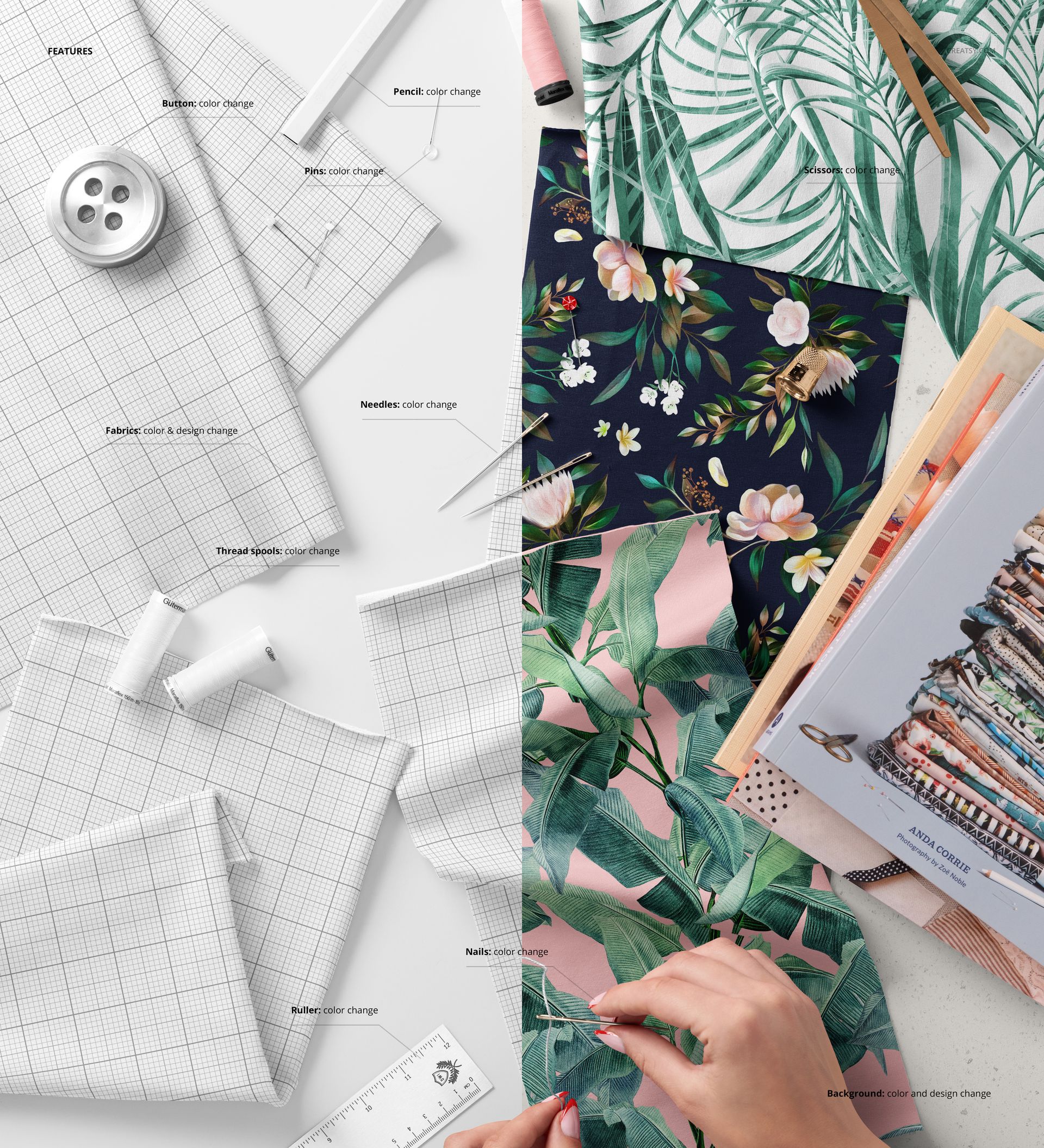
To use it, double-click a swatch smart object, drop in your repeating pattern or artwork, and save - it maps onto the cotton with the scene's texture and lighting on top. The swatches arrive blank; the tropical and floral prints in the previews are display artwork by other designers, credited below, and are not included. You bring your own pattern, and the desk, the tools, and the styling are already set.
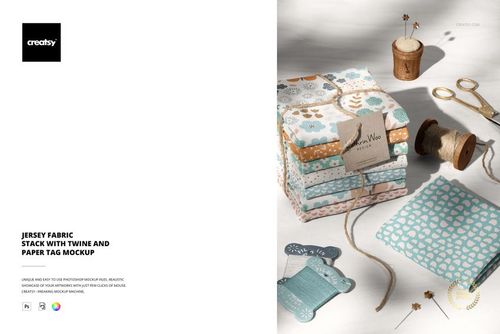
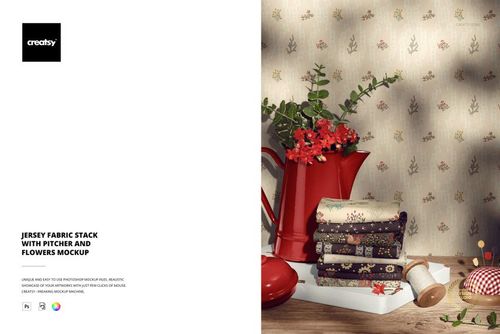
Use it to present a quilting or apparel print collection, to build an Etsy, Spoonflower, or Creative Market listing that shows fabric in a real sewing setting, or to fill a maker's portfolio and social feed. One PSD covers a styled shoot that would otherwise mean printing sample cloth, setting a desk, and hiring a hand model.
What you get
One layered .psd mockup of fabric swatches on a sewing desk with craft tools, plus a .jpg of the scene
6000 x 4000 px at 300 dpi, large enough for print and tight crops
Smart objects on the swatches, so your pattern maps onto the cotton
Well organized, clearly named layers
About 376 MB on Windows and 395 MB on Mac once unzipped
How it works
Open the .psd in Adobe Photoshop (CC2020 or newer), or free in Photopea.
Double-click a swatch smart object to open its own canvas.
Paste your repeating pattern or artwork, fit it to the guide, and save that tab.
Return to the main file to see your print on the fabric, then export a JPG or PNG.
Specifications
Files: layered .psd plus a .jpg
Dimensions: 6000 x 4000 px
Resolution: 300 dpi
Scene: fabric swatches on a sewing desk with craft tools
Editable: swatch pattern via smart objects
Software: Adobe Photoshop CC2020 or newer, and Photopea (free, browser-based)
File size: 376 MB Windows / 395 MB Mac
Layers: organized and named
Who it is for
It suits quilting and apparel fabric designers, surface-pattern sellers on Etsy, Spoonflower, or Creative Market, and studios that want a lifestyle fabric shot rather than a flat swatch. It fits florals, tropicals, geometrics, kids prints, and quilting motifs. If you sell or license repeats and want a warm, in-use preview of your print without a photo shoot, this is built for it.
Artwork credit
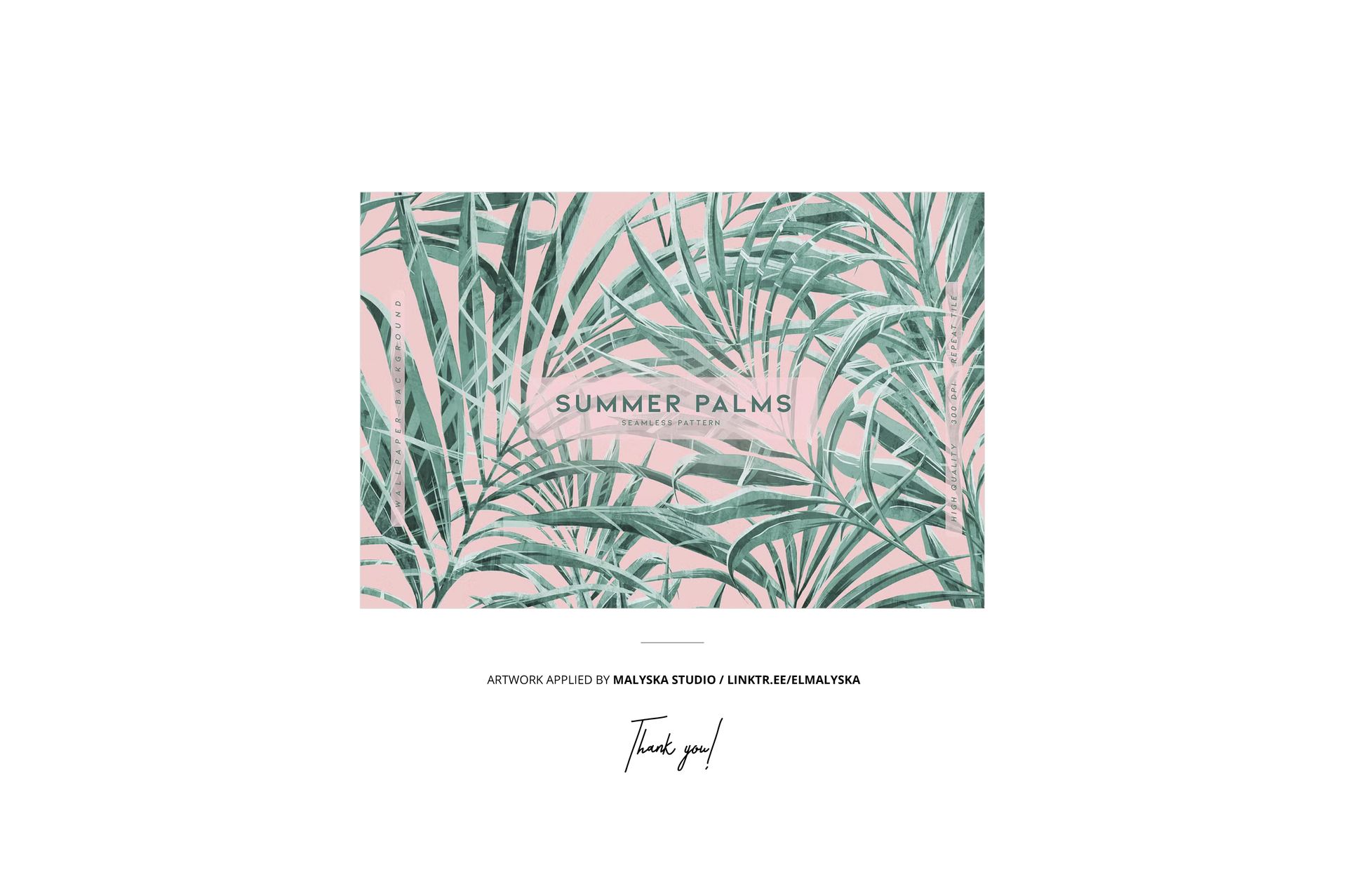
The prints shown in the previews are display artwork and are not included in the download. Creatsy credits the Summer Palms design by Malyska Studio. You replace these with your own pattern.