ID: 2071828821 | Updated: Mar 25, 2025

Product Details

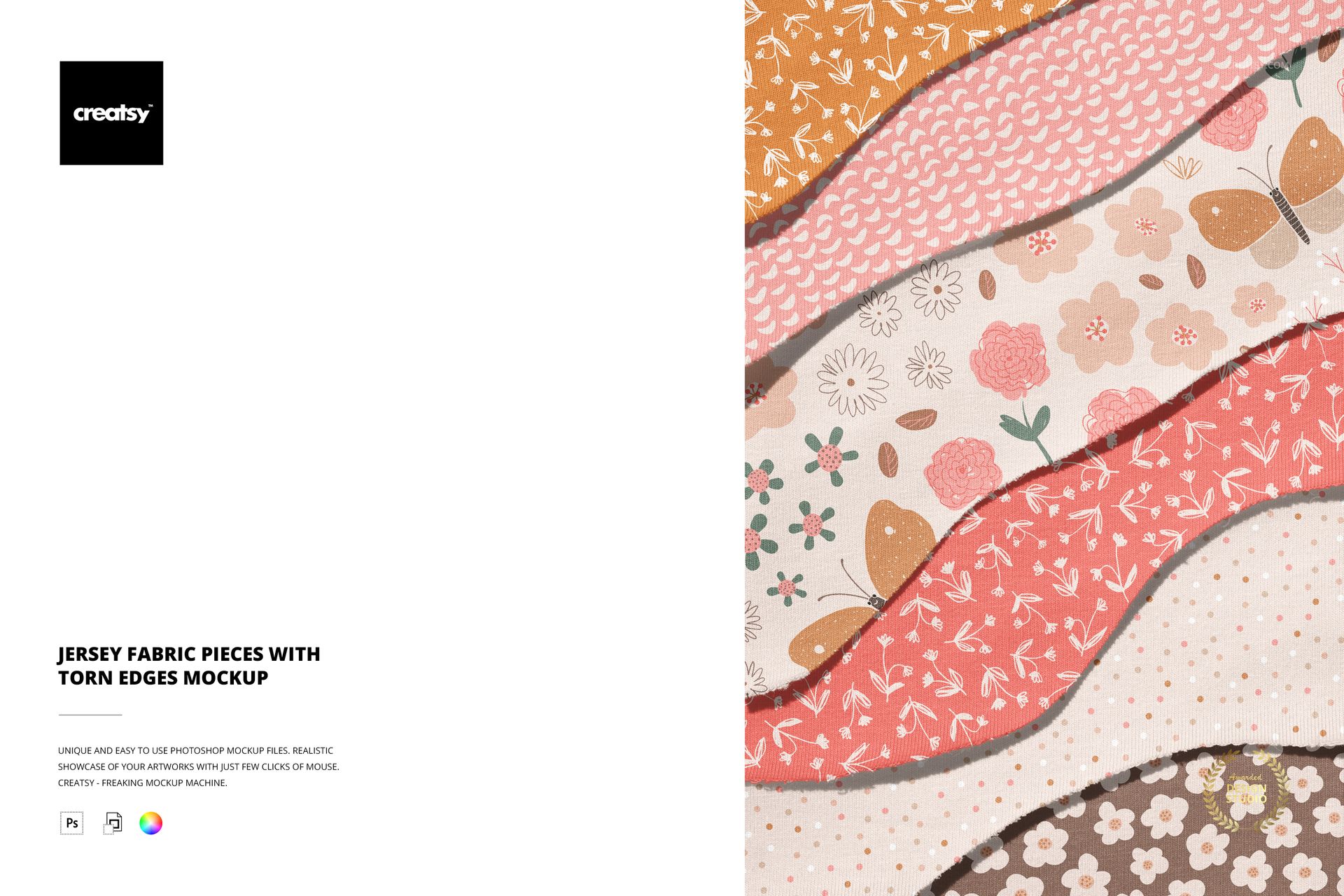
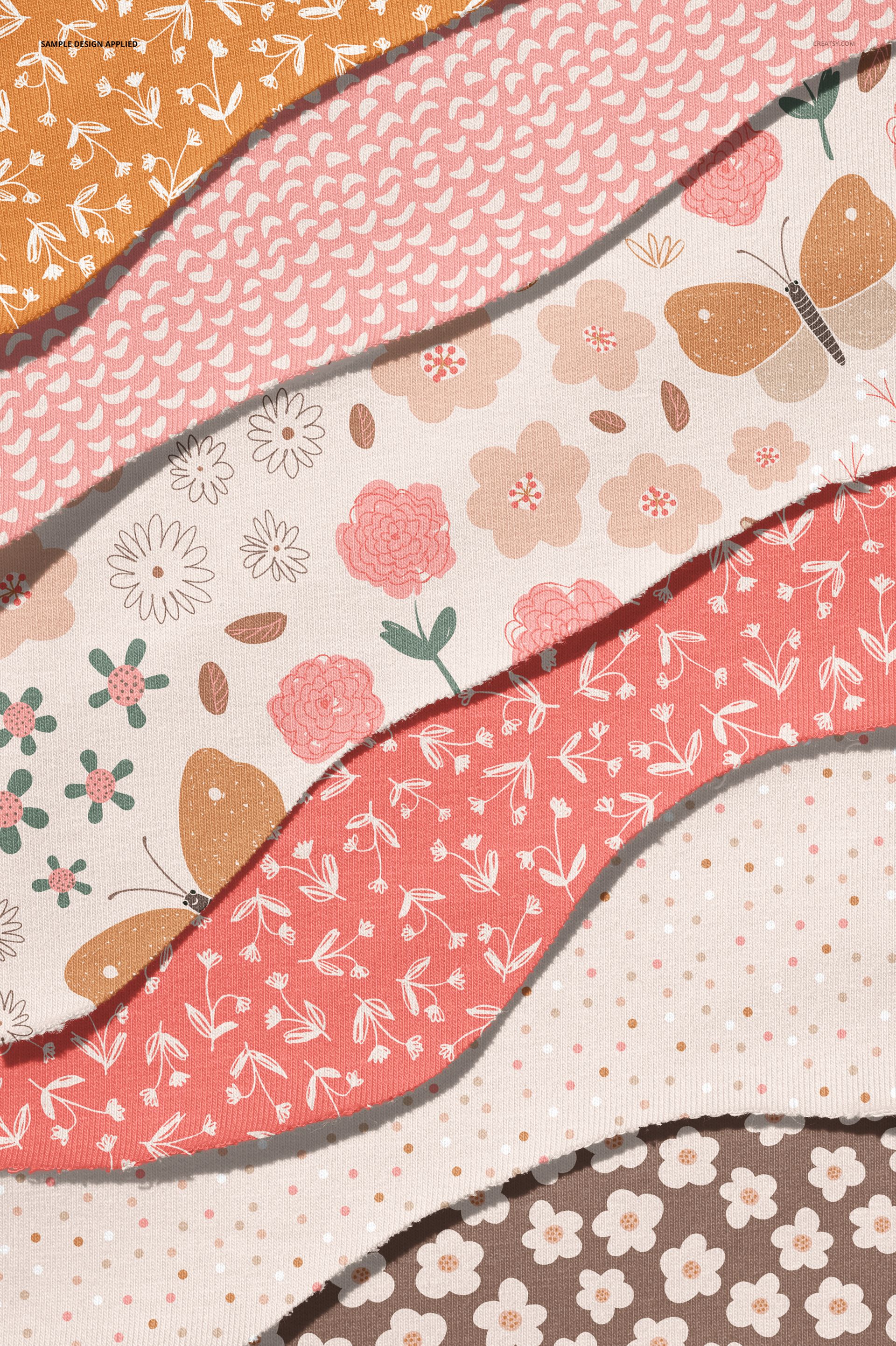
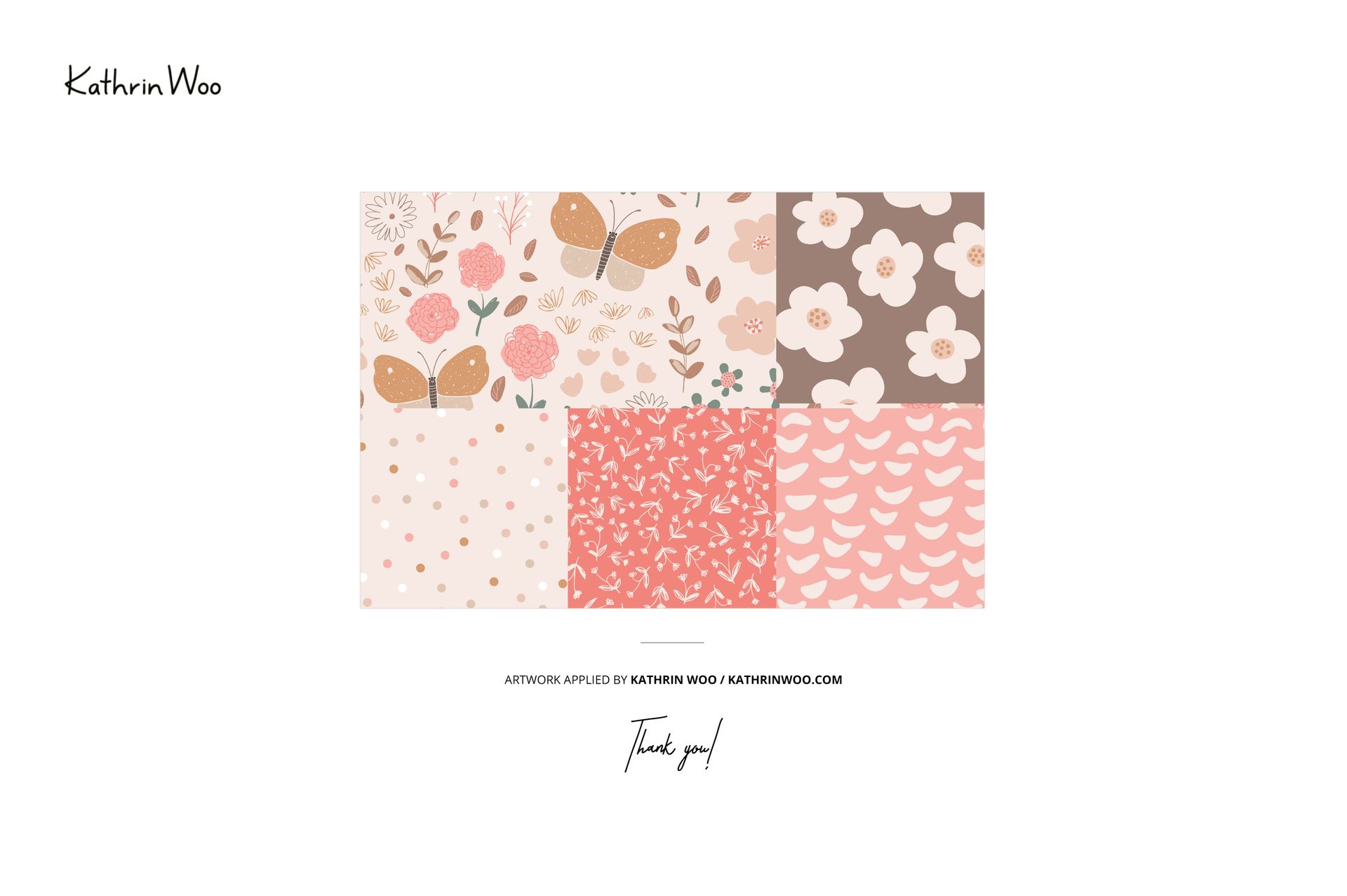
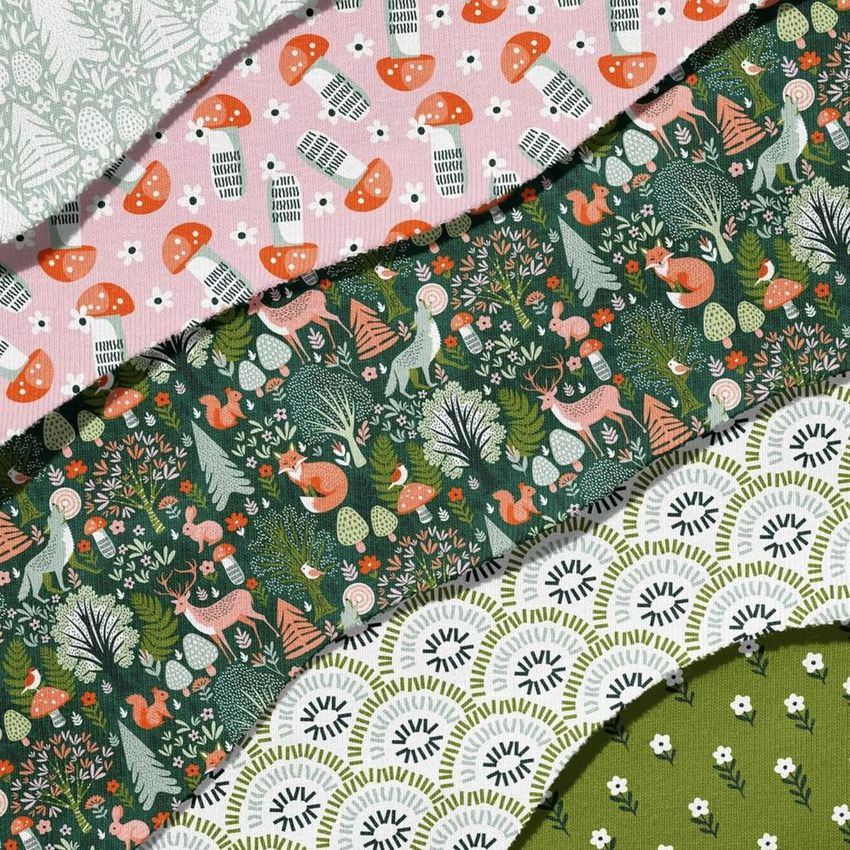
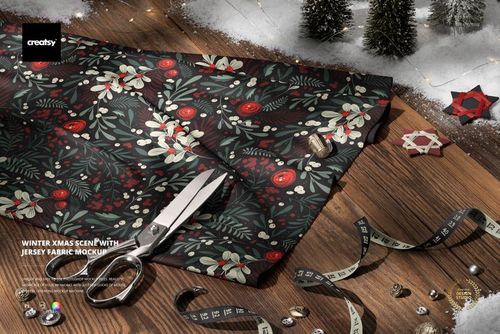
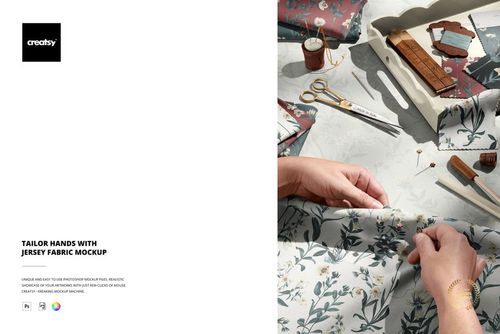
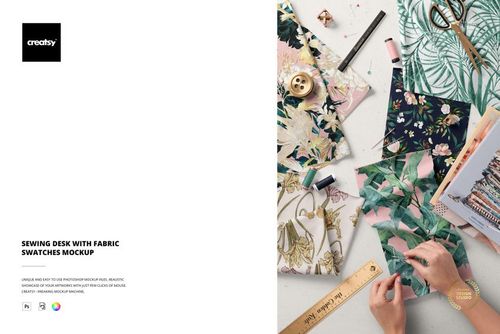
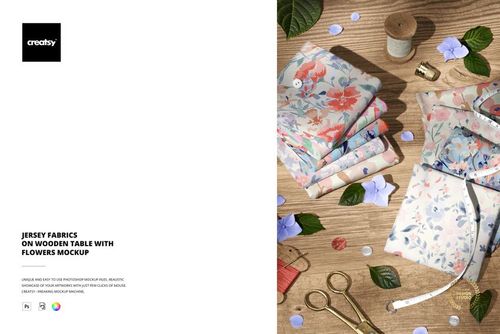
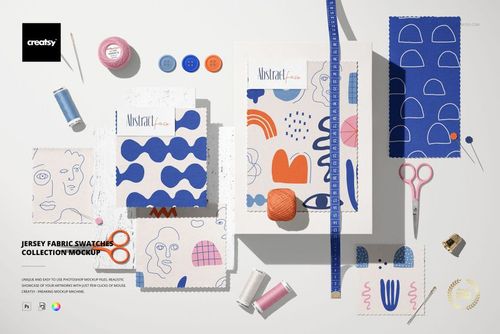
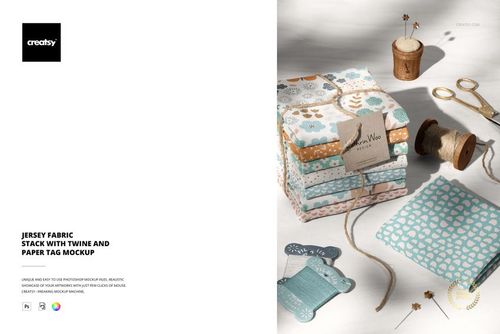
The Jersey Fabric Pieces with Torn Edges Mockup shows pieces of jersey fabric with natural torn edges arranged on a flat surface. The torn edges reveal the stretch and fiber character of the jersey material, making this mockup particularly useful for showing how a pattern or print looks on an actual fabric piece rather than on a perfectly flat swatch. The smart object layer applies your design across the fabric surface with realistic jersey texture, knit structure, and the natural distortion that occurs where the material is torn and the fibers separate. This is a fabric mockup that communicates materiality: the viewer can see the weight, stretch, and drape character of jersey through the torn edge detail, which adds a tactile quality that flat swatch mockups cannot provide. The example pattern shown in screenshots is by Kathrin Woo and is not included in the download. The file measures 6000x4000px at 300 DPI with organized layers and works in Adobe Photoshop CC 2020 or newer and Photopea.

Why This Mockup Works

Pattern designers sell fabric, not pixels. The gap between a tile on screen and a pattern on jersey is significant: jersey stretches, the knit structure affects color saturation, and the way the pattern behaves at a torn edge tells the viewer something about how it will look on a finished garment. This mockup bridges that gap by showing your design on real jersey fabric with torn edges that expose the material character. The result is an image that communicates the physical reality of your pattern on jersey, which builds buyer confidence for both pattern licensing and direct-to-consumer sales. The torn edge detail is particularly effective for social media and portfolio presentations where the tactile quality of the image stops the scroll.

What Is Included

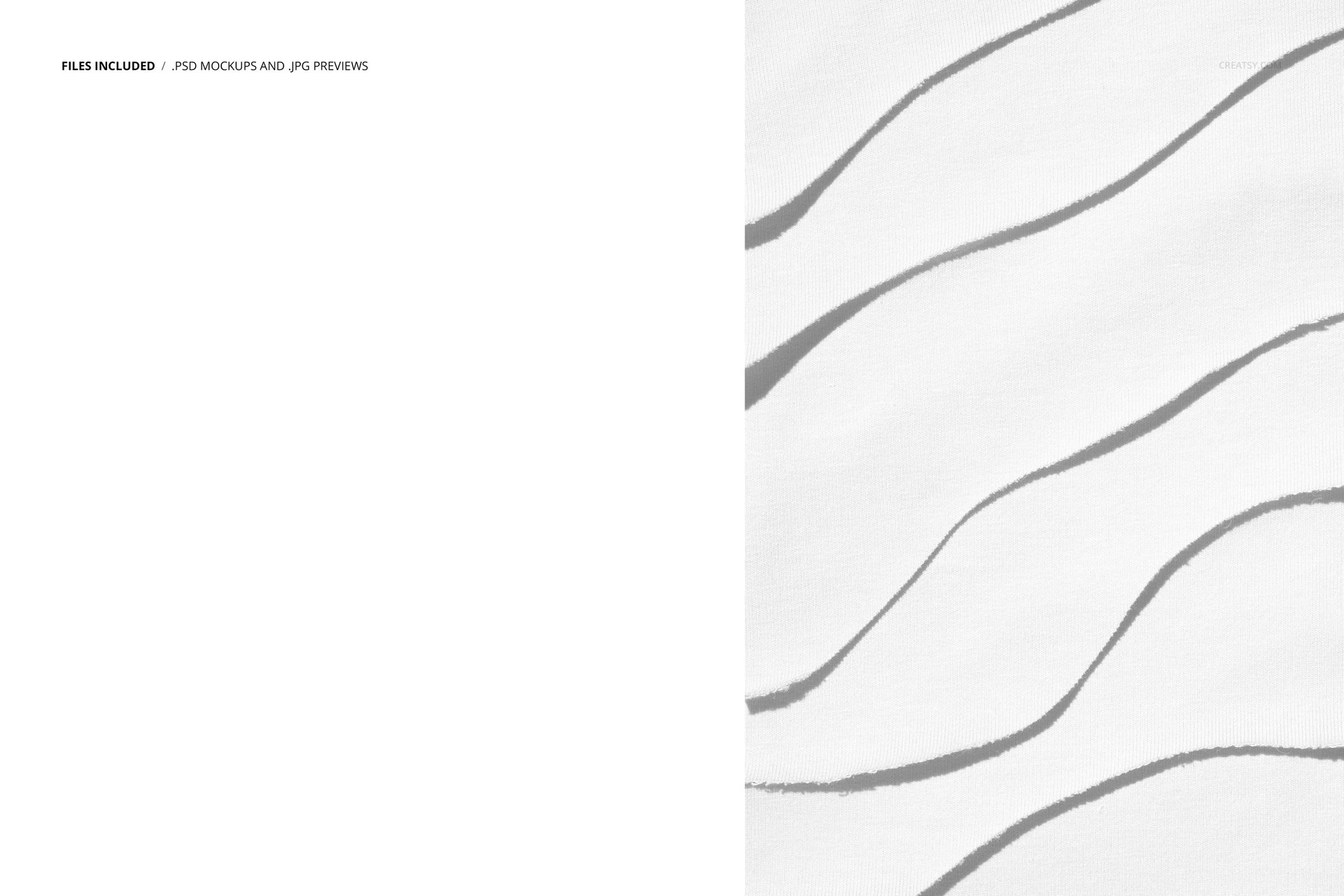
The download contains 1 layered PSD file. The scene shows pieces of jersey fabric with naturally torn edges arranged on a surface. The smart object layer controls the pattern or print applied to the fabric, with realistic jersey knit texture visible across the entire surface and especially at the torn edges where individual fibers are exposed. The lighting captures the subtle sheen and texture variations that are characteristic of jersey material.

What You Can Customize

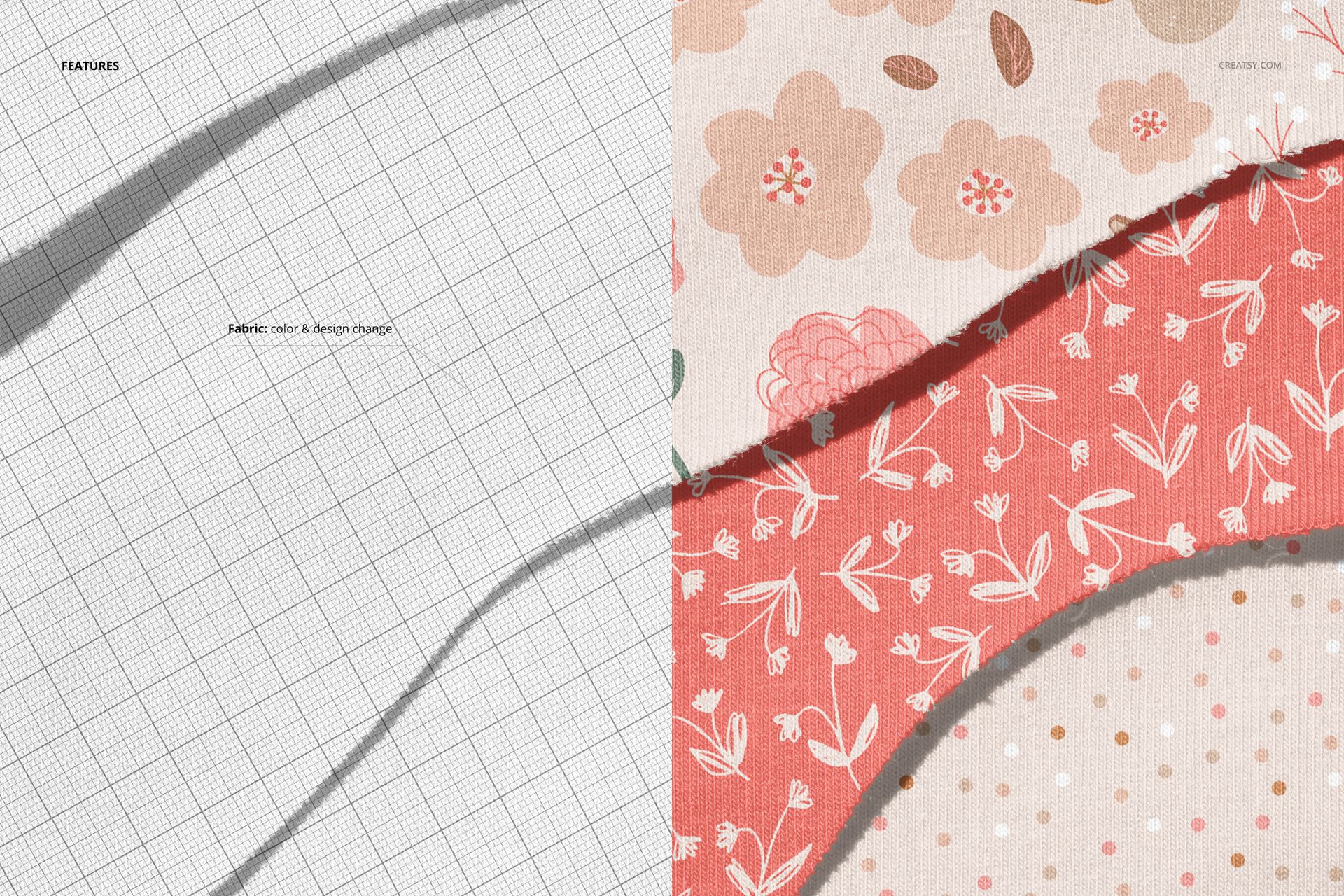
The smart object controls the design applied to the jersey fabric surface. Double-click the smart object layer to place your repeating pattern, illustration, or print design. The artwork maps across the fabric with accurate jersey texture, showing how the knit structure affects color and detail. Adjustment layers let you modify brightness, contrast, and color temperature to match the way your pattern looks on different fabric weights or finishes. You can swap designs quickly to compare multiple patterns on the same fabric base or test colorways side by side.

Who This Mockup Is For

Surface pattern designers and textile artists who need to show how their repeating patterns look on jersey fabric specifically, with the material character visible in the torn edge detail. Fabric manufacturers and textile brands presenting jersey prints to buyers and retailers who need to evaluate how a pattern works on a stretchy knit material. Print-on-demand sellers on Etsy, Shopify, and Spoonflower who need realistic product images showing their patterns on jersey fabric for listings targeting apparel, baby clothing, and activewear categories. Fashion designers presenting jersey print concepts for T-shirts, dresses, leggings, and other stretch garments where seeing the pattern on actual jersey helps evaluate scale and color behavior.

File Specifications

Files: 1 PSD. Dimensions: 6000x4000 px. Resolution: 300 DPI. Color mode: RGB. File size: 362.61 MB. Compatibility: Adobe Photoshop CC 2020 or newer, Photopea. Example pattern by Kathrin Woo (not included).

File details

Compatibility
PhotopeaAdobe Photoshop
Number of files included
2
Package size
362 MB362 MB|380 MB380 MB
Files type
.psd, .jpg
Files size
6000x4000
TEST FOR FREE

Made with Creatsy

Real designs. Real customers. See how creatives use Creatsy mockups to turn their artwork, branding, and product ideas into polished visuals.

MEET THE SHOP

Creatsy logo

Creatsy

Poland
4.7 (656)

Bring your ideas to life.

We're a family-run studio in Katowice, Poland, making PSD mockups by hand since 2016. Everything in this shop starts in our own studio. We shoot the photography, build the 3D, and put together every Smart Object PSD ourselves - then we test it, organize the layers, and only ship it once it actually works...
GO TO SHOP

HOW IT WORKS

3 clicks. That's it.

No tutorial needed. If you can copy-paste, you can use this.

  1. 1OpenDouble-click the smart object inside the PSD - in Adobe Photoshop, or free in your browser with Photopea.
  2. 2PasteDrop in your pattern, print, or artwork. Any design, any style.
  3. 3SaveHit save and the mockup wraps it in for you - shadows, folds, and lighting included.

FROM IDEA TO IMAGE

Built for real workflows

Skip the photo shoot Show your artwork on the real product type for approvals or listings - no studio, no model, no sample.

See it on the product, not a swatch Drop your file into the smart object and the scene's lighting and folds wrap around it, so you judge the real thing before you commit.

Smart Objects

Edit once and you're done. Your artwork drops into a smart object and the mockup updates itself - no masking, no warping by hand.

Perfectly Organized

Named layers and folders you can actually navigate. Find what you need, change what you want, and get out fast.

Print-Ready

High-resolution files built to hold up on screen and in print. Exact size and DPI are in this product's Details above.