Premium Paper Bag in Sharp Sunlight Mockup
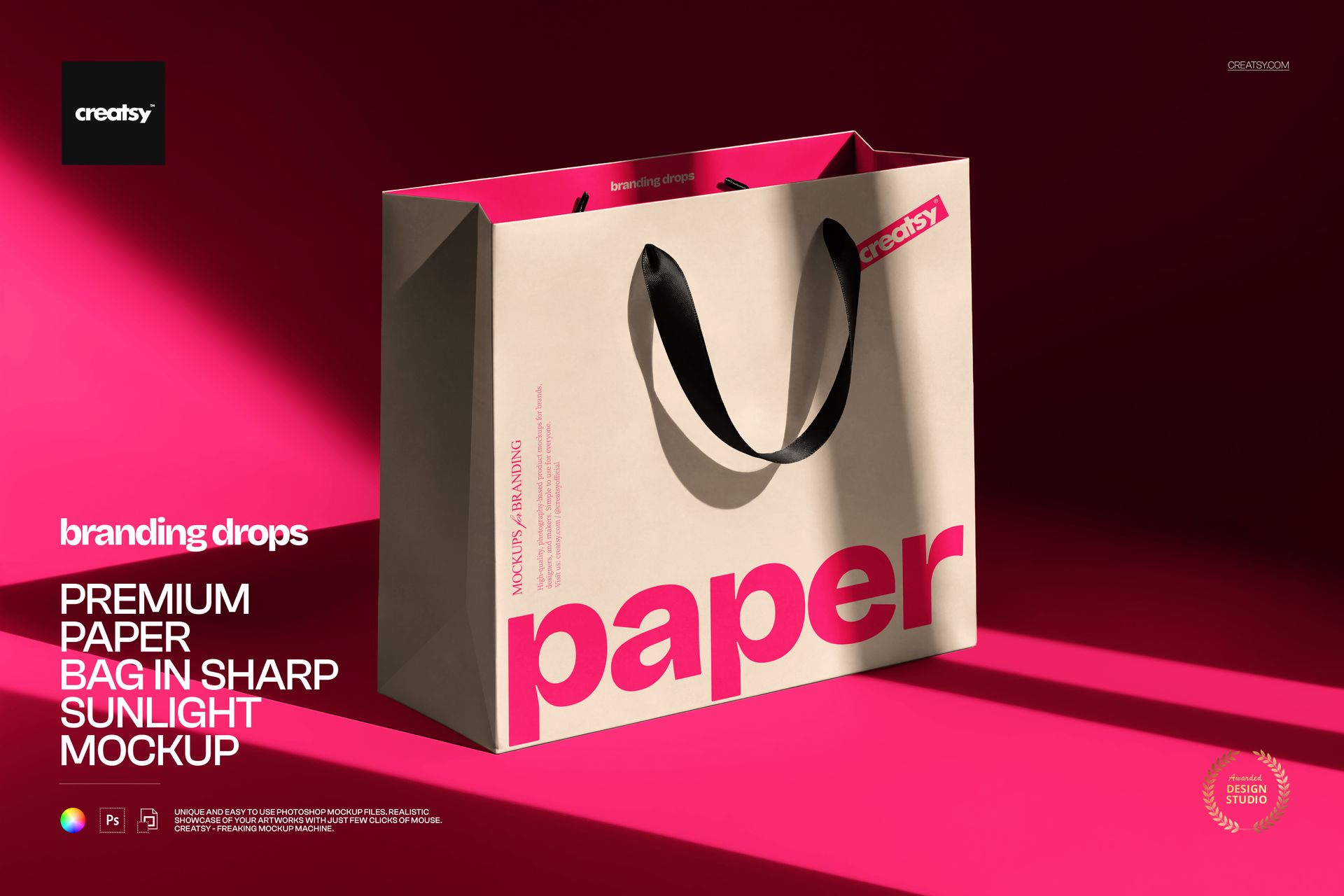
Create clean, elegant and realistic packaging visuals with this Premium Paper Bag in Sharp Sunlight Mockup. Designed for packaging designers, branding studios, boutique brands, retail shops, Etsy sellers, Shopify stores and creative agencies, this editable PSD mockup helps you present paper bag designs in a polished product photography scene.
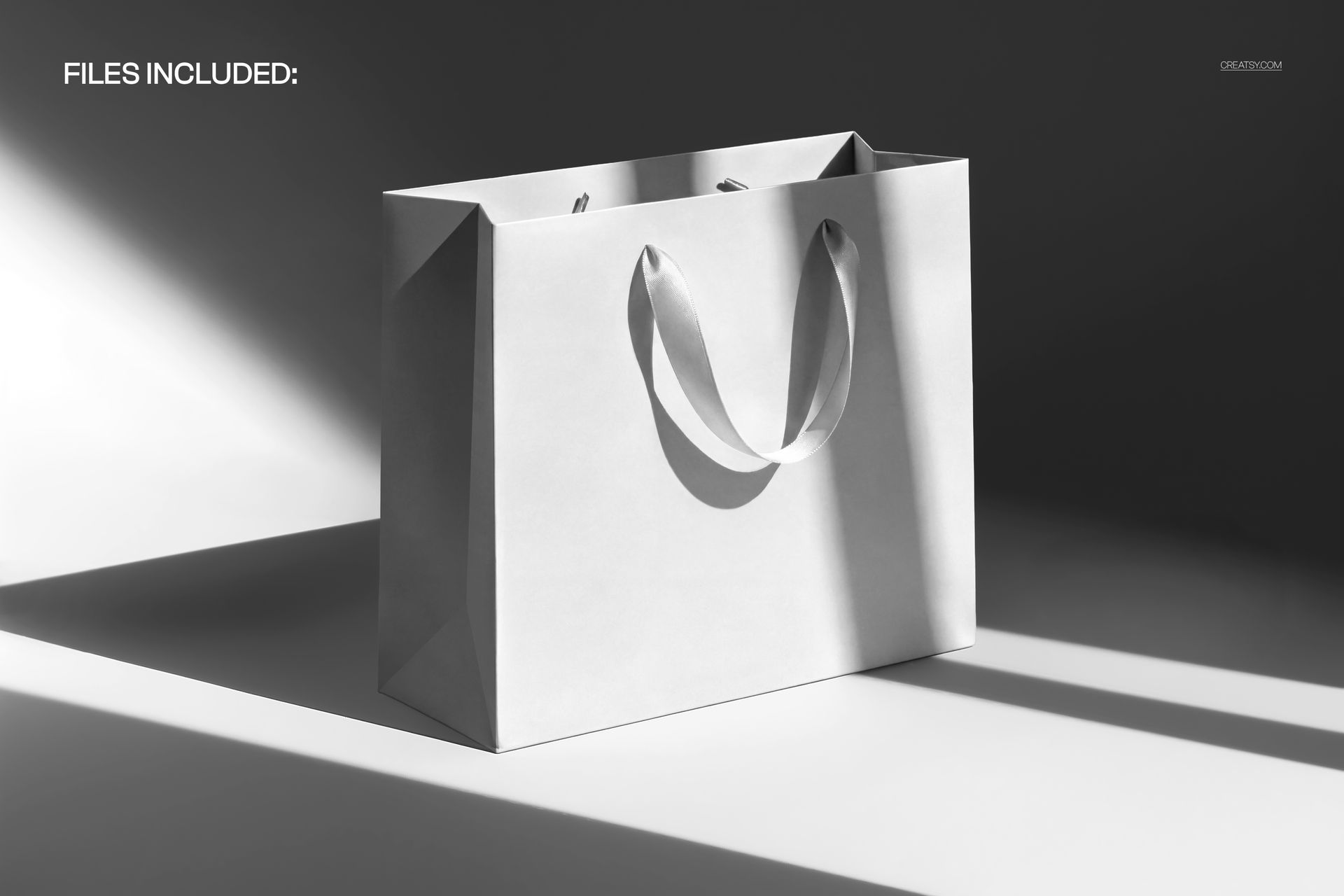
The mockup features a premium paper bag with handles, styled in sharp sunlight with strong natural shadows. The result is minimal, modern and eye-catching, making it perfect for luxury packaging, boutique shopping bags, gift bag designs, retail branding, fashion packaging, beauty packaging, stationery shop branding and premium brand identity presentations.
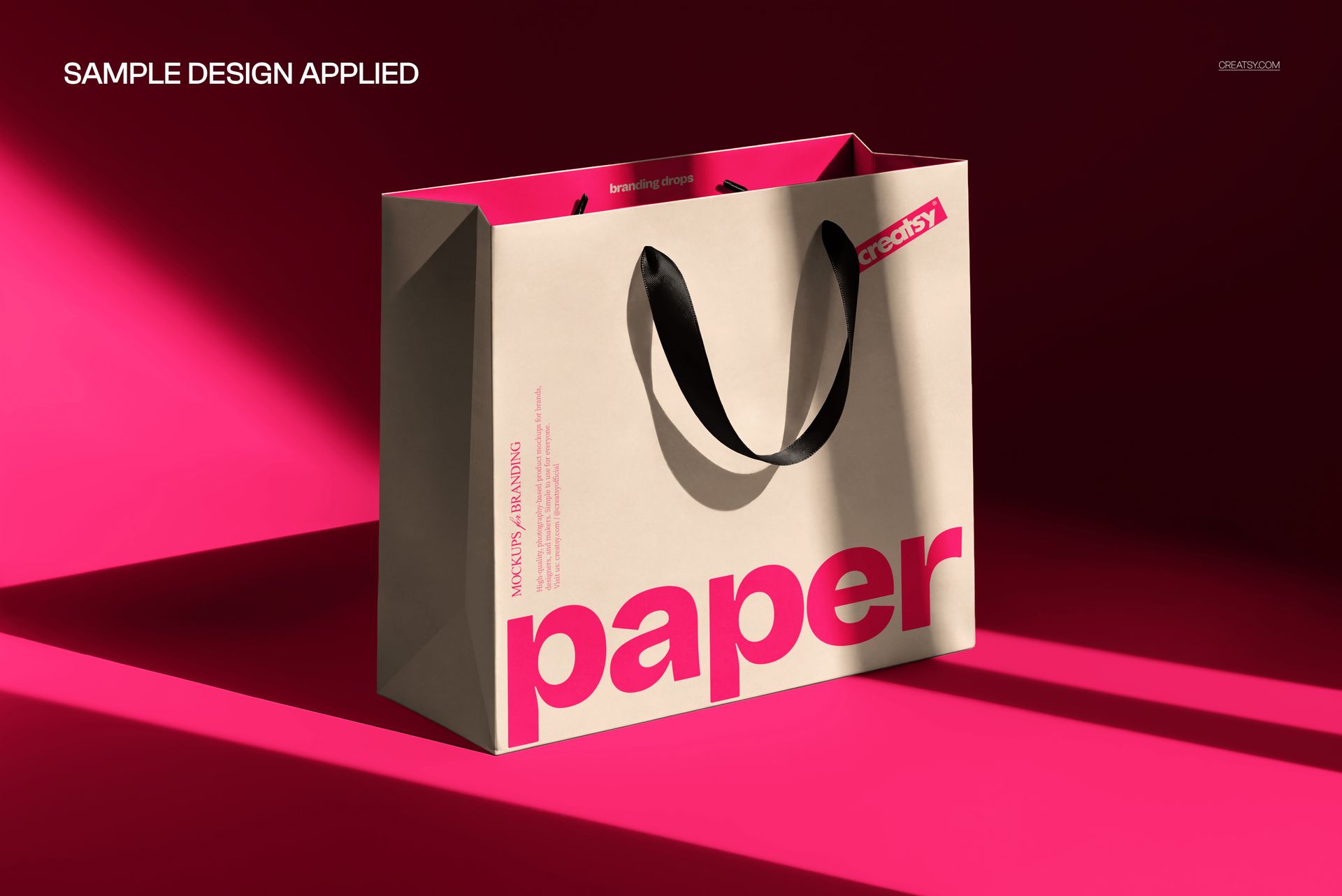
Instead of showing your logo or pattern as a flat file, you can place it on a realistic paper bag and show how the final packaging could look in a refined visual setting. The sunlight and shadow play add depth, contrast and a high-end editorial feel, helping your design look more finished and more memorable.
Why This Paper Bag Mockup Works
A paper bag is often one of the first physical touchpoints between a customer and a brand. It can make a product feel more premium, more intentional and more giftable before the package is even opened.
This mockup gives your design a strong visual atmosphere. The clean bag shape keeps attention on your artwork, while the sharp sunlight creates bold contrast and a realistic studio-like effect. It works especially well for minimalist logos, luxury typography, boutique patterns, fashion branding, elegant monograms, cosmetic packaging, gift shop visuals and modern retail identity projects.
Use this mockup for client presentations, ecommerce product images, Shopify stores, Etsy listings, Behance case studies, packaging portfolios, Instagram posts, Pinterest graphics, launch campaigns and brand identity previews.
Perfect For
This premium paper bag mockup is a strong choice for:
Packaging designers creating paper bag concepts
Branding studios presenting retail identity projects
Boutique shops building polished packaging visuals
Fashion, beauty and lifestyle brands showing branded bags
Gift shops and stationery brands creating product previews
Etsy and Shopify sellers preparing professional listing images
Graphic designers testing logos, patterns and color palettes
Creative agencies building client-ready brand presentations
Small businesses that need realistic visuals before printing bags
Easy Customization with Smart Objects
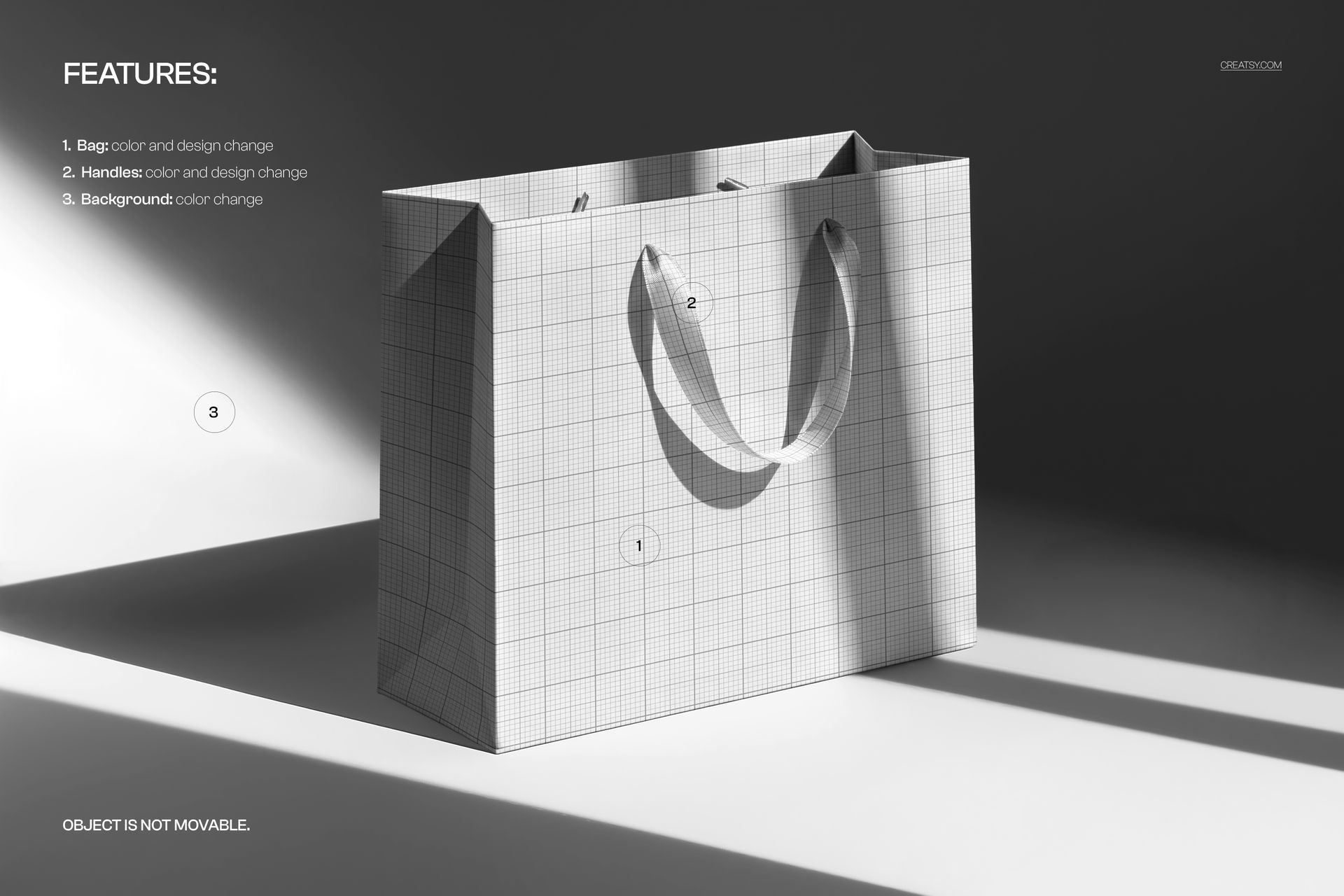
The layered PSD file is designed for a smooth editing workflow in Adobe Photoshop and Photopea. Add your logo, pattern, illustration or packaging artwork into the editable smart object, save the file and create a realistic paper bag visual with built-in lighting, perspective and shadows.
This makes it easy to test different brand directions, compare colorways, preview bag artwork and create professional packaging images without arranging a photoshoot or ordering printed samples first.
The mockup works beautifully with minimal branding, luxury logos, bold typography, fashion patterns, beauty packaging concepts, boutique illustrations, gift wrap artwork, monograms, abstract graphics and premium retail identity systems.
What You Can Showcase
Use this mockup to present:
Premium paper bag designs
Retail shopping bag branding
Gift bag packaging concepts
Boutique packaging visuals
Fashion and beauty brand identity
Luxury packaging presentations
Logo and monogram designs
Patterned paper bag artwork
Gift shop and stationery packaging
Ecommerce product listing images
Client presentation mockups
Instagram and Pinterest campaign visuals
Packaging portfolio projects
Brand identity case studies
File Specifications
Part of the Branding Drops Mockup Bundle
Includes PSD and JPG files
Pack includes 1 PSD file
2 files included in total
PSD size: 5250x3500 px
Resolution: 300 DPI
Compatible with Adobe Photoshop CC2020 or newer
Compatible with Photopea
Well organized layers