Vinyl Record Album Covers Mockup
This product is a part of Black Vinyl Record Mockup Set v.1
Product Details
Vinyl Record Album Covers Mockup
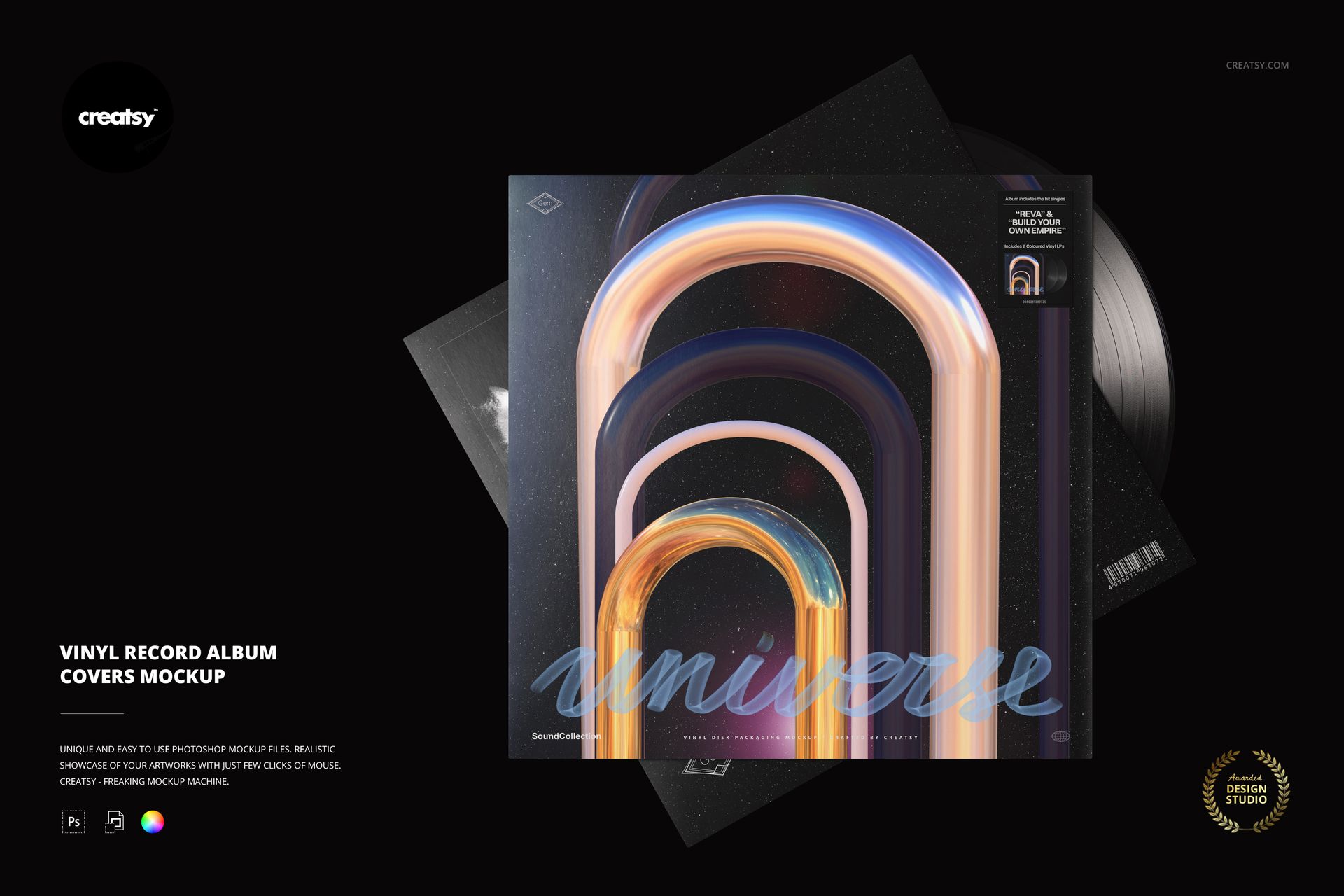
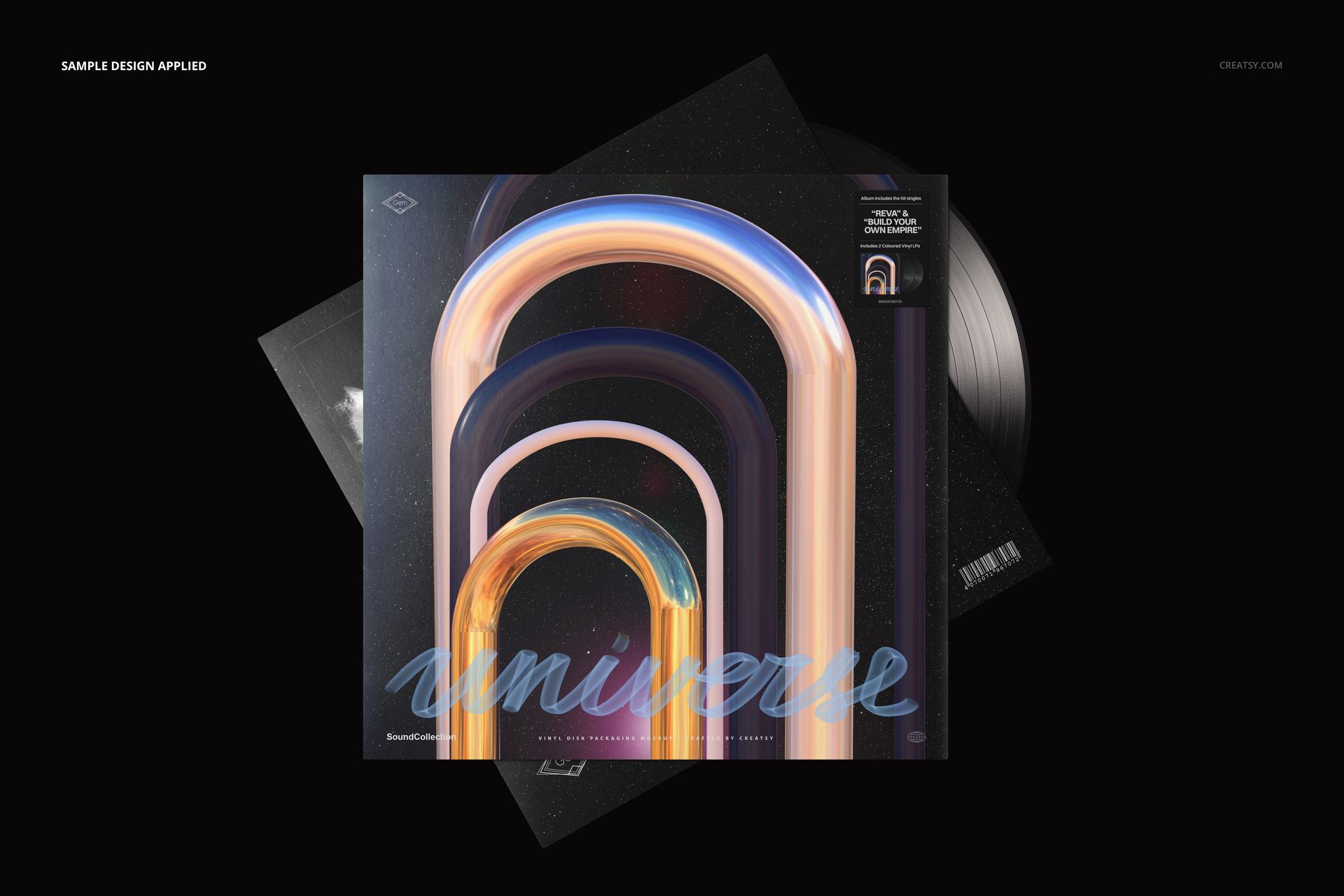
Let the front cover lead while the rest of the album package supports it. This composition layers two offset record jackets with a black vinyl disc, presenting the main artwork prominently and allowing the second cover to add context.
The overlapping layout works well as a release image when you want to suggest a complete package without giving every surface equal visual weight. It also offers a useful contrast to an upright, angled packaging shot.
What Is Included
1 layered PSD scene, 6000 × 4000 px at 300 DPI.
1 JPG preview and 8 Switzer OTF font files.
A Cover-First Packaging Layout
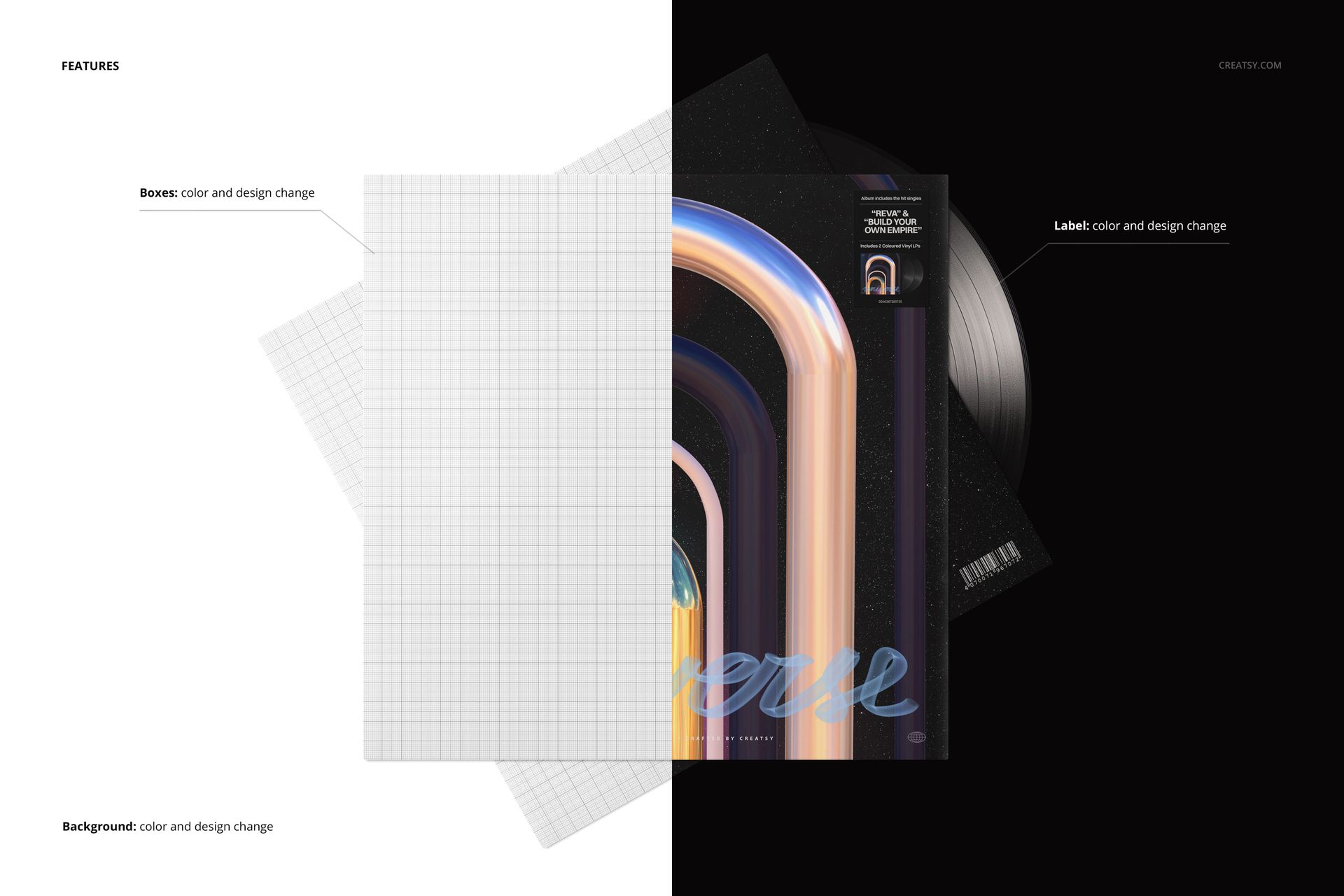
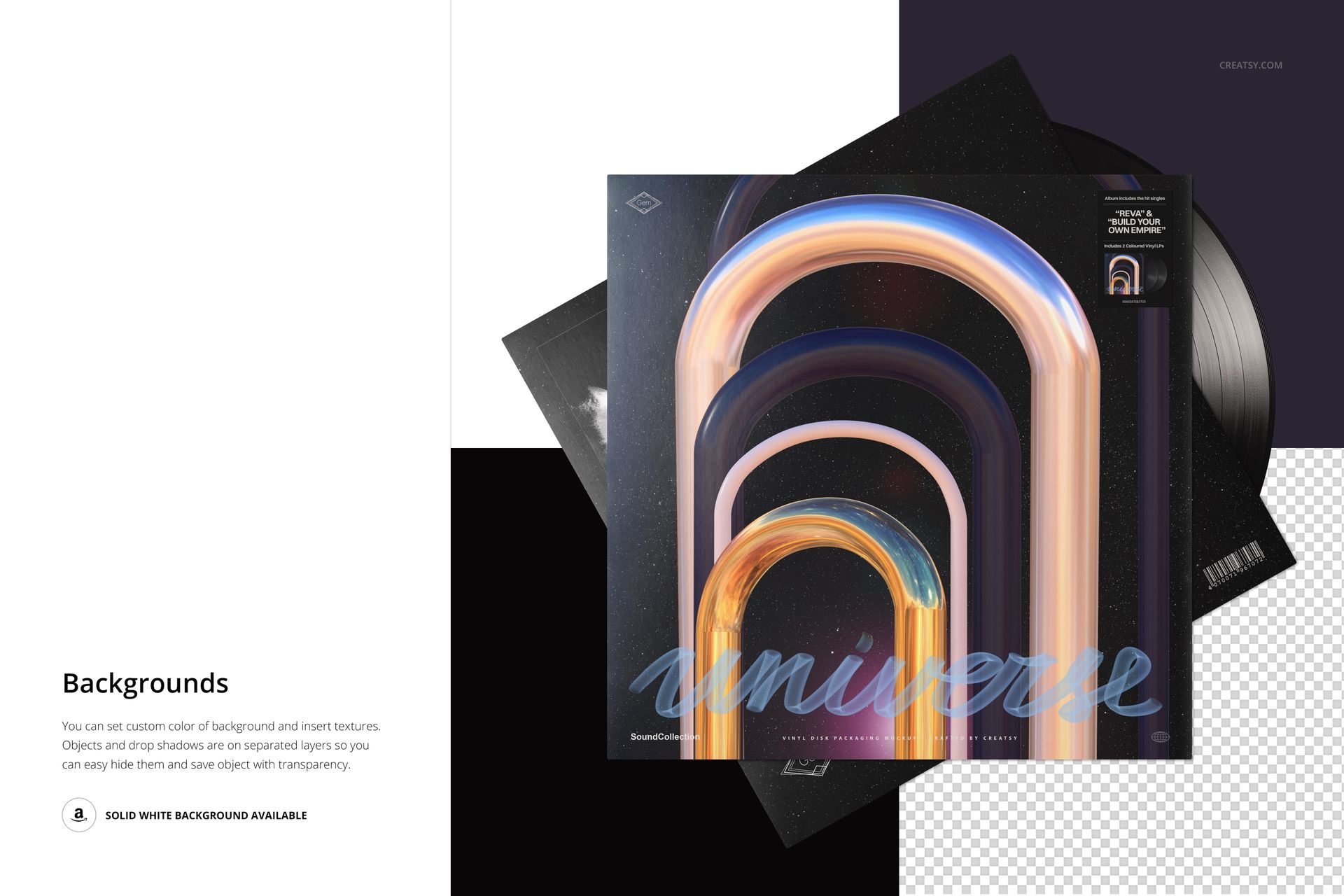
Edit the cover colors and designs together with the record-label artwork. Customize the background color or insert a texture. Objects and drop shadows use separate layers, and the previews demonstrate a transparent background.
Organized PSD Layers
Use Adobe Photoshop or Photopea to prepare the scene with your own artwork. Keep related cover and label elements visually consistent, then export the composition for your presentation.
Designed for Album Artwork Portfolios
Suitable for release announcements, music-branding case studies and client presentations where the front artwork is the main point of interest.
Digital mockup only. The sample artwork and physical vinyl packaging are not included.
File details
- Compatibility
- Package size
- 32.8 MB
|34.4 MB
- Files type
- .psd, .jpg
- Files size
- 6000x4000


MEET THE SHOP
- $1955$23.00
- $2210$26.00
- $2040$24.00
- $2040$24.00

HOW IT WORKS
3 clicks. That's it.
No tutorial needed. If you can copy-paste, you can use this.
- 1OpenDouble-click the smart object inside the PSD - in Adobe Photoshop, or free in your browser with Photopea.
- 2PasteDrop in your pattern, print, or artwork. Any design, any style.
- 3SaveHit save and the mockup wraps it in for you - shadows, folds, and lighting included.
FROM IDEA TO IMAGE
Built for real workflows
Skip the photo shoot Show your artwork on the real product type for approvals or listings - no studio, no model, no sample.
See it on the product, not a swatch Drop your file into the smart object and the scene's lighting and folds wrap around it, so you judge the real thing before you commit.
Smart Objects
Edit once and you're done. Your artwork drops into a smart object and the mockup updates itself - no masking, no warping by hand.
Perfectly Organized
Named layers and folders you can actually navigate. Find what you need, change what you want, and get out fast.
Print-Ready
High-resolution files built to hold up on screen and in print. Exact size and DPI are in this product's Details above.