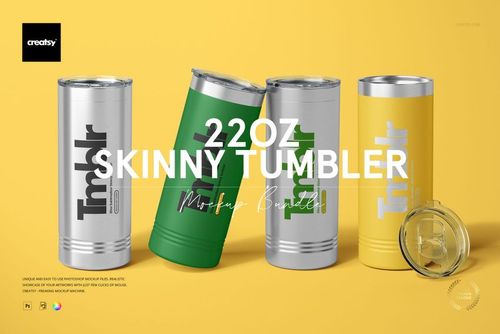
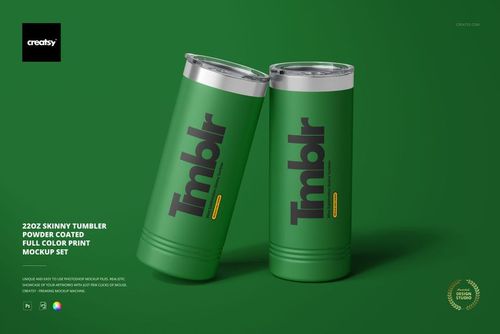
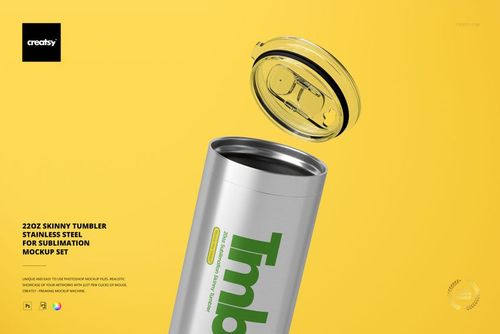
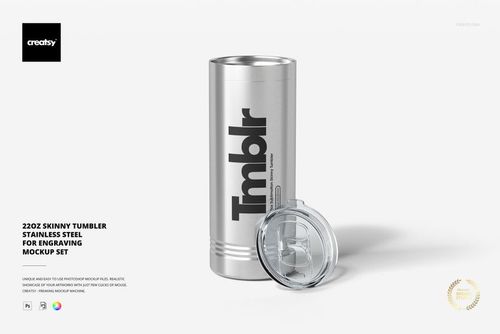
Double-Wall Acrylic Tumbler Mockup Set 2

ID: 2033049941 | Updated: Dec 17, 2022

Product Details

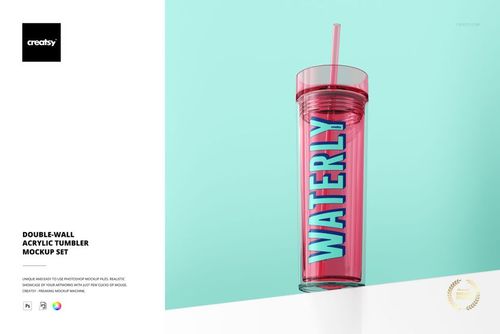
Double Wall Acrylic Tumbler Mockup Set 2

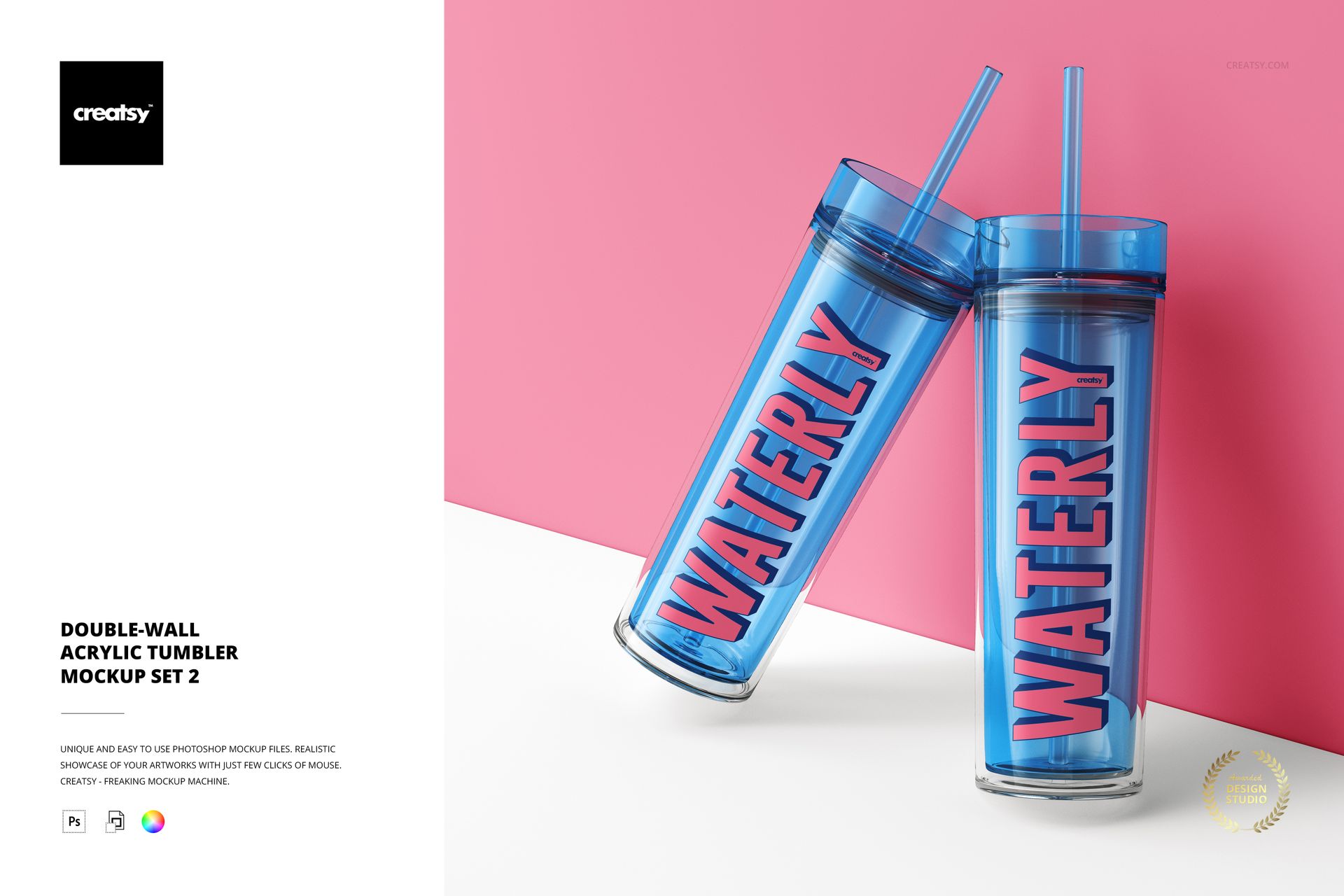
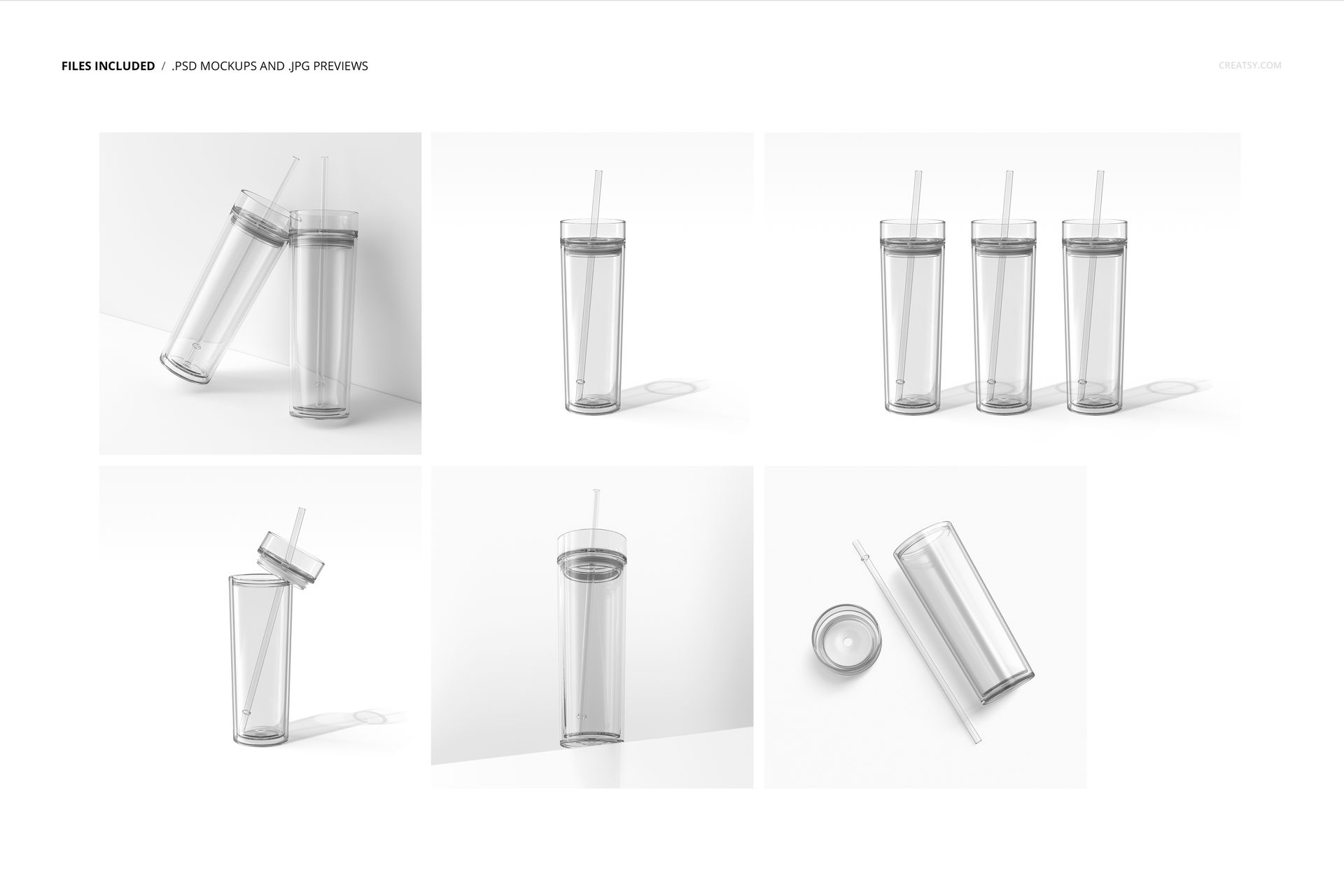
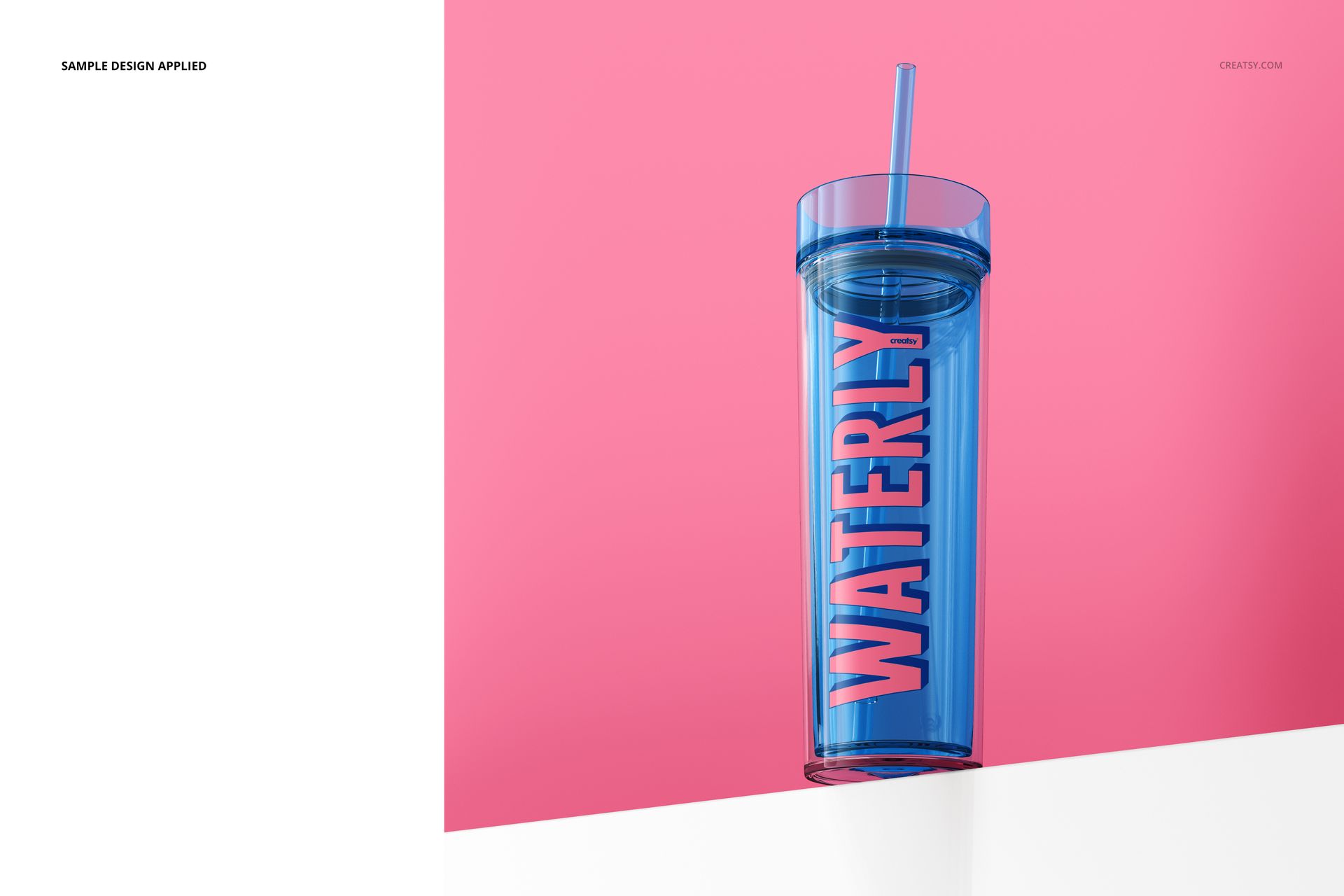
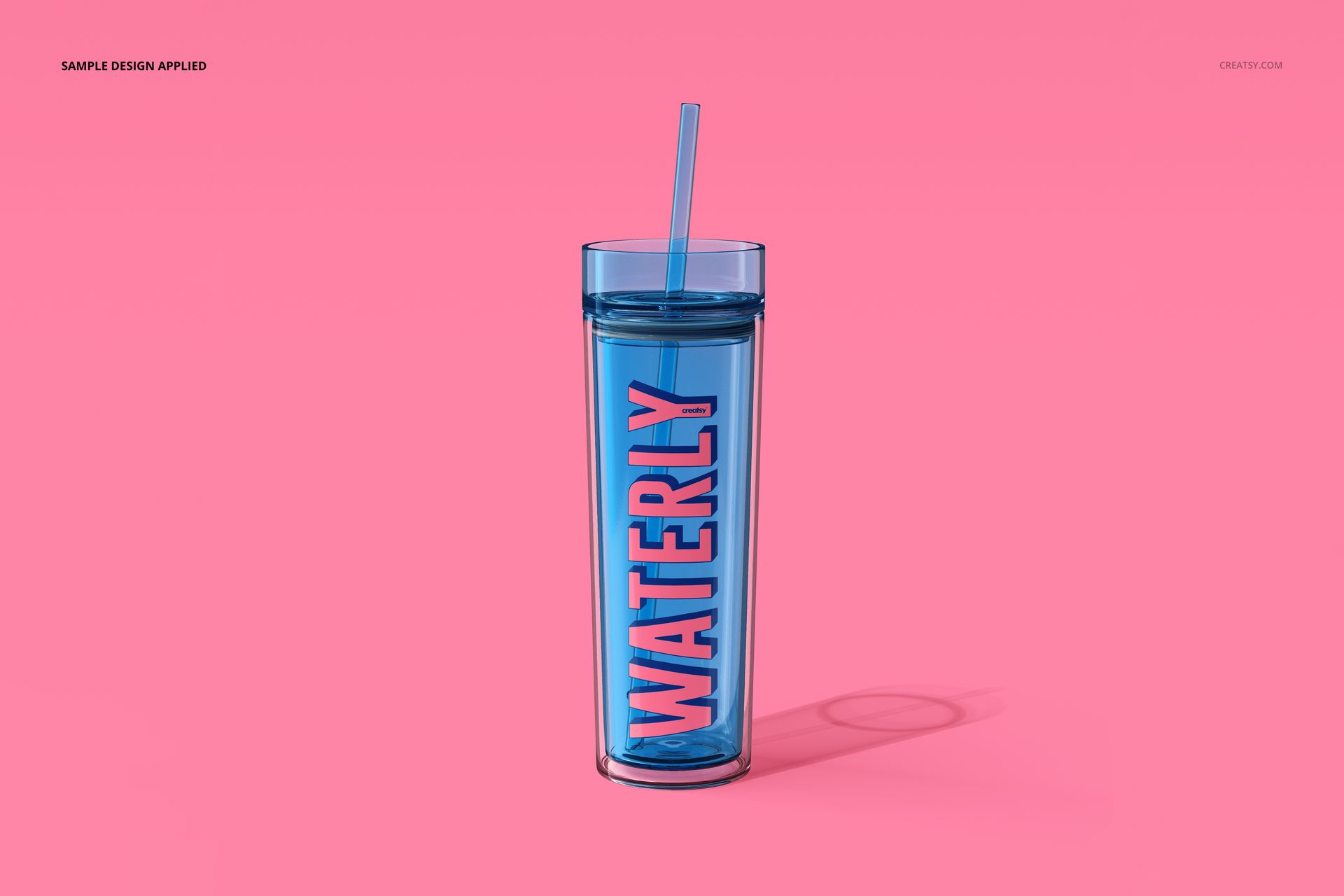
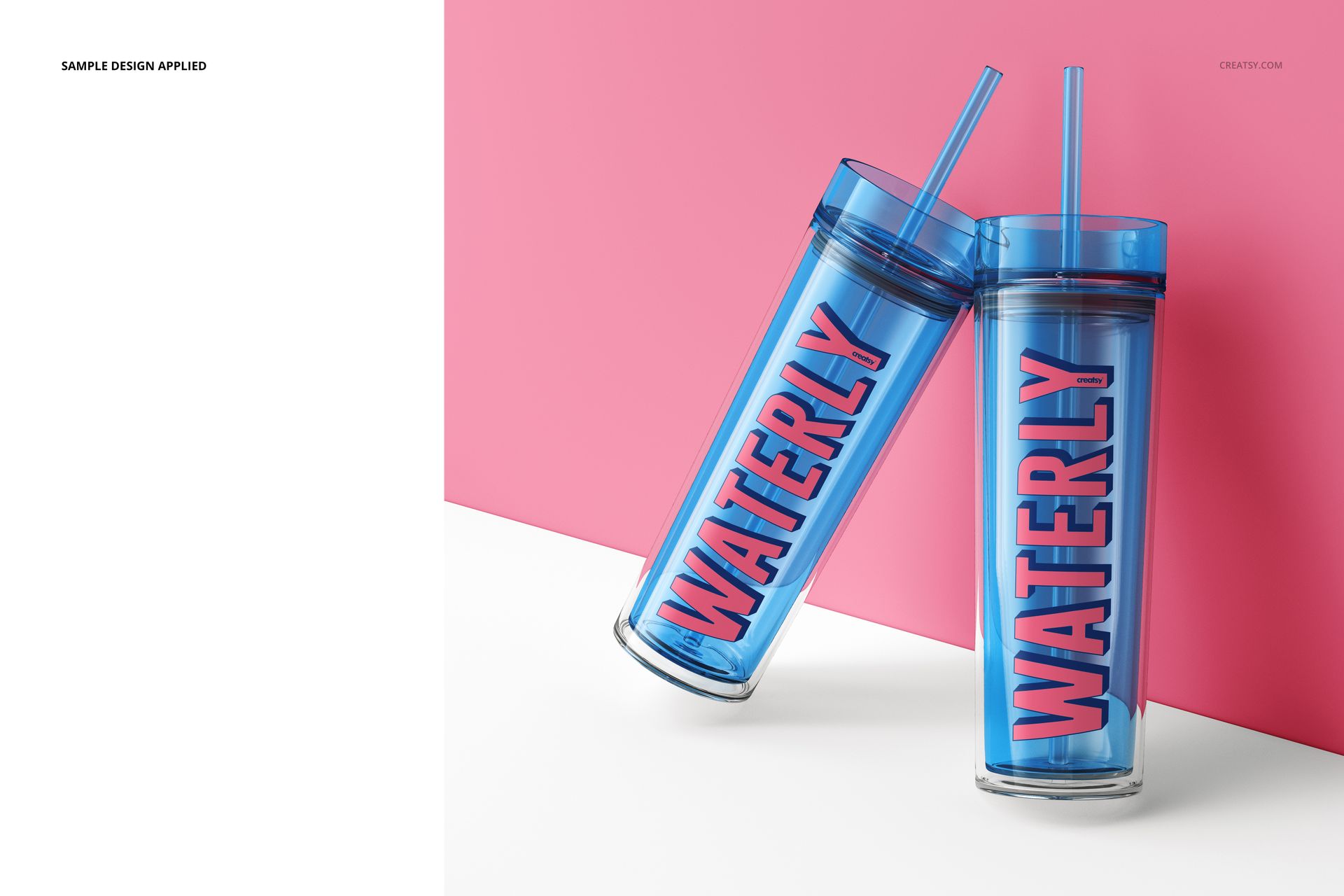
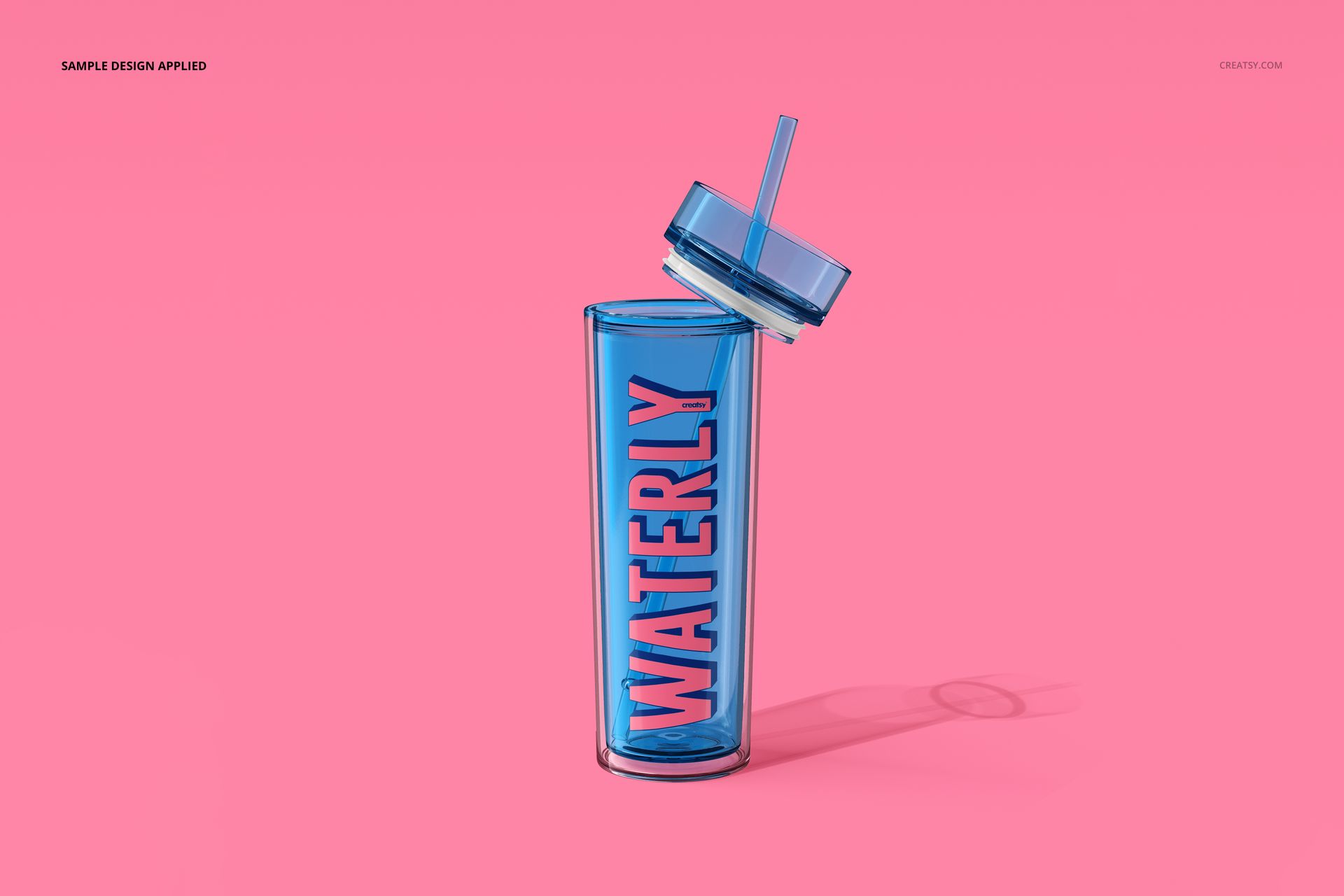
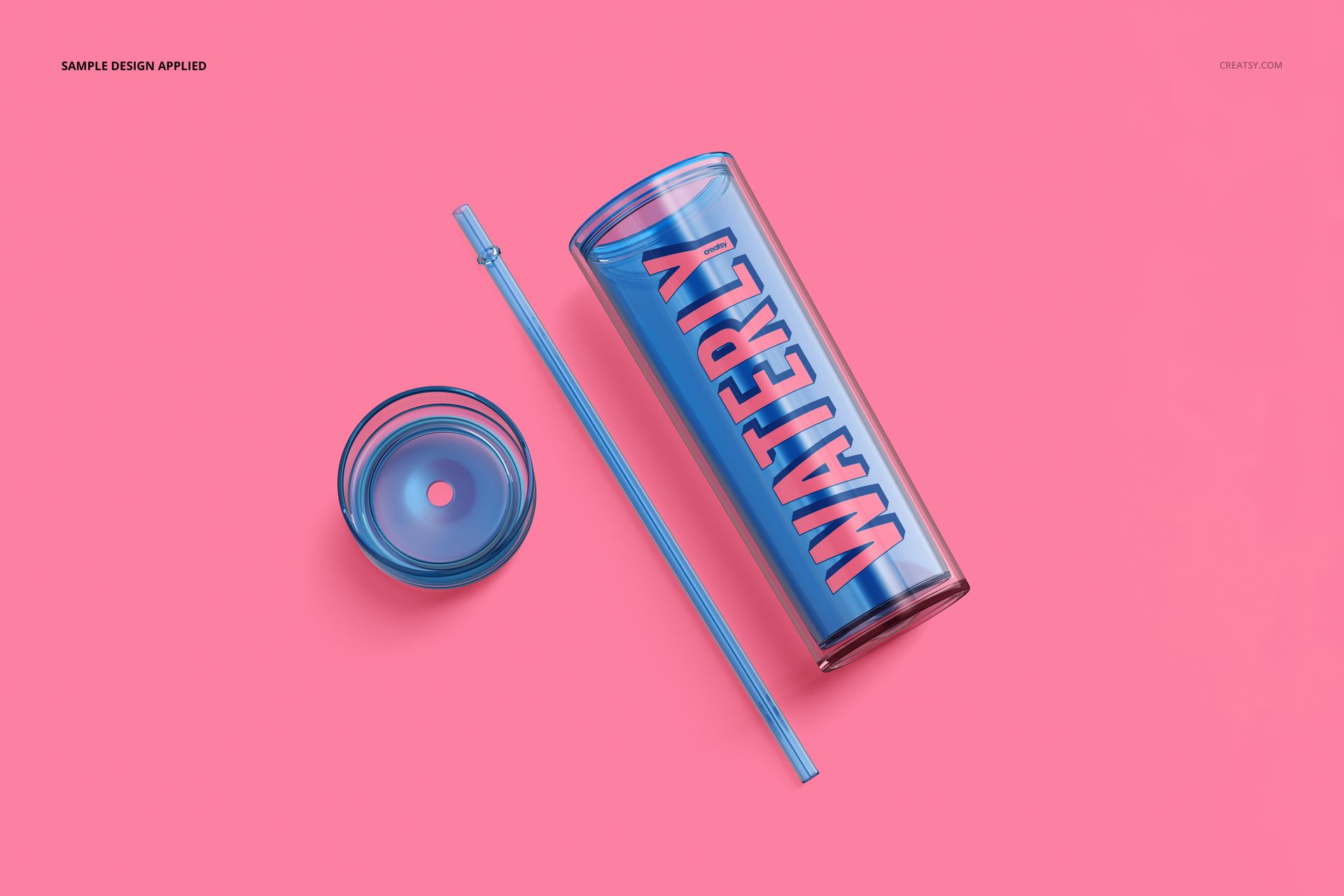
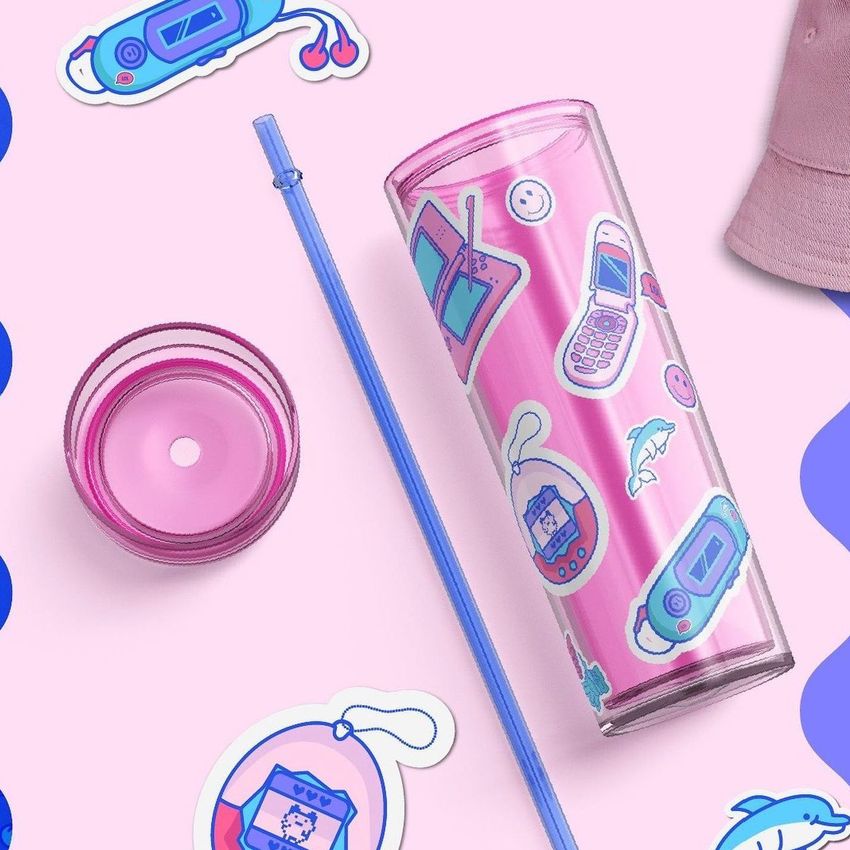
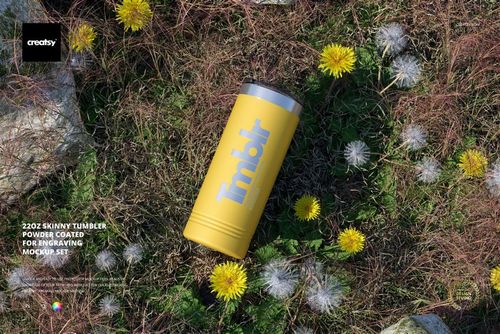
Elevate your sipping experience with our Double-Wall Acrylic Tumbler Mockup Set 2. This dynamic collection features six unique mockups that showcase double-walled acrylic tumblers in a variety of captivating scenarios. Whether you prefer your tumblers whole or disassembled, horizontal or vertical, the choice is yours.


Your Vision, Your Tumbler

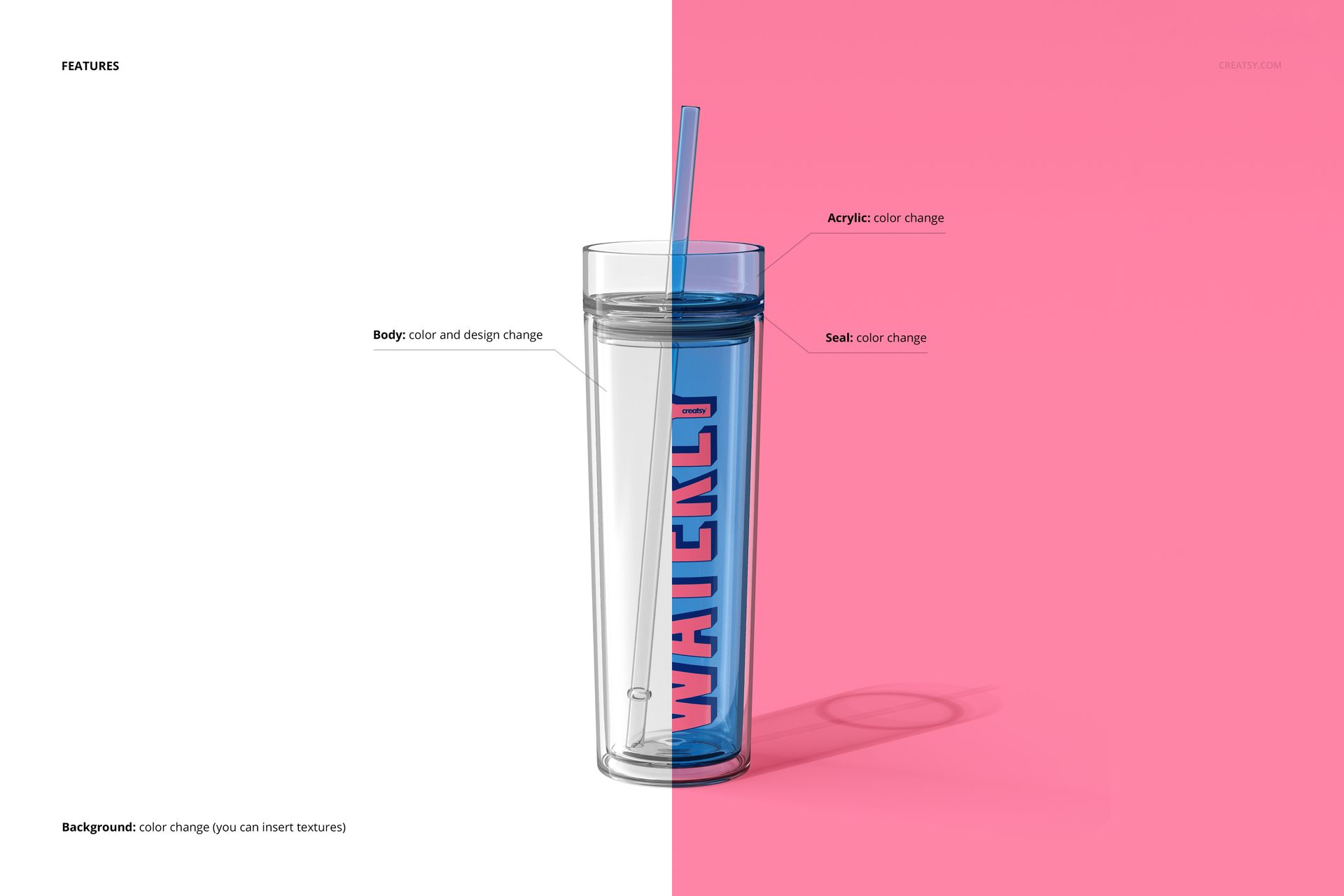
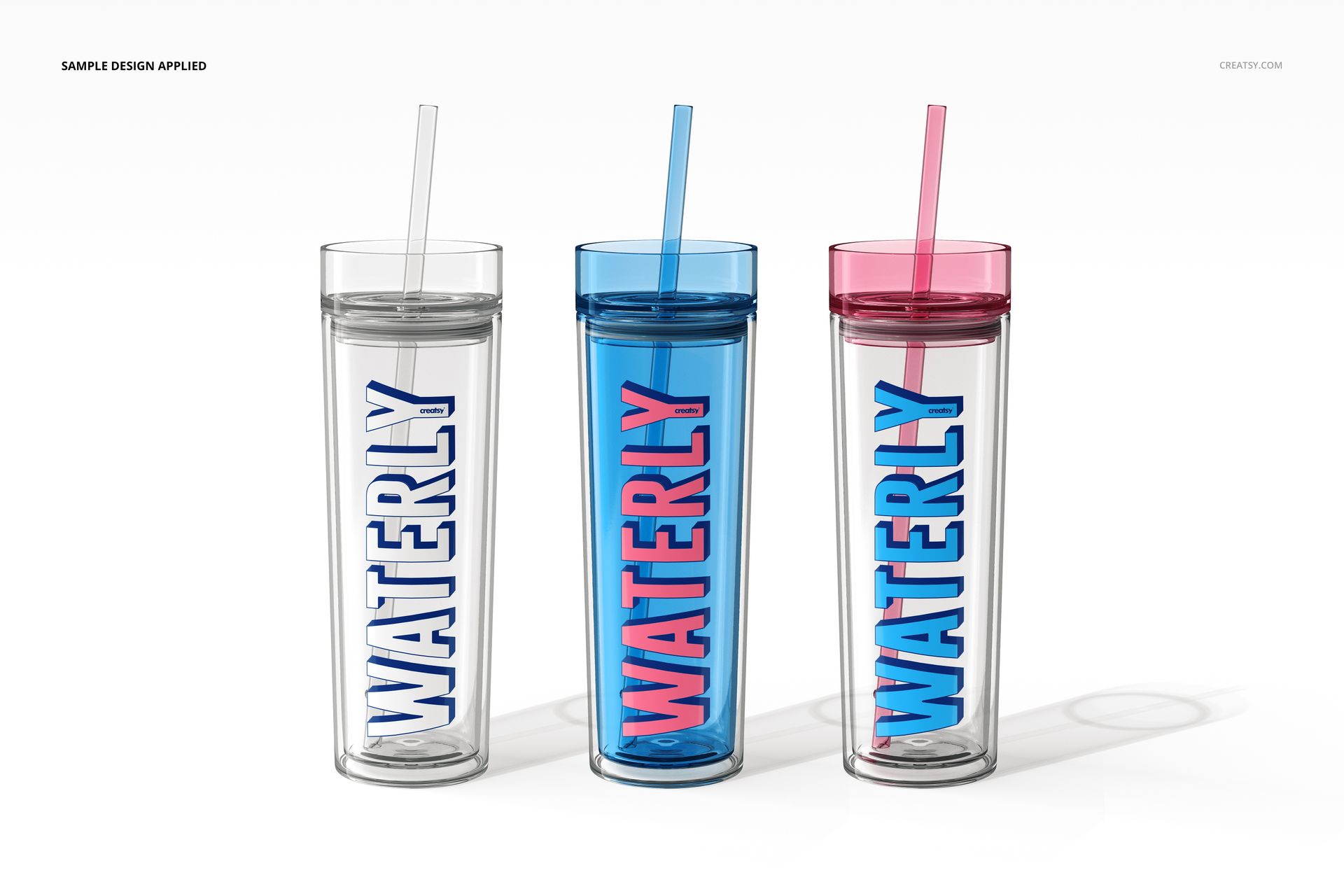
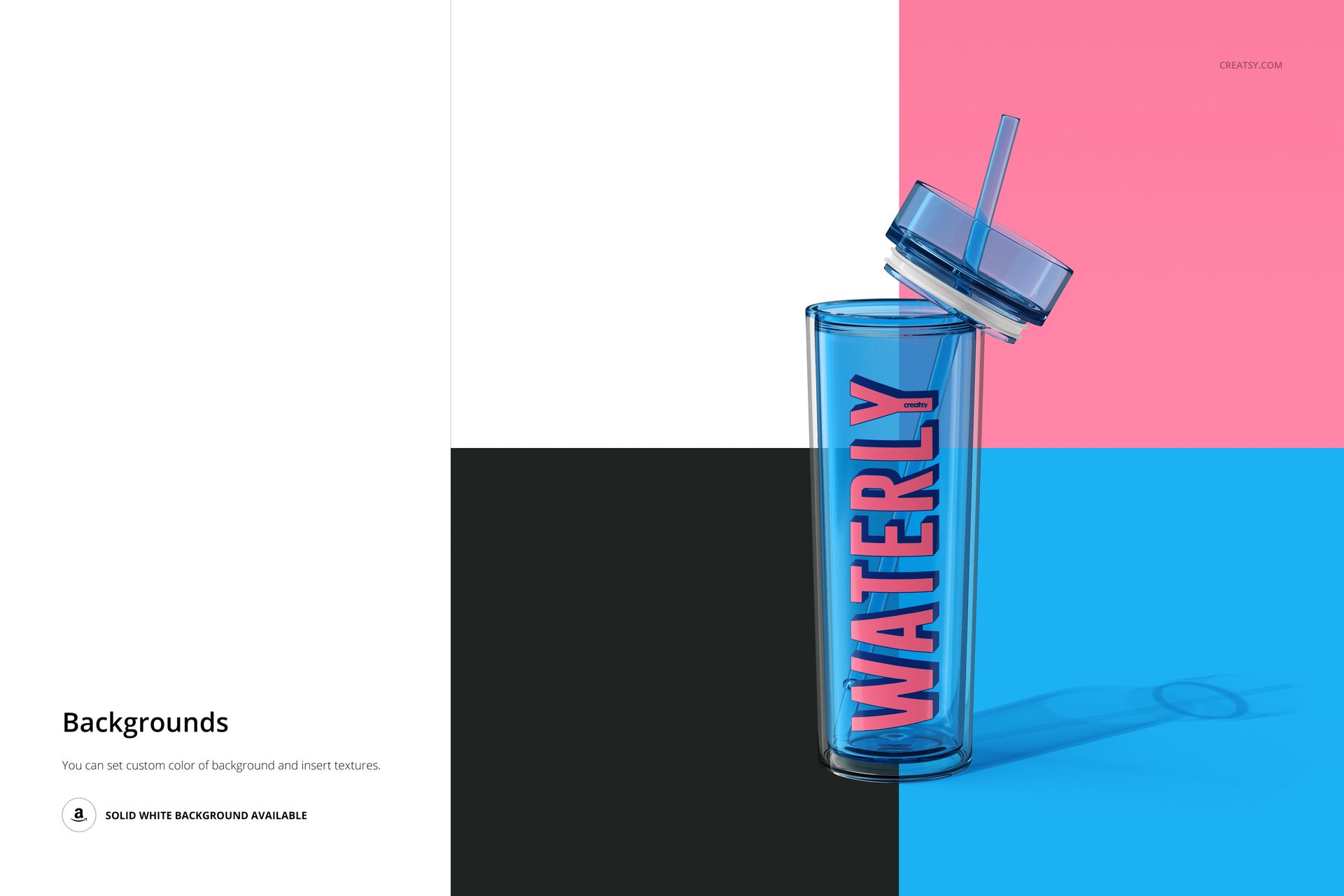
Our acrylic tumbler mockup kit invites you to explore the fusion of form and function. Within the six meticulously organized PSD files, you have complete control over customization. You can personalize the color and design of the tumbler body to match your unique style; adjust the color of the seal to harmonize with your aesthetic preferences; change the hue of the acrylic to create a tumbler that speaks to your individuality; and experiment with background colors or textures to create the perfect setting for your mockup.


  • Compatibility: Adobe Photoshop min. version CS6,
  • Pack includes: 6 PSD files with well-organized layers: 5x 6000x6000 px, 1x 6000x4000, 300dpi,
  • Check screenshots for all the features,
  • Editable components: color and design,
  • Example artwork designs are for example only and are not included in your purchase.

File details

Compatibility
PhotopeaAdobe Photoshop
Number of files included
13
Package size
1.7 GB1.7 GB|1.83 GB1.83 GB
Files type
.psd, .jpg, .pdf
Files size
6000x6000
TEST FOR FREE

Made with Creatsy

Real designs. Real customers. See how creatives use Creatsy mockups to turn their artwork, branding, and product ideas into polished visuals.

MEET THE SHOP

Creatsy logo

Creatsy

Poland
4.7 (642)

Bring your ideas to life.

We're a family-run studio in Katowice, Poland, making PSD mockups by hand since 2016. Everything in this shop starts in our own studio. We shoot the photography, build the 3D, and put together every Smart Object PSD ourselves - then we test it, organize the layers, and only ship it once it actually works...
GO TO SHOP

HOW IT WORKS

3 clicks. That's it.

No tutorial needed. If you can copy-paste, you can use this.

  1. 1OpenDouble-click the smart object inside the PSD - in Adobe Photoshop, or free in your browser with Photopea.
  2. 2PasteDrop in your pattern, print, or artwork. Any design, any style.
  3. 3SaveHit save and the mockup wraps it in for you - shadows, folds, and lighting included.

FROM IDEA TO IMAGE

Built for real workflows

Wrap your logo around the cup, not a flat rectangle Drop the artwork in and see how it sits on the curve before you list it.

See it on the product, not a swatch Drop your file into the smart object and the scene's lighting and folds wrap around it, so you judge the real thing before you commit.

Smart Objects

Edit once and you're done. Your artwork drops into a smart object and the mockup updates itself - no masking, no warping by hand.

Perfectly Organized

Named layers and folders you can actually navigate. Find what you need, change what you want, and get out fast.

Print-Ready

High-resolution files built to hold up on screen and in print. Exact size and DPI are in this product's Details above.