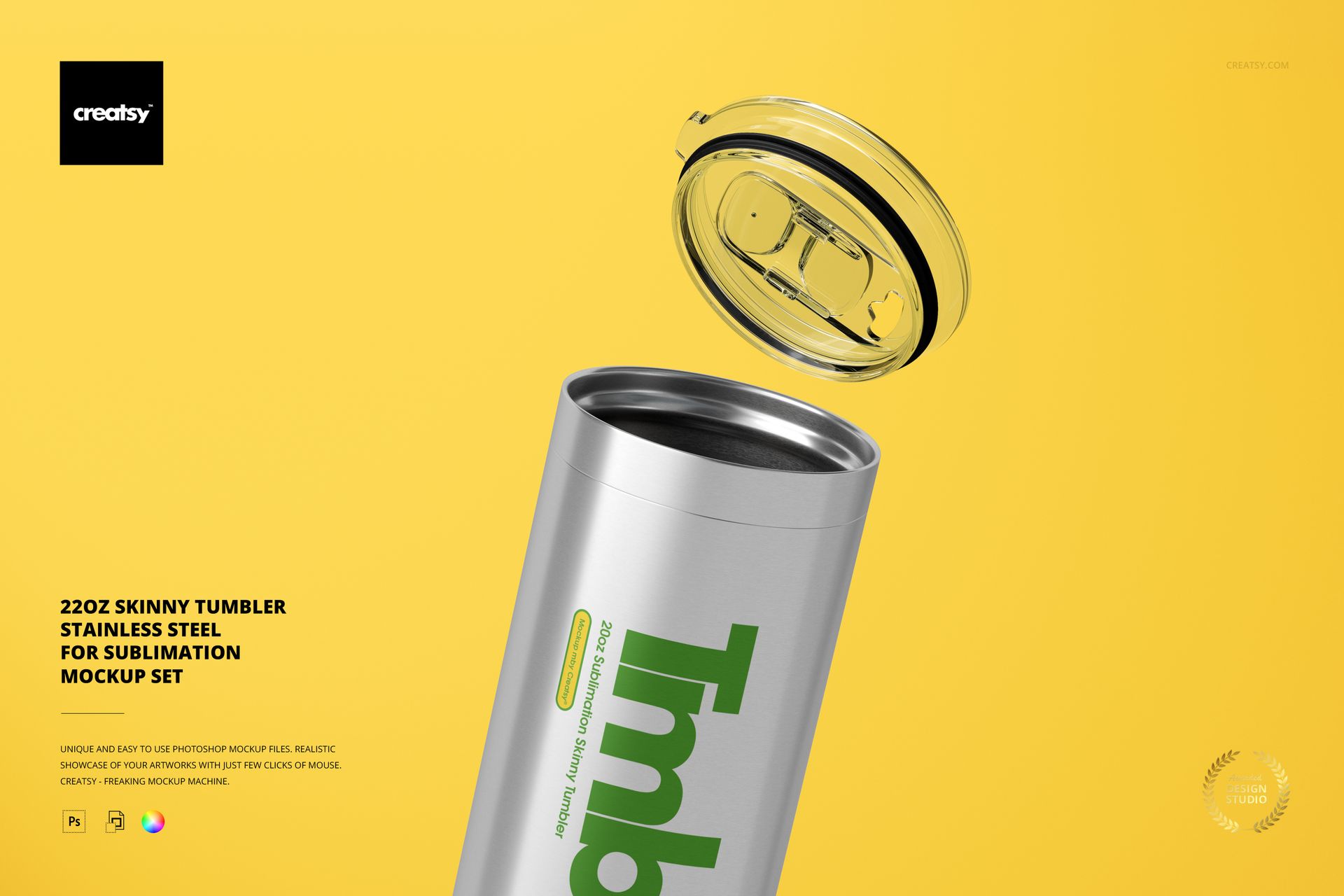
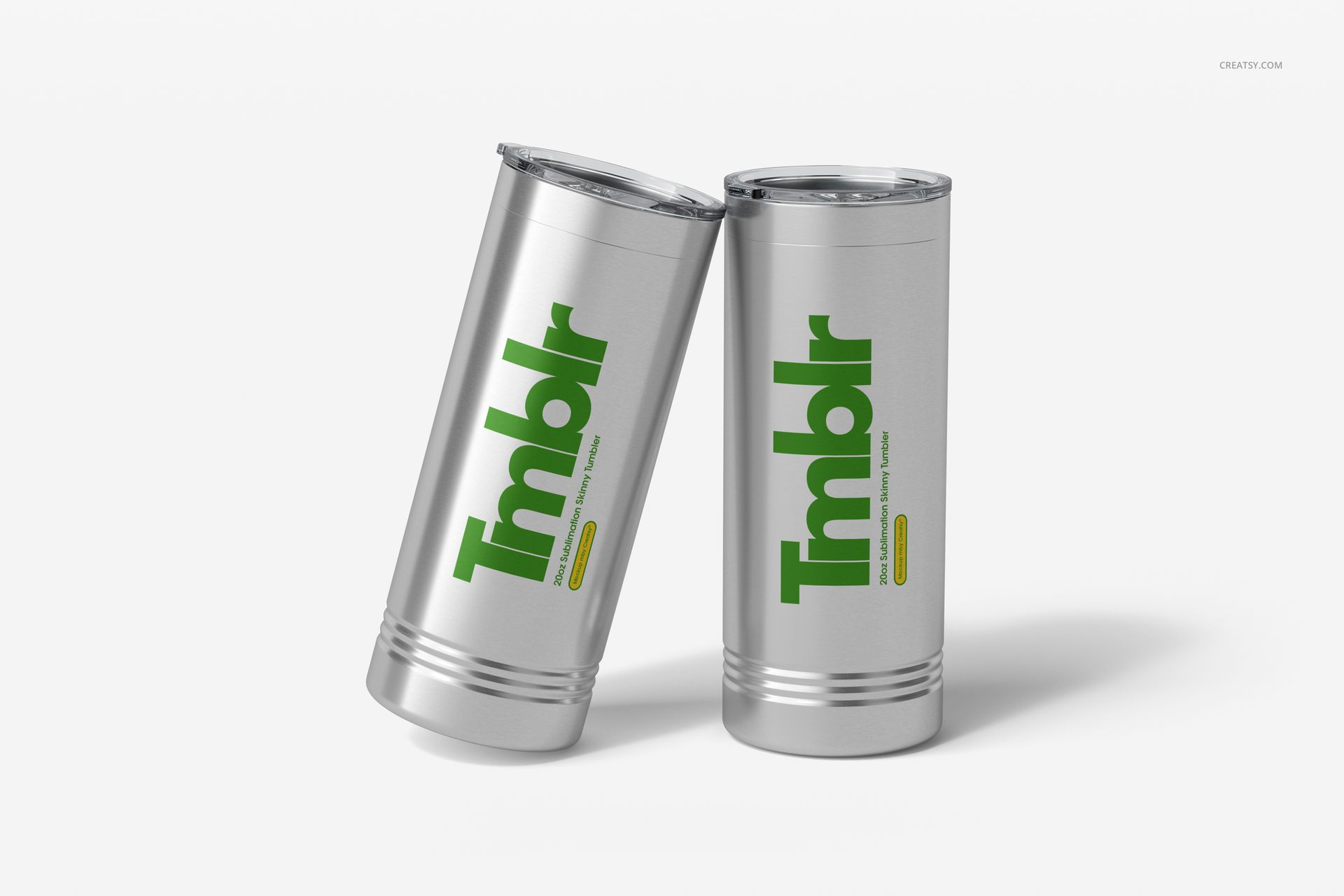
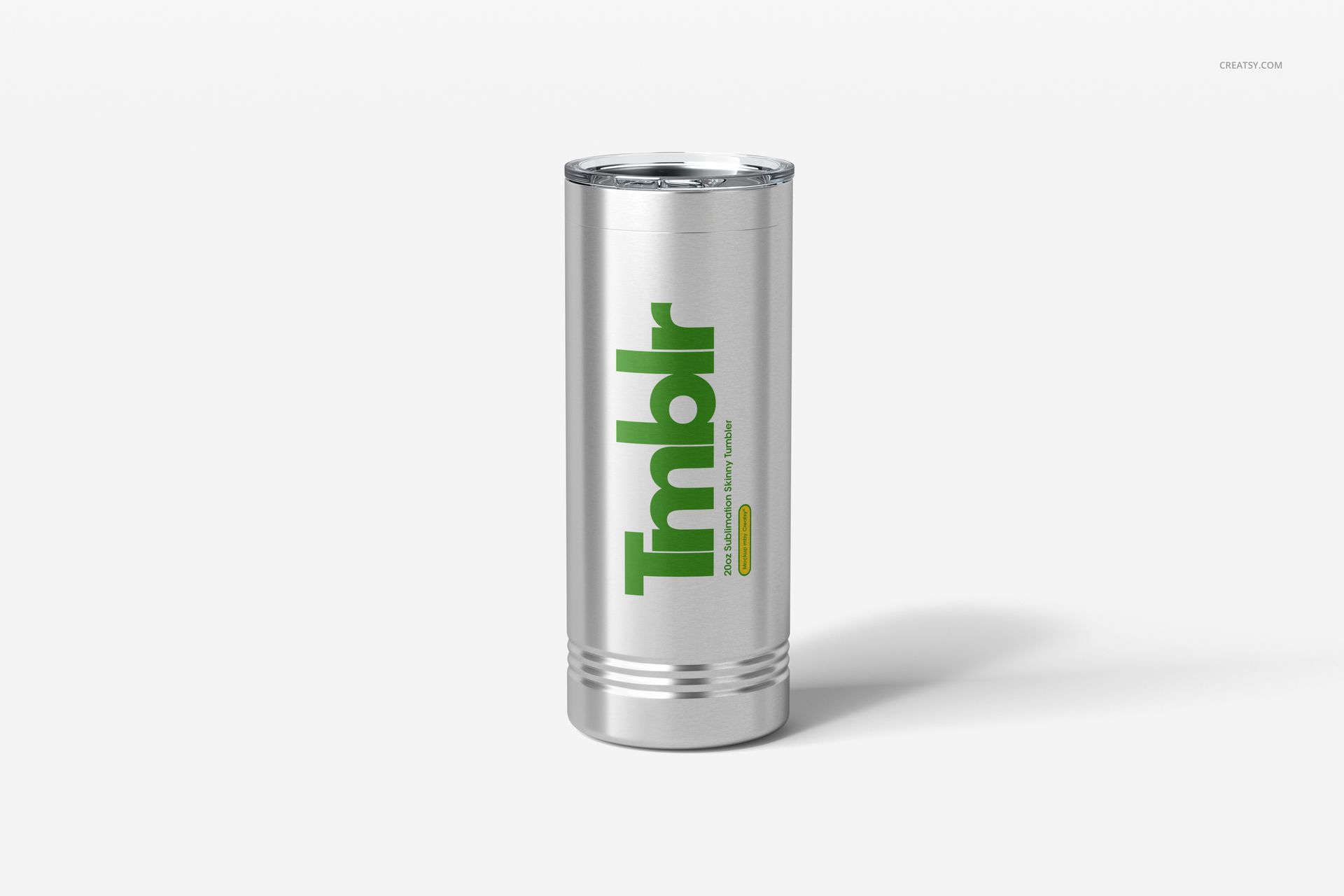
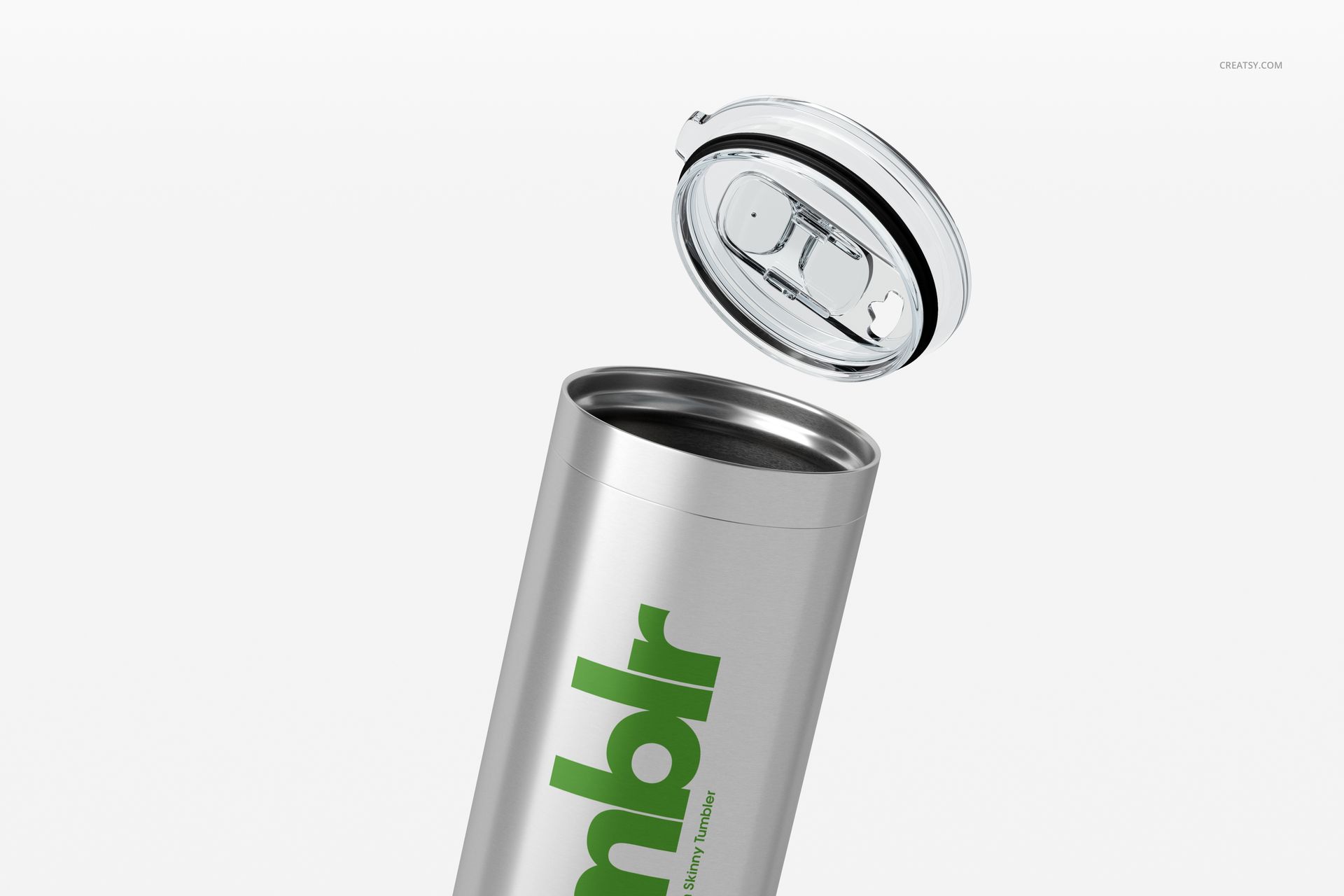
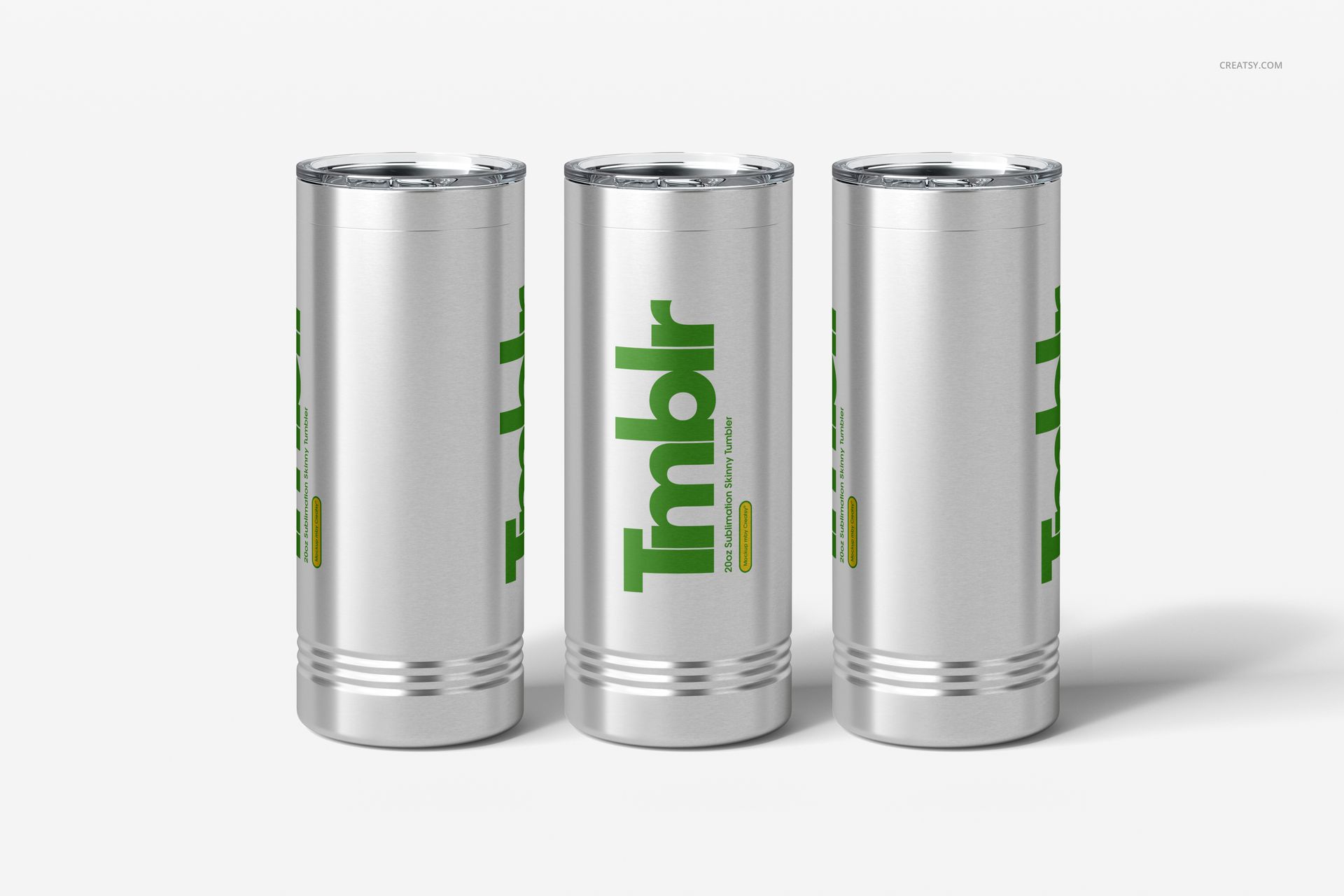
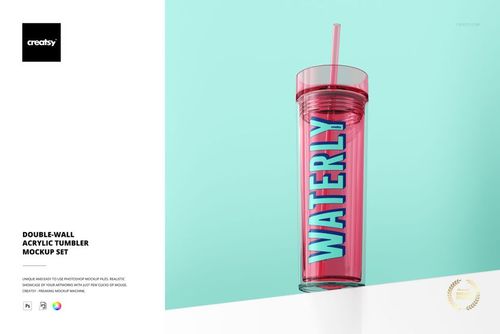
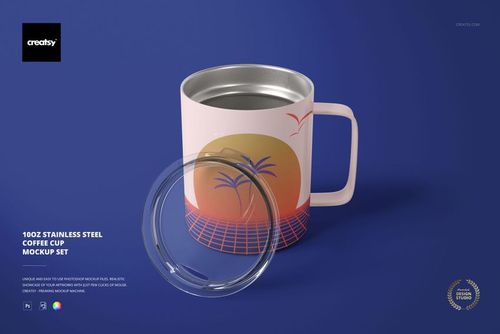
What is 22oz Skinny Tumbler Mockup Set-Stainless Steel for Sublimation?
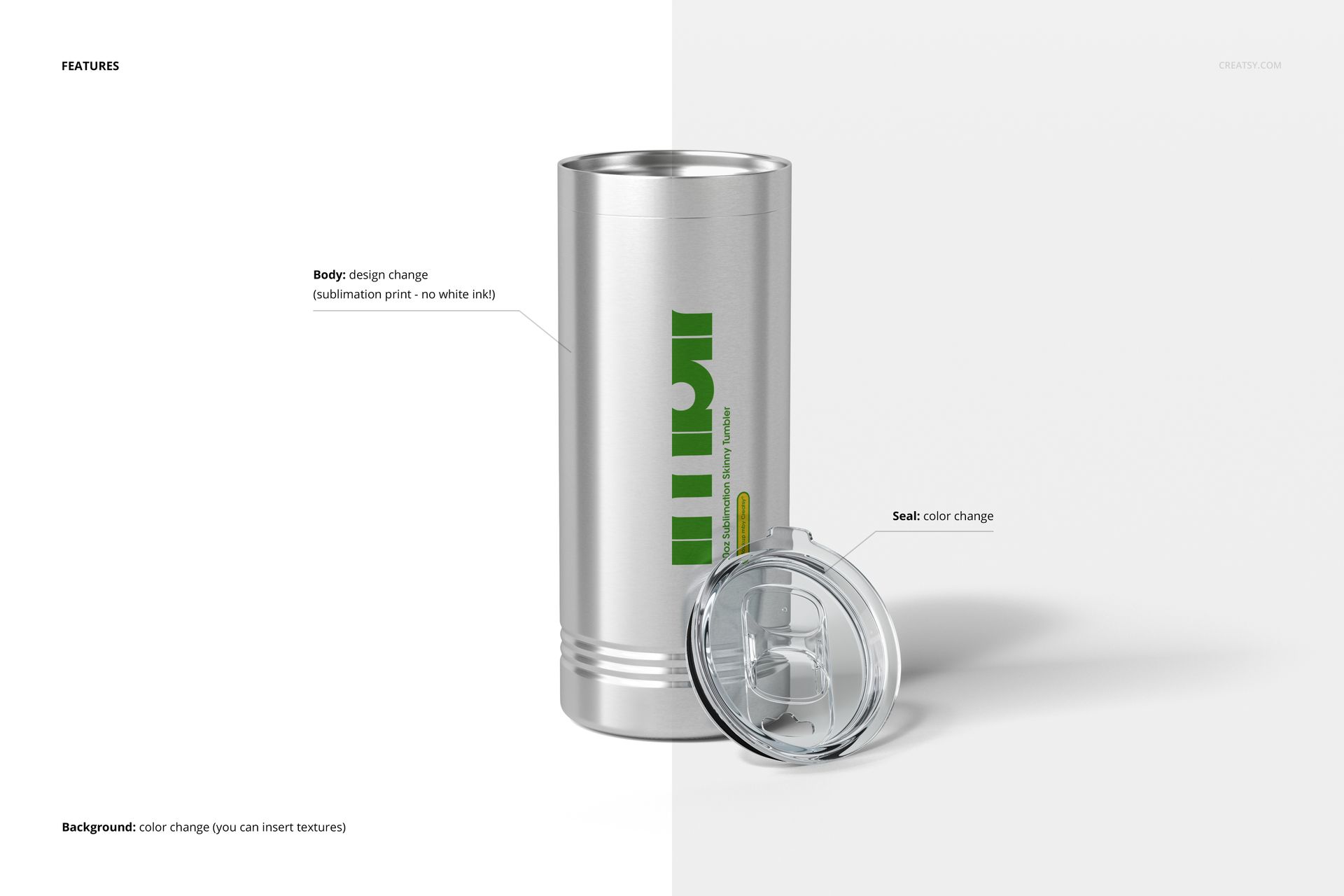
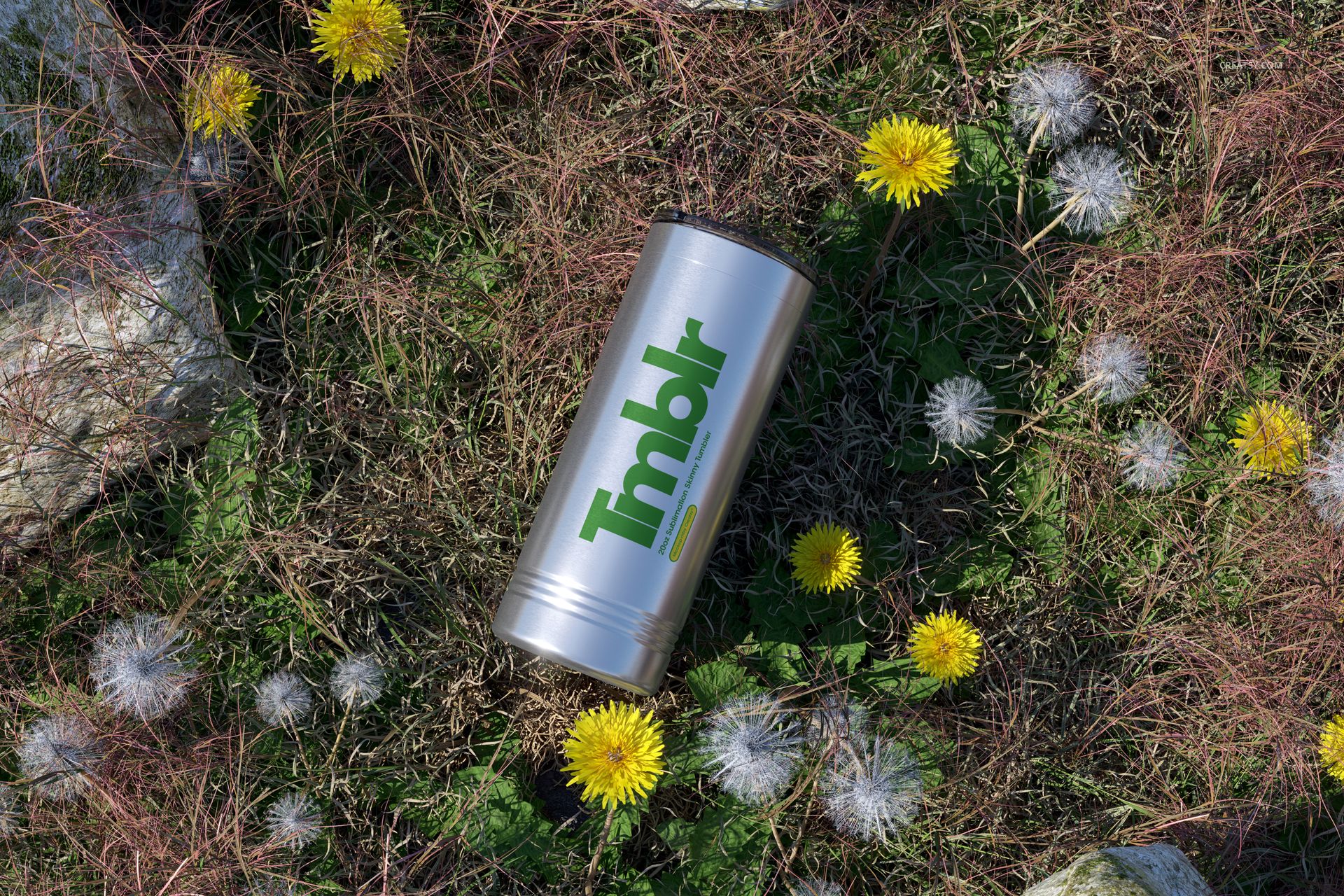
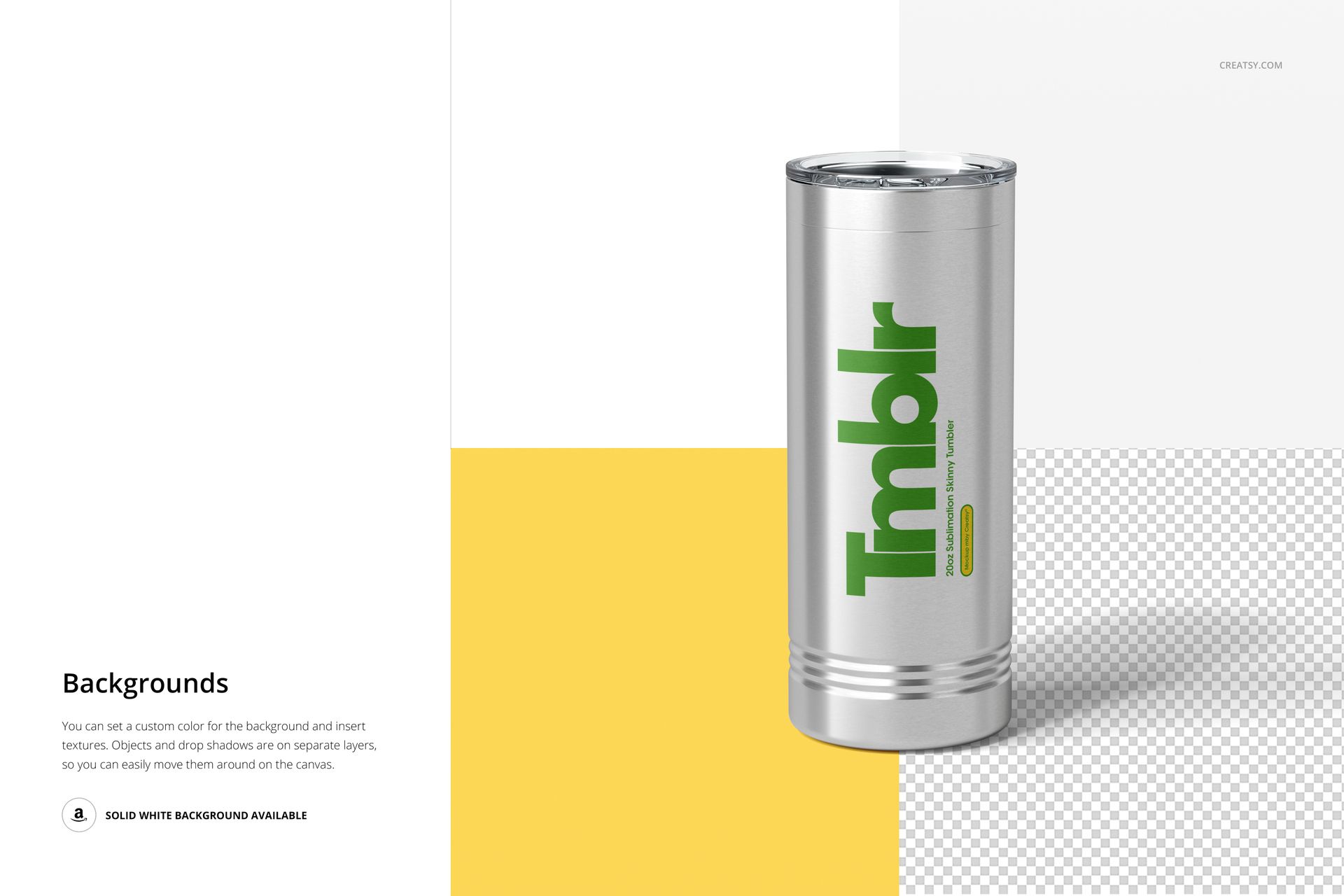
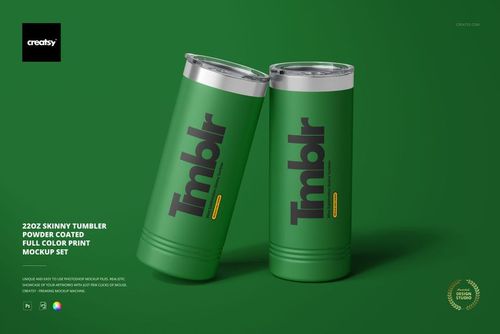
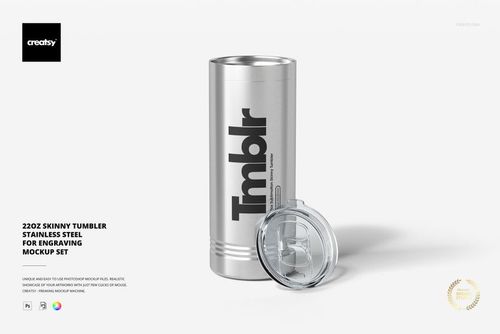
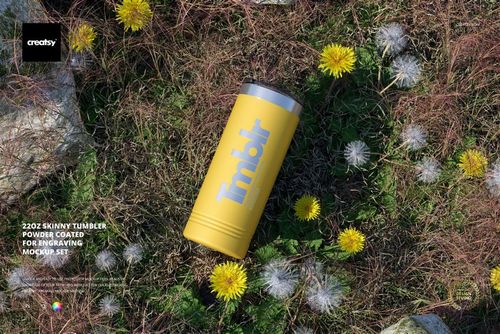
The 22oz Skinny Tumbler Mockup Set-Stainless Steel for Sublimation template by Creatsy is a gorgeous way to show off your creations. Color layers and smart objects are competently arranged, giving you total control over how you customize the background and objects using solid colors, gradients, and custom designs. A versatile mockup for any situation, the 22oz Skinny Tumbler Mockup Set-Stainless Steel for Sublimation set is a sensible way to share the functionality of your artwork. Every Adobe Photoshop mockup file contains well-organized layers with easy-to-use features, allowing you to customize the mockup to your satisfaction. Color layers and smart objects make your designs pop in the background. Adding textures, hiding objects, concealing drop-shadows, and saving the files with transparency make this mockup a handy way to show off your designs!
Why Choose Creatsy Product Mockups?
Creatsy provides first-rate mockup files. Displaying your artwork in a realistic setting can expand your current customer base and your profit. Well-organized mockup files are a must-have for every designer, artist, or illustrator to present their artwork and products in an attention-grabbing way. The 22oz Skinny Tumbler Mockup Set-Stainless Steel for Sublimation is a perfect mockup for your designs. Build your portfolio and improve your online presence using only the best-Creatsy mockups.
Compatibility: Adobe Photoshop min. version CS6,
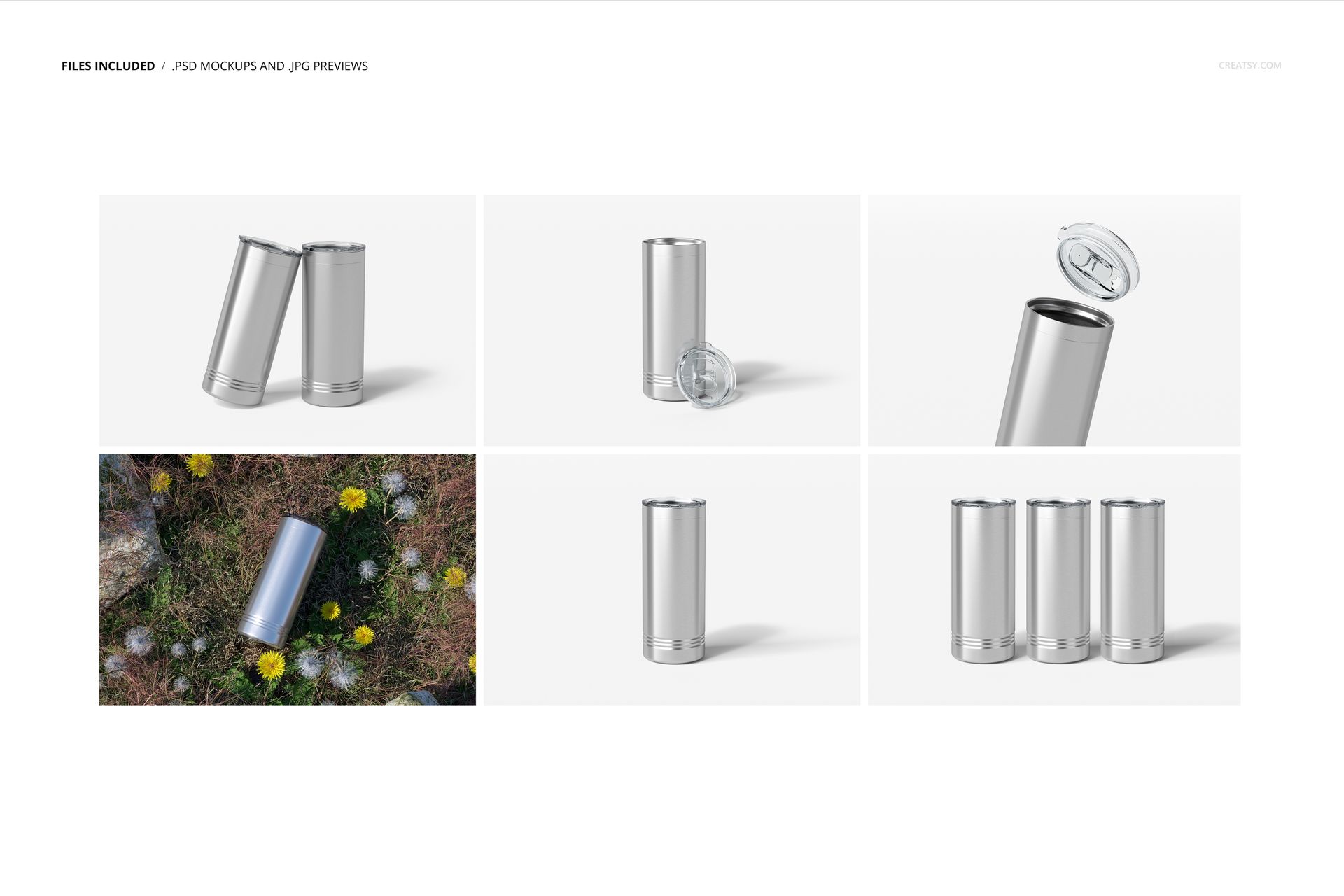
Pack includes: 6 PSD files with well-organized layers: 6000x4000 px, 300dpi,
Editable components: color and design,
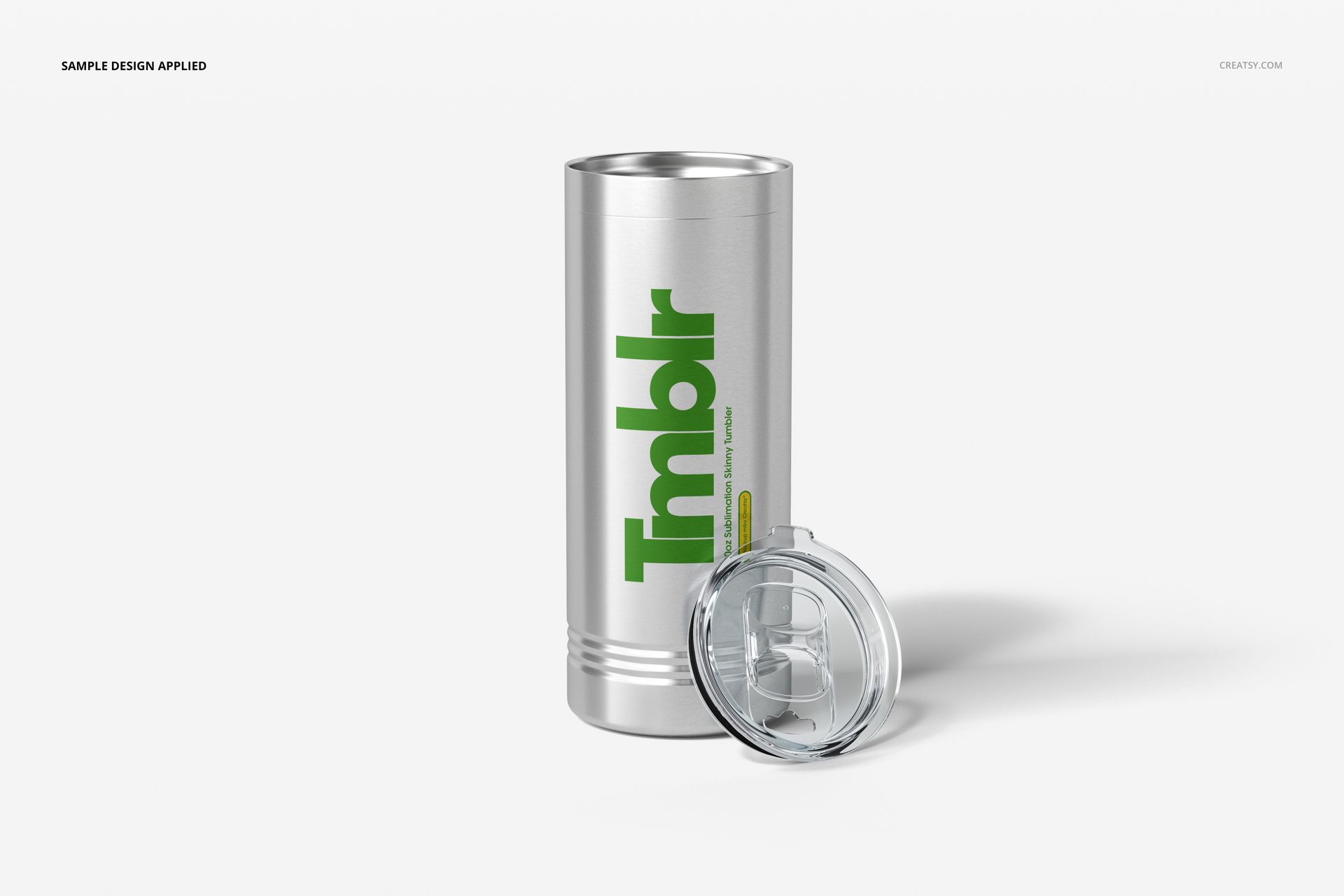
Example artwork designs are for example only and are not included in your purchase.