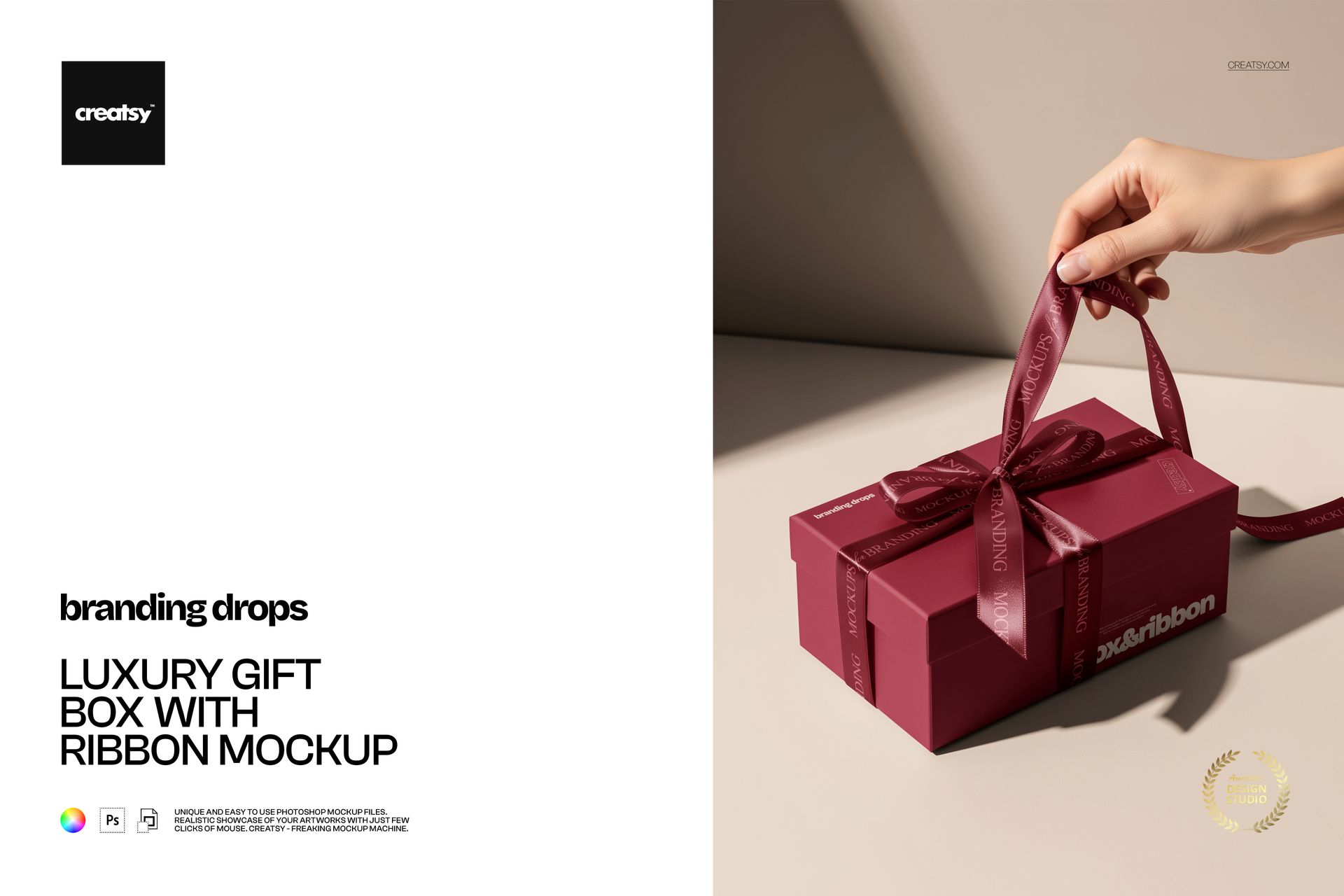
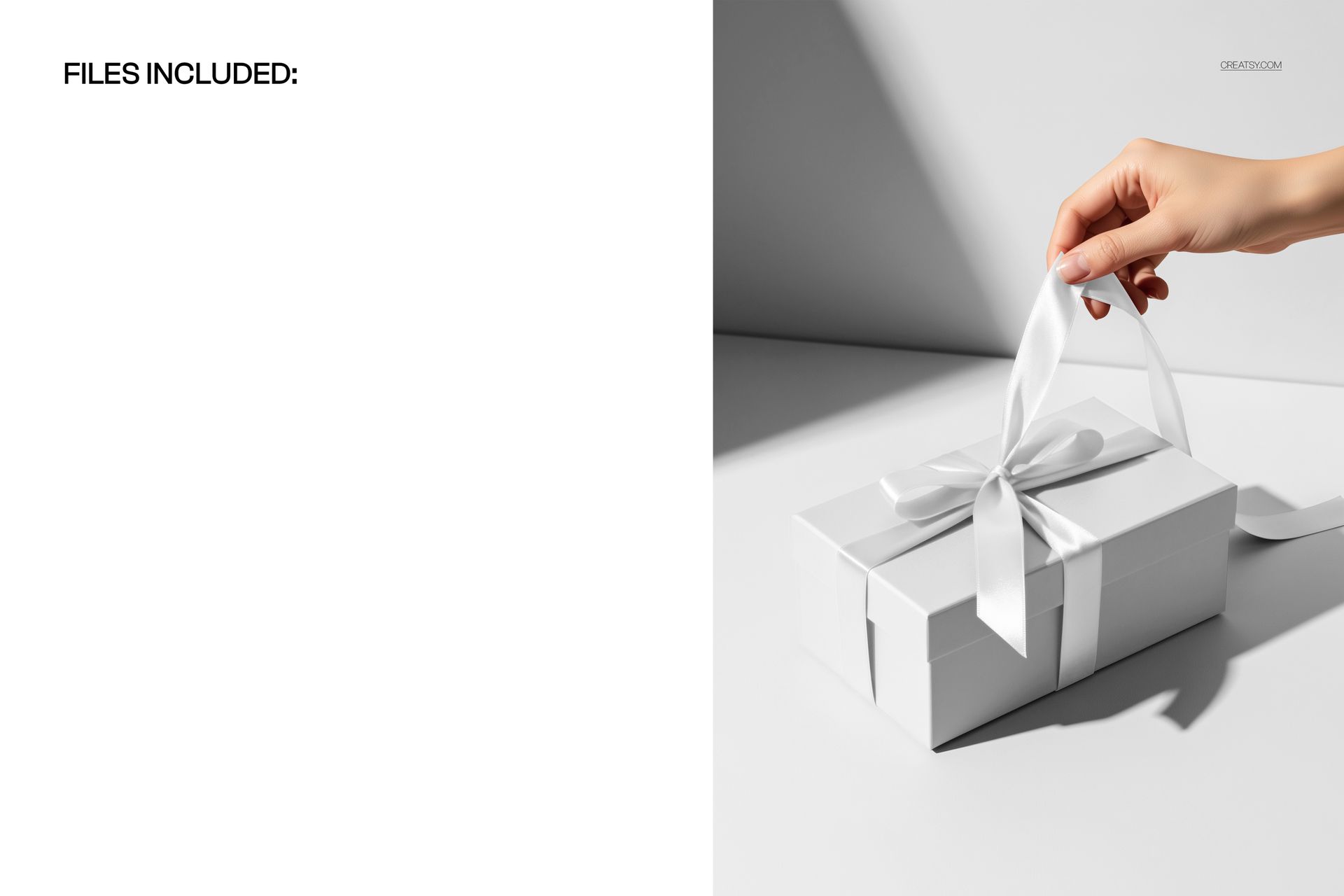
Luxury gift box mockup with a ribbon handle
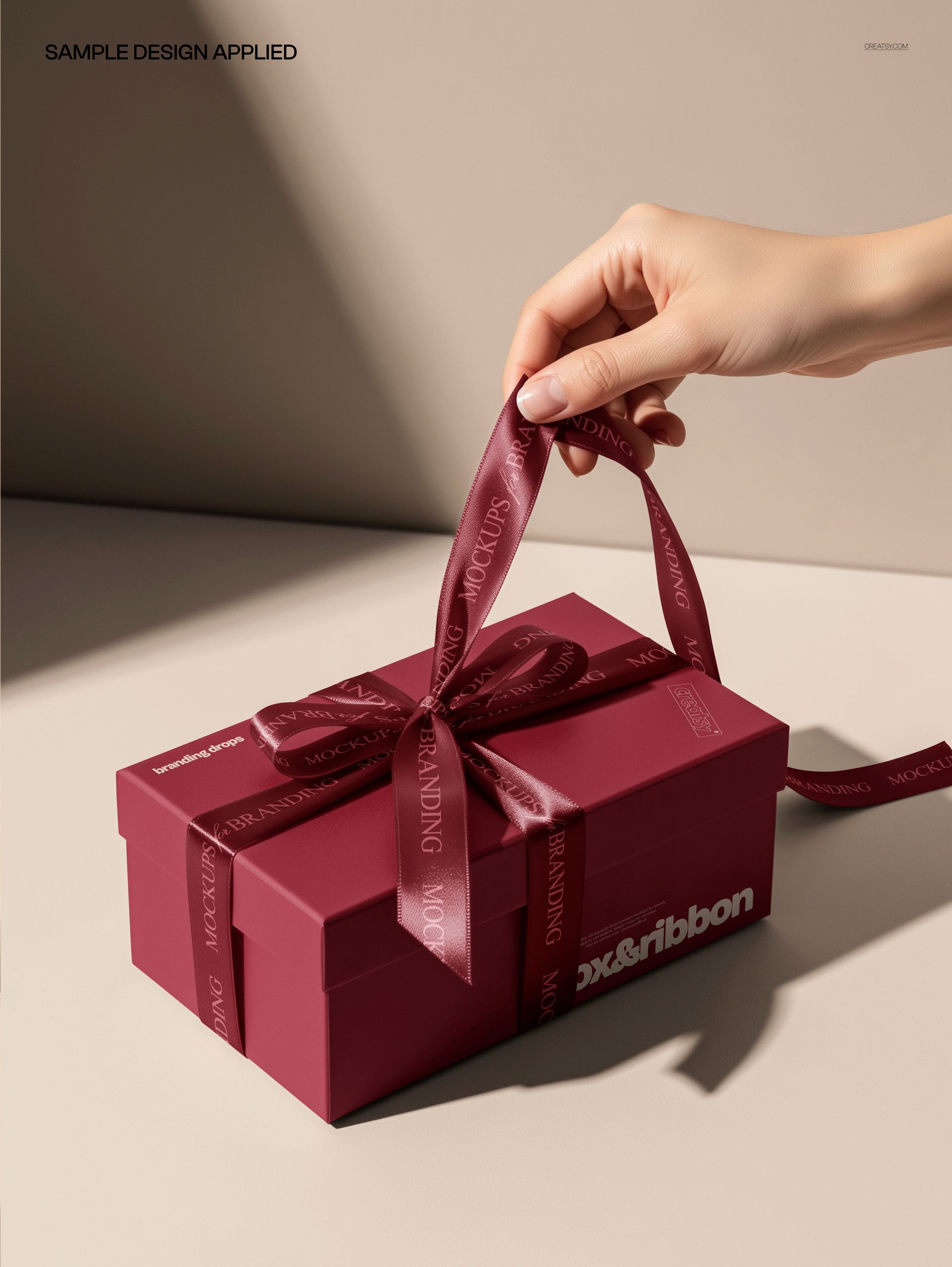
This is a luxury gift box mockup: a hand lifts a ribbon-handled box against a soft studio backdrop, and almost every surface in the frame is yours to change. Recolor the box, the ribbon, the wall, and the floor, drop your design onto the box, and you have a premium gifting shot ready for a shop or a brand deck, with no printing and no photo shoot to arrange.
The scene
A structured gift box hangs from a wide ribbon handle, held mid-air by a hand, with a calm neutral wall and floor behind it and warm, even light. It reads boutique and high-end, the kind of frame that fits jewelry, beauty, confectionery, wedding favors, and seasonal gift lines. Because the camera angle stays put, every version you make lines up in the same composition.
Recolor the whole set
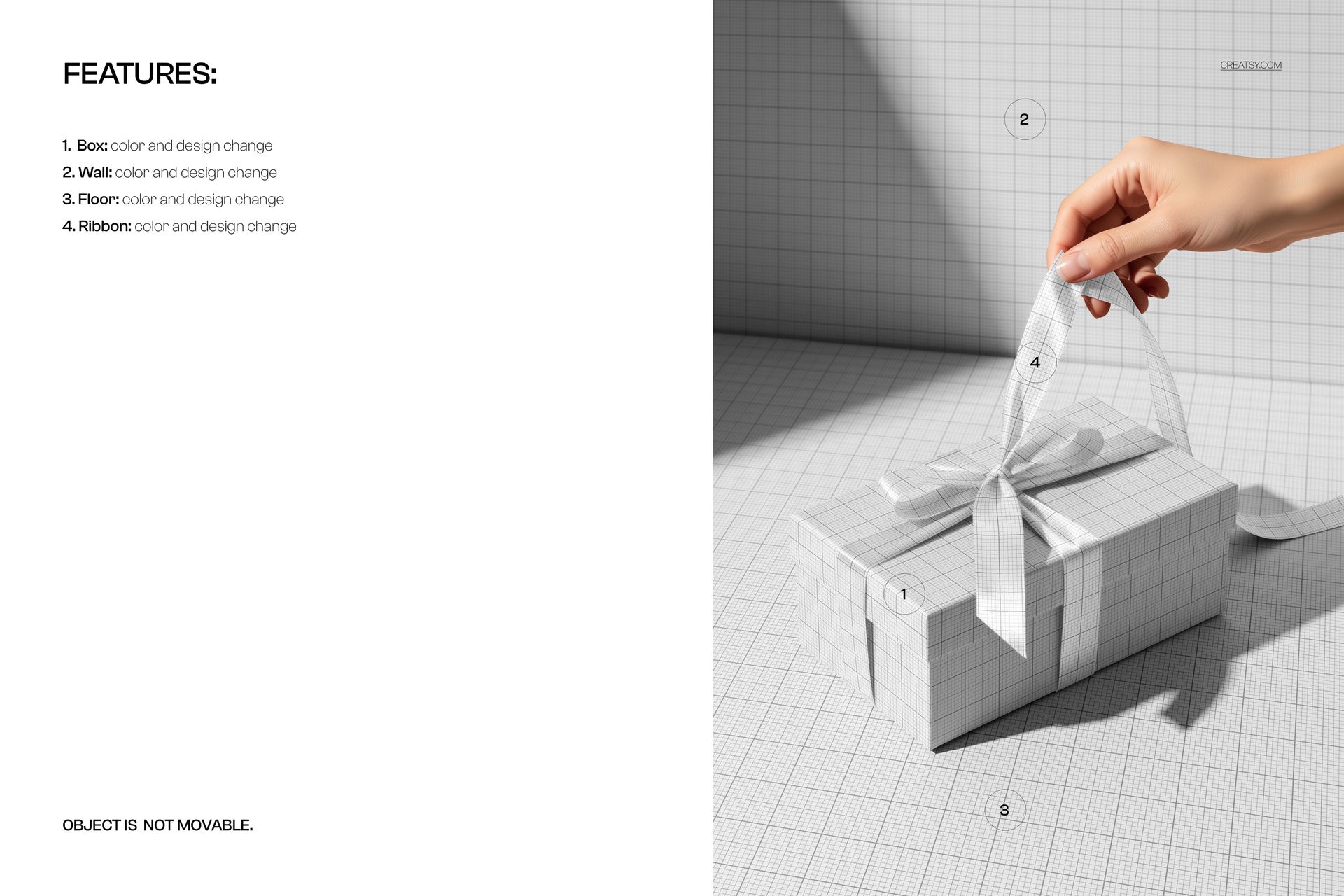
What sets this file apart is how much of the scene bends to your brand. The box, the ribbon, the wall, and the floor each take a color and a design change, so you can build a fully brand-matched frame instead of dropping a logo onto a stock photo. Put your palette on the box, a contrast tone on the ribbon, and a soft backdrop shade on the wall and floor, and the whole image belongs to your label.
What you can edit
You control four areas. The box changes color and takes your design through a smart object, so a logo, a pattern, or a full wrap all sit on the surface with real light and shadow. The ribbon changes color and design the same way. The wall and the floor also change color and design, which lets you set the mood from bright and clean to deep and moody. The box is held in a fixed position and the object does not move, so this is one polished angle rather than a scene you re-stage.
Light and finish
The mockup keeps the physical feel of the box. Your design picks up the soft sheen of the surface, the gentle bend where the ribbon meets the lid, and the shadow the box casts on the floor, so a printed logo or pattern looks manufactured rather than pasted on. Small text stays crisp, and matte or glossy tones both read well, which is what makes the preview convincing even at thumbnail size.
How it works
Open the PSD in Photoshop or in Photopea, the free browser editor. Double-click a smart object, drop in your artwork, and save, and it appears on the box or ribbon with the folds and highlights already in place. Recolor each layer to match your brand, export a JPG or PNG, and the shot is ready for an Etsy listing, a product page, an ad, or a pitch deck.
One frame, a whole collection
Since the layout and lighting never change, a run of boxes made from this file looks like a real product line rather than a set of unrelated photos. Swap the design and colors for each product, export, and your storefront gains a consistent, on-brand gifting look. That kind of visual order tends to read as trustworthy in a busy marketplace, and it costs nothing extra once the file is set up.
Specifications
1 layered PSD file
5100 x 3600 px, 300 dpi
Editable box, ribbon, wall, and floor (color and design)
Design placed through smart objects
Fixed camera angle, object is not movable
Well organized, clearly named layers
Works in Adobe Photoshop CC2020 or newer and in Photopea
Package size about 158 MB
Who it is for
It fits boutiques and brands that sell or gift in style: jewelers, beauty and skincare lines, chocolatiers and bakeries, florists, wedding and event stylists, and any shop building a holiday or VIP gift set. Designers can use it to present a packaging concept to a client without ordering a sample. If you want a premium, brand-colored gift shot in a few minutes, this gives you that and keeps working for every new release.