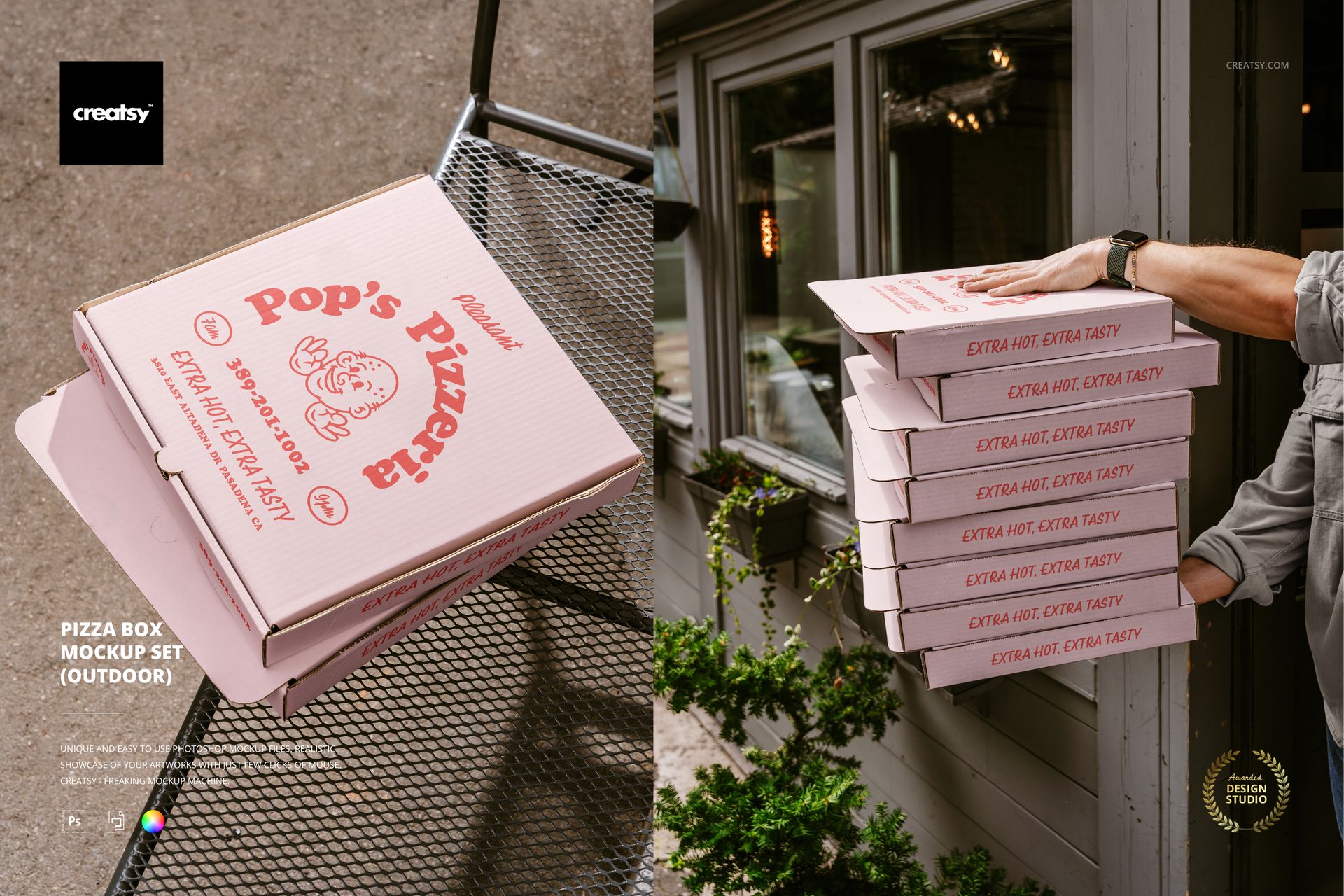
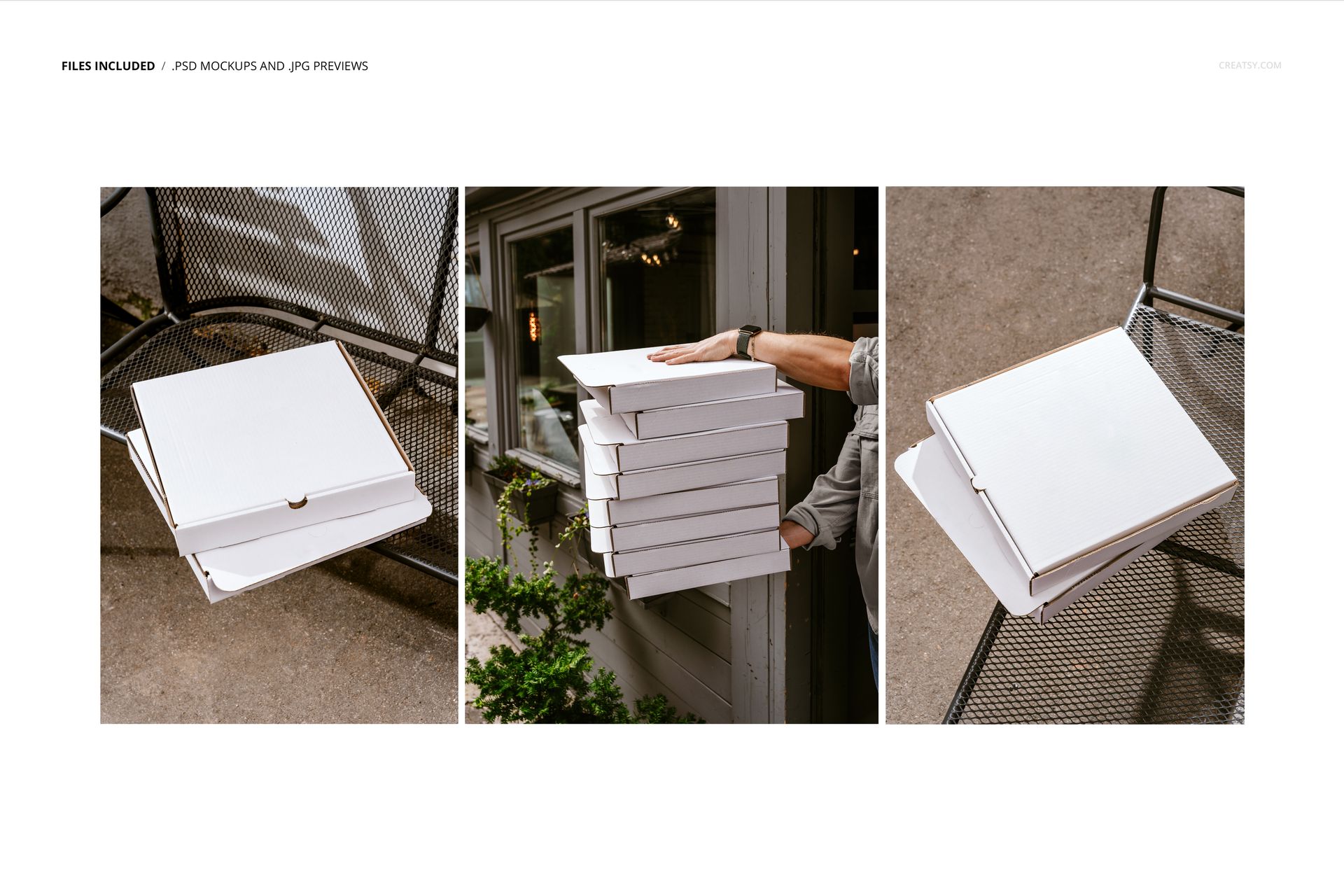
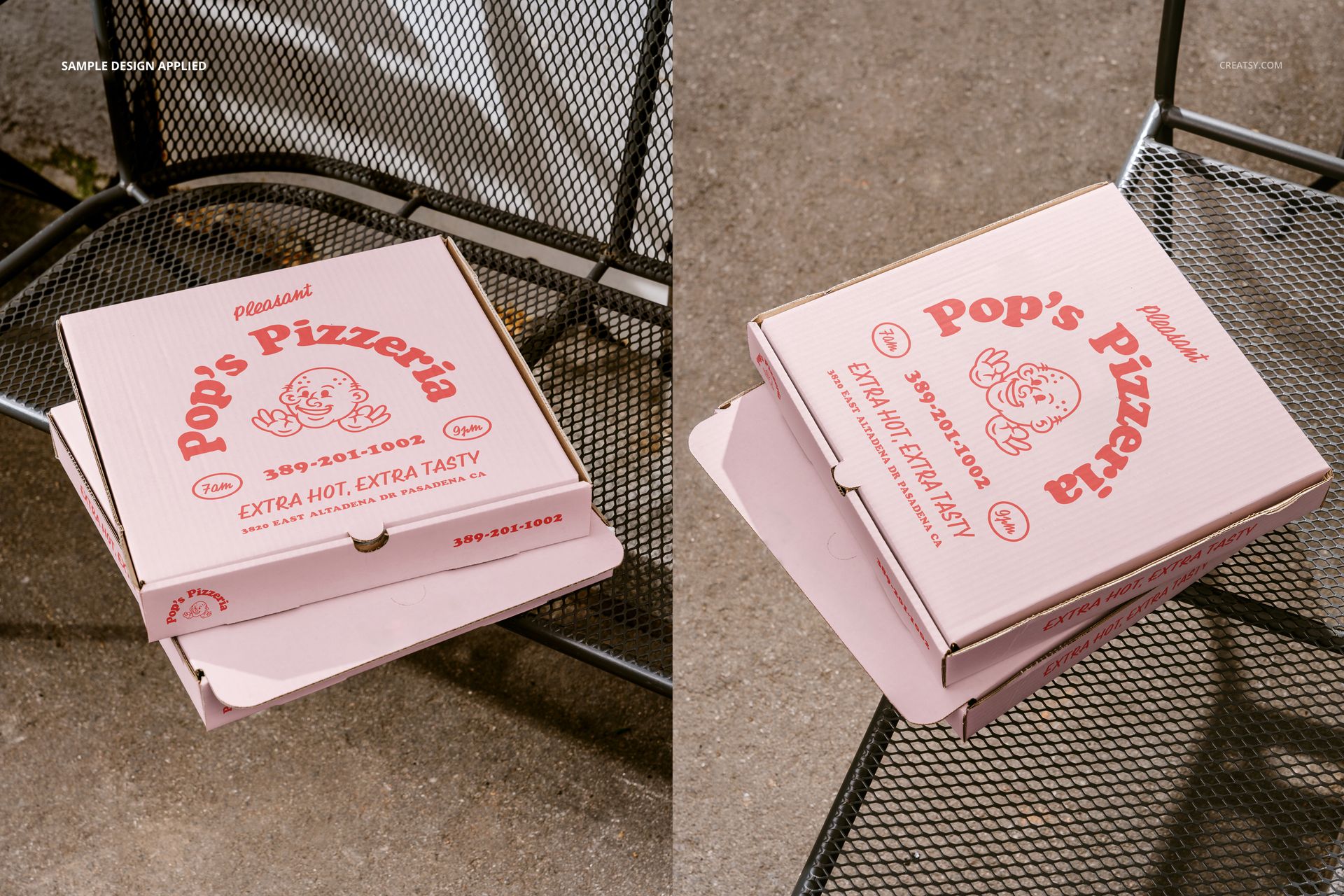
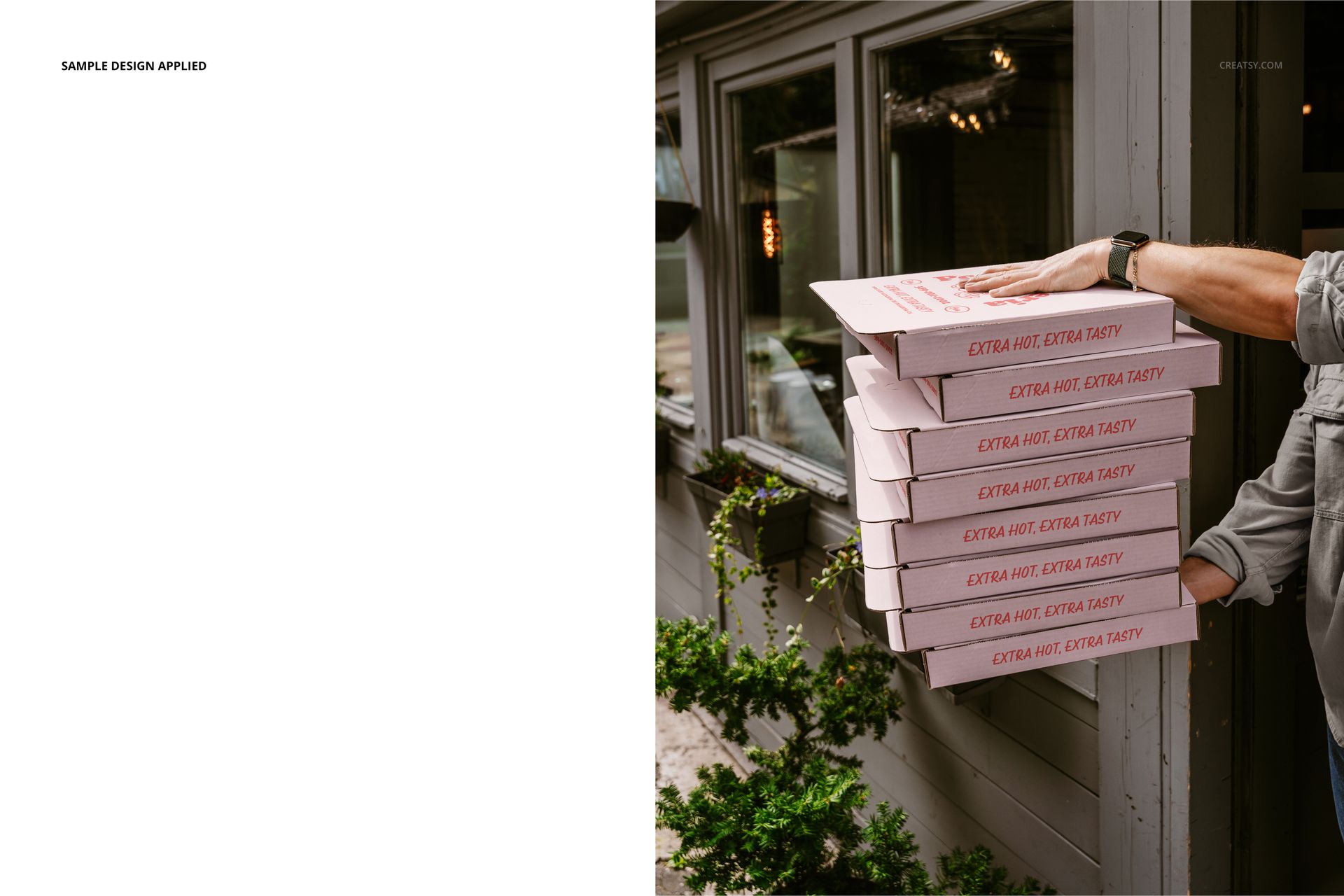
Pizza Box Mockup Set (outdoor) features three photorealistic scenes of pizza boxes photographed on outdoor surfaces including metal grates, concrete, and textured pavement. Each of the three PSD files places a pizza box in a different real-world outdoor setting with natural lighting, ground textures, and environmental details that give the mockup the look of actual on-location product photography. Designed for pizza restaurant branding, food packaging designers, and pizzeria owners who need to present box designs, logo placements, and packaging artwork in context before sending files to print.
Why This Mockup Set Works
Showing a pizza box design on a white background does not tell the client how the packaging will look when a customer picks it up on a sidewalk, carries it through a parking lot, or opens it at an outdoor table. This mockup set puts your box design into three outdoor environments where pizza boxes actually end up, so the presentation feels like a real product photo rather than a flat template render. The outdoor lighting, surface textures, and environmental context all contribute to a presentation that helps restaurant owners, franchise managers, and packaging buyers approve the design with confidence because they can see it the way their customers will see it.
What Is Included
The download contains 3 PSD files, each at 6000x4000 pixels and 300 DPI. Each file shows a pizza box in a different outdoor setting with unique surface materials, angles, and lighting conditions. The total download size is 171.44 MB, and a User Manual PDF (1.11 MB) is included to walk you through the editing process step by step. Five product screenshots show the mockup from different angles so you can evaluate each scene before purchasing.
What You Can Customize
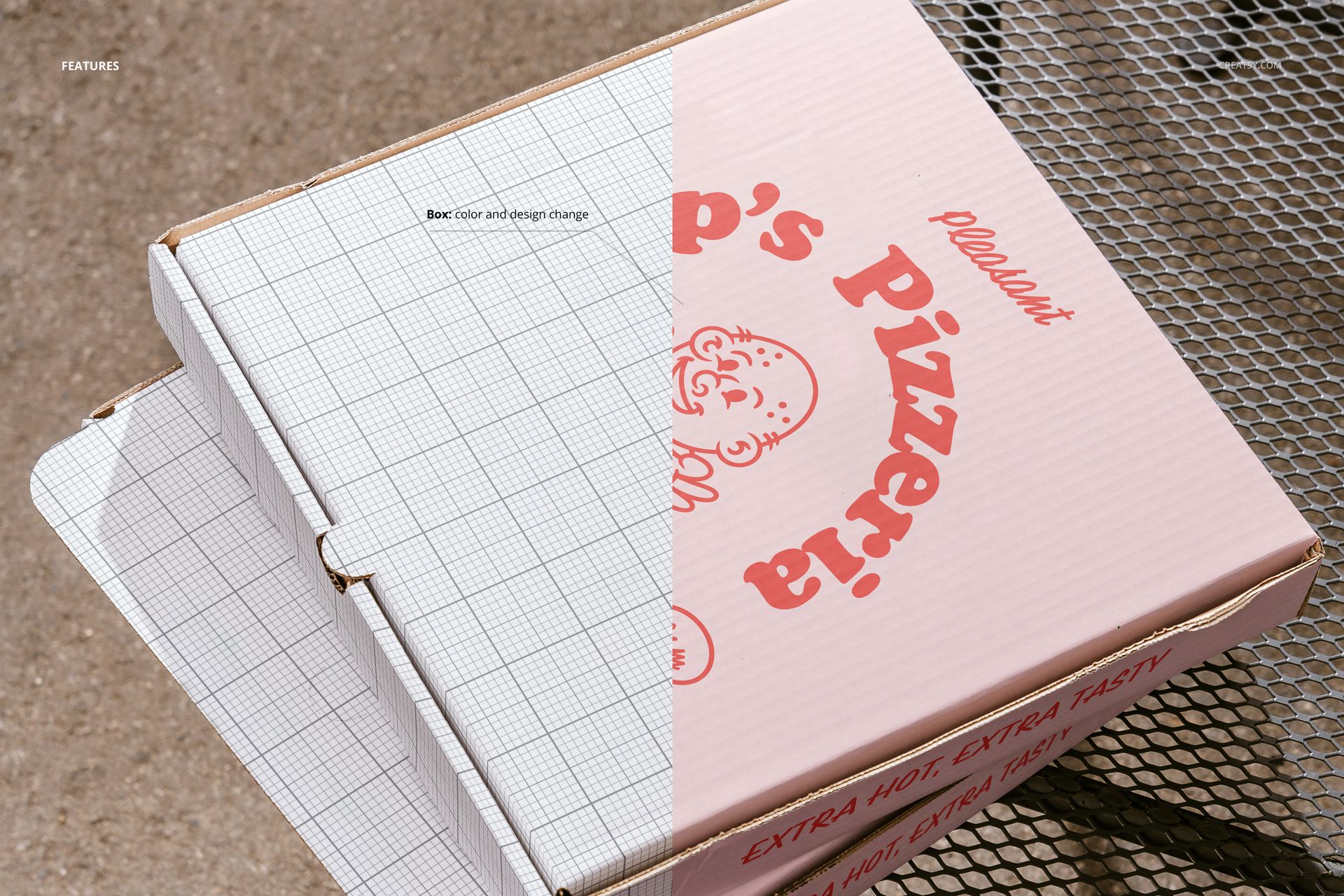
Open any PSD in Adobe Photoshop CC 2020 or later, or use the free browser-based editor at photopea.com. Double-click the smart object layer to open the embedded canvas where you place your pizza box artwork, logo, typography, and packaging graphics. Save and close the smart object to see your design wrapped onto the box in the outdoor scene. The displacement mapping follows the box geometry including folds, edges, and lid creases for realistic placement. Well organized layers with clear naming let you toggle individual elements on or off to match your presentation needs.
Who This Mockup Is For
Pizza restaurant owners previewing new box designs before committing to a print run. Food packaging designers presenting pizza box concepts to restaurant chains, independent pizzerias, or franchise groups. Graphic design studios building brand identity packages for food businesses that include takeout packaging as a deliverable. Print shops creating proofs for pizza box orders that need client approval before production. Marketing agencies preparing pitch materials for food service brands where packaging plays a central role in the customer experience and brand recognition at the point of delivery.
File Specifications
Format: PSD (Adobe Photoshop). Files: 3. Resolution: 6000x4000 px. DPI: 300. Download size: 171.44 MB. Includes: User Manual PDF (1.11 MB). Compatibility: Adobe Photoshop CC 2020 and newer, Photopea (free browser-based editor). Smart object layers for box surface artwork placement. Well organized layer structure with clear naming conventions. Three distinct outdoor scenes with natural lighting and real surface textures.